Plugin how-tos · Guide
How to Convert WPBakery to Elementor (Step by Step)
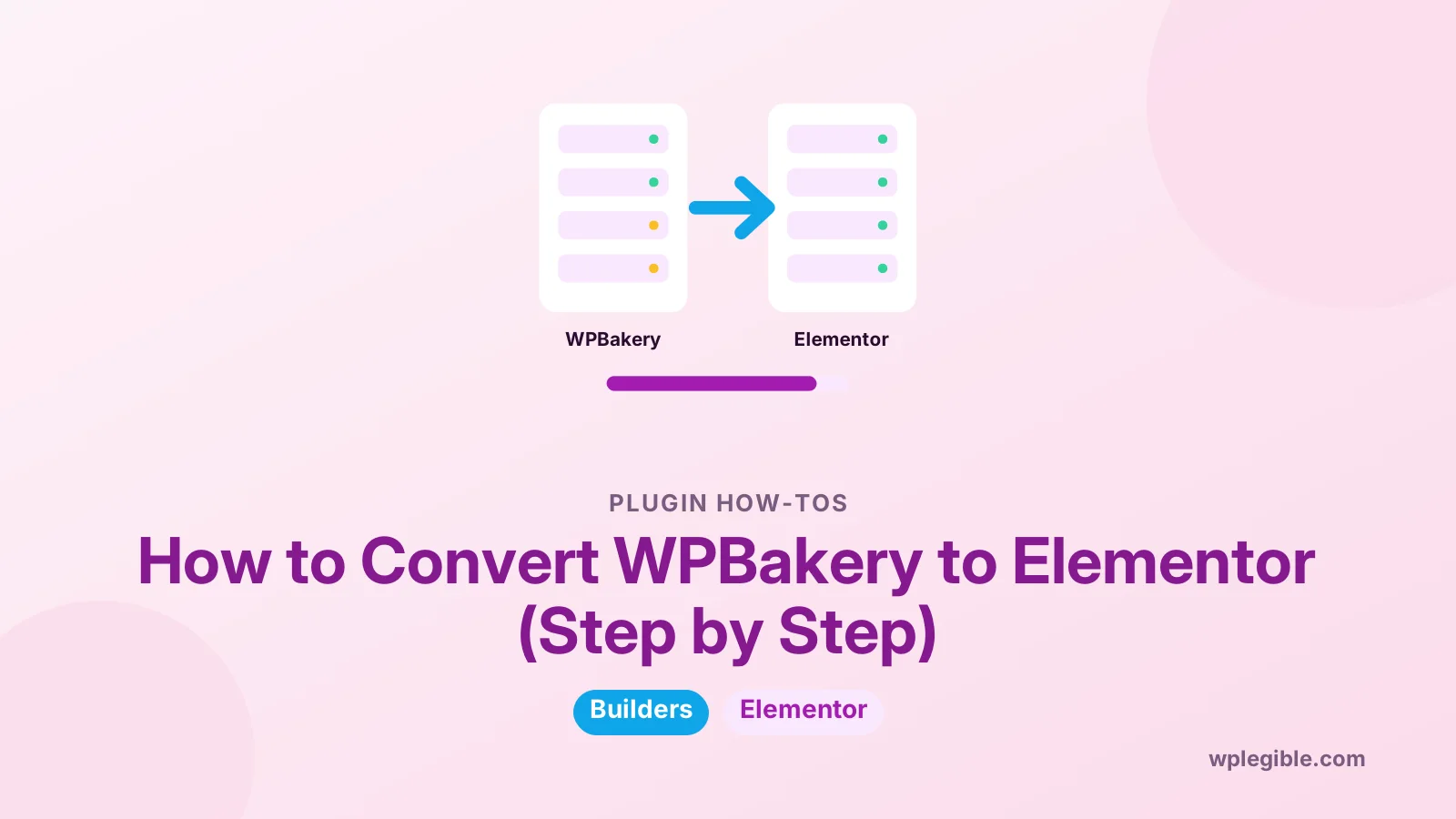
Short answer
There is no reliable one-click converter, so you convert WPBakery to Elementor by rebuilding each page. Back up the site, work on a staging copy, rebuild every page with Elementor containers and widgets while keeping the same URLs, then clean out leftover vc_row shortcodes before deactivating WPBakery.
Key takeaways
- No official tool converts WPBakery layouts into Elementor.
- Rebuild pages in place on staging so URLs and SEO settings stay the same.
- Set global styles and templates first to speed up the work.
- Remove all vc_ shortcodes before deactivating WPBakery.
- Speed gains arrive only after WPBakery is fully removed.
How do you convert WPBakery to Elementor?
You convert WPBakery to Elementor by rebuilding each page in Elementor, because there is no reliable one-click converter, then removing leftover WPBakery shortcodes and deactivating WPBakery once every page is done.
WPBakery stores layouts as shortcodes such as vc_row and vc_column inside your post content. Elementor stores layouts as its own data. The two formats do not map neatly, so automatic conversion rarely produces clean results.
That sounds like a lot of work, and on a large site it is. With a clear plan, a staging site and reusable templates, you can move page by page without breaking the live site.
If you are still weighing builders, our comparison of Gutenberg vs page builders helps you check that Elementor is the right destination.
Is there a tool that converts WPBakery pages to Elementor automatically?
There is no official WPBakery to Elementor converter, and third-party tools or services that claim to convert pages usually need manual cleanup afterwards.
Neither Elementor nor WPBakery publishes an official migration tool between the two. Some third-party plugins and paid services offer conversion, but results vary with the elements and add-ons each page uses.
If you try a converter, test it on a staging copy first. Check spacing, columns, buttons, images and responsive layouts on every converted page.
For most small and medium sites, rebuilding by hand gives a cleaner, faster result. You also get the chance to simplify old layouts.
Why do people move from WPBakery to Elementor?
People usually switch for a more modern visual editor, a larger ecosystem of templates and add-ons, or because a new theme no longer bundles WPBakery.
Common reasons include:
- Moving away from an old theme that bundled WPBakery.
- Wanting a live visual editor with finer design control.
- Building new pages faster with templates and global styles.
- Cutting reliance on shortcodes in post content.
There are also reasons to pause. Elementor is a page builder too, so you still depend on a plugin. Our guide on Elementor free vs Pro explains what each version includes.
What should you do before starting the conversion?
Back up the site, set up a staging copy, list every page built with WPBakery, and note which elements, add-ons and custom CSS each page uses.
Preparation saves hours later:
- Take a full backup of files and database.
- Create a staging site so you can work without touching live pages.
- Build a spreadsheet of every WPBakery page and its URL.
- Note special elements such as sliders, tabs, galleries and forms.
- Copy any custom CSS from WPBakery's design options and page settings.
Our guide on setting up a staging site for WordPress walks through the staging step.
To find WPBakery pages quickly, search your database or posts for the vc_row shortcode. Every page that contains it was built with WPBakery.
How do you rebuild a WPBakery page in Elementor?
Open the page on staging, copy its text and images, clear the WPBakery content, then click Edit with Elementor and rebuild the layout with containers and widgets.
A practical workflow for each page:
- Open the page in WPBakery and note its structure from top to bottom.
- Copy headings, text, image references and links into a document.
- Switch the page to the default editor and remove the WPBakery shortcodes.
- Click Edit with Elementor.
- Rebuild each section with Elementor containers and widgets.
- Paste the text back in and reinsert images from the media library.
- Check desktop, tablet and mobile views, then update the page.
Elementor's help center explains containers, widgets and the editor panels.
Keep the same URL. Because you edit the existing page rather than creating a new one, its address, title and SEO settings stay in place.
How do WPBakery elements map to Elementor widgets?
Most WPBakery elements have a close Elementor equivalent, so you can rebuild layouts with similar building blocks.
| WPBakery element | Elementor equivalent | Notes |
|---|---|---|
| Row and columns | Container with nested containers | Containers replace sections and columns |
| Text block | Text Editor widget | Paste plain text, then format |
| Single image | Image widget | Reselect from the media library |
| Button | Button widget | Re-add the link and styles |
| Tabs and accordion | Tabs and Accordion widgets | Content must be copied per tab |
| Empty space | Spacer widget or container padding | Padding is usually cleaner |
| Raw HTML | HTML widget | Check code still works |
| Custom heading | Heading widget | Set the correct heading level |
Some theme-specific WPBakery elements have no direct equivalent. You may need an Elementor add-on or a simpler design for those sections.
How do you speed up rebuilding many pages?
Build reusable Elementor templates for repeated layouts, set global colours and fonts first, and use a theme builder for headers, footers and single post layouts.
Global styles are the biggest time saver. Set your colours, fonts and button styles once in Elementor's site settings, and every page uses them.
Templates help with repeated sections, such as call-to-action blocks or service cards. Save a section once, then insert it on every page.
Our guide on using Elementor templates shows how to save and reuse layouts.
For site-wide styles, see our explainer on Elementor Pro site settings.
How do you remove leftover WPBakery shortcodes?
After rebuilding, search the database for remaining vc_ shortcodes, clean them from posts you are not rebuilding, and only then deactivate WPBakery.
If you deactivate WPBakery while some pages still use it, those pages show raw shortcodes like [vc_row] as plain text. Visitors see a mess, and search engines index it.
Ways to clean them up:
- Rebuild the remaining pages in Elementor.
- Remove shortcodes from simple pages and keep only the text.
- Use a search and replace tool carefully on a staging copy.
WP-CLI's search-replace command can help developers find and change text in the database. Always run it with a dry run first and keep a backup.
Our guide on WPBakery page builder plugin not working also explains what happens to shortcodes when the plugin stops loading.
How do you protect SEO during the switch?
Keep every URL the same, copy titles, headings, meta descriptions and internal links exactly, and check pages in search tools after launching the rebuilt versions.
Because you rebuild existing pages in place, URLs do not change and no redirects are needed. Problems come from lost content, missing headings or broken links.
Before you publish each page, compare the old and new versions. Make sure every heading, paragraph, image alt text and link made it across.
After launch, run a crawl or check Google Search Console for new errors. Our guide on fixing broken links after migration covers what to look for.
How do you check performance after switching?
Test key pages before and after the conversion, keep Elementor's performance features enabled, and remove WPBakery completely once no page needs it.
Running two builders at once loads extra scripts and styles. The speed gain from switching only arrives once WPBakery is fully removed.
Use PageSpeed Insights on your top pages before you start, then again after launch. Compare the numbers rather than relying on feel.
Our guide on Elementor performance settings lists the options that keep Elementor pages lean.
How long does a WPBakery to Elementor conversion take?
A small site of ten pages may take a day or two, while sites with dozens of complex pages can take weeks, depending on design complexity and how much you simplify.
Simple text pages go quickly. Pages with sliders, tabs, custom elements and lots of responsive tweaks take longer.
Use the conversion as a chance to tidy up. Remove outdated pages, merge thin ones and simplify layouts that were overbuilt.
Convert your most important pages first, such as the homepage, top service pages and pages that bring in the most traffic. Lower-value pages can follow later, or be retired.
If you hire help, ask for a fixed price per page type rather than per hour. Simple pages, landing pages and complex pages take very different amounts of time, and a clear split keeps the budget honest.
Frequently asked questions
Can Elementor import WPBakery pages?
Elementor has no built-in importer for WPBakery layouts. If you open a WPBakery page in Elementor, the shortcodes are not turned into Elementor widgets. Most people rebuild each page using Elementor containers and widgets.
What happens to my pages if I deactivate WPBakery?
Pages built with WPBakery will show raw shortcodes such as vc_row and vc_column as text. The content is still there, but the layout is gone. Rebuild or clean those pages before deactivating the plugin.
Will converting to Elementor hurt my SEO?
Not if you keep URLs, titles, headings, meta descriptions and content the same. Rebuilding pages in place keeps the same address. Check each page for missing content and broken links before publishing.
Should I use a third-party converter plugin?
You can try one on a staging copy, but expect to fix spacing, responsive layouts and special elements afterwards. For many sites, rebuilding by hand produces cleaner pages and takes a similar amount of time overall.
Can I run WPBakery and Elementor at the same time?
Yes, during the transition both can be active, which lets you convert pages one at a time. Running both long term adds extra scripts and styles, so remove WPBakery once every page has been rebuilt.
Sources
- Elementor Help Center Elementor
- WPBakery Page Builder WPBakery
- wp search-replace WordPress Developer Resources
- Elementor Website Builder WordPress.org Plugin Directory
- Search Console Google
- PageSpeed Insights Google
Is your product missing, or something out of date?
Tell us what to add or correct. We read every note and reply when we need a source. A message does not buy a ranking.
Thanks — we review requests within 3 business days.
Related guides
About the editors
Researched from the primary sources listed above and checked against our editorial rules before publishing.