Setup & site building · Guide
How to Add Sub Menu in WordPress (Step by Step)
Short answer
In a classic theme, go to Appearance and Menus, drag a menu item slightly right under its parent until it shows as a sub item, then save. In a block theme, open the Site Editor, select a Navigation item and choose Add submenu, then add links inside it.
Key takeaways
- Classic themes nest items by dragging them right.
- Block themes use the Submenu block in Navigation.
- Open on click works better for touch and keyboard users.
- Keep sub menus to one or two levels.
- Assign the menu to a location or it will not show.
How do you add a sub menu in WordPress?
In a classic theme, drag a menu item slightly to the right under its parent in Appearance > Menus; in a block theme, add a Submenu inside the Navigation block in the Site Editor.
A sub menu, also called a dropdown, groups related links under one parent item. Visitors see it when they hover over or tap the parent.
Which method you use depends on your theme type. Our comparison of block themes vs classic themes explains how to tell them apart.
Quick check: if your dashboard has Appearance > Editor, you are using a block theme. If it has Appearance > Menus, you are using a classic theme.
The steps for both are below, followed by fixes for common problems.
How do you add a sub menu in a classic theme?
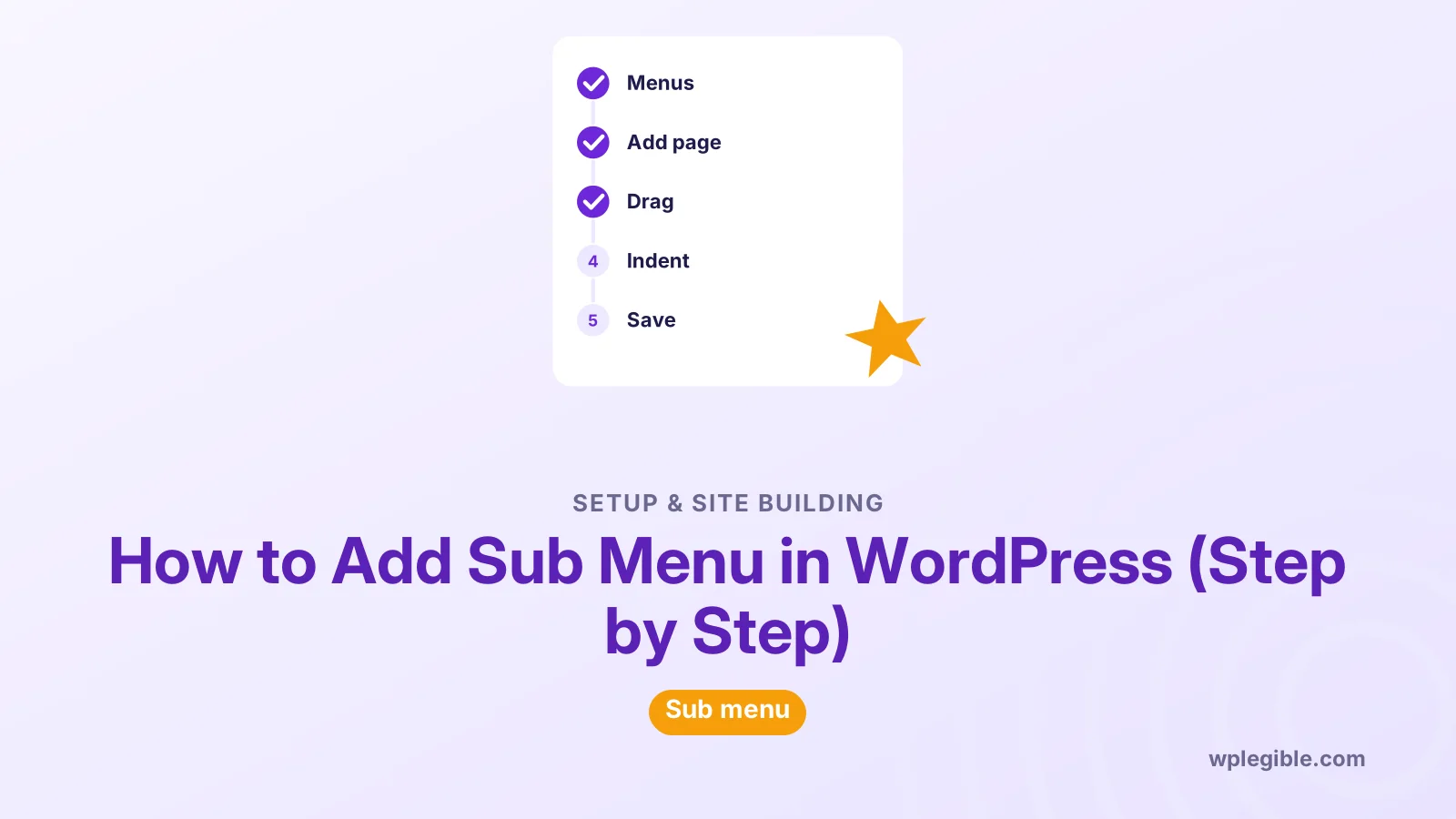
Open Appearance > Menus, add the pages you want, then drag each child item to the right beneath its parent until it indents, and save the menu.
- Go to Appearance > Menus and choose the menu to edit from the dropdown.
- In the left column, tick the pages, posts, categories or custom links you want and click Add to Menu.
- Drag the parent item into position in the menu structure.
- Drag a child item directly below the parent, then nudge it a little to the right. It indents and shows sub item next to its name.
- Repeat for each child item.
- Click Save Menu.
The Appearance Menus screen documentation shows this layout.
If dragging is hard, open the item and use the Move links. Options like Under the item above do the same job.
Can you add a sub menu in the Customizer?
Yes, classic themes also let you build menus in Appearance > Customize > Menus, where you can nest items and see a live preview before publishing.
Open the menu you want to edit and click Reorder. Arrow buttons appear next to each item.
Use the right arrow to move an item under the one above it. That turns it into a sub item.
The live preview shows the dropdown in your real header. It helps you spot long labels or spacing problems before visitors do.
Click Publish to save. Changes made in the Customizer and on the Menus screen affect the same menu, so use whichever you find easier.
Block themes do not show this panel. Use the Site Editor instead.
How do you add a sub menu in a block theme?
Open the Site Editor, select the Navigation block in your header, choose the parent item, and use Add submenu from its toolbar, then add links inside it.
- Go to Appearance > Editor and open the header template part or the Navigation section.
- Click the Navigation block, then click the menu item that should become the parent.
- In the block toolbar, choose Add submenu. The item turns into a Submenu block.
- Click the plus inside the submenu and add pages or custom links.
- Save your changes.
The Submenu block documentation covers the block and its options.
You can also add a Submenu block directly with the block inserter inside the Navigation block.
Learn WordPress has a free workshop on creating a menu with the Navigation block if you prefer video.
For more header changes, see how to edit the header in a block theme.
How do you control how the sub menu opens?
In the Navigation block settings, choose whether submenus open on click or on hover, and whether to show an arrow icon next to items with submenus.
Find these options in the block settings sidebar under Submenus or Display. Labels vary a little between WordPress versions.
Open on click works better on touch devices and for keyboard users. Hover menus can be hard to use on phones.
Show arrow adds a small icon. It tells visitors there is more under the parent.
Classic themes control this in their own code. Some offer options in Appearance > Customize, while others need custom CSS.
Can the parent item be a non-clickable label?
Yes, add a Custom Link with a hash symbol as the URL, or a plain text label in block themes, so the parent only opens the sub menu.
In classic menus, add a custom link with the URL set to # and a label like Services. Then nest the real pages under it.
Many people prefer to link the parent to a real overview page. That gives search engines and visitors a useful landing page.
If you go that route, make sure the parent page actually lists or links its children. Our guide on adding a page to WordPress helps you build it.
In block themes, a submenu parent can be a link or simply open the submenu when open on click is on.
How many sub menu levels can you add?
WordPress itself allows deep nesting, but most themes only style one or two levels well, and some limit depth in their menu settings.
A second-level dropdown, called a sub-sub menu, works in many themes. Deeper levels often break on mobile.
Classic themes register menus with a depth setting. If items will not nest further, the theme may be limiting it.
The developer reference for wp_nav_menu documents the depth argument themes use.
For usability, keep it shallow. Most visitors will not dig through three levels of dropdowns.
Why does the sub menu not show up?
Common causes are an item not truly nested, the menu not assigned to a location, caching, a theme without dropdown styles, or a menu that did not save.
| Symptom | Likely cause | Fix |
|---|---|---|
| Child shows at top level | Not indented under parent | Drag it right until it says sub item |
| Menu does not appear at all | Not assigned to a location | Tick the location under Menu Settings |
| Old menu still shows | Page or CDN cache | Purge caches and reload |
| Dropdown opens off screen | Theme CSS or long labels | Shorten labels or adjust CSS |
| Changes vanish after saving | Large menu or server limit | See the fix below |
If items disappear when you save a large menu, the server's input limit may be too low. Our guide on fixing a menu that will not save covers the max_input_vars setting.
Block themes can show a different Navigation menu than the one you edited. Check which menu the block uses in its settings.
How do you make sub menus work on mobile?
Test the mobile menu toggle, make sure tapping a parent opens its submenu, and use open on click in block themes so touch users do not depend on hover.
Navigation blocks have an Overlay Menu setting that controls when the mobile menu appears.
Tap every parent on a real phone. Make sure children are reachable and the menu closes easily.
Long labels wrap badly on small screens. Keep sub menu labels short.
How do you keep sub menus accessible?
Make sure every sub menu can be opened with the keyboard, focus stays visible, and labels clearly describe where each link goes.
Press Tab through the header. Each parent should open its submenu with Enter or Space.
Core Navigation blocks include ARIA attributes for submenus. Custom menus from older themes may not.
The W3C fly-out menus tutorial explains good patterns.
Our broader guide on making WordPress accessible covers more checks.
Can you add sub menus with a page builder?
Yes, page builders like Elementor usually display WordPress menus, so you create the sub menu in Appearance Menus or the Site Editor and the builder widget shows it.
The Elementor Nav Menu widget, for example, picks a menu you built in WordPress.
Style options for dropdowns then live in the builder widget, including colors, spacing and animation.
If you design the whole header in a builder, see how to change the header in WordPress for the broader picture.
Frequently asked questions
Why can't I drag a menu item into a sub menu?
Drag the item directly below its parent and then move it slightly to the right until it indents. If dragging is awkward, open the item and use the Move links, or check whether your theme limits menu depth.
Where is Appearance Menus in my dashboard?
Block themes replace Appearance Menus with the Site Editor and the Navigation block. If you only see Appearance Editor, edit menus there instead. Classic themes keep the Menus screen.
Can a sub menu parent have no link?
Yes. Use a custom link with a hash symbol as the URL in classic menus, or set the block theme submenu to open on click. Linking the parent to a real overview page is often better for visitors.
How do I add a sub menu to the footer?
Create a separate menu for the footer, nest items the same way, and assign it to a footer location or add a Navigation block in the footer template part. Many themes display footer menus flat without dropdowns.
Why does my sub menu disappear on mobile?
The theme's mobile menu may hide dropdowns until you tap an arrow, or a CSS conflict may be hiding them. Test on a real device, check the overlay menu setting, and clear caches.
Sources
- Appearance Menus Screen WordPress.org
- Submenu block WordPress.org
- How to Create a Menu with the Navigation Block Learn WordPress
- wp_nav_menu() WordPress Developer Resources
- Fly-out Menus W3C WAI
Is your product missing, or something out of date?
Tell us what to add or correct. We read every note and reply when we need a source. A message does not buy a ranking.
Thanks — we review requests within 3 business days.
Related guides

About the editors
Researched from the primary sources listed above and checked against our editorial rules before publishing.