vidIQ is the best pick among YouTube insider secrets for creators, with keyword research, AI video ideas and thumbnail tools rated 4.5 out of 5 on G2, from $19 a month. TubeBuddy suits creators who live inside YouTube Studio, while OpusClip is the cheapest way to turn long videos into Shorts.
How we make this list: we compare pricing pages, product documentation and public user reviews, then re-check every price before each update. No product paid for a place. Disclosure.
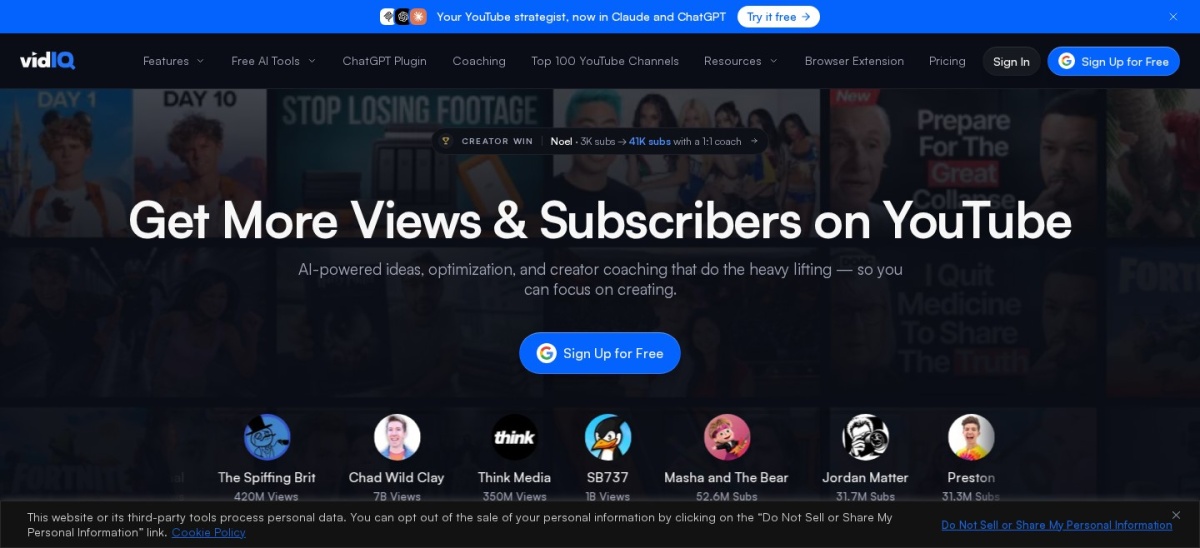
vidIQ leads with keyword research, AI ideas and thumbnail tools, rated 4.5 out of 5 on G2, from $19 a month.
TubeBuddy works inside YouTube Studio and costs $16 a month for Pro, with bulk editing and A/B testing on Legend at $34.
OpusClip turns long videos into Shorts from $15 a month, with a free plan of 60 credits a month.
StreamYard changed its plans: Essential now starts at $18.99 a month, replacing the old $25 Basic plan.
Seven of the nine tools offer a free plan; Submagic is paid-only, and TubeBuddy's pricing page lists paid plans only.
How do you find the best YouTube insider secrets for creators?
Most YouTube growth comes from packaging, not just filming. The title, thumbnail and first minute decide whether a video gets clicked, and keyword research shows what viewers are already searching for.
The tools that help most live where the work happens. vidIQ and TubeBuddy sit inside YouTube, while clipping and caption tools take over after upload to turn one long video into Shorts, Reels and TikToks.
Free plans are real starting points, not demos. Seven of the nine tools here have one, but each caps something: AI credits, minutes, exports or video length. Read the cap before you build a workflow around it.
Prices move often, so check the billing toggle before you buy. Monthly and annual rates differ by a third or more on several tools here, and Black Friday sales were live on vidIQ, TubeBuddy and Canva when we checked. If you also embed videos on a site, our guide on lazy loading YouTube embeds keeps those pages fast.
vidIQ is a YouTube growth platform that puts keyword research, video ideas and thumbnail tools inside YouTube and in a web dashboard. The free plan includes 150 AI credits a month, niche trends, content ideas and an AI Coach. Boost adds 2,000 credits, AI thumbnails, Shorts clipping and competitor research for one channel.
The trade off is the credit meter. Every AI action spends credits, so heavy users can run through the Boost allowance before the month ends. It suits solo creators who want one tool for deciding what to film, what to title it and how to package it.
What we like
Keyword scores and search volume inside YouTube
Free plan covers real research, not just a demo
AI Coach, thumbnails and clipping in one place
Watch out for
Credits can run out fast on Boost
No native A/B testing for thumbnails
Annual plans are not refunded for unused months
Boost adds AI thumbnails, Shorts clipping and 2,000 creditsVisit vidiq.com
02
TubeBuddy
4.6/5on G2 (44 reviews, checked Nov 2026)
Starts at$16/mo
Best for SEO work inside YouTube Studio
Free planNot listed
Keyword researchYes, on Pro
Bulk editingLegend only
Paid planPro, $16/mo
tubebuddy.com
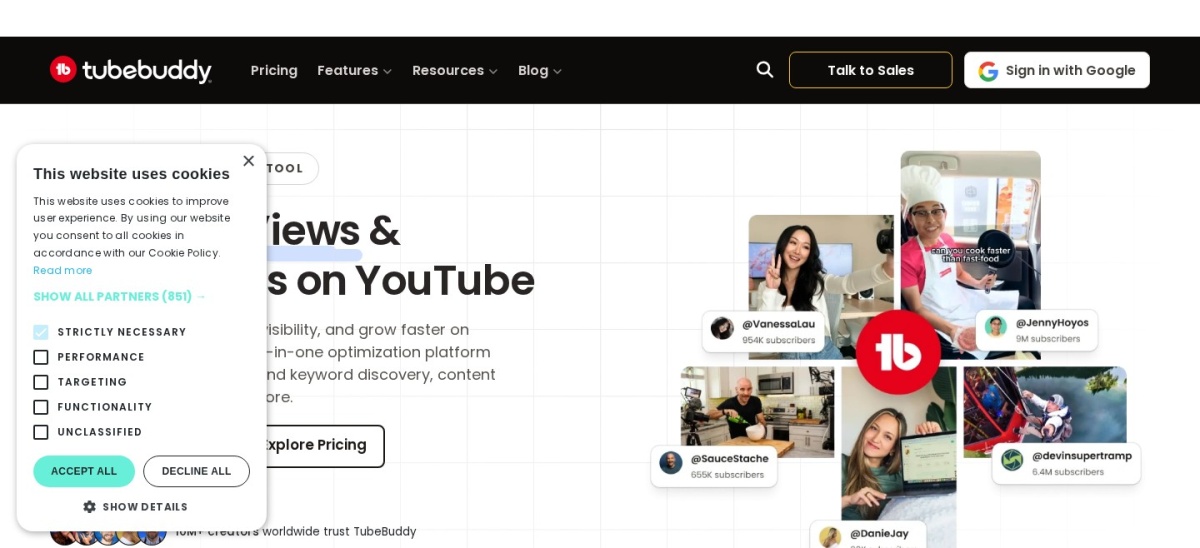
TubeBuddy homepage, captured Nov 2026.
TubeBuddy is a browser extension and web app that lives inside YouTube Studio, adding keyword scores, tag tools, bulk editing and thumbnail checks where videos are uploaded. Pro covers keyword research, title and tag optimization and basic video and thumbnail tools for one channel.
The trade off is that the best tools sit higher up. A/B testing, bulk processing and the full search and SEO set need Legend at $34 a month, and the pricing page lists paid plans only. It suits creators who publish weekly and want research inside Studio.
OpusClip is an AI clipping tool that turns long videos into vertical Shorts with animated captions, keyword highlights and virality scores. The free plan gives 60 credits a month with watermarked clips that expire after 3 days. Starter adds 150 credits, watermark-free exports and one brand kit.
The trade off is the credit system. Long videos and extra features spend credits fast, and Pro jumps to $29 a month. It suits podcasters and YouTubers who record long videos and need a steady supply of Shorts.
What we like
Fast Shorts from long videos with little manual work
Virality scores rank the best moments to clip
Free plan lets you try clipping before paying
Watch out for
Credits cap how much you can clip each month
Free clips carry a watermark and expire in 3 days
Starter removes watermarks and adds 150 credits a monthVisit opus.pro
04
Descript
4.6/5on G2 (938 reviews, checked Nov 2026)
Paid from$24/mo
Best for editing video by editing text
Free media60 min/mo
Hobbyist media10 hrs/mo
AI credits400/mo
Paid planHobbyist, $24/mo
descript.com
Descript homepage, captured Nov 2026.
Descript is a transcript-first editor that lets you cut video by deleting words in the text, with Studio Sound, filler removal and an AI co-editor called Underlord. The free plan includes 60 media minutes a month and 720p watermarked exports. Hobbyist adds 10 hours, 400 AI credits and 1080p exports.
The trade off is the double meter. Media minutes and AI credits are counted separately, and heavy AI use can burn through credits quickly. It suits talking-head creators and podcasters who edit speech every week.
StreamYard is a browser live-streaming studio for recording and streaming to YouTube and other platforms, with on-screen guests, banners and comments. The free plan includes 6 on-screen participants, 2 hours of local recordings a month and StreamYard branding on streams.
The trade off is that branding and limits push you to pay. Essential at $18.99 a month adds unlimited streaming, two destinations and Full HD, while removing the logo needs Core at $44.99. It suits creators who stream live interviews or shows every week.
What we like
No software to install; guests join from a link
Highest G2 rating here at 4.8 out of 5
Records locally while you stream live
Watch out for
Removing the logo needs Core at $44.99 a month
Plans changed recently, so older reviews quote retired prices
Canva is a design platform creators use for thumbnails, channel art, Shorts covers and social posts, with millions of templates and stock images. The free plan covers basic designs with 5 GB of storage. Pro adds 141 million premium assets, background removal, Magic Resize and 100 GB.
The trade off is that the best thumbnail tools are paid. Background removal and premium templates need Pro at $18 a month, or $144 a year. It suits creators who design every thumbnail and want one tool for all channel graphics.
What we like
Huge template and asset library for thumbnails
Thumbnails, channel art and posts in one place
Rated 4.7 out of 5 on G2 from 7,678 reviews
Watch out for
Background removal needs Pro
Pro price has moved several times in two years
Pro adds premium assets, background removal and 100 GBVisit canva.com
07
CapCut
4.5/5on G2 (2,100 reviews, checked Nov 2026)
Paid from$19.99/mo
Best free editor for short-form video
Free exportNo watermark
Pro AI credits1,200/mo
Pro storage1 TB
Paid planPro, $19.99/mo
capcut.com
CapCut homepage, captured Nov 2026.
CapCut is a free video editor from ByteDance for phones, desktop and the web, with AI captions, background removal, templates and script-to-video tools. The free plan covers basic editing and templates, and exports carry no watermark. Pro adds 1,200 AI credits a month and 1 TB of storage.
The trade off is the subscription. The best AI features sit behind Pro at $19.99 a month, and billing complaints dominate its Trustpilot reviews. It suits short-form creators who edit on a phone and want strong free tools first.
What we like
Strongest free plan here, with no export watermark
AI captions and templates built for short video
Works on phone, desktop and web
Watch out for
Pro price rose from $7.99 to $19.99 a month
Trustpilot score of 1.2 out of 5 over billing complaints
Pro adds 1,200 AI credits a month and 1 TB of storageVisit capcut.com
08
Submagic
4.6/5on G2 (85 reviews, checked Nov 2026)
Starts at$19/mo
Best for animated captions on Shorts
Free planNone
Starter videos15/mo, 2 min
Languages123 listed
Paid planStarter, $19/mo
submagic.co
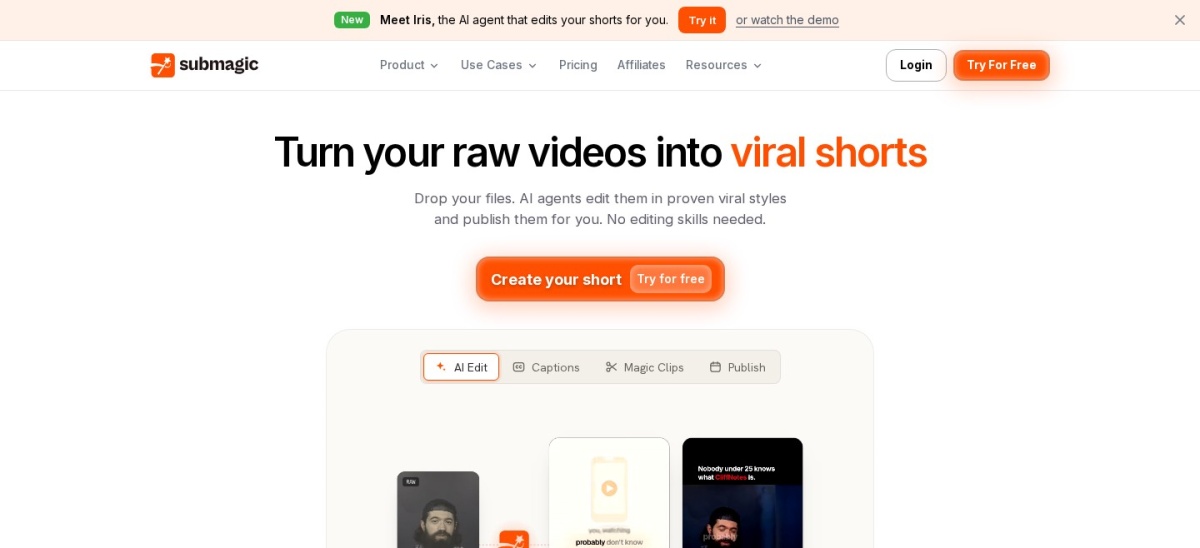
Submagic homepage, captured Nov 2026.
Submagic is a browser editor that adds animated captions, auto-zooms, B-roll and music to short videos, and cuts long recordings into Magic Clips. Starter costs $19 a month for 15 videos up to 2 minutes each at 1080p with no watermark, across 123 listed caption languages.
The trade off is the cap and the lack of a free plan. Starter videos cannot pass 2 minutes, and there is no free tier to try the editor. It suits creators posting captioned Shorts and Reels every week.
Kapwing is a browser video editor with auto-subtitling, resizing, templates and shared team workspaces. The free plan includes 10 credits and 720p watermarked exports up to 4 minutes. Pro adds 1,000 credits a month, 1,000 subtitling minutes, 4K exports and no watermark.
The trade off is the rating and the credit meter. G2 rates it 3.9 out of 5, the lowest here, and some reviewers report failed exports. It suits small teams editing together in a browser.
What we like
Full editor in a browser, nothing to install
1,000 subtitling minutes a month on Pro
Shared folders and commenting for teams
Watch out for
Lowest G2 rating here at 3.9 out of 5
Trustpilot score of 1.9 out of 5 with export complaints
Free plans cover the basics well. vidIQ gives 150 AI credits a month, OpusClip gives 60 clipping credits, and Descript gives 60 media minutes with watermarked exports.
Paid plans mostly add volume and removal of limits. You get more credits or minutes, no watermark, longer videos and 1080p or 4K exports.
The two paid-only tools here are Submagic and TubeBuddy, whose pricing pages list paid plans only. Every other tool can be tried free before you pay.
If a channel earns money every week, one paid plan usually costs less than the hours spent working around free limits.
How we chose
We started from the established YouTube creator tools with public ratings on G2: vidIQ, TubeBuddy, OpusClip, Descript, StreamYard, Canva, CapCut, Submagic and Kapwing.
Prices come from each vendor's pricing page, checked on 29 November 2026. Ratings and review counts come from G2 on the same day. Where a vendor shows a sale, the list shows the regular price.
We left out tools with no public rating, such as Morningfame, which has no G2 or Trustpilot listing. No vendor paid for a place, and we do not claim to have used these tools ourselves.
How to choose a YouTube creator tool
Start with the job that eats your time, then pick the tool built for it.
Name the bottleneck first. If titles and topics are the problem, start with vidIQ or TubeBuddy. If editing is slow, start with Descript or CapCut.
Try the free plan on real videos. Run one full upload through the free plan before paying, and watch the cap that bites first: credits, minutes or video length.
Check the annual price, not the headline. Monthly and annual rates differ by a third or more on several tools here. Compare the yearly total before you commit to a plan.
Keep one tool per job. An SEO tool, a clipper and an editor cover most channels. Stacking two tools that do the same job wastes credits twice.
FAQ
What are the best YouTube insider secrets for creators?
vidIQ is the best overall pick, with keyword research, AI video ideas and thumbnail tools rated 4.5 out of 5 on G2, from $19 a month. TubeBuddy is the best alternative for creators who work inside YouTube Studio, and OpusClip is the cheapest route to Shorts.
How much do YouTube creator tools cost?
Entry paid plans here run from $15 to $24 a month. OpusClip is the cheapest at $15 a month, while Descript and Kapwing cost $24 a month. Annual billing cuts most of these by a quarter to a third.
Is there a free YouTube SEO tool?
Yes. vidIQ has a free plan with 150 AI credits a month, niche trends and content ideas. TubeBuddy's pricing page lists paid plans only, so vidIQ is the free starting point for keyword research.
Which YouTube tool is best for beginners?
vidIQ is the best starting point for beginners. Its free plan covers keyword research and video ideas, and the AI Coach explains what to improve. CapCut is the best free editor to pair with it.
vidIQ vs TubeBuddy: which is better?
vidIQ is better for deciding what to film, with AI ideas, trends and thumbnail tools from $19 a month. TubeBuddy is better for managing a channel inside YouTube Studio, with bulk editing and tag tools from $16 a month.
Can I grow a YouTube channel with free tools only?
Yes, for a while. YouTube Studio plus the free plans of vidIQ, OpusClip, Descript and CapCut cover research, clipping and editing. Paid plans become worth it when credit or minute caps slow your upload schedule.
Do I need a separate tool for Shorts?
Not always, but a clipper saves hours. OpusClip turns long videos into Shorts from $15 a month, and Submagic adds animated captions for $19 a month. CapCut edits Shorts free if you clip by hand.
SaaS SEO and WordPress specialist with about 8 years of experience. Rakib compares WordPress plugins, themes, hosting and software using public pricing, documentation and user reviews. See how we rank.