VisualCron leads the Windows Task Scheduler alternatives for most Windows teams, rated 4.8 out of 5 on Capterra, with plans starting at $2,748 a year. JAMS Scheduler suits Microsoft estates at $9,996 a year, while Prefect offers a free tier for developers who want a cloud scheduler.
How we make this list: we compare pricing pages, product documentation and public user reviews, then re-check every price before each update. No product paid for a place. Disclosure.
VisualCron is the closest drop-in upgrade: Windows-native, rated 4.8 out of 5 on Capterra, from $2,748 a year.
JAMS is the mid-market pick with a published price: Core at $833 a month billed annually, or $9,996 a year.
RunMyJobs has the highest G2 rating here, 4.8 out of 5 from 313 reviews, but pricing is a custom quote.
Five of the nine tools publish no starting price, so budget from a quote for RunMyJobs, ActiveBatch, Tidal, OpCon and Stonebranch.
Prefect is the only free tier in this list, and Control-M is the dearest published price at $29,000 a year.
How do you choose the best Windows Task Scheduler alternatives?
Start with scale, not features. A scheduler for one Windows machine and a scheduler for 500 servers are different purchases, even when both replace Task Scheduler.
Silent failure is the problem Task Scheduler creates. Jobs that fail without an alert, or run twice after a reboot, are why teams move to a tool with retries, notifications and a central log.
Published prices are rare in this market. Only VisualCron, JAMS, Control-M and Prefect show a starting figure, so treat every other price as a quote and ask what the first year includes.
Free tools cost administration time. Open-source schedulers charge nothing for a licence, but you host, patch and secure them yourself, which is a real weekly cost for a small team. Our guide on replacing WP-Cron with a real cron job shows the same trade-off in WordPress.
VisualCron is a Windows automation and task scheduling tool built as a direct replacement for Task Scheduler, with more than 100 built-in task types for file transfers, SQL, email and web services. It runs jobs on triggers or events, with error handling, retries and notifications, so a failed nightly job is reported instead of failing silently.
The trade off is price and platform. VisualCron starts at $2,748 a year according to Capterra, and it runs on Windows only, so mixed Linux estates need a second tool. It suits Windows teams that want Task Scheduler's model with central visibility and real error handling.
What we like
Closest match to Task Scheduler's trigger and task model
More than 100 built-in task types, so less scripting
Highest rating in this list, 4.8 out of 5 on Capterra
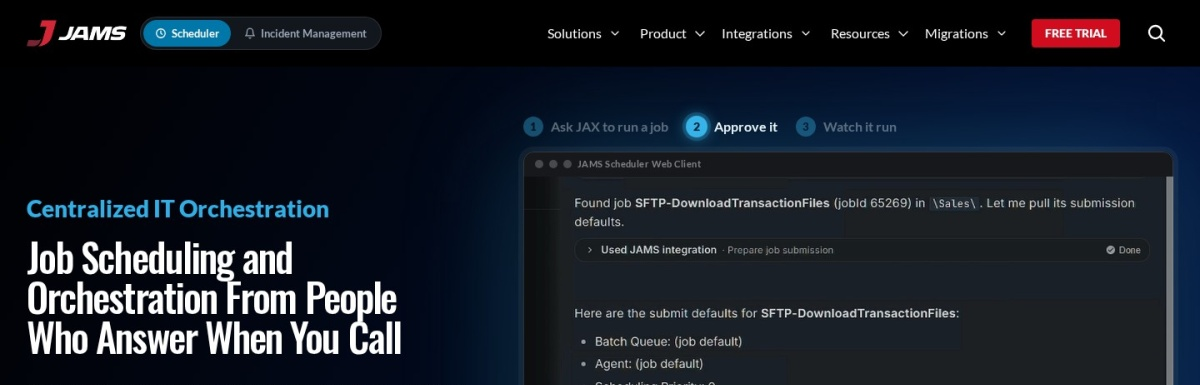
JAMS Scheduler is a workload automation platform that runs batch work from one console across Windows, Linux, IBM i and cloud systems, with strong SQL Server and PowerShell support. Core starts at $833 a month billed annually, and jobs run in dependency order with calendars, monitoring and an audit trail.
The trade off is scale and cost. At $9,996 a year for Core, JAMS is a platform purchase for an estate, not a single server, and the Advanced tier is quoted. It suits Microsoft-centred IT teams replacing Task Scheduler sprawl across many servers.
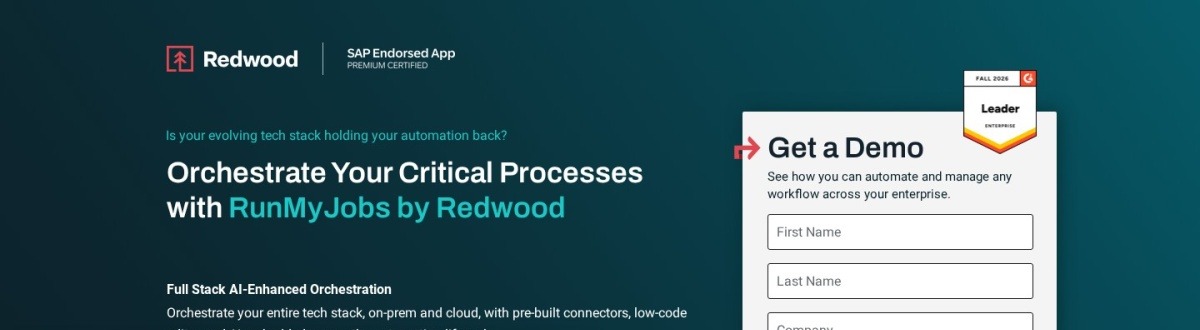
RunMyJobs by Redwood is a fully managed SaaS workload automation platform, rated 4.8 out of 5 on G2 from 313 reviews, the highest rating in this list. It schedules jobs across hybrid and cloud systems without scheduler servers to run, and it is an SAP Endorsed App with premium certification.
The trade off is pricing. RunMyJobs charges a platform fee plus a fixed price per automation process run, and buyers request a personalised quote, so the cost scales with job volume. It suits SAP-heavy teams that want to stop running scheduler infrastructure themselves.
What we like
Highest G2 rating in this list, from the largest review base
Only SAP Endorsed App here, with premium certification
Fully managed SaaS, so no scheduler servers to run
Watch out for
No published price, so budgeting needs a quote
Per-run charges mean costs rise with job volume
Paid plans add SAP connector packs and higher run capacityVisit redwood.com
04
ActiveBatch
4.5/5on G2 (236 reviews, checked Nov 2026)
PricingCustom/yr
Best for ERP-spanning workflows
Job designerVisual, drag-and-drop
Event triggersFile, database, email
DeploymentOn-premises or cloud
PricingCustom quote
activebatch.com
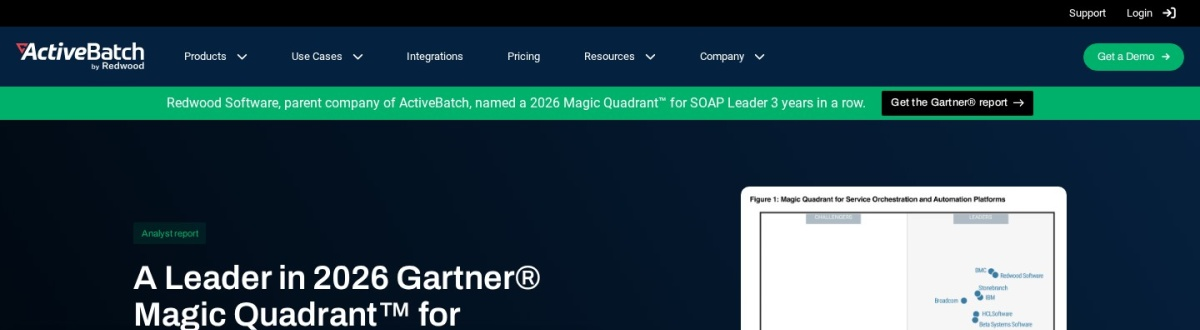
ActiveBatch homepage, captured Nov 2026.
ActiveBatch is a workload automation platform from Redwood for scheduled work that spans applications, from ERP postings and warehouse loads to report chains and file exchanges. Its visual designer builds jobs from prebuilt steps, and event triggers start work when a file lands or a table changes, not only on a clock.
The trade off is complexity and cost. Pricing is quoted for enterprises, and reviewers note a steep learning curve and long initial setup. It suits large IT teams whose nightly work must run in order, every night, with proof.
What we like
Mature workload automation with a visual job designer
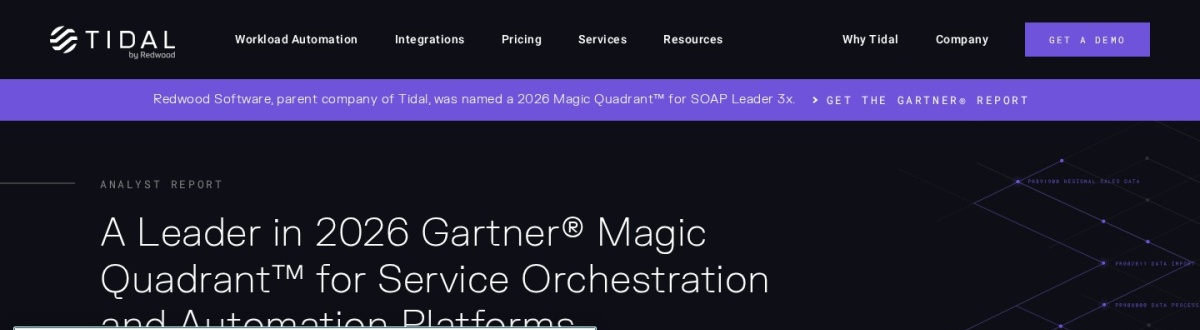
Tidal Automation is an enterprise job scheduler, now part of Redwood, that centralises scheduling across Windows, Linux and cloud workloads from one console. Reviewers on G2 rate it 4.6 out of 5 from 73 reviews and praise its ease of use, which is unusual for a platform of this size.
The trade off is price. Tidal publishes no starting price, and reviewers describe it as expensive, though justified by its depth. It suits enterprise teams that want a scheduler operators can learn quickly.
What we like
Rated 4.6 out of 5 on G2, with ease of use praised
Central scheduling across hybrid workloads
Now part of Redwood, beside ActiveBatch and RunMyJobs
OpCon is a workload automation platform from SMA Technologies that schedules batch work and business processes across Windows, Linux and cloud systems. It adds self-service so business teams can run approved jobs themselves, instead of every request going through IT.
The trade off is that OpCon is priced by quote, so small teams cannot budget from a public price list, and its depth is more than a single server needs. It suits mid-size and large IT teams that want automation beyond simple scheduling.
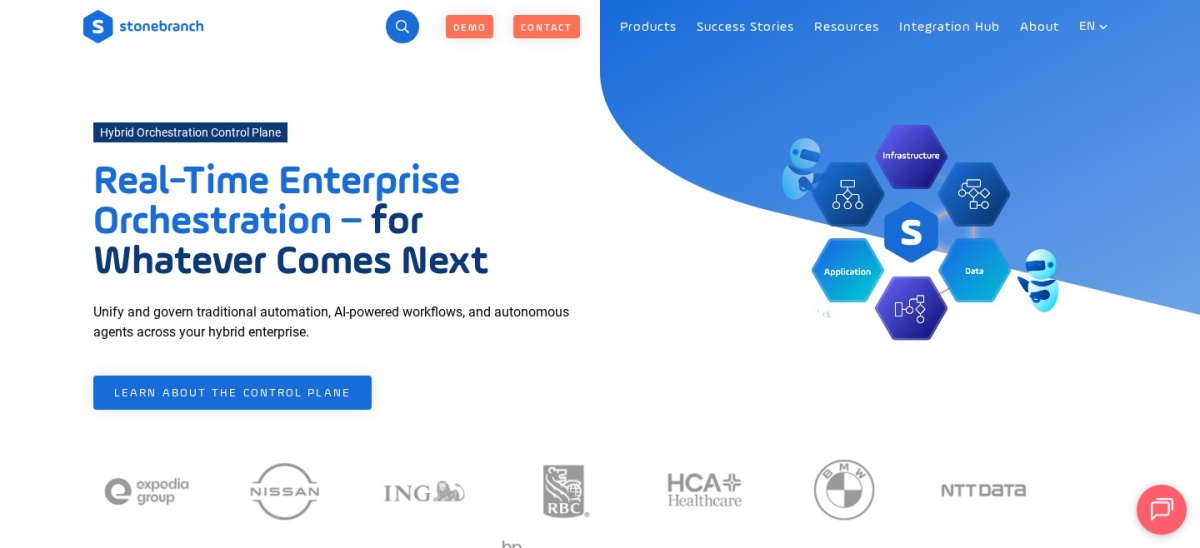
Stonebranch Universal Automation Center is a workload automation platform that manages jobs from a central controller across on-premises, cloud and hybrid systems. It uses event-based scheduling, so work starts when the business event happens, and it supports a wide range of platforms from one console.
The trade off is enterprise scope. Stonebranch publishes no starting price, and it is built for organisations centralising automation across many systems, not for one Windows machine. It suits enterprises replacing several schedulers with one platform.
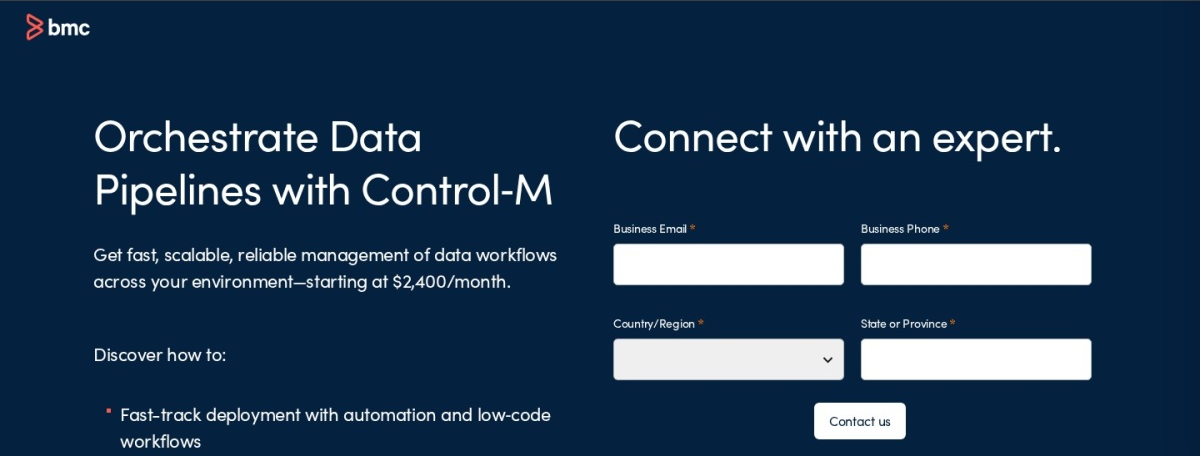
Control-M from BMC is the heavyweight of this list, orchestrating tens of thousands of jobs across mainframe, distributed, cloud and data pipeline systems. Its Jobs as Code approach lets teams define workflows in version control while operations keeps central control, and the SaaS Starter Pack starts at $29,000 a year.
The trade off is scale and cost. Control-M is quoted for on-premises use, deployments are programmes rather than installs, and $29,000 a year is far beyond a single server's needs. It suits banks, insurers and governments with regulatory audit demands.
What we like
Broadest orchestration in this list
Jobs as Code for version-controlled workflows
Managed file transfer and SLA management included
Watch out for
Dearest published price in this list
Implementation is measured in months for large estates
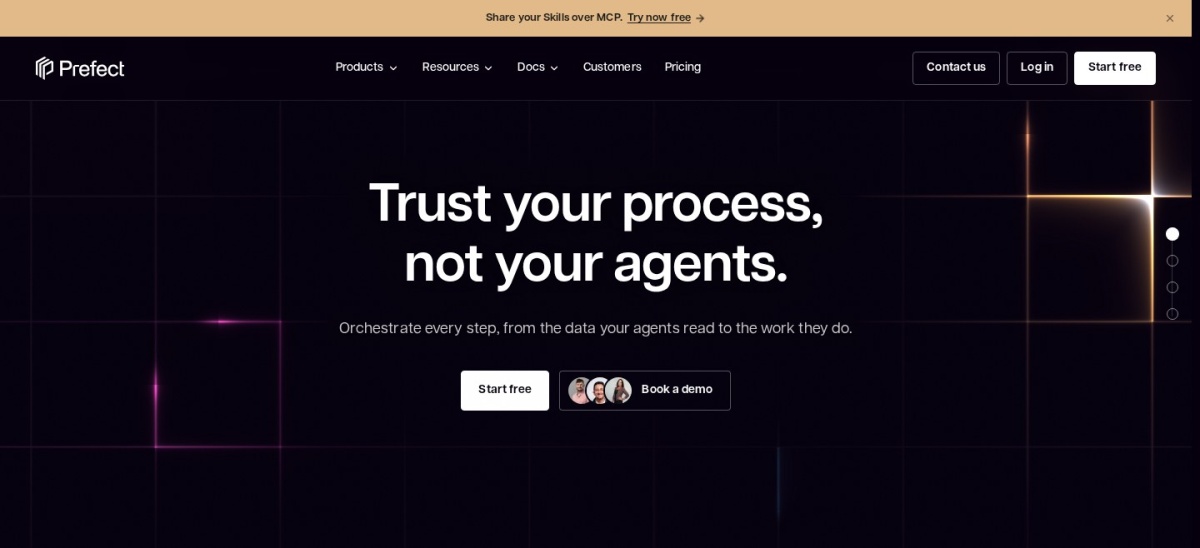
Prefect is a workflow orchestration platform that turns Python scripts into scheduled, observable jobs, with a free tier for developers getting started. It schedules flows in the cloud or self-hosted, with retries, logging and alerts, and paid plans start at $100 a month.
The trade off is fit. Prefect is built for data and application workflows, not as a drop-in Windows desktop scheduler, so Windows-only admins may find it indirect. It suits developers who already write Python and want scheduled jobs with modern observability.
Stay with Task Scheduler when the jobs are few, simple and on one machine. A nightly backup script and a weekly report do not need a platform.
Move when jobs fail silently, when several servers each run their own schedules, or when an auditor asks who ran what and when. Those are the signs the built-in tool has run out of room.
VisualCron is the smallest step up for Windows teams, and Prefect is the cheapest step up for developers. Enterprise platforms only make sense once the estate, not one machine, is the problem.
How we chose
We started from the schedulers Windows administrators actually name as Task Scheduler replacements, then kept those with a public G2 or Capterra rating and an established vendor.
Prices come from vendor pricing pages and G2 listings checked on 29 November 2026. Ratings come from G2 or Capterra on the same day. Where a vendor publishes no price, the list shows a custom quote instead of a guessed figure.
We left out single-machine freeware with no public rating, including Z-Cron and Advanced Task Scheduler, because every tool in this list needs a verifiable rating. No vendor paid for a place, and we do not claim to have used these tools ourselves.
How to choose a Windows Task Scheduler alternative
Diagnose the actual failure first, then match the tool to the scale of the problem.
Count the machines and jobs. One machine with a few jobs needs VisualCron or Prefect. An estate with hundreds of jobs across servers needs JAMS, RunMyJobs or Control-M.
Check what must be proved afterwards. If an auditor needs a log of every run, pick a platform with an audit trail, such as JAMS, Stonebranch or Control-M.
Ask for the first-year price in writing. Five tools in this list are quoted, so confirm what the quote covers: servers, agents, executions and support.
Trial the top pick on real jobs. Run your actual nightly jobs through the trial, including a failure, before you migrate the whole schedule.
FAQ
What is the best Windows Task Scheduler alternative in 2026?
VisualCron is the best Windows Task Scheduler alternative for most Windows teams in 2026. It is rated 4.8 out of 5 on Capterra, keeps Task Scheduler's trigger model, and starts at $2,748 a year.
How much does a Windows Task Scheduler alternative cost?
Prices run from free to $29,000 a year. Prefect has a free tier with paid plans from $100 a month, VisualCron starts at $2,748 a year, JAMS Core costs $9,996 a year, and Control-M starts at $29,000 a year.
Is there a free Windows Task Scheduler alternative?
Yes, Prefect has a free tier for developers, and it is the only free tier in this list. Z-Cron is free for personal use on one machine, but it has no public rating, so it is not in this list.
Which Windows Task Scheduler alternative is best for beginners or small teams?
VisualCron is best for small Windows teams, because it keeps the familiar trigger model and adds error handling and alerts. Prefect is best for developers, with a free tier and Python-based workflows.
JAMS Scheduler vs VisualCron: which is better?
VisualCron is better for a Windows team replacing Task Scheduler on a few machines, at $2,748 a year. JAMS Scheduler is better for a Microsoft estate with many servers, at $9,996 a year for Core, with central control and an audit trail.
Can I replace Windows Task Scheduler without an enterprise platform?
Yes. VisualCron replaces it directly on Windows for $2,748 a year, and Prefect covers scheduled Python jobs with a free tier. Enterprise platforms such as Control-M only make sense once you schedule across many servers.
SaaS SEO and WordPress specialist with about 8 years of experience. Rakib compares WordPress plugins, themes, hosting and software using public pricing, documentation and user reviews. See how we rank.