Sprout Social is the strongest way to improve your social media performance, with profile and post reports, Optimal Send Times and a 4.4/5 G2 rating, from $79 a month. Hootsuite suits teams that need listening and benchmarking, while Buffer is the cheapest start at $5 per channel a month.
How we make this list: we compare pricing pages, product documentation and public user reviews, then re-check every price before each update. No product paid for a place. Disclosure.
Sprout Social leads on reporting, with Optimal Send Times and profile and post reports from $79 a seat a month.
Hootsuite adds listening and benchmarking against 5 competitors on its $99 Standard plan.
Buffer and Metricool are the only free plans here; Buffer covers 3 channels and Metricool covers 1 brand.
Later is the cheapest visual planner at $18.75 a month billed yearly, but Starter caps posts at 30 per profile.
Paid plans in this list run from $5 per channel a month to $99 a user a month, so the bill depends on seats, not features alone.
What are the best ways to improve your social media performance?
Improving social media performance starts with measurement, not more posts. You need to know which posts earn reach, clicks and replies before you can repeat what works.
Timing matters as much as content. Tools such as Sprout Social and Later suggest the best times to post from your own audience data, and posting when followers are online is one of the cheapest wins available.
A content calendar keeps posting steady. Our guide on creating a content calendar shows how to plan a month of posts so gaps never break your rhythm.
Reports close the loop. Weekly reports show which formats and topics perform, so you can cut what does not work and put more time into what does.
The 9 best tools to improve your social media performance
01
Sprout Social
4.4/5on G2 (6,873 reviews, checked Nov 2026)
Starts at$79/mo
Best analytics and reporting overall
Social profiles5 on Essentials
Best time to postYes, Optimal Send Times
Free planNo, 30-day trial
Paid planEssentials, $79/mo
sproutsocial.com
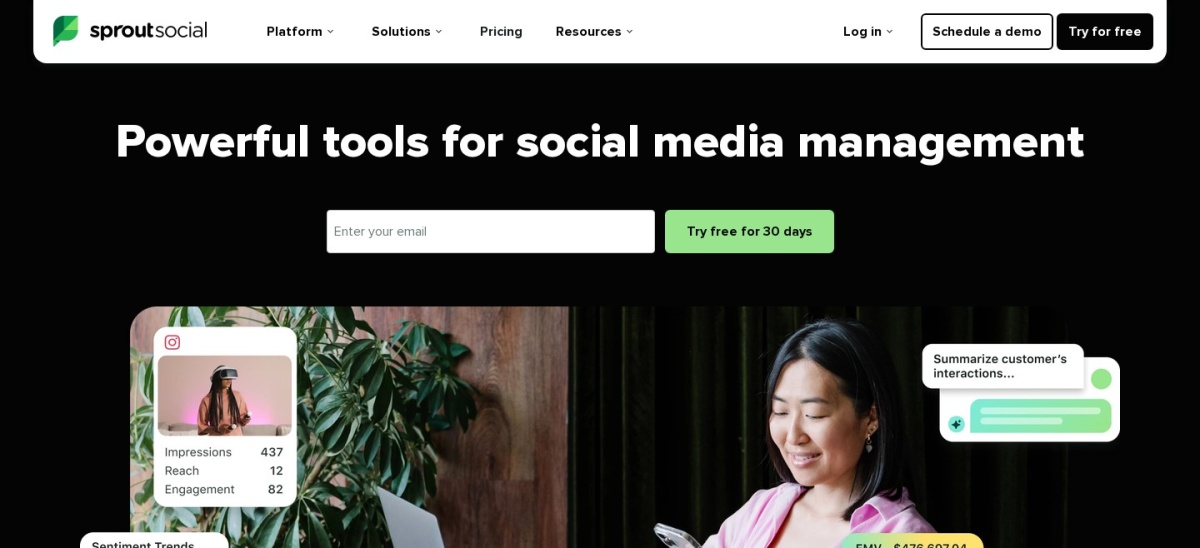
Sprout Social homepage, captured Nov 2026.
Sprout Social is a social media management platform built around measurement, with publishing, engagement and reporting in one dashboard. The Essentials plan covers 5 social profiles, Optimal Send Times, profile and post reports, and an AI assistant, so you can see which posts earn reach and replies.
The trade off is price. Essentials costs $79 per seat a month billed yearly, and every extra seat costs the same again, so a three-person team pays $237 a month before add-ons. It suits a solo manager or a small team that will actually use the reports to change what they post.
Hootsuite is a long-running social media management platform with scheduling, a unified inbox, analytics and social listening in one place. The Standard plan covers 10 social accounts, unlimited scheduled posts, benchmarking against 5 competitors and listening, so you can compare your performance with rivals.
The trade off is price. Standard costs $99 per user a month billed yearly, and approval workflows need the Advanced plan at $399 a user a month. It suits teams with several accounts and a budget to match, rather than a solo creator watching costs.
Agorapulse is a social media management tool that pairs publishing with a shared inbox and reporting. The Standard plan covers 10 social profiles, unlimited scheduling, comment moderation, Google review replies, basic reports and white-label exports, so a small team can publish, answer and report from one place.
The trade off is that the free plan ended in July 2026, so there is no free way to keep using it after the 30-day trial. Standard costs $79 per user a month billed yearly. It suits a small team that values fast replies and clean client reports.
Buffer is a simple scheduling and analytics tool that charges per connected channel instead of per seat. The free plan covers 3 channels with 10 scheduled posts per channel, and Essentials at $5 per channel a month billed yearly adds unlimited posts, full analytics and engagement tools.
The trade off is depth. Buffer has no shared inbox or listening, and Essentials allows only one user, so a team needs the Team plan at $10 per channel a month. It suits one person managing a few accounts who mainly needs scheduling and basic analytics.
What we like
Free plan covers 3 channels
Cheapest paid start in this list
No per-seat charge on the Team plan
Simple, uncluttered dashboard
Watch out for
No inbox or listening
One user on Essentials
Bill grows with every channel added
Team adds unlimited users at $10 per channel a monthVisit buffer.com
05
Later
4.5/5on G2 (384 reviews, checked Nov 2026)
Starts at$18.75/mo
Best visual planner for Instagram and TikTok
Social set1 set, 8 profiles
Posts per profile30 a month
Analytics history3 months
Paid planStarter, $18.75/mo
later.com
Later homepage, captured Nov 2026.
Later is a visual social media scheduler built for Instagram and TikTok, with a drag-and-drop calendar, automatic publishing and best times to post. The Starter plan covers 1 social set, which is one profile on each of 8 networks, 30 posts per profile a month, Link in Bio and 3 months of analytics.
The trade off is the post cap. Starter allows 30 posts per profile a month and one user, with no add-ons, so busy accounts move to Growth at $37.50 a month billed yearly. It suits a solo creator posting a few times a week on visual networks.
What we like
Visual planner with best times to post
Link in Bio included
Covers 8 networks in one social set
14-day free trial
Watch out for
30 posts per profile a month on Starter
No add-ons on the cheapest plan
No publishing to X
Growth lifts the cap to 180 posts at $37.50 a monthVisit later.com
06
SocialPilot
4.5/5on G2 (847 reviews, checked Nov 2026)
Starts at$25.50/mo
Best value analytics for small teams
Social accounts10 on Professional
Users1 on Professional
Free planNo, 14-day trial
Paid planProfessional, $25.50/mo
socialpilot.co
SocialPilot homepage, captured Nov 2026.
SocialPilot is a scheduling and analytics tool aimed at small businesses and agencies. The Professional plan covers 10 social accounts, publishing, analytics and reports, an AI assistant for captions, and a social inbox, so one person can plan, post and measure without a second tool.
The trade off is polish. SocialPilot costs $25.50 a month billed yearly, which undercuts most rivals, but its interface is plainer and its inbox is lighter than Agorapulse. It suits a small team that wants solid reports and scheduling at a modest price.
Metricool is an analytics-first tool for planning, publishing and measuring social media across brands. The free plan covers 1 brand, and Starter at $20 a month billed yearly adds unlimited publishing, unlimited analytics history, 100 competitor profiles, LinkedIn, and PDF and PowerPoint reports.
The trade off is teamwork. Starter includes no team members, so a second login means Advanced at $53 a month billed yearly, and X and advanced analytics cost extra as add-ons. It suits one person managing several brands who needs strong reports.
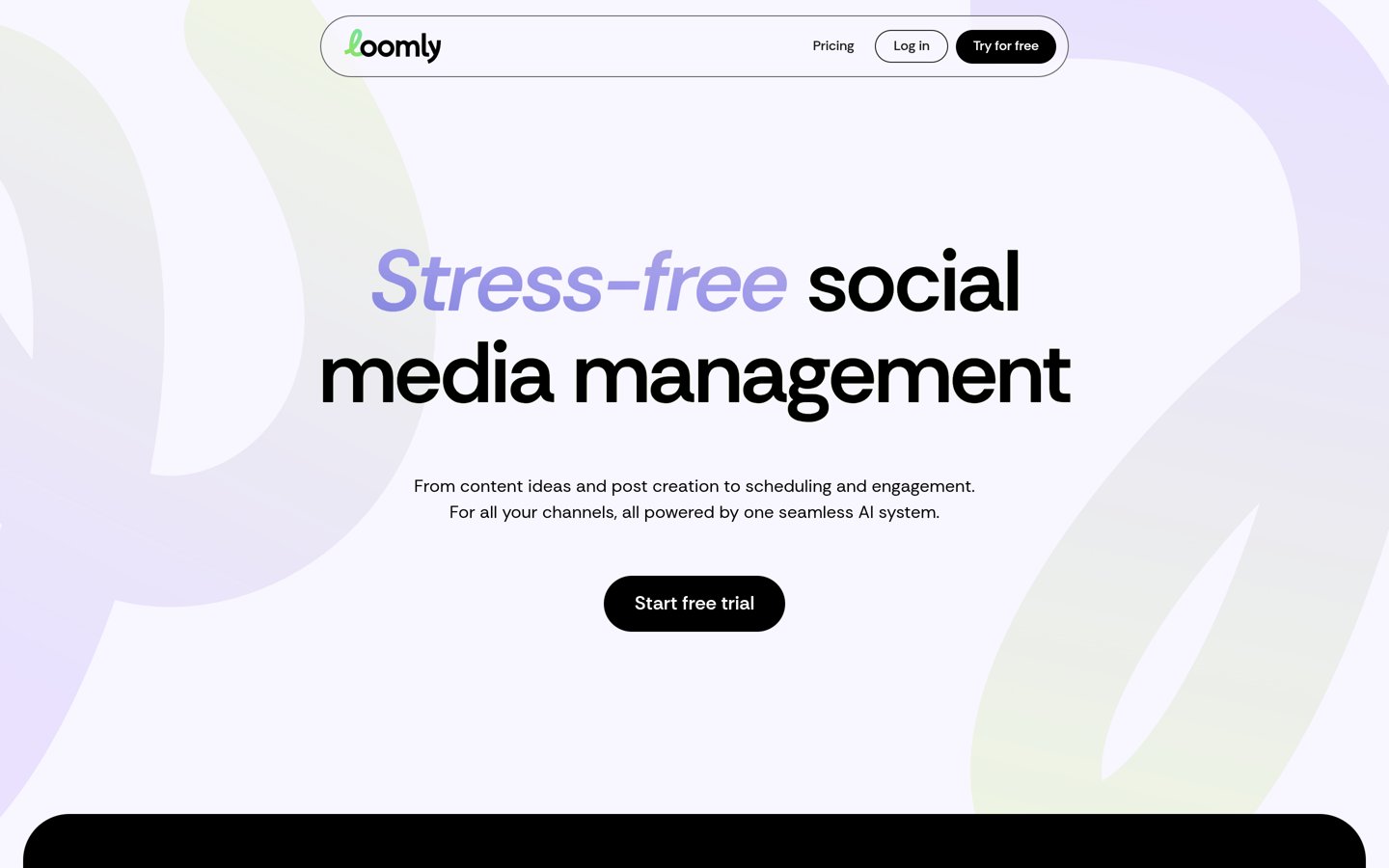
Loomly is a social media management tool built around post ideas, a shared calendar and approvals. The Base plan covers 10 social accounts and 2 users, with post ideas, scheduling, analytics and comment management, so a small team can plan a month of posts together.
The trade off is price for what you get. Base costs $42 a month billed yearly, which is more than Buffer or Later, and advanced analytics sit on higher plans. It suits a small team that wants ideas and approvals in the same calendar.
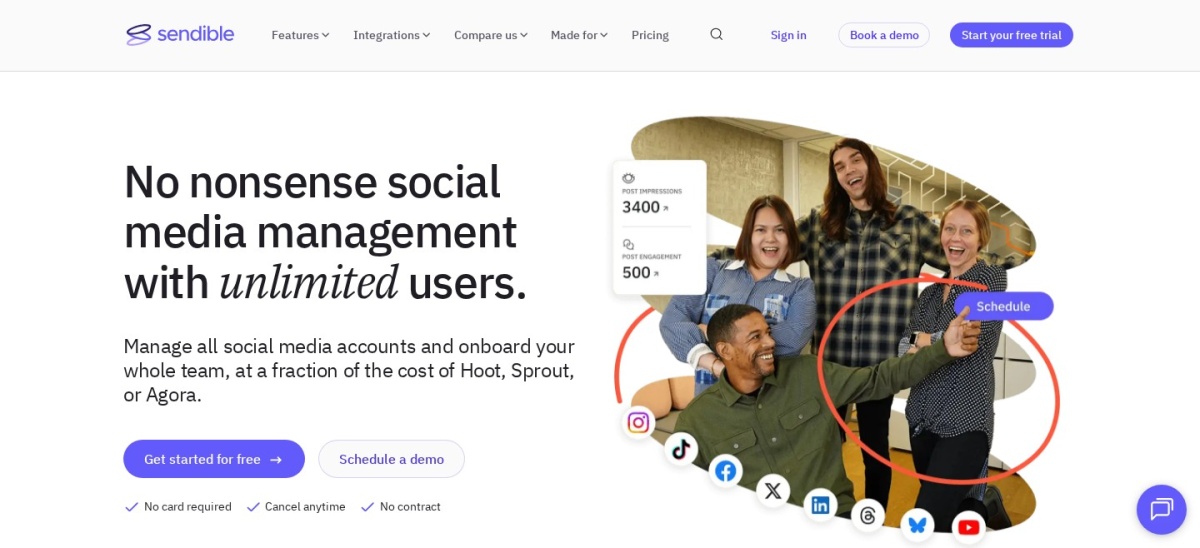
Sendible is a social media management tool aimed at agencies and small teams, with scheduling, analytics and client reporting. The Creator plan covers 6 social profiles and 1 user, with bulk scheduling, a shared calendar, reports and an inbox, so one person can run several client accounts.
The trade off is scale. Creator allows 6 profiles and 1 user, so growing agencies move to Traction, and the dashboard packs in a lot of features for a first-time user. It suits a small agency that needs client-ready reports at a fair price.
Posting without checking analytics is the most common mistake. If you never look at reach and clicks, you repeat the posts that did nothing.
The second mistake is ignoring replies. Social platforms reward accounts that answer quickly, so an inbox you never open drags down every post you publish.
The third is posting at random times. A scheduler with best-time suggestions, such as the tools above, costs little and fixes the timing in one move.
How we chose
We started from the social media management tools with the most G2 reviews and the strongest analytics, then kept nine that cover scheduling, reporting and engagement.
Prices come from each vendor's pricing page, checked on 29 November 2026, using the regular annual-billing rate. Ratings and review counts come from G2 on the same day. Where a vendor shows a sale, the list shows the regular price.
We left out tools without a public rating or a published price. No vendor paid for a place, and we do not claim hands-on testing for this list.
How to choose a tool to improve your social media performance
Start with the metric you want to move, then pick the tool that measures it best.
Pick one metric to improve. Reach, clicks, replies and follower growth need different reports. Choose the metric first so you buy reporting, not features.
Count your profiles and seats. Per-seat tools such as Sprout Social and Hootsuite get expensive with a team, while per-channel tools such as Buffer stay cheap for one person.
Check the free plan or trial. Buffer and Metricool have free plans, and every paid tool here offers a 14-day or 30-day trial. Use it to check the reports before paying.
Review the reports every week. A tool only improves performance if you act on its reports. Set a weekly slot to cut weak formats and repeat strong ones.
FAQ
What is the best way to improve your social media performance?
Use a tool with strong analytics, such as Sprout Social, and post at the best times for your audience. Its reports show which posts earn reach and replies, so you can repeat what works and stop what does not.
How much does it cost to improve social media performance?
You can start free with Buffer or Metricool, or pay from $5 per channel a month for Buffer Essentials. Full reporting tools cost more: Sprout Social starts at $79 a seat a month and Hootsuite at $99 a user a month.
Which tool is best for small businesses?
Buffer is the cheapest start, with a free plan for 3 channels and Essentials from $5 per channel a month. Metricool is the best budget analytics pick, with a free plan for 1 brand and Starter at $20 a month.
Is there a free tool to improve social media performance?
Yes. Buffer has a free plan for 3 channels with 10 scheduled posts per channel, and Metricool has a free plan for 1 brand with analytics. Both are enough to start measuring and improving posts.
Sprout Social vs Hootsuite: which is better for performance?
Sprout Social is better for reporting, with Optimal Send Times and detailed profile and post reports from $79 a seat a month. Hootsuite is better for listening and benchmarking, with competitor comparisons on its $99 Standard plan.
Do I need a paid tool to improve social media performance?
No, not at first. Free plans from Buffer and Metricool cover scheduling and basic analytics. A paid tool is worth it when you need deeper reports, a shared inbox or more profiles than the free plan allows.
SaaS SEO and WordPress specialist with about 8 years of experience. Rakib compares WordPress plugins, themes, hosting and software using public pricing, documentation and user reviews. See how we rank.