Genetec Security Center is the best VMS software for multi-site teams, unifying video, access control and intrusion at $149 per connection a year with a 4.4/5 G2 rating. Milestone XProtect suits open-platform sites that want to keep existing cameras, while Verkada fits teams that want cloud management without servers.
How we make this list: we compare pricing pages, product documentation and public user reviews, then re-check every price before each update. No product paid for a place. Disclosure.
Genetec unifies video, access control and intrusion at $149 per connection a year on Standard, with storage billed separately.
Milestone XProtect is the open-platform pick: $94 for a single-camera Express+ license and 4.5/5 across 92 G2 reviews.
Verkada and Rhombus need their own cameras and a license per camera, from $149 a year at Rhombus and $249 at Verkada.
Eagle Eye and Spot AI keep your existing cameras: Eagle Eye is rated 4.9/5 on G2, Spot AI 4.8/5.
Most enterprise VMS pricing is per camera and quote-based beyond the starting figures, so model camera count and retention before comparing.
How do you pick the right VMS software for several sites?
VMS software records camera feeds, stores the footage and lets staff search, review and share clips across sites. The choice that matters most is architecture: cloud, on-premise and hybrid systems differ more in daily work than in feature lists.
Camera compatibility comes next. Open platforms such as Milestone, Axxon One and Eagle Eye work with cameras you already own, while Verkada and Rhombus deliver the smoothest experience on their own cameras.
Per-camera pricing is the norm, so a headline rate means little without camera count and retention. A 100-camera site at $149 per camera a year costs $14,900 a year before hardware, storage and services.
AI search is the newest dividing line. Spot AI and Avigilon Unity find people, vehicles and events without scrubbing hours of footage, while simpler systems still rely on motion alerts and timelines.
Genetec Security Center homepage, captured Nov 2026.
Genetec Security Center is a unified security platform that combines video management with access control, intrusion monitoring and license plate recognition in one console. The SaaS edition lists video connections at $149 per connection a year on Standard, or $199 on Premium, with hardware sold separately.
The trade off is cost and channel. Storage is billed separately, from $149 a year for 30 days of 2MP retention, and deployment runs through certified partners rather than direct checkout. It suits airports, campuses, cities and large multi-site estates that need one console for video and doors.
What we like
Unifies video, access control and intrusion
Available as SaaS, on-premise or hybrid
Published per-connection list pricing
Strong multi-site federation and roles
Watch out for
Storage is an extra charge
Partner-led deployment, no direct checkout
On-premise pricing needs a quote
Premium at $199 per connection a year adds advanced featuresVisit genetec.com
02
Milestone XProtect
4.5/5on G2 (92 reviews, checked Nov 2026)
Starts at$94/cam
Best open-platform VMS for mixed cameras
DeploymentWindows server / hybrid
Devices17,000+ supported
G2 rating4.5 / 5 (92)
Entry license$19 base + $75/cam
milestonesys.com
Milestone XProtect homepage, captured Nov 2026.
Milestone XProtect is an open-platform video management system used across more than 500,000 customer sites worldwide. Published Express+ retail pricing starts with a $19 base license and $75 per camera device license, with optional annual Care Plus maintenance.
The trade off is upfront licensing and server overhead, since Express+ starts at $94 for a single camera before adding storage hardware or optional Care plans. It suits businesses that want broad camera compatibility and room to grow into multi-server tiers.
What we like
Supports 17,000+ devices and 1,000+ integrations
Perpetual licensing with optional Care Plus
Strong multi-site management and evidence tools
Rated 4.5 out of 5 across 92 G2 reviews
Watch out for
Needs Windows server hardware and storage planning
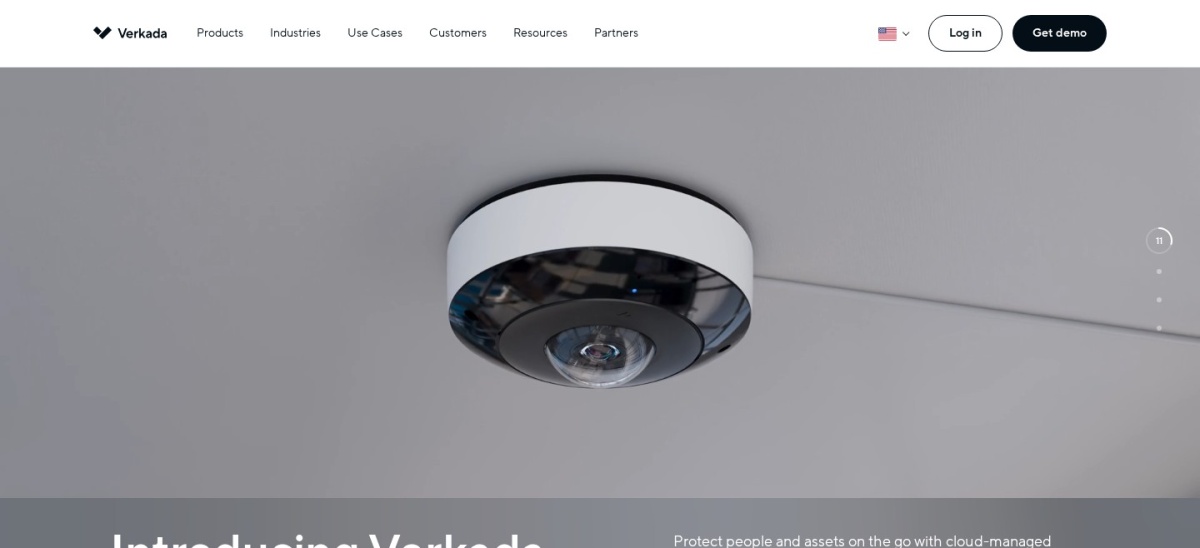
Verkada pairs its own cameras with the Command cloud platform, so video, access control, sensors and alarms share one dashboard. The 1-year camera license lists at $249, with lower annual rates on 3-, 5- and 10-year terms, and cameras store video on the device.
The trade off is lock-in and hardware cost. Verkada cameras are required, with hardware list prices from about $1,200, and every camera needs an active license. It suits schools, retail chains and offices that want cloud management with little on-site IT.
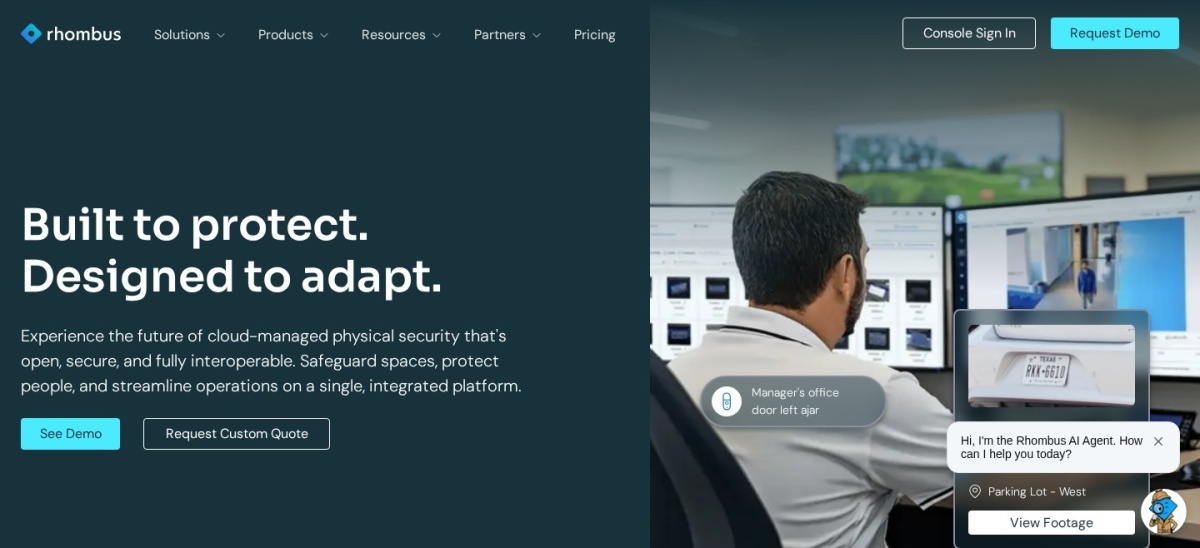
Rhombus is a cloud-managed physical security platform that combines cameras, access control, sensors and alarm monitoring in one console. The Professional license lists at $149 per camera per year, and camera hardware starts at $399 for the R120 mini dome.
The trade off is that AI analytics and cloud archiving need the Enterprise license at $649 per camera per year, and every camera needs an active license to operate. It suits distributed retail, schools and offices that want simple cloud management and fast setup.
What we like
Highest G2 review volume in this list, at 610
Intuitive cloud console and fast setup
Open API for integrations
10-year hardware warranty
Watch out for
AI features are locked to Enterprise
Proprietary cameras for most deployments
An ongoing license is needed per camera
Enterprise at $649 per camera a year adds AI and archivingVisit rhombus.com
05
Eagle Eye Networks
4.9/5on G2 (39 reviews, checked Nov 2026)
Starts at$15/cam/mo
Best cloud VMS for existing camera fleets
DeploymentCloud + bridge appliance
CamerasExisting ONVIF cameras
G2 rating4.9 / 5 (39)
Entry priceAbout $15 /cam/mo reported
een.com
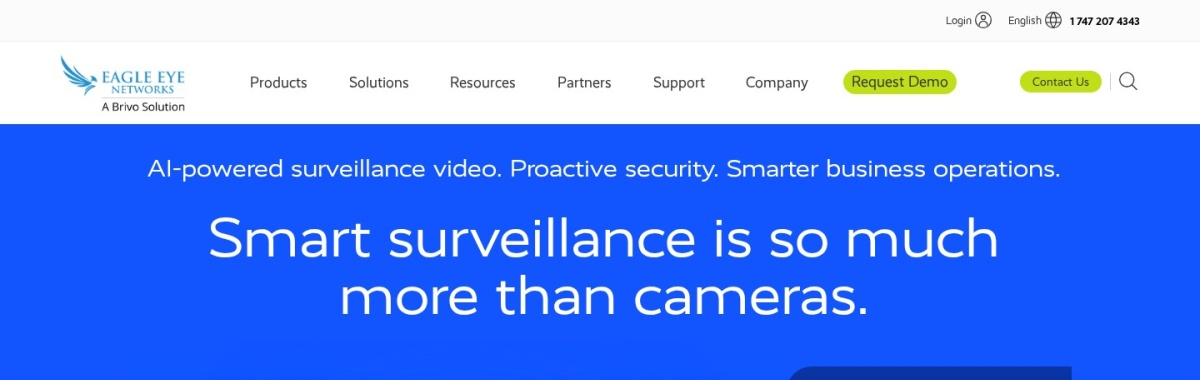
Eagle Eye Networks homepage, captured Nov 2026.
Eagle Eye Networks is a cloud video management service that connects existing ONVIF cameras through a bridge or CMVR appliance, so sites keep their cameras and move recording to the cloud. It is rated 4.9 out of 5 across 39 G2 reviews, the highest rating in this list.
The trade off is pricing transparency. Eagle Eye publishes no dollar list price, and reseller reports put entry cloud recording from about $15 per camera per month, rising with resolution and retention. It suits retail chains and restaurant groups replacing recorders across many sites.
What we like
Works with existing cameras from many brands
True cloud recording, no recorder per site
Browser and mobile access included
Highest G2 rating in this list
Watch out for
No published price list
Cost rises with retention length
A bridge appliance is needed at most sites
Longer retention and higher resolution raise the monthly rateVisit een.com
06
Spot AI
4.8/5on G2 (75 reviews, checked Nov 2026)
Starts at$1,500/yr
Best AI search layer for existing cameras
DeploymentCloud + on-site recorder
CamerasAny ONVIF / RTSP camera
G2 rating4.8 / 5 (75)
Starting plan$1,500 / yr (Basic)
spot.ai
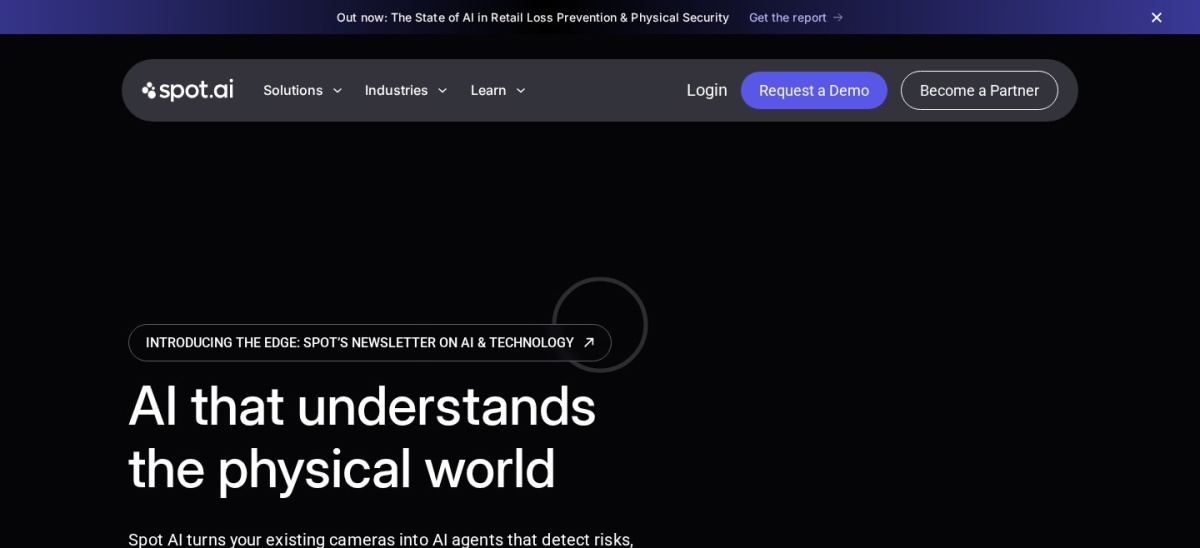
Spot AI homepage, captured Nov 2026.
Spot AI is a camera-agnostic video intelligence platform that layers cloud management, AI search and real-time alerts onto existing IP cameras. Its Basic plan is listed at $1,500 a year, and an on-site Intelligent Video Recorder is commonly packaged with the subscription.
The trade off is quote-based per-camera pricing beyond the starting plan, with third-party guides commonly citing about $99 per camera per month as a planning figure. It suits warehouses, manufacturers and retailers that want to search footage by person, vehicle or event.
What we like
Works with existing IP and analog cameras
AI search finds people, vehicles and events fast
Strong support ratings on G2
Rated 4.8 out of 5 across 75 G2 reviews
Watch out for
Per-camera rate needs a sales quote
A hardware recorder is usually bundled
Setup and indexing of footage take time
Paid tiers add more AI agents and longer retentionVisit spot.ai
07
Avigilon Unity Video
4.4/5on G2 (20 reviews, checked Nov 2026)
Starts at$317/cam
Best VMS for analytics-led investigations
DeploymentOn-premise / cloud (Alta)
CamerasBest on Avigilon cameras
G2 rating4.4 / 5 (20)
Channel licenseAbout $317, reseller MSRP
avigilon.com
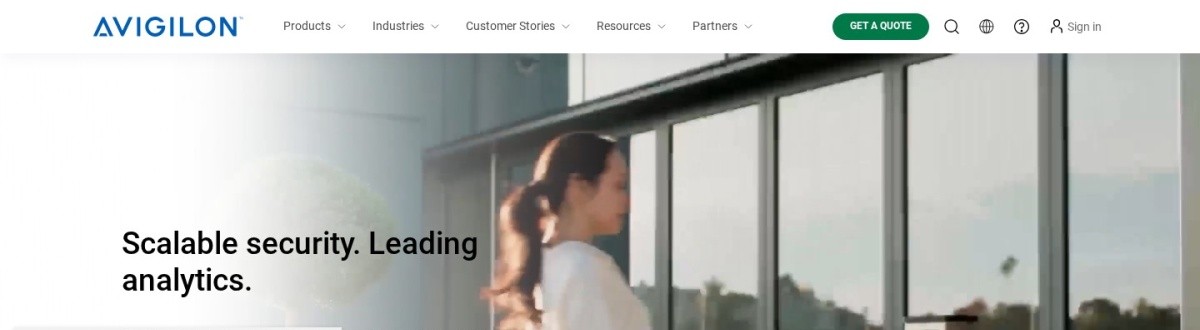
Avigilon Unity Video homepage, captured Nov 2026.
Avigilon Unity Video, from Motorola Solutions, combines on-premise recording with AI analytics such as appearance search and unusual activity detection. It comes in Core, Standard and Enterprise editions, with optional Smart Assurance plans for software updates.
The trade off is quote-based pricing. Reseller listings show an Enterprise camera-channel license around $317 at list, before cameras, storage and analytics modules. It suits security teams that investigate incidents with appearance and motion search.
What we like
Appearance search speeds up investigations
Unifies video with access control
Strong analytics depth for enterprises
Established support channel via Motorola
Watch out for
Official pricing needs a quote
Thinnest G2 footprint here, at 20 reviews
A dated interface is noted in reviews
Alta is the cloud version for sites that want less hardwareVisit avigilon.com
08
Axxon One
4.6/5on Capterra (14 reviews, checked Nov 2026)
Starts at$95/cam
Best value open-platform VMS with AI
DeploymentOn-premise / hybrid
CamerasONVIF, multi-vendor
Capterra rating4.6 / 5 (14)
LicenseProfessional, about $95/cam
axxonsoft.com
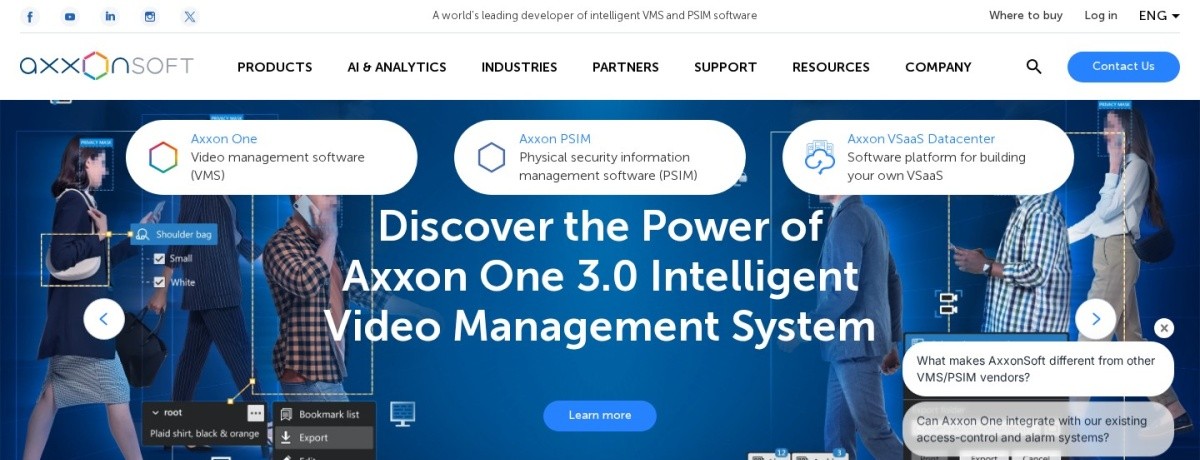
Axxon One homepage, captured Nov 2026.
Axxon One is an open-platform video management system from AxxonSoft with built-in AI analytics, multi-site surveillance and access-control integrations. Reseller listings show Professional camera licenses from about $95, with Enterprise at about $195.
The trade off is a smaller support footprint than Genetec or Milestone, and AI feature packs and connectors are sold separately. It suits mid-size teams that want open-platform video with analytics without enterprise VMS pricing.
What we like
Open platform for multi-vendor cameras
AI analytics included in the core product
Low entry license cost
Rated 4.6 out of 5 on Capterra
Watch out for
Only 14 Capterra reviews
AI packs and connectors cost extra
Enterprise discounts need a partner quote
Enterprise and Unified tiers add more analytics and connectorsVisit axxonsoft.com
Cloud vs on-premise: which fits your sites
Cloud VMS suits distributed sites with little on-site IT. Verkada, Rhombus and Eagle Eye move recording and administration to the vendor, and operators manage every site from a browser.
On-premise VMS suits sites that must keep footage local or already own servers. Milestone, Avigilon Unity and Axxon One record on your hardware, which keeps data on site but adds server and storage work.
Hybrid is the middle path. Genetec and Eagle Eye both mix local recording with cloud management, so a site keeps footage locally while head office watches every location from one login.
How we chose
We started from the video management systems that top independent comparisons and G2's video surveillance category, then kept those with a public numeric rating and a verifiable starting price or list figure.
Prices and ratings were checked on 30 November 2026. Ratings come from G2, except Axxon One, which uses Capterra. Where a vendor publishes no list price, the list says so and uses the reseller figure buyers most often cite.
We left out systems with no verifiable public rating, including ExacqVision and Hanwha WAVE. No vendor paid for a place, and we do not claim to have used these tools ourselves.
How to choose VMS software for your sites
Start with camera count and whether your current cameras stay, then compare quotes for the same setup.
Count cameras and sites first. Per-camera pricing means the total follows camera count, not seat count. List every camera, its resolution and how long footage must be kept before shortlisting.
Decide whether existing cameras stay. If they stay, shortlist open or camera-agnostic systems such as Milestone, Eagle Eye or Spot AI. If you will replace cameras anyway, compare Verkada and Rhombus on total hardware plus license cost.
Check retention and storage costs. Storage is often billed apart from the license. Confirm the price for your retention period at your camera resolution, since longer retention can multiply the bill.
Ask for a written quote before deciding. Most enterprise VMS pricing is partner-quoted, so compare written quotes for the same camera count, retention and term, and confirm what AI features each tier includes. Give every operator account two-factor login, as our two-factor authentication guide explains.
FAQ
What is the best VMS software in 2026?
Genetec Security Center is the best VMS software for most multi-site teams in 2026. It unifies video, access control and intrusion in one console, lists video connections at $149 a year on Standard, and is rated 4.4 out of 5 on G2.
How much does VMS software cost?
Most VMS software is priced per camera. Starting figures in this list run from $94 one-time for a single Milestone camera license to $149 per camera a year at Genetec and Rhombus, with hardware, storage and installation on top.
Is there a free VMS software option?
No tool in this list has a usable free plan for business sites. Free VMS options exist for home and lab use, such as self-hosted open-source tools, but they need your own server, storage and maintenance.
Which VMS software is best for small teams?
Rhombus is the easiest starting point for small teams that want cloud management, with a $149 per camera yearly license and fast setup. Axxon One is the budget open-platform pick at about $95 per camera license.
Genetec vs Milestone: which VMS should I pick?
Pick Genetec if you want video, access control and intrusion in one console with cloud or on-premise deployment. Pick Milestone if you want an open platform that keeps your existing mixed-brand cameras and grows into multi-server tiers.
Does VMS software work with my existing cameras?
It depends on the platform. Milestone, Eagle Eye, Spot AI and Axxon One work with most ONVIF and RTSP cameras you already own. Verkada and Rhombus work best, and mostly only, with their own cameras.
SaaS SEO and WordPress specialist with about 8 years of experience. Rakib compares WordPress plugins, themes, hosting and software using public pricing, documentation and user reviews. See how we rank.