The Events Calendar Alternatives in 2026: 7 Best Tools Compared
WLWPLegible EditorsLast verified 22 Nov 2026How we rank12 min read
★ Short answer
Eventin is the best The Events Calendar alternative for organizers who need registrations and ticket sales, with 10,000+ active installations and a 4.7/5 WordPress.org rating. Events Manager offers recurring events and bookings in its free version, while Sugar Calendar suits sites wanting simpler calendar management and a built-in migration option.
How we make this list: we compare pricing pages, product documentation and public user reviews, then re-check every price before each update. No product paid for a place. Disclosure.
Eventin has 10,000+ active installations and a 4.7/5 rating from 416 ratings. Its Standard plan regularly costs $99/year for 2 domains.
Events Manager has 60,000+ active installations and includes recurring events and booking management for free. Pro regularly costs $129/year.
Sugar Calendar has 10,000+ active installations and a 4.5/5 rating from 24 ratings. Basic costs $99/year at its regular price.
My Calendar has 20,000+ active installations and a 4.7/5 rating from 159 ratings. Pro costs $69/year for 3 sites.
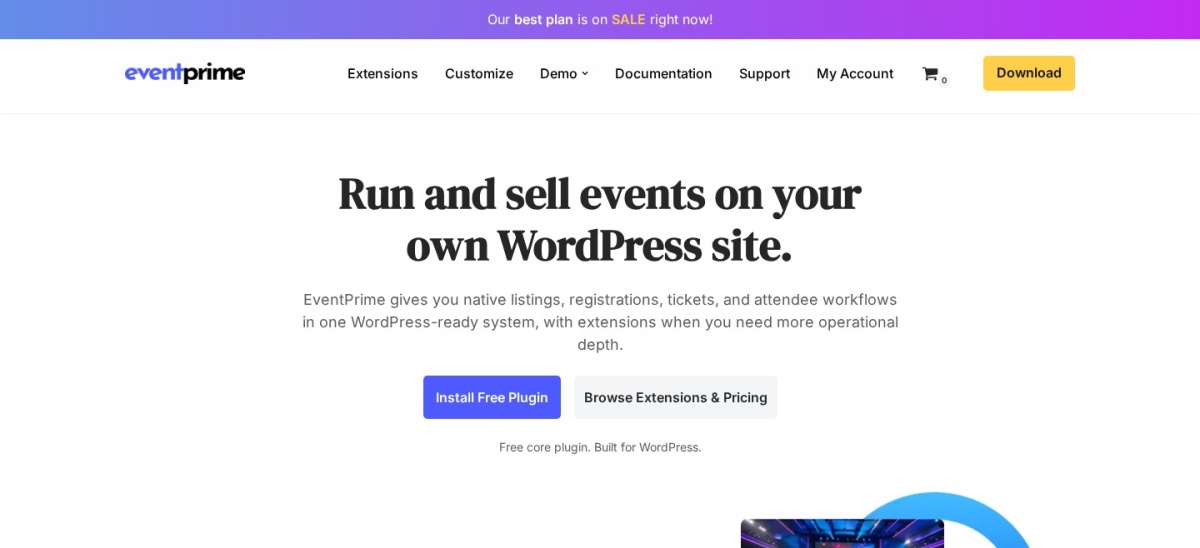
EventPrime has 7,000+ active installations and a 4.4/5 rating from 86 ratings. Its Essential single-site package costs $69.
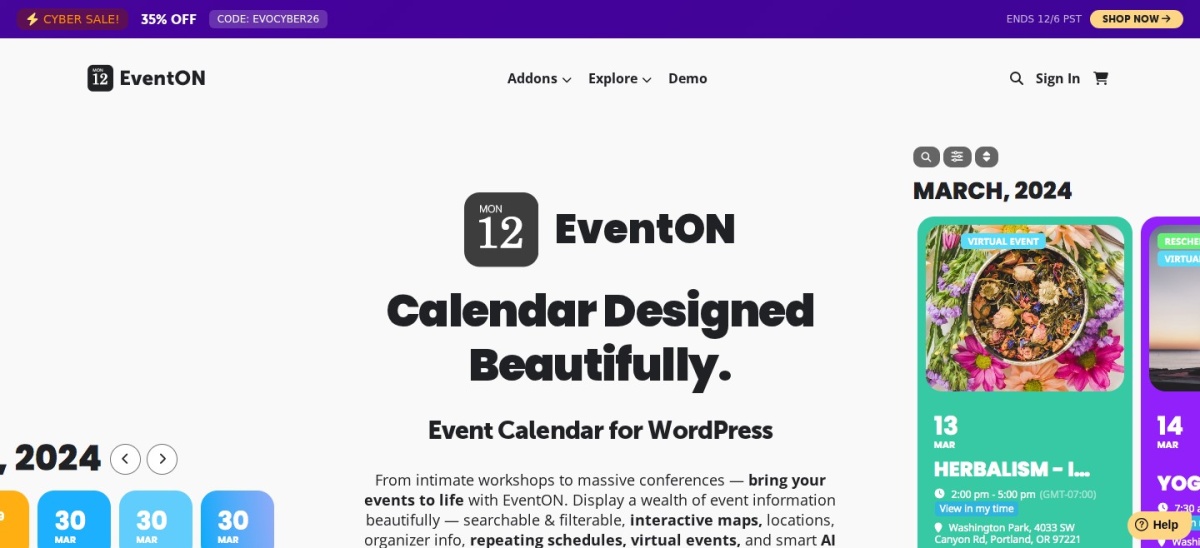
EventON Lite has 6,000+ active installations and a 4.1/5 rating from 44 ratings. Its commercial version has been listed at $50 on CodeCanyon.
What to look for in a The Events Calendar alternative
The Events Calendar is a WordPress event-management plugin for publishing schedules, venues and event details. Alternatives differ in their support for recurring events, registrations, paid tickets, community submissions and calendar customization.
Start by deciding whether you need a public event calendar or a complete event registration system. Publishing event dates is relatively straightforward, while selling tickets requires payment processing, attendee records, booking limits and cancellation rules.
Recurring events are another important difference. Some plugins include repeating schedules in their free versions, while others require a paid upgrade. Check whether recurring event instances can have separate dates, capacities and booking settings.
If visitors will buy tickets, compare payment gateways, ticket types, QR code check-in and WooCommerce compatibility. Eventin and EventPrime are more focused on ticketing, while My Calendar emphasizes accessible public event listings.
Finally, examine migration tools and regular renewal prices. Moving away from The Events Calendar may require importing events, rebuilding display templates and redirecting old event URLs.
4.7/5on WordPress.org (416 reviews, checked Nov 2026)
Paid from$99/yr
Best overall The Events Calendar alternative
Active installs10K+
Recurring eventsSupported
Standard license2 domains
Paid plan$99/yr
themewinter.com
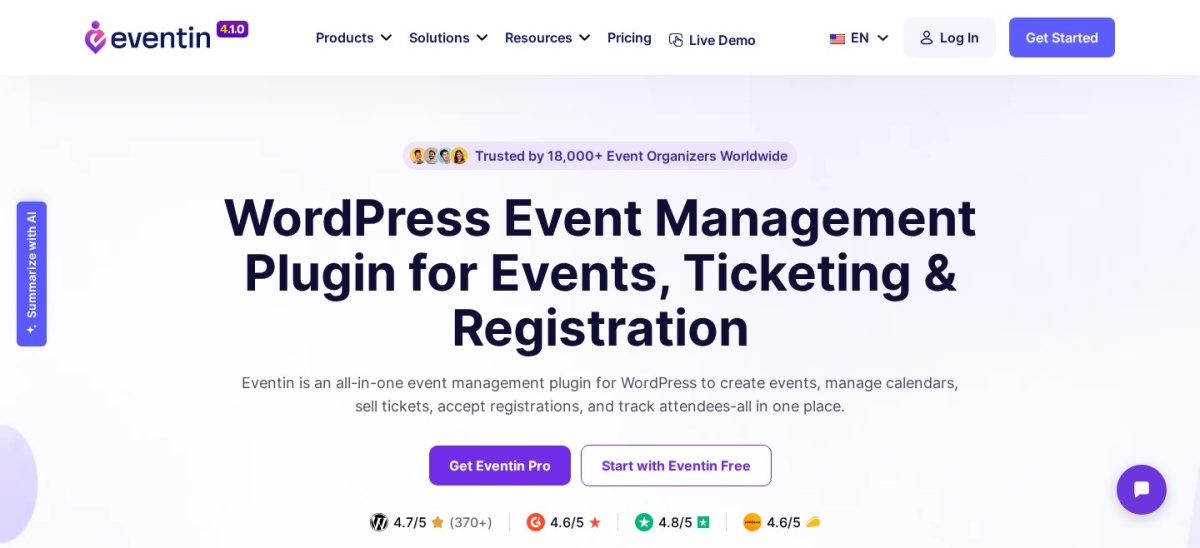
Eventin homepage, captured Nov 2026.
Eventin is a WordPress event-management plugin with 10,000+ active installations and a 4.7/5 rating from 416 ratings. Its free version includes event calendars, recurring events, registration, ticketing and attendee management. It supports WooCommerce and direct payment workflows, making it suitable for events that need more than a public schedule.
The trade off is that advanced ticket customization, automation, waiting lists and additional event-management controls require Pro. Standard regularly costs $99 per year for 2 domains, although a $69 promotional price is advertised. It suits organizers running conferences, workshops and ticketed events who want registrations and calendar management together.
What we like
Free event registration and ticketing features
Recurring event support
WooCommerce integration
Premium QR code check-in and waiting lists
Standard license covers 2 domains
Watch out for
Advanced attendee tools require Pro
Additional configuration for payment integrations
More features to manage than a basic calendar plugin
Standard adds premium ticketing, templates, QR check-in, waiting lists and automation.Visit themewinter.com
02
Events Manager
4.2/5on WordPress.org (553 reviews, checked Nov 2026)
Paid from$129/yr
Best for free recurring events and bookings
Active installs60K+
Free recurring eventsYes
Free bookingsIncluded
Paid plan$129/yr
wp-events-plugin.com
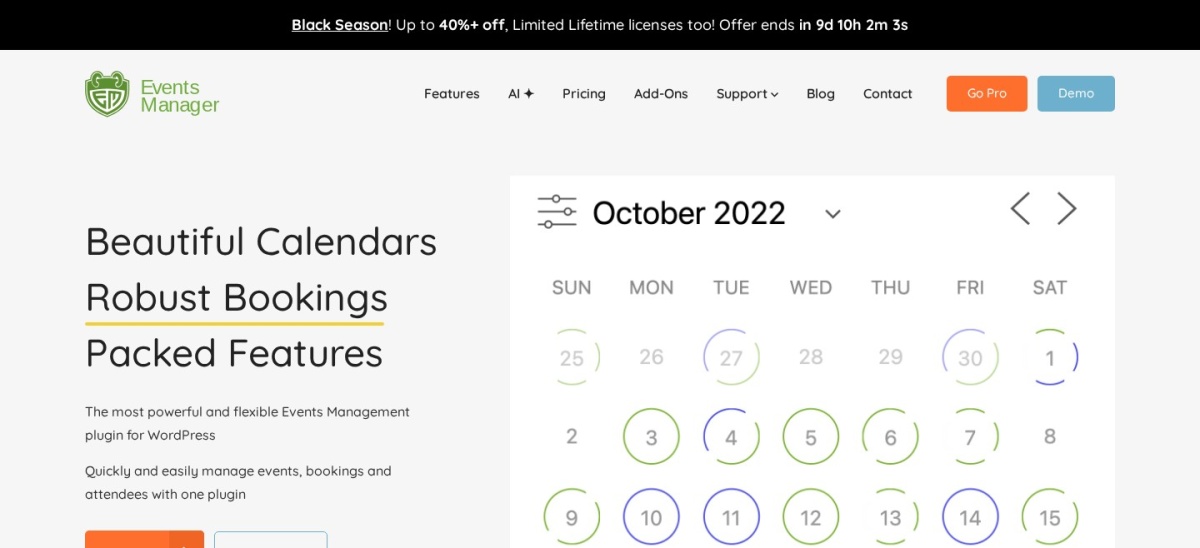
Events Manager homepage, captured Nov 2026.
Events Manager is a WordPress events and bookings plugin with 60,000+ active installations and a 4.2/5 rating from 553 ratings. Its free version includes recurring events, locations, calendars, bookings and event categories. It also supports managing event availability and visitor registrations without requiring the Pro edition.
The trade off is that advanced booking forms, payment handling and premium support require paid upgrades. Events Manager Pro regularly costs $129 per year, with a temporary $89 Black Friday offer. It suits clubs, community organizations and venues that need recurring schedules and registration controls without paying for basic booking functionality.
What we like
Recurring events available in the free plugin
Free booking and registration management
Location and category support
Established plugin with frequent updates
Premium options for payments and advanced bookings
4.5/5on WordPress.org (24 reviews, checked Nov 2026)
Paid from$99/yr
Best for simple calendars and migration
Active installs10K+
MigrationThe Events Calendar importer
Basic license1 site
Paid plan$99/yr
sugarcalendar.com
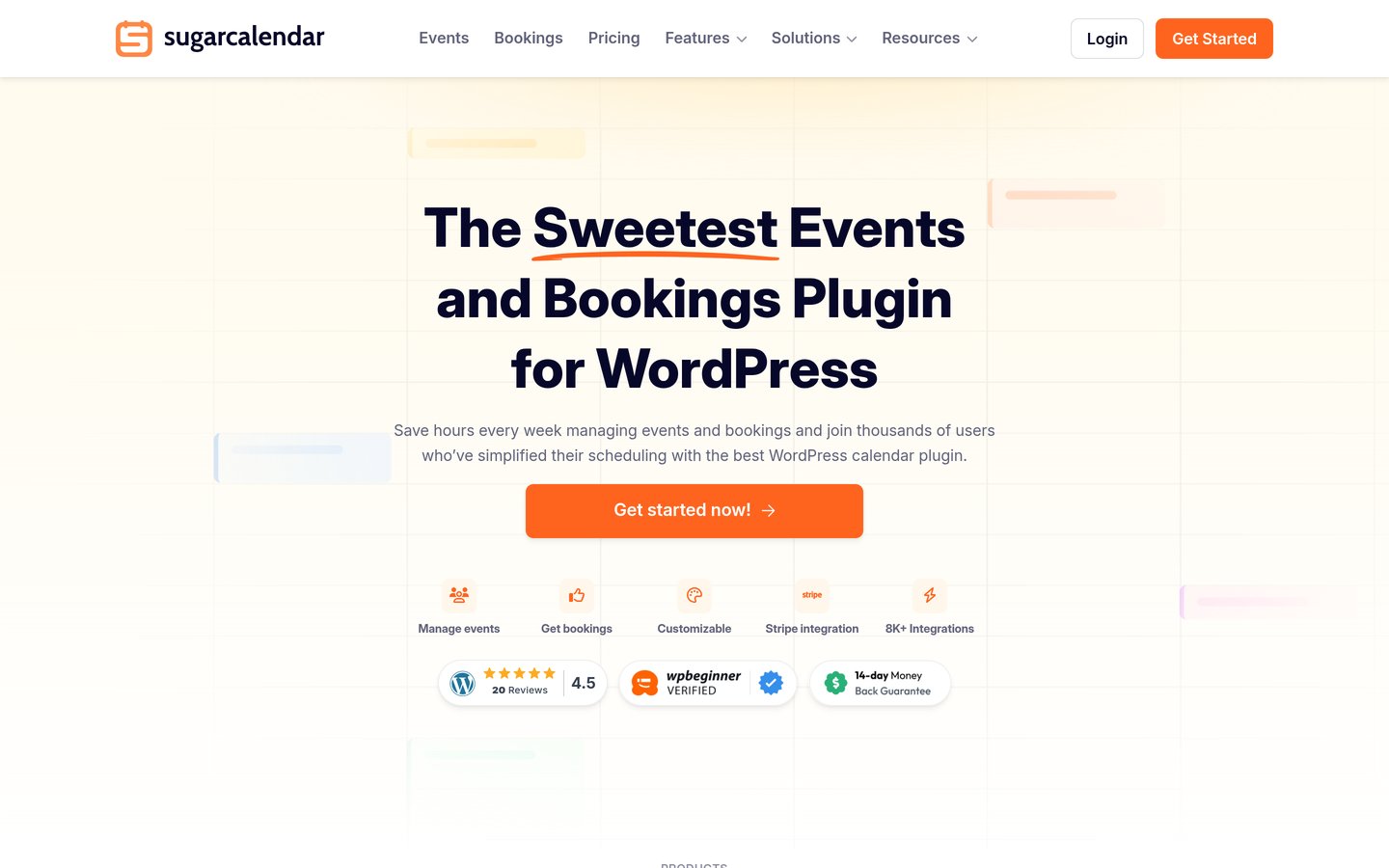
Sugar Calendar homepage, captured Nov 2026.
Sugar Calendar is a WordPress event calendar plugin with 10,000+ active installations and a 4.5/5 rating from 24 ratings. Its free version provides event creation, calendar displays and essential event-management controls. The paid Basic plan includes recurring schedules, registration forms, event tickets and an importer designed for The Events Calendar.
The trade off is that advanced RSVP management, multiple ticket types and WooCommerce ticketing require higher plans. Basic regularly costs $99 per year for one website, although a $39.60 promotional offer is currently advertised. It suits website owners who want straightforward event publishing and a migration path from The Events Calendar.
What we like
Simple event creation workflow
Importer for The Events Calendar
Paid recurring events and registration forms
WordPress block editor integration
Built-in event ticketing options
Watch out for
Recurring events require a paid plan
RSVP management requires Plus or higher
Advanced ticketing features cost more
Smaller public review sample than established competitors
4.7/5on WordPress.org (159 reviews, checked Nov 2026)
Paid from$69/yr
Best for accessible community calendars
Active installs20K+
AccessibilityPrimary focus
Pro license3 sites
Paid plan$69/yr
joedolson.com
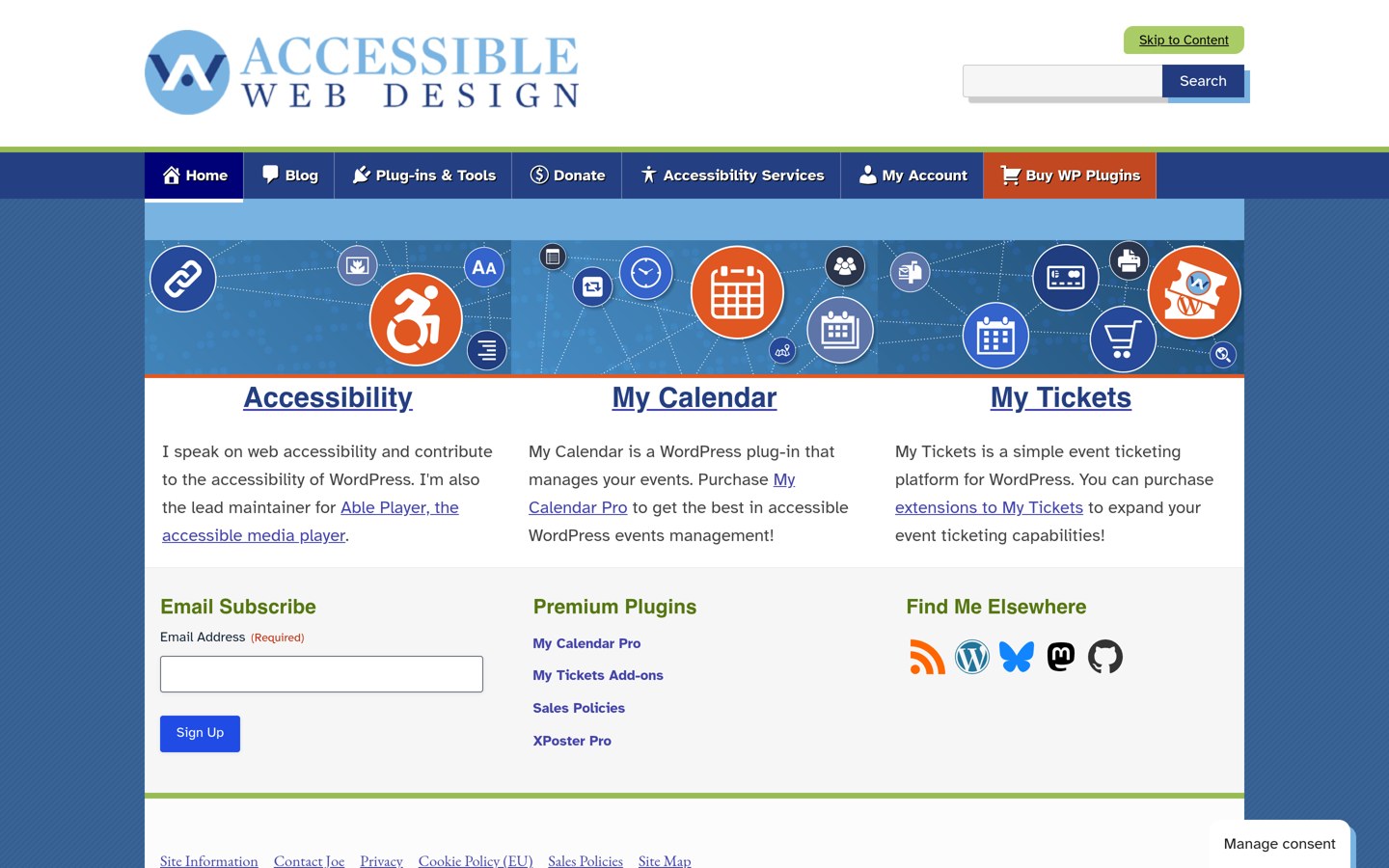
My Calendar homepage, captured Nov 2026.
My Calendar is an accessibility-focused WordPress event-management plugin with 20,000+ active installations and a 4.7/5 rating from 159 ratings. Its free version supports recurring events, locations, categories, multiple calendar displays and customizable event templates. The plugin emphasizes accessible navigation and calendar presentation for visitors.
The trade off is that front-end event submissions, advanced searching, custom submission fields and external calendar imports require Pro. The Site Owners plan costs $69 per year for 3 websites. It suits community organizations, libraries and public-facing websites that prioritize accessible calendars over integrated ticket sales.
What we like
Accessibility-focused event presentation
Free recurring events and multiple calendar views
Location and category management
Pro includes community event submissions
Annual license covers 3 websites
Watch out for
Ticket sales require separate functionality
Advanced external imports require Pro
Less focused on commercial event ticketing
Pro adds event submissions, custom fields, imports, advanced search and multisite sharing.Visit joedolson.com
05
EventPrime
4.4/5on WordPress.org (86 reviews, checked Nov 2026)
Paid from$69 one-time
Best for event booking and attendee management
Active installs7K+
Free ticketingIncluded
Essential license1 site
Paid package$69 one-time
theeventprime.com
EventPrime homepage, captured Nov 2026.
EventPrime is a WordPress event calendar and booking plugin with 7,000+ active installations and a 4.4/5 rating from 86 ratings. Its free core includes event listings, calendars, booking, checkout and attendee management. It supports venues, organizers and event ticketing, with extensions available for specialized requirements.
The trade off is that premium extensions and more advanced event-management features require additional purchases or packages. The Essential single-site package is listed at $69, including a year of updates and support. It suits event organizers seeking built-in ticketing and modular extensions rather than relying on a separate ticketing system.
What we like
Free event bookings and ticketing
Venue and organizer management
Calendar and event listing layouts
Premium extensions for specialized features
Essential package has a one-time purchase price
Watch out for
Some features require additional extensions
Smaller installation base than Events Manager
Support and updates have a defined license term
Extension choices can complicate planning
Essential adds premium event-management extensions and a year of updates and support.Visit theeventprime.com
06
EventON
4.1/5on WordPress.org (44 reviews, checked Nov 2026)
Paid from$50 one-time
Best for visually customizable event calendars
Active Lite installs6K+
Premium marketplaceCodeCanyon
Recurring eventsSupported
Listed paid price$50 one-time
myeventon.com
EventON homepage, captured Nov 2026.
EventON is a visual WordPress event calendar plugin whose Lite edition has 6,000+ active installations and a 4.1/5 rating from 44 ratings. The plugin emphasizes customizable event cards, calendar displays, event locations and organizers. Its commercial edition provides additional layouts, repeating schedules and event presentation controls.
The trade off is that ticketing, RSVP management and specialized event features may require additional paid add-ons. The commercial version has been listed at $50 for a regular CodeCanyon license, with separate support and extension costs possible. It suits organizers who prioritize distinctive event layouts and customization over basic calendar administration.
What we like
Customizable event cards and layouts
Free Lite edition available
Commercial recurring event functionality
Location and organizer information
Separate extensions for ticketing and RSVPs
Watch out for
Advanced functionality depends on paid add-ons
Core purchase does not include every extension
Less comprehensive booking management than Eventin
Commercial licensing and support terms need checking
The commercial edition expands layouts, event-card controls and recurrence features.Visit myeventon.com
07
WP Event Manager
4/5on WordPress.org (251 reviews, checked Nov 2026)
Paid from$99/yr
Best for community-submitted event directories
Active installs20K+
Front-end submissionsIncluded
Entry bundleEvent Manager Plus
Published starting price$99/yr
wp-eventmanager.com
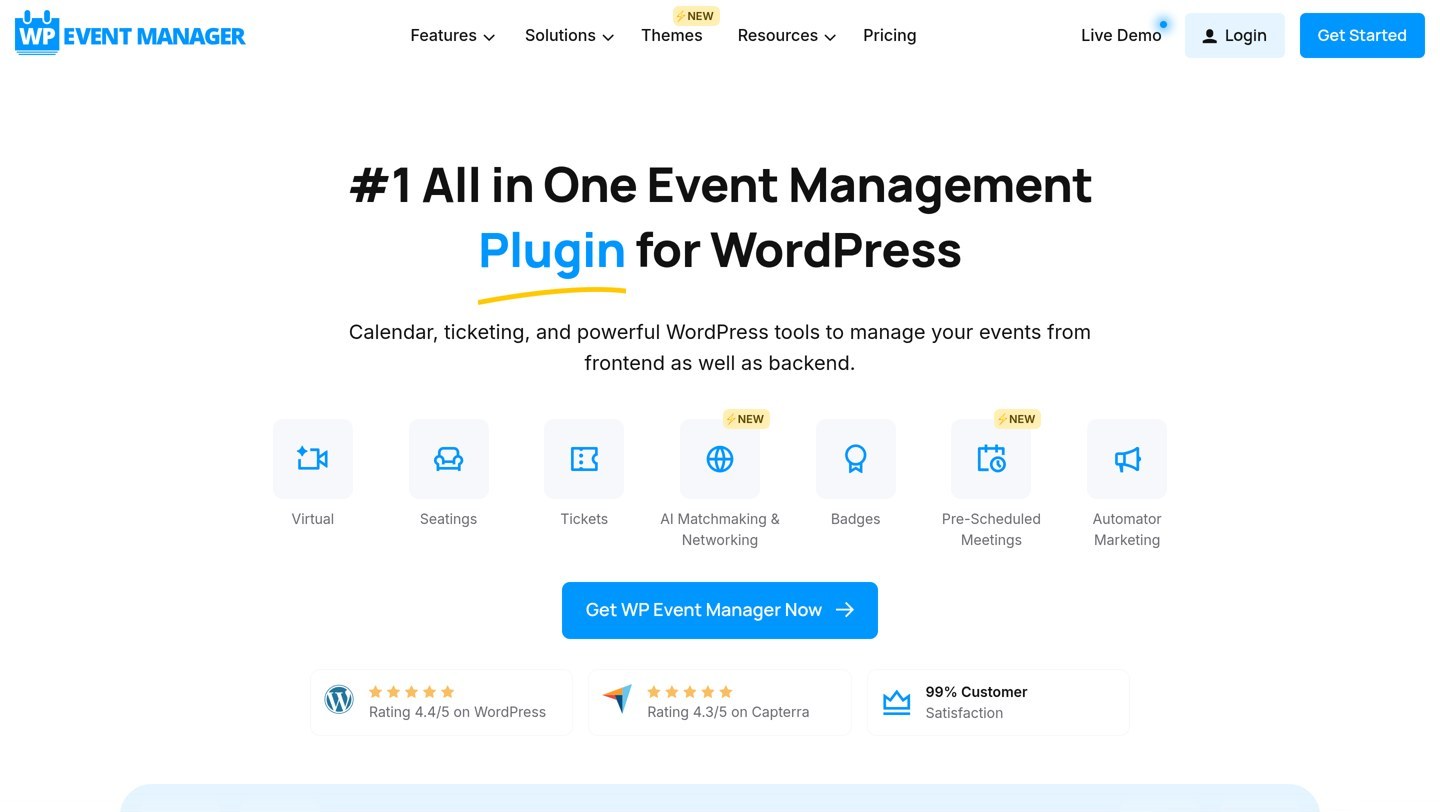
WP Event Manager homepage, captured Nov 2026.
WP Event Manager is a WordPress event listing plugin with 20,000+ active installations and a 4.0/5 rating from 251 ratings. Its free core supports event listings, front-end submission forms, categories, locations and event management. Organizers can submit events without needing administrator access to the WordPress dashboard.
The trade off is that full calendar displays, recurring events, ticket sales and additional integrations are provided through premium add-ons. The vendor advertises event-management bundles starting at $99 per year, with separate feature bundles available. It suits community directories and event listing websites that need submissions from multiple organizers.
What we like
Free front-end event submission
Useful for community and directory websites
Event categories and location management
Modular premium extensions
Paid calendar, ticketing and recurring event functionality
Watch out for
Calendar views require a paid extension
Ticketing and recurrence are separate premium features
Complete functionality can require a larger bundle
Lower WordPress.org rating than several competitors
Do you need an event calendar or a complete ticketing system?
A basic events calendar publishes dates, descriptions, venues and schedules. It works for public announcements, community meetings and informational event listings where visitors do not need to reserve seats.
A ticketing system adds registrations, payment processing, inventory limits and attendee management. Organizers may also need tickets with QR codes, check-in records and cancellation policies.
Eventin and EventPrime offer event booking and ticketing functionality alongside their calendars. Events Manager also supports bookings in its free edition, with more advanced payment features available through Pro.
My Calendar is more appropriate for accessible event listings and community calendars. Its Pro edition supports public submissions and imports, but commercial ticketing requires separate functionality.
Choose the smallest system that covers your operational needs. Installing a complex ticketing platform for a simple public schedule introduces unnecessary configuration and maintenance.
How to migrate events from The Events Calendar
Before replacing your event plugin, create a complete WordPress backup and export existing event data. Include event dates, descriptions, categories, venues, organizers and any registration information you need to preserve.
Check whether the replacement has a dedicated importer. Sugar Calendar provides an import path for The Events Calendar, while other products may require CSV files, ICS exports or their own migration extensions.
Recurring events require special attention. Verify recurrence rules, exceptions, time zones and individual event instances after importing. Different plugins may store repeating schedules differently.
If your website sells tickets, review existing orders, attendee registrations, payment gateways and confirmation emails. Event imports do not necessarily transfer transaction or booking records.
Finally, preserve important event URLs or configure redirects. Check calendar displays, event schema, internal links and sitemap output before disabling the previous plugin.
How we chose
We selected established WordPress event calendar and event-management products that provide meaningful alternatives to The Events Calendar. Candidates were compared for recurring events, calendar displays, event registration, ticketing, venues, public submissions, accessibility and migration capabilities.
WordPress.org ratings, review totals, active installations and maintenance information were checked on 22 Nov 2026. Official vendor pricing pages were reviewed for paid plans, licensing and included features. Regular prices were prioritized over advertised discounts, and one-time purchases were distinguished from annual subscriptions.
We excluded closed or outdated plugins, products without a discoverable paid offering and options with insufficient adoption or public feedback. We also distinguished calendar-only tools from complete ticketing systems when evaluating suitability. No vendor paid for a place, and we do not claim testing for this list.
How to choose the right The Events Calendar alternative
Compare your current event-management requirements with each plugin's calendars, booking tools and migration capabilities before making the switch.
Identify whether you need bookings or only event listings. Choose Eventin or EventPrime if registrations and ticket sales matter. Events Manager provides extensive free booking tools, while My Calendar is better suited to accessible public calendars and community schedules.
Check recurring events and calendar views. Review which repeating schedules are available without payment and how visitors navigate upcoming events. Check month, week, list and single-event views, along with venue filters and time zone handling.
Compare regular prices and necessary extensions. Eventin Standard and Sugar Calendar Basic regularly cost $99 annually, while My Calendar Pro costs $69 per year. Check whether ticketing, advanced RSVPs, calendar layouts and integrations are included in the entry license.
Test migration before disabling the original plugin. Export events, import a sample into the replacement and confirm dates, recurrence, locations, categories and URLs. Verify booking records and payment workflows separately, then finish the migration only after the calendar displays correctly.
FAQ
What is the best alternative to The Events Calendar?
Eventin is the strongest overall choice for organizers needing calendars, ticket sales, registration and attendee management. Events Manager is better for free recurring events and bookings, while Sugar Calendar provides a simpler calendar workflow and a dedicated importer for existing The Events Calendar data.
Is there a free alternative to The Events Calendar?
Yes. Eventin, Events Manager, Sugar Calendar, My Calendar, EventPrime, EventON Lite and WP Event Manager all offer free WordPress plugins. Their capabilities differ considerably. Events Manager provides free recurring events and bookings, while My Calendar emphasizes accessible event displays and recurring schedules.
Which alternative supports recurring events for free?
Events Manager, My Calendar and Eventin support recurring events in their free editions. Sugar Calendar provides flexible recurring schedules through its paid Basic plan. Before migrating, confirm that the replacement handles exceptions, individual dates and the recurrence patterns used by your existing events.
Which alternative is best for selling event tickets?
Eventin is a strong option because it combines event registration, ticketing, WooCommerce integration and attendee management. EventPrime also includes booking and ticketing in its free core. For either plugin, review payment gateways, ticket types, attendee limits and check-in requirements before switching.
Can I migrate events from The Events Calendar to Sugar Calendar?
Yes. Sugar Calendar documents a dedicated migration feature for The Events Calendar. Its Basic plan also includes event import functionality. Create a backup before importing and verify recurring dates, categories, venues and URLs afterward. Existing transactions or ticket records may require separate handling.
Which alternative is best for community event submissions?
WP Event Manager is designed around front-end event submissions and listings. My Calendar Pro also supports visitor-submitted events, custom forms and public calendar management. Choose based on whether you want a searchable event directory or a more traditional community calendar.
What is the cheapest paid The Events Calendar alternative?
EventON's commercial edition has been listed at $50 as a one-time CodeCanyon purchase, although additional extensions can increase the total cost. My Calendar Pro is $69 annually, while EventPrime Essential has a $69 single-site package. Compare the included features and update terms before purchasing.
Will switching event calendar plugins hurt SEO?
Changing plugins does not automatically reduce rankings, but event URLs, structured data and internal links can change. Preserve existing event pages where possible and create redirects when necessary. After migration, inspect event schema, canonical tags, recurring event URLs and sitemap entries.
Which plugin is best for accessible event calendars?
My Calendar is specifically designed with accessibility in mind. It supports keyboard-friendly calendar navigation, recurring events, configurable displays and accessible event information. Its Pro edition adds front-end submissions and advanced event searching, making it useful for organizations that publish community schedules.