Bookly Alternatives in 2026: 7 Best Tools Compared
WLWPLegible EditorsLast verified 22 Nov 2026How we rank12 min read
★ Short answer
LatePoint is our top Bookly alternative, with 100,000+ active WordPress installs, free appointment payments and a Pro plan that regularly costs $99/year. FluentBooking is better for unlimited host calendars and online meetings at $79/year, while Simply Schedule Appointments offers straightforward scheduling with a 5/5 WordPress.org rating.
How we make this list: we compare pricing pages, product documentation and public user reviews, then re-check every price before each update. No product paid for a place. Disclosure.
LatePoint has 100K+ active installs and a 4.9/5 rating from 109 WordPress.org reviews. Pro renews at $99/year for one site.
FluentBooking starts at a regular $79/year for one site, with unlimited hosts, unlimited calendars and payment integrations.
Simply Schedule Appointments has 50K+ active installs and a 5/5 rating from 155 reviews. Plus renews at $129/year.
MotoPress Appointment Booking costs $49/year for one site and supports multiple services, employees, locations and group bookings.
WP Booking Calendar has 40K+ active installs and a 4.8/5 rating from 657 reviews. Its Personal edition normally costs $79 one-time.
Booknetic holds a 4.91/5 CodeCanyon rating from 471 reviews, with 10,782 marketplace sales and a $299 regular license.
What to look for in a Bookly alternative
Bookly is a WordPress appointment-booking plugin for businesses that schedule services, employees and customer visits. A suitable alternative should support your existing booking workflow without requiring an expensive collection of add-ons.
Start with staff scheduling. Some plugins include multiple employees and calendars in their free versions, while others reserve team scheduling for higher paid plans. Check whether staff can set individual working hours, breaks, holidays and availability.
Next, consider online payments and customer communication. Stripe, PayPal, deposits, automated reminders and cancellation links can reduce manual administration, but their availability differs between free and premium editions.
Calendar synchronization is also important. A booking plugin may display appointments inside WordPress without synchronizing availability with Google Calendar or Outlook. Check whether synchronization works in both directions before buying.
Finally, compare regular pricing and licenses. Annual subscriptions, lifetime purchases and paid add-ons have different long-term costs. Look beyond the entry price if your business needs multiple locations, recurring appointments or advanced integrations.
4.9/5on WordPress.org (109 reviews, checked Nov 2026)
Paid from$99/yr
Best Bookly alternative overall
Free appointmentsUnlimited
Free paymentsStripe, PayPal, Razorpay
Pro staff managementMultiple agents
Paid license1 site
latepoint.com
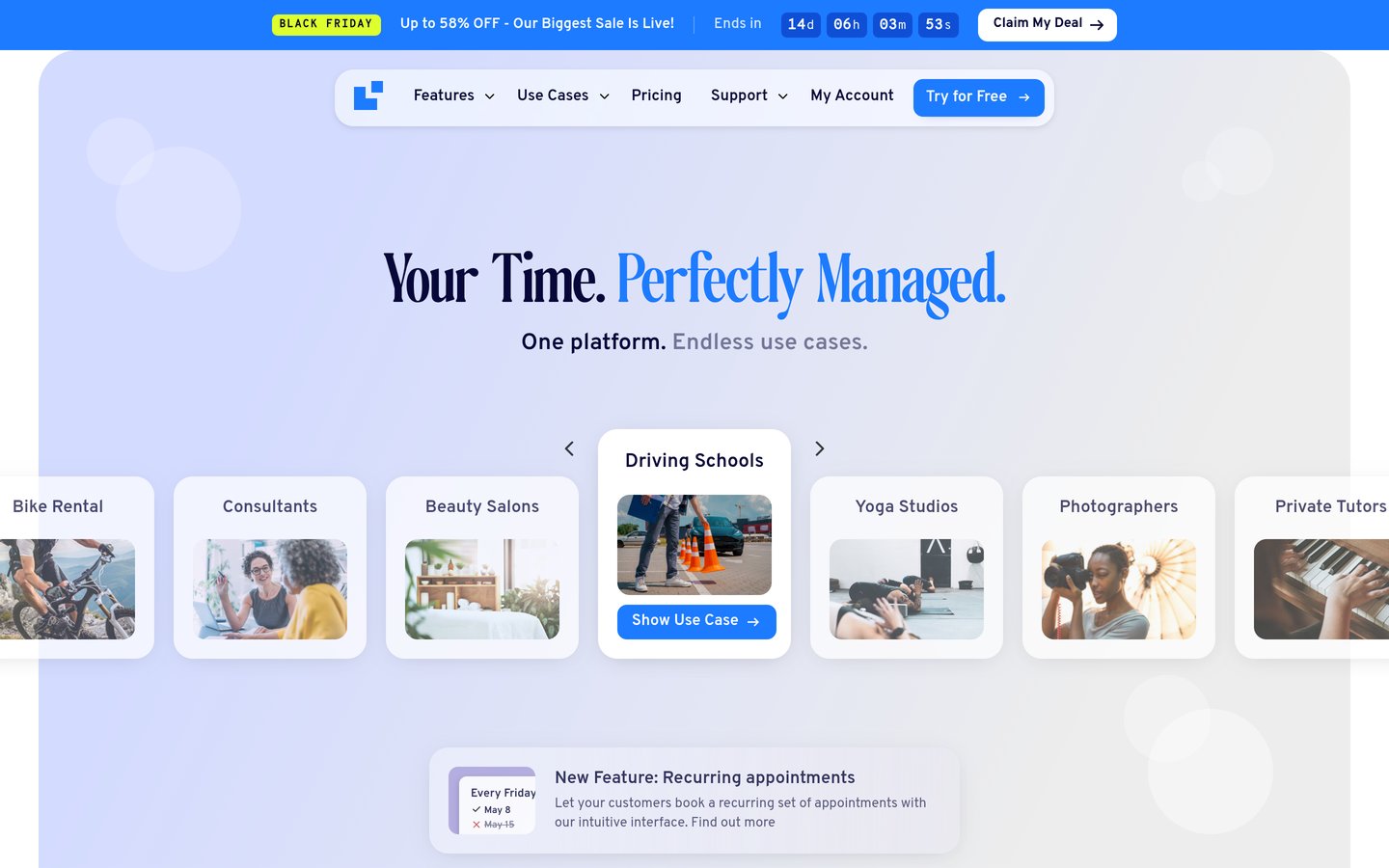
LatePoint homepage, captured Nov 2026.
LatePoint is a WordPress appointment and event booking plugin with 100,000+ active installs and a 4.9/5 rating from 109 reviews. Its free version supports unlimited appointments, booking forms, event registration, email confirmations and payments through Stripe, PayPal and Razorpay.
The trade off is that multiple staff members, recurring appointments, calendar synchronization and advanced notifications require Pro. Starter normally costs $99/year for one site, with a temporary $79 introductory offer. It suits salons, consultants, clinics and service businesses wanting a Bookly replacement without buying separate feature add-ons.
What we like
Free appointment and event booking
Free Stripe and PayPal payment support
Pro includes all premium features
Multiple agents and locations in Pro
Recurring appointments and calendar integrations
Watch out for
Multiple agents require Pro
Advanced reminders and meeting integrations are paid
Existing Bookly appointments need migration planning
No automatic conversion of Bookly booking forms
Pro adds multiple agents, recurring bookings, calendar sync, reminders and additional payment methods.Visit latepoint.com
02
FluentBooking
4.7/5on WordPress.org (46 reviews, checked Nov 2026)
Paid from$79/yr
Best for meetings and team scheduling
CalendarsUnlimited
HostsUnlimited
Payment integrationsPro
Paid license1 site
fluentbooking.com
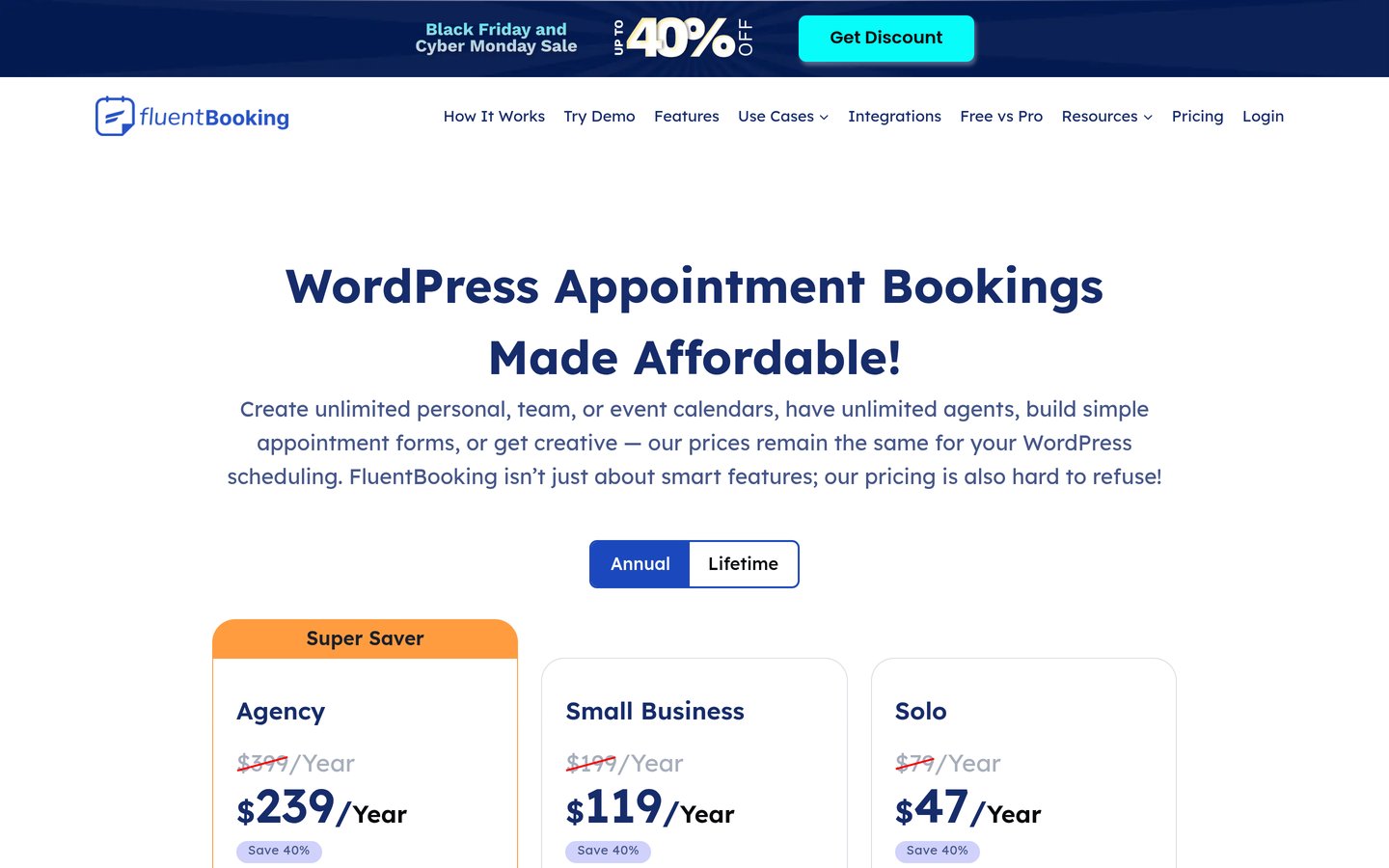
FluentBooking homepage, captured Nov 2026.
FluentBooking is a WordPress appointment and meeting scheduler with 20,000+ active installs and a 4.7/5 WordPress.org rating. Its free plugin supports unlimited hosts and calendars, availability management, booking forms and meeting scheduling directly on a WordPress website.
The trade off is that advanced payment integrations, team workflows and some calendar features require Pro. Solo normally costs $79/year for one site, although a promotional first-year price of $47 is currently advertised. It suits consultants, agencies and online service providers who want scheduling connected with their WordPress marketing tools.
What we like
Unlimited hosts and calendars
Free WordPress booking plugin
Google Calendar and meeting integrations
Pro includes payment integrations
Connects with FluentCRM and Fluent Forms
Watch out for
Advanced payment features require Pro
Some integrations depend on other services
Less specialized for physical resources than Bookly
Complex team availability requires configuration
Solo adds premium scheduling integrations, payment processing and advanced booking features.Visit fluentbooking.com
03
Simply Schedule Appointments
5/5on WordPress.org (155 reviews, checked Nov 2026)
Paid from$129/yr
Best for straightforward appointment scheduling
Free appointment typesUnlimited
Free appointmentsUnlimited
Plus calendar syncGoogle Calendar
Paid license1 site
simplyscheduleappointments.com
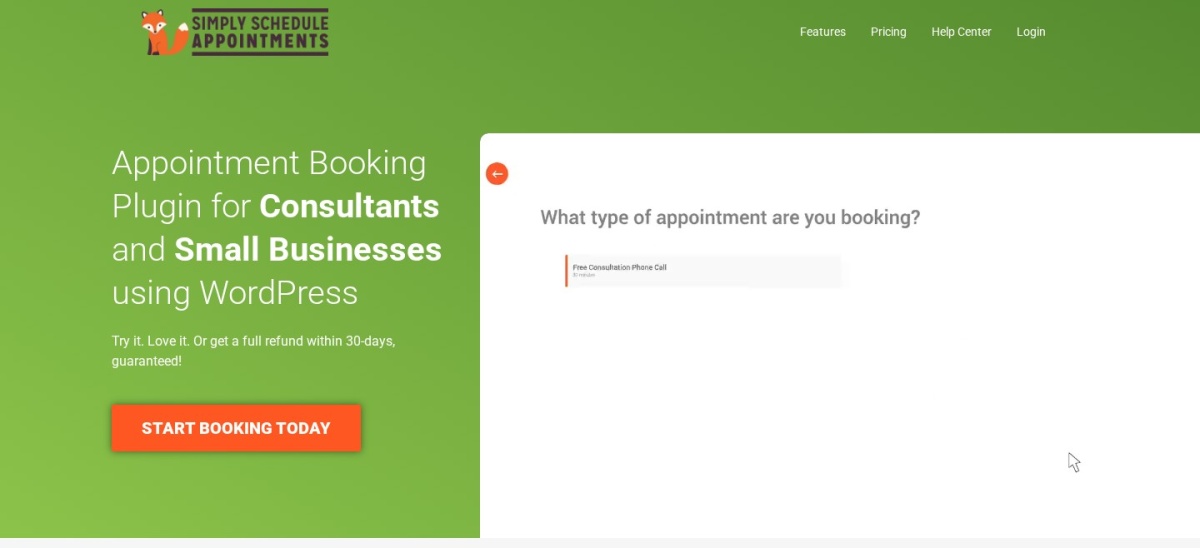
Simply Schedule Appointments homepage, captured Nov 2026.
Simply Schedule Appointments is a WordPress scheduling plugin with 50,000+ active installs and a 5/5 rating from 155 reviews. Its free Basic edition supports unlimited appointment types, unlimited appointments, customizable booking calendars and confirmation emails.
The trade off is that Google Calendar synchronization, group booking and custom form fields require Plus, while payments need Professional and team scheduling needs Business. Plus renews at $129/year after a $99 introductory price. It suits independent professionals and smaller service businesses that prioritize an accessible booking workflow.
What we like
Unlimited appointments in the free edition
Guided setup wizard
Customizable booking forms
Google Calendar and video meeting integrations in Plus
Group booking available in Plus
Watch out for
Stripe and PayPal require Professional
Team scheduling requires Business
Renewal rates exceed introductory prices
Premium tiers divide important scheduling features
4.5/5on WordPress.org (21 reviews, checked Nov 2026)
Paid from$49/yr
Best for service businesses with multiple locations
Staff managementMultiple employees
LocationsMultiple
Booking typesIndividual and group
Paid license1 site
motopress.com
MotoPress Appointment Booking homepage, captured Nov 2026.
MotoPress Appointment Booking is a WordPress scheduling plugin with 2,000+ active installs and a 4.5/5 rating from 21 reviews. Its free Lite version supports multiple employees, services, locations, booking calendars, appointment capacity and customer booking management.
The trade off is that advanced payments and integrations may require the paid plugin or separately purchased extensions. The premium plugin costs $49/year for one site, while its WooCommerce payments extension is priced separately. It suits salons, education providers and service businesses that schedule employees across different locations.
What we like
Multiple employees and locations
Individual and group bookings
Booking forms for Gutenberg and page builders
Customer booking management
Affordable premium entry price
Watch out for
Smaller WordPress.org review base
Certain integrations require separate extensions
Video meeting integration costs extra
Additional setup for complex service schedules
The paid plugin expands payment and booking capabilities; specialized integrations are separate extensions.Visit motopress.com
05
WP Booking Calendar
4.8/5on WordPress.org (657 reviews, checked Nov 2026)
Paid from$79 one-time
Best for date-based reservations
Booking typesDates and time slots
Free formsAvailable
Availability calendarIncluded
Paid license1 site
wpbookingcalendar.com
WP Booking Calendar homepage, captured Nov 2026.
WP Booking Calendar is a WordPress reservation plugin with 40,000+ active installs and a 4.8/5 rating from 657 reviews. Its free version provides availability calendars, booking forms, booking administration, email notifications and support for appointment or date-based reservations.
The trade off is that payment processing, advanced time-slot rules and resource management require higher paid editions. Personal normally costs $79 as a one-time purchase, currently discounted to $23.70, while Business editions cost more. It suits businesses managing consultations, room reservations, equipment rentals or other availability-based bookings.
What we like
Free availability and booking calendars
Supports appointments and longer reservations
Email notifications and booking administration
Regular one-time purchase option
Advanced booking rules in higher editions
Watch out for
Personal does not include every payment feature
Advanced scheduling requires higher editions
Some complex configurations require technical knowledge
Not focused exclusively on staff appointments
Personal adds booking customization; higher Business editions add payments and advanced availability rules.Visit wpbookingcalendar.com
06
Easy Appointments
4.3/5on WordPress.org (131 reviews, checked Nov 2026)
Paid from$39/yr
Best budget option for staff scheduling
Free staff schedulingMultiple workers
LocationsMultiple
Calendar viewsAvailable
Paid license1 site
easy-appointments.com
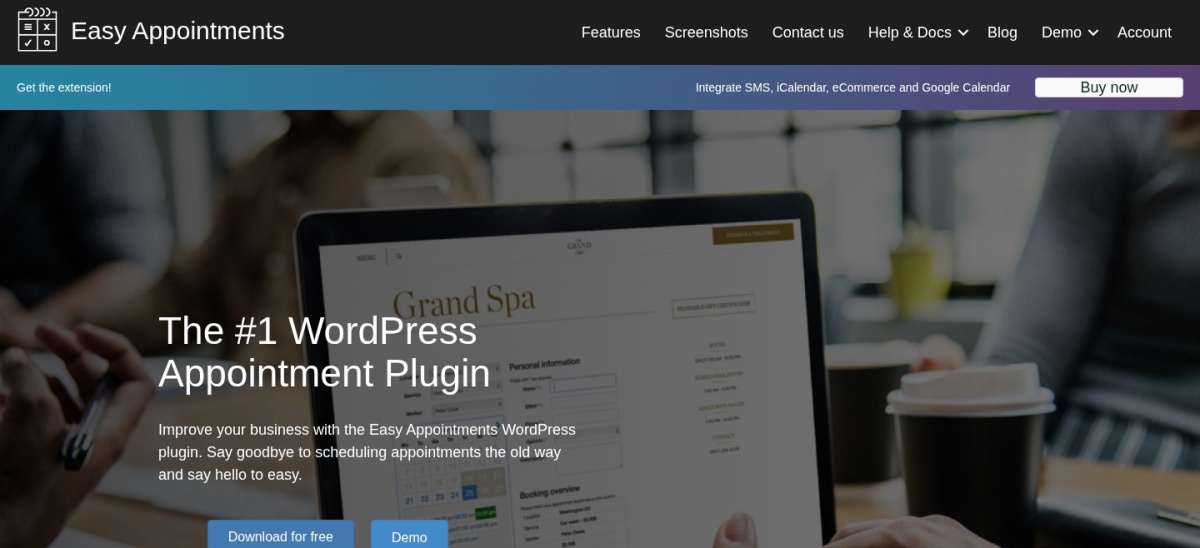
Easy Appointments homepage, captured Nov 2026.
Easy Appointments is a WordPress booking plugin with 10,000+ active installs and a 4.3/5 rating from 131 reviews. Its free version supports multiple workers, services and locations, flexible availability schedules, custom booking fields and appointment email notifications.
The trade off is that Google Calendar synchronization, PayPal payments, WooCommerce integration and SMS messaging require its paid extension. The Personal extension costs $39 with one year of updates and support. It suits budget-conscious service businesses that need team booking controls without an expensive subscription.
What we like
Multiple workers, locations and services for free
Flexible appointment availability
Custom booking fields
Affordable paid extension
Google Calendar and WooCommerce integration available
4.91/5on CodeCanyon (471 reviews, checked Nov 2026)
Starts at$199 one-time
Best for advanced booking workflows
Entry licenseBasic
Website licenses1
LocationsMultiple
Payment on BasicLocal payment
booknetic.com
Booknetic homepage, captured Nov 2026.
Booknetic is a WordPress appointment-booking platform with a 4.91/5 CodeCanyon rating from 471 reviews and 10,782 marketplace sales. Its Basic plan includes customizable booking workflows, recurring appointments, multiple locations, local payments and automated email notifications.
The trade off is that Basic excludes several advanced integrations, including Google Calendar, online payment gateways and custom booking forms. The official pricing page lists Basic at a regular $199 one-time price, currently discounted to $99. It suits established service businesses that want detailed booking workflows and can budget for higher-tier functionality.
What we like
Customizable booking workflow
Multiple locations and recurring appointments
Automated reminders and follow-ups
Established marketplace review history
Higher plans include advanced payment integrations
Watch out for
Basic excludes online payment gateways
Google Calendar requires a higher package
Some advanced features require substantial upgrades
Different legacy marketplace licenses may have different entitlements
Higher tiers add payment gateways, calendar synchronization, custom forms and advanced integrations.Visit booknetic.com
Individual appointments vs. team scheduling: what changes?
Individual scheduling is relatively straightforward. A booking system needs the service duration, available time slots, customer information and a confirmation process.
Team scheduling introduces additional requirements. Employees may have different working hours, service qualifications, vacations and locations. A booking plugin must assign appointments without creating conflicts.
LatePoint Pro and FluentBooking offer team-oriented scheduling features. MotoPress and Easy Appointments also support multiple employees and locations, including useful capabilities in their free editions.
Simply Schedule Appointments handles individual scheduling in its lower editions, but dedicated team scheduling belongs to its Business tier. This distinction can substantially change the actual cost of replacing Bookly.
Before choosing, map your real booking workflow. Include staff availability, shared rooms, equipment, service durations and appointment buffers so that the selected plugin supports how the business operates.
How to move from Bookly to another booking plugin
Start with a complete website backup and export any booking records, customer details and staff information that Bookly makes available. Confirm what historical data the replacement plugin can import.
Configure services, employee calendars, appointment durations, breaks, locations and booking rules in the new system before accepting reservations.
Check existing future appointments carefully. A replacement plugin may not automatically recognize Bookly bookings, creating the risk of double-booking if availability is recreated incorrectly.
Test customer emails, payment processing, cancellation links, time zones and mobile booking forms. Complete the migration during a controlled transition and keep historical booking records accessible.
How we chose
We selected established WordPress appointment-booking products that address Bookly's main use cases: customer reservations, staff availability, recurring appointments, payments and booking notifications. The shortlist includes service schedulers, team booking platforms and flexible reservation calendars.
We opened WordPress.org plugin listings, official pricing pages and Booknetic's CodeCanyon listing on 22 Nov 2026. We compared publicly displayed ratings, review counts, active installations, regular paid prices, license terms and the features available in each product's entry plan.
We excluded BookingPress because its WordPress.org listing was closed, and Amelia because its accessible pricing page did not reliably expose the regular entry price. We also excluded outdated plugins and products without verifiable paid pricing.
How to choose the best Bookly alternative
Identify your appointment workflow, staff requirements and payment needs before replacing your current scheduling plugin.
Map your services and employee schedules. List the services you offer, employee availability, locations, appointment durations and required breaks. Check whether team scheduling is included in the entry plan or requires a higher subscription.
Check booking and payment features. Compare online payments, deposits, recurring appointments, customer cancellations and group booking capabilities. Confirm that your preferred payment gateway is included in the plan you intend to purchase.
Compare integration and renewal costs. Look for Google Calendar, Outlook, Zoom, email marketing and WooCommerce integrations where necessary. Compare regular annual prices with one-time licenses, and include any additional extensions or service charges.
Validate the migration before switching. Export available Bookly records, recreate staff calendars and test a complete customer booking. Confirm payment processing, time zones, email reminders and existing future appointments before disabling Bookly.
FAQ
What is the best alternative to Bookly?
LatePoint is our top Bookly alternative because it combines appointment scheduling, event booking and payment support in its free version. It has 100,000+ active WordPress installations, and Pro regularly costs $99/year. FluentBooking is another strong choice for meetings and team calendars.
Is there a free alternative to Bookly?
Yes. LatePoint, FluentBooking, Simply Schedule Appointments, MotoPress Appointment Booking, WP Booking Calendar and Easy Appointments offer free WordPress plugins. The free versions differ in staff scheduling, payments, calendar integrations and recurring appointments, so compare specific requirements before choosing.
Is LatePoint better than Bookly?
LatePoint may be preferable if you want a free booking system with online payments and a premium license that includes its complete feature set. Bookly has its own established scheduling ecosystem. The better choice depends on your existing integrations, employee requirements and migration costs.
Which Bookly alternative is best for multiple staff members?
FluentBooking, LatePoint Pro, MotoPress and Easy Appointments are worth considering for team scheduling. FluentBooking supports unlimited hosts and calendars, while MotoPress and Easy Appointments include multiple employees in their free plugins. Compare individual availability, shared resources and calendar synchronization.
Which Bookly alternative supports online payments?
LatePoint supports Stripe, PayPal and Razorpay in its free edition. FluentBooking Pro provides payment integrations, while Simply Schedule Appointments requires its Professional edition for Stripe and PayPal. Other alternatives offer payment features through paid plans or extensions.
Can Simply Schedule Appointments replace Bookly?
Yes, particularly for individual professionals offering scheduled consultations or services. Its free edition supports unlimited appointment types and bookings. However, payment processing requires Professional, while team scheduling requires Business, so larger service organizations should compare those higher-tier costs.
What is the cheapest paid Bookly alternative?
Easy Appointments has the lowest annual paid extension price in this comparison at $39 for one site. MotoPress Appointment Booking costs $49/year, while FluentBooking normally starts at $79/year. WP Booking Calendar also offers a $79 one-time Personal purchase.
Can I migrate existing Bookly appointments automatically?
Not necessarily. Booking records, customers, employees and availability rules may use different database structures across plugins. Export the information Bookly makes available and check the replacement's import capabilities. Future reservations require particular care because missing records can create double-bookings.
Which Bookly alternative is best for recurring appointments?
LatePoint Pro, Booknetic and other advanced scheduling platforms support recurring appointments. The appropriate choice depends on whether customers need weekly sessions, repeat service packages or staff-specific recurrence rules. Confirm that recurring reservations and exceptions work with your selected plan before migrating.