Best WordPress Appointment Plugins in 2026: 7 Tools Compared
WLWPLegible EditorsLast verified 22 Nov 2026How we rank5 min read
★ Short answer
LatePoint is our top pick with 100,000+ active installs on WordPress.org and a 4.9/5 rating, offering a clean booking flow and all Pro features on every paid plan. Simply Schedule Appointments fits solo consultants who want a quick setup wizard, while FluentBooking suits teams scheduling meetings and group sessions.
How we make this list: we compare pricing pages, product documentation and public user reviews, then re-check every price before each update. No product paid for a place. Disclosure.
LatePoint holds a 4.9/5 rating across 105 WordPress.org reviews and 100,000+ active installs, with Starter priced at $99/yr regular ($79 first-year intro).
Simply Schedule Appointments averages 5/5 across 155 WordPress.org reviews and 50,000+ active installs, with Plus at $129/yr regular ($99 sale).
FluentBooking starts at $79/yr regular ($55 sale or $47 BFCM) for Solo, including calendar sync, video links, and Stripe or PayPal on every paid tier.
Amelia has 90,000+ active installs and a 4.6/5 rating on WordPress.org, but gates payment gateways like Stripe and PayPal behind higher tiers.
Bookly has 60,000+ active installs and a 4.4/5 rating on WordPress.org, with Pro at $99/yr regular ($39 sale) before optional add-ons or SMS credits.
What to look for in a WordPress appointment plugin
Choosing an appointment plugin starts with matching the booking model to your business. Meeting schedulers focus on time slots, hosts, and video links, whereas service-business plugins track staff shifts, buffer times, resources, and multi-service durations.
Check which features are included on the base tier versus locked behind higher plans or paid add-ons. Calendar sync, online payments, SMS reminders, recurring bookings, and WooCommerce checkout are often separated across tiers.
Watch out for introductory discounts that jump at renewal, as well as per-booking commissions or metered messaging credits. Self-hosted WordPress plugins keep customer records on your site, though you remain responsible for hosting speed and updates.
List prices in each vendor's currency, checked Nov 2026
AmeliaFREE$49
Appt HourFREE€59
FluentBookFREE$79
Salon BookFREE€89
LatePointFREE$99
BooklyFREE$99
Simply SchedFREE$129
The 7 best wordpress appointment plugins
01
LatePoint
4.9/5on WordPress.org (105 reviews, checked Nov 2026)
Paid from$99/yr
Best for modern service bookings with all-feature plans
Rating4.9 / 5 (105 reviews)
Active installs100,000+
Regular entry price$99/yr (Starter)
Free versionYes (WordPress.org)
latepoint.com
LatePoint homepage, captured Nov 2026.
LatePoint is a WordPress appointment and event scheduling plugin with 100,000+ active installs and a 4.9/5 rating on WordPress.org. The free plugin supports booking form customization, Stripe Connect, PayPal, Razorpay, email notifications, and one agent.
The trade off is that calendar sync, SMS, WhatsApp, and recurring bookings require a paid plan starting at $99/yr regular ($79 first-year intro or $69 during the 2026 Black Friday sale). It suits service businesses wanting every paid feature included regardless of site-count tier.
What we like
Every paid plan includes the full feature set, differing only by site count
Dedicated admin interface that separates scheduling from standard WordPress menus
Free version supports Stripe Connect, PayPal, and Razorpay out of the box
Watch out for
Calendar sync and recurring appointments require upgrading to a paid plan
First-year promotional pricing renews at the regular annual rate
Paid plans add calendar and video integrations, SMS and WhatsApp, recurring bookings, coupons, and event tickets.Visit latepoint.com
02
Simply Schedule Appointments
5/5on WordPress.org (155 reviews, checked Nov 2026)
Paid from$129/yr
Best for quick setup and high review satisfaction
Rating5 / 5 (155 reviews)
Active installs50,000+
Regular entry price$129/yr (Plus)
Free versionYes (WordPress.org)
simplyscheduleappointments.com
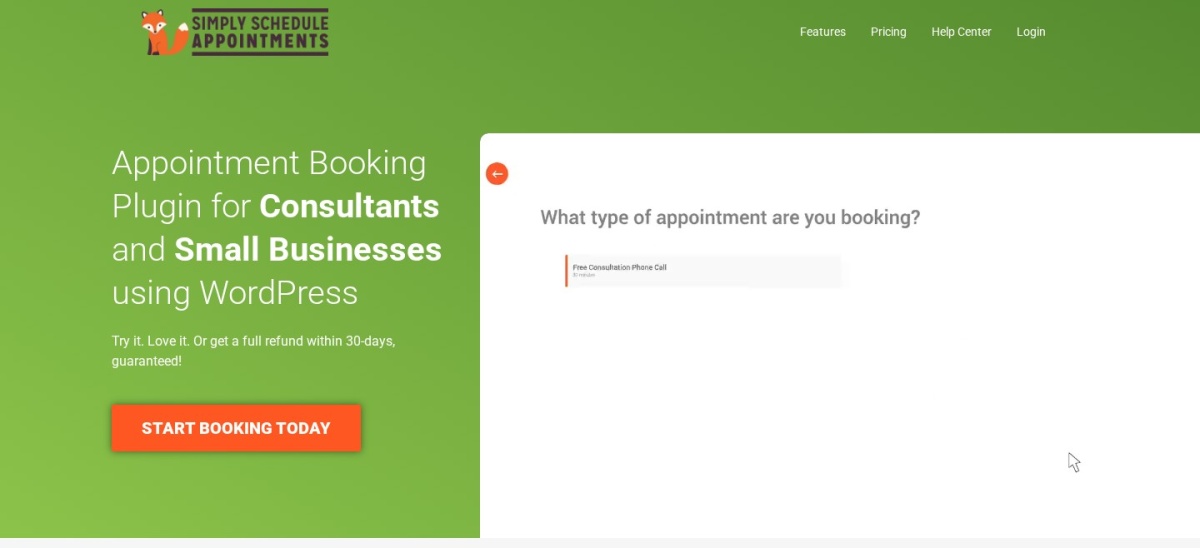
Simply Schedule Appointments homepage, captured Nov 2026.
Simply Schedule Appointments is a WordPress scheduling plugin with 50,000+ active installs and a 5/5 rating across 155 WordPress.org reviews. Its free edition provides unlimited appointment types, customizable notifications, blackout dates, and page-builder integrations.
The trade off is that the cheapest paid Plus plan costs $129/yr regular ($99 on sale), and Stripe or PayPal payments require the Professional tier at $249/yr regular ($199 on sale). It suits solo consultants and small teams that value a fast setup wizard.
What we like
High 5/5 user rating across 155 reviews on WordPress.org
Free version allows unlimited appointment types and booking calendars
Guided setup wizard helps get a calendar live quickly
Watch out for
Entry Plus plan starts at $129/yr regular
Stripe and PayPal payments sit on the higher Professional edition
4.7/5on WordPress.org (46 reviews, checked Nov 2026)
Paid from$79/yr
Best for calendar meetings, hosts, and team scheduling
Rating4.7 / 5 (46 reviews)
Active installs20,000+
Regular entry price$79/yr (Solo)
Free versionYes (WordPress.org)
fluentbooking.com
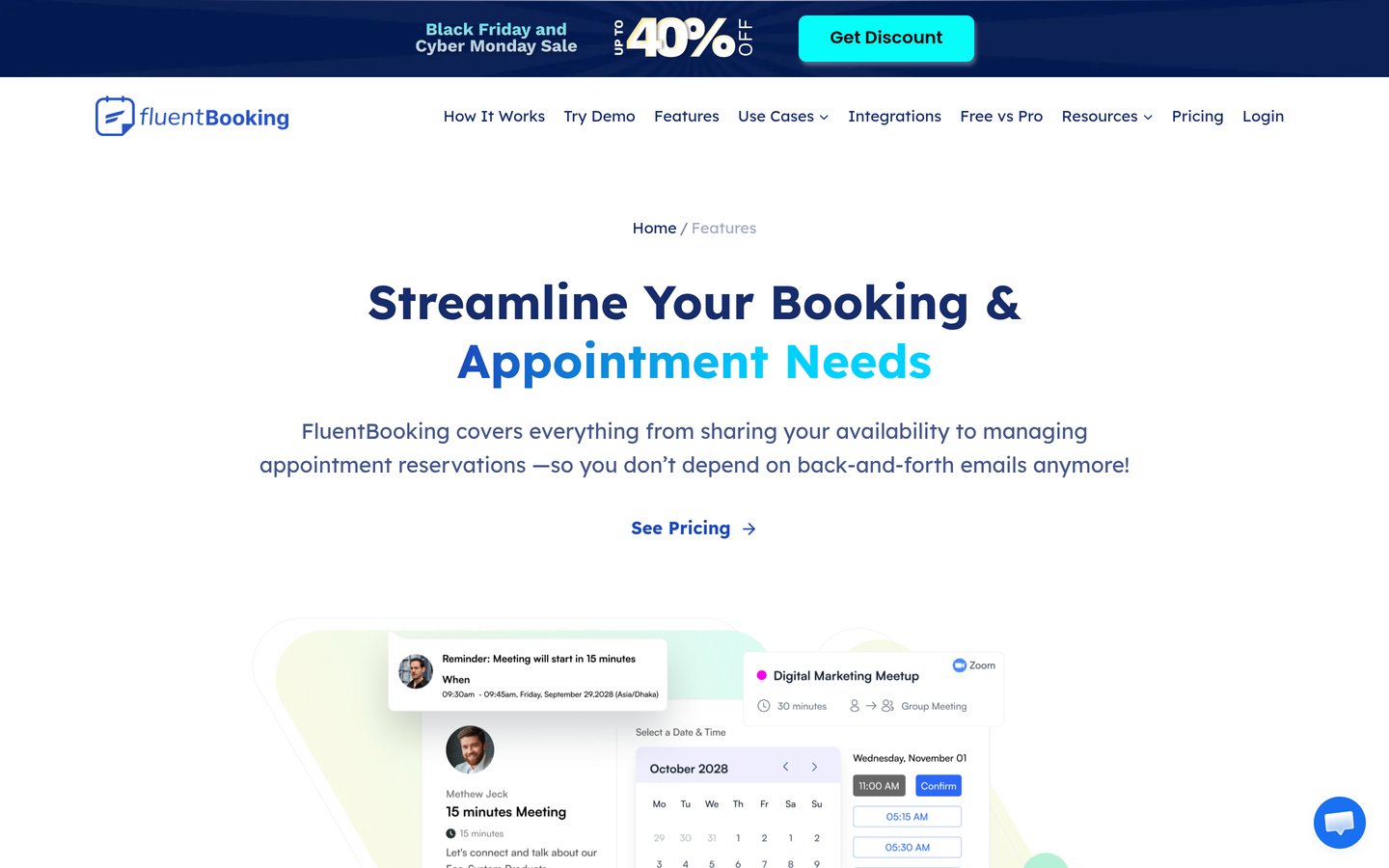
FluentBooking homepage, captured Nov 2026.
FluentBooking is a WordPress appointment and meeting scheduling plugin with 20,000+ active installs and a 4.7/5 rating on WordPress.org. The free plugin covers unlimited hosts, one-on-one meetings, and email notifications without payment gateways or calendar sync.
The trade off is that online payments and calendar sync require a paid license starting at $79/yr regular ($55 on standard sale or $47 during the 2026 Black Friday promotion). It suits coaches, consultants, and teams booking meetings rather than multi-location service chairs.
What we like
Every paid plan includes the full feature set, varying by site count
Supports round-robin and collective team scheduling on paid plans
Connects with video meeting tools and Stripe or PayPal on paid tiers
Watch out for
Smaller review count on WordPress.org than older booking plugins
Oriented around hosts and meetings rather than complex service catalogs
Paid plans add two-way calendar sync, Zoom and Google Meet links, Stripe and PayPal payments, and SMS notifications.Visit fluentbooking.com
04
Amelia
4.6/5on WordPress.org (793 reviews, checked Nov 2026)
Paid from$49/yr
Best for salons, clinics, and combined appointments and events
Rating4.6 / 5 (793 reviews)
Active installs90,000+
Regular entry price$49/yr (Starter)
Free versionYes (WordPress.org)
wpamelia.com
Amelia homepage, captured Nov 2026.
Amelia is a WordPress appointment and event booking plugin with 90,000+ active installs and a 4.6/5 rating across 793 WordPress.org reviews. Its free Lite version supports basic appointment and event scheduling with Square payment support.
The trade off is that features like calendar sync, recurring appointments, and Stripe or PayPal payments are gated by tier, with Starter starting at $49/yr and Standard at $99/yr. It suits service businesses and event hosts that want appointments and events in one system.
What we like
Large review base of 793 ratings and 90,000+ active installs
Combines service appointments and event ticketing in one plugin
Offers annual and lifetime licensing options
Watch out for
Key integrations such as calendar sync and Stripe sit above the Starter plan
Feature-heavy configuration can take longer to set up for simple sites
Higher paid tiers unlock two-way calendar sync, video meeting links, recurring bookings, packages, and event tickets.Visit wpamelia.com
05
Bookly
4.4/5on WordPress.org (586 reviews, checked Nov 2026)
Paid from$99/yr
Best for established service workflows and modular add-ons
Rating4.4 / 5 (586 reviews)
Active installs60,000+
Regular entry price$99/yr (Pro)
Free versionYes (WordPress.org)
booking-wp-plugin.com
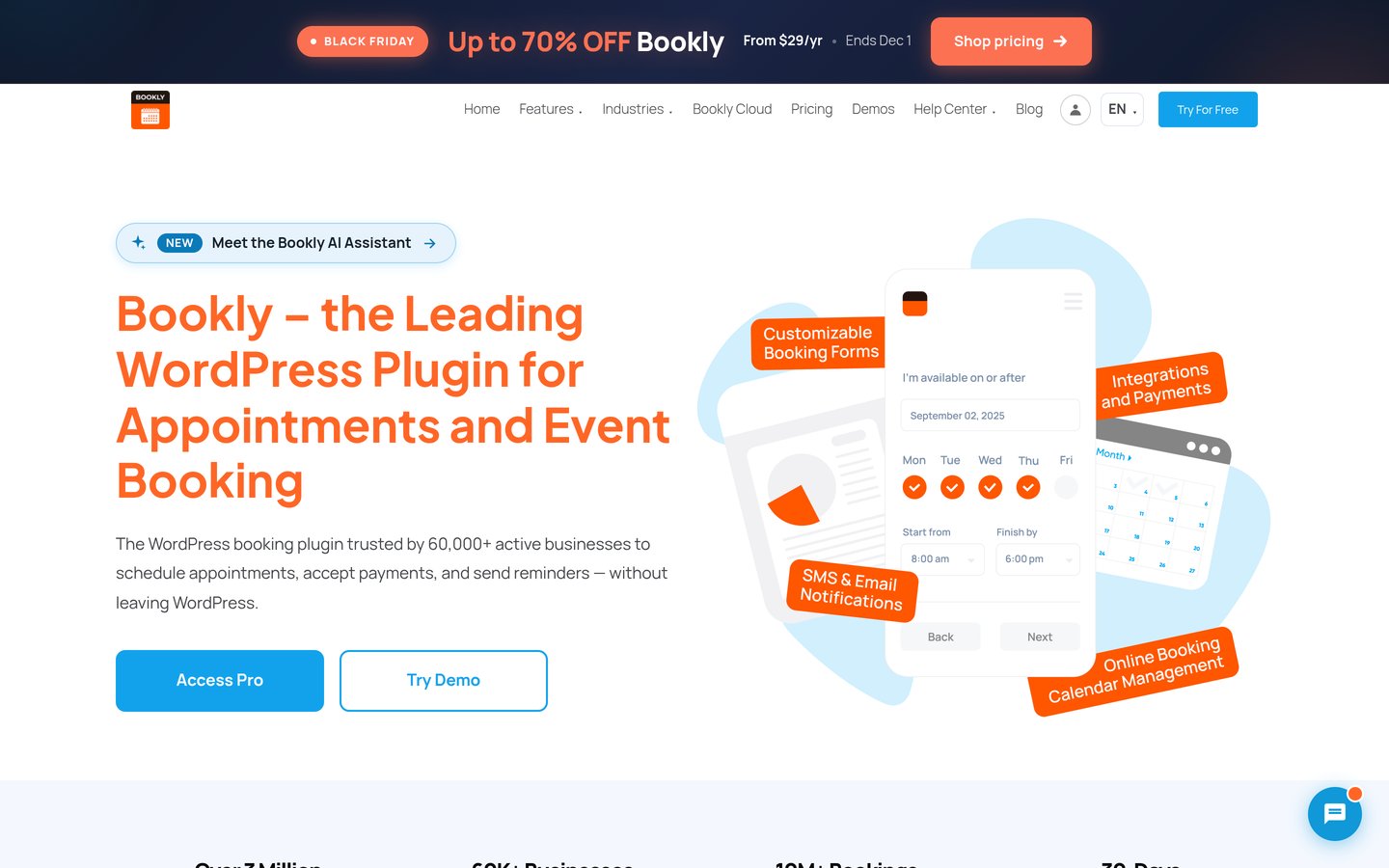
Bookly homepage, captured Nov 2026.
Bookly is a long-running WordPress appointment booking plugin with 60,000+ active installs and a 4.4/5 rating across 586 WordPress.org reviews. The free plugin lets you test core scheduling on WordPress sites with a cap of 5 services and 1 staff member.
The trade off is that Bookly Pro costs $99/yr regular ($39 during seasonal sales) and separates many extensions or SMS credits from the base plan. It suits service businesses that want a modular plugin structure and staff scheduling.
What we like
Proven track record with 60,000+ active installs and 586 reviews
Free WordPress.org version available to test basic booking workflows
Offers both annual subscriptions and one-time lifetime licenses
Watch out for
Base Pro tier omits certain add-ons, requiring extra purchases or higher tiers
SMS and WhatsApp notifications rely on separate messaging credits
Paid tiers and add-ons expand staff and service limits, payment options, calendar sync, and booking extensions.Visit booking-wp-plugin.com
06
Appointment Hour Booking
4.9/5on WordPress.org (524 reviews, checked Nov 2026)
Paid from€59/yr
Best for fixed-duration time slots and multi-capacity calendars
Rating4.9 / 5 (524 reviews)
Active installs10,000+
Regular entry price€59/yr (Professional)
Free versionYes (WordPress.org)
apphourbooking.dwbooster.com
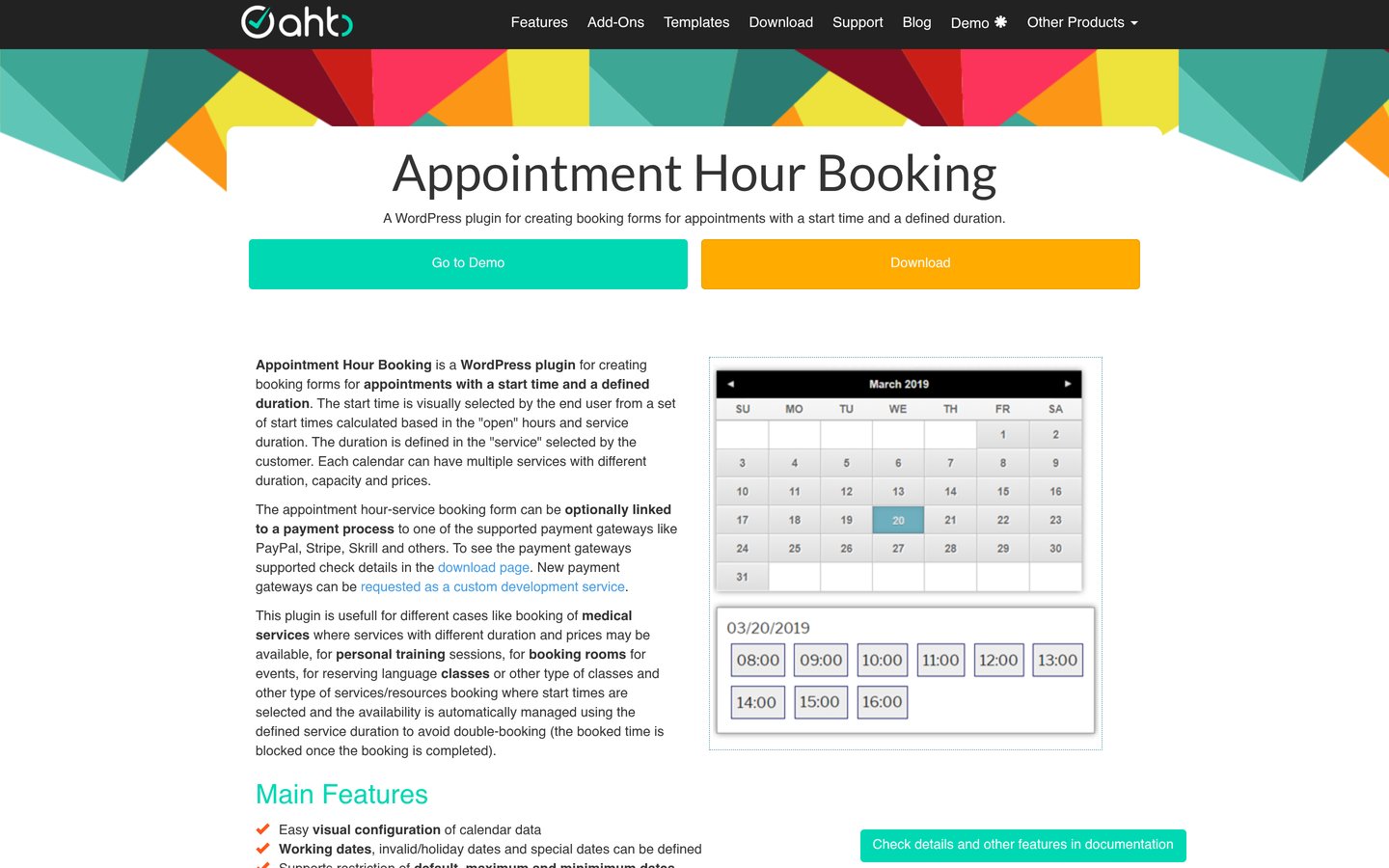
Appointment Hour Booking homepage, captured Nov 2026.
Appointment Hour Booking is a WordPress time-slot scheduling plugin with 10,000+ active installs and a 4.9/5 rating across 524 WordPress.org reviews. Its free version creates time-slot calendars with service durations, open hours, slot capacity, and email notifications.
The trade off is that its visual form builder feels utilitarian and commercial plans start at €59/yr for the Professional single-site license. It suits lessons, consultations, and small studios booking fixed-length time slots.
What we like
Strong 4.9/5 rating across 524 reviews on WordPress.org
Supports multiple calendars and per-service slot capacity in the free plugin
Straightforward time-slot calculation based on open hours and duration
Watch out for
Admin interface looks less modern than newer block- or React-based plugins
Payment gateways and advanced add-ons require paid tiers
4.4/5on WordPress.org (187 reviews, checked Nov 2026)
Paid from€89/yr
Best for hair salons, barbershops, and spas
Rating4.4 / 5 (187 reviews)
Active installs2,000+
Regular entry price€89/yr (Basic)
Free versionYes (WordPress.org)
salonbookingsystem.com
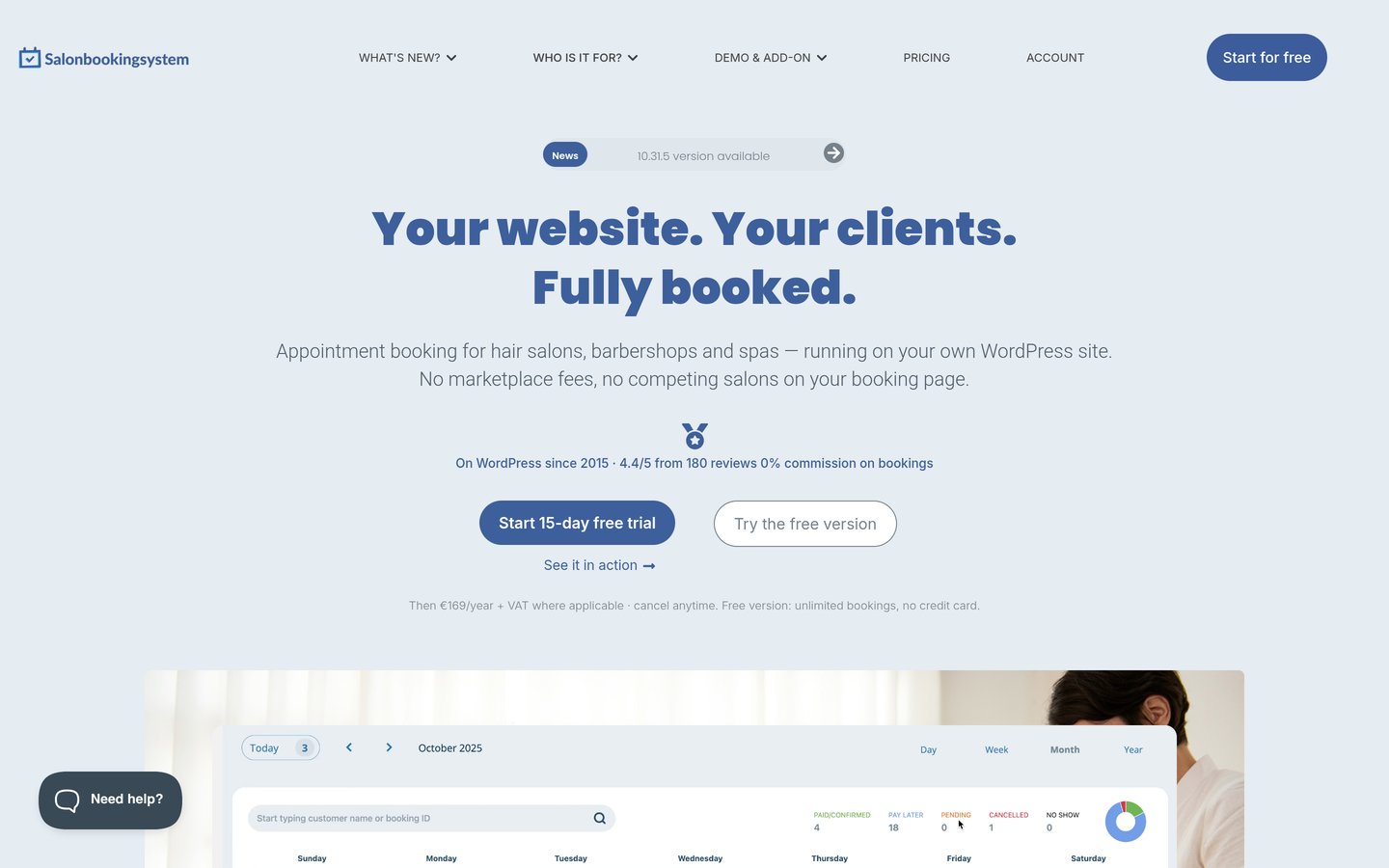
Salon Booking System homepage, captured Nov 2026.
Salon Booking System is a WordPress appointment plugin tailored to salons, barbershops, and spas, holding 2,000+ active installs and a 4.4/5 rating across 187 WordPress.org reviews. Its free version includes booking calendars, services, and email notifications with zero booking commissions.
The trade off is that online payments and the staff mobile app require the Basic plan at €89/yr, with higher tiers or add-ons for multi-location and extra extensions. It suits beauty and wellness businesses that want salon-specific scheduling rules.
What we like
Built around salon workflows such as service breaks, secondary services, and stylist shifts
Zero per-booking commission compared with third-party booking marketplaces
Includes a 15-day free trial on paid plans alongside the free plugin
Watch out for
Smaller install footprint than general-purpose WordPress booking plugins
Some add-ons and multi-location features cost extra or sit on higher plans
Paid plans add online payments, partial deposits, staff mobile app access, priority support, and salon add-ons.Visit salonbookingsystem.com
Meeting schedulers vs. service-business booking
Plugins built for consultations and calls usually center on hosts, time zones, video links, and round-robin availability. FluentBooking is a clear example of this workflow.
Plugins built for salons, clinics, and studios focus on service durations, staff timetables, buffer times, rooms or equipment, and deposits. LatePoint, Amelia, Bookly, and Salon Booking System fit that model.
How we chose
We gathered candidates from the WordPress.org appointment booking and scheduling directories alongside established vendor pricing pages for WordPress scheduling plugins.
We checked WordPress.org ratings, review counts, active installation tiers, and vendor pricing pages on 22 Nov 2026, recording regular annual prices where promotional discounts were active.
We excluded plugins lacking clear verified pricing or active maintenance signals, and never guessed missing metrics. No vendor paid for a place, and we do not claim testing for this list.
How to pick the right appointment plugin
Follow these four steps to narrow down the shortlist before installing a plugin on a live site.
Map your booking structure first. Decide whether customers book individual time slots with a host or multi-step services with specific staff members, durations, and buffer times.
Check payment and calendar requirements on the entry tier. Confirm whether Stripe, PayPal, Square, or two-way calendar sync are included on the plan you intend to buy or gated behind higher tiers.
Compare regular renewal prices against sale prices. Look past first-year or seasonal discounts so you know what the license costs after renewal, including add-ons or messaging credits.
Test the booking flow on a staging page. Verify mobile responsiveness, time-zone handling, and confirmation emails before sending real traffic to the booking form.
FAQ
What is the best WordPress appointment plugin overall?
LatePoint is our top pick overall, with 100,000+ active installs and a 4.9/5 rating on WordPress.org. It pairs a clean booking experience with paid plans starting at $99/yr regular that include all Pro features.
Are there good free WordPress appointment plugins?
Yes. LatePoint, Simply Schedule Appointments, FluentBooking, Amelia, Bookly, Appointment Hour Booking, and Salon Booking System all offer free versions on WordPress.org, though advanced features like calendar sync or payment gateways often require a paid plan.
How do WordPress appointment plugins differ from SaaS booking tools?
WordPress plugins run on your own website so booking records stay in your database without per-booking marketplace commissions. SaaS tools host scheduling externally and often charge per user or per seat.
Why do some booking plugins cost more than their starting price?
Entry prices sometimes exclude payment gateways, calendar sync, recurring bookings, or add-ons, and promotional discounts often renew at higher regular rates. Always check what a specific tier includes before buying.
Which plugin should I pick for team meetings and calls?
FluentBooking is well suited to coaches, consultants, and teams scheduling meetings, round-robin calls, and video sessions, starting at $79/yr regular for the Solo plan.
Which plugin fits salons and beauty businesses best?
Salon Booking System is designed specifically for salons, barbershops, and spas with staff schedules and service breaks, while LatePoint, Amelia, and Bookly also support service-based staff bookings.