TaxDome is the best of the Taxaroo alternatives for most tax firms, because it bundles a client portal, workflows, e-signatures and billing from $1,500 a year for 150 clients. Financial Cents and Uku start at $228 a year for solo firms, while Karbon suits teams that live in email.
How we make this list: we compare pricing pages, product documentation and public user reviews, then re-check every price before each update. No product paid for a place. Disclosure.
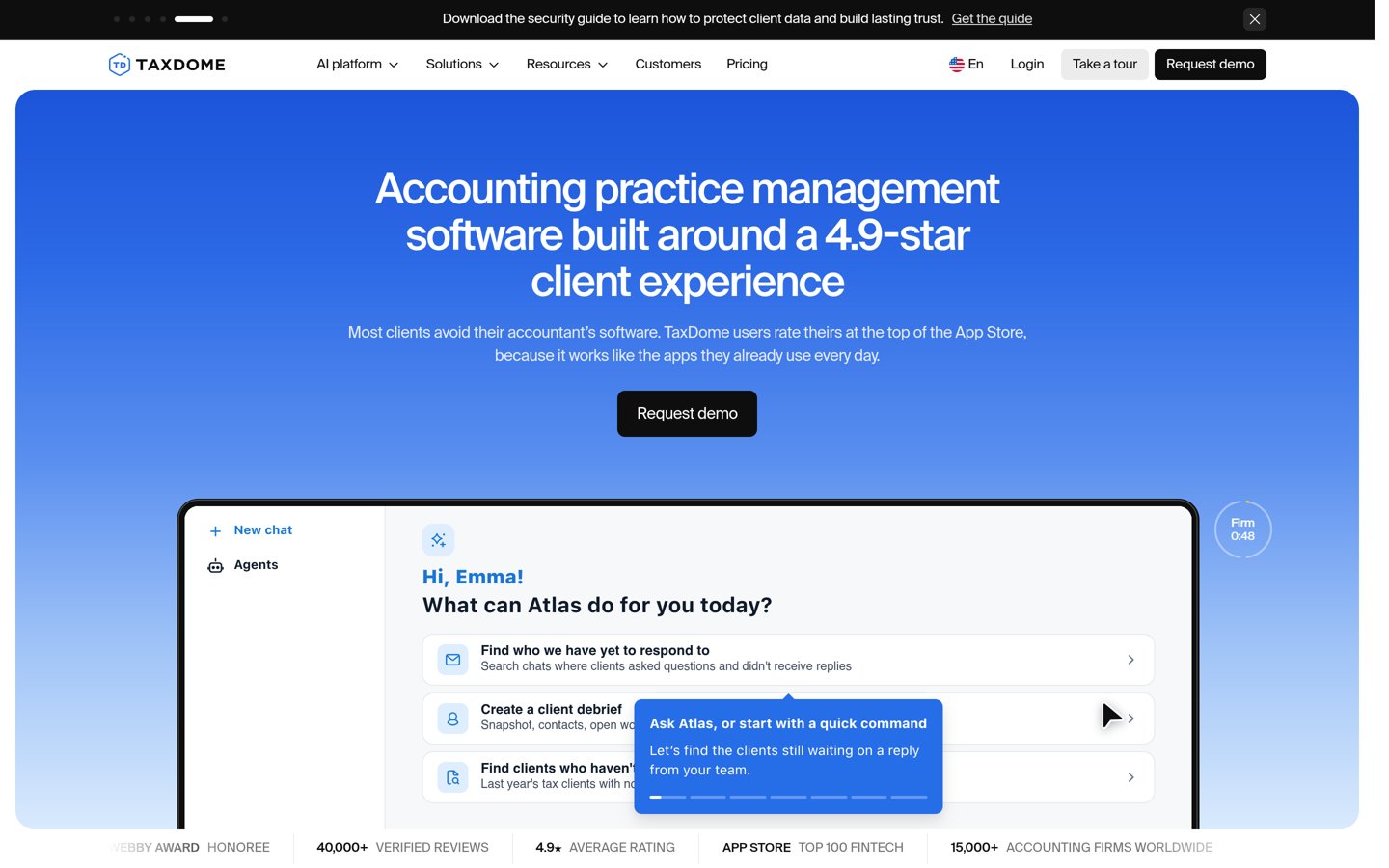
TaxDome is the closest Taxaroo match: portal, workflows, e-signatures and billing from $1,500 a year for 150 clients and 20 seats.
Financial Cents, Uku and Liscio all start at $19 a month, the lowest entry prices here, but Liscio's $19 tier has no e-signatures or client tasks.
Karbon is the top-rated workflow pick at 4.7 out of 5 from 1,231 G2 reviews, built around a shared team inbox.
Jetpack Workflow is the only workflow-only pick: no client portal and no billing, from $40 a user a month.
Mango is the cheapest rated all-in-one at $35 a user a month, but its 3.9 out of 5 G2 rating is the lowest here.
Ignition covers proposals, engagement letters and billing only, with no portal or task tracking, from $39 a month.
How do you choose the best Taxaroo alternatives?
Taxaroo is a practice management platform for tax firms, not tax preparation software. It sells a client portal, scheduling, document collection, e-signatures, workflows and invoicing, with a Starter plan at $99 a month for one user and a Professional plan at $790 a year for two users.
The portal is the deciding feature. Every firm that moves off Taxaroo should check whether the replacement gives clients one login for uploads, messages, signatures and payments, because that is the part clients notice first.
Pricing models split two ways. TaxDome and Ignition charge by client count and bundle staff seats, while Karbon, Canopy, Financial Cents, Uku, Jetpack Workflow, Liscio and Mango charge per user, so a five-person firm pays very different totals for the same headline rate. Our guide on how to create an invoice in WooCommerce shows how invoicing fits into a client workflow.
Free trials beat feature lists. Seven of the nine tools offer a 14-day trial or a demo, so run your hardest workflow, from intake to signed engagement letter to paid invoice, on two of them before committing.
TaxDome is an all-in-one practice management platform for tax, bookkeeping and accounting firms, used by more than 15,000 firms. Its single plan starts at $1,500 a year for up to 150 active clients and includes 20 staff seats, a white-labelled client portal and mobile app, unlimited document storage and e-signatures, workflow automations, proposals and invoicing.
The trade off is the $1,500 annual minimum, which applies even if you serve fewer than 150 clients, and a setup curve that reviewers call steep. It suits growing firms that want one system for the whole client journey instead of four separate tools.
What we like
Closest all-in-one match for Taxaroo's feature set
Unlimited e-signatures and document storage included
20 staff seats bundled in the entry price
Tax software integrations include Drake, Lacerte and ProConnect
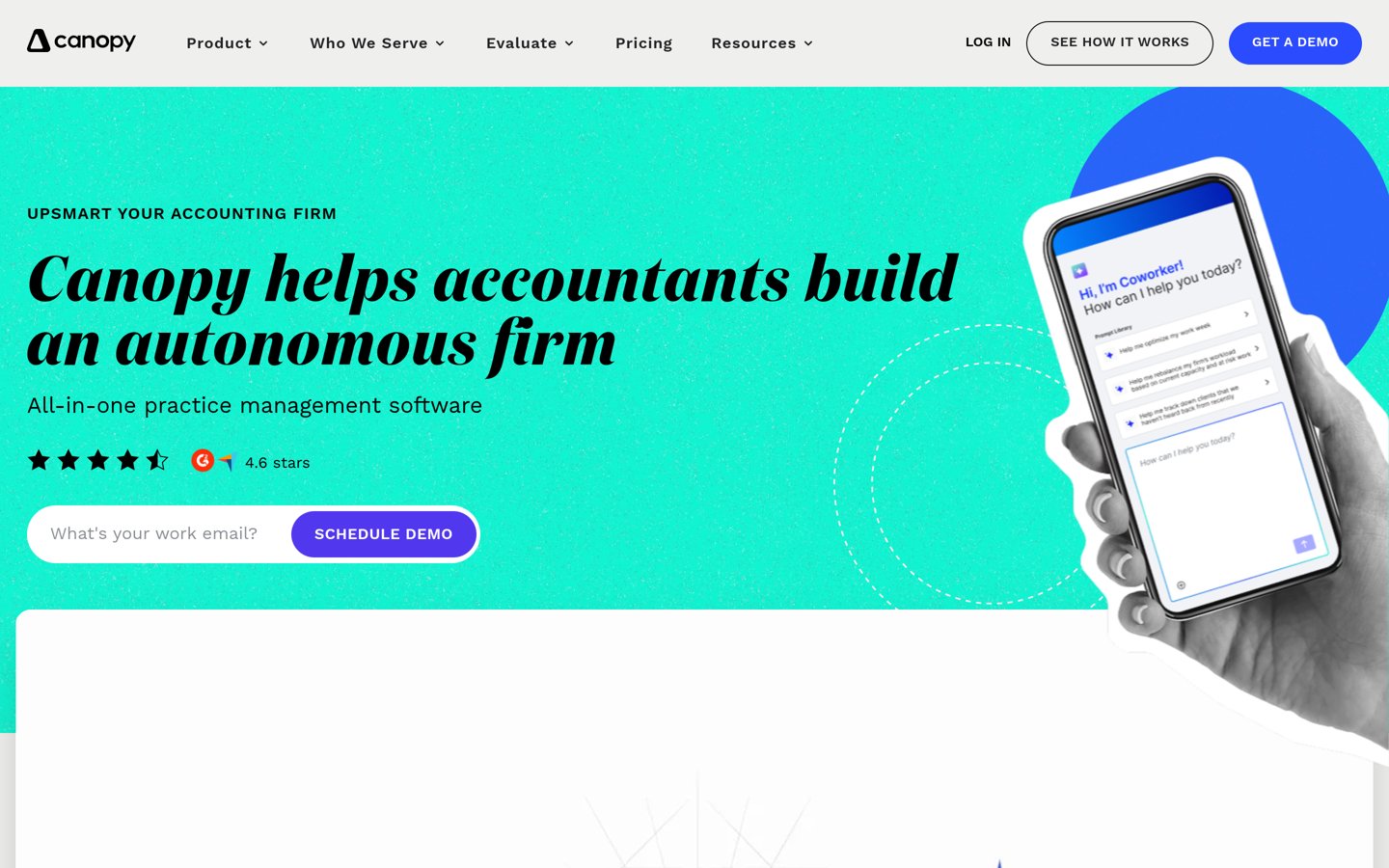
Canopy is an all-in-one practice management platform built for accounting firms, covering CRM, workflows, document management, billing and a client portal. Its Standard plan costs $74 a user a month on annual billing and includes the full platform, plus AI intake and delivery credits and a free IRS transcripts tool.
The trade off is price. A five-person firm pays $4,440 a year on Standard, and the tax workflow automation runs on credits beyond the five included per term. It suits firms that want tax resolution and AI intake beside everyday practice management.
Karbon is a practice management platform built around a shared team inbox called Triage, which turns client emails into assignable work. Its Team plan costs $59 a user a month on annual billing and includes email triage, workflows, time tracking, billing, a client portal and document management.
The trade off is that task automation and automatic client reminders need the Business plan at $89 a user a month, and monthly billing is only open to teams of four or more. It suits firms of three or more where client email keeps getting lost in individual inboxes.
What we like
Top-ranked practice management tool on G2
Triage turns shared email into trackable work
24/7 support included on every plan
Watch out for
Automation and reminders need the $89 Business plan
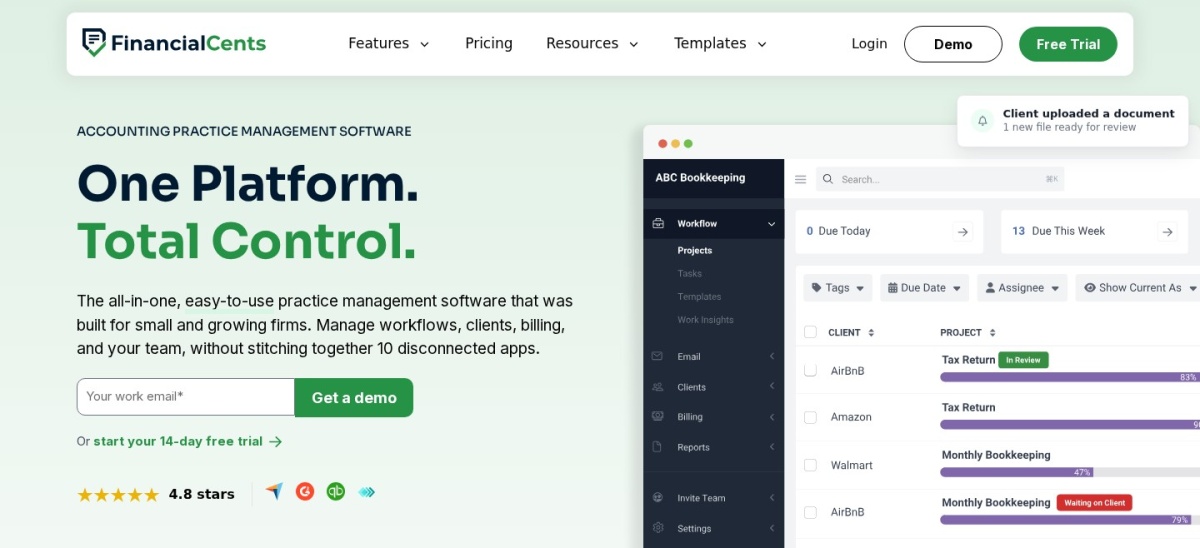
Financial Cents is a practice management platform for small accounting and bookkeeping firms, covering workflows, a client portal, invoicing and billing. Its Solo plan costs $19 a month on annual billing for a single user and includes workflow automations, the client portal, e-signatures and QuickBooks Online integration.
The trade off is that integrated email and unlimited tags need the Team plan at $49 a user a month, and the month-end close add-on costs $5 per client a month. It suits solo bookkeepers and small firms that want the full toolkit at the lowest price here.
Uku is accounting practice management software covering tasks, time tracking, billing, a client portal and reporting in one place. Its Solo plan costs $19 a month on annual billing for one member with up to 20 active clients, and includes the client portal, e-signatures, document management and all accounting integrations.
The trade off is the 20-client cap on Solo, which pushes growing firms to Team at $38 a member a month, and e-signatures, the API and Zapier need Elite at $48. It suits solo accountants and small firms that want one tidy system without per-client fees.
What we like
Solo includes e-signatures and document management
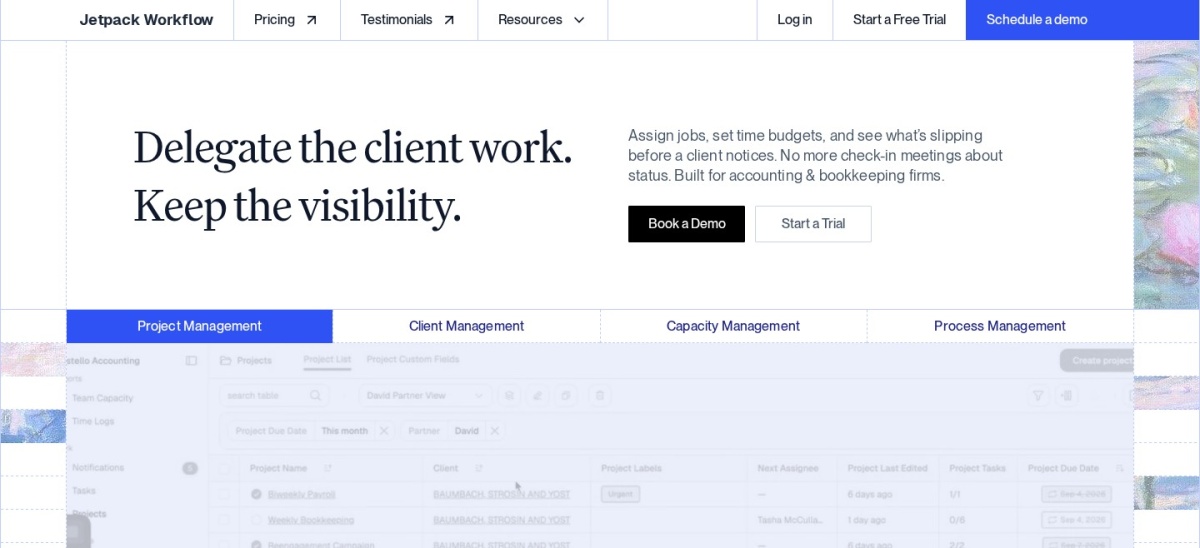
Jetpack Workflow is accounting workflow software built around recurring assignments, deadlines and standardised processes. Its Starter plan costs $40 a user a month on annual billing and includes unlimited projects, clients and workflow templates with customisable automation.
The trade off is scope. Jetpack Workflow has no client portal, no billing and no invoicing, so firms still need separate tools for client-facing work. It suits firms moving from spreadsheets to structured recurring workflows.
Ignition is a client engagement and billing platform that turns proposals, engagement letters and e-signatures into automated payments. Its Solo plan costs $39 a month on annual billing for one user and up to 20 active clients with signed agreements.
The trade off is that Ignition has no client document portal and no internal task management, and exceeding 20 clients on Solo adds $7 per client a month. It suits firms that want to stop chasing payments and get engagements signed first.
What we like
Proposals, engagement letters and payments in one flow
Liscio is a client communication platform for accounting firms, combining secure messaging, file exchange, tax organisers and e-signatures. Its File Intelligence plan costs $19 a user a month on annual billing and reads, classifies and names every incoming document automatically.
The trade off is that email integration, client tasks, organisers and e-signatures need the Platform plan at $49 a user a month, and organisers cost $4 to $7 each on top. It suits tax firms whose main problem is client communication and document collection.
What we like
AI reads and names incoming files automatically
Secure messaging and tasks in one portal
Strong Capterra support rating of 4.8 out of 5
Watch out for
E-signatures and tasks need the $49 Platform plan
Organisers cost $4 to $7 each extra
No free trial or self-serve signup
Platform adds tasks and e-signatures at $49 a user a monthVisit liscio.me
09
Mango Practice Management
3.9/5on G2 (34 reviews, checked Nov 2026)
Starts at$35/user/mo
Best budget all-in-one
Pricing modelPer user, per month
Entry planBasic, $35/user/mo
Client portalYes
Free trialYes, no card required
mangopractice.com
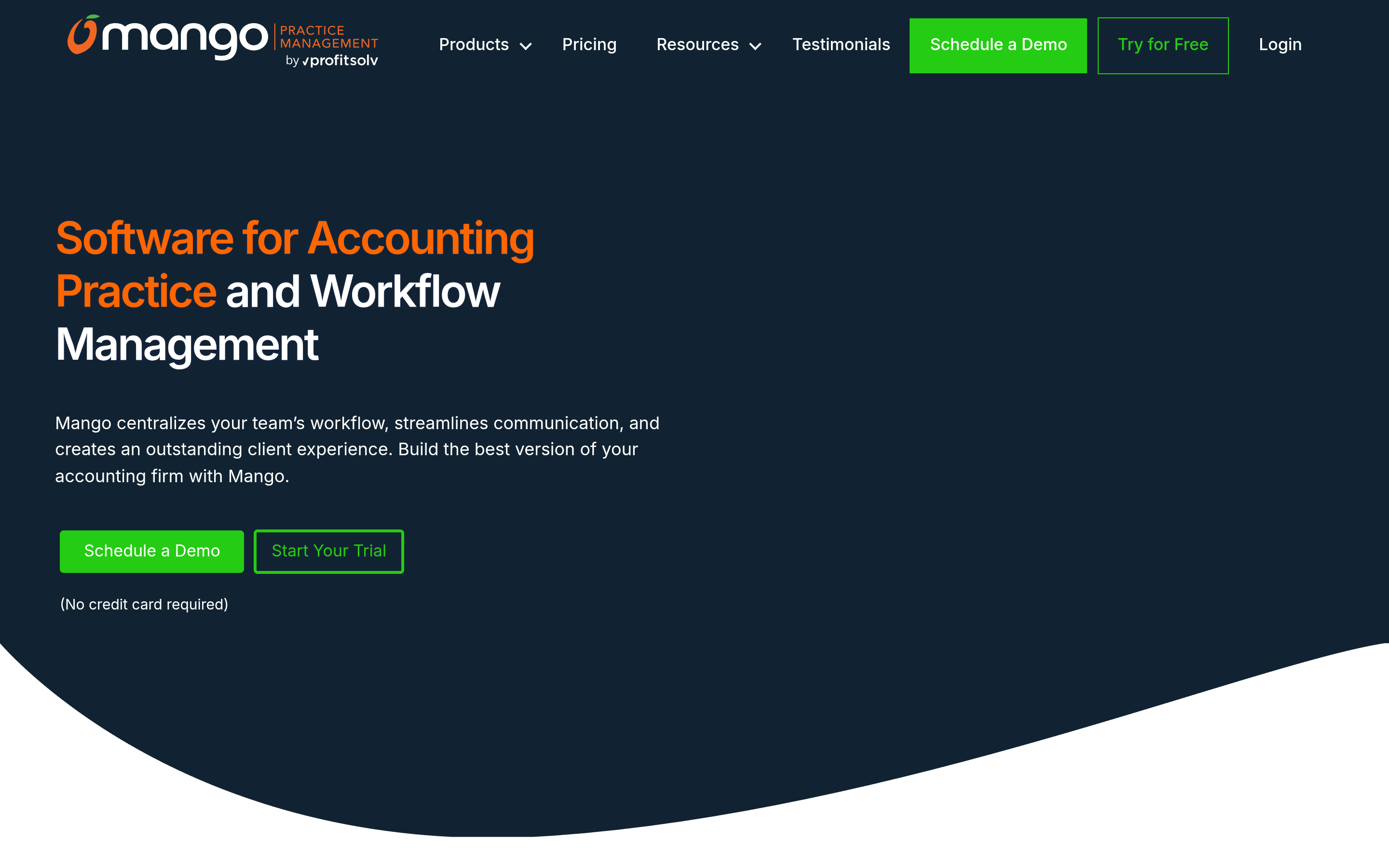
Mango Practice Management homepage, captured Nov 2026.
Mango Practice Management is an all-in-one practice management suite built by accountants, covering time tracking, billing, project management, a client portal and document sharing. Its Basic plan costs $35 a user a month and includes time tracking, invoicing, scheduling and expense management.
The trade off is the lowest rating in this list at 3.9 out of 5 on G2, and document management, e-signatures and QuickBooks integration need the Pro plan at $69 a user a month. It suits small firms that want an affordable all-in-one built by accountants.
An all-in-one suite replaces Taxaroo directly. TaxDome, Canopy, Financial Cents, Uku and Mango all combine a client portal with workflows, billing and e-signatures, so one subscription covers the whole client journey.
A workflow-only tool covers half the job. Jetpack Workflow runs recurring tasks and deadlines well, but it has no client portal and no billing, so firms still need a second tool for client-facing work.
Ignition and Liscio sit in between. Ignition handles proposals, engagement letters and payments but no portal or task tracking, while Liscio is a client communication and document portal with no billing at all.
How we chose
We started from tax practice management platforms named as Taxaroo replacements across software directories and vendor comparison pages, including TaxDome, Canopy, Karbon, Financial Cents, Uku, Jetpack Workflow, Ignition, Liscio and Mango.
Prices come from each vendor's pricing page, checked on 29 November 2026, except Mango, whose prices come from its vendor-supplied G2 listing, and Canopy, whose tier prices come from the same source after its pricing page did not render them. Ratings and review counts come from G2 on the same day, except Jetpack Workflow and Liscio, which use Capterra. Where a vendor shows a sale, the list shows the regular price.
We left out tools with no public rating and full-service firms that quote per return. No vendor paid for a place, and we do not claim to have used these tools ourselves.
How to choose a Taxaroo alternative
Start with the client portal, then price the seats you actually need.
List what Taxaroo does for you today. Write down the features you actually use, portal, scheduling, e-signatures, invoicing, and drop any replacement that misses one of them.
Price it for your whole team. Per-user tools multiply fast: five seats at $59 a month is $3,540 a year, while TaxDome's $1,500 covers 20 seats and 150 clients.
Run one real engagement end to end. Use the free trial to take a client from intake to signed engagement letter to paid invoice before you commit.
Check the tax-software integrations. Confirm the tool connects to the tax preparation software your firm already runs, such as Drake Tax, UltraTax or ProConnect.
FAQ
What is the best Taxaroo alternative in 2026?
TaxDome is the best Taxaroo alternative for most tax firms. It bundles a client portal, workflows, e-signatures and billing from $1,500 a year for 150 active clients and 20 staff seats, and it holds a 4.7 out of 5 G2 rating from 744 reviews.
How much do Taxaroo alternatives cost?
Entry paid plans run from $19 a month for Financial Cents, Uku and Liscio to $1,500 a year for TaxDome. Most per-user tools start at $35 to $74 a user a month, so a five-person firm should compare yearly totals, not monthly rates.
Is there a free Taxaroo alternative?
No tool here has a permanently free plan. Seven of the nine offer a 14-day free trial or a demo, and Canopy offers a limited free client-management tier, so you can run a real engagement before paying.
Which Taxaroo alternative is best for a solo tax preparer?
Financial Cents and Uku are the best picks for solo firms, both starting at $19 a month with a client portal, workflows, billing and e-signatures included. Liscio also starts at $19 a month, but its cheapest tier has no e-signatures or client tasks.
TaxDome vs Karbon: which is better?
TaxDome is better for firms that want one all-in-one system with a client portal, billing and e-signatures, while Karbon is better for teams that want email-centred workflow and task management. TaxDome starts at $1,500 a year for 150 clients; Karbon starts at $59 a user a month.
Does any Taxaroo alternative include AI features?
Yes. TaxDome sells an AI add-on at $200 a month for document organisation and return delivery, Canopy includes AI intake and delivery credits in every plan, and Financial Cents includes AI features on all plans. Karbon's AI email assistant is built into its workflow tools.
SaaS SEO and WordPress specialist with about 8 years of experience. Rakib compares WordPress plugins, themes, hosting and software using public pricing, documentation and user reviews. See how we rank.