Later is the best tool for social media content creators who plan visually, with a Starter plan at $25 a month and a 4.5 out of 5 G2 rating from 389 reviews. Descript is the pick for editing video and audio, and Linktree is the cheapest way to turn one bio link into a shopfront.
How we make this list: we compare pricing pages, product documentation and public user reviews, then re-check every price before each update. No product paid for a place. Disclosure.
Later leads for creators who plan visually: $25 a month, 4.5/5 on G2, with a visual calendar and link in bio on every plan.
Descript is the editor of the list: cut video by editing the transcript, from $24 a month, rated 4.6/5 on G2.
Linktree and Buffer are the cheapest paid starts at $5 a month each, and both keep a usable free plan.
Every tool here except Later, Sendible and Hootsuite has a free plan; Hootsuite is the priciest start at $99 a month.
Planable is the pick for working with clients or a team, with approvals and shareable previews at $39 a month.
What do social media content creators need from their tools?
A creator's toolkit has three jobs: make the post, schedule it, and learn from it. Most creators need one tool for editing, one for planning and posting, and one link page that sends followers everywhere else.
Prices here run from $5 to $99 a month for the cheapest paid plan, so the gap between the cheapest and priciest start is wide. Where a vendor discounts annual billing, this list shows the regular monthly price, so the figures compare like for like.
Free plans are real tools, not demos. Buffer schedules on 3 channels free, Linktree gives unlimited links free, and Metricool covers 1 brand free, which is enough to start posting every day without paying. Our guide on scheduling posts in WordPress covers the same habit for site owners.
Ratings in this list come from G2, checked on 29 November 2026, and range from 4.3 to 4.6 out of 5. No tool here scores below 4.3, so the choice comes down to fit and price rather than quality. A content calendar is what turns any of these tools into a routine.
The 8 best tools for social media content creators
01
Later
4.5/5on G2 (389 reviews, checked Nov 2026)
Starts at$25/mo
Best for visual Instagram and TikTok planning
Social sets1 on Starter (8 profiles)
Users1 on Starter
Posts30 per profile a month
Paid planStarter, $25/mo
later.com
Later homepage, captured Nov 2026.
Later is a social media scheduler built around visual planning for Instagram, TikTok and Pinterest. Starter costs $25 a month and covers 1 social set of 8 profiles and 1 user, with 30 posts per profile a month, a link in bio and 5 AI credits.
The trade off is the 30-post cap on Starter, which runs out fast for an active brand. Collaboration, approvals and the social inbox only arrive on Growth at $50 a month. It suits freelancers and small agencies whose clients live on visual networks.
What we like
Strongest visual calendar for Instagram and TikTok
Link in bio included on every plan
Approvals and inbox on Growth
14-day free trial
Watch out for
Starter caps at 30 posts per profile
Only 1 user and 1 social set on Starter
Analytics are limited on the lower tiers
Growth adds approvals, inbox and a second social setVisit later.com
02
Descript
4.6/5on G2 (942 reviews, checked Nov 2026)
Paid from$24/mo
Best for editing video and audio by transcript
Free plan1 media hour a month
Media hours10 a month on Hobbyist
AI credits400 a month on Hobbyist
Paid planHobbyist, $24/mo
descript.com
Descript homepage, captured Nov 2026.
Descript is an audio and video editor that lets creators cut footage by editing its transcript. The free plan includes 1 media hour a month, 100 AI credits and 720p exports with a watermark, and Hobbyist at $24 a month raises that to 10 media hours, 400 credits and watermark-free 1080p exports.
The trade off is the media-hour meter. Hobbyist covers about 10 hours of uploads a month, and top-ups are only sold on Creator at $35 a month, so heavy editors outgrow it fast. It suits podcasters and YouTubers who edit talking-head video every week.
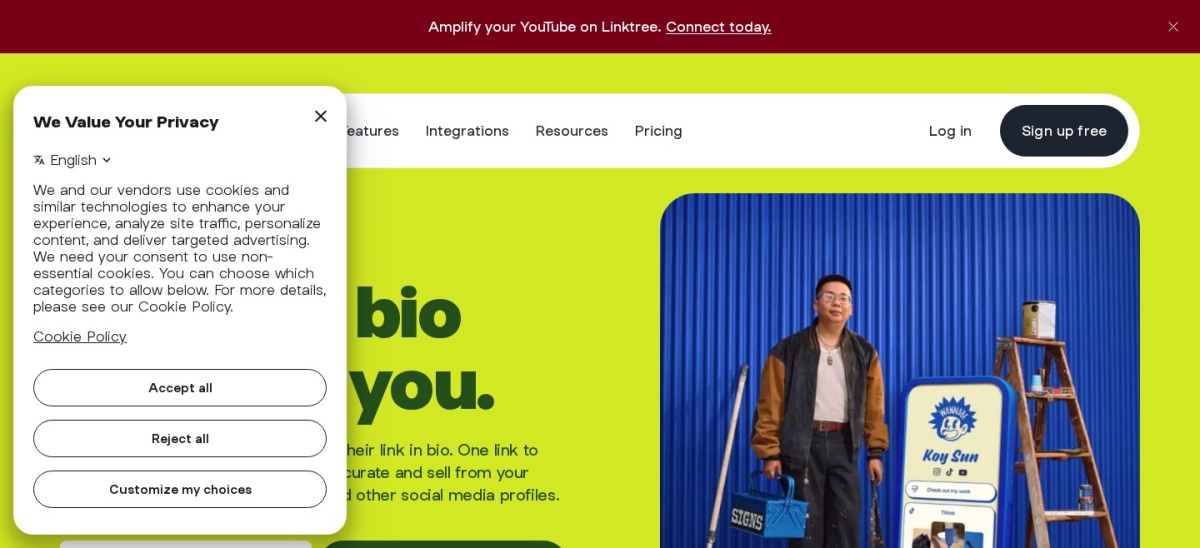
Linktree is a link-in-bio page that puts every profile, video, product and signup form behind one link. The free plan includes unlimited links and social icons, and Starter at $5 a month adds custom themes, scheduled links and 90 days of analytics.
The trade off is branding and selling. Removing the Linktree logo and selling products with 0% fees need Pro at $9 a month, and the free page takes a cut of sales. It suits creators who send followers from Instagram or TikTok to many places at once.
Buffer is a scheduler that queues posts for Instagram, TikTok, LinkedIn, X and more from one dashboard. The free plan covers 3 channels with 10 scheduled posts each, and Essentials at $5 a month per channel removes the cap and adds advanced analytics.
The trade off is depth. Buffer keeps scheduling simple, so approvals, in-depth reports and team roles sit on the Team plan at $10 a month per channel. It suits solo creators who post to a few channels and want the cheapest paid start here.
Metricool is a scheduling and analytics tool that plans posts and reports on them in the same dashboard. The free plan covers 1 brand with 20 posts a month, and the paid plan starts at $25 a month for 5 brands with deeper analytics.
The trade off is polish. Metricool covers the workflow well, but its interface feels busier than Buffer or Later, and the best reports sit on higher tiers. It suits creators who want one place to schedule and see what actually worked.
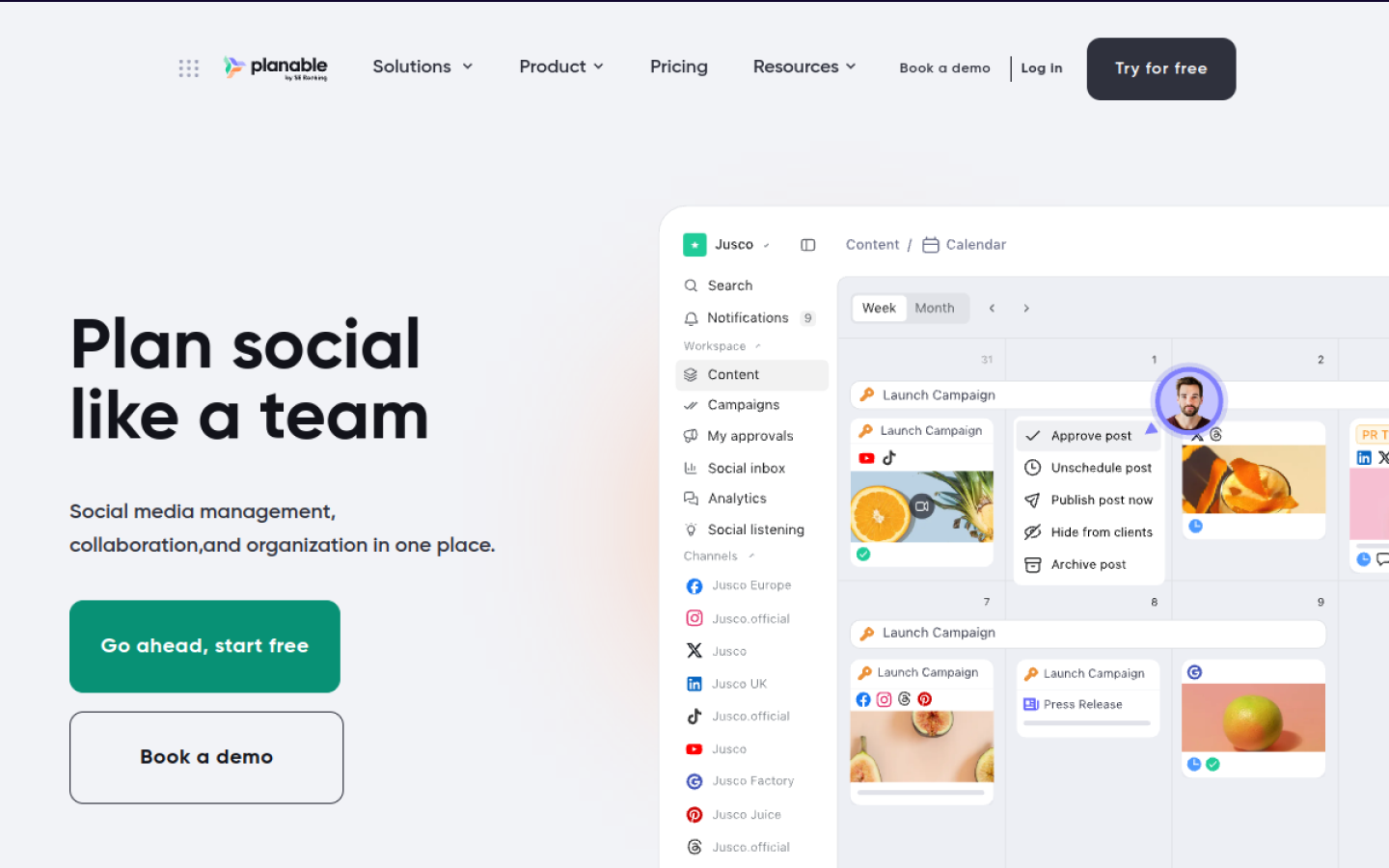
Planable is a content calendar built for teams: draft posts, preview them as they will look, and get approvals before anything goes live. The free plan covers the basics, and the first paid workspace costs $39 a month with approval workflows and client sharing.
The trade off is price for solo creators. At $39 a month per workspace it costs more than Buffer or Later for one person, and post limits apply on paid plans. It suits creators who work with clients, editors or a small team.
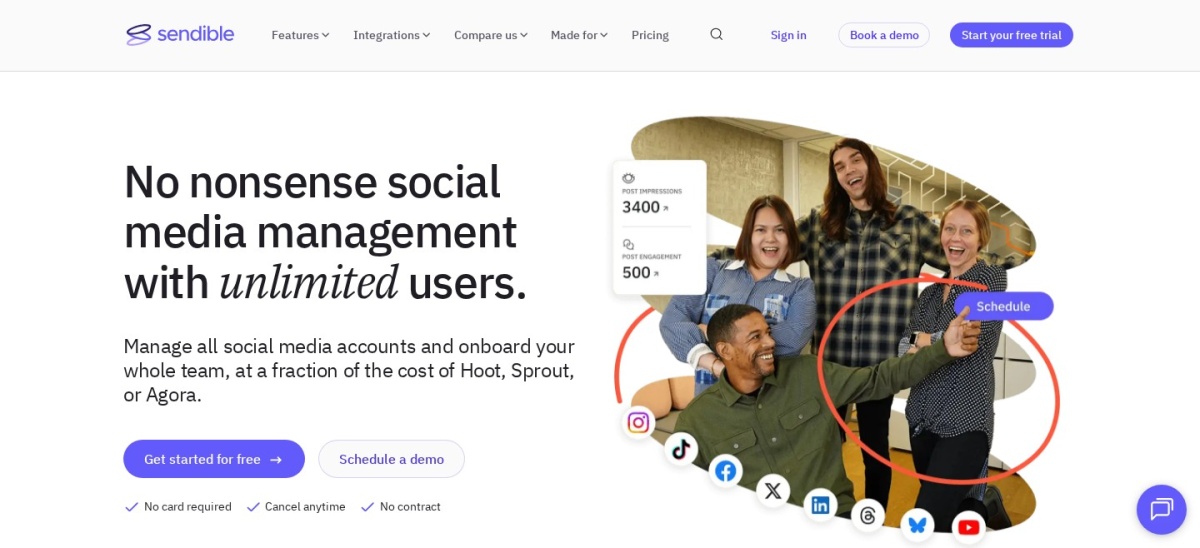
Sendible is a social media manager built for people who run accounts for others, with scheduling, monitoring and reporting in one dashboard. Core costs $35 a month, and reviewers rate it 4.5 out of 5 on G2 from 906 reviews, with ease of use the most cited strength.
The trade off is the single-user start. Core covers 1 user, so a second teammate means a higher tier, and the interface packs a lot into one screen. It suits creators who manage accounts for clients or several brands.
Hootsuite is the longest-running social media manager here, covering scheduling, inbox, listening and reporting for 1 user on Professional at $99 a month. It holds a 4.3 out of 5 G2 rating from 7,827 reviews, the largest review count in this list.
The trade off is price. At $99 a month it costs four times Later's Starter, and the cheapest plan still covers only 1 user. It suits creators whose channels have grown into a small team with reporting needs.
Free plans cover the daily habit well. Buffer, Linktree, Metricool, Descript and Planable all let you post or publish without paying, with limits on channels, brands or media hours.
Paid plans mostly add room and reports. You get more posts, more profiles, longer analytics history and the branding removed.
The jump that matters most is the first paid tier. Linktree and Buffer start at $5 a month, while Hootsuite starts at $99, so check what the free plan already covers before you pay.
For a creator earning from content, one paid tool usually pays for itself in saved time. Pick the tool that covers your weakest step first, then add a second only when the free limits bite.
How we chose
We started from the tools social media creators name most often for planning, editing, scheduling and link pages, then kept the eight with a published G2 rating and a public pricing page.
Prices come from each vendor's pricing page, checked on 29 November 2026. Ratings and review counts come from G2 on the same day, except Metricool, Planable and Sendible, whose G2 figures come from our agencies list checked on 25 November 2026. Where a vendor shows a sale, the list shows the regular monthly price.
We left out CapCut and Riverside because no single G2 rating and review count could be verified for them today, and Canva because its homepage would not load for a screenshot. No vendor paid for a place, and we do not claim to have used these tools ourselves.
How to choose a tool for social media content creation
Start with the step that eats most of your time, then add tools only when free limits bite.
Name your bottleneck first. If editing eats your week, start with Descript. If planning does, start with Later or Buffer. Do not buy an all-in-one suite for one job.
Try the free plan for two weeks. Buffer, Linktree, Metricool, Descript and Planable all have free plans. Post on your real schedule and see which limit you hit first.
Check the price per seat, not per month. Most of these tools charge per user or per channel. A $25 plan for 1 user costs more than a $39 workspace once a teammate joins. See how to grow an email list to turn followers into an audience you own.
Keep one link page everywhere. Whatever scheduler you pick, put the same Linktree link in every bio so followers always land in one place.
FAQ
What is the best tool for social media content creators in 2026?
Later is the best all-round pick for social media content creators, with a visual calendar built for Instagram and TikTok, a link in bio on every plan, and a 4.5 out of 5 G2 rating. Descript is better if editing is your main job.
How much does it cost to start as a social media content creator?
You can start free: Buffer, Linktree, Metricool, Descript and Planable all have free plans. The cheapest paid starts are Linktree and Buffer at $5 a month, while the priciest start here is Hootsuite at $99 a month.
Is there a free tool for social media content creators?
Yes. Buffer schedules on 3 channels free, Linktree gives unlimited links free, Metricool covers 1 brand free, and Descript edits with 1 free media hour a month. Start free and pay only when you hit a limit.
Later vs Descript: which should a creator pick first?
Pick Later first if planning and posting take most of your time, since its visual calendar and link in bio cover the daily workflow. Pick Descript first if editing video or audio is the slow step, since it cuts editing time by working from the transcript.
Which tool is best for beginners?
Buffer is the easiest start for scheduling, with a free plan and a $5 a month paid tier, while Linktree is the easiest start for bio links. Both set up in minutes and need no training.
Do I need Hootsuite as a solo creator?
Usually not. Hootsuite starts at $99 a month for 1 user, and Later at $25 or Buffer at $5 cover the same scheduling job for less. Hootsuite fits once you need deep reports, listening and many integrations.
SaaS SEO and WordPress specialist with about 8 years of experience. Rakib compares WordPress plugins, themes, hosting and software using public pricing, documentation and user reviews. See how we rank.