Leonardo AI is the best SD 3 5 GUI alternative to ComfyUI, rated 4.5 out of 5 on G2, with 150 free tokens a day and Stable Diffusion fine-tunes in a browser canvas. NightCafe is the cheapest rated option at $5.99 a month, and Mage.space is the only pick that lists SD 3.5 by name in its plan table.
How we make this list: we compare pricing pages, product documentation and public user reviews, then re-check every price before each update. No product paid for a place. Disclosure.
Leonardo AI leads with a 4.5/5 G2 rating, 150 free tokens a day and Stable Diffusion fine-tunes, at $12 a month.
NightCafe is the cheapest rated pick at $5.99 a month, with 5 free credits a day and unlimited base Stable Diffusion runs.
Mage.space is the only tool here that lists SD 3.5 by name in its plan table, with unlimited base-model runs from $10 a month.
getimg.ai has the highest rating in the list at 4.7/5 on G2, but from only 5 reviews, and it has no free plan.
Every pick runs in the browser, so none of them needs a local GPU, a node graph or a model download.
How do you choose an SD 3 5 GUI alternative to ComfyUI?
The first question is whether you want to run models locally or in the browser. A browser GUI removes the GPU, the install and the node graph, but you pay per month and rent the models instead of owning them.
Model support matters more than the interface. Only Mage.space names SD 3.5 in its plan table, while Leonardo AI, NightCafe and Playground run Stable Diffusion models and fine-tunes without naming the 3.5 checkpoint, so check the model list before you pay.
Free allowances decide how far you get before paying. Leonardo AI refills 150 tokens a day, NightCafe gives 5 credits a day plus unlimited base runs, and Krea refills 100 units a day, while getimg.ai and OpenArt give trial credits only. Our guide to generating images with AI in WordPress shows where browser generation fits a publishing workflow.
Ratings here are thin, so read them with care. NightCafe has 85 Capterra reviews and Playground has 549 on G2, but getimg.ai has 5 and Mage.space has 8 on Trustpilot, so a high score from a handful of reviews is weak evidence.
Leonardo AI is a browser image studio built around open models, with its own Phoenix and Lucid models beside FLUX and Stable Diffusion fine-tunes. The free plan refills 150 tokens every day, and paid plans add LoRA training, a canvas editor and faster generation.
The trade off is control. You cannot load an arbitrary SD 3.5 checkpoint the way a local GUI can, and heavy use burns tokens fast enough that the $12 Essential plan can feel small. It suits creators who want SD-style models without a GPU or a node graph.
What we like
150 free tokens every day
SD fine-tunes plus Phoenix, Lucid and FLUX
Canvas editor and LoRA training
No install and no local GPU needed
Watch out for
No arbitrary SD 3.5 checkpoint loading
Token use can climb fast on big jobs
Essential adds more tokens, training and faster generationVisit leonardo.ai
02
NightCafe
4.7/5on Capterra (85 reviews, checked Nov 2026)
Paid from$5.99/mo
Best for the lowest monthly price
Free daily allowance5 credits/day
ModelsStable Diffusion, SDXL, FLUX
Base SD runsUnlimited, free
Paid planAI Beginner, $5.99/mo
nightcafe.studio
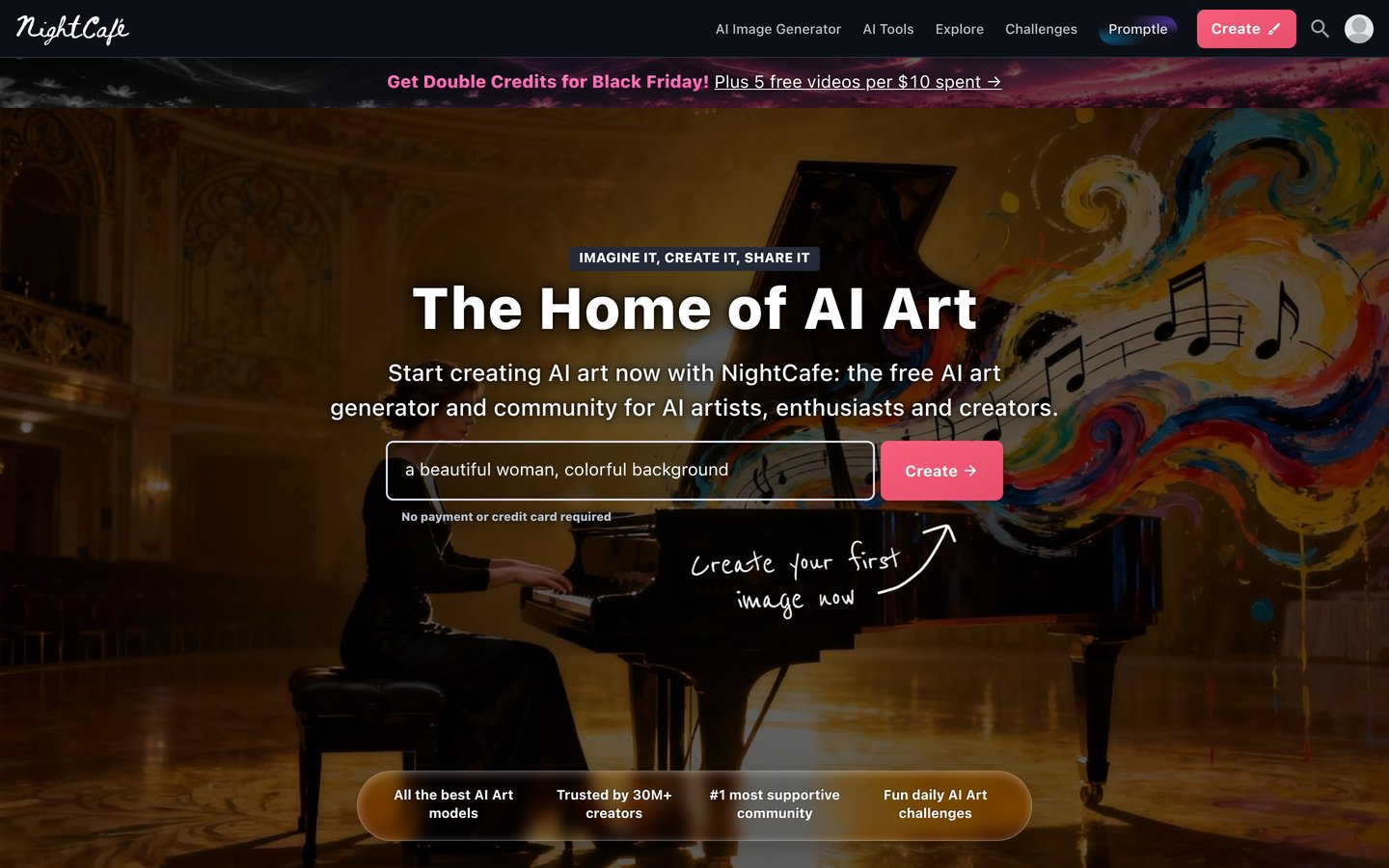
NightCafe homepage, captured Nov 2026.
NightCafe is a browser art studio that runs Stable Diffusion, SDXL and FLUX beside DALL-E and Ideogram, with community challenges and a gallery built in. The free plan gives 5 credits a day, and base Stable Diffusion generations are unlimited at no cost.
The trade off is depth. NightCafe is built for quick art and challenges, not for checkpoint control, LoRA training or a ComfyUI-style workflow, and premium models cost credits on top of the plan. It suits beginners and hobbyists who want cheap SD runs without setup.
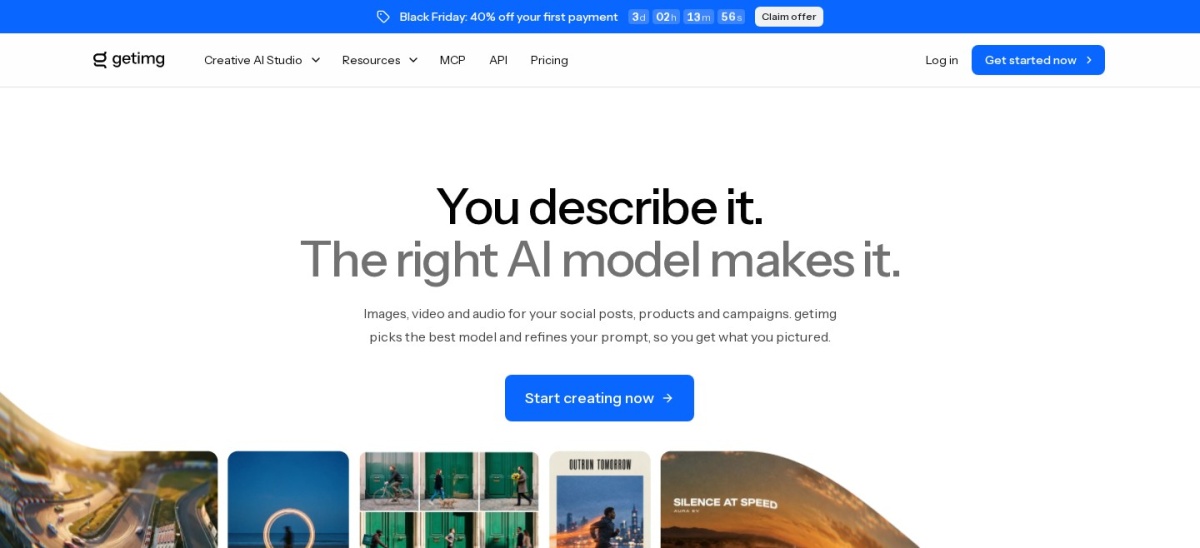
getimg.ai is a browser creative studio that puts image, video and audio models behind one credit balance, including FLUX.2, Seedream, Qwen and Nano Banana. Entry costs $15 a month billed yearly and gives 8,000 credits a month, with 4K upscaling and commercial rights included.
The trade off is that the old Stable Diffusion playground is gone. A 2026 rebuild retired custom model training and many community models, and the G2 rating rests on only 5 reviews. It suits creators who want current hosted models in one place rather than SD checkpoints.
What we like
Highest rating in this list, 4.7/5 on G2
A dozen-plus image models in one login
4K upscaling on the Entry plan
Commercial rights on every paid plan
Watch out for
No free plan since the 2026 rebuild
G2 rating rests on only 5 reviews
Custom model training was retired in March 2026
Core adds all models, 8K upscaling and 19,000 creditsVisit getimg.ai
04
Playground
4.4/5on G2 (549 reviews, checked Nov 2026)
Paid from$15/mo
Best canvas editor of the bunch
Free allowance5 images/3h, 6 credits/mo
ModelsPlayground v3, SD 1.5, SDXL
Canvas editingYes, with layers
Paid planPro, $15/mo
playground.com
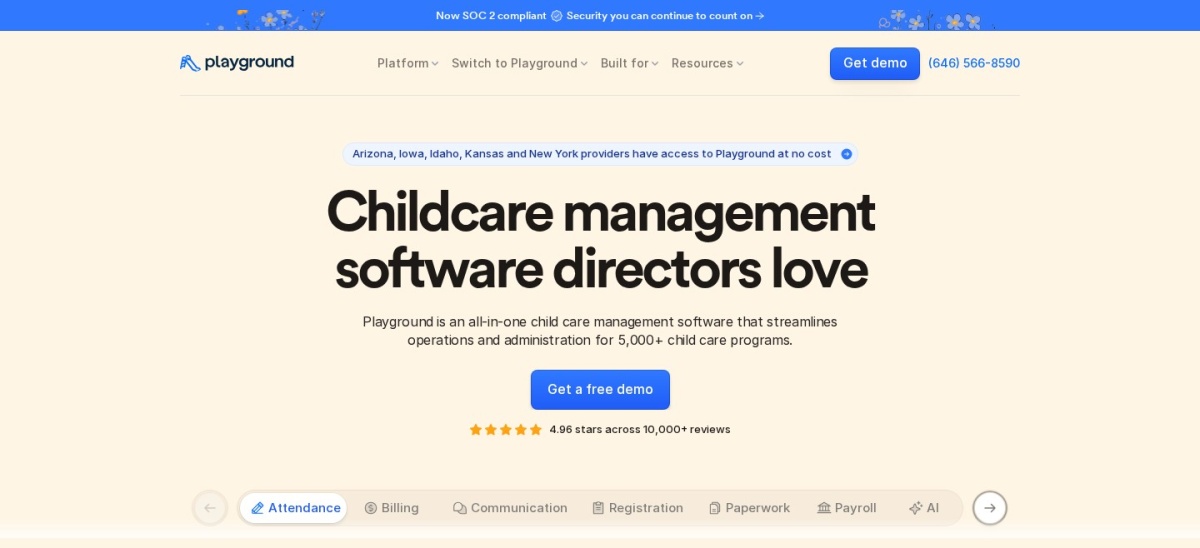
Playground homepage, captured Nov 2026.
Playground is a browser image studio that pairs text-to-image generation with a full canvas editor, so generated images, photos, sketches and text share one layered workspace. It runs its own Playground v3 model beside Stable Diffusion 1.5 and SDXL, and the free plan gives 5 images every 3 hours.
The trade off is the free plan. Advanced models get only a few credits a month, and the SD models are older versions rather than SD 3.5, so the canvas is the reason to pick it. It suits designers who edit and layer images more than they chase new checkpoints.
3.5/5on Trustpilot (1,664 reviews, checked Nov 2026)
Starts at$14/mo
Best for a big model catalogue
Free planTrial credits only
Models100+ image, video, audio
Starter credits4,000/month
Paid planStarter, $14/mo
openart.ai
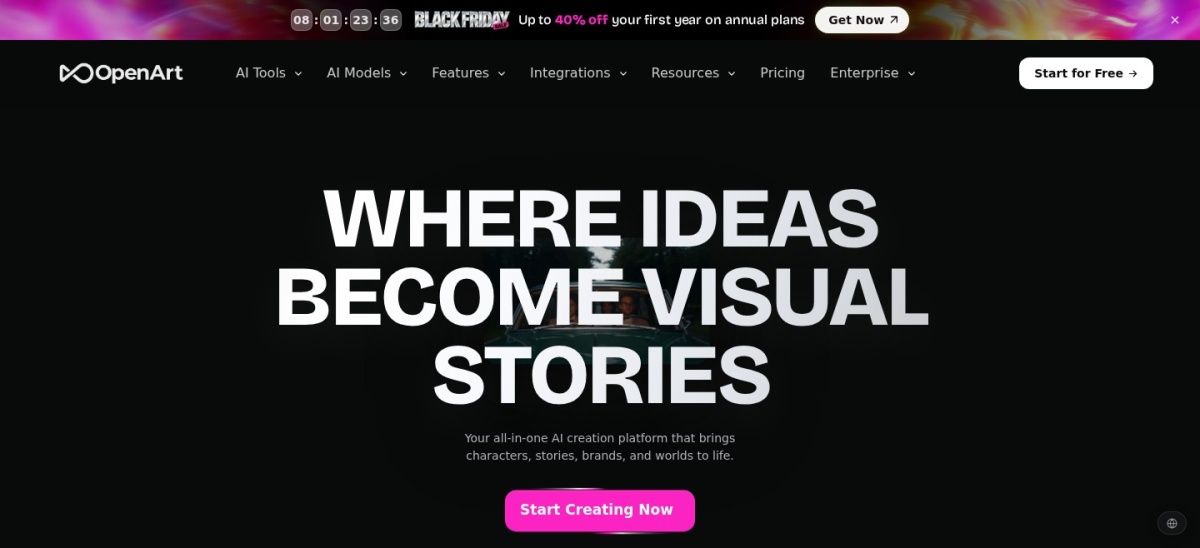
OpenArt homepage, captured Nov 2026.
OpenArt is a browser studio that wraps more than 100 image, video and audio models behind one credit balance, with consistent characters, a Director mode and one-click stories. Starter costs $14 a month and gives 4,000 credits a month, with watermark-free output and 8 parallel generations.
The trade off is trust. OpenArt scores 3.5 out of 5 on Trustpilot from 1,664 reviews, with about a third giving one star over refunds and credits running out fast, and Starter has no commercial use rights. It suits creators who want the widest model choice and pay for Plus to use work commercially.
3.6/5on Trustpilot (186 reviews, checked Nov 2026)
Paid from$9/mo
Best for a browser node-style canvas
Free daily allowance100 units/day
ModelsKrea 1-3, FLUX, Nano Banana
LoRA trainingUp to 50 images
Paid planBasic, $9/mo
krea.ai
Krea homepage, captured Nov 2026.
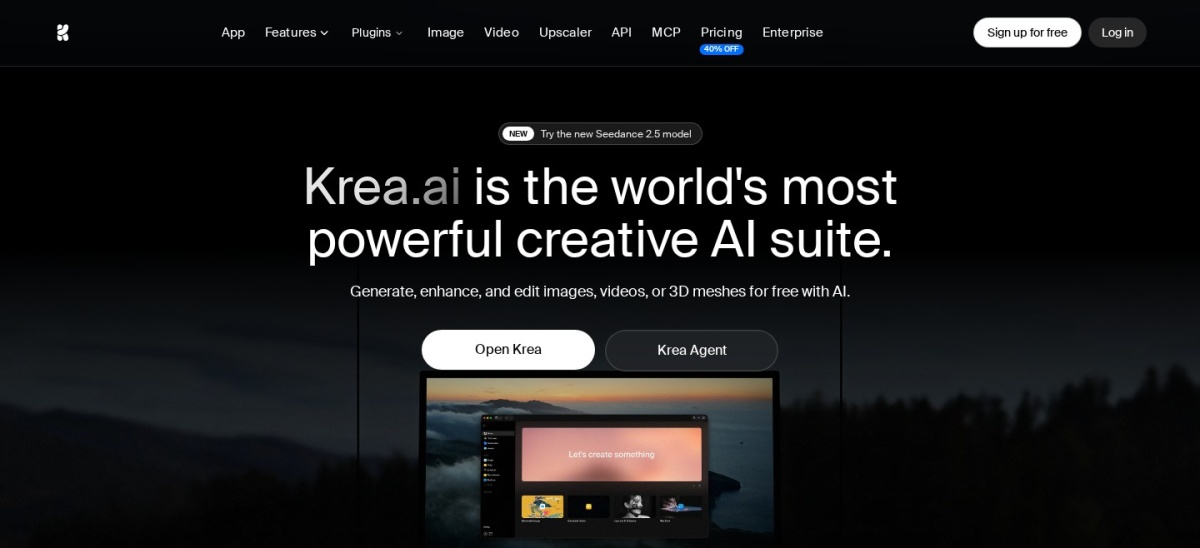
Krea is a browser creative suite that mixes its own Krea models with third-party image, video and 3D models, plus real-time generation, upscaling and LoRA training. The free plan refills 100 compute units a day, and Basic costs $9 a month for 5,000 units and a commercial licence.
The trade off is the meter. Units expire at the end of each billing cycle, the free plan has no commercial licence, and the yearly prices shown on the page are promotional. It suits creators who want a ComfyUI-like canvas in the browser without installing anything.
What we like
Real-time generation and a canvas workflow
LoRA training on Basic
100 free units every day
Commercial licence from $9 a month
Watch out for
Units expire each billing cycle
No commercial licence on the free plan
Yearly prices shown are promotional
Pro adds 20,000 units and more video modelsVisit krea.ai
07
Mage.space
2.5/5on Trustpilot (8 reviews, checked Nov 2026)
Starts at$10/mo
Best for running SD 3.5 in the browser
Free entry300 Gems, one-time
ModelsSD 1.5, SDXL, SD 3.5, FLUX
Basic allowance500 Gems, unlimited base
Paid planBasic, $10/mo
mage.space
Mage.space homepage, captured Nov 2026.
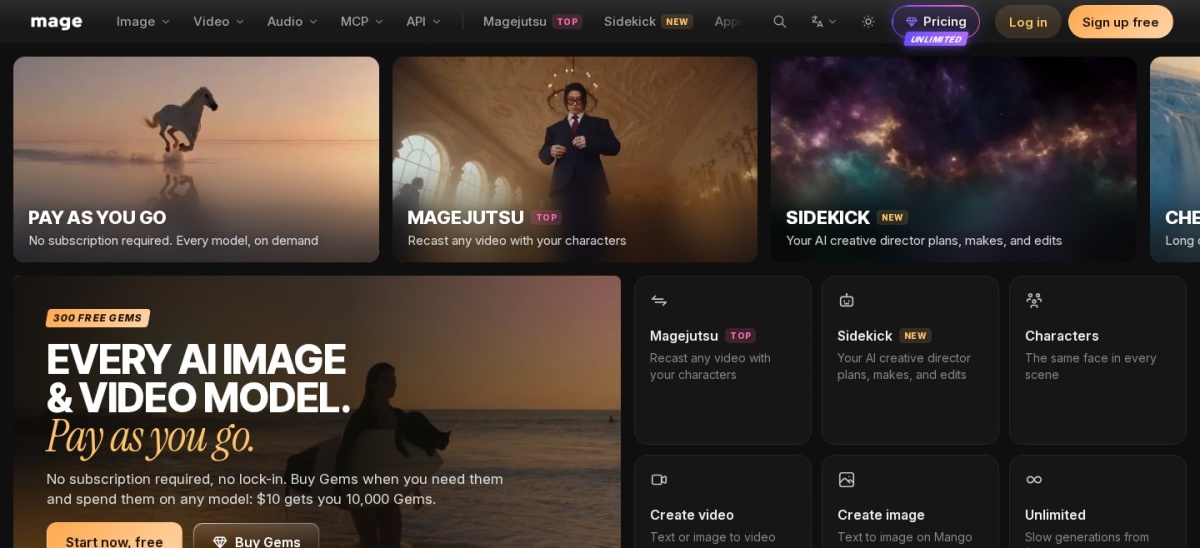
Mage.space is a browser workspace for Stable Diffusion and newer hosted models, and its plan table lists SD 1.5, SDXL and SD 3.5 beside FLUX and Seedream. Basic costs $10 a month, adds 500 Gems a month and unlimited generations on base models, with LoRA support and inpainting included.
The trade off is reputation. Mage.space scores 2.5 out of 5 on Trustpilot from only 8 reviews, and the free entry is a one-time 300 Gems, not a refilling allowance. It suits SD users who want the 3.5 checkpoint in a browser and accept a thin review record.
Local GUIs give you the checkpoint. AUTOMATIC1111, Fooocus, InvokeAI, SwarmUI and SD.Next run SD 3.5 on your own GPU, with any checkpoint, LoRA or ControlNet you download, and no monthly bill.
The catch is that none of them has a public G2, Capterra or Trustpilot rating, so this list cannot rank them without inventing a score. They are the closest replacements in spirit, and the right pick if you own a capable GPU and want full control.
Hosted GUIs trade that control for convenience. You get a browser tab, a canvas and a support team, but you rent access, you use the models the vendor lists, and a quiet month still costs a subscription.
ComfyUI itself is not in this list, because the keyword asks for alternatives to it. If you already run ComfyUI and only want an easier screen on top of it, SwarmUI adds a simple Generate tab beside the graph.
How we chose
We started from the tools people name most often as ComfyUI replacements in local-app roundups and hosted image-generator lists, then kept the established tools with a public price and a public rating.
Prices come from each vendor's pricing page, checked on 29 November 2026, with the monthly-billed price as the listed price except where the page shows a yearly-billed rate, as noted for getimg.ai. Ratings come from G2, Capterra or Trustpilot on the same day. Where a vendor shows a sale, the list shows the regular price.
We left out the closest local replacements, InvokeAI, AUTOMATIC1111, Fooocus, SwarmUI and SD.Next, because none of them has a public G2, Capterra or Trustpilot rating, and this list does not invent ratings. No vendor paid for a place, and we do not claim to have used these tools ourselves.
How to choose an SD 3 5 GUI alternative to ComfyUI
Start with your GPU, then match the model list to the checkpoint you need.
Check whether you need local control or a browser tab. If you own a capable GPU and want any SD 3.5 checkpoint, a local GUI is the better fit. If you want to start in minutes, pick a hosted GUI from this list.
Confirm the model list before you pay. Only Mage.space names SD 3.5 in its plan table. The others run SD models or fine-tunes, so open the model list and check the checkpoint you need is there.
Work out what the free allowance really covers. Daily refills beat one-time trial credits. Leonardo AI, NightCafe and Krea refill every day, while Mage.space and OpenArt give one-time trial amounts.
Check the commercial licence. Free plans often exclude commercial use. Krea and OpenArt need a paid plan for client work, so read the licence line on the pricing page.
FAQ
What is the best SD 3.5 GUI alternative to ComfyUI?
Leonardo AI is the best pick for most people. It is rated 4.5 out of 5 on G2, gives 150 free tokens a day, and runs Stable Diffusion fine-tunes beside its own Phoenix and FLUX models in a browser canvas, with no GPU or install needed.
How much does an SD 3.5 GUI alternative to ComfyUI cost?
Paid plans in this list run from $5.99 to $15 a month. NightCafe is cheapest at $5.99, Krea is $9, Mage.space is $10, Leonardo AI is $12, and OpenArt, Playground and getimg.ai are $14 to $15 a month.
Is there a free SD 3.5 GUI alternative to ComfyUI?
Yes, with limits. Leonardo AI refills 150 tokens a day, NightCafe gives 5 credits a day plus unlimited base Stable Diffusion runs, and Krea refills 100 units a day. The local GUIs AUTOMATIC1111, Fooocus, InvokeAI and SwarmUI are free, but need your own GPU.
Which SD 3.5 GUI alternative is best for beginners?
NightCafe is the easiest starting point. It costs $5.99 a month, needs no install, and base Stable Diffusion generations are unlimited and free, so a beginner can learn prompting without watching a token meter. Leonardo AI is the better pick once you want canvas editing.
Leonardo AI vs NightCafe: which is better for SD 3.5?
Leonardo AI wins for serious work, with a canvas editor, LoRA training and SD fine-tunes at $12 a month. NightCafe wins on price at $5.99 a month, with unlimited free base SD runs. Pick Leonardo AI for editing and training, and NightCafe for cheap everyday generations.
Why is DreamStudio not in this list?
DreamStudio is Stability AI's own SD studio, but its G2 rating rests on only 2 reviews, and its pricing is in flux between the old $10 credit packs and a reported $50-a-month Brand Studio plan. We left it out rather than rank it on a 2-review rating and an unsettled price.
Can I run SD 3.5 locally instead of paying monthly?
Yes. AUTOMATIC1111, Fooocus, InvokeAI, SwarmUI and SD.Next all run SD 3.5 on your own GPU for free, with any checkpoint or LoRA you download. You need at least 6GB of video memory, and none of them has a public G2, Capterra or Trustpilot rating, so they are not ranked here.
SaaS SEO and WordPress specialist with about 8 years of experience. Rakib compares WordPress plugins, themes, hosting and software using public pricing, documentation and user reviews. See how we rank.