HubSpot Sales Hub is the best pick among salesforce automations to drive more sales, with a free plan for 2 users and Starter at $20 a seat a month. Zapier suits teams that need Salesforce connected to other apps, while Apollo fits outbound prospecting with its 240M+ contact database.
How we make this list: we compare pricing pages, product documentation and public user reviews, then re-check every price before each update. No product paid for a place. Disclosure.
HubSpot Sales Hub leads: free for 2 users, Starter at $20 a seat a month with 50 workflows.
Zapier connects Salesforce to 9,000+ apps from $19.99 a month, but per-task billing adds up fast.
Apollo.io is the highest rated at 4.7/5 from 9,797 G2 reviews, with a 240M+ contact database.
Pipedrive's $14 Essential plan has no workflow automations — they start at Advanced, $29 a month.
Paid plans run $10 to $49 a month, and 6 of the 9 tools have a free plan.
How do you choose salesforce automations to drive more sales?
Start with the job, not the tool. Salesforce automations should remove a manual step — logging a call, sending a follow-up, routing a lead — so name the step before you shop.
Check the Salesforce connection first. Some tools sync both ways, some only push records in, and some need a higher plan for the integration at all.
Price per seat hides the real cost. Credit caps, envelope limits and per-task billing can double the bill once volume grows, so read the limits beside the price.
Free plans are real here. Six of the nine tools in this list have one, so a small team can automate follow-ups and bookings before paying anything.
The 9 best salesforce automations to drive more sales
01
HubSpot Sales Hub
4.4/5on G2 (14,407 reviews, checked Nov 2026)
Paid from$20/mo
Best all-in-one CRM automation
Free planYes, 2 users
Starter workflowsUp to 50
Salesforce syncNative, two-way
Paid planStarter, $20/seat/mo
hubspot.com
HubSpot Sales Hub homepage, captured Nov 2026.
HubSpot Sales Hub is a CRM with built-in sales automation: sequences, deal pipelines, tasks and email tracking in one place. The free plan covers 2 users with deal tracking and contact management, while Starter at $20 a seat a month adds up to 50 workflows, 500 calling minutes and simple automation.
The trade off is price as you grow. Advanced sequences, forecasting and playbooks sit on Professional at $100 a seat a month, so the bill climbs fast for larger teams. It suits small teams that want CRM and automation together without buying a separate tool.
Zapier is an automation platform that links Salesforce to more than 9,000 other apps with trigger-and-action workflows called Zaps. The free plan includes 100 tasks a month, and a Zap can create or update a Salesforce record when a form, email or payment arrives.
The trade off is per-task billing. Starter costs $19.99 a month for 750 tasks, and multi-step Zaps burn tasks fast on busy pipelines. It suits teams that need Salesforce talking to tools it does not connect to on its own.
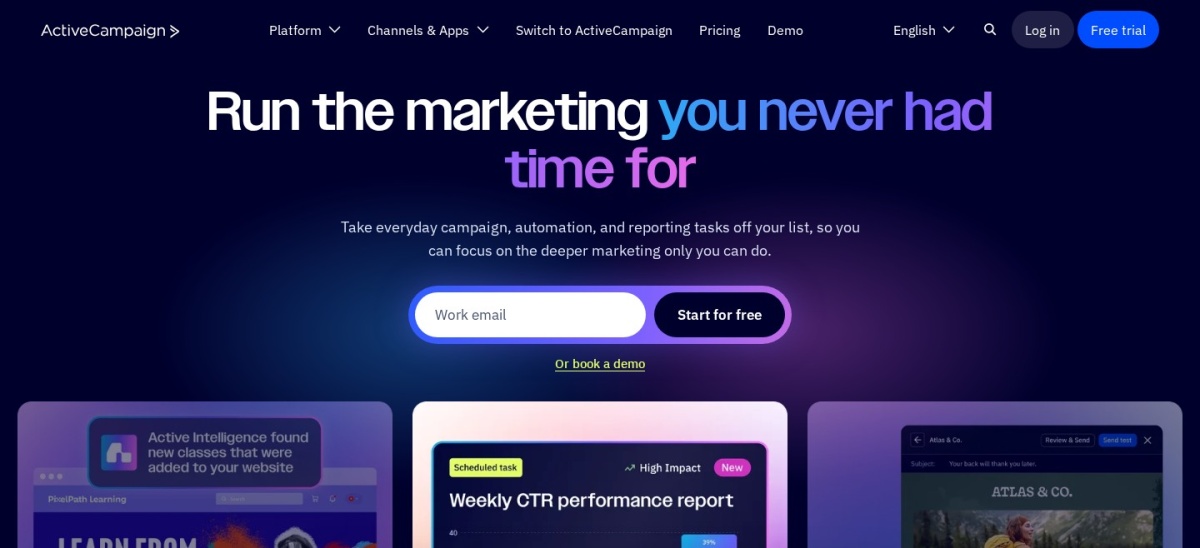
ActiveCampaign is a marketing and sales automation platform that runs email sequences, lead scoring and deal tasks, and syncs contacts with Salesforce. Starter costs $15 a month for 1,000 contacts on annual billing and includes multi-step automations, segmentation and 10,000 sends a month.
The trade off is the CRM gap on Starter. The built-in CRM, lead scoring and predictive sending arrive on Plus at $49 a month, and the price rises with list size. It suits teams that want email automation tied to Salesforce records.
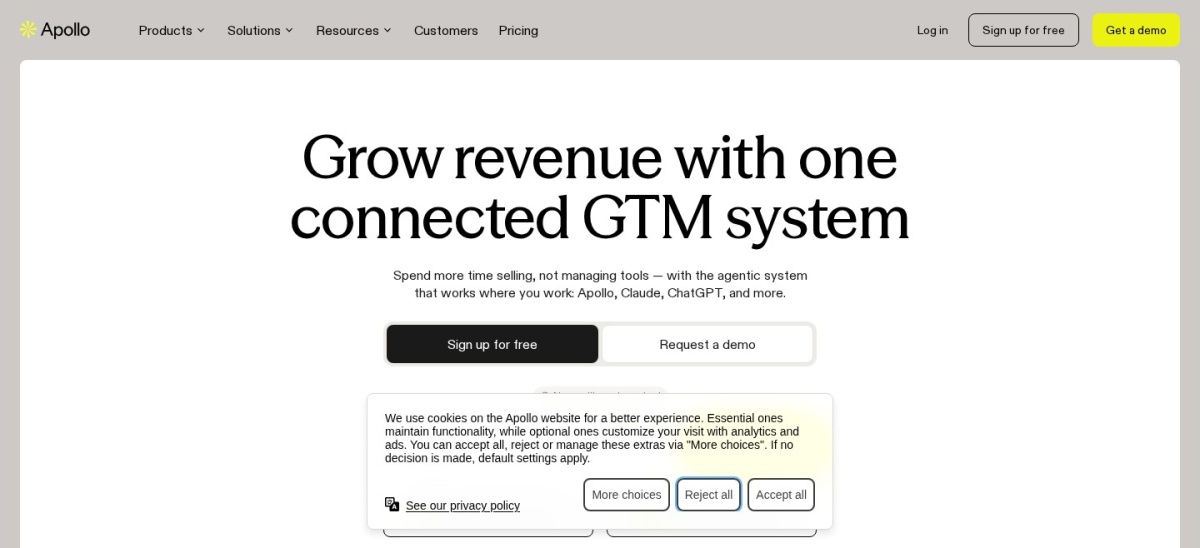
Apollo.io is a sales platform that pairs a 240M+ contact database with email sequences, a dialer and enrichment that syncs both ways with Salesforce. The free plan includes 900 credits a year, and Basic at $49 a user a month adds unlimited sequences and 30,000 credits a year.
The trade off is credits. Prospecting volume is capped by credits, and automated workflows and AI research need Professional at $79 a month. It suits outbound teams that want prospecting, sequencing and Salesforce enrichment in one tool.
What we like
Highest G2 rating in this list at 4.7/5
240M+ contact database built in
Two-way Salesforce enrichment sync
Watch out for
Credit caps limit prospecting volume
Automated workflows need Professional at $79
Professional adds automated workflows and AI researchVisit apollo.io
05
Pipedrive
4.3/5on G2 (2,100 reviews, checked Nov 2026)
Starts at$14/mo
Best visual pipeline automation
Free planNo, 14-day trial
Open deals3,000 on Essential
AutomationsAdvanced plan up
Paid planEssential, $14/user/mo
pipedrive.com
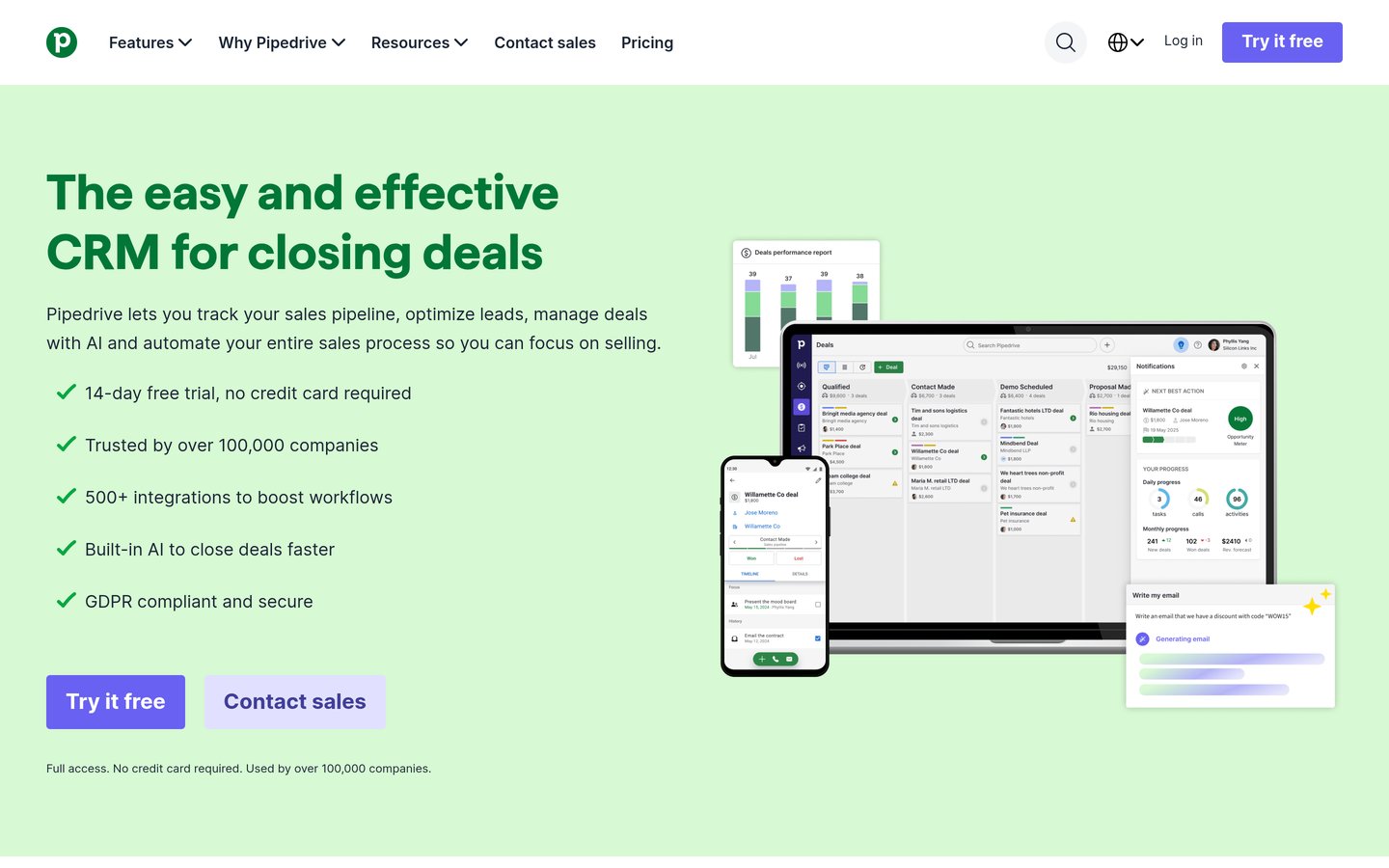
Pipedrive homepage, captured Nov 2026.
Pipedrive is a sales CRM built around a visual deal pipeline, with activity reminders, deal tracking and AI help. Essential costs $14 a user a month and covers pipelines, custom fields and 3,000 open deals, with a 14-day trial and no free plan.
The trade off is automation. Essential has no workflow automations at all, so automatic deal moves and assignments need Advanced at $29 a user a month. It suits deal-led teams that want a clear pipeline first and automation second.
ClickUp is an all-in-one workspace for tasks, docs and sales follow-ups, with automations that move work when a status or field changes. The free plan allows unlimited tasks and members, and Core at $12 a user a month adds unlimited storage, integrations and 1,000 automation executions a month.
The trade off is depth. ClickUp is a work platform, not a CRM, so Salesforce sync runs through an integration and sales reporting is lighter than a dedicated CRM. It suits small teams that want cheap automation across sales tasks and the rest of their work.
What we like
Free plan with unlimited tasks and members
Cheapest paid plan in this list after the free tier
Calendly is a scheduling tool that turns booking links into booked meetings, with reminders and calendar sync built in. The free plan covers one event type, and Standard at $10 a seat a month adds unlimited event types, payments and Zapier connections.
The trade off is Salesforce depth. Direct Salesforce sync and round-robin routing need Teams at $16 a seat a month, and Salesforce lookup routing is Enterprise only. It suits sales teams that lose deals to back-and-forth scheduling emails.
PandaDoc is a document platform for proposals, quotes and contracts, with templates, e-signatures and tracking that show when a prospect opens a deal document. The free plan covers e-signatures, and Essentials at $19 a seat a month adds unlimited templates and document analytics.
The trade off is the Salesforce link. Native Salesforce sync and CRM data fields need Business at $49 a seat a month, so Essentials works alone. It suits teams that send lots of quotes and want to know the moment a prospect reads one.
What we like
Document tracking shows when prospects open quotes
DocuSign is an e-signature platform that sends agreements from a Salesforce record and writes the signed copy back to it. Personal costs $10 a month on annual billing and covers 5 envelopes a month, with templates, reminders and an audit trail.
The trade off is the envelope cap. Five envelopes a month is tight for a busy sales team, and Standard at $25 a month is the realistic step up. It suits teams that close deals on signed contracts and want the paperwork inside Salesforce.
Free plans cover the basics well. Most include a working automation or two, enough to test the workflow on real deals.
Paid plans mostly add volume and the Salesforce link. Higher tiers raise credit, envelope and task limits, and unlock the native Salesforce sync.
If a tool gates its Salesforce integration behind a higher plan, budget for that plan, not the entry price. Email-heavy automation is where list size bites, so check how much email marketing costs before you pick a tier.
For a team that closes deals every day, the first year of a paid plan often costs less than the hours lost to manual follow-ups.
How we chose
We started from sales automation tools with a published Salesforce integration and a public rating, then kept the nine with the clearest pricing and the strongest G2 scores.
Prices come from each vendor's pricing page, checked on 29 November 2026. Ratings and review counts come from G2 on the same day. Where a vendor shows a sale, the list shows the regular price.
We left out tools with no public price and no public rating, including enterprise-only platforms that do not publish either. No vendor paid for a place, and we do not claim hands-on testing for this list.
How to choose Salesforce automations to drive more sales
Start with the manual step that costs your team the most time, then match a tool to it.
Name the manual step first. List the tasks your reps repeat every day — follow-ups, data entry, scheduling — and pick the tool that removes the biggest one.
Check the Salesforce sync on the plan you would buy. Some integrations need a higher tier, so confirm the sync is included before you commit to a price.
Add up the limits, not just the seat price. Credits, envelopes and task caps decide the real monthly cost once volume grows.
Run the free plan on one real workflow. Set up a single automation on live deals and check the time it saves before you pay for seats.
FAQ
What are the best salesforce automations to drive more sales?
HubSpot Sales Hub is the best pick for most teams, with a free plan for 2 users and Starter at $20 a seat a month. Zapier is the best connector if Salesforce must talk to other apps, and Apollo.io is the best choice for outbound prospecting.
How much do Salesforce automations cost?
Paid plans in this list run $10 to $49 a month per seat, and six tools have a free plan. The cheapest paid entry is DocuSign Personal or Calendly Standard at $10 a month, while Apollo.io Basic is the highest at $49.
Is there a free Salesforce automation tool?
Yes. HubSpot Sales Hub, Zapier, Apollo.io, ClickUp, Calendly and PandaDoc all have free plans. Free tiers cover basic automations, but native Salesforce sync and higher limits usually need a paid plan.
Which Salesforce automation is best for small teams?
HubSpot Sales Hub fits small teams best, because the free plan covers 2 users and Starter adds workflows for $20 a seat a month. ClickUp is the cheapest all-in-one at $12 a user a month if the team also needs task and project automation.
HubSpot Sales Hub vs Zapier: which is better for Salesforce?
HubSpot is better if you want CRM and automation in one place, with sequences and pipelines built in. Zapier is better if you keep Salesforce and need it connected to apps it does not link to on its own.
Does Pipedrive automate Salesforce workflows?
Pipedrive does not replace Salesforce; it is a separate CRM with its own pipeline automation. Its Essential plan at $14 a month has no workflow automations, so teams that want automation need Advanced at $29 a month.
SaaS SEO and WordPress specialist with about 8 years of experience. Rakib compares WordPress plugins, themes, hosting and software using public pricing, documentation and user reviews. See how we rank.