Rocket.net Alternatives in 2026: 7 Best Tools Compared
WLWPLegible EditorsLast verified 22 Nov 2026How we rank12 min read
★ Short answer
Kinsta is the best Rocket.net alternative for premium managed WordPress hosting, with plans starting at $35/month and unlimited free migrations. Cloudways is better for cloud infrastructure flexibility at $14/month, while Pressable offers Automattic-backed hosting with a global CDN and automatic failover.
How we make this list: we compare pricing pages, product documentation and public user reviews, then re-check every price before each update. No product paid for a place. Disclosure.
Kinsta is the closest premium alternative, with a $35/month regular entry price, unlimited free migrations and 14-day backup retention.
Cloudways starts at $14/month for a DigitalOcean server with 1GB RAM, 25GB NVMe storage and no fixed visit limit.
Pressable offers managed WordPress hosting at $250/year, including 30,000 monthly visits, 20GB storage and automated failover.
WP Engine starts at $28/month billed annually with managed updates, daily backups, staging and WordPress-focused technical support.
SiteGround renews at $17.99/month for its StartUp plan, including 10GB storage, email, CDN and WordPress management tools.
Hostinger's Premium plan renews at $10.99/month on its advertised term, offering a lower-cost alternative for smaller websites.
What to look for when replacing Rocket.net
Rocket.net focuses on managed WordPress hosting with integrated performance and security services. When comparing alternatives, look beyond the monthly hosting price. The CDN, caching, backup policies, migration assistance and technical support can affect the total cost.
Start with your traffic and resource requirements. Some managed hosts limit monthly visits, while others primarily charge for server resources or bandwidth. A plan with a low starting price may become expensive when visitors, storage or server requirements increase.
Compare edge caching and CDN coverage carefully. Rocket.net emphasizes its integrated edge delivery, so an alternative should provide suitable caching and content delivery services. Cloudways offers a more configurable cloud environment, while Kinsta and Pressable provide managed infrastructure with included CDN services.
Developer workflows matter as well. Staging environments, SSH access, backups, Git support and migration tools can reduce maintenance work. Agencies should also compare collaborator permissions and the ability to manage several client websites.
Finally, check renewal pricing. Several hosts advertise substantial introductory discounts. The comparisons below use regular monthly rates or explicitly identified renewal prices instead of temporary promotional offers.
4.7/5on Trustpilot (1,171 reviews, checked Nov 2026)
Starts at$35/mo
Best Rocket.net alternative overall
Entry planBusiness Single 20GB
WordPress installs1
Storage10GB
Monthly bandwidth20GB server, 125GB CDN
kinsta.com
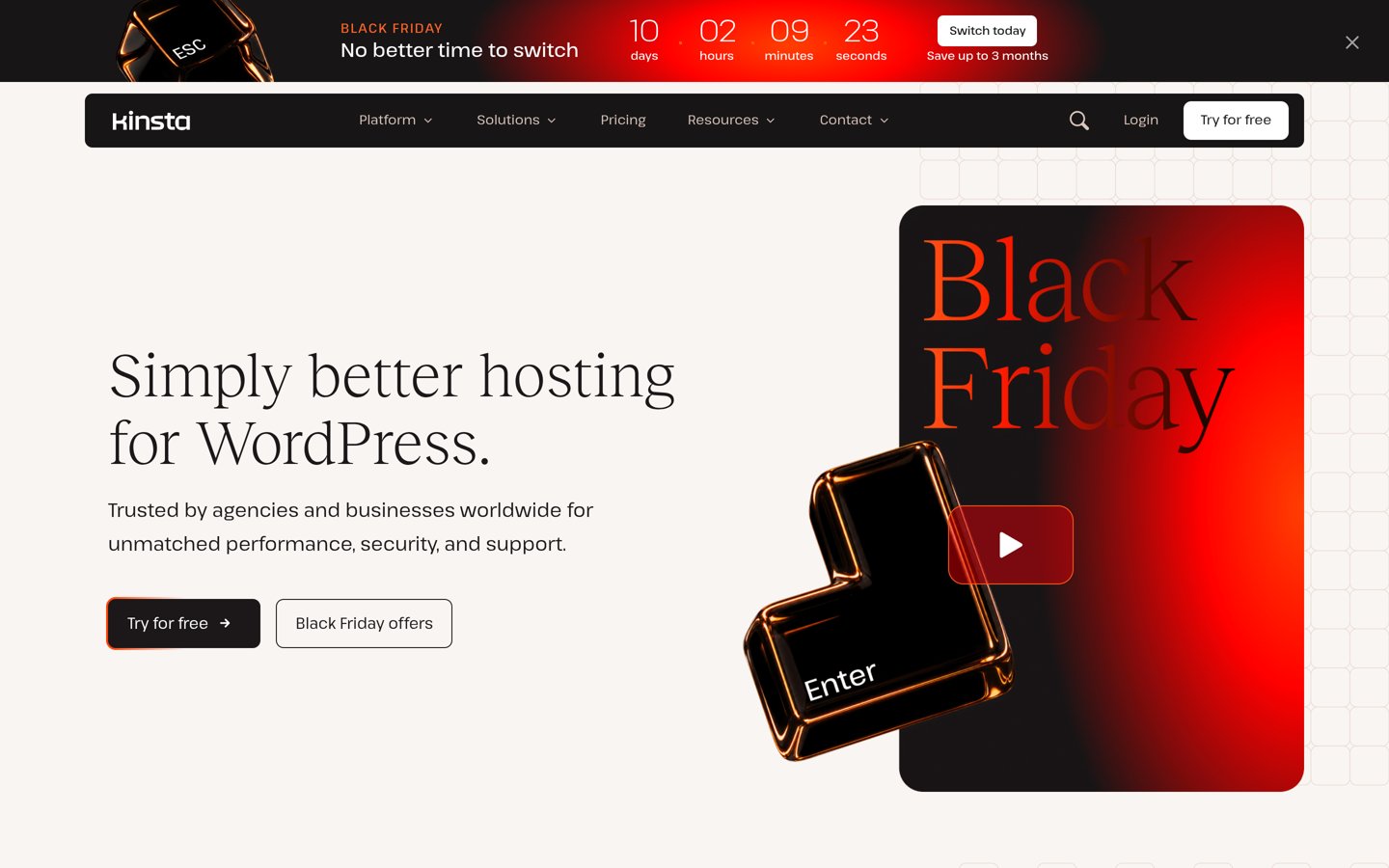
Kinsta homepage, captured Nov 2026.
Kinsta is a managed WordPress hosting provider with a 4.7/5 Trustpilot rating from 1,171 reviews. Its Business Single 20GB plan includes one WordPress installation, 10GB storage, 20GB monthly server bandwidth and 125GB CDN bandwidth. It also provides unlimited free migrations, daily backups and specialist WordPress support.
The trade off is that Kinsta costs $35/month at its regular rate, and additional sites or resources increase the bill. Its current Black Friday offer includes an initial free month and temporary discounts. It suits businesses and agencies that want managed hosting with detailed resource monitoring and development tools.
What we like
Unlimited free WordPress migrations
Managed WordPress infrastructure and caching
Staging and developer-friendly tools
Specialist support available around the clock
Clear bandwidth and resource allowances
Watch out for
More expensive than budget hosting alternatives
Entry plan supports only one production WordPress installation
Additional sites and storage cost extra
Higher plans add site capacity, storage, bandwidth and agency resources.Visit kinsta.com
02
Cloudways
4.6/5on Trustpilot (3,811 reviews, checked Nov 2026)
Starts at$14/mo
Best for flexible managed cloud infrastructure
Entry planDigitalOcean Micro
Memory1GB RAM
Storage25GB NVMe
Monthly transfer1TB
cloudways.com
Cloudways homepage, captured Nov 2026.
Cloudways is a managed cloud hosting platform with a 4.6/5 Trustpilot rating from 3,811 reviews. Its entry DigitalOcean Micro server includes 1GB RAM, one virtual CPU, 25GB NVMe storage and 1TB transfer. Cloudways supports WordPress and WooCommerce with server management, caching, backups and scaling controls.
The trade off is that Cloudways requires more infrastructure decisions than a fully managed WordPress-only host. The Micro server costs $14/month at the regular rate, while a temporary Black Friday offer discounts initial billing. It suits developers, agencies and growing sites that want control over cloud resources.
What we like
Choice of supported cloud infrastructure providers
Low regular starting price
Server-level resource and scaling controls
No fixed monthly website visit allowance on the Micro plan
Supports WordPress and other applications
Watch out for
More server configuration than WordPress-only hosts
CDN and other add-ons can increase costs
Entry server resources may be insufficient for demanding stores
Larger cloud servers add RAM, CPU capacity, storage and transfer allowances.Visit cloudways.com
03
Pressable
4.6/5on Trustpilot (303 reviews, checked Nov 2026)
Starts at$20.83/mo
Best for agencies and WooCommerce businesses
Entry planSignature 1
WordPress installs1
Monthly visits30,000
Storage20GB
pressable.com
Pressable homepage, captured Nov 2026.
Pressable is a managed WordPress hosting provider built on Automattic's WP Cloud platform, with a 4.6/5 Trustpilot rating from 303 reviews. Signature 1 includes one WordPress installation, 30,000 monthly visits and 20GB storage. Its hosting platform includes edge caching, a global CDN, automatic failover and hourly database backups.
The trade off is that entry-level hosting has visitor and storage limits, with additional usage billed separately. Signature 1 costs $250/year, equivalent to $20.83/month, while the standard monthly billing option is higher. It suits agencies and WooCommerce businesses that value managed WordPress infrastructure and collaboration tools.
What we like
Automattic-backed WordPress infrastructure
Global CDN and automatic failover
Hourly database and daily full backups
Free WordPress migrations
Staging, sandbox and collaborator tools
Watch out for
Monthly visit allowances apply
Overage charges can increase the total bill
Annual billing is required for the quoted effective monthly rate
Higher Signature plans add WordPress installations, visits and storage.Visit pressable.com
04
WP Engine
4.2/5on Trustpilot (1,784 reviews, checked Nov 2026)
Starts at$28/mo
Best for established WordPress development workflows
Entry platformEssential
Monthly visitsFrom 25,000
StorageFrom 10GB
Support24/7 chat
wpengine.com
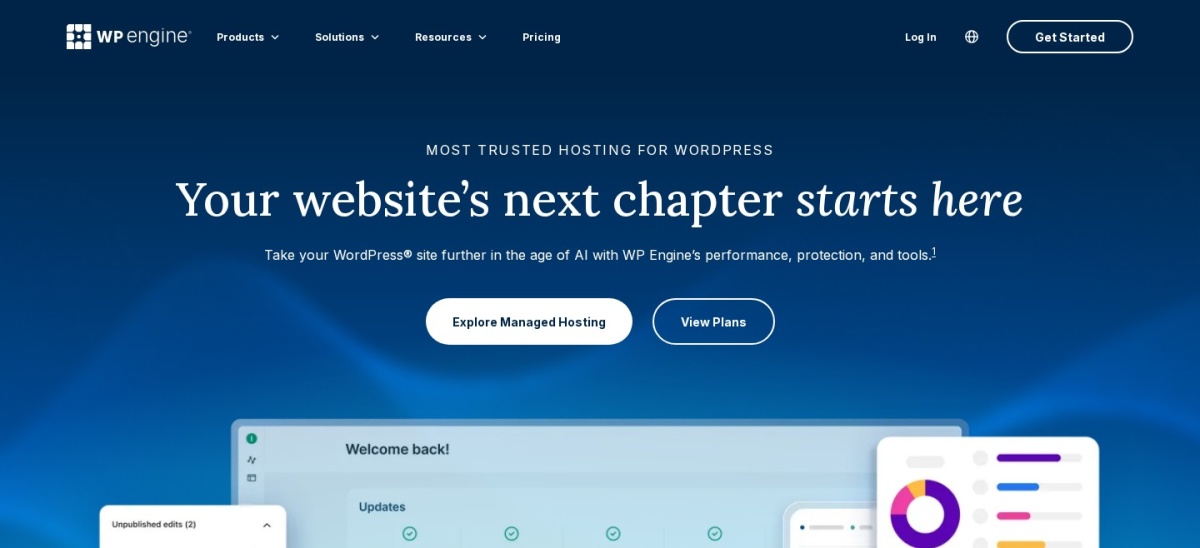
WP Engine homepage, captured Nov 2026.
WP Engine is an established managed WordPress hosting provider with a 4.2/5 Trustpilot rating from 1,784 reviews. Its Essential hosting platform includes managed WordPress and PHP updates, daily backups, SSL, SSH access and staging environments. The entry configuration is designed for websites requiring WordPress-specific maintenance and developer workflows.
The trade off is that WP Engine uses plan-based resource allowances, and several advanced security and automated plugin management features cost extra. Its regular entry hosting price starts at $28/month billed annually, with promotional annual offers available. It suits businesses and development teams that value staging, backups and centralized WordPress management.
What we like
Managed WordPress and PHP updates
Daily backups and staging environments
WordPress-focused technical support
Developer access through SSH and other tools
Established agency and development ecosystem
Watch out for
Visitor and storage allowances apply
Some advanced security and maintenance tools are add-ons
Higher pricing than cloud and shared hosting alternatives
Business adds isolated resources, phone support and enhanced service guarantees.Visit wpengine.com
05
SiteGround
4.9/5on Trustpilot (31,833 reviews, checked Nov 2026)
Starts at$17.99/mo
Best for managed WordPress hosting with email
Entry planStartUp
Websites1
Storage10GB
EmailIncluded
siteground.com
SiteGround homepage, captured Nov 2026.
SiteGround is a managed WordPress hosting provider with a 4.9/5 Trustpilot rating from 31,833 reviews. Its StartUp plan includes one website, 10GB storage, email hosting, SSL, CDN, backups and WordPress management tools. The platform also provides multilevel caching, security features and managed updates.
The trade off is renewal pricing: StartUp renews at $17.99/month compared with its temporary $1.99/month promotional rate. Advanced staging and some growing-site features require higher plans. It suits small businesses that want WordPress hosting, email and everyday website management in one subscription.
What we like
Email hosting included
Free CDN, SSL and backups
WordPress-specific caching and security plugins
Managed WordPress updates
Strong Trustpilot review history
Watch out for
Large difference between promotional and renewal pricing
Entry plan supports only one website
Advanced staging features require higher plans
GrowBig and higher plans add staging, expanded resources and additional sites.Visit siteground.com
06
Hostinger
4.6/5on Trustpilot (74,343 reviews, checked Nov 2026)
Starts at$10.99/mo
Best budget alternative for smaller websites
Entry planPremium
Websites3
Storage20GB SSD
BackupsWeekly
hostinger.com
Hostinger homepage, captured Nov 2026.
Hostinger is a web hosting provider with a 4.6/5 Trustpilot rating from 74,343 reviews. Its managed WordPress Premium plan supports three websites and includes 20GB SSD storage, weekly backups, CDN access and WordPress management tools. The package also includes email mailboxes for an introductory period.
The trade off is that its advertised pricing assumes a long prepaid term. Premium renews at $10.99/month on that term, compared with a temporary $1.99/month offer; the page also displays a $12.99 reference rate. It suits smaller WordPress websites that prioritize affordability over dedicated premium hosting infrastructure.
What we like
Lower renewal cost than premium managed WordPress hosts
Multiple websites supported on Premium
WordPress management and AI tools
CDN and weekly backups included
Large public customer review history
Watch out for
Advertised discounts require long prepaid commitments
Entry plan uses shared hosting resources
Daily backups and additional resources require higher plans
Higher plans add daily backups, more storage and additional hosting resources.Visit hostinger.com
07
Flywheel
1.5/5on Trustpilot (71 reviews, checked Nov 2026)
Starts at$25/mo
Best for designers needing client handoff tools
Entry planStarter
Websites1
Monthly visits25,000
Storage10GB
getflywheel.com
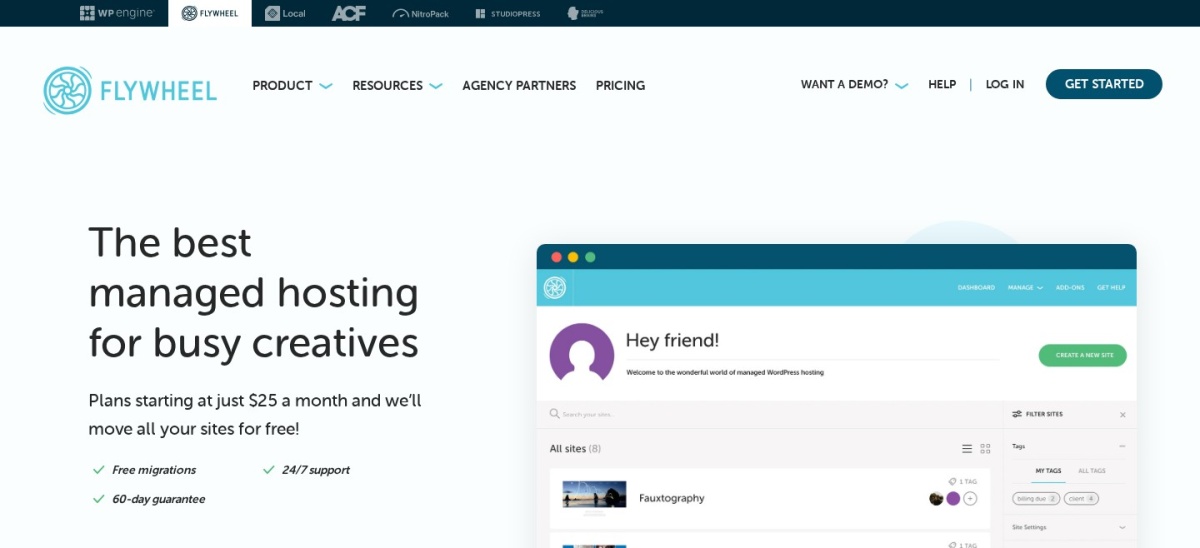
Flywheel homepage, captured Nov 2026.
Flywheel is a managed WordPress hosting provider focused on designers and agencies. Its Starter plan includes one website, 25,000 monthly visits, 10GB storage and 50GB bandwidth. The platform provides staging, nightly backups, caching, CDN services and client collaboration workflows, including billing transfer.
The trade off is its 1.5/5 Trustpilot rating from 71 reviews, including recent complaints about support and service changes. Starter costs $300/year, equivalent to $25/month with annual billing. It suits designers who specifically need Flywheel's client handoff tools, but the recent feedback deserves careful consideration.
What we like
Client billing transfer and collaboration tools
Staging and reusable site blueprints
Nightly backups with retention
Managed caching and CDN
Agency-oriented website management
Watch out for
Low current Trustpilot rating
Recent reviewers report support concerns
Entry plan has traffic, bandwidth and storage limits
Annual billing required for the quoted monthly equivalent
Rocket.net vs the alternatives: what changes when you switch?
Rocket.net places particular emphasis on integrated edge delivery, caching and managed WordPress security. The closest alternatives are Kinsta and Pressable because they also combine managed WordPress infrastructure with CDN services, backup management and specialized support.
Cloudways takes a different approach. Instead of offering only predefined WordPress hosting packages, it lets you select cloud infrastructure and server resources. That flexibility can reduce entry costs, but it introduces more decisions about server sizing and optional services.
WP Engine and Flywheel emphasize development and agency workflows. Both provide staging and website management features, although Flywheel's current public reviews raise concerns worth examining before switching.
SiteGround and Hostinger are more affordable choices for general business websites. They offer WordPress management features, but their entry hosting environments should not be treated as equivalent to premium managed infrastructure under heavy traffic.
Before moving, compare the actual resources used by your current website. Review traffic, bandwidth, storage, caching rules, backups and any plugins that depend on your existing hosting configuration.
How to move from Rocket.net without losing important site functionality
Create a complete backup before starting. Confirm that you have copies of WordPress files, the database, media uploads and important configuration settings. A backup should be stored independently of the hosting account being replaced.
Use a staging or temporary environment to check the migrated website before changing DNS records. Verify important pages, forms, logins, redirects, checkout functionality and dynamic content.
Review caching differences carefully. A new host may use server caching, edge caching or optimization tools that behave differently from Rocket.net. Avoid running overlapping caching systems without understanding their interaction.
After switching DNS, monitor errors, performance and site availability. Keep the previous hosting account active until you have confirmed that the website and essential services work correctly on the replacement platform.
How we chose
We selected established hosting providers that offer managed WordPress services or a practical alternative to Rocket.net's hosting model. The shortlist includes premium WordPress specialists, configurable cloud hosting, agency-oriented platforms and affordable managed WordPress options. We compared official feature descriptions, resource allowances and migration policies.
We opened the official vendor pricing pages and Trustpilot profiles on 22 Nov 2026. Ratings and review totals came from Trustpilot, while hosting prices and plan specifications came from vendor pages. We used regular monthly rates, disclosed annual billing equivalents and identified promotional offers separately. For Hostinger and SiteGround, published renewal rates were used rather than introductory discounts.
We excluded providers without a verifiable entry price, insufficient public reviews or a clear managed WordPress offering. We did not assume that every host has the same CDN, firewall or resource allocation model. We also retained Flywheel's low public rating rather than presenting its agency features without that limitation. No vendor paid for a place, and we do not claim hands-on testing for this list.
How to choose the right Rocket.net alternative
Compare your current hosting requirements with each provider's resource limits, included services, support model and regular renewal pricing.
Identify why you want to leave Rocket.net. Decide whether the main issue is pricing, traffic allowances, support, server control or website management. A premium managed host may be appropriate when you want similar services, while Cloudways or a lower-cost host may be a better fit when reducing expenses matters most.
Compare real resource limits instead of headline prices. Check monthly visits, server bandwidth, CDN bandwidth, storage and available computing resources. These measurements are not directly interchangeable. Estimate your current requirements and allow enough capacity for seasonal traffic increases.
Review migration assistance and developer tools. Check whether the host provides assisted migration, staging environments, SSH access, backups and suitable collaboration features. For an agency, confirm whether client accounts, billing transfers or multi-site management are included in the intended plan.
Calculate the ongoing hosting cost. Use regular renewal prices rather than introductory offers. Include optional CDN services, email, backups, security add-ons and usage overages where applicable. If a plan requires annual or multi-year prepayment, confirm the total amount due before purchasing.
FAQ
What is the best alternative to Rocket.net?
Kinsta is the closest premium managed WordPress alternative for many businesses. It offers managed infrastructure, CDN services, backups, staging and unlimited free migrations. Its regular entry price starts at $35 per month, making it suitable for websites that value managed WordPress support.
Is Cloudways cheaper than Rocket.net?
Cloudways provides a low-cost entry point, with its DigitalOcean Micro server starting at $14 per month. However, it uses a different hosting model, and optional services may increase the total. Compare resources and CDN requirements rather than assuming identical performance or management features.
Which Rocket.net alternative is best for WooCommerce?
Pressable and Kinsta are strong options for managed WooCommerce hosting. Pressable runs on Automattic's WP Cloud platform and includes caching, CDN services and backups. Cloudways is another option when you need more control over the cloud server resources used by your store.
Does Kinsta include free website migrations?
Yes. Kinsta advertises unlimited free migrations on its managed WordPress hosting plans. Its entry plan also includes automated backups, CDN bandwidth and specialist support. Confirm any technical requirements for your existing WordPress setup before initiating the transfer.
Which Rocket.net alternative includes email hosting?
SiteGround includes email hosting with its StartUp plan, while Hostinger Premium includes promotional email mailbox benefits. Premium managed WordPress providers may focus primarily on website hosting instead. Check mailbox limits and renewal terms if domain email is an important requirement.
Are Kinsta and WP Engine better than Rocket.net?
Neither provider is automatically better for every website. Kinsta and WP Engine offer established managed WordPress workflows, but Rocket.net emphasizes integrated edge delivery and security. The right choice depends on resource requirements, performance needs, developer tools and the total cost.
Which Rocket.net alternative is best for agencies?
Pressable is a strong agency-focused option because it includes collaboration tools, staging environments and managed WordPress infrastructure. Kinsta also provides agency-oriented features and migrations. Flywheel offers client billing transfer, although its current Trustpilot feedback warrants careful review.
Can I migrate from Rocket.net without downtime?
A carefully planned migration can reduce or avoid visible downtime, but the result depends on DNS changes, website configuration and testing. Set up the replacement hosting first, verify the migrated site and keep the previous hosting account active during the transition.
What is the cheapest Rocket.net alternative?
Among the regular entry prices verified here, Hostinger has the lowest advertised renewal equivalent at $10.99 per month on its specified prepaid term. Cloudways starts at $14 per month without the same long-term commitment. Their hosting models and resource allocations differ from Rocket.net.