Best WordPress Hosting for Small Budgets in 2026: 7 Tools Compared
WLWPLegible EditorsLast verified 22 Nov 2026How we test12 min read
★ Short answer
Namecheap is our top budget WordPress hosting choice, with Stellar renewing at $55.88/year and supporting 3 websites with 20GB SSD storage. IONOS is a good alternative for businesses needing more storage at $8/month, while Hostinger Premium adds a CDN, weekly backups and WordPress management tools for $10.99/month on its 48-month term.
How we make this list: we compare pricing pages, product documentation and public user reviews, then re-check every price before each update. No product paid for a place. Disclosure.
Namecheap Stellar renews at $55.88/year, supports 3 websites and includes 20GB SSD storage. Namecheap has a 4.2/5 Trustpilot rating from 22,295 reviews.
IONOS Essential renews at $8/month, or $96/year, with 100GB NVMe storage. IONOS has a 4.6/5 rating from 46,005 reviews.
Hostinger Premium renews at $10.99/month on its 48-month term and includes 3 websites, 20GB SSD storage and weekly backups. Its Trustpilot rating is 4.6/5.
Bluehost Starter renews at $13.79/month on the currently displayed 12-month term and supports 10 websites with 10GB NVMe storage.
InMotion Hosting Launch renews at $13.99/month on its longer billing terms and includes 100GB NVMe storage for 2 websites.
GreenGeeks Lite renews at $14.95/month, while SiteGround StartUp costs $17.99/month on a regular annual term. Both provide WordPress-oriented hosting tools.
What should you look for in budget WordPress hosting?
Cheap WordPress hosting should provide enough resources to run your website reliably without paying for features you do not need. Shared hosting is usually the most affordable starting point for personal websites, small blogs, portfolios and modest business sites.
The most important number is often the regular renewal price, not the introductory discount. Hosting companies frequently advertise very low first-term prices that increase substantially when the plan renews. Longer commitments may lower the effective monthly rate but require more money upfront.
Check storage and website limits before buying. A small text-focused blog needs less storage than a photography portfolio or online store. Some entry plans support several independent WordPress installations, while others limit you to a single website.
Free SSL certificates, WordPress installation tools, backups and support can reduce additional expenses. However, a free domain or email service may only be included for an introductory period. Review the renewal conditions for bundled extras.
Finally, consider whether your website can grow on the selected plan. Affordable shared hosting can work well initially, but higher traffic, large databases and demanding plugins may eventually require more resources. Choose a provider with a clear upgrade path.
For budget-conscious sites needing managed WordPress tools
$17.99/mo
No free plan
4.9/5
Price ladder: cheapest paid plan per year
List prices, USD, checked Nov 2026
Namecheap$56
IONOS$96
Hostinger$132
Bluehost$165
InMotion$168
GreenGeeks$179
SiteGround$216
The 7 best WordPress hosting providers for small budgets
01
Namecheap
4.2/5on Trustpilot (22,295 reviews, checked Nov 2026)
Starts at$55.88/yr
Best overall for low-cost WordPress hosting
Entry planStellar
Websites3
Storage20GB SSD
Annual renewal$55.88
namecheap.com
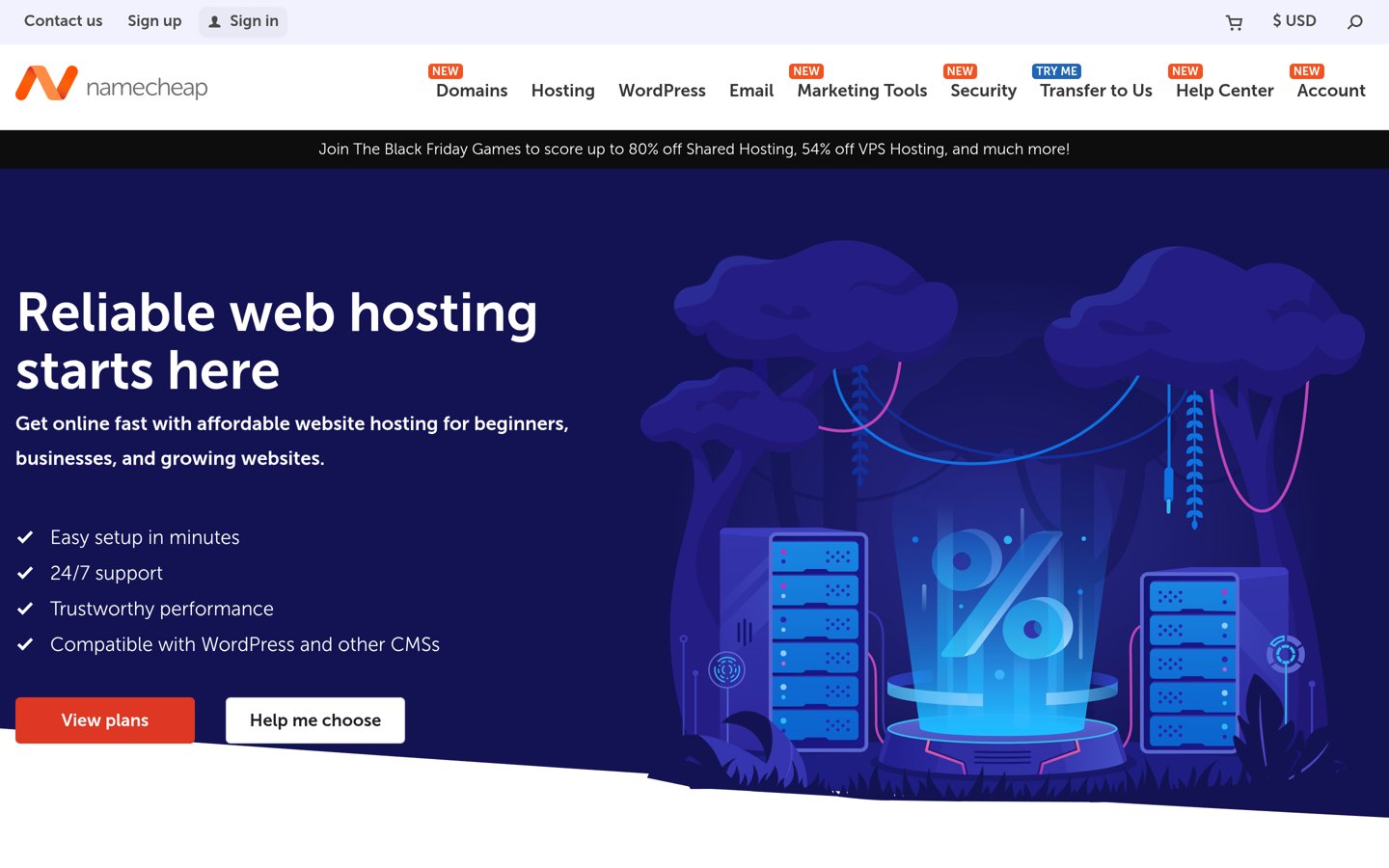
Namecheap homepage, captured Nov 2026.
Namecheap is a domain registration and hosting provider with a 4.2/5 Trustpilot rating from 22,295 reviews. Its Stellar shared hosting plan supports 3 websites, includes 20GB SSD storage and offers unmetered bandwidth. Users can install WordPress through cPanel and manage domains, databases and email from the same hosting account.
The trade off is that Stellar offers fewer backup and storage features than higher plans, despite its low $55.88 annual renewal price. Stellar Plus renews at $85.44 yearly and expands website capacity. It suits bloggers, freelancers and small businesses that need affordable hosting without extensive managed services.
What we like
Lowest confirmed annual renewal price in this comparison
Supports 3 independent websites
20GB SSD storage with unmetered bandwidth
cPanel management and WordPress installation
Email accounts included
Watch out for
Limited storage on Stellar
Advanced backup features are stronger on higher plans
Shared hosting resources can constrain demanding websites
Does not include extensive managed WordPress services
Stellar Plus adds unlimited hosted websites, expanded storage and automatic backup features.Visit namecheap.com
02
IONOS
4.6/5on Trustpilot (46,005 reviews, checked Nov 2026)
Starts at$8/mo
Best budget hosting for generous storage
Entry planEssential
Storage100GB NVMe
Website allowanceUnlimited, resource-limited
Regular renewal$8/mo
ionos.com
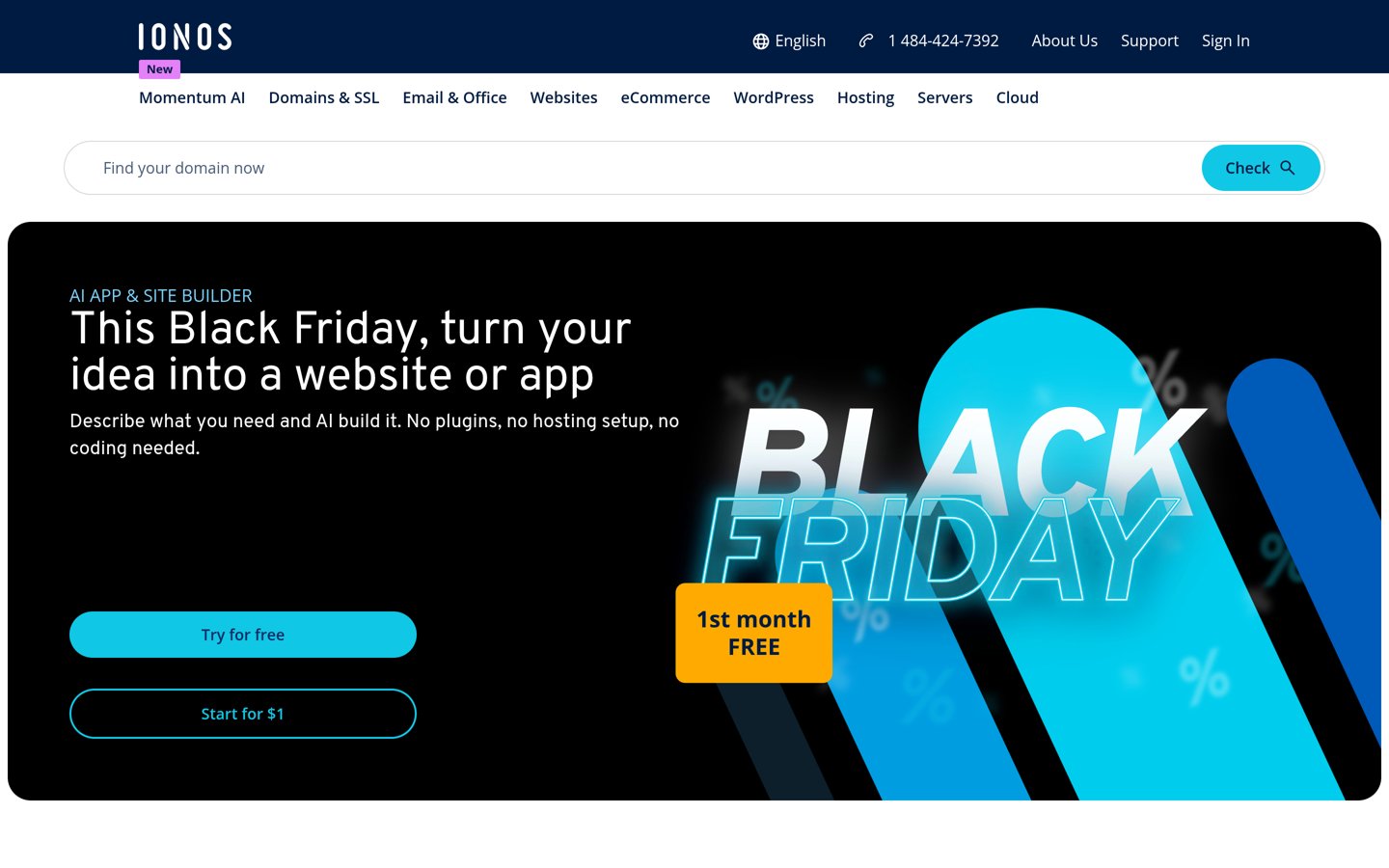
IONOS homepage, captured Nov 2026.
IONOS is a web hosting provider with a 4.6/5 Trustpilot rating from 46,005 reviews. Its Essential plan includes 100GB NVMe storage, WordPress installation, a wildcard SSL certificate, email and automatic backups. It also advertises unlimited website hosting subject to available server resources.
The trade off is that Essential provides basic processing resources, while higher plans receive increased CPU priority. It renews at $8/month after a $4/month introductory rate on an annual term. It suits budget-conscious websites that need generous storage and room for multiple small projects.
What we like
100GB NVMe storage on the entry plan
Regular renewal of $8/month
WordPress installation and SSL included
Automatic backup and security features
Unlimited website allowance within resource limits
Watch out for
Entry plan has basic CPU priority
Additional performance resources require upgrades
Unlimited websites still share finite resources
Bundled domain benefits have renewal conditions
Starter adds higher CPU priority, more storage and expanded hosting resources.Visit ionos.com
03
Hostinger
4.6/5on Trustpilot (74,343 reviews, checked Nov 2026)
Starts at$10.99/mo
Best for affordable WordPress management tools
Entry planPremium
Websites3
Storage20GB SSD
48-month renewal$10.99/mo
hostinger.com
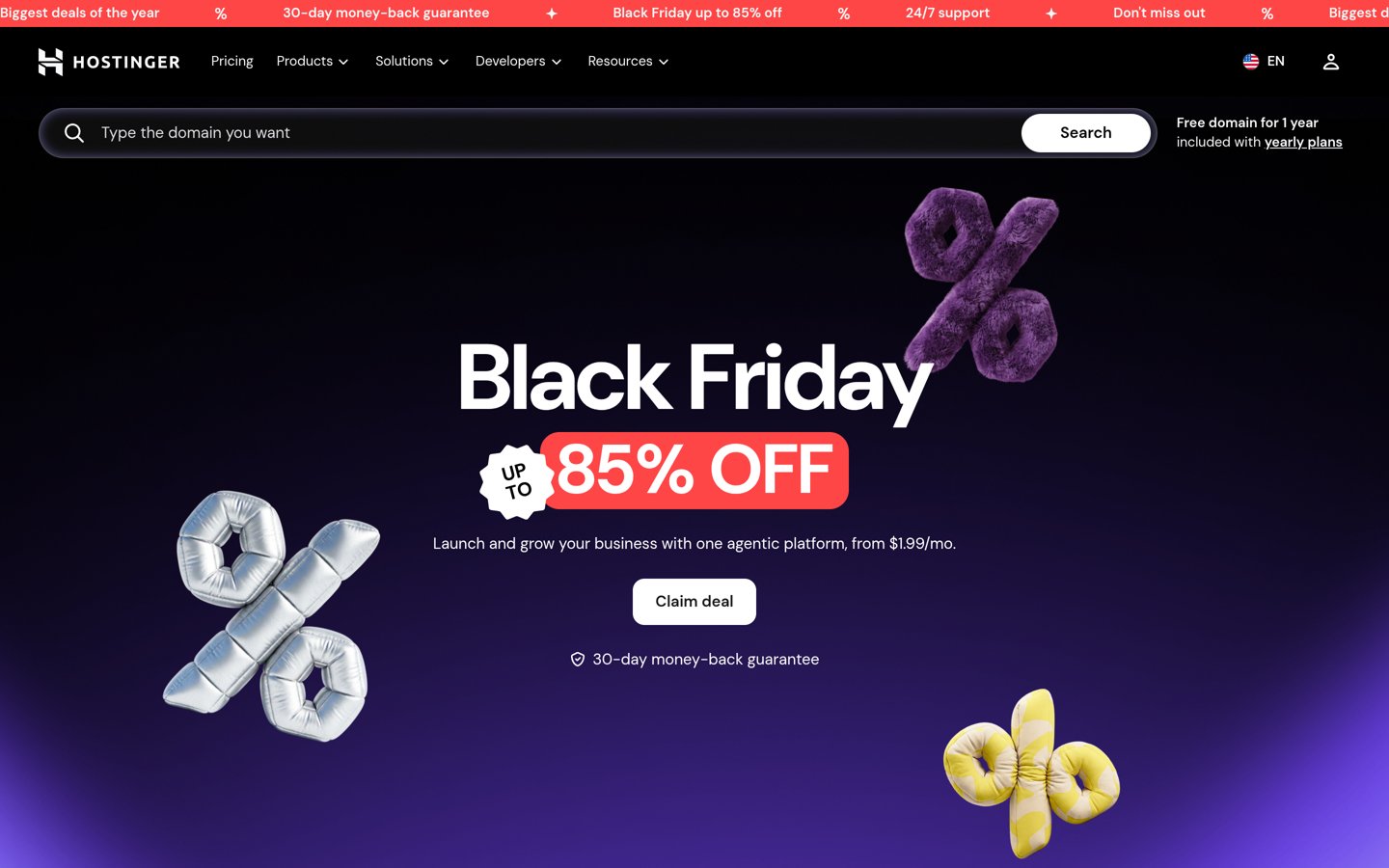
Hostinger homepage, captured Nov 2026.
Hostinger is a web hosting provider with a 4.6/5 Trustpilot rating from 74,343 reviews. Its Premium plan includes WordPress installation and management tools, 3 websites, 20GB SSD storage, weekly backups and CDN access. The hosting dashboard also provides tools for managing website files and applications.
The trade off is that Premium renews at $10.99/month on the advertised 48-month term after a $1.99 introductory offer. That renewal rate is an annualized comparison, not an annual billing option, and the longer commitment requires substantial prepayment. It suits beginners who value WordPress management features over the lowest subscription cost.
What we like
WordPress installation and management tools
CDN included with Premium
Free weekly backups
Supports 3 websites
4.6/5 Trustpilot rating from more than 74,000 reviews
Watch out for
Advertised lowest price requires a 48-month term
Renewal cost is much higher than the introductory rate
20GB storage is shared across hosted websites
Daily backups require a higher plan
Unlimited adds more storage, daily backups and expanded website capacity.Visit hostinger.com
04
Bluehost
4.4/5on Trustpilot (32,397 reviews, checked Nov 2026)
Starts at$13.79/mo
Best for WordPress beginners wanting guided setup
Entry planStarter
Websites10
Storage10GB NVMe
Displayed 12-month renewal$13.79/mo
bluehost.com
Bluehost homepage, captured Nov 2026.
Bluehost is a WordPress hosting provider with a 4.4/5 Trustpilot rating from 32,397 reviews. Its Starter plan supports 10 websites and provides 10GB NVMe storage, SSL, a CDN, WordPress updates, caching and weekly backups. The provider also includes WordPress setup and migration tools.
The trade off is that the 10GB storage allowance must accommodate all hosted websites. Bluehost currently displays a $13.79/month renewal rate for Starter on the 12-month term, although pricing displays can change. It suits beginners wanting several WordPress maintenance features bundled into one hosting account.
What we like
Guided WordPress setup and migration tools
Free SSL and CDN
Managed WordPress updates
Weekly backups and caching
Supports 10 websites
Watch out for
Only 10GB NVMe storage
Introductory and renewal rates differ
Phone support is excluded from Starter
Higher resource needs may require Business
Business increases storage and website capacity and includes additional security and support options.Visit bluehost.com
05
InMotion Hosting
4.6/5on Trustpilot (3,083 reviews, checked Nov 2026)
Starts at$13.99/mo
Best for budget hosting with technical controls
Entry planLaunch
Websites2
Storage100GB NVMe
Long-term renewal$13.99/mo
inmotionhosting.com
InMotion Hosting homepage, captured Nov 2026.
InMotion Hosting is a shared hosting provider with a 4.6/5 Trustpilot rating from 3,083 reviews. Launch supports 2 websites and includes 100GB NVMe storage, unmetered bandwidth, cPanel management, SSL and malware protection. The hosting plans also provide WordPress installation and website migration options.
The trade off is that Launch renews at $13.99/month on the advertised longer billing terms, while shorter commitments have higher rates. Its 2-website allowance is also smaller than some alternatives. It suits businesses and administrators who want conventional hosting controls with generous storage.
What we like
100GB NVMe storage on Launch
cPanel hosting management
SSL and malware protection
Website migration tools
Supports 2 WordPress websites
Watch out for
Higher regular cost than the leading budget options
4.5/5on Trustpilot (1,769 reviews, checked Nov 2026)
Starts at$14.95/mo
Best for affordable hosting with environmental commitments
Entry planLite
Websites5
Storage25GB
Regular renewal$14.95/mo
greengeeks.com
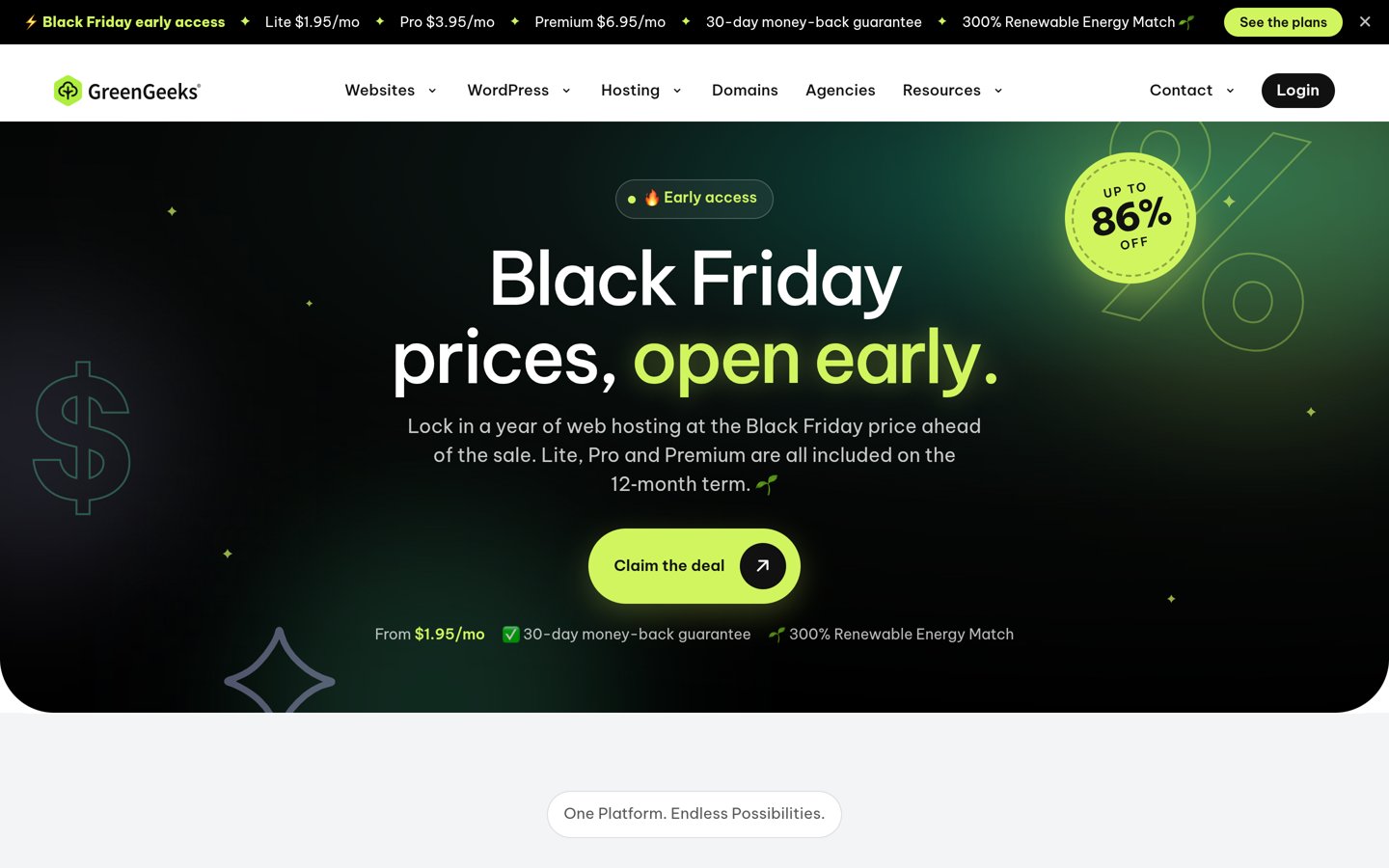
GreenGeeks homepage, captured Nov 2026.
GreenGeeks is a WordPress hosting provider with a 4.5/5 Trustpilot rating from 1,769 reviews. Lite supports 5 websites with 25GB storage and unmetered traffic. Its WordPress hosting includes installation tools, LiteSpeed-based performance features and security support, alongside the company's renewable energy matching commitment.
The trade off is that Lite renews at $14.95/month after its current $1.95/month Black Friday introductory price on a prepaid annual term. Higher resource allocations cost more. It suits bloggers and small businesses that value WordPress-oriented hosting and the provider's environmental commitments.
What we like
Lite supports 5 websites
WordPress installation and updates
LiteSpeed-based hosting features
Unmetered traffic within hosting policies
Renewable energy matching commitment
Watch out for
Large difference between promotional and renewal rates
25GB storage allowance
Shared hosting resources have limits
Higher performance allocations require upgrades
Pro increases storage, supports unlimited websites within resource limits and adds performance capacity.Visit greengeeks.com
07
SiteGround
4.9/5on Trustpilot (31,833 reviews, checked Nov 2026)
Starts at$17.99/mo
Best for budget-conscious sites needing managed WordPress tools
Entry planStartUp
Websites1
ManagementWordPress tools and backups
12-month regular rate$17.99/mo
siteground.com
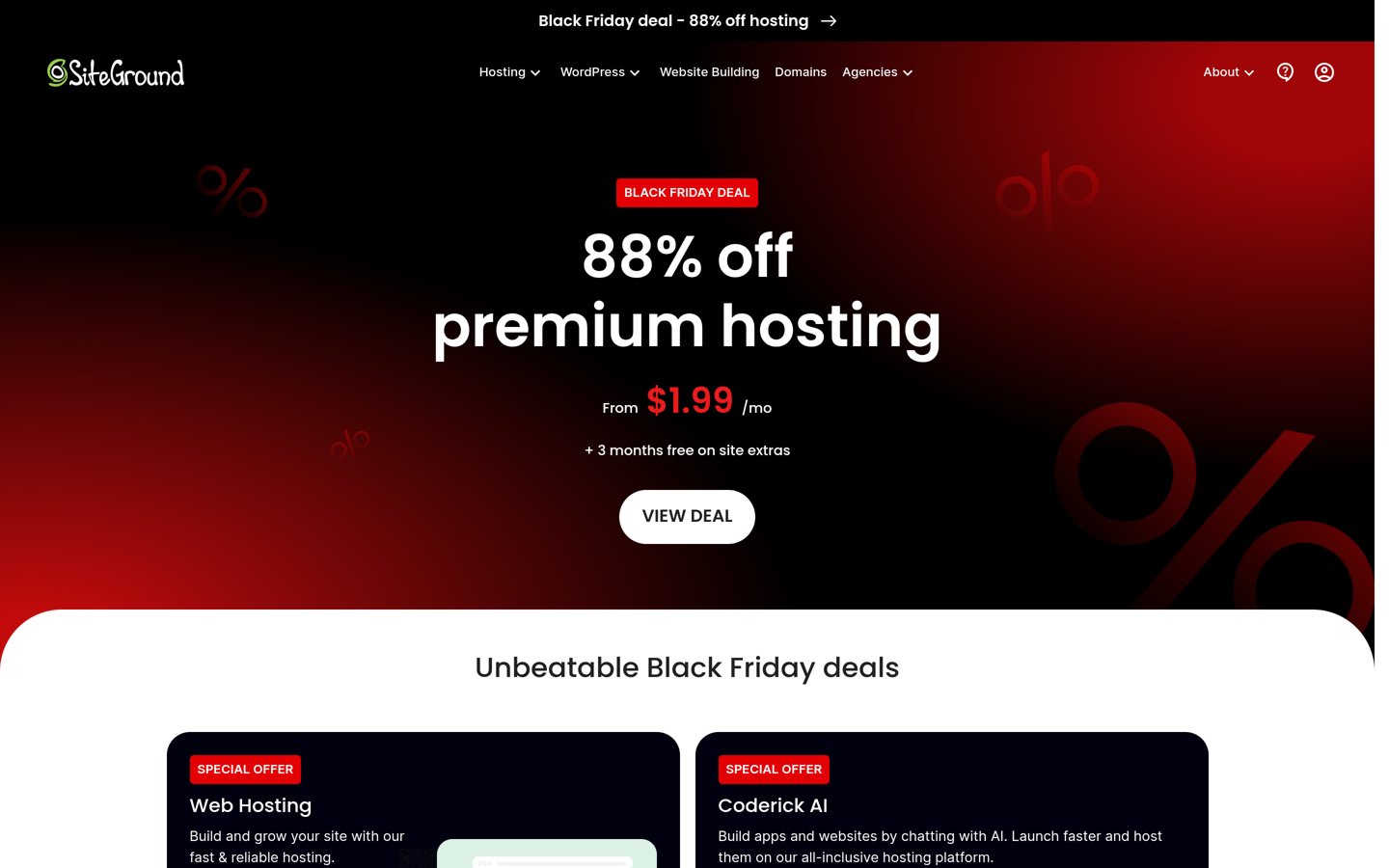
SiteGround homepage, captured Nov 2026.
SiteGround is a hosting provider with a 4.9/5 Trustpilot rating from 31,833 reviews. Its StartUp plan provides WordPress installation, caching, security tools, backups and managed WordPress features for a single website. The company also offers a website migration service and plans with additional development tools.
The trade off is that StartUp costs $17.99/month on a regular 12-month term, making it the most expensive entry option in this comparison. Staging and multiple website support require GrowBig. It suits small businesses with a higher budget that prioritize WordPress maintenance tools over minimum hosting costs.
Cheap WordPress hosting: introductory prices vs renewal prices
Budget hosting providers often advertise low prices for the initial billing period. The regular renewal price can be substantially higher, so the first invoice alone does not describe the long-term cost.
Namecheap Stellar renews at $55.88 per year, making it the cheapest annual renewal option in this comparison. IONOS Essential renews at $8 per month on its annual billing term.
Hostinger Premium advertises a $1.99 introductory monthly equivalent on a 48-month commitment, but renews at $10.99 per month for the same term. The displayed monthly amount represents a prepaid contract rather than ordinary month-to-month billing.
GreenGeeks Lite currently promotes $1.95 per month for its initial annual term, while its regular renewal is $14.95 per month. InMotion Hosting Launch renews at $13.99 per month on its longer billing terms.
Compare the total amount charged upfront, the renewal amount and the length of the commitment. Also check whether domains, email, backups or additional security features renew separately.
When should you upgrade from cheap WordPress hosting?
An inexpensive shared hosting plan can be enough for a new blog, personal website or small business site. It becomes less suitable when resource demands consistently exceed what the account provides.
Warning signs include slow server responses during traffic increases, repeated resource-limit notifications, insufficient storage and difficulty running important WordPress tasks.
Large WooCommerce stores, membership websites and applications with frequent database activity may require more processing capacity than basic shared hosting provides.
Before upgrading, review your theme, plugins, image sizes and caching configuration. Some performance issues can be addressed through optimization without purchasing a more expensive hosting plan.
If resource limitations remain, compare the next shared hosting tier with managed WordPress hosting or a VPS. Evaluate the actual capacity and maintenance responsibilities rather than assuming a more expensive plan will automatically improve performance.
How we chose
We compared established WordPress-compatible hosting providers with published entry-level plans, substantial customer review histories and options suitable for smaller budgets. The shortlist emphasizes regular renewal prices, storage, website allowances, SSL, backups, WordPress management and the availability of upgrades.
We opened official hosting pricing pages and Trustpilot review profiles on 22 Nov 2026. Ratings and review counts came from Trustpilot because these providers are hosting services rather than WordPress plugins. Prices reflect published regular renewal rates rather than introductory discounts, and annual equivalents are calculated from those rates. Longer prepaid commitments are identified where they affect the advertised monthly price.
We excluded providers whose regular paid prices could not be confirmed in US dollars from accessible official pages. DreamHost was considered, but its pricing page displayed euro-denominated amounts, so we did not convert them into estimated US dollar prices. No vendor paid for a place, and this list is based on pricing pages, documentation and public reviews.
How to choose the best budget WordPress hosting
Compare your website's resource needs, identify essential hosting features and calculate renewal costs before choosing the cheapest suitable plan.
Estimate your website's storage and traffic requirements. Consider whether you are launching a basic blog, portfolio, business website or online store. Review available storage, website limits and server resources. A small publishing site usually needs less capacity than a media-heavy website or store.
Check which essential features are included. Look for WordPress installation, SSL certificates, backups, caching and support. Confirm whether a domain or email service is included permanently or only for the introductory period. Avoid purchasing a plan that requires expensive add-ons for essential operations.
Compare regular prices and billing commitments. Use renewal rates instead of promotional prices when comparing long-term costs. Calculate the full amount due upfront and note when the next payment occurs. A low monthly equivalent may require a multi-year prepaid commitment.
Review support, reliability and upgrade options. Consider public customer reviews and the provider's documented support channels. Check whether you can increase storage, processing resources and website capacity as your needs grow. Keep independent backups so migration remains possible if the hosting plan no longer fits.
FAQ
What is the best WordPress hosting for a small budget?
Namecheap is our top low-cost choice because its Stellar plan renews at $55.88 annually while supporting 3 websites and 20GB SSD storage. IONOS offers more storage at $8/month, while Hostinger adds a CDN, weekly backups and WordPress management tools at a higher regular rate.
What is the cheapest reliable WordPress hosting?
Among the established providers in this comparison, Namecheap Stellar has the lowest confirmed annual renewal price at $55.88. However, price alone does not establish reliability. Compare public reviews, support, backups and resource limits, and choose a plan that can handle your website's workload.
Can I get WordPress hosting for free?
Some platforms offer free hosting, but free services may restrict storage, plugins, domain connections or website management. The providers in this comparison offer paid plans. For an important business website, an inexpensive paid plan can provide more predictable features and clearer support arrangements.
How much should I pay for budget WordPress hosting?
The regular plans in this comparison range from Namecheap Stellar at $55.88 annually to SiteGround StartUp at $17.99/month on a 12-month term. Your required budget depends on storage, traffic, backups and management needs. Compare annualized costs alongside actual upfront payments.
Why is WordPress hosting more expensive at renewal?
Many hosting companies discount the first billing term to attract new customers. The subscription then renews at the regular rate displayed in the pricing conditions. Longer commitments may also have different monthly equivalents. Check the renewal price and contract length before making a purchase.
Is shared hosting good enough for a WordPress website?
Shared hosting is often suitable for a basic blog, portfolio or small business website. Multiple customers share server resources, so performance can be affected by resource limits and competing workloads. Larger stores or high-traffic websites may eventually need more processing capacity.
Does cheap WordPress hosting include SSL and backups?
Many established budget hosting providers include SSL certificates and some form of backup functionality. However, backup frequency, retention and restoration access vary by plan. Check whether automatic backups are included and maintain an independent copy of important website data.
Can I host multiple WordPress websites on a cheap plan?
Yes. Namecheap Stellar supports 3 websites, Hostinger Premium supports 3 and Bluehost Starter supports 10. Each plan also has storage and processing limits, so the website allowance does not guarantee enough resources for multiple busy stores or applications.
Should I choose cheap hosting or managed WordPress hosting?
Choose affordable shared hosting when your website has straightforward requirements and you can manage routine updates and plugins. Managed WordPress hosting can be useful when you need additional maintenance, staging, backups or support. Compare the actual features and renewal costs rather than relying on the product label.