Best WordPress Hosting for Small Business SEO in 2026: 7 Tools Compared
WLWPLegible EditorsLast verified 22 Nov 2026How we test12 min read
★ Short answer
Hostinger is our top WordPress hosting choice for small business SEO, offering a CDN, weekly backups and 20GB SSD storage on Premium, which renews at $10.99/month on its advertised long-term term. SiteGround is better for managed WordPress tools and staging, while Bluehost provides built-in caching and WordPress maintenance features.
How we make this list: we compare pricing pages, product documentation and public user reviews, then re-check every price before each update. No product paid for a place. Disclosure.
Hostinger has a 4.6/5 Trustpilot rating from 74,338 reviews. Premium includes a CDN, weekly backups and 20GB SSD storage, renewing at $10.99/month.
SiteGround has a 4.9/5 Trustpilot rating from 31,822 reviews. StartUp costs $17.99/month on a regular annual term, with WordPress management and backup tools.
Bluehost has a 4.4/5 rating from 32,397 reviews. Starter renews at $13.79/month on the 12-month term and includes caching, SSL and a CDN.
Namecheap has a 4.2/5 rating from 22,289 reviews. Stellar renews at $55.88/year and includes 20GB SSD storage and 3 websites.
GreenGeeks has a 4.5/5 rating from 1,769 reviews. Lite renews at $14.95/month and provides 25GB storage.
IONOS Essential renews at $8/month with 100GB NVMe storage, while InMotion Hosting Launch renews at $13.99/month on its advertised multi-year term.
What makes WordPress hosting good for small business SEO?
Web hosting affects the technical foundation of a WordPress website. A reliable server helps visitors and search engine crawlers access pages consistently. Hosting also influences server response time, which can contribute to overall page loading performance.
Start with server performance and caching. SSD or NVMe storage, appropriate server resources and caching can improve how WordPress responds to requests. A content delivery network can help deliver static files efficiently, particularly when visitors are distributed across different locations.
Reliability and security matter because inaccessible or compromised websites can disrupt customers and search engine crawling. Look for SSL certificates, backups, malware protection and current WordPress software support. These features protect website operations rather than directly guaranteeing higher search rankings.
Managed WordPress tools can reduce maintenance work. Automatic core updates, staging environments and migration assistance help business owners make changes without manually managing every technical task. However, automatic updates should still be supported by reliable backups.
Compare regular renewal prices rather than introductory promotions. Some hosting providers advertise substantial first-term discounts, especially during seasonal sales. Also consider storage limits, website allowances, backup retention, email hosting and the cost of additional security services.
For business hosting with technical administration tools
$13.99/mo
No free plan
4.6/5
Price ladder: cheapest paid plan per year
List prices, USD, checked Nov 2026
Namecheap$56
IONOS$96
Hostinger$132
Bluehost$165
InMotion$168
GreenGeeks$179
SiteGround$216
The 7 best WordPress hosting providers for small business SEO
01
Hostinger
4.6/5on Trustpilot (74,338 reviews, checked Nov 2026)
Starts at$10.99/mo
Best overall for affordable WordPress hosting and SEO foundations
Entry planPremium
Storage20GB SSD
Included backupsWeekly
Regular renewal$10.99/mo
hostinger.com
Hostinger homepage, captured Nov 2026.
Hostinger is a hosting provider with a 4.6/5 Trustpilot rating from 74,338 reviews. Its Premium plan supports 3 websites and includes 20GB SSD storage, a CDN, weekly backups and WordPress installation tools. These features provide a practical foundation for maintaining a small business website.
The trade off is that Premium renews at $10.99 monthly on the advertised 48-month billing term, compared with its $1.99 introductory price. The plan also has shared hosting resource limits. It suits smaller business websites that want WordPress tools and caching without paying managed hosting premiums.
What we like
CDN included with Premium
Weekly backups
Supports 3 websites
WordPress installation and management tools
4.6/5 rating from more than 74,000 Trustpilot reviews
Watch out for
Lowest introductory price requires a long commitment
Renewal price is higher than the first-term offer
20GB storage may limit media-heavy websites
Shared resources may constrain demanding stores
Higher plans add more storage, expanded site capacity and additional backup and performance features.Visit hostinger.com
02
SiteGround
4.9/5on Trustpilot (31,822 reviews, checked Nov 2026)
Starts at$17.99/mo
Best for managed WordPress maintenance and staging
Entry planStartUp
Websites1
Regular annual term$17.99/mo
Multi-site upgradeGrowBig
siteground.com
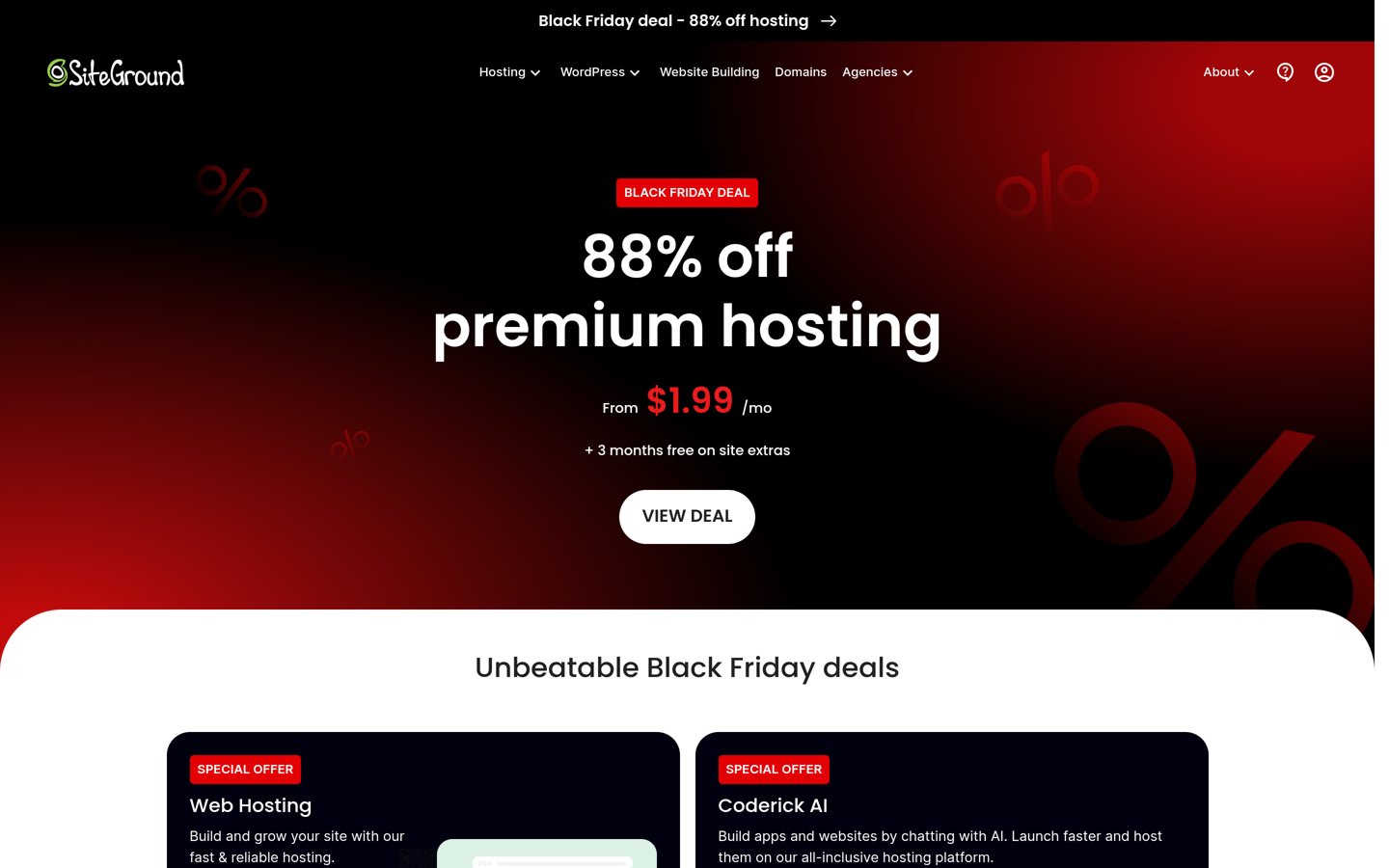
SiteGround homepage, captured Nov 2026.
SiteGround is a WordPress hosting provider with a 4.9/5 Trustpilot rating from 31,822 reviews. Its StartUp hosting includes WordPress installation, security tools, backups and caching-related features. The provider also offers managed WordPress maintenance and migration assistance.
The trade off is the regular renewal cost: StartUp costs $17.99 monthly on an annual term and supports one website. GrowBig costs $29.99 monthly on an annual term and adds staging, on-demand backups and multiple website support. It suits businesses that value managed maintenance and development tools.
What we like
4.9/5 Trustpilot rating
Managed WordPress features
Backup and security tools
WordPress migration assistance
Staging available with GrowBig
Watch out for
Higher renewal prices than budget shared hosting
StartUp supports only one website
Staging requires GrowBig
Resource limits still apply to managed shared hosting
4.4/5on Trustpilot (32,397 reviews, checked Nov 2026)
Starts at$13.79/mo
Best for WordPress setup and built-in caching
Entry planStarter
Websites10
Storage10GB NVMe
Regular 12-month renewal$13.79/mo
bluehost.com
Bluehost homepage, captured Nov 2026.
Bluehost is a WordPress hosting provider with a 4.4/5 Trustpilot rating from 32,397 reviews. Starter supports 10 websites and includes 10GB NVMe storage, a CDN, SSL certificates, caching, managed WordPress updates and weekly backups. These features cover several technical maintenance needs for small websites.
The trade off is that Starter's 10GB storage is shared across its website allowance, and its regular renewal price is $13.79 monthly on the 12-month term. The initial promotional price is lower. It suits businesses wanting guided WordPress setup with hosting-level performance and security features.
What we like
Managed WordPress updates
Free CDN and SSL
Static and object caching
Weekly website backups
Supports 10 websites
Watch out for
Limited 10GB storage
Promotional and renewal prices differ
Phone support is excluded from Starter
More demanding websites may require Business
Business adds 50GB storage, higher website capacity and additional security and support features.Visit bluehost.com
04
Namecheap
4.2/5on Trustpilot (22,289 reviews, checked Nov 2026)
Starts at$55.88/yr
Best low-cost hosting for smaller WordPress business sites
Entry planStellar
Websites3
Storage20GB SSD
Annual renewal$55.88
namecheap.com
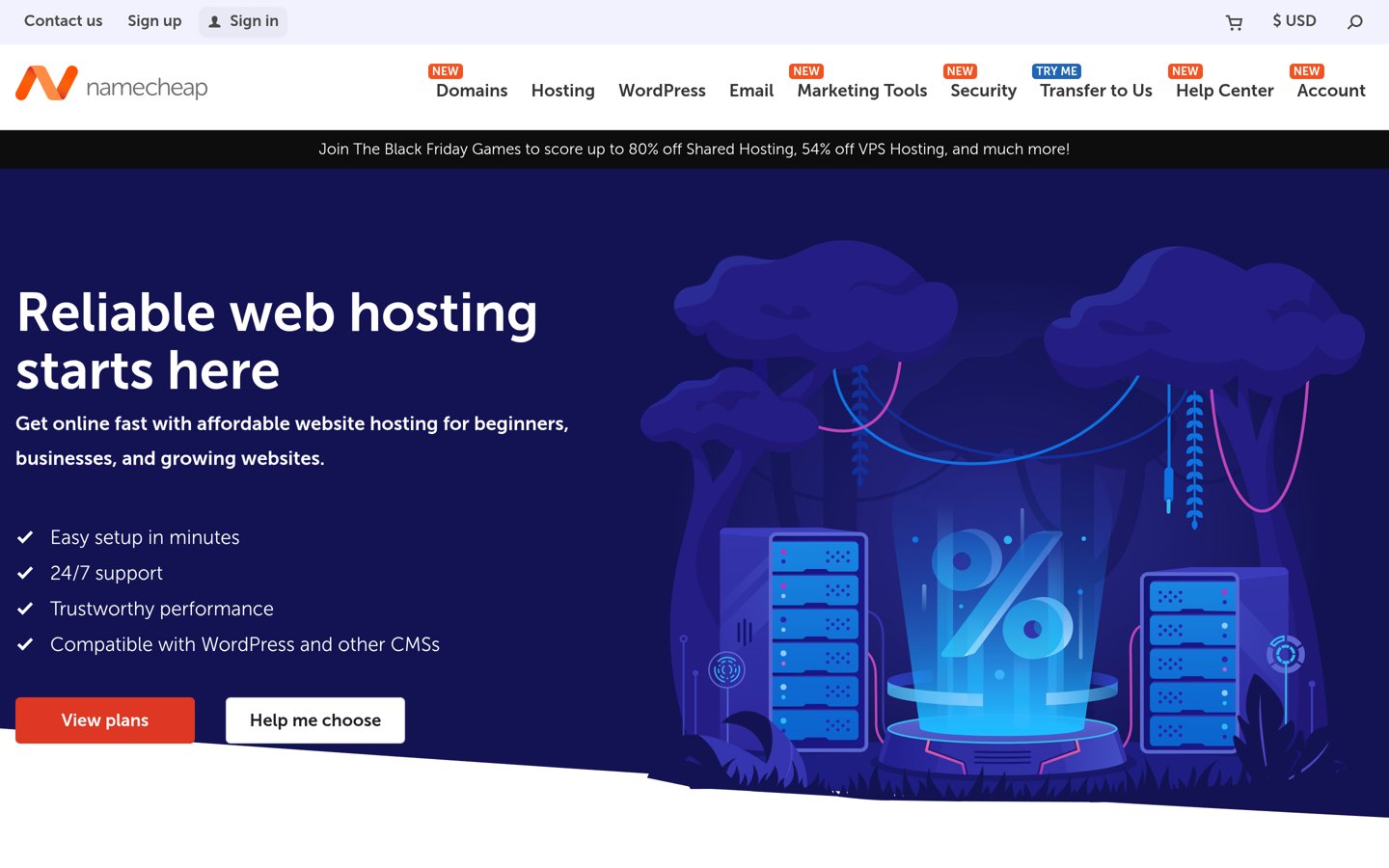
Namecheap homepage, captured Nov 2026.
Namecheap is a domain and web hosting provider with a 4.2/5 Trustpilot rating from 22,289 reviews. Its Stellar hosting plan supports 3 websites, provides 20GB SSD storage and includes cPanel management. WordPress can be installed through the shared hosting account.
The trade off is that the entry plan has fewer resources and backup features than higher tiers. Stellar renews at $55.88 annually after a discounted introductory term. It suits local service businesses and smaller WordPress websites that need an affordable hosting foundation and can manage their own optimization settings.
What we like
Low annual renewal price
Supports 3 independent websites
20GB SSD storage
cPanel management
WordPress installation support
Watch out for
Fewer managed WordPress features
Advanced backup capabilities require a higher plan
Performance depends on shared server resources
Additional optimization configuration may be necessary
Stellar Plus adds more website capacity and additional backup and hosting features.Visit namecheap.com
05
GreenGeeks
4.5/5on Trustpilot (1,769 reviews, checked Nov 2026)
Starts at$14.95/mo
Best for WordPress hosting with sustainability commitments
Entry planLite
Websites5
Storage25GB
Regular renewal$14.95/mo
greengeeks.com
GreenGeeks homepage, captured Nov 2026.
GreenGeeks is a WordPress hosting provider with a 4.5/5 Trustpilot rating from 1,769 reviews. Lite includes hosting for 5 websites, 25GB storage, unmetered traffic and WordPress installation tools. The provider also promotes its renewable energy matching commitment.
The trade off is that Lite renews at $14.95 monthly after its current $1.95 Black Friday introductory rate. More resource-intensive business websites may need Pro or Premium. It suits businesses that want conventional WordPress hosting while considering the provider's environmental commitments.
What we like
WordPress hosting tools
5 websites on Lite
25GB storage
Unmetered traffic within hosting policies
Renewable energy matching commitment
Watch out for
Substantial promotional-to-renewal price increase
Shared hosting resources have limits
Higher resource allocations require upgrades
Does not provide SEO rankings or content optimization services
Pro adds more storage, expanded website capacity and additional performance resources.Visit greengeeks.com
06
IONOS
4.6/5on Trustpilot (45,995 reviews, checked Nov 2026)
Starts at$8/mo
Best for budget hosting with generous storage
Entry planEssential
Storage100GB NVMe
WordPress setupOne-click installation
Regular renewal$8/mo
ionos.com
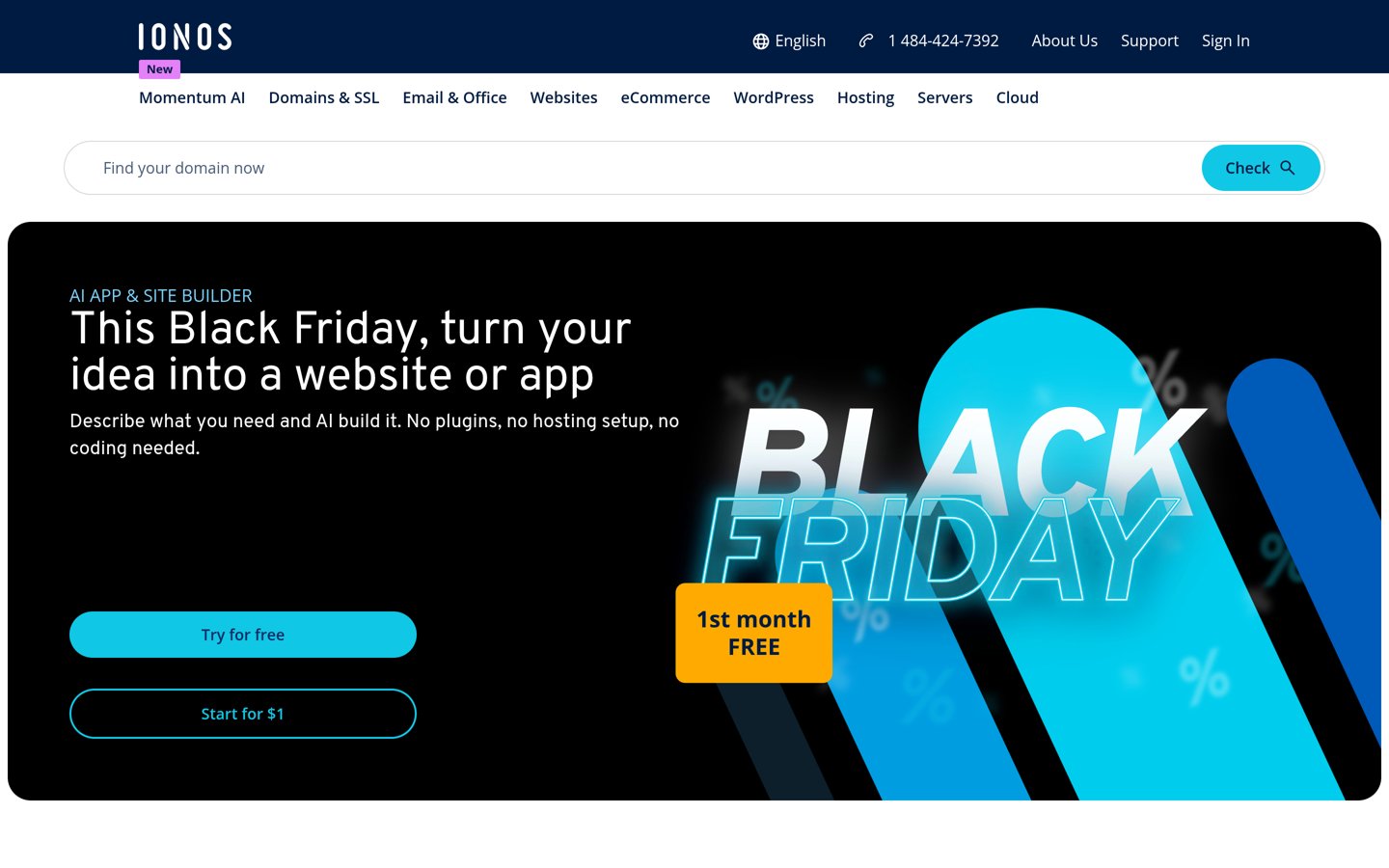
IONOS homepage, captured Nov 2026.
IONOS is a web hosting provider with a 4.6/5 Trustpilot rating from 45,995 reviews. Essential includes 100GB NVMe storage, SSL support, WordPress installation and hosting management tools. Its infrastructure also supports additional performance and resource upgrades.
The trade off is that Essential has a standard shared hosting resource allocation and fewer bundled features than higher tiers. Its regular renewal price is $8 monthly after an introductory $4 monthly annual-term offer. It suits smaller businesses that need storage capacity and basic WordPress hosting at a predictable renewal rate.
What we like
100GB NVMe storage
WordPress installation support
SSL included
Scalable hosting tiers
4.6/5 Trustpilot rating
Watch out for
Entry plan has limited processing resources
Advanced performance features may require upgrades
Backups and service options require careful plan comparison
Not a dedicated SEO management platform
Higher hosting tiers add more processing resources, email capacity and performance-related services.Visit ionos.com
07
InMotion Hosting
4.6/5on Trustpilot (3,082 reviews, checked Nov 2026)
Starts at$13.99/mo
Best for business hosting with technical administration tools
Entry planLaunch
Websites2
Storage100GB NVMe
Regular multi-year renewal$13.99/mo
inmotionhosting.com
InMotion Hosting homepage, captured Nov 2026.
InMotion Hosting is a web hosting provider with a 4.6/5 Trustpilot rating from 3,082 reviews. Its Launch shared hosting plan supports 2 websites and includes 100GB NVMe storage, WordPress installation options and hosting management tools. Higher plans provide additional capacity for growing businesses.
The trade off is that Launch renews at $13.99 monthly on its advertised multi-year billing options, while shorter commitments may cost more. Advanced caching and additional resources may require higher plans. It suits service businesses and administrators who want conventional hosting tools and room to expand.
What we like
100GB NVMe storage
WordPress installation support
Supports 2 websites
Technical hosting management tools
Higher plans offer additional resources
Watch out for
Shorter billing commitments can cost more
Entry plan supports fewer websites
Advanced caching requires higher tiers
More self-managed upkeep than some managed hosting services
Hosting does not directly determine search rankings. However, it affects whether a website is accessible, how its server responds and how easily technical changes can be implemented.
Slow server responses can contribute to poor page loading performance. Caching, suitable server resources and efficient delivery of static files can reduce delays, but themes, images and plugins also matter.
Website availability is important for users and search engine crawlers. Extended outages may prevent pages from being accessed or updated in search results.
Security and backup tools protect the website from operational disruption. SSL enables encrypted connections, while reliable backups provide recovery options after updates, accidental changes or security incidents.
A hosting provider should support your technical SEO work rather than replace it. Keyword research, content quality, internal linking, structured data and other optimization tasks still require separate attention.
How much should small businesses spend on WordPress hosting?
The right hosting budget depends on traffic, website complexity and business requirements. A small service website may need fewer resources than a busy online store with dynamic product pages.
Namecheap Stellar renews at $55.88 annually, while IONOS Essential renews at $8 monthly. These are lower-cost options for smaller websites.
Hostinger Premium renews at $10.99 monthly on its advertised long-term term. Bluehost Starter renews at $13.79 monthly on the 12-month term.
InMotion Hosting Launch renews at $13.99 monthly on its advertised multi-year billing options. SiteGround StartUp costs $17.99 monthly on a regular annual term, with managed WordPress features that may justify the higher expense for businesses needing maintenance assistance.
Compare backups, CDN access, email, storage and renewal rates before purchasing. A lower headline price can become less attractive when necessary features require paid add-ons.
How we chose
We compared established hosting companies that support WordPress websites for small businesses. The shortlist emphasizes caching, storage, SSL, backups, WordPress management, security and predictable pricing. These features help support technical website performance and maintenance, but they are not evidence of better rankings or guaranteed Core Web Vitals results.
We reviewed official hosting pricing pages and Trustpilot profiles for the 22 Nov 2026 comparison. Ratings and review counts came from Trustpilot because hosting providers are not WordPress.org plugins. Prices reflect the cheapest published regular paid plans rather than seasonal introductory offers. Annual equivalents were calculated from the stated monthly rates, with billing-term differences identified.
We excluded providers whose standard prices could not be confirmed from accessible official pages, as well as products without sufficient independent public review evidence. Rankings reflect published pricing, documented features and public customer reviews rather than unverified speed claims. No vendor paid for a place. This comparison uses published pricing, documentation and public reviews; it does not include product testing.
How to choose the best WordPress hosting for small business SEO
Compare hosting performance features, website maintenance requirements and long-term costs before selecting a provider for your business.
Identify your website's resource requirements. Consider whether you operate a service website, content-heavy blog or WooCommerce store. Evaluate expected traffic, media storage and dynamic features. Select a plan with enough capacity for current needs and an upgrade path as your business grows.
Check caching, CDN and WordPress tools. Look for server caching, efficient storage, CDN access and current WordPress software support. These features can improve technical performance when configured appropriately. Remember that themes, images and scripts also influence page loading and responsiveness.
Review reliability, security and recovery options. Check SSL coverage, backups, malware protection, support availability and migration tools. Confirm how backups can be restored and whether staging is available before significant changes. Do not assume that marketing uptime claims replace independent monitoring.
Compare regular renewal rates and total costs. Calculate hosting costs using equivalent billing terms. Include domain renewals, email hosting, backup upgrades and optional security services. Compare the actual features in the cheapest plan rather than relying on promotional prices or broader hosting bundles.
FAQ
What is the best WordPress hosting for small business SEO?
Hostinger is our top overall recommendation because Premium combines WordPress tools, a CDN, weekly backups and affordable regular pricing. SiteGround is better suited to businesses wanting managed maintenance and staging, while Bluehost offers caching and WordPress management features in its entry plan. None guarantees higher search rankings.
Does web hosting affect WordPress SEO?
Yes, indirectly. Hosting affects server response times, website availability and the technical infrastructure supporting page loading. Slow responses and prolonged outages can create problems for visitors and crawlers. However, content, site architecture, links and numerous other factors also influence search visibility.
Which WordPress hosting provider is best for website speed?
Several providers offer performance-related features, including Hostinger's CDN, SiteGround's caching tools and Bluehost's static and object caching. The best option depends on your website and configuration. Comparing measured performance on comparable websites is more meaningful than accepting advertising claims about speed.
Is cheap WordPress hosting bad for SEO?
Not necessarily. Affordable hosting can support a small, well-optimized website effectively. Problems arise when server resources are insufficient, pages respond slowly or outages occur frequently. Choose hosting based on your workload and monitor performance as traffic and site complexity increase.
Do I need managed WordPress hosting for SEO?
No. Managed WordPress hosting can simplify updates, backups and maintenance, but it is not required for search optimization. Shared hosting can work well when properly configured. Managed services become more useful when your business lacks technical support or needs staging and automated maintenance tools.
Does hosting location affect local SEO rankings?
Server location can influence connection latency, but hosting location alone does not determine local search rankings. Relevant business information, helpful content and local visibility signals remain important. Choose infrastructure that serves your visitors efficiently rather than expecting a particular server location to improve rankings.
Does an SSL certificate improve WordPress SEO?
SSL enables HTTPS connections and protects information exchanged between visitors and your website. HTTPS is also a lightweight Google ranking signal. Most established hosting providers include SSL, so it is generally unnecessary to choose a more expensive plan solely for basic certificate coverage.
Should I use a CDN with WordPress hosting?
A CDN can help deliver images, scripts and styles from infrastructure closer to visitors. It is especially useful when a website serves audiences across multiple locations. A CDN does not solve every performance problem, and effective caching, optimized images and appropriate hosting resources remain important.
How often should I review my WordPress hosting for SEO?
Review hosting when page loading becomes consistently slow, traffic grows, outages occur or your website requires more resources. Check backups and security settings during routine maintenance. Before migrating, compare current performance with the proposed plan and prepare redirects, DNS changes and testing procedures carefully.