Best WordPress Hosting for Multi-author Blogs in 2026: 9 Tools Compared
WLWPLegible EditorsLast verified 22 Nov 2026How we test13 min read
★ Short answer
Kinsta is the best WordPress hosting for multi-author blogs, with unlimited dashboard users, one-click staging and a 4.7 out of 5 Trustpilot rating. Pick WP Engine for a mature editorial workflow, Pressable for agency teams, and DreamHost if the budget is tight.
How we make this list: we compare pricing pages, product documentation and public user reviews, then re-check every price before each update. No product paid for a place. Disclosure.
Kinsta leads the list: unlimited dashboard users, one-click staging, daily backups and a 4.7 out of 5 Trustpilot rating from 1,165 reviews.
Managed hosts in this list include staging on the entry plan, while budget StartUp plans from SiteGround, Bluehost and DreamHost do not.
Renewal prices matter most: SiteGround jumps from $1.99 to $17.99 a month, and Hostinger renews at $10.99 a month.
Cloudways is the only pick with unlimited sites on one $14 a month server, which suits teams running several blogs.
The cheapest regular price is DreamHost at $7.99 a month on renewal, with a 97-day money-back guarantee.
What a multi-author blog needs from hosting
A multi-author blog lives or dies on workflow. Authors need their own logins, editors need to review drafts before they go live, and nobody should publish straight to the live site by accident.
WordPress already gives you the roles: administrator, editor, author and contributor. The host decides how easy it is to manage those people, preview their work and roll back a bad change. Our guide on choosing WordPress hosting covers the basics to check first.
Staging is the feature that matters most after roles. A staging copy lets an editor review a post on a private copy of the site, and a backup lets you undo a mistake. See how to back up WordPress before you trust any host with your only copy.
Price is the trap. Most budget hosts show a first-term price that is a fraction of the renewal, so this list shows the regular monthly price for every host and notes the first-year offer in the text.
The 9 best WordPress hosting for multi-author blogs
01
Kinsta
4.7/5on Trustpilot (1,165 reviews, checked Nov 2026)
Starts at$35/mo
Best WordPress hosting for multi-author blogs overall
Sites1
Monthly visits35,000
Storage10 GB
StagingYes, one-click
kinsta.com
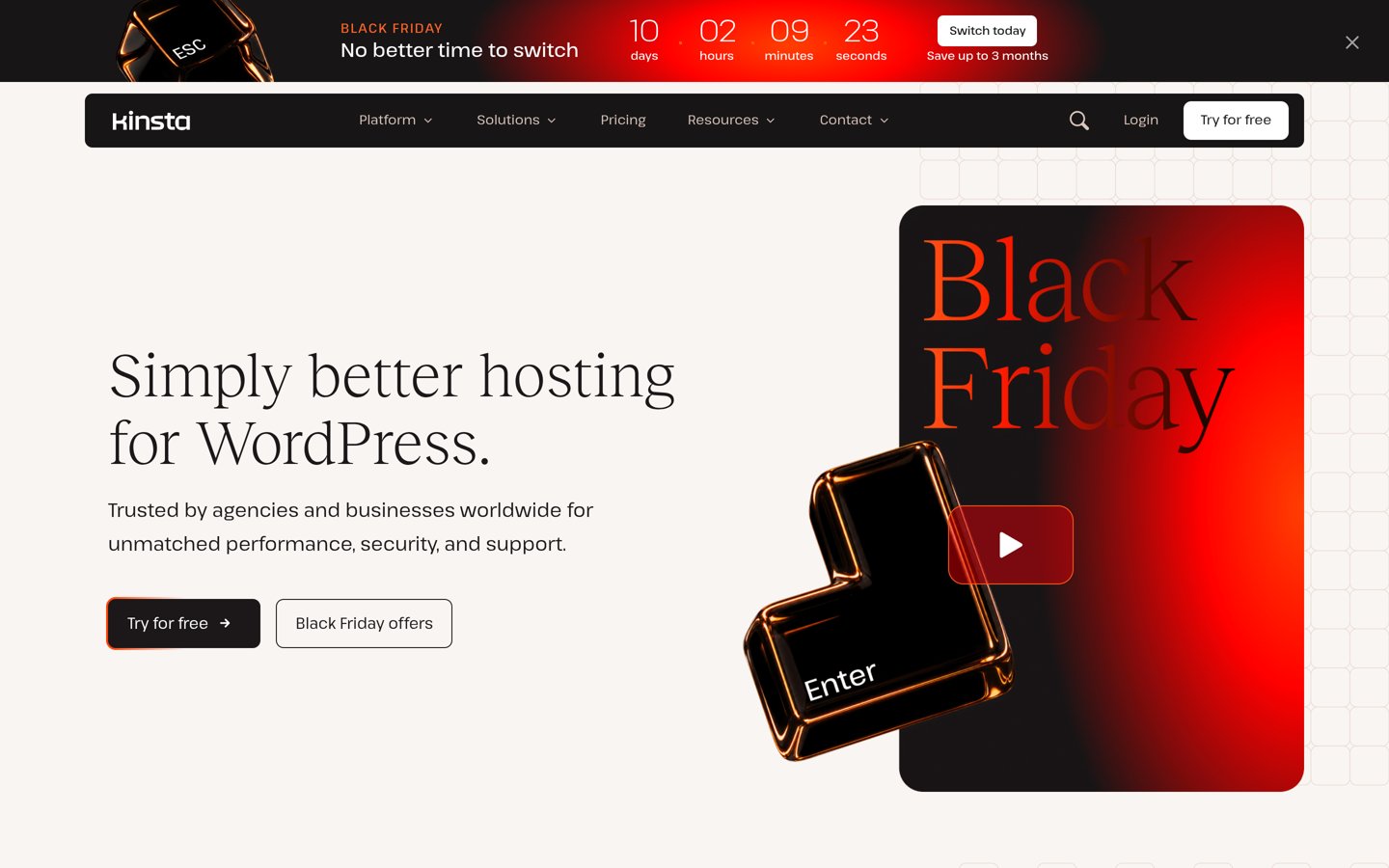
Kinsta homepage, captured Nov 2026.
Kinsta is a managed WordPress host on Google Cloud, trusted by more than 230,000 businesses according to its own site. Every plan includes unlimited dashboard users with flexible access, one-click staging, multisite support and daily backups kept for 14 days.
The trade off is the price. Single 35k costs $35 a month, with 35,000 visits and 10 GB of storage, and a first month free on select plans during the current Black Friday offer. It suits editorial teams that want strong tooling and can pay for it.
What we like
Unlimited dashboard users with flexible access
One-click staging and multisite support on every plan
Daily backups and free malware removal
Highest-rated managed host in this list after SiteGround
Watch out for
Entry plan covers only one site and 35,000 visits
Costs far more than shared hosting
No email hosting included
Higher plans add more sites, visits and backup retentionVisit kinsta.com
02
WP Engine
4.2/5on Trustpilot (1,781 reviews, checked Nov 2026)
Starts at$35/mo
Best for mature editorial workflows
Sites1
Monthly visits25,000
Storage10 GB
StagingYes, included
wpengine.com
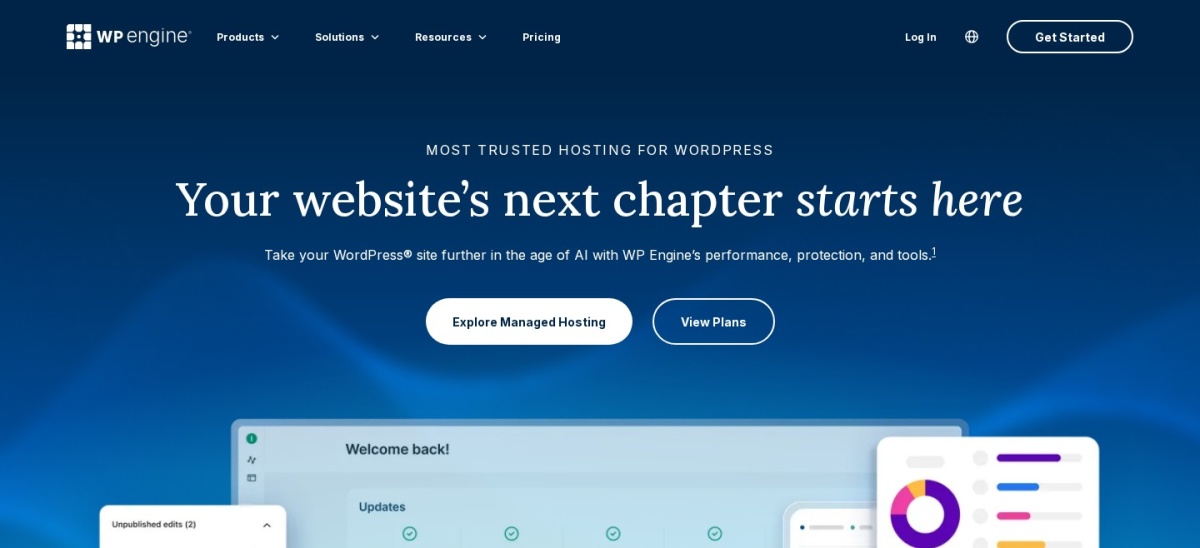
WP Engine homepage, captured Nov 2026.
WP Engine is a managed WordPress host that powers more than 1.5 million websites, according to the company. The Essential Startup plan covers one site with 25,000 visits a month, 10 GB of storage, daily backups, staging and development environments, and free SSL.
The trade off is the renewal price. The page shows $28 a month billed yearly for new customers, while the regular renewal is $35 a month, and visits over 25,000 cost $2 per 1,000. It suits publishers that want a mature platform and clear staging.
What we like
Staging and development environments on every plan
Daily automated backups and managed updates
Transferable sites for client work
Longest-running managed WordPress host in this list
4.6/5on Trustpilot (303 reviews, checked Nov 2026)
Starts at$25/mo
Best for agencies managing client blogs
Sites1
Monthly visits30,000
Storage20 GB
StagingYes, free staging sites
pressable.com
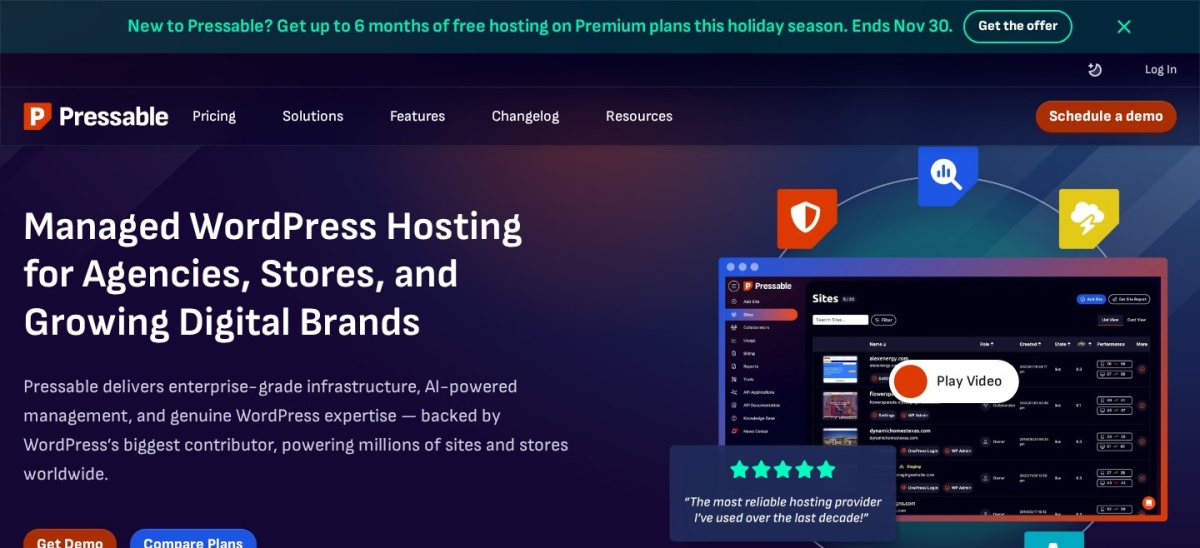
Pressable homepage, captured Nov 2026.
Pressable is Automattic's managed WordPress host, running on the same WP Cloud platform as WordPress.com. Signature 1 covers one site with 30,000 visits a month and 20 GB of storage, with free staging sites, collaborator access, hourly database backups and Jetpack Security included.
The trade off is the single-site limit. Signature 1 costs $25 a month, so a team running several blogs pays for a larger plan, and visits over the limit cost $1.20 per 1,000. It suits agencies and teams that manage several client sites from one dashboard.
What we like
Collaborator access and an agency dashboard
Free staging sites that do not count against the plan
Hourly database backups and Jetpack Security included
No renewal jump: the price stays the same
Watch out for
Entry plan covers only one site
Visit overages cost $1.20 per 1,000 visits
Smallest review base in this list, with 303 reviews
4.6/5on Trustpilot (277 reviews, checked Nov 2026)
Starts at$30/mo
Best for traffic spikes with no visit cap
Sites1
Monthly visitsUnmetered
Storage10 GB
StagingYes, one-click
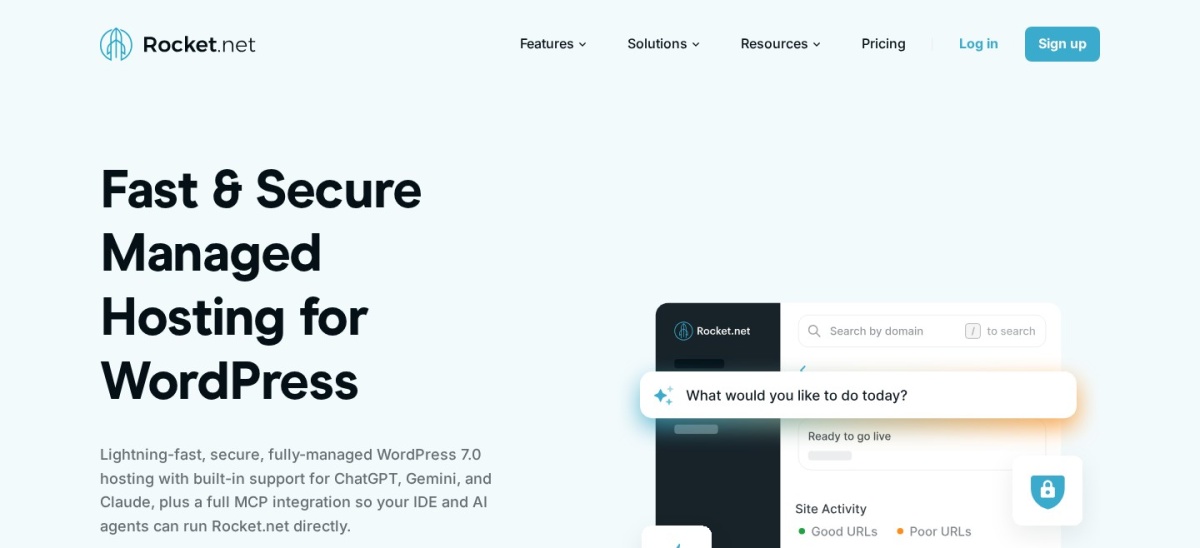
rocket.net
Rocket.net homepage, captured Nov 2026.
Rocket.net is a managed WordPress host that puts every site behind a Cloudflare Enterprise edge network. Starter covers one site with unmetered visits, 10 GB of storage, 50 GB of bandwidth, free Redis, unlimited PHP workers, staging and daily backups kept for 30 days.
The trade off is the bandwidth cap. Starter costs $30 a month with no renewal rise, but the 50 GB bandwidth limit can bind a media-heavy blog even though visits are unmetered. It suits blogs that get sudden traffic spikes and want no visit overages.
What we like
Unmetered visits on every plan
Free Redis and unlimited PHP workers
Enterprise CDN and firewall included
No renewal price rise
Watch out for
Only 50 GB of bandwidth on Starter
Only 10 GB of storage on Starter
Small review base, with 277 Trustpilot reviews
Pro adds 3 sites, 20 GB storage and 100 GB bandwidthVisit rocket.net
05
SiteGround
4.9/5on Trustpilot (31,474 reviews, checked Nov 2026)
Starts at$17.99/mo
Best support and WordPress tooling
Sites1
Monthly visits~10,000 suggested
Storage10 GB
StagingNot on StartUp
siteground.com
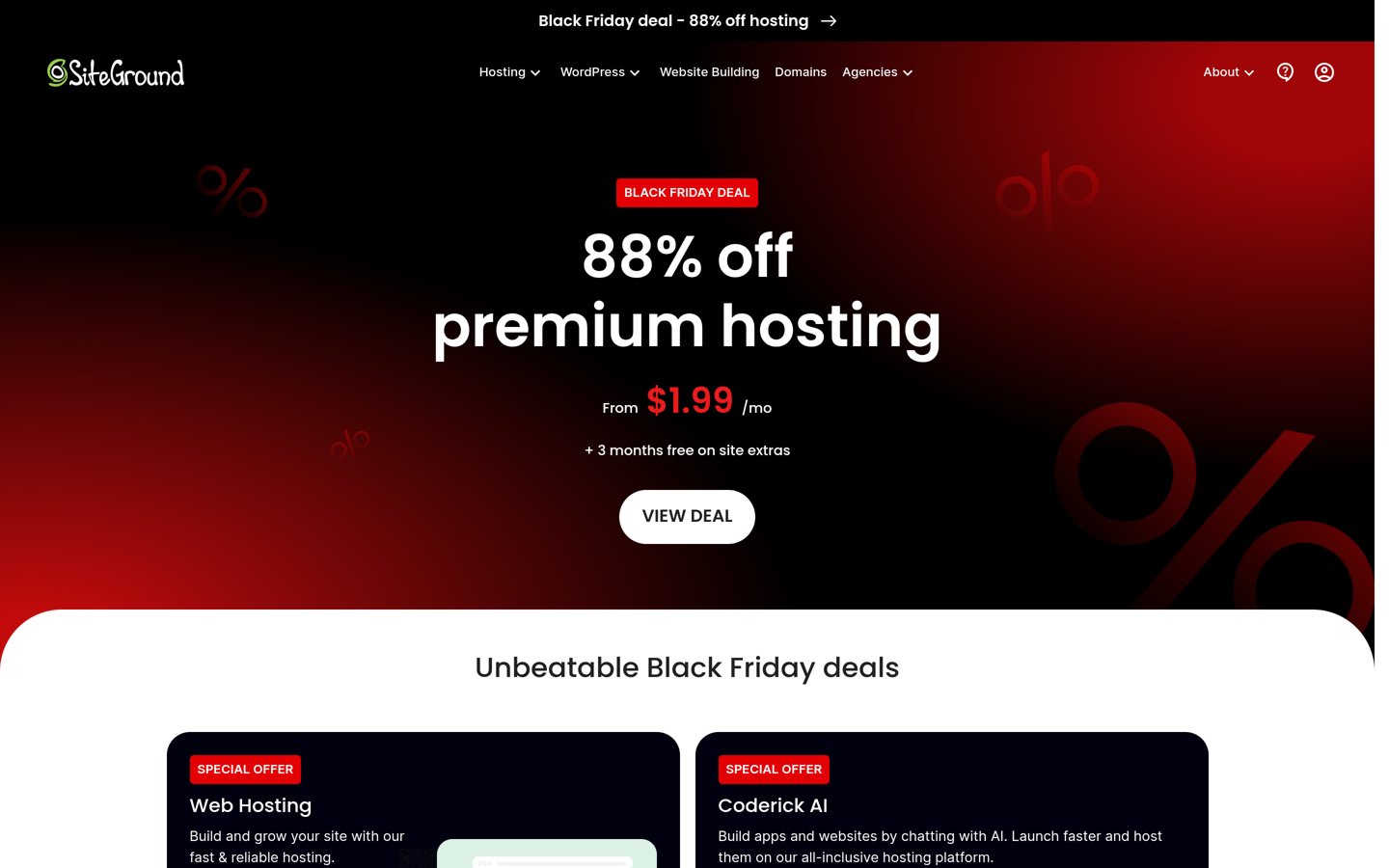
SiteGround homepage, captured Nov 2026.
SiteGround is a managed shared host on Google Cloud, trusted by the owners of more than 3 million domains. StartUp covers one site with 10 GB of storage, about 10,000 suggested visits a month, a free domain for the first year, free SSL, a CDN and daily backups.
The trade off is the renewal jump and the missing staging. StartUp costs $1.99 a month in the first term, then renews at $17.99 a month, and staging only comes with GrowBig at $29.99 a month. It suits small teams that value fast support and can live without staging.
What we like
Highest Trustpilot rating in this list, 4.9 out of 5
Fast support and a clear Site Tools panel
Free domain, SSL, CDN and daily backups
Free site migration with its WordPress Migrator plugin
4.6/5on Trustpilot (3,785 reviews, checked Nov 2026)
Starts at$14/mo
Best for unlimited sites on one server
SitesUnlimited per server
Storage25 GB NVMe
RAM1 GB
StagingYes, one-click
cloudways.com
Cloudways homepage, captured Nov 2026.
Cloudways is a managed cloud platform that runs WordPress on servers from DigitalOcean, Vultr, Linode, AWS or Google Cloud. The cheapest DigitalOcean Premium server costs $14 a month, with 1 GB of RAM, 25 GB of NVMe storage, 1 TB of bandwidth and unlimited sites on that server.
The trade off is that the platform is less guided than a WordPress-only host. Staging is included, but authors work through WordPress roles, and email hosting is not bundled. It suits technical teams that run several blogs on one server.
4.6/5on Trustpilot (73,633 reviews, checked Nov 2026)
Starts at$10.99/mo
Best budget pick for small teams
Sites3
Storage20 GB SSD
BackupsWeekly
Free domain1 year
hostinger.com
Hostinger homepage, captured Nov 2026.
Hostinger is a budget host with more than 3 million customers, and one of three hosts recommended by WordPress.org. Premium covers three websites with 20 GB of SSD storage, weekly backups, a free domain for the first year and a free SSL certificate.
The trade off is the renewal price and the long prepayment. Premium costs $1.99 a month on a 48-month term during the Black Friday sale, then renews at $10.99 a month. It suits small teams that want the lowest entry cost and can prepay for four years.
What we like
Lowest entry cost in this list
Three websites on the cheapest plan
Largest review base in this list, with 73,633 reviews
4.5/5on Trustpilot (32,114 reviews, checked Nov 2026)
Starts at$10.99/mo
Best for first-time bloggers
Sites1
Storage10 GB SSD
Free domain1 year
Money-back30 days
bluehost.com
Bluehost homepage, captured Nov 2026.
Bluehost is a shared WordPress host recommended by WordPress.org, owned by Newfold Digital. Basic covers one website with 10 GB of SSD storage, a free domain for the first year, free SSL and a free CDN, with a guided WordPress setup for new bloggers.
The trade off is the renewal price and the shared limits. Basic starts at $2.95 a month on a long term, then renews at $10.99 a month, and there is no staging on the entry plan. It suits a first blog with a few authors and modest traffic.
4.6/5on Trustpilot (8,317 reviews, checked Nov 2026)
Starts at$7.99/mo
Best for the lowest long-term price
Sites1
Storage50 GB SSD
BandwidthUnmetered
Money-back97 days
dreamhost.com
DreamHost homepage, captured Nov 2026.
DreamHost is an independent host recommended by WordPress.org, hosting more than 1.5 million websites according to the company. Shared Starter covers one website with 50 GB of SSD storage, unmetered bandwidth, a free domain for the first year and free SSL.
The trade off is the renewal price and the lack of staging. Shared Starter starts at $2.59 a month on a long term, then renews at $7.99 a month, and staging comes with the managed DreamPress plans instead. It suits small blogs that want the lowest renewal price and a 97-day refund window.
Managed hosts handle updates, backups and staging for you. Kinsta, WP Engine, Pressable and Rocket.net all include staging on their entry plans.
Shared hosts are cheaper and leave more to you. Hostinger, Bluehost and DreamHost cover the basics, but staging is missing or sits on a higher plan.
Cloudways sits between the two. You get a managed server with staging, but you still pick the cloud provider and the server size.
Common mistakes when picking hosting for a team
Giving every author an admin login is the most common mistake. Use the editor and author roles in WordPress instead, and keep admin access for one or two people.
Picking a plan by the first-year price is the second. SiteGround and Hostinger both renew at several times the first-term price, so budget for year two.
Skipping backups is the third. A host backup is not a substitute for your own copy, so keep one off the server as well.
How we chose
We started from the managed and shared hosts most often recommended for WordPress, then kept those with clear pricing, staging or collaborator features, and a public review profile.
Prices come from each vendor's pricing page, checked on 22 November 2026. Ratings and review counts come from Trustpilot on the same day. Where a vendor shows a sale, the list shows the regular price.
We left out hosts with no clear regular price or no public review profile. No vendor paid for a place, and we do not claim hands-on testing for this list.
How to choose WordPress hosting for a multi-author blog
Start with how many people will touch the site, then check staging, roles and the renewal price.
Count the people, not just the posts. A blog with five authors needs separate logins and an editor role. Pick a host that lets you add users without paying per seat.
Check staging before you pay. Managed hosts in this list include staging on the entry plan. Budget hosts often do not, so confirm it on the pricing page.
Read the renewal price, not the first year. SiteGround renews at $17.99 a month and Hostinger at $10.99 a month. Budget for year two, not the sale price.
Keep a backup outside the host. Daily backups help, but keep your own copy too. Check the backup schedule before you move a live blog.
FAQ
What is the best WordPress hosting for multi-author blogs?
Kinsta is the best pick for most multi-author blogs. It gives every plan unlimited dashboard users with flexible access, one-click staging and daily backups, and it holds a 4.7 out of 5 Trustpilot rating from 1,165 reviews.
Do authors need separate hosting accounts?
No. Authors log in to WordPress with their own accounts and roles, such as author or contributor, while the hosting account stays with the site owner. Managed hosts add dashboard users so editors can reach staging and backups without sharing the main login.
Is staging important for a multi-author blog?
Yes. Staging gives editors a private copy of the site to review drafts, check layout and approve changes before anything goes live. Kinsta, WP Engine, Pressable, Rocket.net and Cloudways include staging on their entry plans in this list.
Which host is cheapest for a multi-author blog?
DreamHost Shared Starter is the cheapest regular price in this list at $7.99 a month on renewal, with 50 GB of storage and a 97-day money-back guarantee. Hostinger and Bluehost both renew at $10.99 a month, so the gap is small after year one.
Why do renewal prices matter so much?
Most budget hosts sell the first term at a deep discount and renew at several times that price. SiteGround jumps from $1.99 to $17.99 a month, and Hostinger from $1.99 to $10.99 a month, so the second year can cost more than the first four years combined.
Can I move my blog to another host later?
Yes. Every host in this list offers free migration or a migration plugin, and WordPress content moves with the standard export tool. Move during a quiet week, keep the old site live until the new one is checked, and update the domain only after the copy works.