Gusto is the best QuickBooks payroll alternative for most small businesses, pairing a 4.6/5 G2 rating across 14,407 reviews with transparent pricing at $49/month plus $6 per person and native QuickBooks Online syncing. For flatter multi-state pricing, choose OnPay ($49/month plus $6 per worker); for strict budgets, choose Patriot Software ($17/month plus $4 per worker).
How we make this list: we compare pricing pages, product documentation and public user reviews, then re-check every price before each update. No product paid for a place. Disclosure.
Entry base fees among these 8 alternatives range from $17/month (Patriot Software Basic) to $59/month (Roll by ADP), compared with $50/month for QuickBooks Payroll Core.
Gusto holds 4.6/5 across 14,407 G2 reviews and syncs journal entries directly with QuickBooks Online starting at $49/month plus $6 per person.
OnPay includes multi-state tax filings, 1099s, and QuickBooks syncing inside one $49/month plus $6 per worker tier without feature gating.
Patriot Software cuts self-service payroll to $17/month plus $4 per worker, or $37/month plus $5 per worker with full-service tax filings.
SurePayroll charges $4.99/month extra for accounting software sync, while Wave Payroll syncs only with Wave's own accounting platform.
How do you choose among QuickBooks payroll alternatives?
Leaving QuickBooks Payroll does not require leaving QuickBooks accounting. Most dedicated payroll providers—including Gusto, OnPay, Patriot Software, and Square Payroll—push itemized wage and tax journal entries directly into QuickBooks Online after each pay run.
Per-worker pricing matters more than the headline monthly base fee once you pass five employees. A $17/month base plan with low per-head charges saves hundreds annually over a $50/month base plan, while hidden charges for multi-state filings, year-end W-2s, or accounting connectors can erase a low advertised rate.
Match the payroll system to how your staff actually gets paid. Salaried office teams benefit from automated onboarding and benefits administration, whereas restaurants, retail shops, and field crews save hours when timecards, tip pooling, and shift schedules feed straight into payroll.
Gusto is a cloud payroll and HR platform used by over 500,000 businesses. Its entry Simple plan costs $49/month plus $6 per person paid and includes unlimited monthly payroll runs, automated federal and state tax filings, employee self-onboarding, basic PTO policies, and direct journal-entry syncing with QuickBooks Online.
The trade off is that multi-state payroll, time tracking, and next-day direct deposit require upgrading to the Plus tier at $80/month plus $12 per person. It suits single-state teams of 2 to 100 employees wanting clean software without sales quotes.
What we like
Transparent published pricing across self-serve tiers
Unlimited monthly payroll runs with automatic tax filings
Self-service employee portal for W-2s, 1099s, and paystubs
Watch out for
Multi-state tax filing is locked behind the $80/month Plus plan
Time tracking costs $6/person extra on Simple
No international W-2 employee payroll
Simple starts at $49/mo + $6/person; Plus adds multi-state payroll and time tracking for $80/mo + $12/person.Visit gusto.com
02
OnPay
4.8/5on G2 (424 reviews, checked Nov 2026)
Starts at$49/mo
Best single-tier pricing for multi-state teams
Entry base fee$49/mo + $6/worker
Tax filingsAll 50 states + local included
QuickBooks syncLine-item mapping included
Setup & migrationFree data migration included
onpay.com
OnPay homepage, captured Nov 2026.
OnPay is a full-service payroll provider built around a single core pricing plan rather than a multi-tier ladder. Payroll Essentials costs $49/month plus $6 per worker paid and includes unlimited pay runs, W-2 and 1099 processing, automatic tax filings across all 50 states, benefits administration, and customizable QuickBooks Online syncing.
The trade off is that built-in time tracking ($15/month plus $4 per worker) and HR compliance tools ($15/month plus $2 per worker) are paid add-ons. It suits small businesses and bookkeepers that want multi-state filings without paying Gusto Plus rates.
What we like
Multi-state tax filings included in the base $49/month plan
Free historical data migration and account setup
Department-level QuickBooks Online general ledger mapping
No extra fees for benefits administration
Watch out for
Time clock and PTO approval tools cost extra per worker
Fewer third-party HR integrations than Gusto or Rippling
No dedicated account manager tier for larger firms
Payroll Essentials is $49/mo + $6/worker with all-state tax filing included; HR and time add-ons start at $15/mo.Visit onpay.com
03
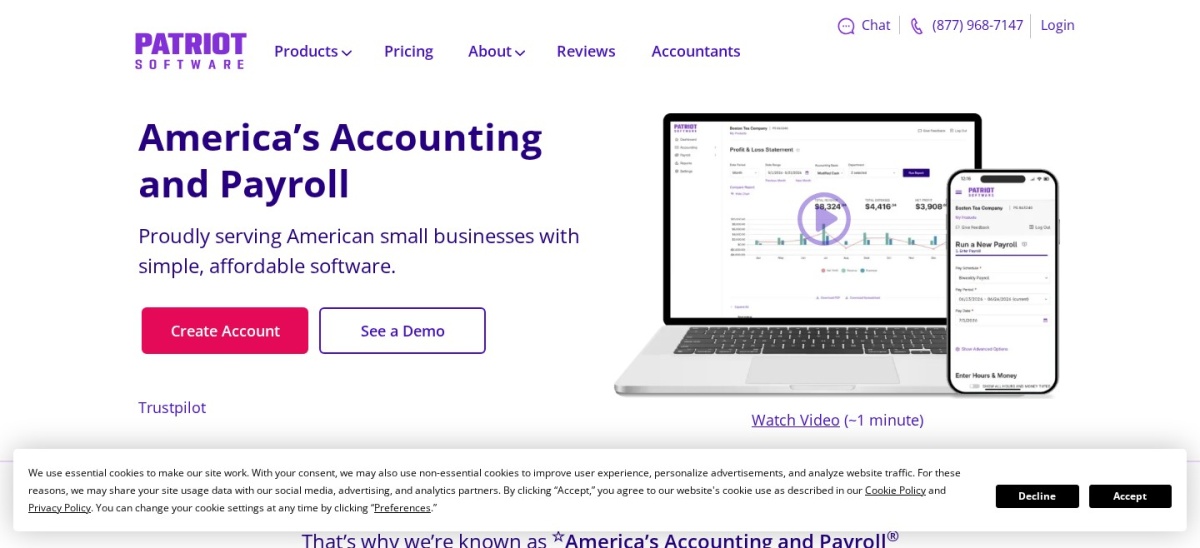
Patriot Software
4.7/5on Trustpilot (3,483 reviews, checked Nov 2026)
Starts at$17/mo
Best low-cost payroll for tight budgets
Entry base fee$17/mo + $4/worker (Basic)
Full-service tier$37/mo + $5/worker
QuickBooks syncIncluded at no extra charge
Multi-state fee$12/mo per additional state
patriotsoftware.com
Patriot Software homepage, captured Nov 2026.
Patriot Software is a US-based payroll and accounting vendor aimed at cost-conscious small employers. Its Basic Payroll plan regularly costs $17/month plus $4 per worker paid (currently discounted 50% for 3 months after a 30-day free trial) and includes unlimited pay runs, free direct deposit, contractor payments, and QuickBooks integration.
The trade off is that Basic Payroll requires you to remit and file payroll taxes yourself; automated federal, state, and local tax filings require Full Service Payroll at $37/month plus $5 per worker. It suits small teams wanting the lowest regular monthly bill.
What we like
Lowest regular base and per-worker rates on this list
Free USA-based phone and chat support on every tier
QuickBooks integration included without add-on fees
Counts each paid employee or contractor only once per month
Watch out for
Basic tier excludes automated tax deposits and filings
Additional states add $12/month per state on Full Service
Time tracking and HR software are separate $6/mo + $2/worker add-ons
Basic Payroll is $17/mo + $4/worker; Full Service adds automated tax filings at $37/mo + $5/worker.Visit patriotsoftware.com
04
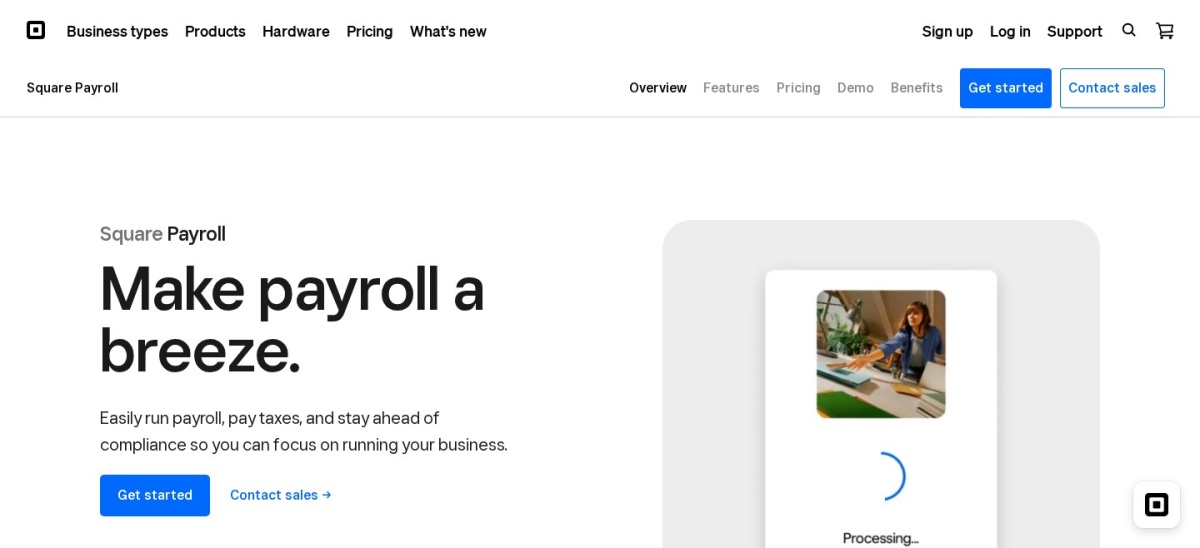
Square Payroll
4.7/5on Capterra (622 reviews, checked Nov 2026)
Starts at$6/mo
Best for retail, restaurants, and contractor-only teams
Contractor-only plan$6/mo per person (no base fee)
Full-service tier$35/mo + $6/person paid
POS & tipsNative Square POS timecard & tip sync
Tax filingsMulti-state federal & state included
squareup.com
Square Payroll homepage, captured Nov 2026.
Square Payroll is an online payroll service integrated into the Square point-of-sale ecosystem. Businesses paying only 1099 contractors pay $6/month per contractor with zero monthly base fee, while the full-service W-2 plan costs $35/month plus $6 per person paid and includes multi-state tax filings, tip importing, and QuickBooks Online syncing.
The trade off is that seasonal businesses only pause billing during inactive months if they manually toggle inactivity, and deeper HR tools like performance reviews are absent. It suits shops, cafes, and contractor-heavy teams already using Square.
What we like
Zero monthly base fee if you only pay 1099 contractors
Full-service W-2 base fee ($35/mo) undercuts Gusto and OnPay
Direct import of Square POS shifts, overtime, and tips
Multi-state tax filings and next-day direct deposit included
Watch out for
Mailing paper W-2s or 1099s costs $3 per form annually
Thin HR document and compliance library compared with Gusto
Workers' compensation and benefits are third-party add-ons
Contractor-only starts at $6/person/mo; Full-service W-2 payroll is $35/mo + $6/person with multi-state filings.Visit squareup.com
05
Homebase
4.6/5on G2 (682 reviews, checked Nov 2026)
Starts at$49/mo
Best for hourly shift teams needing scheduling + payroll
Payroll base fee$49/mo + $6/employee paid
Scheduling tier$0/mo Basic (up to 10 staff, 1 site)
Tax filingsMulti-state tax filing included
Time trackingBuilt-in mobile & POS time clocks
joinhomebase.com
Homebase homepage, captured Nov 2026.
Homebase combines hourly shift scheduling, GPS time clocks, and full-service payroll in one app. Payroll is an add-on to any Homebase plan—including the free Basic tier for one location up to 10 employees—at a regular rate of $49/month plus $6 per employee paid, with automated multi-state tax filings and QuickBooks Online syncing.
The trade off is that multi-location teams or businesses with over 10 employees must also pay for a scheduling tier starting at $30/month per location. It suits restaurants, salons, and retailers tired of fixing manual timesheet errors.
What we like
Approved shift hours and overtime flow directly into payroll
Pairs with the $0/month Basic plan for single-location teams under 10
Includes new-hire onboarding packets and multi-state tax filing
Employee mobile app handles shift swaps and paystub access
Watch out for
Teams over 10 employees or 1 location need a $30+/mo base plan
Automated tip pooling requires a $25/mo Tip Manager add-on
PTO policy configuration is rigid compared with dedicated HR suites
Payroll runs $49/mo + $6/employee (often discounted for new accounts) and attaches to Homebase's $0 Basic tier.Visit joinhomebase.com
06
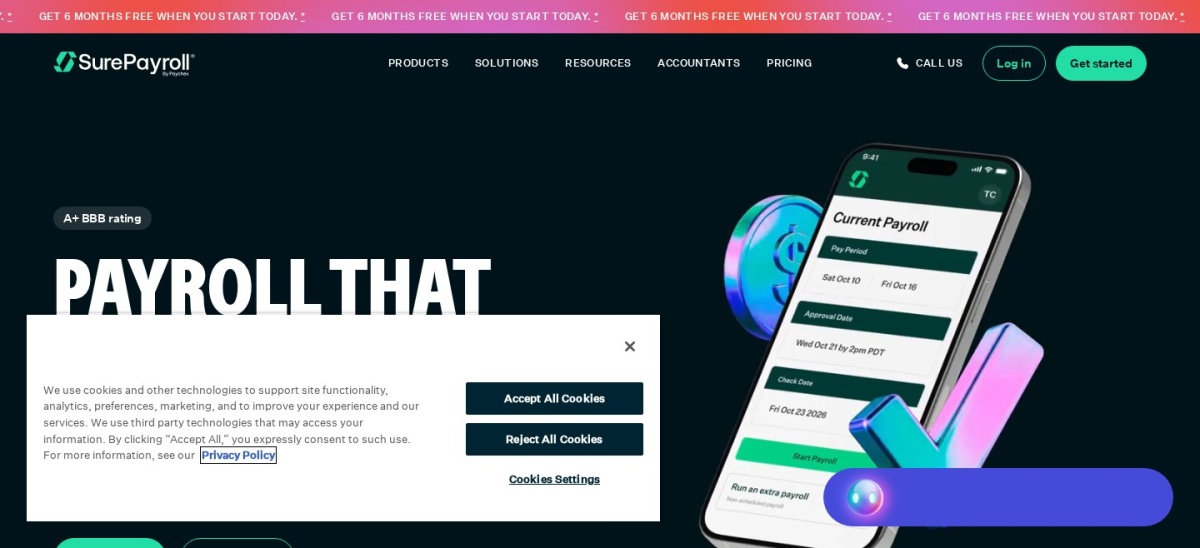
SurePayroll
4.3/5on G2 (549 reviews, checked Nov 2026)
Starts at$29/mo
Best for micro-businesses and household employers
Entry base fee$29/mo + $4/employee (No Tax)
Full-service tier$39/mo + $7/employee
QuickBooks sync$4.99/mo add-on
Year-end forms$50 base + $5 per W-2/1099
surepayroll.com
SurePayroll homepage, captured Nov 2026.
SurePayroll is Paychex's online payroll service tailored to micro-businesses and household employers. Its regular No Tax Filing tier starts at $29/month plus $4 per employee, while the Full-Service plan costs $39/month plus $7 per employee with automated tax deposits, 2-day direct deposit, and evening and weekend support.
The trade off is add-on creep: accounting integration costs $4.99/month, multi-state and local tax filings each add $9.99/month, and year-end W-2s cost $50 plus $5 per form. It suits 1-to-5-person single-state firms wanting Paychex backing.
What we like
Low $39/month regular base fee on Full-Service payroll
Dedicated household and nanny payroll plans available
Live phone and chat support extends into evenings and weekends
AutoPayroll runs salaried paychecks on schedule automatically
Watch out for
QuickBooks and Xero sync costs $4.99/month extra
Year-end W-2 and 1099 filings incur a $50 base plus $5/form fee
Multi-state and local tax filings cost $9.99/month each
No Tax Filing starts at $29/mo + $4/employee; Full-Service is $39/mo + $7/employee before add-ons.Visit surepayroll.com
07
Justworks
4.6/5on G2 (1,136 reviews, checked Nov 2026)
Starts at$50/mo
Best for growing teams wanting a path to PEO benefits
Payroll plan$50/mo + $8/employee/mo
PEO Basic tier$79/employee/mo (no base fee)
Support24/7 phone, chat, email & Slack
ComplianceMulti-state payroll & new-hire filing
justworks.com
Justworks homepage, captured Nov 2026.
Justworks offers a standalone small-business payroll plan alongside its well-known Professional Employer Organization (PEO) platform. Justworks Payroll costs $50/month plus $8 per employee per month and includes unlimited payroll runs, multi-state tax filings, contractor payments, 24/7 customer support, and QuickBooks Online syncing.
The trade off is a higher $8 per-employee fee than Gusto or OnPay, plus time tracking requires an extra add-on unless you move up to a PEO plan starting at $79/employee/month. It suits startups expecting to adopt PEO group health benefits later.
What we like
24/7 human support via phone, email, chat, and Slack
Direct upgrade path into Justworks PEO without migrating data
Transparent published rates for both Payroll and PEO tiers
Multi-state payroll tax registration and filing included
Watch out for
Higher per-employee rate ($8/mo) than Gusto or OnPay ($6/mo)
Time tracking is billed separately on the standalone Payroll plan
PEO tiers require co-employment and carry minimum headcount rules
Justworks Payroll is $50/mo + $8/employee; PEO Basic starts at $79/employee/mo with group benefits access.Visit justworks.com
08
Wave
4.1/5on G2 (31 reviews, checked Nov 2026)
Starts at$40/mo
Best for leaving QuickBooks accounting altogether
Payroll base fee$40/mo + $6/worker paid
Accounting plan$0/mo Starter ($19/mo Pro)
Accounting syncNative Wave accounting only
Employee portalSelf-service W-2s and paystubs
waveapps.com
Wave homepage, captured Nov 2026.
Wave is a small-business accounting platform used by over 2 million businesses that pairs a $0/month Starter bookkeeping tier with a built-in payroll add-on. Wave Payroll costs $40/month plus $6 per active employee or contractor paid, automatically posting pay runs, direct deposits, and tax liabilities into Wave's ledger.
The trade off is zero integration with QuickBooks Online—Wave Payroll works only inside Wave's accounting ecosystem, and full tax-filing automation is limited to select US states. It suits solopreneurs and micro-teams replacing QuickBooks entirely.
What we like
Pairs with Wave's $0/month Starter invoicing and accounting plan
Lower $40/month base fee than QuickBooks Payroll Core ($50/mo)
Automatic bookkeeping entries inside Wave without third-party connectors
Self-service employee portal for paystubs and year-end tax forms
Watch out for
Does not integrate with QuickBooks Online or Xero
Automated tax filing is available only in select US states
Fewer payroll reports and HR features than standalone rivals
Wave Payroll is $40/mo + $6/worker and pairs with Wave's $0 Starter or $19/mo Pro accounting plans.Visit waveapps.com
What you actually pay at 5 vs 25 employees
Headline base prices hide how fast per-employee fees compound. For a 5-person single-state team, Patriot Full Service costs $62/month ($37 + $5 × 5) and Square Payroll costs $65/month ($35 + $6 × 5), while Gusto Simple and OnPay both land at $79/month ($49 + $6 × 5) compared with QuickBooks Payroll Core at $85/month ($50 + $7 × 5).
At 25 employees, Patriot Full Service totals $162/month and Square Payroll totals $185/month, whereas Gusto Simple and OnPay reach $199/month—still $26/month below QuickBooks Payroll Core ($225/month). However, if those 25 employees work across two states, Gusto requires its Plus tier ($80 + $12 × 25 = $380/month), making OnPay ($199/month) $181/month cheaper.
How we chose
We evaluated dedicated small-business payroll platforms and accounting-linked payroll suites that actively integrate with QuickBooks Online or serve as full replacements for QuickBooks Payroll.
Every price, feature limit, rating, and review count in this guide was verified on 29 Nov 2026 directly from each vendor's official pricing page and public review profiles on G2, Capterra, and Trustpilot.
We excluded enterprise HCM suites without published small-business pricing (such as ADP RUN, Paychex Flex, and Paycor) as well as international-only Employer of Record tools that do not run domestic US W-2 payroll. No vendor paid for a place, and we do not claim testing for this list.
How to switch from QuickBooks Payroll cleanly
Follow these four steps before canceling your existing Intuit payroll subscription.
Export year-to-date payroll registers and tax filings. Download every employee's YTD wage summary, tax withholdings, and filed quarterly Forms 941 before your QuickBooks Payroll access ends so your new provider can balance year-end W-2s.
Calculate your total monthly bill at your exact headcount. Add the monthly base fee, per-worker charges for both W-2 employees and 1099 contractors, and any extra fees for multi-state filings, time tracking, or year-end forms.
Switch at the start of a quarter or calendar year when possible. Migrating on January 1, April 1, July 1, or October 1 avoids split-quarter tax deposit reconciliations between Intuit and your new payroll vendor.
Map your QuickBooks Online chart of accounts before the first pay run. Connect your new payroll provider to QuickBooks Online and assign wage, employer tax, and net-pay liability accounts so journal entries post cleanly without duplicate expenses.
FAQ
What is the best QuickBooks payroll alternative in 2026?
Gusto is the best overall QuickBooks payroll alternative in 2026, offering automated tax filings, employee self-onboarding, and native QuickBooks Online syncing at $49/month plus $6 per person. If you have employees in multiple states, OnPay offers the same $49/month plus $6 per worker rate with multi-state filings included.
Can I use another payroll provider with QuickBooks Online?
Yes. Gusto, OnPay, Patriot Software, Square Payroll, Homebase, and Justworks all integrate directly with QuickBooks Online to sync wage and tax journal entries after each pay run. SurePayroll also syncs with QuickBooks for a $4.99/month add-on.
What is the cheapest alternative to QuickBooks Payroll?
Patriot Software is the cheapest full-featured alternative at $17/month plus $4 per worker for self-service payroll, or $37/month plus $5 per worker with full-service tax filings. If you only pay 1099 contractors, Square Payroll charges $6/month per contractor with no base fee.
Is there a free QuickBooks payroll alternative?
No reputable full-service payroll provider offers a permanently free W-2 payroll plan because tax calculation and filing carry compliance liability. However, Patriot Software offers a 30-day free trial, OnPay includes your first month free, and Wave offers $0/month accounting paired with $40/month payroll.
Gusto vs OnPay: which is better after leaving QuickBooks Payroll?
Choose Gusto if you operate in one state and want stronger HR onboarding, benefits integrations, and third-party app connections at $49/month plus $6 per person. Choose OnPay at the exact same $49/month plus $6 per worker rate if you pay staff in multiple states, since Gusto charges $80/month plus $12 per person for multi-state payroll.
SaaS SEO and WordPress specialist with about 8 years of experience. Rakib compares WordPress plugins, themes, hosting and software using public pricing, documentation and user reviews. See how we rank.