Adobe Acrobat is the best pdfFiller alternative for most people, with full PDF editing, fillable forms and signing from $14.99 a month on an annual plan. PandaDoc suits sales teams that build proposals and collect signatures in one place, while signNow is the cheapest signing option at a flat $8 a month.
How we make this list: we compare pricing pages, product documentation and public user reviews, then re-check every price before each update. No product paid for a place. Disclosure.
Adobe Acrobat is the closest like-for-like swap for pdfFiller, with full editing, forms and signing from $14.99 a month.
PandaDoc pairs document creation with unlimited signing on paid plans, from $19 per user a month, with a free plan for 5 documents a month.
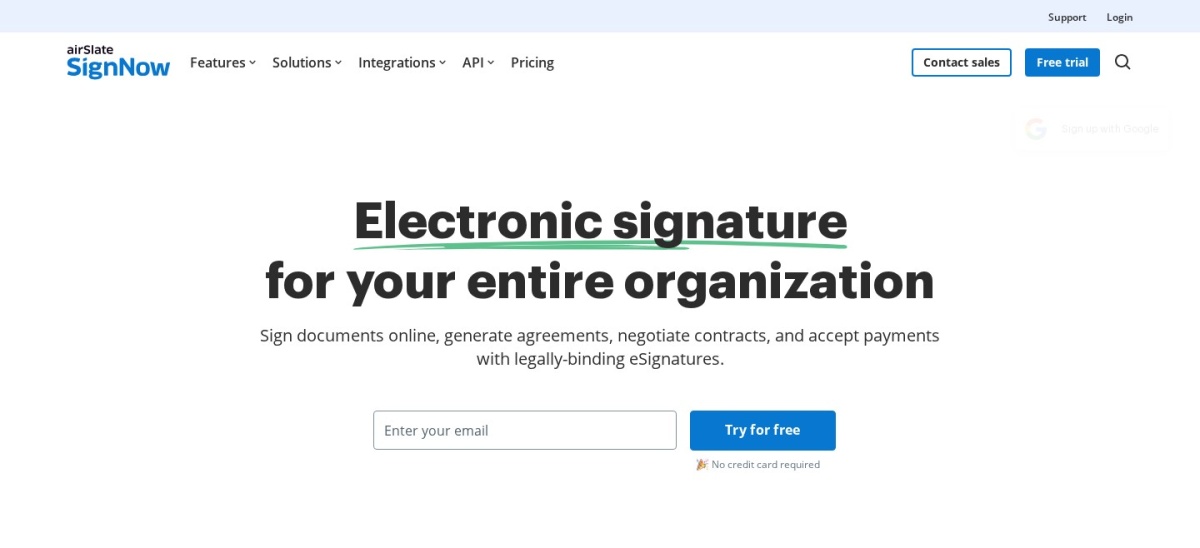
signNow is the cheapest paid plan here at a flat $8 a month for unlimited users, but it caps signature invites at 100 a year.
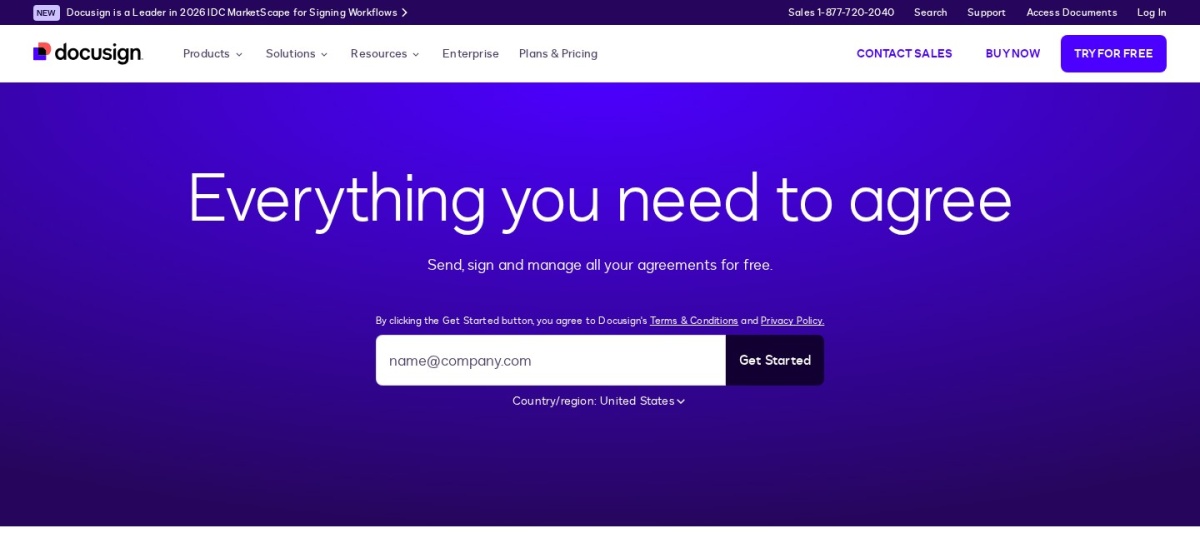
DocuSign Personal costs $11 a month and is the signing name most clients already recognise, with only 5 envelopes a month.
Paid plans run from $63 a year for Sejda to $408 a year for Jotform, so the cheapest editor and the cheapest signer are different tools.
How do you choose the best pdfFiller alternative?
Start with the job pdfFiller did for you. Some people mainly fill forms, others edit text and pages, and others need a signature tracked back from a client.
Editing and signing are different strengths. Acrobat, Foxit, PDFelement and Sejda edit PDFs properly, while DocuSign, signNow and PandaDoc are built around getting a document signed and tracked.
Watch the caps, not just the monthly price. DocuSign Personal allows 5 envelopes a month and signNow allows 100 invites a year, so a cheap plan can turn expensive once volume rises.
A free plan is enough for light use. PandaDoc, Jotform, Smallpdf and Sejda all have free plans, and Sejda also sells a $5 week pass for a one-off job. Our guide on adding a PDF to WordPress shows how the finished file can be shared once it is signed.
Adobe Acrobat is the closest like-for-like replacement for pdfFiller, with full PDF editing, fillable forms and e-signature requests in one desktop and web app. The free Reader covers viewing and basic signing, while Standard at $14.99 a month on an annual plan adds editing, conversion and form tools.
The trade off is price. Standard costs $179.88 a year, and the redaction, OCR and comparison tools most offices want need Pro at $19.99 a month. It suits people who edit PDFs every day and want one app for editing, forms and signing.
What we like
Widest PDF editing and form feature set here
E-signature requests built in, not bolted on
Largest review base of any PDF editor in this list
PandaDoc is a document tool that covers creation, sending, tracking and signing in one workflow. The free plan allows 5 documents a month, and Starter at $19 per user a month billed annually adds unlimited documents and e-signatures, templates and document analytics.
The trade off is the seat cap. Starter covers at most 2 seats, so a larger team must move to Business at $49 per user a month for CRM integrations and approval workflows. It suits small teams that write their own proposals and want signing built in.
What we like
Unlimited documents and e-signatures on paid plans
DocuSign is the e-signature service most recipients already recognise, which means fewer questions when a contract lands in their inbox. Personal costs $11 a month on an annual plan and covers 5 envelopes a month, reusable templates, reminders and an audit trail.
The trade off is the envelope cap. Personal allows only 5 envelopes a month, and teams need Standard at $30 per user a month for 100 envelopes per user a year. It suits anyone whose clients expect DocuSign by name.
signNow is an e-signature tool priced as a flat $8 a month billed annually for the whole account, with unlimited users. Business includes sending for signing, fillable fields, reusable templates, in-person signing and mobile apps.
The trade off is the invite cap. Annual plans include 100 signature invites a year shared across the account, and extra invites cost about $1.50 each. It suits small teams that send a modest number of contracts and want one low flat bill.
What we like
Flat $8 a month covers unlimited users
Cheapest paid plan in this list
Unlimited templates on every paid plan
Watch out for
100 signature invites a year, then extra fees
No full PDF editor, signing only
Bulk sending needs Business Premium at $15 a month
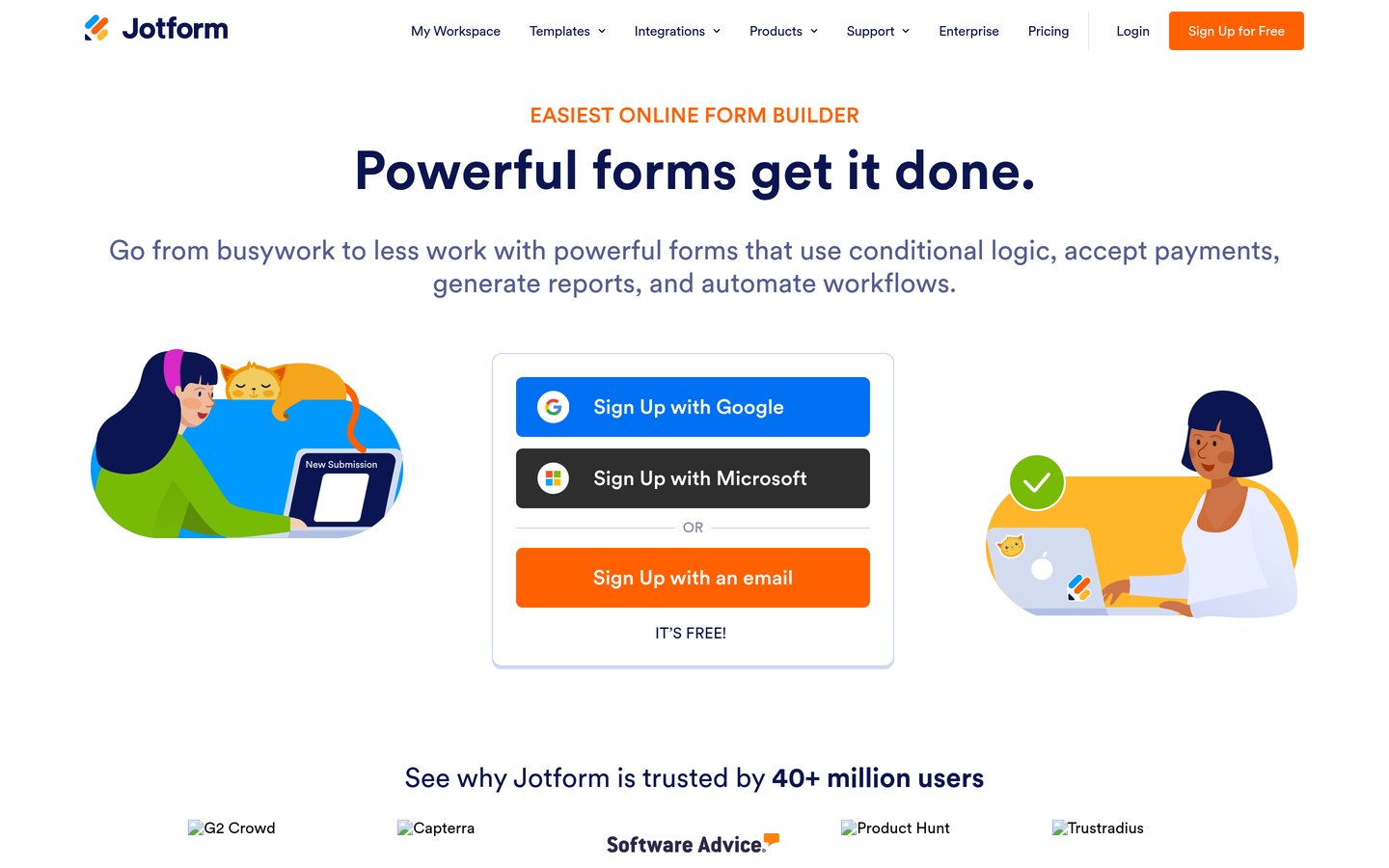
Jotform is a form builder with signing built in through Jotform Sign, so a filled form can become a signed document without a second tool. The free Starter plan covers 5 forms and 100 submissions a month, and Bronze at $34 a month billed annually raises that to 25 forms and 1,000 submissions.
The trade off is price and scope. Bronze is a single-user plan, and $408 a year is steep if you only need signing. It suits teams that already collect data with forms and want signatures on the same workflow.
Smallpdf is a browser-first PDF toolkit with more than 30 tools for editing, converting, compressing and signing, with no install. The free plan covers a small number of tasks a day, and Pro at $9 a month billed annually removes the caps and adds text editing, OCR and a Sign.com Premium subscription.
The trade off is depth. It is a set of quick tools rather than a full desktop editor, and heavy files still need a desktop app. It suits people who work in a browser and handle PDFs a few times a week.
What we like
No install, works on any device
Signing included through Sign.com Premium
Simple interface with a low learning curve
Watch out for
Free plan limits daily tasks
No desktop-grade editing or redaction
Prices shown can vary by location at checkout
Team adds shared billing and templates from $7 a seat a monthVisit smallpdf.com
07
Foxit PDF Editor
4.6/5on G2 (3,784 reviews, checked Nov 2026)
Starts at$129.99/yr
Best desktop editor below Acrobat's price
Free planReader free, editor trial
OCRYes
RedactionYes, plus Bates numbering
Paid planEditor, $129.99/yr
foxit.com
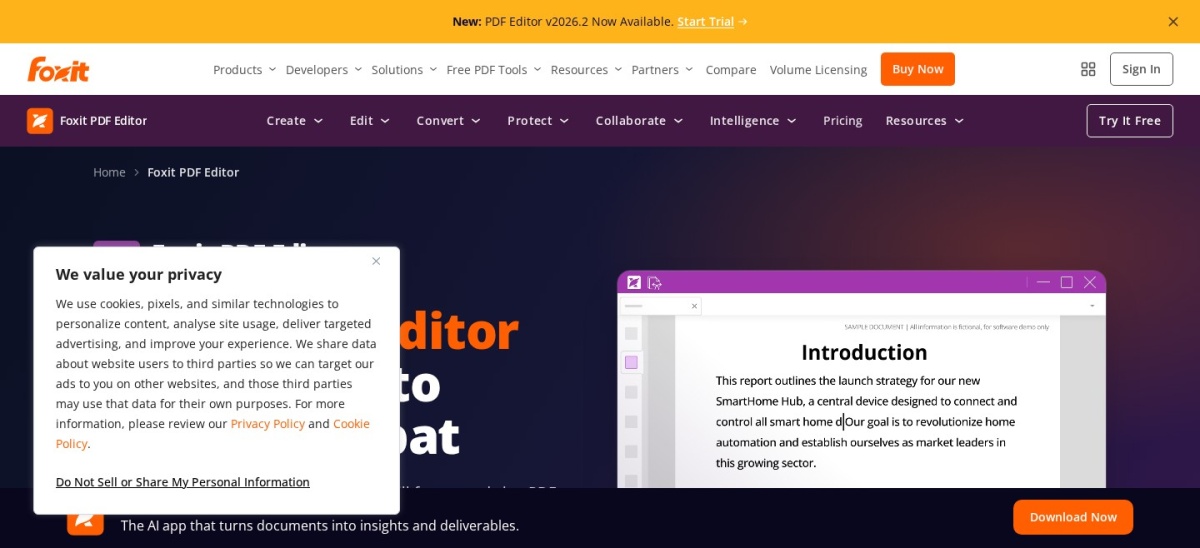
Foxit PDF Editor homepage, captured Nov 2026.
Foxit PDF Editor is a desktop PDF editor for Windows and Mac with text and image editing, OCR, forms, redaction and Bates numbering. The annual plan costs $129.99 per user a year, about half the yearly cost of Acrobat Pro, and the free Reader covers viewing and basic signing.
The trade off is that signing is basic on the cheapest plan. Built-in eSign with 150 envelopes a year needs Editor+ at $159.99 a year. It suits law and accounting teams that need redaction and Bates numbering without Acrobat prices.
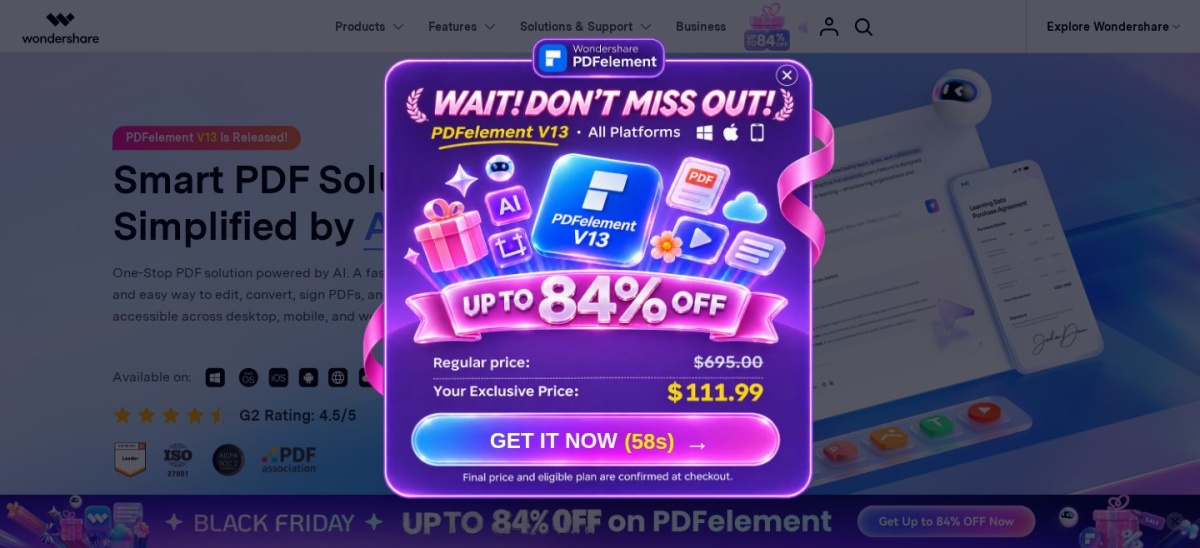
Wondershare PDFelement homepage, captured Nov 2026.
Wondershare PDFelement is a desktop PDF editor for Windows and Mac with text and image editing, forms, OCR, batch conversion and signing. The yearly plan costs $79.99 a year, and a perpetual licence for the current version costs $129.99 once.
The trade off is the discount dance. The page shows first-purchase prices against higher crossed-out figures, so the renewal price needs a careful read. It suits budget buyers who want a full desktop editor and the option to own a version outright.
Sejda is a browser PDF editor with a desktop app that processes files locally, so a contract or form never leaves your machine. The free plan allows three tasks a day, and the annual plan costs $63 a year for unlimited desktop and web use.
The trade off is signing depth. Sejda covers fill and sign, not the tracked signature workflows of DocuSign or PandaDoc. It suits occasional users who want cheap, private PDF editing.
What we like
Cheapest paid plan in this list
Desktop app keeps files on your machine
A $5 week pass covers one-off jobs
Watch out for
No tracked e-signature workflow
Free plan caps at 3 tasks a day
No mobile app
A $7.95 week pass adds the desktop app for 7 daysVisit sejda.com
Editing vs signing: pick the right kind of tool
If you edit text, pages and forms every day, pick an editor. Acrobat, Foxit, PDFelement and Sejda change the document itself, while signing tools mostly add fields and a signature to a finished file.
If the signature is the point, pick a signing tool. DocuSign, signNow and PandaDoc track who opened, viewed and signed a document, and keep an audit trail for each envelope.
Some teams need both, and that is where the bill grows. Pairing a $63 Sejda plan with a $96 signNow plan costs $159 a year, still less than Acrobat Standard alone at $179.88 a year.
How we chose
We started from the tools most often listed as pdfFiller alternatives, then kept those with a real editing or signing product, public pricing and a public review rating.
Prices come from each vendor's pricing page, checked on 29 November 2026, with regular prices shown where a vendor shows a sale. Ratings come from G2 on the same day, with review counts shown beside each score.
We left out tools with no public price and tools that only convert files without editing or signing. No vendor paid for a place, and we do not claim to have used these tools ourselves.
How to choose a pdfFiller alternative
Start with what you did in pdfFiller most often, then match the tool to that job.
List the three jobs you do most. Filling forms, editing text and getting signatures are different jobs, and no cheap tool does all three equally well.
Count how many documents you send a month. A 5-envelope cap is fine for one contract a week, but a team sending daily needs unlimited signing or a higher cap.
Try the free plan on a real file. Fill, edit and sign one of your own documents before paying, and check the exported file opens cleanly.
Check what the paid plan adds. OCR, redaction, templates and bulk sending often sit one tier above the cheapest plan, so read the plan table before you buy.
FAQ
What is the best pdfFiller alternative in 2026?
Adobe Acrobat is the best pdfFiller alternative for most people. It covers full PDF editing, fillable forms and e-signature requests from $14.99 a month on an annual plan, and it is rated 4.5 out of 5 on G2 from 5,789 reviews.
What is the cheapest pdfFiller alternative?
Sejda is the cheapest paid option at $63 a year for unlimited desktop and web use. For signing only, signNow costs a flat $8 a month, or $96 a year, for unlimited users.
Is there a free pdfFiller alternative?
Yes. PandaDoc, Jotform, Smallpdf and Sejda all have free plans. Sejda allows 3 tasks a day free, PandaDoc allows 5 documents a month, and Jotform allows 5 forms and 100 submissions a month.
Which pdfFiller alternative is best for small teams?
signNow suits small teams best on price, at a flat $8 a month for unlimited users. PandaDoc suits teams that write proposals, since Starter covers 2 seats at $19 per user a month.
Is Adobe Acrobat or DocuSign the better pdfFiller alternative?
Adobe Acrobat is better if you edit PDFs, since it covers text, images, forms and signing in one app. DocuSign is better if you only need signatures, since it is the most recognised signing service, but it has almost no PDF editing.
Do I need to install software to replace pdfFiller?
No. Smallpdf, Sejda, PandaDoc, DocuSign and signNow all work in a browser. Acrobat, Foxit and PDFelement are desktop editors, so pick a browser tool if you work on shared or locked-down machines.
SaaS SEO and WordPress specialist with about 8 years of experience. Rakib compares WordPress plugins, themes, hosting and software using public pricing, documentation and user reviews. See how we rank.