Claude is the best NotebookLM alternative for working from your own documents, with Projects that keep long files and instructions together and a 4.7/5 G2 rating from 2,070 reviews. Pick ChatGPT Projects for an all-round assistant, or Perplexity when your answers must cite the live web.
How we make this list: we compare pricing pages, product documentation and public user reviews, then re-check every price before each update. No product paid for a place. Disclosure.
Claude leads on long documents: Projects group files and instructions, and it is rated 4.7/5 on G2 from 2,070 reviews.
ChatGPT Projects is the closest everyday swap, with 5 files on the free plan and 40 on Pro and Business plans.
Perplexity is the only pick here built around cited answers from the live web, rated 4.4/5 on G2 from 379 reviews.
Elicit searches more than 138 million academic papers, and its Plus plan at $11 a month is the cheapest academic paid plan in this list.
No pick here matches NotebookLM's free Audio Overviews; Microsoft Copilot Notebooks offers audio overviews on work accounts only.
Paid plans run from $4.99 a month for Google AI Plus to $20 a month for Claude Pro, ChatGPT Plus, Perplexity Pro, Notion Business and scite Basic.
How do you pick the right NotebookLM alternative?
Start from where your sources live. NotebookLM, now called Gemini Notebook since Google renamed it in July 2026, answers only from the sources you upload, and the best replacement depends on whether your material is your own files, the live web, or published papers.
Own files come first for most switchers. Claude Projects and ChatGPT Projects both group files and instructions into one place, so the assistant answers from your documents instead of from general knowledge.
Citations decide research picks. Perplexity puts a source link on every answer, Elicit cites papers sentence by sentence, and scite shows whether later research supports or contradicts a paper.
Teams should stay where their notes already are. Notion AI answers across pages already in a Notion workspace, and Microsoft Copilot Notebooks works across files in Microsoft 365, so neither needs a migration.
Price is rarely the deciding factor here. Five of the nine picks charge $20 a month or $19.99, so the choice turns on source handling, not the subscription. Our guide on how to use ChatGPT with WordPress shows how one of these assistants fits into a publishing workflow.
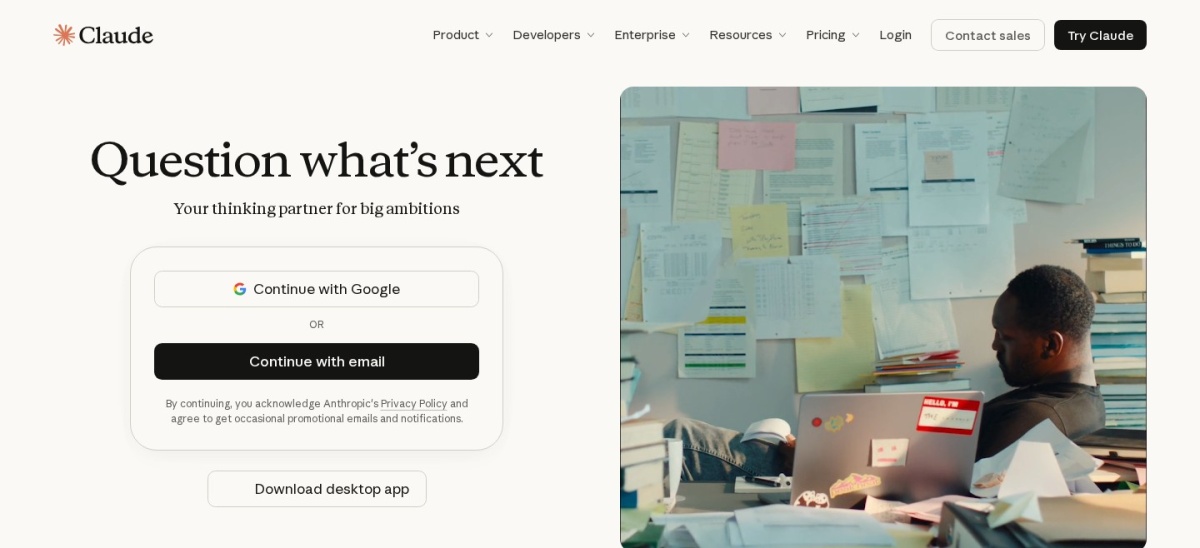
Claude is Anthropic's AI assistant, and its Projects feature is the closest match to NotebookLM's source-grounded notebooks. You group files and instructions into a project, then ask questions that draw on those files, with files of up to 30 MB each and up to 5 projects on the free plan.
The trade off is usage limits. The free plan caps daily use, and Pro at $20 a month, or $17 a month billed yearly, raises those limits and adds Claude Code and more project capacity. It suits writers and researchers working with long documents.
What we like
Rated 4.7 out of 5 on G2 from 2,070 reviews
Projects keep files and instructions together
Strongest long-document writing in this list
Free plan includes Projects
Watch out for
Strict usage limits on the free plan
No image generation of its own
No Audio Overviews like NotebookLM
Pro adds higher limits, Claude Code and more project capacityVisit claude.com
02
ChatGPT
4.6/5on G2 (2,903 reviews, checked Nov 2026)
Paid from$20/mo
Best all-round NotebookLM alternative
Cheapest paid planPlus, $20/mo
Project files5 free, 40 on Pro
Cheaper tierGo, $8/mo
Deep researchLimited on Plus
chatgpt.com
ChatGPT homepage, captured Nov 2026.
ChatGPT is OpenAI's AI assistant, and its Projects feature groups files and instructions so you can ask questions about your own documents. Projects run on every plan, from 5 files on the free plan to 40 on Pro and Business, and Plus adds a reasoning model, deep research and image generation.
The trade off is grounding. ChatGPT can mix general knowledge into answers unless you tell it to stick to your files, and the cheaper Go plan at $8 a month carries ads and tighter limits. It suits people who want one assistant for documents, writing and research.
Plus adds higher limits, deep research and the reasoning modelVisit chatgpt.com
03
Perplexity
4.4/5on G2 (379 reviews, checked Nov 2026)
Paid from$20/mo
Best for cited answers from the live web
Cheapest paid planPro, $20/mo
Annual price$200/yr
Free Pro searchesAbout 3 to 5 a day
SpacesYes, group files and searches
perplexity.ai
Perplexity homepage, captured Nov 2026.
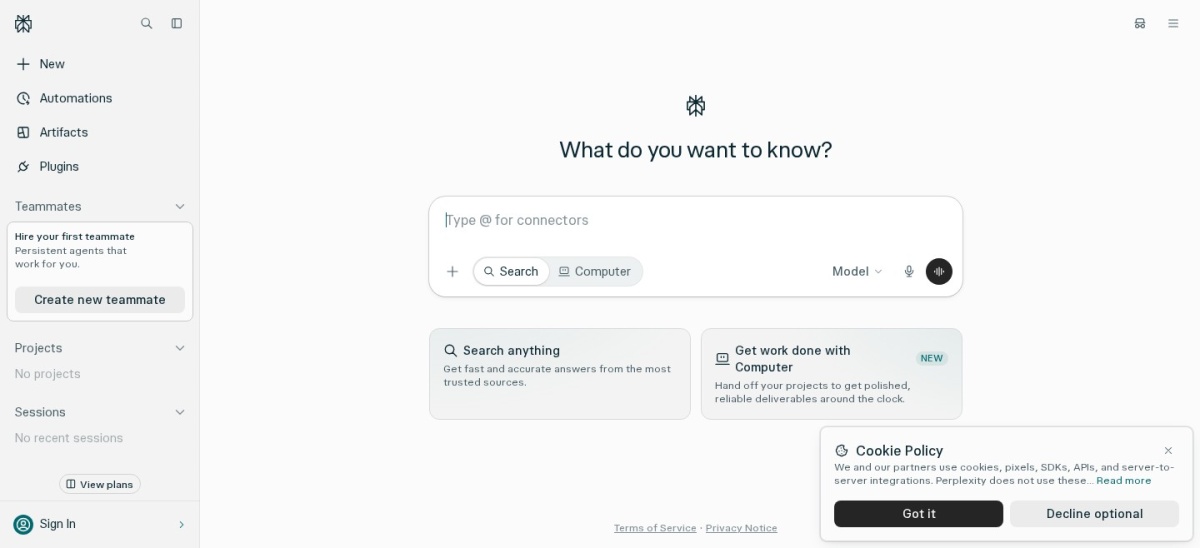
Perplexity is an AI answer engine that searches the live web and answers with numbered citations to the pages it used. Its Spaces feature groups searches, your own files and instructions for one topic, which makes it a good home for ongoing research such as tracking a competitor or a market.
The trade off is depth. It is built for finding and checking facts, so long-form writing from your own documents is weaker than in Claude or ChatGPT, and the free plan allows only a few Pro searches a day. It suits researchers who need answers they can verify.
What we like
Citations on every answer, with clickable sources
Rated 4.4 out of 5 on G2 from 379 reviews
Spaces combine web search with your files
Choice of models behind the answers on Pro
Watch out for
Free plan limits Pro searches each day
Weaker for long-form writing
Deep Research can cite links that do not exist
Pro adds unlimited Pro searches, model choice and Deep ResearchVisit perplexity.ai
04
Notion AI
4.6/5on G2 (13,836 reviews, checked Nov 2026)
Paid from$20/mo
Best for teams whose notes already live in Notion
Cheapest paid plan with full AIBusiness, $20/member/mo
Monthly billing$24/member/mo
Plus plan$10/member/mo, AI trial only
AI featuresQ&A, summaries, meeting notes
notion.com
Notion AI homepage, captured Nov 2026.
Notion AI is the assistant built into Notion workspaces. It answers questions across your workspace pages, summarises meeting notes and drafts from your notes without moving anything, and the Business plan adds Notion Agent, AI Meeting Notes and Enterprise Search.
The trade off is the tier jump. Free and Plus plans include only a limited trial of Notion AI, so full access needs Business at $20 per member a month billed yearly, or $24 month to month. It suits teams whose knowledge already lives in Notion.
What we like
Rated 4.6 out of 5 on G2 from 13,836 reviews
Answers from notes you already keep
No migration or file uploads needed
Meeting notes and database autofill included
Watch out for
Full AI needs the $20 Business plan
Only as good as what is in your workspace
No Audio Overviews like NotebookLM
Business unlocks full Notion AI, Agent and meeting notesVisit notion.com
05
Elicit
4.6/5on G2 (80 reviews, checked Nov 2026)
Paid from$11/mo
Best for academic literature reviews
Cheapest paid planPlus, $11/user/mo
Papers searched138 million+
Free planUnlimited search and summaries
Industry Pro plan$49/user/mo billed yearly
elicit.com
Elicit homepage, captured Nov 2026.
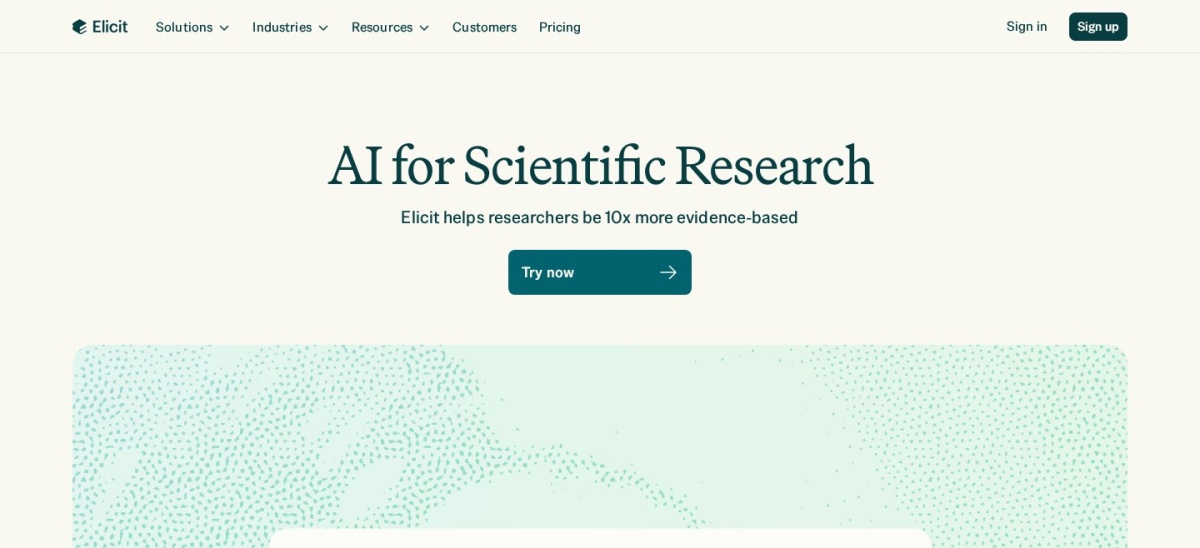
Elicit is an AI research assistant built for academic papers. It searches more than 138 million papers from a research question, pulls key details into tables, and writes cited reports, with unlimited search, summaries and chat with papers on the free Basic plan.
The trade off is price outside universities. Plus is $11 a user a month, but the Pro plan for industry users is $49 a user a month billed yearly, and the systematic review workflow starts on Pro. It suits researchers running literature reviews.
What we like
Rated 4.6 out of 5 on G2 from 80 reviews
Searches 138 million+ papers by meaning
Sentence-level citations and extraction tables
Generous free plan for search and summaries
Watch out for
Pro at $49 a month is costly outside academia
Not built for your own business documents
No Audio Overviews like NotebookLM
Plus adds unlimited papers and advanced analysis; Pro adds review workflowsVisit elicit.com
06
scite
4.7/5on G2 (27 reviews, checked Nov 2026)
Starts at$20/mo
Best for checking whether papers support a claim
Cheapest paid planBasic, $20/mo
Citation statements1.6 billion+
Free planConnect only, for MCP use
Collections1,000 papers on Basic
scite.ai
scite homepage, captured Nov 2026.
scite is a citation-analysis tool that classifies how papers cite each other, as supporting, contrasting or mentioning. It covers Smart Citations over 1.6 billion citation statements, with full-text search, an Assistant, dashboards and reference checks on the Basic plan at $20 a month.
The trade off is scope and sample size. It verifies citations rather than discovering or writing for you, its G2 base is only 27 reviews, and the free Connect plan covers MCP use only, not the full Assistant. It suits researchers checking evidence before they cite it.
What we like
Rated 4.7 out of 5 on G2 from 27 reviews
Shows whether later work supports or contradicts a paper
1.6 billion+ citation statements indexed
Reference Check catches citation errors
Watch out for
Very small G2 review base of 27 reviews
No free plan for the full Assistant
Verifies citations; it does not write for you
Basic adds the Assistant, full-text search and 1,000-paper collectionsVisit scite.ai
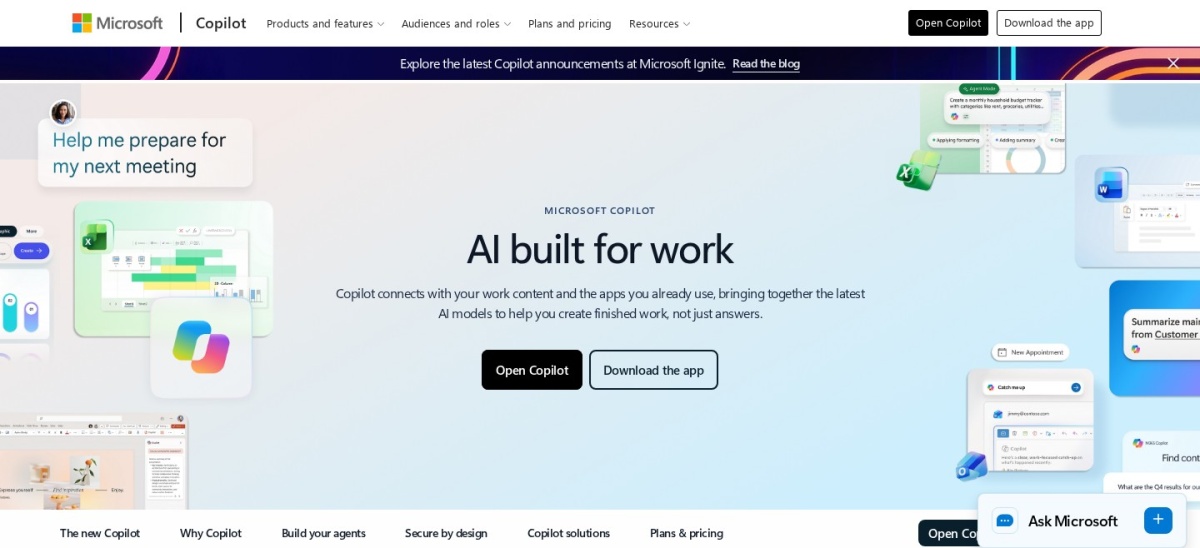
Microsoft Copilot is the AI assistant inside Microsoft 365. Copilot Notebooks pull together files, pages and chats so Copilot can work across them, and the paid tier now ships as Microsoft 365 Premium at $19.99 a month, which includes the former Copilot Pro.
The trade off is the bundle. You pay for Microsoft 365 even if you only want the AI, the business add-on is $21 per user a month billed yearly, and audio overviews are available on work accounts only. It suits teams already standardised on Microsoft 365.
What we like
Rated 4.4 out of 5 on G2 from 9,000 reviews
Runs inside Word, Excel, Outlook and Teams
Answers grounded in your own files and meetings
Only pick here with NotebookLM-style audio overviews
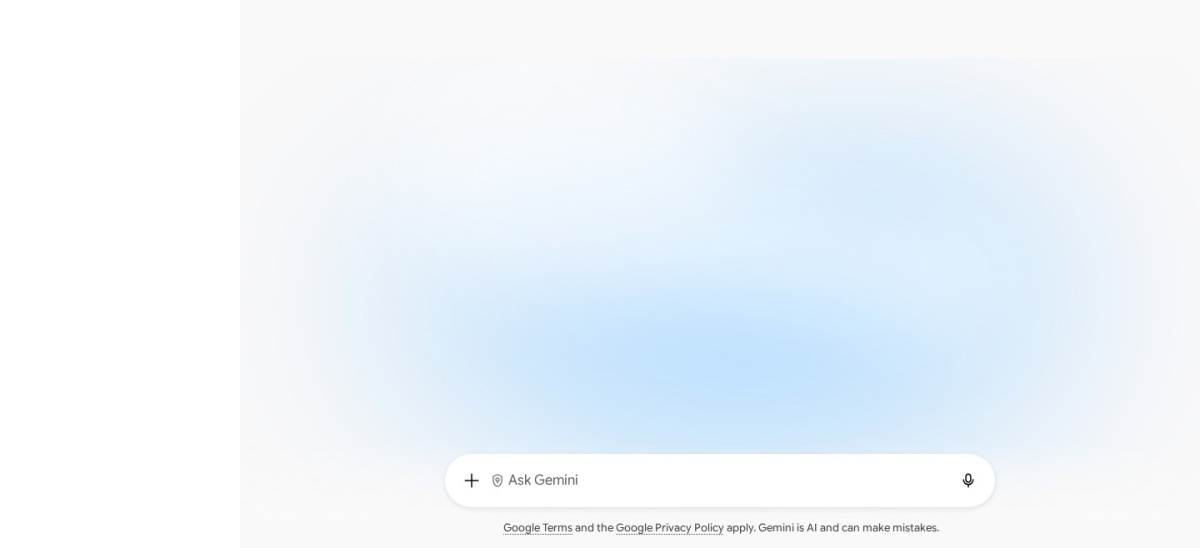
Gemini is Google's AI assistant, and it is the parent product of NotebookLM itself: Google renamed NotebookLM to Gemini Notebook in July 2026, and it is included with Google AI Pro. Gemini adds Gems for repeat tasks, Deep Research and AI inside Gmail and Docs.
The trade off is that Gemini is a general assistant, not a source-only notebook. The cheapest paid plan is Google AI Plus at $4.99 a month, while Deep Research and NotebookLM need AI Pro at $19.99 a month. It suits people who live in Gmail, Docs and Android.
What we like
Rated 4.4 out of 5 on G2 from 349 reviews
Cheapest paid plan in this list at $4.99 a month
NotebookLM, now Gemini Notebook, is included in AI Pro
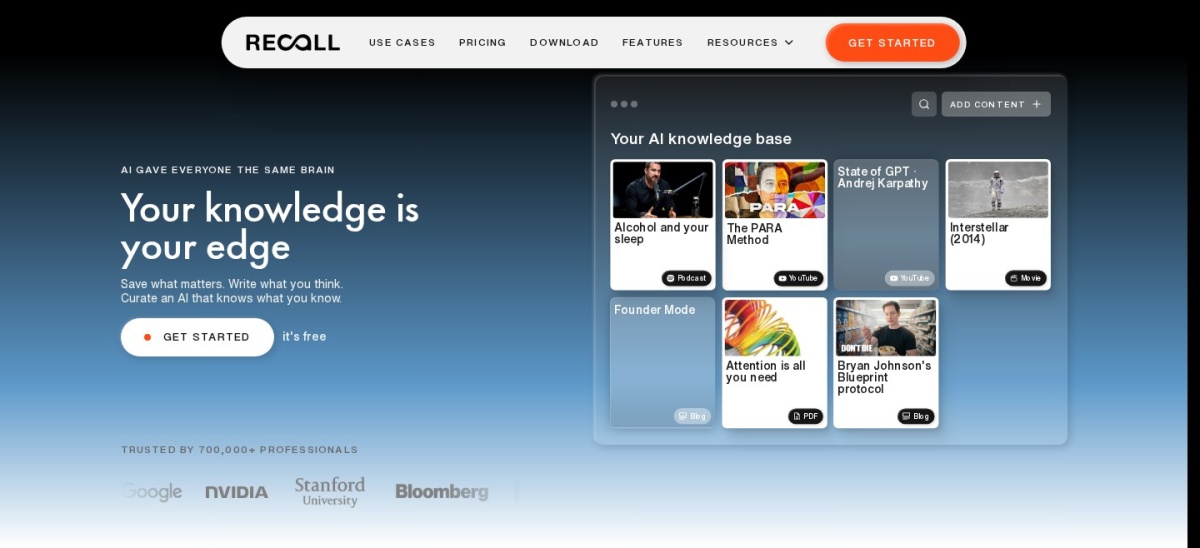
Recall is a personal AI knowledge base that saves articles, videos, podcasts, PDFs and notes in one place. It summarises what you save, files it under smart tags, links related items in a knowledge graph, and lets you chat across everything you have read.
The trade off is evidence and depth. Its G2 base is only 7 reviews, so the 4.6 rating is thin, and it is built for revisiting saved reading rather than deep research across new papers. It suits lifelong learners building a library over time.
What we like
Rated 4.6 out of 5 on G2, from only 7 reviews
Unlimited AI summaries on the $10 Plus plan
Chat across your whole saved library
Quizzes and spaced repetition included
Watch out for
Very small G2 review base of 7 reviews
Free plan allows only 10 AI summaries a month
Not built for deep academic research
Plus adds unlimited summaries, AI chat and Listen ModeVisit recall.it
Free vs paid: what the free plans actually cover
Free plans cover the basics well. Claude, ChatGPT, Perplexity, Notion, Elicit, Gemini and Recall all let you try document Q&A without paying, and Elicit's free plan includes unlimited paper search and summaries.
Paid plans mostly add limits and depth. You get more files per project, more Pro searches, full Notion AI instead of a trial, and the systematic review workflow in Elicit.
Two picks have no useful free tier for this job. scite's free Connect plan covers MCP use only, not the full Assistant, and Notion's free and Plus plans offer only a trial of its AI. Our guide on how to get cited by ChatGPT explains why cited answers matter for published work.
If you only need one tool, start free and pay when you hit a limit. The cheapest paid plans that fit this job are Google AI Plus at $4.99 a month and Recall Plus at $10 a month.
How we chose
We started from the tools other NotebookLM guides recommend most often, then kept those with a published numeric rating from G2 or Capterra and a public pricing page.
Prices and ratings come from each vendor's pricing page and G2 or Capterra, checked on 29 November 2026. Where a vendor shows an annual price, the list shows the monthly sticker price and the yearly total is that price times 12. No vendor paid for a place, and we do not claim hands-on testing for this list.
We left out SciSpace: its homepage returned a CloudFront 403 page to the server capture, Microlink and mshots, so we replaced it with scite. Consensus was left out because its G2 listing is a different demo-automation product and its Trustpilot base is 6 reviews. ChatPDF was left out because its G2 base is 2 reviews, and Mem because it shuts down on 15 January 2027.
How to choose a NotebookLM alternative
Start with where your sources live, then match the tool to that job.
List your sources first. If they are your own PDFs and notes, pick Claude or ChatGPT Projects. If they are papers, pick Elicit or scite. If they do not exist yet, pick Perplexity.
Check the free plan against your volume. Free tiers cap files, searches or summaries. Count how many documents you question in a week before paying.
Test citations on one real question. Ask each shortlisted tool a question you already know the answer to, then open the cited source and check it says what the answer claims.
Stay where your team already works. Notion AI fits Notion teams and Microsoft Copilot fits Microsoft 365 teams, because neither needs a migration to start.
FAQ
What is the best NotebookLM alternative in 2026?
Claude is the best NotebookLM alternative for most people. Its Projects feature groups your files and instructions together, it handles long documents well, and it is rated 4.7 out of 5 on G2 from 2,070 reviews.
What is the best free NotebookLM alternative?
ChatGPT is the best free starting point, because Projects run on the free plan with 5 files, plus a reasoning model and deep research on Plus. Elicit's free plan is stronger for academic papers, with unlimited search and summaries.
Which NotebookLM alternative is best for academic papers?
Elicit is best for academic papers. It searches more than 138 million papers, extracts findings into tables and writes cited reports. scite is the better second pick when you need to check whether later research supports or contradicts a paper.
How much do NotebookLM alternatives cost?
Paid plans in this list run from $4.99 a month for Google AI Plus to $20 a month for Claude Pro, ChatGPT Plus, Perplexity Pro, Notion Business and scite Basic. Most offer a free plan, so start free and pay when you hit a limit.
Claude vs ChatGPT: which is the better NotebookLM alternative?
Claude is better for long documents from your own files, with cleaner long-form writing and a 4.7 G2 rating. ChatGPT is the better all-rounder, with Projects plus images, voice, coding and deep research in one $20 a month plan.
Do any NotebookLM alternatives have Audio Overviews?
None of the nine picks offers NotebookLM's free Audio Overviews. Microsoft Copilot Notebooks offers audio overviews on work accounts only, and Gemini includes NotebookLM itself, now called Gemini Notebook, with Google AI Pro at $19.99 a month.
Which NotebookLM alternative is best for beginners?
Perplexity is the easiest to start with, because you type a question and get a cited answer without uploading anything. Recall is the simplest for saving articles and videos to revisit later.
SaaS SEO and WordPress specialist with about 8 years of experience. Rakib compares WordPress plugins, themes, hosting and software using public pricing, documentation and user reviews. See how we rank.