MonsterInsights Alternatives in 2026: 7 Best Tools Compared
WLWPLegible EditorsLast verified 22 Nov 2026How we rank12 min read
★ Short answer
Site Kit is the best MonsterInsights alternative for most WordPress websites, with over 5 million active installations and free Google Analytics 4 and Search Console integration. Independent Analytics is better for privacy-focused local tracking, while Burst Statistics offers straightforward visitor reports and conversion goals.
How we make this list: we compare pricing pages, product documentation and public user reviews, then re-check every price before each update. No product paid for a place. Disclosure.
Site Kit has 5M+ active installs, a 4.2/5 rating from 1,016 reviews, and no paid plugin upgrade.
Independent Analytics has 100K+ installs and a 4.8/5 rating from 168 reviews; Pro Standard costs $49/year.
Burst Statistics has 200K+ installs and a 4.9/5 rating from 189 reviews; Creator costs $49/year.
WP Statistics has 500K+ installs and a 4.1/5 rating from 762 reviews; Personal renews at $119/year.
Analytify supports 20K+ active installations and has a 4.7/5 rating; StartUp costs $199/year at its regular price.
ExactMetrics has 200K+ installations but a lower 2.5/5 rating from 1,546 reviews; Plus normally costs $199/year.
What to look for in a MonsterInsights alternative
MonsterInsights connects Google Analytics 4 to WordPress and displays traffic, visitor behavior, content performance, and conversion information inside the dashboard. The best replacement depends on whether you want to continue using GA4 or switch to an independent analytics platform.
Start with Google Analytics compatibility. Site Kit, Analytify, and ExactMetrics connect to GA4, making them suitable for websites that already depend on Google's reporting. Independent Analytics, Burst Statistics, WP Statistics, and Matomo collect statistics through their own systems.
Next, compare reporting features. Blogs generally need visitor counts, popular pages, traffic sources, and content engagement. Ecommerce and lead-generation websites may need revenue attribution, campaign performance, form submissions, outbound clicks, and conversion tracking.
Consider privacy and data storage. Self-hosted analytics can keep visitor statistics inside your WordPress environment, but local tracking may increase database usage. GA4 integrations depend on Google's analytics infrastructure and require appropriate tracking and consent configuration.
Finally, compare regular prices rather than introductory offers. Several analytics plugins provide useful free versions, while campaign reporting, ecommerce tracking, automated emails, and advanced dashboards are available through paid subscriptions.
4.2/5on WordPress.org (1,016 reviews, checked Nov 2026)
PriceFree
Best overall free MonsterInsights alternative
Active installs5M+
GA4 integrationIncluded
Search ConsoleIncluded
Plugin priceFree
sitekit.withgoogle.com
Site Kit homepage, captured Nov 2026.
Site Kit is Google's official WordPress plugin for connecting Analytics, Search Console, AdSense, and PageSpeed Insights. It has more than 5 million active installations and a 4.2/5 rating from 1,016 reviews. The free plugin displays traffic, search performance, and content statistics inside WordPress without requiring a paid analytics plugin.
The trade off is that Site Kit provides fewer specialized WordPress marketing reports than MonsterInsights. It is completely free, with no paid plugin plan, although connected services may have separate costs. It suits bloggers, publishers, and small businesses that primarily need Google Analytics and Search Console information.
4.8/5on WordPress.org (168 reviews, checked Nov 2026)
Paid from$49/yr
Best for privacy-focused WordPress analytics
Active installs100K+
Data storageWordPress database
Free trackingUnlimited pageviews
Paid upgradePro Standard, $49/yr
independentwp.com
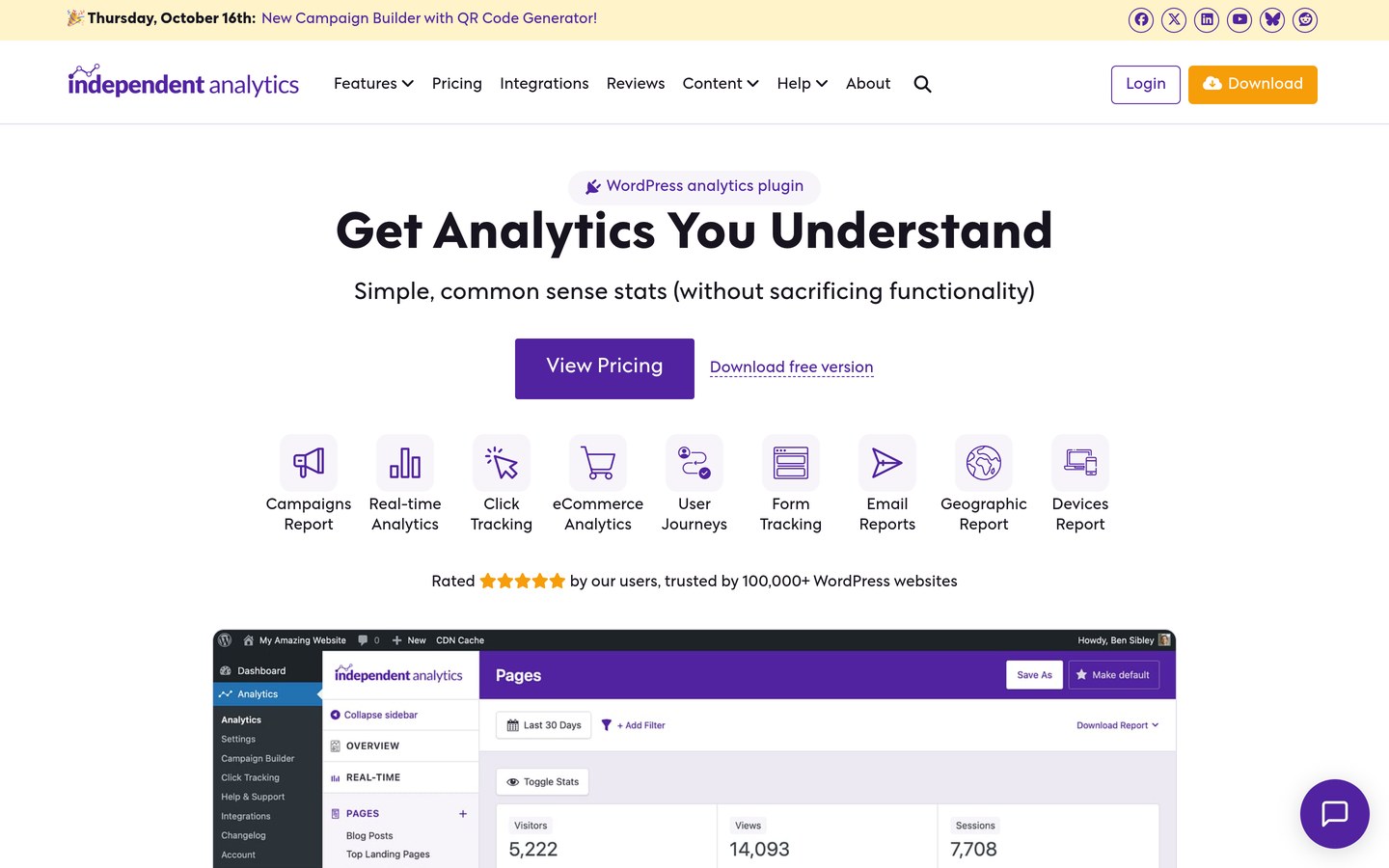
Independent Analytics homepage, captured Nov 2026.
Independent Analytics is a WordPress-native analytics plugin with more than 100,000 active installations and a 4.8/5 rating from 168 reviews. Its free version tracks visitors, pageviews, popular content, referrers, and devices without requiring Google Analytics. The plugin stores statistics in your WordPress database and presents reports directly inside the administration dashboard.
The trade off is that marketing attribution, ecommerce reporting, and advanced tracking require Pro, while local analytics use database storage. Pro Standard costs $49/year for one website and includes additional reporting features. It suits publishers and businesses that want understandable traffic statistics with greater control over collected information.
What we like
No Google Analytics account required
Free visitor and content reports
Cookie-free tracking approach
Unlimited pageview tracking
Affordable paid entry plan
Watch out for
Advanced conversions require Pro
Local tracking increases database usage
Does not reproduce every GA4 feature
Pro adds campaign reports, real-time analytics, click tracking, ecommerce reports, and automated emails.Visit independentwp.com
03
Burst Statistics
4.9/5on WordPress.org (189 reviews, checked Nov 2026)
Paid from$49/yr
Best for simple traffic and conversion reporting
Active installs200K+
WordPress rating4.9/5
Data storageLocally hosted
Paid upgradeCreator, $49/yr
burst-statistics.com
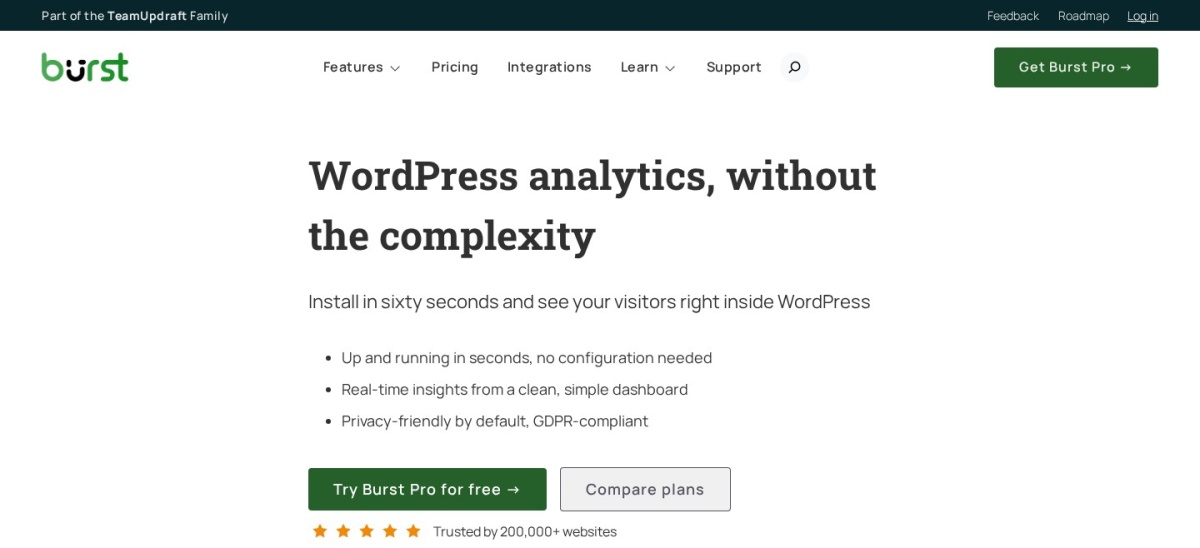
Burst Statistics homepage, captured Nov 2026.
Burst Statistics is a WordPress analytics plugin with more than 200,000 active installations and a 4.9/5 rating from 189 reviews. Its free version provides visitor counts, pageviews, traffic sources, popular content, and conversion goals. Analytics data is stored locally, and the dashboard focuses on straightforward website performance reporting.
The trade off is that deeper campaign analysis, revenue attribution, and automated reporting require Pro. The vendor lists Creator at $49/year for one website in its published dollar pricing, while its main pricing page may display another currency. It suits bloggers and small businesses that want simple analytics without maintaining a GA4 integration.
4.1/5on WordPress.org (762 reviews, checked Nov 2026)
Paid from$119/yr
Best for detailed self-hosted visitor statistics
Active installs500K+
Data storageLocally hosted
Visitor trackingUnlimited
Paid upgradePersonal, $119/yr
wp-statistics.com
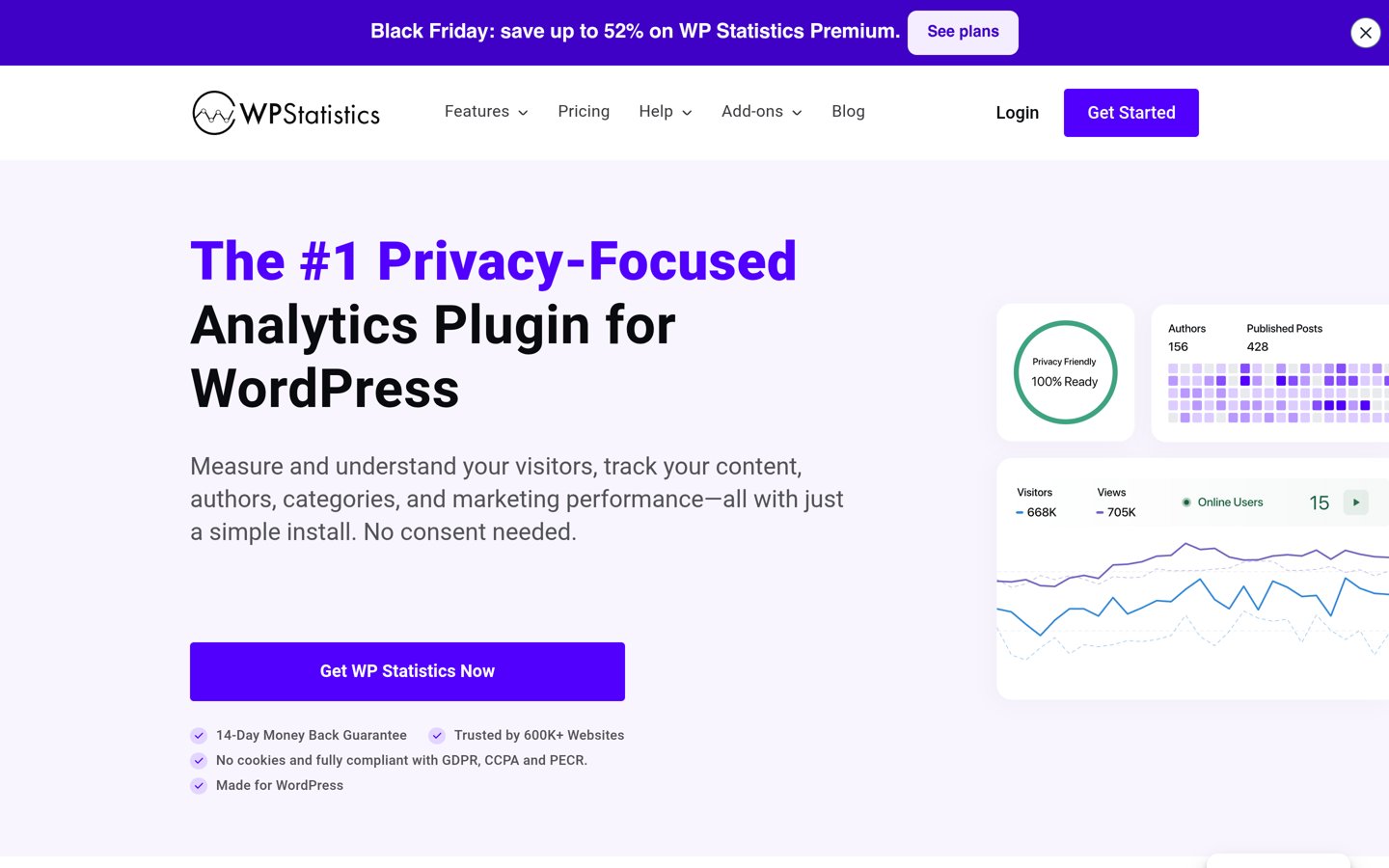
WP Statistics homepage, captured Nov 2026.
WP Statistics is a self-hosted WordPress analytics plugin with more than 500,000 active installations and a 4.1/5 rating from 762 reviews. Its free version tracks visitors, pageviews, referrals, popular content, and engagement. Analytics information stays in the WordPress database without requiring a separate Google Analytics account.
The trade off is that locally stored statistics can increase database size, and advanced marketing reports require Premium. Personal currently has a discounted first-year price of $89 but renews at $119/year for one website. It suits publishers and content-heavy websites that want local reporting with detailed visitor information.
4.7/5on WordPress.org (488 reviews, checked Nov 2026)
Paid from$199/yr
Best for detailed GA4 reporting inside WordPress
Active installs20K+
Analytics platformGoogle Analytics 4
Entry license2 websites
Paid upgradeStartUp, $199/yr
analytify.io
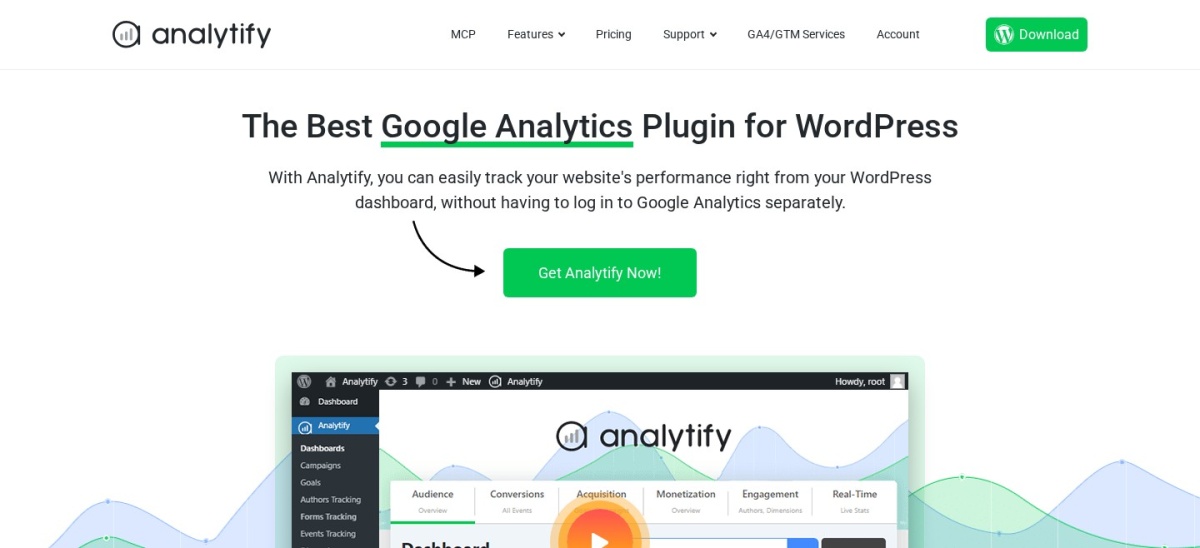
Analytify homepage, captured Nov 2026.
Analytify is a Google Analytics 4 reporting plugin with more than 20,000 active installations and a 4.7/5 rating from 488 reviews. Its free version connects WordPress to GA4 and displays visitors, pageviews, traffic sources, and geographic statistics. Page-level reports also help publishers review individual posts without leaving the WordPress editor.
The trade off is that specialized tracking modules and advanced integrations require a paid license. StartUp has a regular price of $199/year for two websites, although the vendor currently advertises a $99/year discounted offer. It suits marketers and publishers who want richer GA4 reports inside WordPress.
What we like
Google Analytics 4 integration
Page-level analytics reports
WordPress dashboard statistics
Ecommerce and campaign integrations
Paid entry license covers two websites
Watch out for
Requires Google Analytics
Higher regular annual price
Specialized reports need paid features
StartUp adds premium reporting modules, WooCommerce integrations, form tracking, and support.Visit analytify.io
06
ExactMetrics
2.5/5on WordPress.org (1,546 reviews, checked Nov 2026)
Paid from$199/yr
Best for familiar MonsterInsights-style GA4 reporting
Active installs200K+
WordPress rating2.5/5
Free GA4 trackingIncluded
Paid upgradePlus, $199/yr
exactmetrics.com
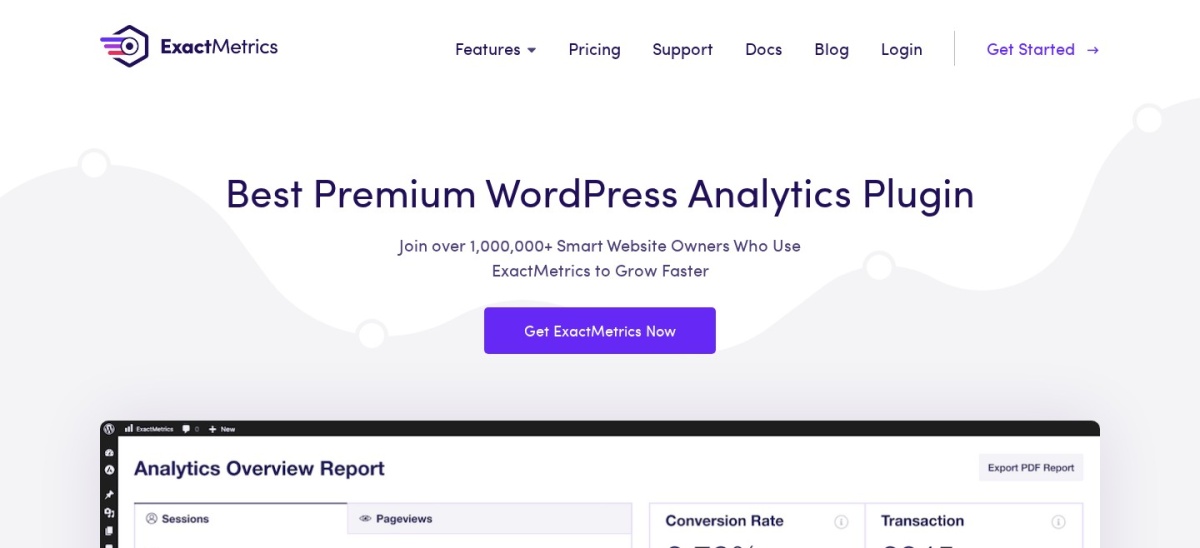
ExactMetrics homepage, captured Nov 2026.
ExactMetrics is a WordPress Google Analytics plugin with more than 200,000 active installations and a 2.5/5 rating from 1,546 reviews. Its free version helps connect WordPress to GA4 and displays website statistics in the administration dashboard. Paid plans add marketing reports, automated tracking, and additional reporting features.
The trade off is its comparatively low public rating and relatively expensive subscription. Plus currently has a discounted $99.50 first-year price but normally costs $199/year for one website, with ecommerce features concentrated in higher plans. It suits existing GA4 users who prefer a familiar reporting interface but should review customer feedback before purchasing.
What we like
Google Analytics 4 integration
Free basic tracking features
WordPress dashboard reports
Automated event tracking options
Paid campaign and publisher reports
Watch out for
Low 2.5/5 WordPress.org rating
Regular Plus price is $199/year
Advanced ecommerce reports require higher tiers
Requires a GA4 account
Plus adds real-time reports, campaign tracking, publisher insights, and email summaries.Visit exactmetrics.com
07
Matomo
4.6/5on WordPress.org (178 reviews, checked Nov 2026)
Paid from$29/mo
Best for advanced analytics and data ownership
Active installs100K+
WordPress rating4.6/5
Self-hosted versionFree
Cloud entry$29/month
matomo.org
Matomo homepage, captured Nov 2026.
Matomo is an analytics platform with a free self-hosted WordPress plugin, more than 100,000 active installations, and a 4.6/5 rating from 178 reviews. Its WordPress edition provides visitor reports, traffic sources, events, and ecommerce analytics. Website owners can retain analytics information on their own infrastructure rather than depending on Google's tracking platform.
The trade off is that self-hosting requires server resources and maintenance, while its cloud-hosted service starts at $29/month on regular monthly billing. Some advanced self-hosted features are sold separately. It suits organizations that need detailed visitor reporting, data ownership, and an alternative to GA4.
Google Analytics integrations vs independent WordPress analytics
MonsterInsights, Site Kit, Analytify, and ExactMetrics work with Google Analytics 4. They use Google's analytics platform to collect or display visitor information and make selected reports accessible inside WordPress.
This approach is useful when a business already depends on GA4 for marketing attribution, advertising analysis, and historical reporting. Switching between GA4 plugins may allow the existing analytics property and historical information to remain available.
Independent Analytics, Burst Statistics, WP Statistics, and Matomo use different tracking systems. Their self-hosted options give website owners greater control over collected data and can reduce dependence on external analytics services.
Switching away from GA4 changes how statistics are collected and calculated. Historical GA4 data does not automatically become part of a new plugin's database, and visitor totals may differ because each product uses different measurement methods.
How to switch from MonsterInsights without losing tracking
Before removing MonsterInsights, record your GA4 measurement ID, connected property, ecommerce events, and custom tracking settings. Check whether forms, outbound links, affiliate clicks, and purchases depend on configuration inside MonsterInsights.
When moving to Site Kit, Analytify, or ExactMetrics, connect the replacement to your existing GA4 property where appropriate. Avoid running duplicate tracking scripts, since multiple tags can create duplicate pageviews or conversion events.
When switching to Independent Analytics, Burst Statistics, WP Statistics, or Matomo, the replacement generally begins collecting new statistics. Keep access to historical GA4 reports and document the migration date for future comparisons.
Verify pageviews, referral information, conversion events, and ecommerce transactions after activating the replacement. Confirm reporting accuracy before removing the old tracking configuration.
How we chose
We reviewed established WordPress analytics plugins that provide credible alternatives to MonsterInsights, including Google Analytics 4 integrations and independent analytics platforms. We prioritized reporting functionality, active maintenance, public adoption, and suitability for publishers, marketers, and ecommerce websites.
We opened official WordPress.org listings and vendor pricing pages on 22 Nov 2026. Ratings, review totals, and active installation counts came from WordPress.org. Prices reflect regular paid rates rather than temporary promotional offers, with monthly subscriptions annualized for comparison.
We excluded closed or outdated plugins, products without confirmable paid pricing, and tools that only install tracking scripts without offering meaningful reporting. We also distinguished independent analytics platforms from GA4 dashboards because their reporting capabilities differ. No vendor paid for a place, and we do not claim testing for this list.
How to choose a MonsterInsights alternative
Identify the reports your website actually needs, then compare tracking methods, included features, and regular subscription costs.
Decide whether to continue using GA4. Choose Site Kit, Analytify, or ExactMetrics if you want to retain Google Analytics 4 and existing reporting workflows. Consider Independent Analytics, Burst Statistics, WP Statistics, or Matomo when you prefer a self-hosted analytics system without a Google Analytics account.
Match reports to your business goals. Blogs usually need pageviews, visitors, traffic sources, and popular posts. Ecommerce businesses may require revenue, product performance, and checkout tracking. Lead-generation websites should prioritize campaign attribution, form submissions, and conversion events.
Compare free features and regular prices. Site Kit provides free GA4 integration without a paid plugin plan. Independent Analytics and Burst Statistics have paid entry options at $49/year, while WP Statistics Personal renews at $119/year. Compare the reports included rather than choosing solely by subscription cost.
Plan for storage and migration. GA4 integrations depend on Google's analytics infrastructure, while locally hosted alternatives use website resources. Consider database growth, backups, privacy settings, and historical data. Verify conversion tracking after switching and avoid installing duplicate tracking scripts.
FAQ
What is the best MonsterInsights alternative in 2026?
Site Kit is the best overall option for WordPress owners who want free Google Analytics 4 and Search Console reporting. It has more than 5 million active installations and a 4.2/5 WordPress.org rating. Independent Analytics is preferable for websites seeking local statistics without Google Analytics.
Is Site Kit better than MonsterInsights?
Site Kit is preferable when you need free Google Analytics, Search Console, AdSense, and PageSpeed Insights integration. MonsterInsights provides more specialized WordPress tracking and paid marketing reports. The better choice depends on whether basic Google reporting is sufficient or advanced conversion tracking is necessary.
What is the cheapest MonsterInsights alternative?
Site Kit is free and has no paid plugin upgrade. Independent Analytics and Burst Statistics also offer free versions, with paid entry plans starting at $49/year. Each product uses a different reporting approach, so the lowest price does not necessarily mean equivalent features.
Can I use Google Analytics without MonsterInsights?
Yes. Site Kit, Analytify, and ExactMetrics connect WordPress websites to Google Analytics 4. Site Kit is Google's official free WordPress integration. You can also install supported GA4 tracking code through other methods without purchasing MonsterInsights.
Which MonsterInsights alternative is best for privacy?
Independent Analytics, Burst Statistics, WP Statistics, and Matomo offer self-hosted tracking approaches that provide greater control over visitor data. Their privacy features differ, and compliance depends on configuration and collected information. A privacy-focused plugin does not automatically make every website compliant with applicable requirements.
Does Independent Analytics replace Google Analytics?
Independent Analytics can replace GA4 for common WordPress reporting needs, including visitor counts, popular pages, referrers, and device statistics. Pro adds campaign and conversion features. However, it does not reproduce every Google Analytics capability, especially integrations involving Google's advertising products.
Is Burst Statistics good for WooCommerce?
Burst Statistics provides visitor reports and conversion tracking that can help WooCommerce website owners understand their traffic. Creator includes revenue reporting and WooCommerce funnel analysis at $49/year. Stores with complex attribution needs should compare its reporting features against their existing ecommerce analytics requirements.
Will switching from MonsterInsights delete my analytics data?
Removing MonsterInsights does not normally delete historical information stored in your Google Analytics property. However, data collection may stop if MonsterInsights supplied your tracking configuration. Set up the replacement, verify pageviews and conversion events, and avoid duplicate tags before completing the migration.
Which MonsterInsights alternative is best for agencies?
Analytify offers GA4 reporting with a paid entry license covering two websites, while Independent Analytics provides multi-site Pro options. Matomo is another possibility for organizations prioritizing data ownership. Agencies should compare site limits, automated reports, access permissions, and management requirements before committing.