Nextiva is the best of the Mitel alternatives for most small teams, with its Go plan at $10 per user a month and an AI receptionist on every plan. RingCentral suits larger teams that need deep integrations, while Zoom Phone fits teams already using Zoom.
How we make this list: we compare pricing pages, product documentation and public user reviews, then re-check every price before each update. No product paid for a place. Disclosure.
Nextiva is the cheapest full phone system here at $10 per user a month, with an AI receptionist included.
RingCentral is the most complete Mitel alternative, with calling, video, messaging and fax in one app.
Zoom Phone costs $16 per user a month for unlimited calling, and it lives inside the Zoom app.
Dialpad puts AI transcription and call summaries on every plan from $15 per user a month.
8x8 no longer publishes a per-user price, so budget it only after a sales quote.
How do you choose between Mitel alternatives?
Price per seat is the first number to compare. Entry plans in this list run from $10 to $30 per user a month, and most vendors charge far more month to month than on annual billing.
Migration matters as much as price. Mitel users moving off an on-premise PBX should check number porting, desk phone support and whether the new vendor helps with the move.
Features split the list in two. Some tools are pure phone systems, while others add video meetings, team chat and contact centre tools that a small team may never use.
Check the caps before you buy. Toll-free minutes, SMS allowances and AI features are often limited on entry plans and sold as add-ons.
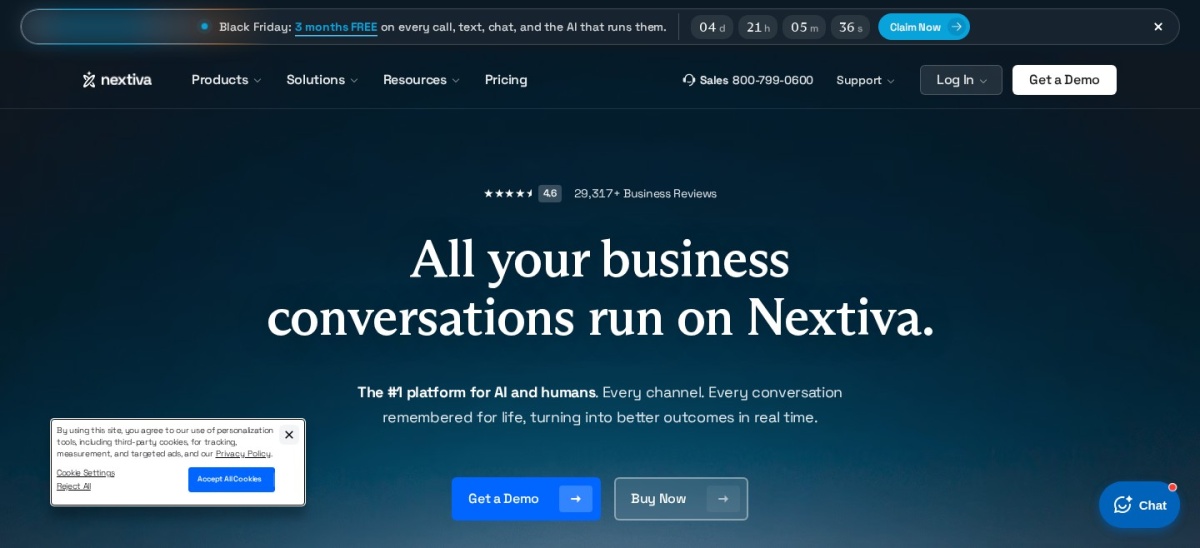
Nextiva is a unified communications platform built around reliability and human support, trusted by more than 100,000 businesses. The Go plan costs $10 per user a month and includes voice, texts, video, email and team chat, plus an AI receptionist with transcription on every plan.
The trade off is depth. Website live chat and WhatsApp messaging wait for the $25 Business plan, and CRM integrations start there too. It suits small teams that want dependable calling and a human on the phone when something breaks.
What we like
Lowest entry price among full phone systems
AI receptionist included on every plan
24/7 support even on the cheapest plan
Strong G2 rating from 3,600+ reviews
Watch out for
No free trial, demo only
Live chat and WhatsApp need the $25 plan
Regulatory and E911 fees add to the bill
Go adds AI receptionist and transcription for $10 a userVisit nextiva.com
02
RingCentral
4.2/5on G2 (1,495 reviews, checked Nov 2026)
Starts at$20/mo
Best for large, multi-site teams
Entry planRingEX Core, $20/user/mo
CallingUnlimited US and Canada
Video meetingsUp to 100 participants
Free trial14 days
ringcentral.com
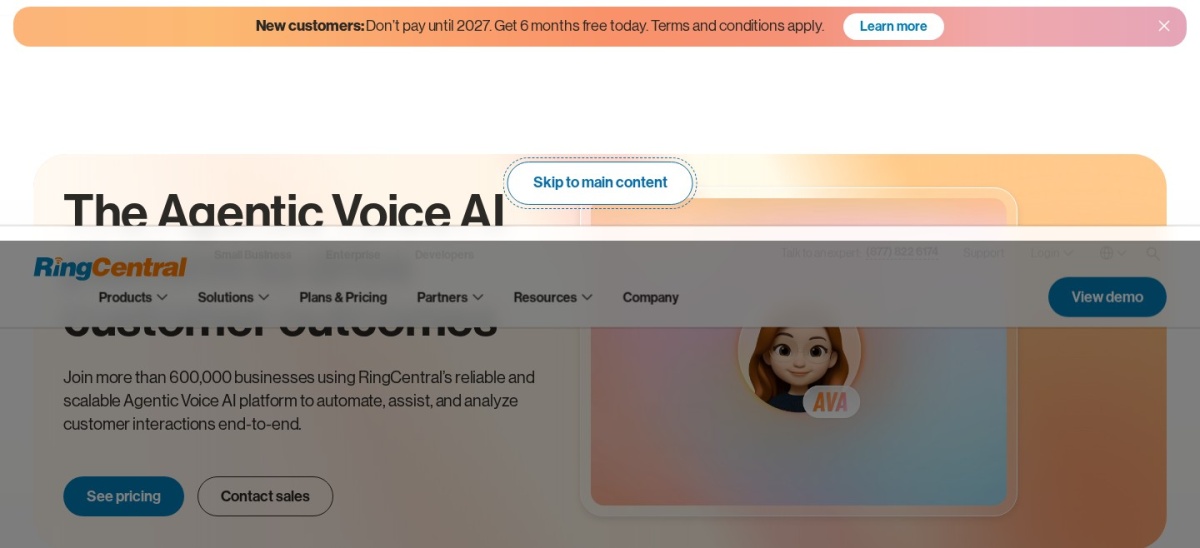
RingCentral homepage, captured Nov 2026.
RingCentral is the most complete business phone system in this list, combining calling, video meetings, team messaging and fax in one app. The Core plan costs $20 per user a month on annual billing and includes unlimited domestic calling, an AI assistant and more than 330 integrations.
The trade off is the add-on bill. AI Receptionist starts at $39 a month and conversation intelligence at $60 per user a month, so the headline price grows fast. It suits growing teams that want one vendor for calls, meetings and messaging.
Zoom Phone is a cloud phone system that bolts onto the Zoom app your team already uses for video meetings. The US and Canada Unlimited plan costs $16 per user a month on annual billing and includes unlimited domestic calling, SMS, voicemail transcription and AI post-call summaries.
The trade off is that it is an add-on, not a standalone platform. A metered plan starts at $10.50 per user a month but charges about $0.03 a minute for outbound calls. It suits teams that already meet on Zoom and want one app and one admin console.
What we like
Highest G2 rating in this list at 4.6
Same app as Zoom Meetings, no new learning
AI call summaries included from $16 a month
Works in 48 countries on Global Select
Watch out for
Cheapest plan is metered, not unlimited
No standalone value without Zoom
Meetings limited to 40 minutes on the entry plan
Unlimited adds AI summaries and domestic SMSVisit zoom.us
04
Dialpad
4.4/5on G2 (4,217 reviews, checked Nov 2026)
Starts at$15/mo
Best for AI on every call
Entry planConnect Standard, $15/user/mo
CallingUnlimited US and Canada
AI featuresTranscripts and summaries included
Free trial14 days
dialpad.com
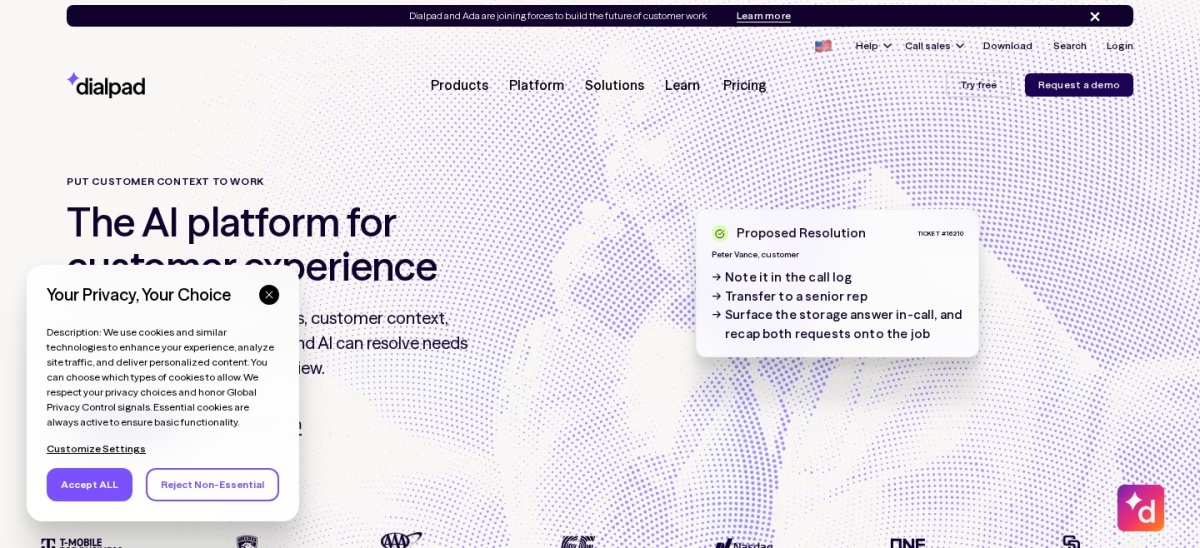
Dialpad homepage, captured Nov 2026.
Dialpad is an AI-first phone system that puts live transcription, call summaries and real-time coaching on every plan. The Connect Standard plan costs $15 per user a month on annual billing and covers unlimited US and Canada calling, SMS, video meetings and voicemail transcription.
The trade off is integrations. CRM connections such as Salesforce and 24/7 support wait for the $25 Pro plan, and the integration list is shorter than RingCentral. It suits sales and support teams that want AI notes on every call without paying extra.
What we like
AI transcription and summaries on the cheapest plan
No seat minimum, one user works
Largest review base in this list at 4,200+ reviews
Vonage is a cloud phone system from the company behind one of the largest communications APIs. The Mobile plan costs $19.99 per line a month and includes unlimited calling and SMS, team messaging and a virtual receptionist through mobile and desktop apps.
The trade off is desk phones. The entry plan has no desk phone support, and video meetings with 200 participants wait for Premium at $29.99 a month. It suits mobile-first teams and developers who want to build on Vonage APIs.
What we like
Strong API platform for custom builds
Unlimited calling and SMS on the entry plan
Works in 96+ countries
No annual contract required month to month
Watch out for
No desk phone support on the entry plan
No free trial
A $13.99 annual rate is a promo ending 31 Dec 2026
Ooma Office is the plainest buy in this list: three plans, flat prices and no contract on any of them. Essentials costs $19.95 per user a month, the same rate whether you pay monthly or annually, and includes unlimited calling in the US, Canada, Mexico and Puerto Rico, a virtual receptionist and a toll-free number.
The trade off is modern features. Texting needs the $24.95 Pro plan, and AI transcription and CRM integration wait for Pro Plus at $29.95. It suits small offices that want a predictable bill and desk phones without a contract.
What we like
One flat rate with no annual discount games
No contract on any plan
Free toll-free number included
Sells the desk phones too
Watch out for
No texting on the entry plan
AI and CRM features need the top plan
Smaller review base than the big names
Pro adds texting and call recording for $24.95Visit ooma.com
07
Aircall
4.4/5on G2 (1,673 reviews, checked Nov 2026)
Starts at$30/mo
Best for CRM-heavy sales teams
Entry planEssentials, $30/license/mo
CallingUnlimited in home country
Integrations250+ including Salesforce
Seat minimum3 licences
aircall.io
Aircall homepage, captured Nov 2026.
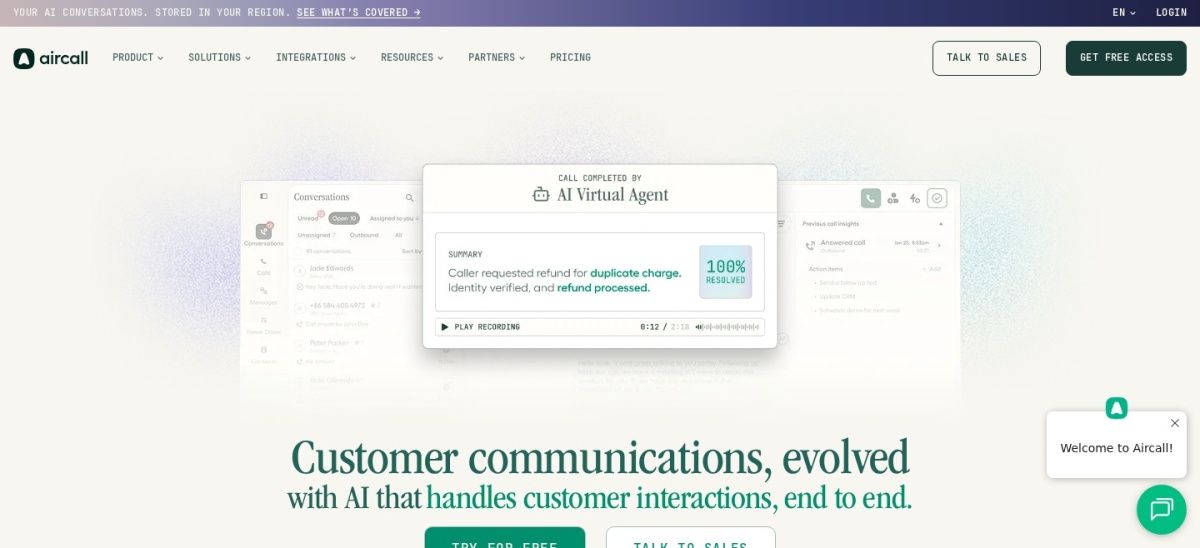
Aircall is a cloud phone system built for sales and support teams that live inside a CRM. The Essentials plan costs $30 per licence a month on annual billing and logs every call to Salesforce, HubSpot or Zendesk automatically, with SMS included and a built-in power dialer on higher plans.
The trade off is the floor. A 3-licence minimum means the real entry cost is $90 a month, and AI Assist is a paid add-on of about $9 per user a month. It suits teams that want every call, note and recording in the CRM without manual logging.
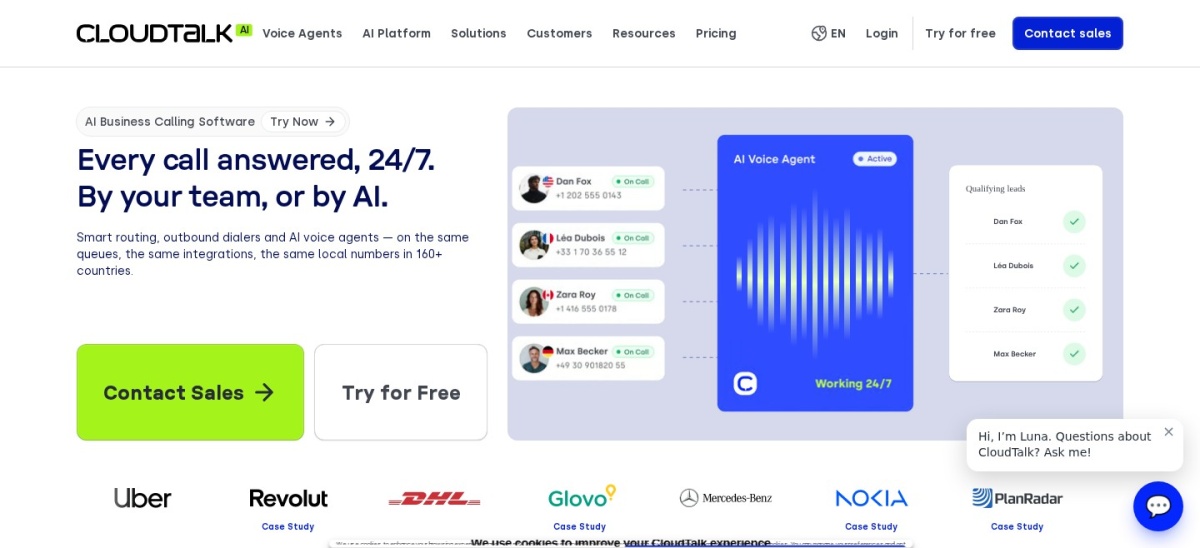
CloudTalk is a cloud phone system for sales and support teams that call customers in many countries. The Starter plan costs $25 per user a month and includes local numbers in more than 160 countries, smart dialling, call recording and CRM sync with Salesforce and HubSpot.
The trade off is the region limit. Starter covers one calling region, and AI transcription and analytics sit on higher plans. It suits growing teams that need international numbers without an enterprise contract.
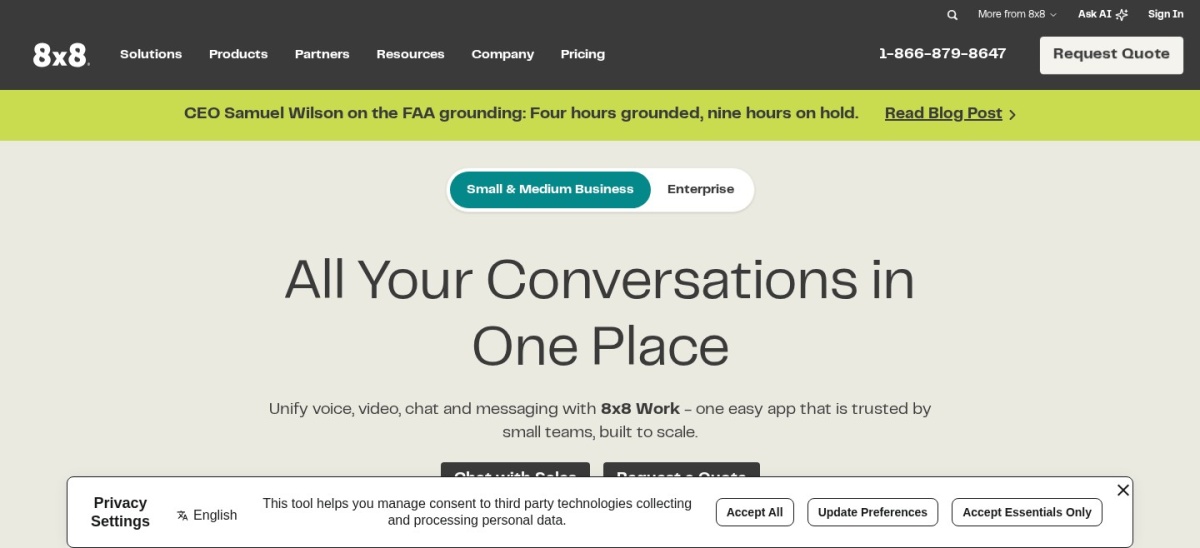
8x8 is a unified communications platform for global teams that also need contact centre tools. Its plans cover voice, video meetings and messaging, with unlimited calling to 14 or 48 countries depending on the plan, plus analytics and integrations with Microsoft Teams and Google Workspace.
The trade off is price transparency. 8x8 no longer publishes a per-user price, so every plan is a sales quote, and third-party reports put the main plan near $25 per user a month. It suits multinational teams that will grow into a contact centre.
What we like
Strong international calling coverage
Contact centre tools in the same platform
Long track record with large enterprises
Integrations with Teams and Google Workspace
Watch out for
No published price, quote only
Plans can feel complex for small teams
Setup is heavier than the simpler rivals
A sales quote sets the price for every planVisit 8x8.com
Cloud vs on-premise: what changes when you leave Mitel
Cloud phone systems remove the PBX hardware. The vendor runs the servers, updates the software and stores call recordings, so your team needs only an internet connection and an app.
On-premise Mitel systems give you hardware control. You own the phones and the server, but you also own maintenance, upgrades and the cost of replacing ageing kit.
Most teams in this list move to the cloud for the monthly bill. Per-user pricing is easy to budget, and adding a seat takes minutes rather than a hardware order.
How we chose
We started from the phone systems most often named as Mitel replacements in 2026 buyer guides, then kept nine that cover cloud suites, AI-first tools and global calling.
Prices come from each vendor pricing page, checked on 29 November 2026. Ratings and review counts come from G2 on the same day. Where a vendor shows a sale, the list shows the regular price.
We left out tools with no published price and no clear Mitel fit. No vendor paid for a place, and we do not claim hands-on testing for this list.
How to choose a Mitel alternative
Start with your current Mitel setup, then match the replacement to how your team actually calls.
List what Mitel does for you today. Note desk phones, call queues, voicemail and any contact centre features, so you do not lose a must-have in the move.
Compare the annual per-user price. Monthly billing can add a third to the bill, so compare annual rates and add the fees each vendor lists.
Check number porting and desk phones. Ask whether your numbers port for free and whether your existing phones work, or need replacing.
Run a short trial with real calls. Put two or three staff on the trial plan and test call quality, SMS and routing before you move everyone.
FAQ
What is the best Mitel alternative in 2026?
Nextiva is the best Mitel alternative for most small teams. Its Go plan costs $10 per user a month, includes an AI receptionist on every plan and covers voice, text, video and team chat in one app.
Is RingCentral the official Mitel replacement?
RingCentral is the closest official path, since it bought Mitel MiCloud Connect and is the exclusive cloud partner for Mitel customers. It costs $20 per user a month for the Core plan and suits larger teams.
Which Mitel alternative is cheapest?
Nextiva is cheapest here at $10 per user a month on the Go plan. Zoom Phone metered starts at $10.50 a user, but it charges per minute for outbound calls, so the unlimited plan at $16 is the fair comparison.
Do any Mitel alternatives have a free plan?
None of the nine tools here has a free plan. Most offer a free trial instead, from 7 days for Zoom Phone to 14 days for RingCentral, Dialpad and CloudTalk, while Nextiva offers a demo only.
Which Mitel alternative is best for small teams?
Nextiva and Dialpad suit small teams best. Nextiva is cheapest and includes an AI receptionist, while Dialpad adds AI transcription and call summaries on its $15 plan with no seat minimum.
Nextiva vs RingCentral: which is better?
Nextiva wins on price and support, at $10 against $20 per user a month, with an AI receptionist included. RingCentral wins on scale, with more than 330 integrations, video meetings for up to 100 people and fax in one app.
SaaS SEO and WordPress specialist with about 8 years of experience. Rakib compares WordPress plugins, themes, hosting and software using public pricing, documentation and user reviews. See how we rank.