Okta is the best Microsoft Active Directory alternative for most teams: Universal Directory, SSO and MFA from $6 per user a month, rated 4.5 out of 5 on G2 from 1,428 reviews. JumpCloud is the closest cloud-directory replacement, and Duo is the cheapest start at $3 per user a month with a free plan for up to 10 users.
How we make this list: we compare pricing pages, product documentation and public user reviews, then re-check every price before each update. No product paid for a place. Disclosure.
Okta is the top pick: Universal Directory, SSO and MFA from $6 per user a month, rated 4.5 from 1,428 G2 reviews.
JumpCloud is the closest cloud directory, adding device management to identity at $11 per user a month.
Duo, Google Cloud Identity and Auth0 all have free plans, and Keycloak is free open-source software with no licence fee.
PingOne looks cheap at $3 per user a month, but its 5,000-user annual minimum sets a floor near $180,000 a year.
CyberArk lists the lowest paid rate at $2 per user a month, but only on G2, as it publishes no price page, so confirm it in a quote.
What should a Microsoft Active Directory alternative replace?
Active Directory is a directory first and a login service second. Any replacement has to hold users and groups, control who can reach what, and keep working when the office network does not.
Most teams do not need every Active Directory feature. Group Policy, device joining and on-premises file access are the parts that tie teams to Microsoft, so check which of those your replacement actually covers before you commit.
Multi-factor authentication is the single biggest security gain in the move. Our guide on adding two-factor authentication to WordPress shows how the same idea works on a smaller scale.
Price comparisons need the same unit. Every paid tool here charges per user per month, except Keycloak, which is free software, and Auth0, which charges per monthly active user, so a 100-person team pays very different totals.
Migration is a project, not a switch. Plan to run the new directory beside Active Directory, move one group of users at a time, and keep the old logins working until the last app is cut over.
The 9 best Microsoft Active Directory alternatives
01
Okta
4.5/5on G2 (1,428 reviews, checked Nov 2026)
Starts at$6/mo
Best Active Directory replacement overall
Cheapest paid planStarter, $6/user/mo
Free planNo, 30-day trial
DirectoryUniversal Directory
App integrations8,000+
okta.com
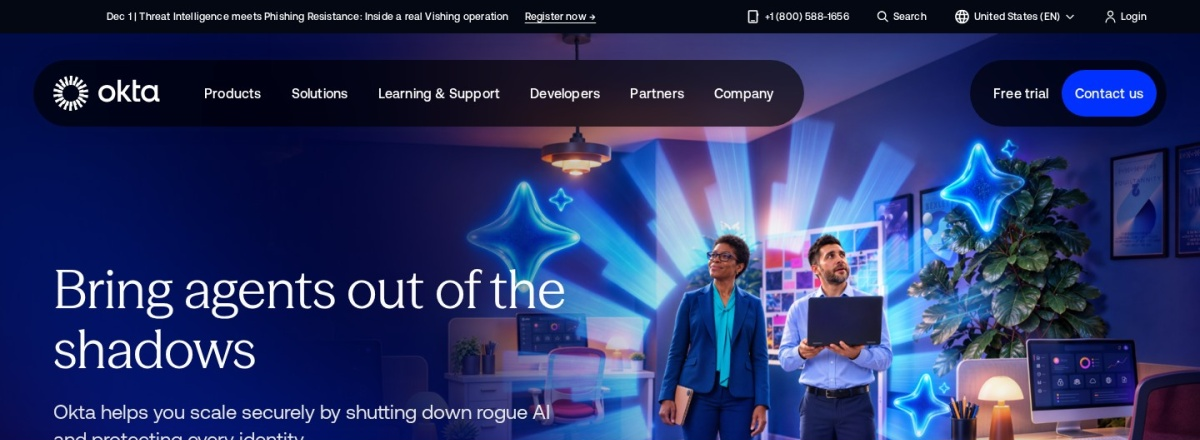
Okta homepage, captured Nov 2026.
Okta is a cloud identity platform built around Universal Directory, which holds users, groups and profiles the way Active Directory does on premises. Starter at $6 per user a month includes single sign-on, multi-factor authentication and the directory, plus 5 automated Workflows.
The trade off is cost at scale. The $1,500 annual contract minimum means even a small team pays at least that much a year, and lifecycle management and access governance need the $14 or $17 suites. It suits mid-size and larger teams that want one vendor-neutral identity hub.
What we like
Vendor-neutral directory with 8,000+ app integrations
SSO, MFA and directory in the cheapest suite
Strong lifecycle and governance options on higher suites
Rated 4.5 out of 5 from 1,428 G2 reviews
Watch out for
$1,500 annual minimum, even for small teams
Advanced features need the pricier suites
Packaging can be hard to compare
Higher suites add lifecycle management and governanceVisit okta.com
02
JumpCloud
4.5/5on G2 (4,104 reviews, checked Nov 2026)
Starts at$11/mo
Best cloud directory with device management
Cheapest paid planSSO, $11/user/mo
Free planNo, 30-day trial
Device managementMac, Windows, Linux
Cloud LDAP and RADIUSPlatform plans, quote only
jumpcloud.com
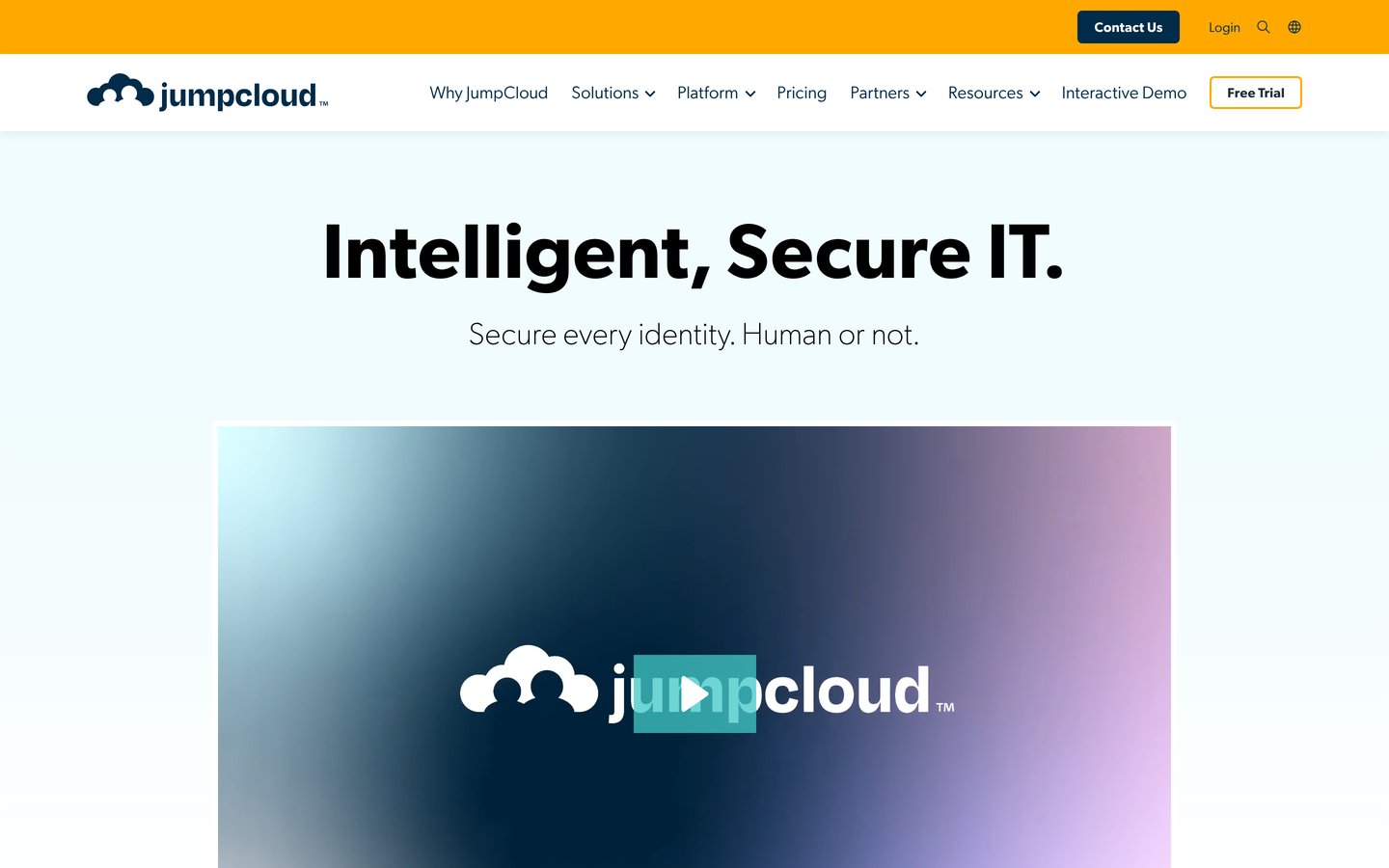
JumpCloud homepage, captured Nov 2026.
JumpCloud is a cloud directory platform that manages users, single sign-on, multi-factor authentication and devices from one console. The SSO package at $11 per user a month includes the cloud directory, MFA, lifecycle management and a password manager.
The trade off is that the cheapest packages split identity and devices. Device Management is $9 per user a month on its own, and LDAP and RADIUS need the quote-only Platform plans. It suits small and mid-size teams going all-cloud that also want device management.
What we like
Closest thing to a drop-in cloud directory
SSO, MFA and device management in one console
Per-feature pricing from $3 a user a month
Rated 4.5 out of 5 from 4,104 G2 reviews
Watch out for
No free tier for new accounts, only a 30-day trial
LDAP and RADIUS need a sales quote
Buying identity and devices together costs $20 a user a month
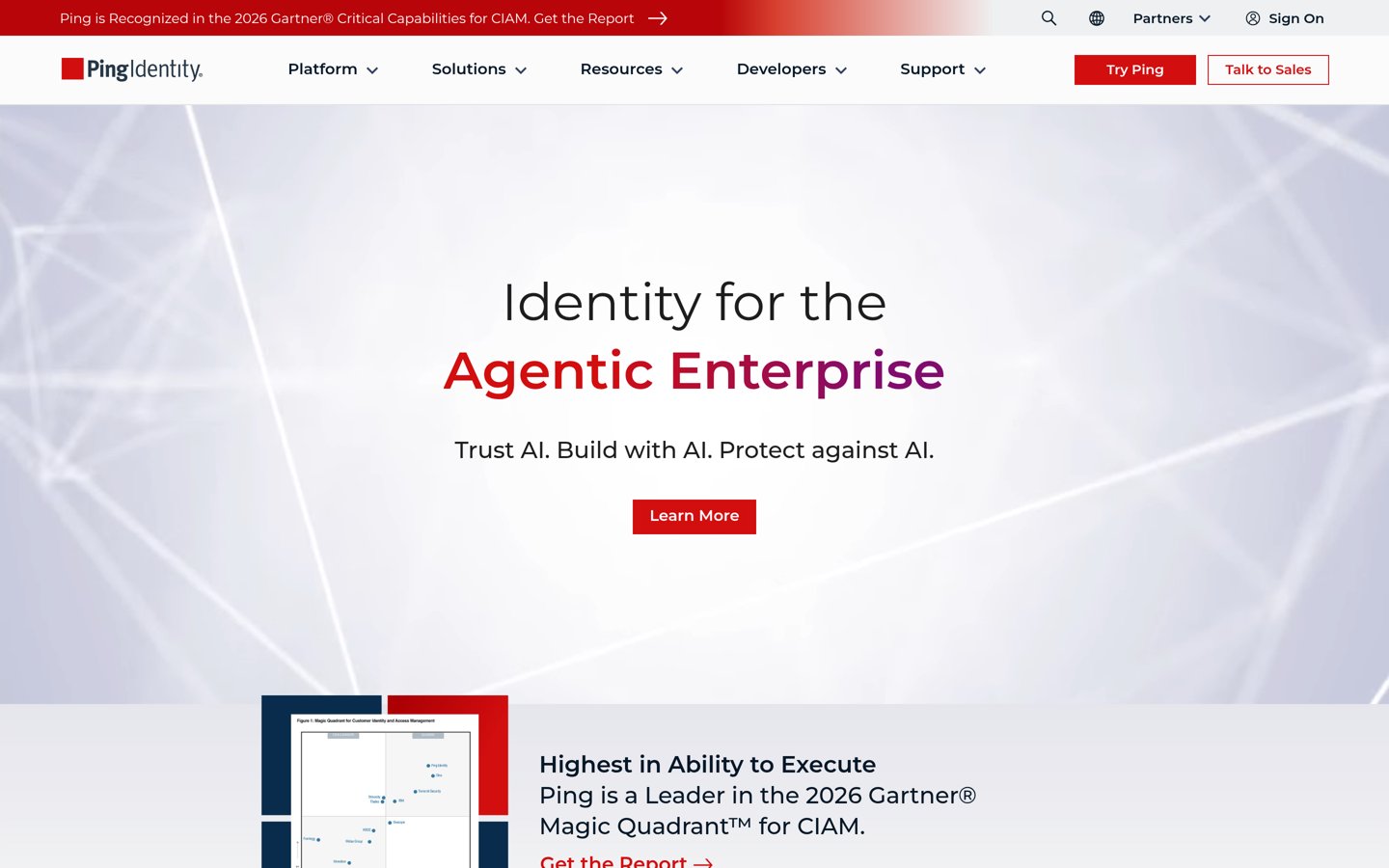
PingOne is Ping Identity's cloud directory and single sign-on service for large organisations. Essential at $3 per user a month covers SSO, MFA and the cloud directory, with Plus at $6 adding more controls.
The trade off is the minimum. Both paid tiers carry a 5,000-user annual minimum, so the yearly floor is about $180,000, which rules PingOne out for small teams. It suits large enterprises that need a proven directory with deep federation options.
What we like
Full cloud directory with SSO and MFA
Low $3 per-user rate on paper
Strong federation for complex app estates
Rated 4.4 out of 5 from 378 G2 reviews
Watch out for
5,000-user annual minimum, about $180,000 a year
No free plan, only a 30-day trial
Per-user prices no longer on its main pricing page
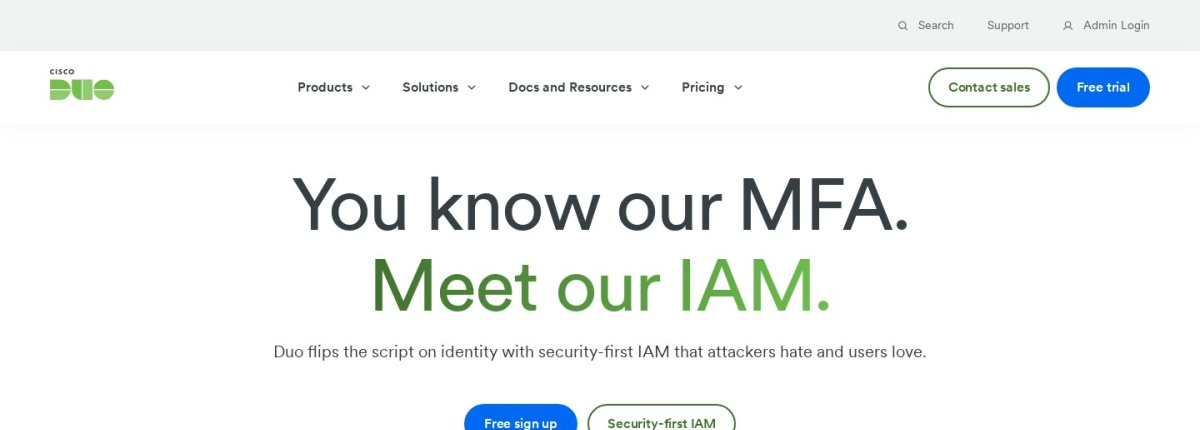
Cisco Duo is a workforce access service built on multi-factor authentication, with single sign-on and its own Duo Directory. Duo Free covers up to 10 users, and Essentials at $3 per user a month adds SSO, passwordless login and trusted endpoints.
The trade off is depth. Duo is an access layer, not a full directory with group policy and device management, so larger estates pair it with a directory. It suits small teams that need MFA and SSO fast without replacing everything at once.
What we like
Free plan for up to 10 users
Phishing-resistant MFA with FIDO2 support
SSO included from the $3 Essentials plan
Rated 4.5 out of 5 from 590 G2 reviews
Watch out for
Not a full directory replacement on its own
Device checks and adaptive policies need Advantage at $6
Free plan is limited to 10 users
Advantage adds risk-based authentication at $6Visit duo.com
05
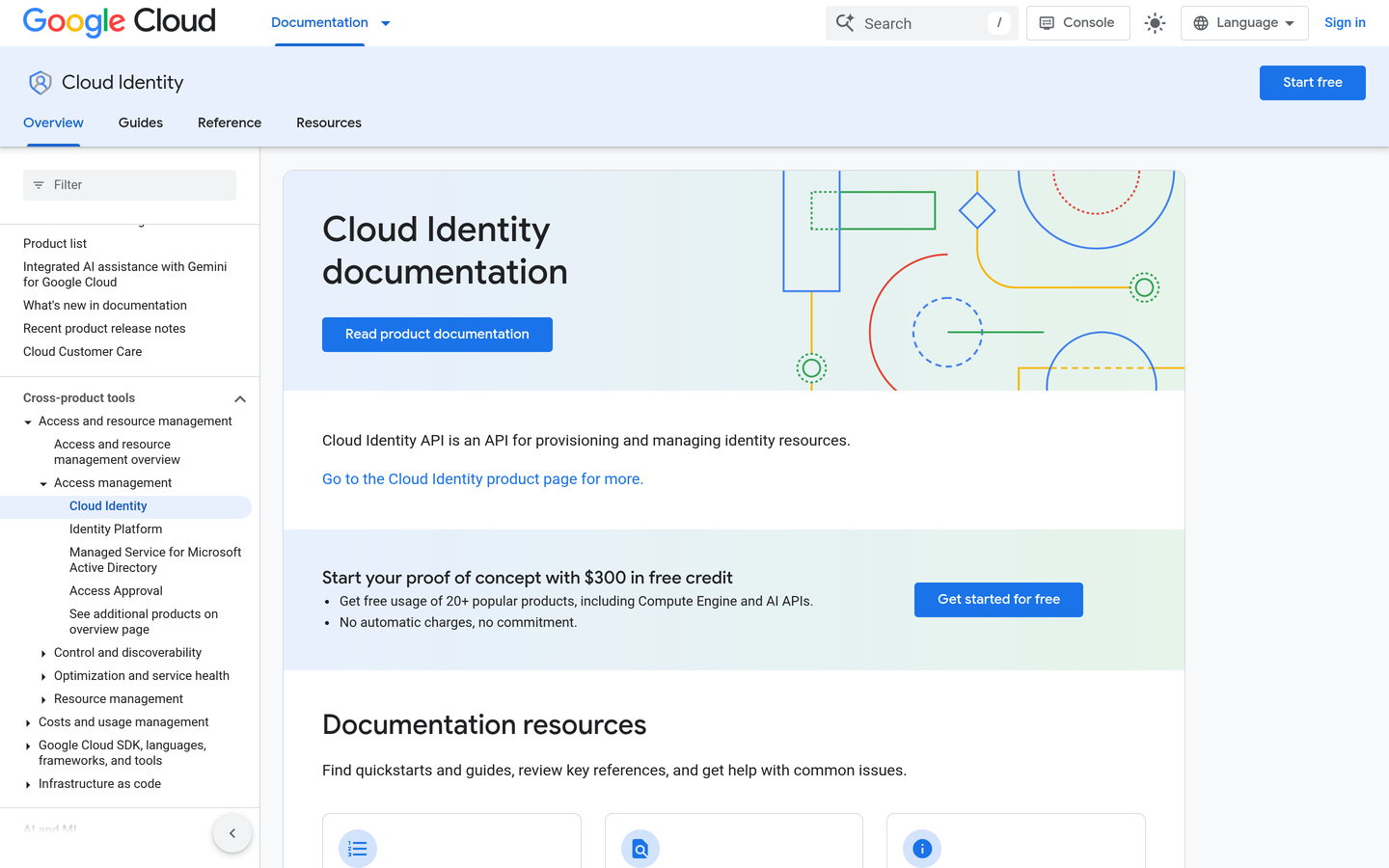
Google Cloud Identity
4.3/5on G2 (34 reviews, checked Nov 2026)
Paid from$6/mo
Best for Google Workspace teams
Cheapest paid planPremium, $6/user/mo
Free planYes, up to 50 users
Directory syncFrom Active Directory or LDAP
Secure LDAPPremium only
cloud.google.com
Google Cloud Identity homepage, captured Nov 2026.
Google Cloud Identity is the identity layer behind Google Workspace, sold on its own for teams that want Google to run their directory. The free edition covers up to 50 users with single sign-on, 2-Step Verification and directory sync from Active Directory or LDAP.
The trade off is scope. Automated provisioning, secure LDAP and context-aware access need Premium at $6 per user a month on an annual plan, or $7.20 flexible. It suits teams already on Google Workspace that want identity from the same admin console.
What we like
Free edition for up to 50 users
Syncs users from Active Directory or LDAP
No commitment on the $7.20 flexible plan
Same console as Google Workspace
Watch out for
Only 34 G2 reviews, the thinnest base in this list
Rippling is an all-in-one HR, IT and payroll platform whose identity features start from the employee record. A role or status change triggers app provisioning, group assignments and device management, with Core from $8 per user a month.
The trade off is that identity is one module among many. Core is $8 per user a month plus a monthly base fee, and payroll, device management and other modules cost extra. It suits mid-size teams that want HR and IT run from the same employee record.
What we like
Identity follows the HR record automatically
650+ app integrations for provisioning
HR, payroll, devices and access in one system
Rated 4.7 out of 5 from 15,274 G2 reviews
Watch out for
No free plan, only a trial
Costs stack as modules are added
More platform than a team needing only a directory may want
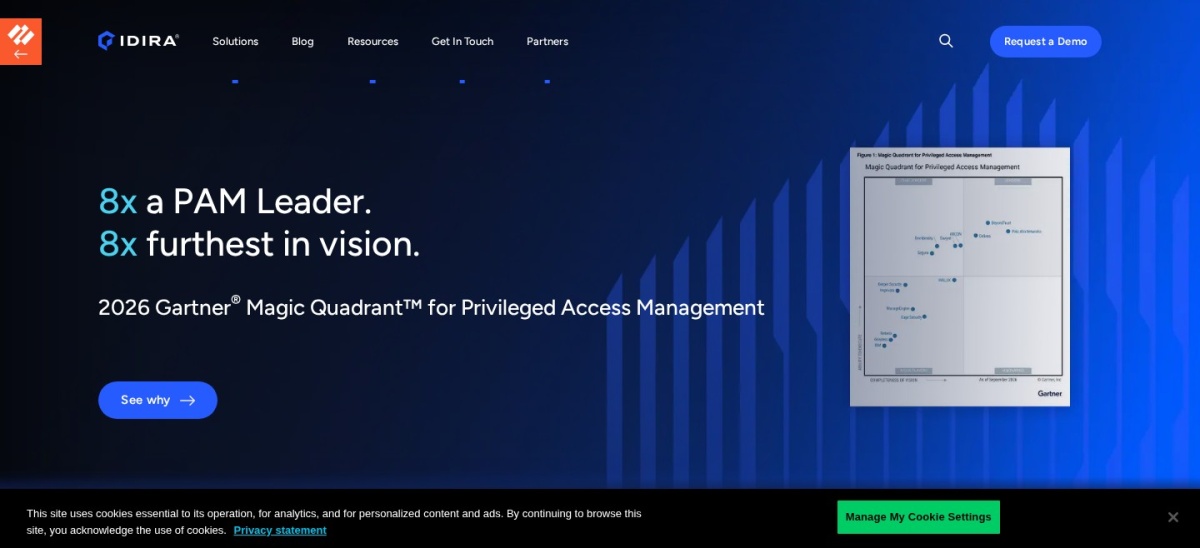
CyberArk Workforce Identity homepage, captured Nov 2026.
CyberArk Workforce Identity is a single sign-on and multi-factor authentication service from the privileged-access vendor. SSO lists from $2 per user a month and adaptive MFA from $3, with identity lifecycle controls on higher tiers.
The trade off is pricing transparency. CyberArk publishes no price page, so the $2 and $3 rates come from its G2 vendor listing and need confirming in a quote. It suits security-led teams that already trust CyberArk for privileged access.
What we like
Lowest listed per-user rate in this list
Strong MFA from a privileged-access specialist
Rated 4.5 out of 5 from 130 G2 reviews
Watch out for
No published price page; rates need a quote
No free plan, only a 30-day trial
Acquired by Palo Alto Networks in Feb 2026, so packaging may change
Auth0 is a customer identity platform from Okta for login to apps and services. The free plan covers up to 25,000 monthly active users with passwordless login, social connections and self-service SSO, and B2C Essentials starts at $35 a month.
The trade off is focus. Auth0 is built for customer and app login, not for running a workforce directory, so it fits best beside a directory rather than instead of one. It suits teams whose main need is secure sign-in for their own applications.
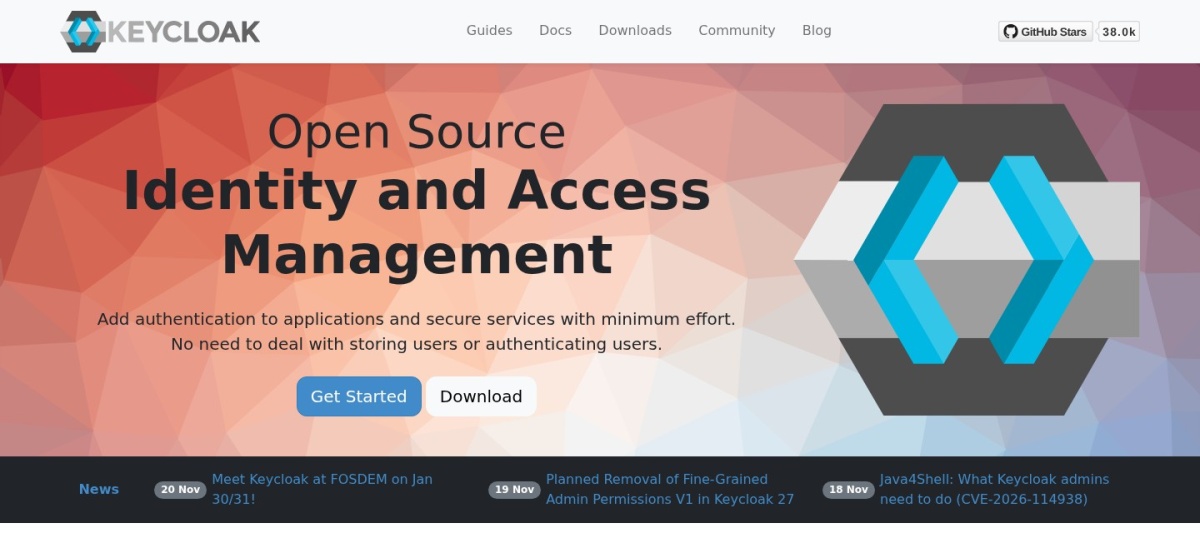
Keycloak is a free, open-source identity and access management platform you host yourself. It covers single sign-on, user federation and social login with no licence fee, and it can federate users from Active Directory or LDAP.
The trade off is effort. There is no vendor to call, so your team runs, patches and scales the servers, and paid support comes from third parties. It suits technical teams that want full control and zero licence cost.
Microsoft Entra ID is the cloud successor to Active Directory, not an independent alternative. It is the identity service behind Microsoft 365 and Azure, and Microsoft positions it as the migration path for Active Directory users.
Its free tier covers single sign-on and basic MFA, and P1 costs $7 per user a month after a rise from $6 on 1 July 2026. P1 is included in Microsoft 365 E3 and Business Premium, and P2 in E5.
Pick Entra ID if your team is already on Microsoft 365 and wants the shortest migration. Pick a tool from this list if the goal is to reduce dependence on Microsoft, or if your apps and devices are already outside its ecosystem.
How we chose
We started from the identity tools most often named as Active Directory replacements, then kept the nine with a public G2 rating, a verifiable price and a real directory, SSO or MFA offer.
Prices come from each vendor's pricing page, checked on 29 November 2026, except CyberArk, whose rates come from its G2 vendor listing because it publishes no price page. Ratings and review counts come from G2 on the same day. Where a vendor shows a sale, the list shows the regular price.
We left out Microsoft Entra ID, which is Microsoft's own cloud successor rather than an independent alternative, and OneLogin, whose homepage screenshot failed on every capture attempt. No vendor paid for a place, and we do not claim to have used these tools ourselves.
How to choose a Microsoft Active Directory alternative
Start with the features you cannot drop, then match the price to your headcount.
List the Active Directory features you actually use. Note Group Policy, device joining, file access and print services. A tool that covers only login will leave gaps.
Count the users and devices. Per-user pricing means a 20-person team and a 500-person team face very different bills, and PingOne has a 5,000-user minimum.
Check the free tier first. Duo, Google Cloud Identity and Auth0 all have free plans, and Keycloak is free software, so a small team can start without a contract.
Run the new directory beside the old one. Sync users from Active Directory, move one group at a time, and keep the old logins working until the last app is cut over. While both directories are live, limit login attempts to cut brute-force traffic.
FAQ
What is the best Microsoft Active Directory alternative in 2026?
Okta is the best Microsoft Active Directory alternative for most teams in 2026. Its Universal Directory replaces the user and group store, Starter includes SSO and MFA at $6 per user a month, and it is rated 4.5 out of 5 from 1,428 G2 reviews.
How much does a Microsoft Active Directory alternative cost?
Paid plans run from $2 to $35 per user a month in this list. CyberArk lists SSO from $2, Duo and PingOne from $3, Okta and Google Cloud Identity from $6, JumpCloud SSO from $11, and Auth0 from $35 a month. Keycloak is free open-source software, so its licence cost is $0.
Is there a free Microsoft Active Directory alternative?
Yes. Keycloak is free open-source software you host yourself, with no licence fee at any size. Duo is free for up to 10 users, Google Cloud Identity is free for up to 50 users, and Auth0 is free for up to 25,000 monthly active users.
Which Microsoft Active Directory alternative is best for a small team?
Duo is the best pick for a small team. Its free plan covers up to 10 users, Essentials adds SSO and passwordless login at $3 per user a month, and setup is quick. JumpCloud is the better choice if the same team also wants device management.
Okta vs JumpCloud: which is better as an Active Directory replacement?
Okta is better for larger teams that need deep app integrations and lifecycle management, with 8,000+ integrations and governance on higher suites. JumpCloud is better for smaller all-cloud teams because it bundles device management with the directory at $11 per user a month.
Can I replace Active Directory without moving to Microsoft Entra ID?
Yes. Every tool in this list is independent of Microsoft, and most can sync or federate users from Active Directory during migration. Entra ID is Microsoft's own cloud successor, so teams that want to leave Microsoft entirely should pick one of the nine tools above.
Do I still need Active Directory for Group Policy after switching?
It depends on what Group Policy does for you. Cloud directories cover users, groups, SSO and MFA, but none in this list replicates Group Policy exactly. Teams that rely on it usually keep one domain controller, or move device rules to a device management tool such as JumpCloud.
SaaS SEO and WordPress specialist with about 8 years of experience. Rakib compares WordPress plugins, themes, hosting and software using public pricing, documentation and user reviews. See how we rank.