Miro is the best iObeya alternative for most teams, with a free plan for 3 boards and Starter at $8 per member a month, rated 4.6 out of 5 on G2. Pick Mural for guided workshops, or Lucidspark when whiteboard sessions must turn into Lucidchart diagrams.
How we make this list: we compare pricing pages, product documentation and public user reviews, then re-check every price before each update. No product paid for a place. Disclosure.
Miro leads this list at $8 per member a month, with the largest template library and a free plan for 3 boards.
Mural is the best pick for guided workshops, with templates that set out prep time and session length.
Lucidspark is the only tool here that turns a whiteboard session into a Lucidchart diagram in the same account.
FigJam is the cheapest paid plan at $3 per editor a month, but only as a seat inside a Figma plan.
Klaxoon is the most expensive paid plan at $24.90 a host a month, and the most interactive for live training.
How do you choose the best iObeya alternative?
iObeya is a visual management platform, not a plain whiteboard. It is built for lean daily management: tier meetings, SQCDP boards, A3 problem solving and Hoshin planning on large screens. A generic whiteboard can copy the look of those boards, but it will not run the tier-meeting routine behind them.
Start with what your team actually runs each day. If the board is for workshops and brainstorming, a free-form canvas such as Miro or Mural fits. If the board must track actions, owners and deadlines after the meeting, a work platform such as Monday.com or ClickUp fits better. Our guide on creating a content calendar shows how teams plan recurring work before they pick a tool.
Price spreads wide in this list, from $3 to $24.90 per user a month. The cheapest paid plan is not always the cheapest bill: Monday.com needs 3 seats, Lucidspark Team needs 3 seats, and Klaxoon charges per host rather than per viewer.
Free plans are usable here, not just trials. Eight of the nine tools have a free plan, but most cap boards, murals or documents at 3, so count how many live boards your team keeps before you commit.
Miro is an online whiteboard with an endless canvas for workshops, diagrams, tables and timelines, plus AI help that clusters sticky notes. The free plan covers 3 editable boards, and Starter costs $8 per member a month billed annually.
The trade off is cost at scale. Business jumps to $20 per member a month, and the free plan's 3-board limit pushes active teams to pay. It suits teams that run regular workshops and want the largest template library.
What we like
Largest template library in this list
Free plan covers 3 editable boards
Strong Slack, Jira and Google Workspace integrations
Watch out for
Business plan costs $20 per member a month
Free plan caps at 3 editable boards
Business adds SSO, advanced sharing and more AI creditsVisit miro.com
02
Mural
4.6/5on G2 (1,473 reviews, checked Nov 2026)
Paid from$9.99/mo
Best for guided workshops
Free plan3 murals
TemplatesGuided, with timings
Paid planTeam+, $9.99/member/mo
FacilitationTimer, voting, private mode
mural.co
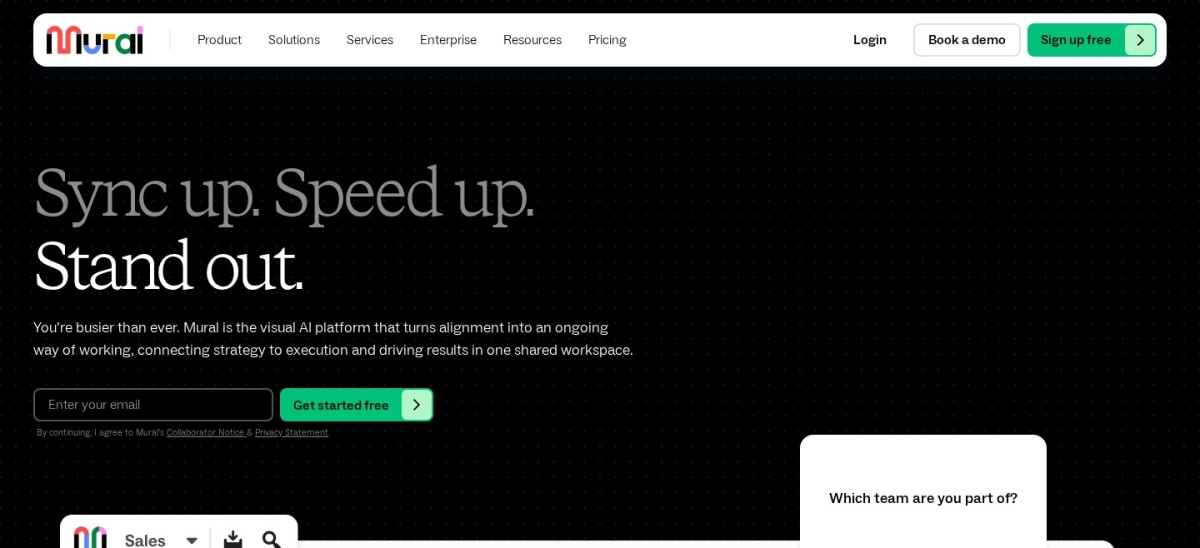
Mural homepage, captured Nov 2026.
Mural is a visual collaboration workspace built for facilitated workshops, with templates that spell out prep time, session length and group size. The free plan covers 3 murals, and Team+ costs $9.99 per member a month billed annually.
The trade off is price and depth. Team+ is billed monthly at $12 if you skip annual billing, and Mural has less diagramming depth than Lucidspark. It suits facilitators who run structured sessions every week.
What we like
Best guided templates in this list
Facilitation tools built in
Easy for first-time participants
Watch out for
Monthly billing costs $12 per member
Weaker on formal diagrams
Business adds SSO, unlimited guests and priority supportVisit mural.co
03
Lucidspark
4.7/5on Capterra (387 reviews, checked Nov 2026)
Paid from$7.95/mo
Best when boards must become diagrams
Free plan3 editable boards
Diagram pairingLucidchart included
Paid planIndividual, $7.95/mo
FacilitationTimer, voting, breakout boards
lucidspark.com
Lucidspark homepage, captured Nov 2026.
Lucidspark is a virtual whiteboard from Lucid Software, the team behind Lucidchart, so a messy brainstorming board can turn into a clean process diagram in the same account. The free plan covers 3 editable boards, and Individual costs $7.95 a month.
The trade off is team pricing. Teams pay $9 per user a month with a 3-seat minimum, so a small group pays more than the Individual rate. It suits teams that need both free-form boards and formal diagrams.
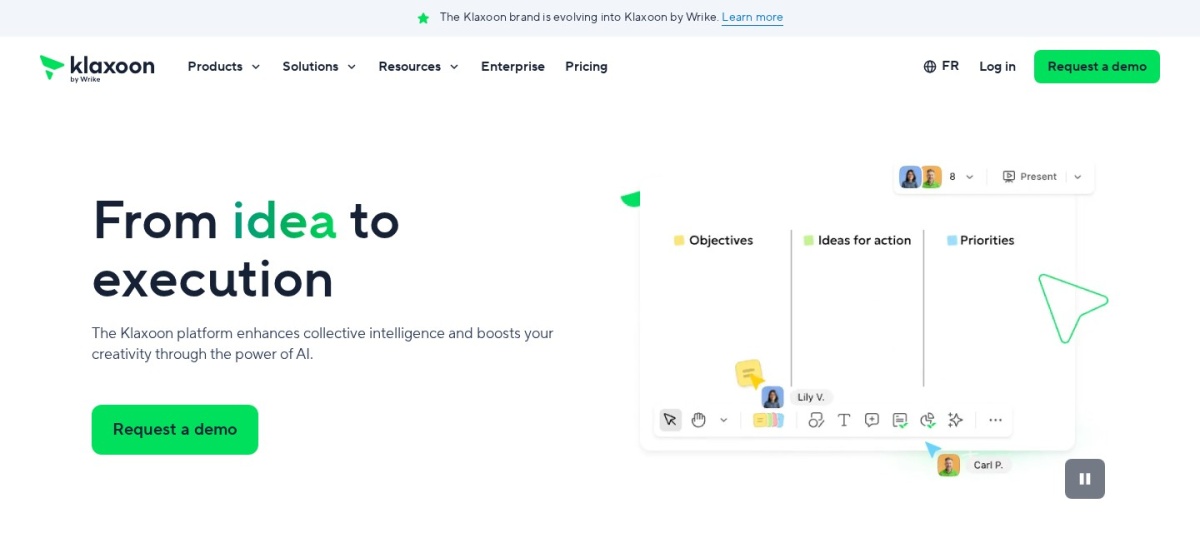
Klaxoon is a visual collaboration platform built around live activities: whiteboards, quizzes, surveys, word clouds and polls that keep meetings and training sessions interactive. The free plan covers 1 open activity, and Starter costs $24.90 per host a month billed annually.
The trade off is price. Starter is the most expensive paid plan in this list, and it covers up to 4 Pro users. It suits trainers and facilitators who run live sessions where participation matters more than the board itself.
What we like
Most interactive session tools here
Word clouds and polls built in
Works well for training sessions
Watch out for
Highest per-user price in this list
Free plan allows only 1 open activity
Enterprise adds SSO, analytics and unlimited participantsVisit klaxoon.com
05
Monday.com
4.7/5on G2 (17,145 reviews, checked Nov 2026)
Paid from$9/mo
Best for boards that track real work
Free planUp to 2 seats, 3 boards
ViewsBoards, timeline, Gantt
Paid planBasic, $9/seat/mo
Automations250/mo on Standard
monday.com
Monday.com homepage, captured Nov 2026.
Monday.com is a visual work platform built on colour-coded boards that show status, owner and deadline at a glance. The free plan covers up to 2 seats and 3 boards, and Basic costs $9 per seat a month billed annually.
The trade off is seat math. Paid plans start at 3 seats, and useful automations need Standard at $12 a seat a month. It suits teams that want the whiteboard habit tied to tasks, owners and deadlines.
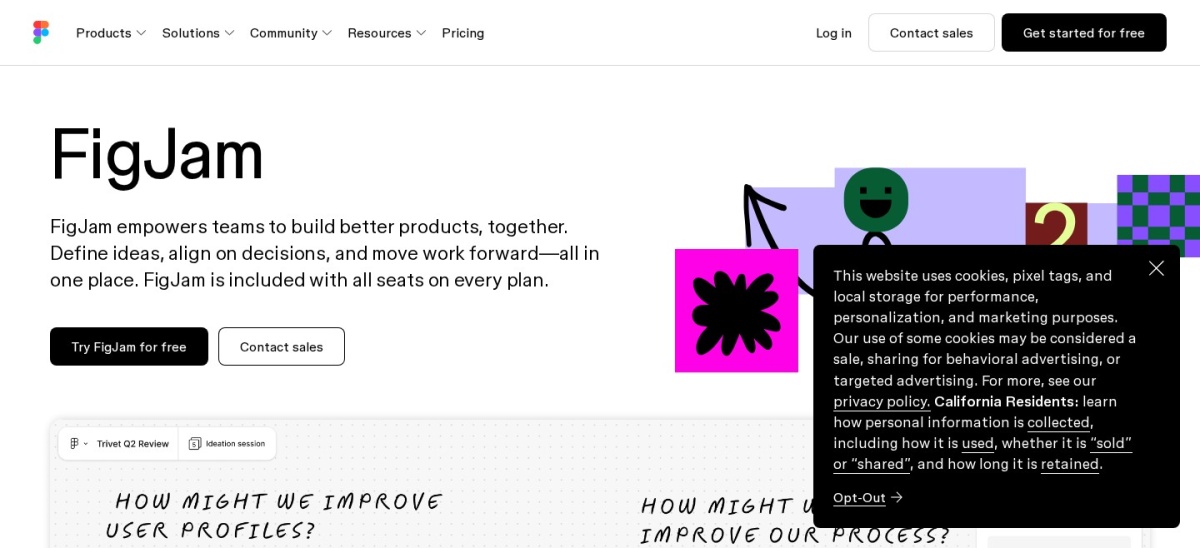
FigJam is Figma's online whiteboard for brainstorming, diagramming and team workshops, with voting, stamps and audio chat built in. The free Starter plan covers 3 FigJam files, and a Professional Collab seat costs $3 per editor a month.
The trade off is that FigJam is not a standalone product. It is sold as a Collab seat inside a Figma plan, so a team starting from zero also needs Figma. It suits design teams already working in Figma.
ClickUp is an all-in-one workspace for tasks, docs, whiteboards, goals and time tracking, so workshop output can turn into tracked work without exporting. The free plan includes unlimited tasks and members, and Core costs $12 per user a month billed annually as the regular price.
The trade off is setup. Core is shown at $9 on sale, and the breadth of the workspace takes time to shape. It suits teams that want one tool for boards, tasks and docs instead of three separate apps.
What we like
Most features in one workspace
Free plan with unlimited tasks
Whiteboards sit beside real tasks
Watch out for
Learning curve while the workspace is set up
Sale price hides the $12 regular price
Business adds 10,000 automations and advanced dashboardsVisit clickup.com
08
Creately
4.4/5on G2 (1,394 reviews, checked Nov 2026)
Paid from$5/mo
Best budget pick for diagrams
Free planUnlimited canvases, 45 items
Diagram types50+ types
Paid planPersonal, $5/mo
Business plan$89/mo, unlimited users
creately.com
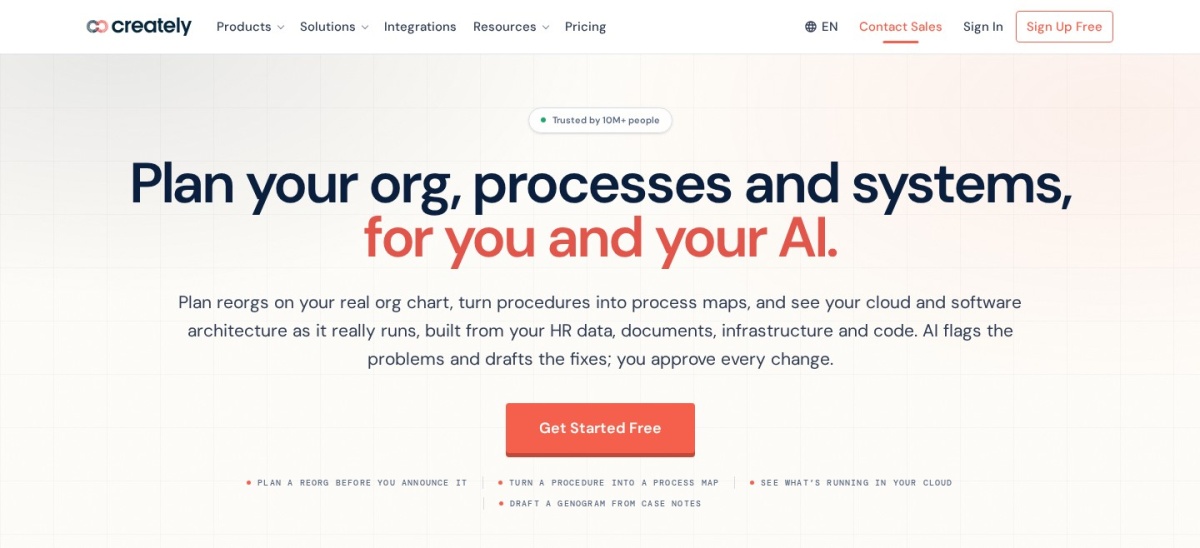
Creately homepage, captured Nov 2026.
Creately is a visual workspace for flowcharts, org charts, mind maps and process maps, with more than 50 diagram types and thousands of templates. The free plan allows unlimited canvases with up to 45 items each, and Personal costs $5 a month.
The trade off is polish on large diagrams. G2 reviewers report slow loading once a canvas grows, and the editor can feel busy. It suits teams that want many diagram types at the lowest per-user price here.
Whimsical is a fast visual workspace for flowcharts, wireframes, mind maps and docs in one tidy place. The free plan covers 3 documents, and Pro costs $10 per editor a month billed annually.
The trade off is depth. Whimsical has fewer diagram types than Creately and no lean daily-management features. It suits small teams that find Miro overwhelming and want clean boards fast.
Whiteboards vs lean daily management: what you give up
A whiteboard replaces the wall, not the method. iObeya structures daily management around tier meetings, where issues escalate from the shop floor to plant level with owners and due dates.
None of the nine tools here runs tier meetings out of the box. Miro, Mural and Lucidspark give you the canvas; Monday.com and ClickUp give you the task tracking; you still have to design the routine yourself.
Dedicated lean tools such as Fabriq, Tervene and KaiNexus do run tier meetings, but they publish no per-user price and have too few public reviews to rate here, so they are not in this list. Ask those vendors for a quote if the tier routine matters more than the canvas.
If your team only needs a shared board for planning and workshops, any tool in this list will do. If you need SQCDP boards that escalate issues, start with the routine first and pick the tool second.
How we chose
We started from the tools G2 lists as iObeya alternatives, then kept the nine with a public rating and a published pricing page.
Prices come from each vendor's pricing page, checked on 29 November 2026. Ratings and review counts come from G2 on the same day, except Lucidspark, which uses Capterra. Where a vendor shows a sale, the list shows the regular price.
We left out lean tools with no published price and tools with no public rating. No vendor paid for a place, and we do not claim to have used these tools ourselves.
How to choose an iObeya alternative
Start with the meeting your board has to serve, then check price and limits around it.
Name the meeting the board serves. A workshop board, a daily tier meeting and a project tracker need different tools. Pick the routine first.
Count the boards you keep live. Most free plans cap at 3 boards or murals. If your team keeps more, the free plan will run out fast.
Check who counts as a paid seat. Some tools charge per host, some per editor, and some need a 3-seat minimum. Count viewers, guests and editors separately.
Run one real meeting on the free plan. Use your own agenda, attendees and follow-up actions for a week, then check whether the board survived the meeting.
FAQ
What is the best alternative to iObeya?
Miro is the best iObeya alternative for most teams. It has the largest template library, a free plan for 3 boards and Starter at $8 per member a month, rated 4.6 out of 5 on G2 from 13,510 reviews.
What is the cheapest iObeya alternative?
FigJam is the cheapest paid plan at $3 per editor a month for a Professional Collab seat, but it only works inside a Figma plan. Miro at $8 and Creately at $5 are the cheapest standalone paid plans in this list.
Is there a free alternative to iObeya?
Yes, eight of the nine tools here have a free plan, including Miro, Mural, Lucidspark, FigJam and ClickUp. Most cap free use at 3 boards, murals or documents, so a busy team will outgrow the free plan.
Which iObeya alternative is best for workshops?
Mural is the best pick for workshops. Its templates set out prep time, session length and group size, and it has a timer, voting and private mode built in. Klaxoon is the livelier pick when sessions need polls and quizzes.
Is Miro or Mural better as an iObeya alternative?
Miro is better for most teams, with a larger template library, more integrations and a lower starting price of $8 a member a month. Mural is better for facilitated workshops, with guided templates and stronger facilitation tools.
Can I use an iObeya alternative for lean daily management?
Partly. Miro and Mural can copy the look of SQCDP and tier boards, and Monday.com or ClickUp can track the actions that come out of them. None of the nine tools runs tier meetings out of the box, so you design the routine yourself.
Which iObeya alternative is best for small teams?
FigJam suits small design teams already on Figma at $3 an editor a month. Creately suits small teams that want diagrams at $5 a month, and Miro's free plan covers 3 boards for a team just starting out.
SaaS SEO and WordPress specialist with about 8 years of experience. Rakib compares WordPress plugins, themes, hosting and software using public pricing, documentation and user reviews. See how we rank.