Later is the best tool for Instagram SEO tips, pairing a visual planner with hashtag suggestions and link-in-bio tools from $25 a month, rated 4.5/5 on G2. Metricool is the best value pick with a free plan, and Iconosquare suits brands that need deep Instagram analytics.
How we make this list: we compare pricing pages, product documentation and public user reviews, then re-check every price before each update. No product paid for a place. Disclosure.
Later is the top pick for Instagram SEO tips: visual planning, hashtag suggestions and link-in-bio tools from $25 a month, rated 4.5/5 on G2.
Metricool is the best value: a free plan with 20 posts a month, plus competitor tracking from $25 a month.
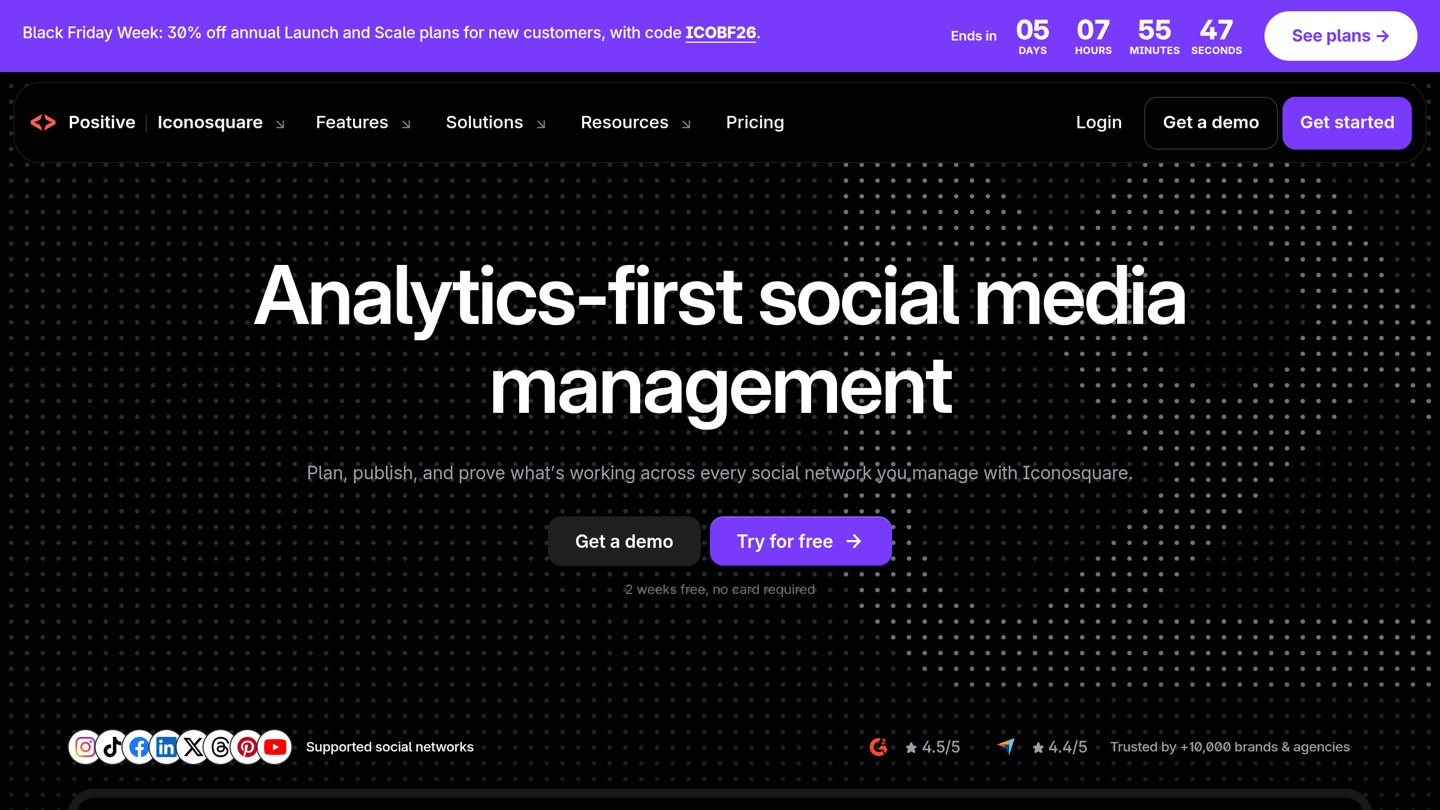
Iconosquare has the deepest Instagram analytics, with custom dashboards and scheduled reports from $10 a month.
Buffer is the cheapest paid start at $6 a channel a month, with a hashtag manager and first-comment scheduling.
Hootsuite and Sprout Social cost $99 and $79 per user a month billed yearly, so they only pay off for teams.
How do Instagram SEO tips turn into more search traffic?
Instagram search reads what it can see. A clear profile name, a keyword-rich bio and captions that name the topic in plain words give Instagram text to match against searches, and that is what these tools help you plan and repeat.
Keyword research comes first. Our guide on keyword research for a WordPress blog shows the same habit that works on Instagram: find the words people type, then use them in bios, captions and hashtags instead of guessing.
Captions carry the keywords. Put the main phrase near the start of the caption, add 3 to 5 relevant hashtags, and keep the wording natural, as our guide to adding SEO keywords explains for pages.
Consistency is what the tools add. Scheduling keeps posts regular, analytics show which phrases earn discovery, and a grid preview keeps the profile looking planned when a search visitor opens it.
Later is a visual-first scheduler built around Instagram, with a drag-and-drop calendar, a grid preview, hashtag suggestions and a link-in-bio page in one place. Starter costs $25 a month for 1 social set with 8 profiles and 30 posts per profile, or $18.75 a month billed yearly.
The trade off is the post cap and the missing inbox. Starter has no inbox and no extra users, and scheduled posts count against the monthly limit. It suits creators and small brands that plan an Instagram grid in advance and want search-friendly captions scheduled ahead.
Metricool is an analytics-first scheduler that pairs Instagram planning with reports on reach, engagement and competitor posts, so you can see which keywords and hashtags earn discovery. The free plan covers 1 brand with 20 scheduled posts a month, and Starter costs $25 a month for up to 5 brands, or $20 billed yearly.
The trade off is the brand-based pricing. Each brand is one profile per network, so a second Instagram account means a higher tier, and team roles start on Advanced. It suits small teams that want scheduling, analytics and competitor tracking in one dashboard.
Iconosquare is an analytics-first platform that started as an Instagram analytics tool, with custom dashboards, scheduled reports and hashtag tracking that show which posts earn search and discovery traffic. The free plan covers 2 profiles with 10 posts per profile a month, and Starter starts at $10 a month billed yearly for 3 profiles.
The trade off is the post cap and the single seat. Starter allows 30 posts a month and 1 user, and hashtag and competitor tracking need the Scale plan. It suits brands and agencies that report on Instagram results and need the numbers behind each caption.
Buffer is a simple scheduler that covers Instagram scheduling, a hashtag manager and first-comment scheduling, which keeps searchable keywords out of the caption itself. The free plan covers 3 channels with 10 queued posts each, and Essentials costs $6 per channel a month, or $5 billed yearly.
The trade off is depth. Analytics are basic next to Metricool and Iconosquare, and Essentials allows only 1 user, so teams pay per channel on Team. It suits solo creators who want cheap, reliable Instagram scheduling with hashtag help.
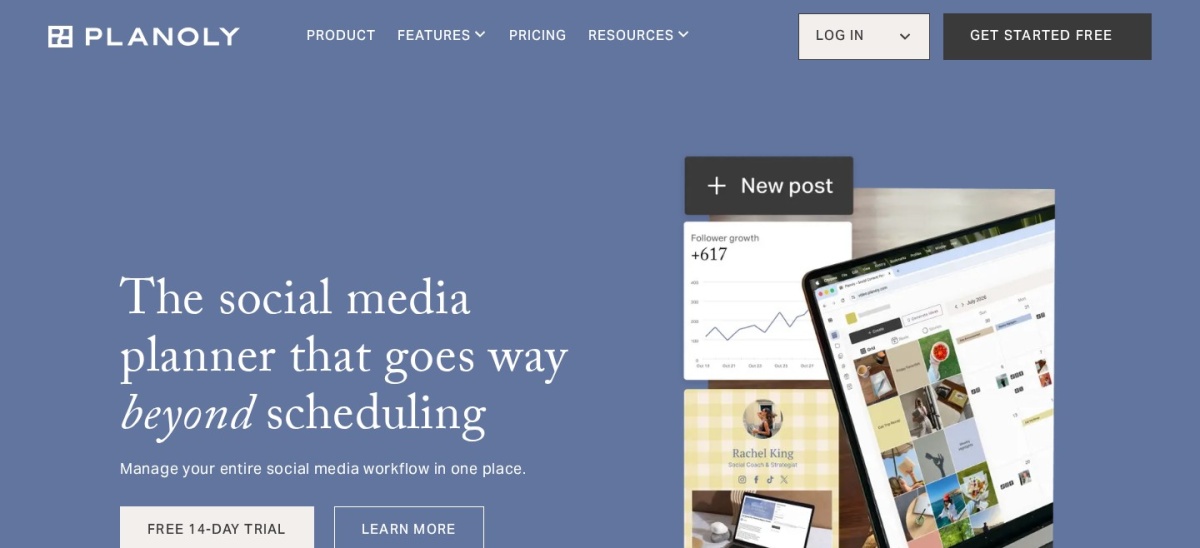
Planoly is a visual planner built around a drag-and-drop Instagram grid preview, with keyword and caption help, best-time-to-post guidance and a link-in-bio page. The free plan lives in the mobile app with 10 uploads a month, and Starter costs $16 a month, or $14 billed yearly.
The trade off is scope. Starter covers 1 social set and 1 user with no add-ons, so a second brand or a teammate means moving to Growth. It suits solo creators whose grid has to look planned before a single post goes out.
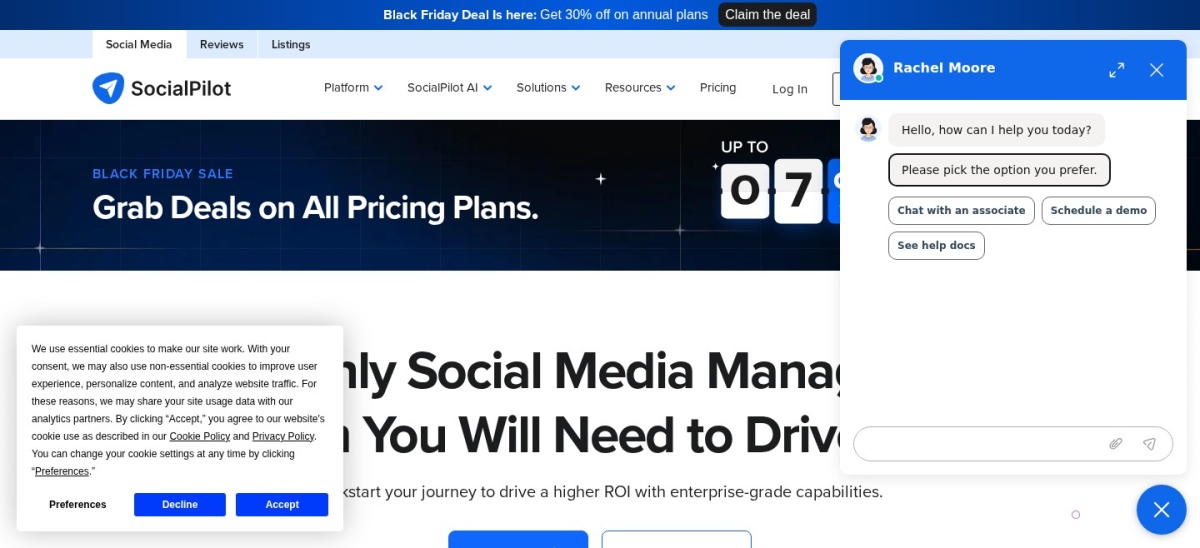
SocialPilot is a flat-priced scheduler for small teams, with bulk upload of up to 500 posts by CSV, an AI caption assistant and client-ready reports. Plans start at $30 a month with unlimited users, and every plan includes a 14-day free trial.
The trade off is focus. It has no free plan and fewer Instagram-specific analytics than Metricool or Iconosquare, so search reporting is lighter. It suits small teams and agencies that schedule in bulk and want one flat price.
Hootsuite is an enterprise social suite with scheduling, a unified inbox, social listening and benchmarking against competitors, which helps larger teams track the keywords around their brand. Standard costs $99 per user a month billed yearly, or $149 month to month, for up to 10 social accounts.
The trade off is price. Every seat is billed at the plan rate, so a team of five pays $495 a month on Standard, and approvals need Advanced at $399. It suits larger teams that need listening, approvals and reporting in one place.
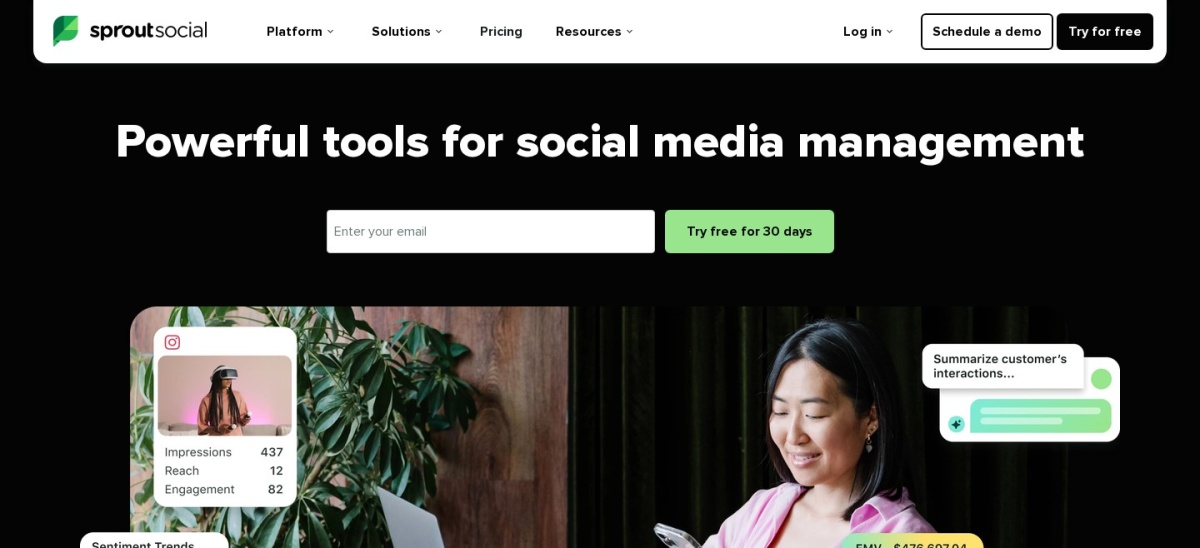
Sprout Social is a premium suite for publishing, reporting and customer care, with optimal send times, profile reports and a consolidated inbox on Standard. Essentials costs $79 per seat a month billed yearly, or $99 month to month, for 5 social profiles.
The trade off is the seat price and the profile cap. Essentials and Standard both stop at 5 profiles, and social listening is a paid add-on. It suits teams that answer Instagram comments and messages as customer care.
Stuffing captions with hashtags hurts more than it helps. Instagram reads the caption text, so 3 to 5 relevant tags beat 30 generic ones.
Hiding keywords in the first comment only works when the tool posts it for you. Buffer and Planoly automate the first comment, but the caption itself should still name the topic.
Posting without a plan wastes the analytics. A content calendar keeps topics, keywords and posting times in one place, so each post builds on the last.
Ignoring replies costs reach. Comments and shares signal that a post is worth showing, so answer the first comments quickly or pick a tool with an inbox.
How we chose
We started from the social media tools most often named in 2026 Instagram and social scheduling comparisons, then kept 8 established products with published prices and a public review footprint on G2.
Prices come from each vendor's pricing page, checked on 29 November 2026. Ratings are G2 scores from the same week. Where a vendor shows a sale, the list shows the regular price.
We left out Flick, the Instagram hashtag specialist, because we could not verify a public rating for it anywhere, and tools with no published price. No vendor paid for a place, and we do not claim to have used these tools ourselves.
How to choose a tool for Instagram SEO tips
Start with the job Instagram search actually rewards, then match the tool to your posting volume.
Count how much you post. If you post daily, a 30-post cap on Later Starter or Iconosquare Starter will bind fast. Metricool's free plan covers 20 posts a month for one brand.
Decide whether you need analytics or just scheduling. Buffer and Planoly schedule well for little money. Metricool and Iconosquare show which keywords and hashtags earn discovery.
Check the seat and profile math. Hootsuite and Sprout Social charge per person, so a team of five costs $395 to $495 a month before add-ons. Later, Metricool and SocialPilot charge per set, brand or plan instead.
Try the free plan or trial first. Metricool, Iconosquare, Buffer and Planoly have free plans, and the rest offer 14-day trials except Sprout Social, which gives 30 days. Post for two weeks before you pay.
FAQ
What are the best Instagram SEO tips?
Later is the best tool for Instagram SEO tips, with a visual planner, hashtag suggestions and link-in-bio tools from $25 a month. Metricool is the best value pick with a free plan, and Iconosquare suits brands that need deep Instagram analytics.
How much do Instagram SEO tools cost?
Paid plans in this list start at $6 a channel a month on Buffer and run to $149 per user a month on Hootsuite billed monthly. Most solo creators pay $10 to $30 a month, and four tools have free plans for one or two profiles.
Is there a free tool for Instagram SEO?
Yes. Metricool, Iconosquare, Buffer and Planoly all have free plans, though each limits profiles or posts. Metricool's free plan is the most useful, with 20 scheduled posts a month for one brand and 30 days of analytics.
Which Instagram SEO tool is best for beginners?
Buffer is the easiest start: a free plan with 3 channels, simple scheduling and a hashtag manager, with paid plans from $6 a channel a month. Planoly is the best pick if a visual grid preview matters more than reports.
Later vs Metricool: which is better for Instagram SEO?
Later wins for visual planning and Instagram-first scheduling, with hashtag suggestions and a grid preview. Metricool wins for value and measurement, with a free plan, competitor tracking and reports on which hashtags earn discovery.
Do hashtags still help Instagram SEO?
Yes, but only as part of the caption. Instagram search reads profile names, bios and caption text first, so 3 to 5 relevant hashtags support the keywords rather than replacing them. Tools with hashtag suggestions, like Later and Buffer, help you pick tags that match the topic.
SaaS SEO and WordPress specialist with about 8 years of experience. Rakib compares WordPress plugins, themes, hosting and software using public pricing, documentation and user reviews. See how we rank.