Canva is the best tool for Instagram content creators, with a 4.7 out of 5 G2 rating from 7,945 reviews and Pro at $144 a year for templates, resizing and brand kits. Pair it with Later for visual scheduling at $25 a month, or Buffer at $5 a month per channel if budget matters most.
How we make this list: we compare pricing pages, product documentation and public user reviews, then re-check every price before each update. No product paid for a place. Disclosure.
Canva is the best all-round pick: 4.7 out of 5 on G2 from 7,945 reviews, with Pro at $144 a year.
Later owns visual planning, with a grid preview and Link in bio, from $25 a month.
Buffer is the cheapest paid plan at $5 a month per channel, with a free plan for 3 channels.
CapCut is the best free Reel editor, with auto-captions and trend templates at no cost.
Paid plans run from $5 to $99 a month; 6 of the 9 tools have a free plan.
How do you choose the best tools for Instagram content creators?
Design comes first for most Instagram creators. A post, Story or Reel starts as a graphic or a clip, so the design tool sets the pace for everything else.
Scheduling is the second job. A planner queues posts, picks posting times and keeps the feed consistent, so creators can batch a week of content in one sitting.
Selling needs a bio link. Instagram allows one link in a bio, so creators route followers through a page such as Linktree to shops, courses and sign-ups. Our guide on connecting Instagram Shops shows how a store links to Instagram.
Price should follow the workflow, not lead it. Free plans cover design, editing and basic scheduling, so pay only when a cap or a missing feature blocks real work.
Canva is a browser design tool with templates for Instagram posts, Stories and Reels, plus stock photos and a brand kit. The free plan covers thousands of templates and basic editing, while Pro adds premium templates, background removal and one-click resizing.
The trade off is price. Pro costs $144 a year for one person, up from $120 earlier in 2026, and the monthly rate is $18. It suits creators who design daily and want one place for posts, Stories and Reels.
What we like
Thousands of Instagram templates on the free plan
One-click resize for posts, Stories and Reels
Largest review base in this list, 7,945 G2 reviews
Built-in scheduler posts to Instagram
Watch out for
Pro price rose from $120 to $144 a year in 2026
Premium templates and assets sit behind Pro
No deep analytics of its own
Pro adds premium templates, resizing and brand kitsVisit canva.com
02
Later
4.5/5on G2 (389 reviews, checked Nov 2026)
Starts at$25/mo
Best visual planner for Instagram feeds
Visual grid plannerYes
Link in bioIncluded on all plans
Posts per profile30/mo on Starter
Paid planStarter, $25/mo
later.com
Later homepage, captured Nov 2026.
Later is a visual scheduler built around Instagram, with a drag-and-drop grid preview, best-time suggestions and auto-publishing for posts, Stories and Reels. Every plan includes a Link in bio page, and Starter covers 1 social set of 8 profiles.
The trade off is the post cap and the missing free plan. Starter costs $25 a month, or $18.75 billed yearly with a current 25% off offer, and allows 30 posts per profile a month. It suits creators who plan their feed visually before posting.
Buffer is a simple scheduler that charges per connected channel instead of per seat. The free plan covers 3 channels with 10 scheduled posts each, and Essentials adds unlimited scheduled posts, advanced analytics and a hashtag manager for $5 a month per channel.
The trade off is depth. Analytics stay basic next to Metricool or Sprout Social, and approval workflows need the $10 a month Team plan. It suits solo creators with one or two channels who want cheap, reliable scheduling.
CapCut is a free video editor from ByteDance built for short vertical video, on mobile, desktop and the web. The free version covers trimming, transitions, trend templates and auto-captions, and basic exports carry no watermark.
The trade off is the paid wall around premium assets. Pro costs $19.99 a month and adds 4K export, the full AI toolkit, 1 TB of storage and premium templates. It suits creators who edit Reels daily and want templates that match current trends.
What we like
Best free Reel editor in this list
Auto-captions and trend templates included free
Works on phone, desktop and web
Rated 4.6 out of 5 on G2 from 500 reviews
Watch out for
Premium templates add a watermark unless you pay
Pro price has changed several times in 2026
Trustpilot score is low, driven by billing complaints
Metricool is a planner and analytics tool that schedules Instagram posts and Reels and reports on what worked. The free plan covers 1 brand with 20 posts a month, and Starter adds up to 5 brands, unlimited publishing and full analytics history.
The trade off is the review base and the per-brand price. Starter costs $25 a month, or $20 billed yearly, and it holds a 4.4 rating on G2 from only 111 reviews. It suits creators who want scheduling and reporting in one place.
Adobe Express is Adobe's browser editor for social graphics, with Firefly AI built in. The free plan includes basic templates, 5 GB of storage and 25 generative credits a month, while Premium adds 250 credits, 200M+ Adobe Stock assets and 100 GB of storage.
The trade off is scope. Premium costs $9.99 a month and still offers less design depth than Canva for everyday posts. It suits creators who already use Adobe tools and want Adobe fonts and stock in one editor.
What we like
Adobe Stock and fonts built in
Firefly AI image tools included
Free plan covers basic social graphics
Rated 4.4 out of 5 on G2 from 1,108 reviews
Watch out for
Smaller template library than Canva
Premium needed for most stock assets
No scheduling for extra accounts per network on the free plan
Premium adds stock assets, fonts and 250 AI creditsVisit adobe.com
07
Linktree
4.6/5on G2 (96 reviews, checked Nov 2026)
Paid from$9/mo
Best link in bio for Instagram creators
Free linksUnlimited basic links
Users70M+
Branding removalPro plan
Paid planStarter, $9/mo
linktr.ee
Linktree homepage, captured Nov 2026.
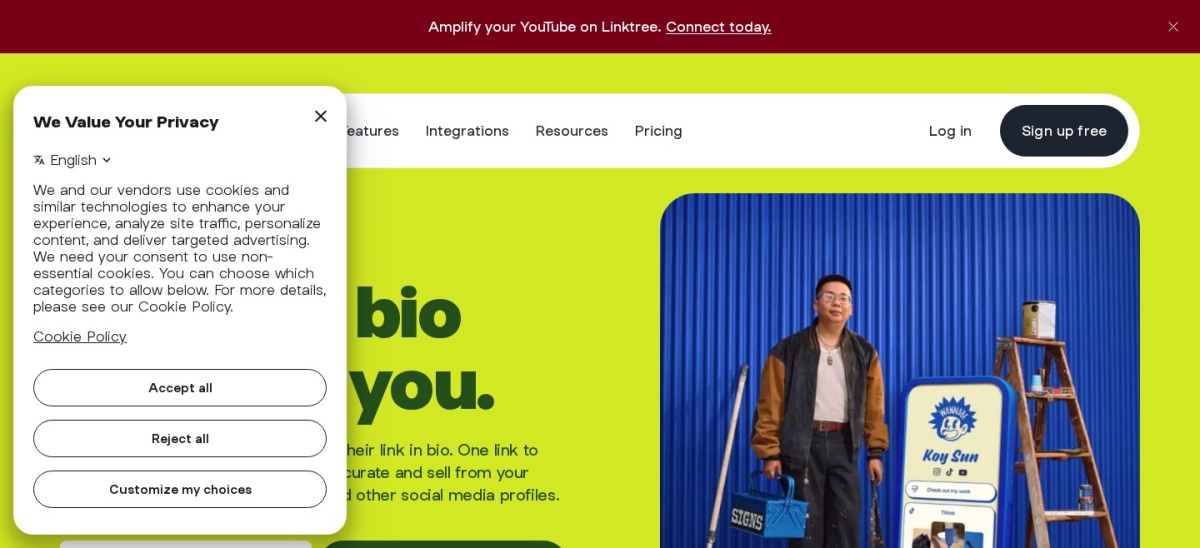
Linktree is a link in bio page that turns the single link in an Instagram bio into a page of links, products and sign-ups. The free plan includes unlimited basic links and email and phone sign-up capture, and more than 70M people use it.
The trade off is price creep. Starter costs $9 a month, or $7 billed yearly, and removing Linktree branding needs the $14 a month Pro plan. It suits creators who sell, collect sign-ups or route followers from one bio link.
Hootsuite is a social media platform for scheduling, a shared inbox and reporting across many accounts. Standard costs $99 per user a month and covers up to 10 social accounts, with AI caption help and a unified inbox.
The trade off is price. There is no free plan, and $99 per user a month is steep for a solo creator. It suits teams and agencies that manage several Instagram accounts and need approvals and reporting in one place.
What we like
Covers up to 10 accounts on the entry plan
Shared inbox and approvals for teams
Largest G2 review base for scheduling, 7,775 reviews
Sprout Social is a social media platform for publishing, reporting and customer care across networks. Essentials costs $99 per seat a month billed monthly, or $79 billed yearly, and covers 5 profiles with send-time suggestions and post reporting.
The trade off is cost per seat. Every extra person pays the same rate, and the shared inbox only starts on the $199 Standard plan. It suits growing teams that answer comments and DMs from one inbox and report results to clients.
Free plans cover the basics well. Most include design templates, basic scheduling and a bio link page.
Paid plans mostly add volume and depth. You get more posts, more accounts, deeper analytics and premium templates.
If you post every day, a free plan cap is usually the first thing that bites. Our guide on scheduling posts shows the same batching habit for WordPress sites.
For a creator who earns from Instagram, the first year of one paid plan often costs less than a single missed brand deal.
How we chose
We started from the tools Instagram creators mention most for design, editing, scheduling, analytics and bio links, then kept the nine with a public rating and a published price.
Prices come from each vendor's pricing page, checked on 29 November 2026. Ratings and review counts come from G2 on the same day. Where a vendor shows a sale, the list shows the regular price.
We left out tools with no public rating and tools built only for agencies. No vendor paid for a place, and we do not claim to have used these tools ourselves.
How to choose tools for Instagram content
Start with the job you do most, then add one tool at a time.
Pick your design tool first. Most Instagram work starts as a graphic or a clip, so choose Canva, Adobe Express or CapCut before anything else.
Add scheduling when posting slips. If posts go out late or in bursts, add Later, Buffer or Metricool and batch a week of content in one sitting.
Fix the bio link before you sell. One bio link has to carry shops, courses and sign-ups, so set up Linktree before promoting anything for sale.
Pay for analytics only when you report results. Free analytics cover most creators; move to Metricool, Hootsuite or Sprout Social when a client or a team needs reports.
FAQ
What is the best tool for Instagram content creators in 2026?
Canva is the best overall pick for Instagram content creators in 2026. It holds a 4.7 out of 5 G2 rating from 7,945 reviews, and Pro costs $144 a year for premium templates, resizing and brand kits.
How much do tools for Instagram content creators cost?
Paid plans in this list run from $5 to $99 a month. Buffer is the cheapest at $5 a month per channel, Canva Pro costs $144 a year, and Hootsuite and Sprout Social start at $99 a month per user or seat.
Is there a free tool for Instagram content creators?
Yes. Canva, CapCut, Buffer, Metricool, Adobe Express and Linktree all have free plans. CapCut is the strongest free Reel editor, Canva covers design, and Buffer schedules 3 channels free.
Which tool is best for beginners?
Canva is the easiest starting point for beginners. Its free plan covers templates for posts, Stories and Reels, and most designs take minutes with no design background. Add Buffer later for scheduling.
Which tool is best for scheduling Instagram posts?
Later is the best scheduler for Instagram-first creators, with a visual grid preview, best-time suggestions and a Link in bio page from $25 a month. Buffer is the cheaper pick at $5 a month per channel.
Canva or Later: which should I pick?
Pick Canva if design is the bottleneck, since it makes the posts, Stories and Reels themselves. Pick Later if the designs are ready and the problem is planning the feed and posting on time. Many creators use both together.
Do I need a link in bio tool?
Yes, if you sell anything or collect sign-ups. Instagram allows one link in a bio, so a tool such as Linktree turns it into a page of links to shops, courses and mailing lists.
SaaS SEO and WordPress specialist with about 8 years of experience. Rakib compares WordPress plugins, themes, hosting and software using public pricing, documentation and user reviews. See how we rank.