WordPress is the best Google Sites alternative for most sites, with a free plan and Personal plans that start at four dollars a month. Wix suits drag-and-drop builders, while Webflow fits designers who want full visual control.
How we make this list: we compare pricing pages, product documentation and public user reviews, then re-check every price before each update. No product paid for a place. Disclosure.
WordPress.com is the top pick, rated 4.4 out of 5 on G2, with Personal plans at $4 a month.
Wix is the easiest builder here, with a free plan and Light plans at $17 a month.
Carrd is the cheapest paid plan at $9 a year for a simple one-page site.
Framer and Webflow are the best picks for designers, both with free plans.
Weebly has had little development since Square bought it in 2018, so new sites should weigh that.
How do you choose the best Google Sites alternatives?
Start with what Google Sites cannot do. If you need a custom domain, payments, a blog or real design control, any tool in this list beats it, but the right one depends on which gap matters most.
A free plan is the closest match to Google Sites. WordPress.com, Wix, Webflow, Weebly, Carrd, Framer and Notion all offer free plans, so you can build first and pay only when you need more.
Design control is the main trade-off. Drag-and-drop builders like Wix are easy but rigid, while Webflow and Framer give full visual control at the cost of a learning curve.
Price is mostly monthly, so count the yearly bill. The cheapest paid plans here run from $9 a year on Carrd to $23 a month on Squarespace, and most builders charge more on monthly billing.
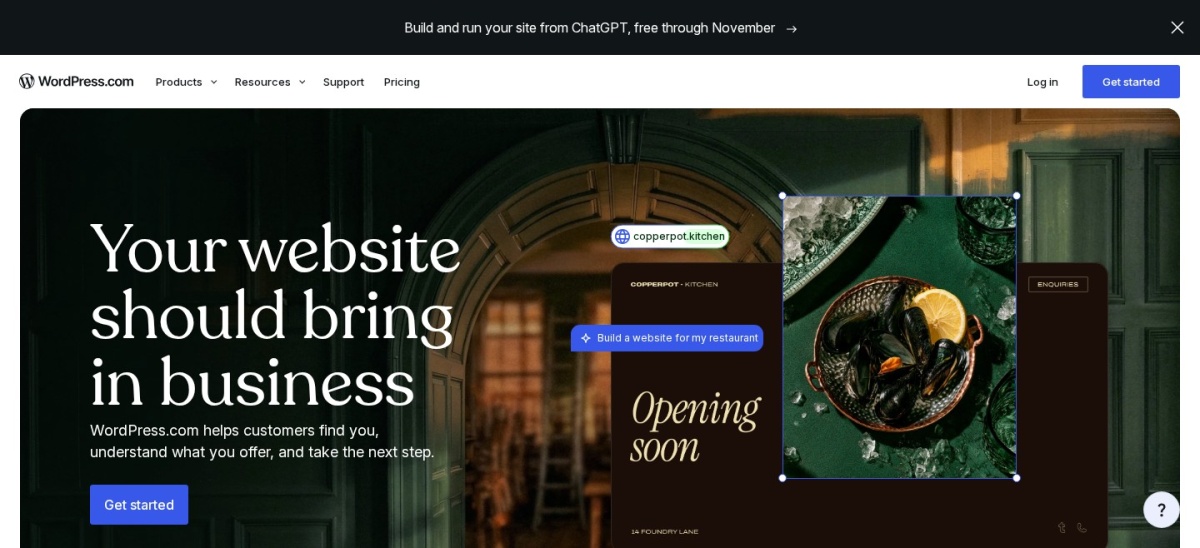
WordPress.com is the hosted version of WordPress, with a free plan, hundreds of themes and a block editor that needs no code. Personal costs $4 a month and adds a custom domain, no WordPress.com ads and 6 GB of storage.
The trade off is that the free plan is limited. It shows WordPress.com ads, uses a wordpress.com subdomain and blocks plugins, so serious sites need a paid plan. It suits blogs and small sites that want the biggest theme library and a free start.
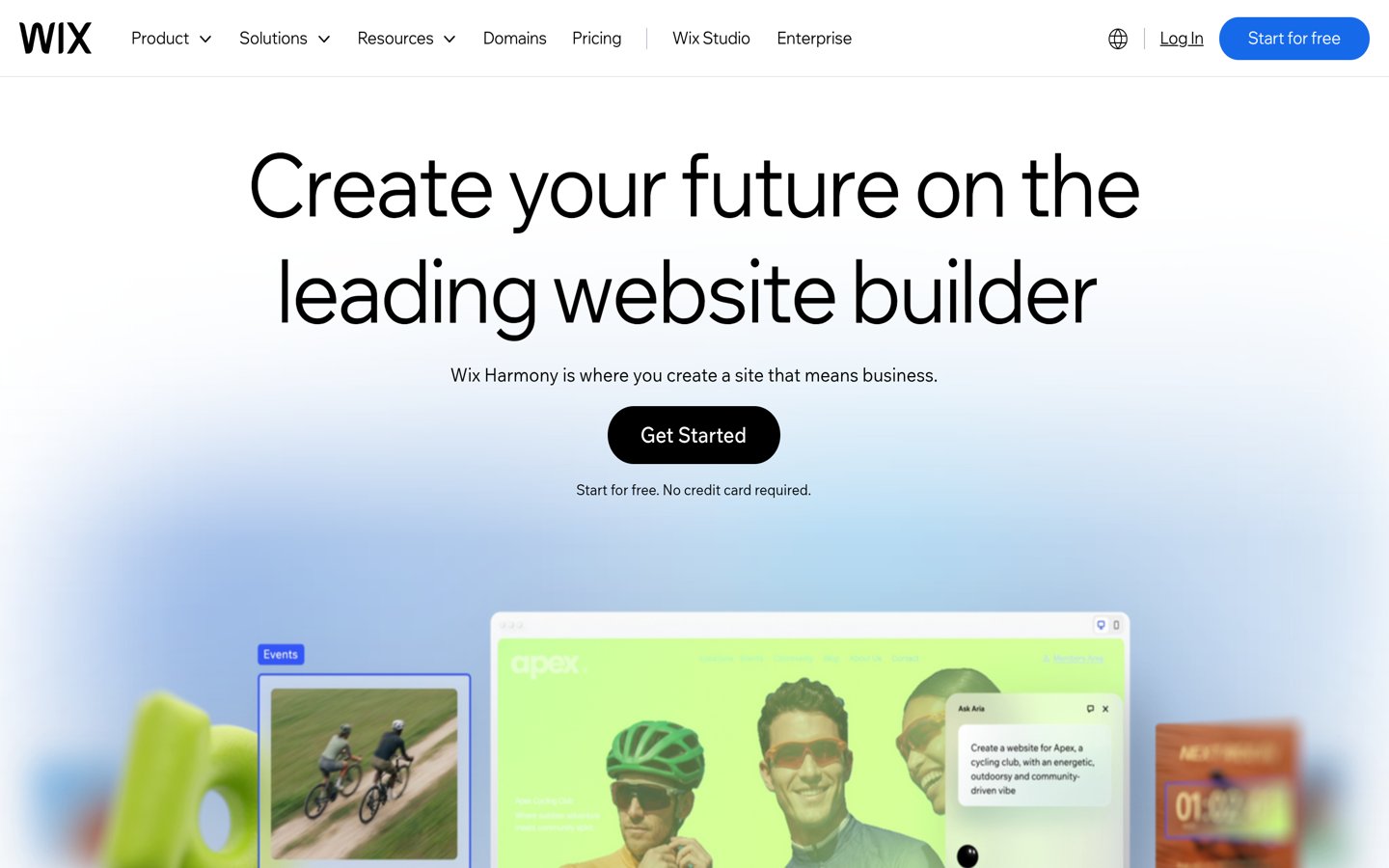
Wix is a drag-and-drop website builder with hundreds of templates, so a site can be live in an afternoon without touching code. The free plan covers a basic site, and Light adds a custom domain, no Wix ads and 2 GB of storage at $17 a month.
The trade off is that Wix is a builder first. The Light plan cannot take payments, and switching templates means rebuilding the site. It suits small businesses and personal sites that want the easiest builder in this list.
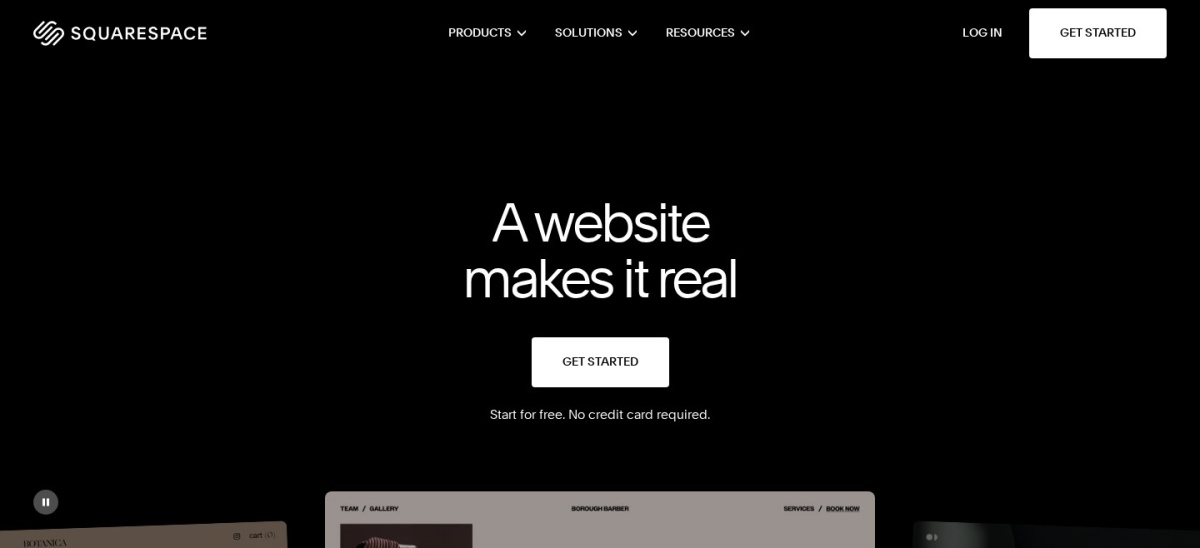
Squarespace is a design-led website builder known for polished templates and an all-in-one setup with hosting and a domain. Basic costs $16 a month billed yearly and includes a free custom domain for a year, unlimited bandwidth and mobile-optimised templates.
The trade off is price and selling. There is no free plan, only a 14-day trial, and selling needs Core at $23 a month. It suits creators and small brands that want a beautiful site and do not mind paying for it.
Webflow is a visual website builder that gives designers full control over layout, animation and responsive design without writing code. The free Starter plan covers a webflow.io subdomain, and Basic adds a custom domain and 150 pages at $14 a month billed yearly.
The trade off is the learning curve. Webflow is powerful but takes longer to learn than Wix or Squarespace, and monthly billing costs $18 a month, not $14. It suits designers who want pixel-level control and are willing to learn the tool.
Weebly is a simple drag-and-drop website builder with a free plan, built-in hosting and a small app centre. Personal costs $10 a month billed yearly and adds a custom domain, no Weebly ads and unlimited storage.
The trade off is that Weebly has seen little development since Square bought it in 2018, and Square now focuses on Square Online. It suits a simple personal site, but a new business site should weigh that before choosing it.
Carrd is a builder for simple one-page sites, such as portfolios, links pages and landing pages, with clean templates and no clutter. The free plan covers 3 sites with Carrd branding, and Pro Lite adds a custom domain and more sites at $9 a year.
The trade off is scope. Carrd only builds one-page sites, so a blog, a store or a multi-page site needs a different tool. It suits a personal landing page, a portfolio or a links page that needs to be live in an hour.
Duda is a website builder aimed at agencies and teams, with client management, team permissions and white-label options built in. Basic costs $19 a month and includes hosting, a free custom domain for a year and unlimited storage.
The trade off is that Duda is built for teams, not solo sites. There is no free plan, only a trial, and the price is higher than Wix Light for a single site. It suits agencies that build and manage many client sites from one account.
Framer is a design tool that publishes real websites, with Figma import, animation and a visual editor that needs no code. The free plan covers a framer.website subdomain, and Mini adds a custom domain, more pages and no Framer branding at $5 a month.
The trade off is cost at scale. Framer charges per site, so an agency with many client sites pays for each one, and the CMS needs the Basic plan. It suits designers who want to publish a polished site straight from their design file.
Notion is a docs and notes workspace that can publish any page as a public website in one click. The free plan covers unlimited pages for personal use, and Plus adds a custom domain, unlimited file uploads and more guests at $10 a user each month.
The trade off is that Notion is a docs tool first. Published pages look plain next to a Wix or Squarespace site, and design control is limited. It suits teams that already write in Notion and want a simple public site without a second tool.
Free plans here cover a real site. WordPress.com, Wix, Webflow, Weebly, Carrd, Framer and Notion all let you publish for nothing, though the address carries their name and their branding shows.
Paid plans mostly buy a custom domain and no ads. You also get more storage, more pages and, on some builders, payments and a CMS.
The cheapest paid plans run from $9 a year on Carrd to $23 a month on Squarespace. Start free, then pay only when the free plan blocks something you need.
How we chose
We started from the website builders with a G2 rating and real review counts, then kept the nine with the strongest ratings and the clearest fit for people leaving Google Sites. Builders without a verifiable rating were left out.
Prices come from each vendor's pricing page or a G2 pricing listing, checked on 29 November 2026. Squarespace pricing varies by region, so its figures are the standard US rates. Duda's Basic plan is $19 a month, though one source claims annual billing roughly halves it — that claim is not confirmed.
No vendor paid for a place, and we do not claim hands-on testing for this list.
How to choose a Google Sites alternative
Start with what you need that Google Sites cannot do, then check the free plan.
List the missing features. Custom domain, payments, a blog or real design control — write down the gaps first, then shortlist builders that close them.
Try the free plan. Build a real page on the free plan and check the address, the branding and the mobile view before you pay anything.
Check the yearly price. Most builders charge more on monthly billing, so compare the yearly bill and watch for a first-year discount that rises later.
Plan the move. Google Sites exports are limited, so expect to rebuild the key pages by hand and check that images and links survive.
FAQ
What is the best Google Sites alternative in 2026?
WordPress.com is the best Google Sites alternative for most sites, with a free plan and Personal at $4 a month. Wix suits drag-and-drop builders, while Webflow fits designers who want full visual control.
How much do Google Sites alternatives cost?
Paid plans in this list run from $9 a year on Carrd to $23 a month on Squarespace Core. WordPress.com Personal costs $4 a month, Wix Light $17 a month and Webflow Basic $14 a month billed yearly, and seven of the nine tools offer a free plan.
Is there a free Google Sites alternative?
Yes. WordPress.com, Wix, Webflow, Weebly, Carrd, Framer and Notion all offer free plans, so seven of the nine tools in this list let you publish a site for nothing. The free plan usually uses a subdomain and shows the builder's branding.
Which Google Sites alternative is best for beginners?
Wix is the easiest Google Sites alternative for beginners, with drag-and-drop building and a free plan to learn on. WordPress.com is also simple for blogs, while Carrd is best for a single page that needs to be live fast.
WordPress.com vs Wix: which is better than Google Sites?
WordPress.com wins for blogs and content sites, with the biggest theme library and Personal at $4 a month. Wix wins for small business sites that want drag-and-drop building, at $17 a month for Light. Both beat Google Sites on design control and custom domains.
Is Weebly still a good Google Sites alternative?
Weebly still works for a simple free site, with a free plan and Personal at $10 a month. But it has seen little development since Square bought it in 2018, and Square now focuses on Square Online, so a new site should weigh that before choosing it.
SaaS SEO and WordPress specialist with about 8 years of experience. Rakib compares WordPress plugins, themes, hosting and software using public pricing, documentation and user reviews. See how we rank.