Wix is the best platform to create a website for most people, with a free plan to start, Light at $17 a month billed yearly and a 4.2 out of 5 G2 rating from about 1,900 reviews. Pick Squarespace for design-led sites and the $4-a-month WordPress plan for the cheapest paid option.
How we make this list: we compare pricing pages, product documentation and public user reviews, then re-check every price before each update. No product paid for a place. Disclosure.
Wix is the top pick: a free plan, Light at $17 a month billed yearly, and a 4.2 out of 5 G2 rating from about 1,900 reviews.
Squarespace costs $19 a month billed yearly for Basic and has the most polished templates in this list, rated 4.4 out of 5 on G2.
WordPress.com Personal at $4 a month billed yearly is the cheapest paid plan here, with 6 GB of storage and access to 60,000+ plugins.
Shopify is the most expensive at $29 a month billed yearly, so pick it only if selling is the point of the site.
Hostinger and Strikingly are the budget picks at $10.99 and $8 a month, but both put real limits on pages, products or support.
What to look for in a website platform
Most people who search for the best platform to create a website want the same thing: a site that looks good, goes live fast and does not need a developer. The builders below all do that, but they charge for different things.
The cheapest paid plan is not always the cheapest site. Some builders charge extra for a domain, email or removing their branding, and a few raise the price sharply when the first term ends.
Start with the free plan or trial where one exists. Our guide on making a website with WordPress shows the hosted WordPress.com route step by step if you lean that way.
Prices below are regular prices, not sale prices. Several builders run Black Friday deals in late November, so the price you see at checkout may be lower for the first term.
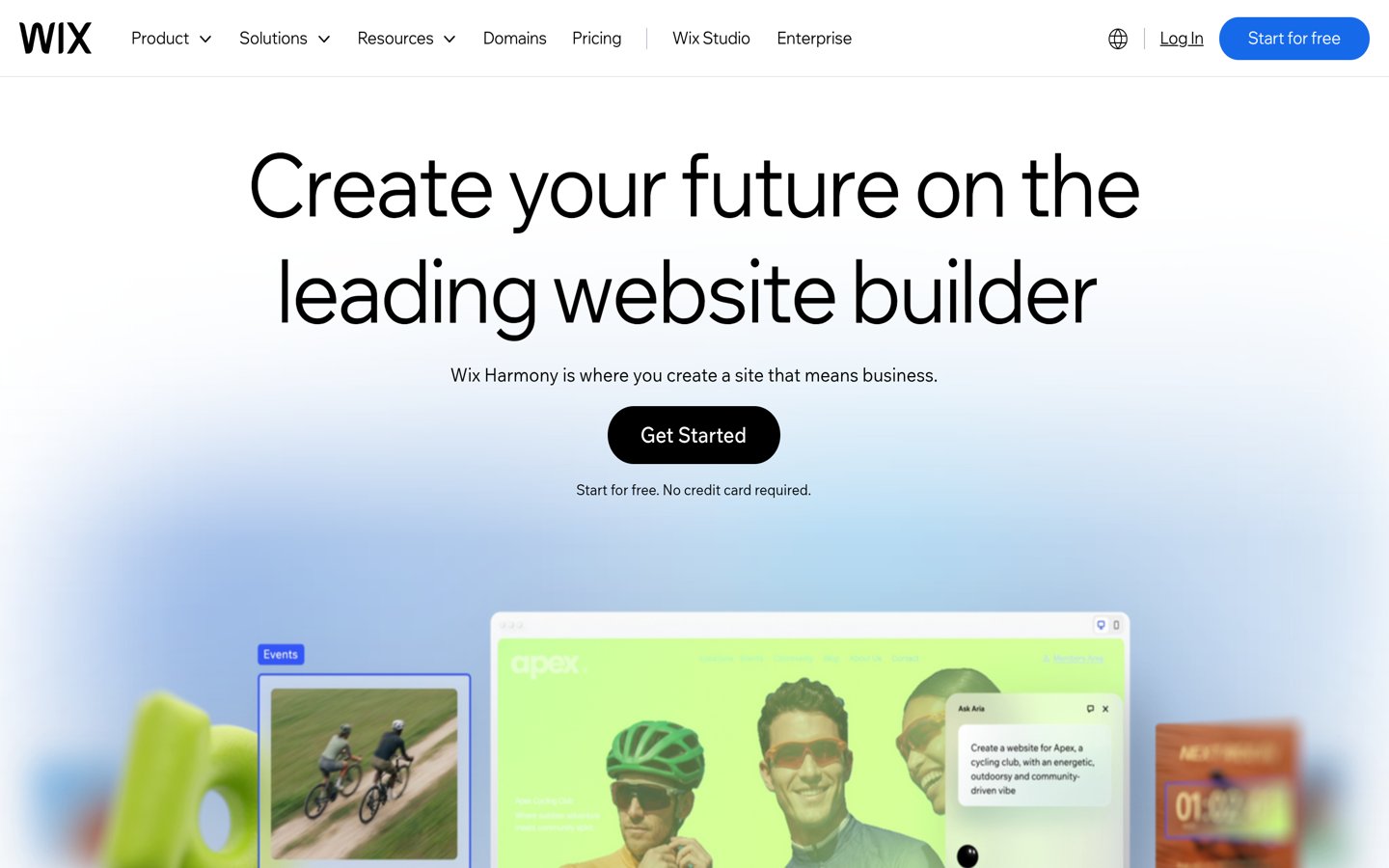
Wix is a drag-and-drop website builder with thousands of designer-made templates and a large app market for extra features. The free plan lets you publish a site on a Wix subdomain, and Light at $17 a month billed yearly adds a custom domain, removes Wix ads and includes a free domain for one year.
The trade off is that selling needs more. Light cannot accept payments, so a store needs Core at $29 a month billed yearly, and costs add up once apps and higher plans enter the picture. It suits most small businesses, freelancers and hobby sites that want one builder to cover everything.
What we like
Free plan with no time limit
Thousands of templates and a large app market
24/7 support on paid plans
Watch out for
Light cannot accept payments; selling needs Core at $29 a month
Costs add up with apps and higher plans
Free plan shows Wix branding and a Wix subdomain
Paid plans add a custom domain, more storage and sellingVisit wix.com
02
Squarespace
4.4/5on G2 (1,137 reviews, checked Nov 2026)
Starts at$19/mo
Best for design-led business sites
Free planNo, 14-day trial
Cheapest paid planBasic, $19/mo
Store fee2% on Basic
Contributors2 on Basic
squarespace.com
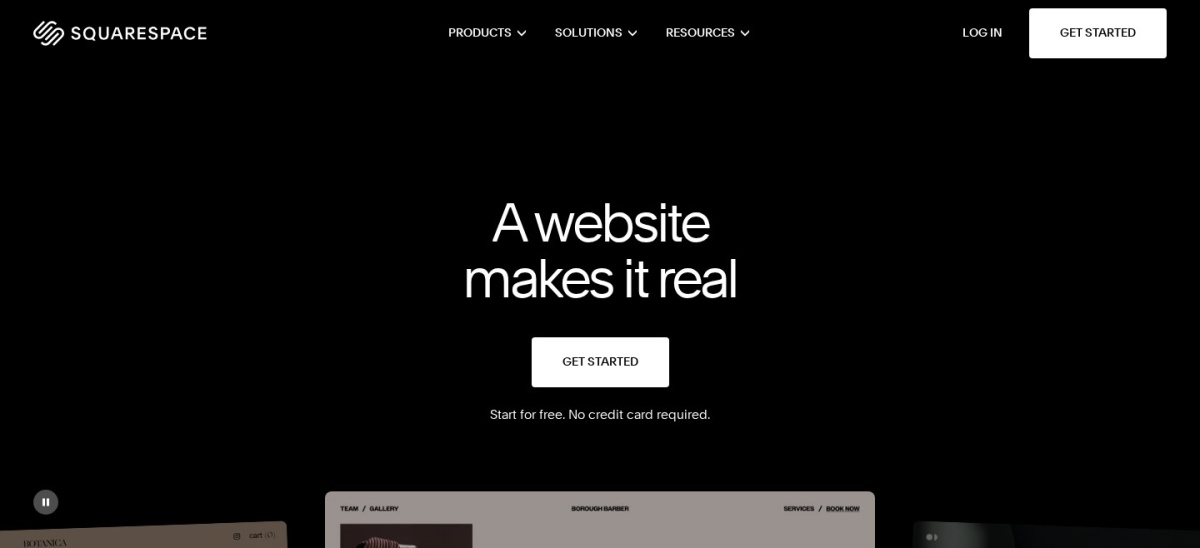
Squarespace homepage, captured Nov 2026.
Squarespace is a design-led builder known for polished templates that look good with little effort. Basic at $19 a month billed yearly includes hosting, SSL, a free custom domain for one year, built-in SEO tools and AI credits, with selling built in and a 2% fee on store sales.
The trade off is that there is no free plan, only a 14-day trial, and Basic caps contributors at 2. Squarespace also renamed its plans in November 2026, so older guides still show the old Personal plan at $16 a month. It suits creatives and small businesses that want a good-looking site without hiring a designer.
What we like
Polished templates that look good with little effort
Hosting, SSL and a domain included in one price
Built-in AI tools and SEO on every plan
Watch out for
No free plan, only a 14-day trial
Basic charges a 2% fee on online store sales
Plan names and prices changed in November 2026, so older guides show old prices
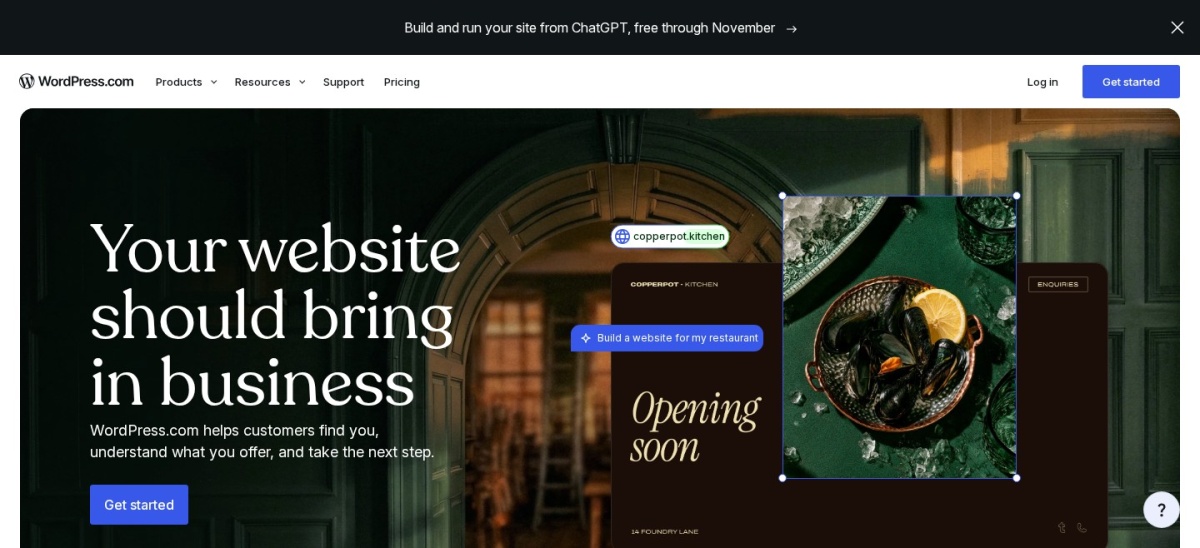
WordPress.com is the hosted version of WordPress, with themes, the block editor, SSL and a CDN included and no server to run. Personal at $4 a month billed yearly adds a custom domain, removes ads and unlocks installs from 60,000+ plugins, with 6 GB of storage and a free domain for the first year.
The trade off is that the cheapest plan is thin. Payment buttons need Premium at $8 a month, and real-time backups and staging need Business at $25 a month. Monthly billing more than doubles the Personal price to $9. It suits bloggers and small sites that want WordPress without managing hosting.
What we like
Cheapest paid plan in this list at $4 a month
Access to 60,000+ plugins on every paid plan
Free plan with no time limit
Watch out for
Payment buttons need Premium at $8 a month
Real-time backups and staging need Business at $25 a month
Monthly billing more than doubles the Personal price to $9
Webflow is a visual builder that gives designers full control over layout, CSS and animations while producing clean HTML and CSS. The free Starter plan covers staging on a webflow.io subdomain, and Basic at $14 a month billed yearly puts a static site on your own domain with 150 pages and 50 GB of bandwidth.
The trade off is the learning curve. Basic has no CMS, so a blog or a site with many repeat pages needs a higher plan, and site plans and workspace plans bill separately. It suits designers and marketing teams who want pixel-level control without writing code by hand.
What we like
Full visual control over layout, CSS and animations
Shopify is a hosted store platform with the strongest checkout, payments and selling tools in this list. Basic at $29 a month billed yearly covers hosting, checkout, card payments and unlimited products, with a 3-day trial and an intro offer of $1 a month for 3 months after it.
The trade off is price. Basic is the most expensive entry plan here, card fees of 2.9% plus 30 cents apply on top, and apps and a paid theme can cost more than the plan. It suits stores where selling is the main job, not a side page on a brochure site.
What we like
Strongest checkout and selling tools in this list
Unlimited products on every plan
Large app store and payment options
Watch out for
Most expensive entry plan here at $29 a month billed yearly
Card fees and apps add to the monthly bill
Trustpilot score is low, though most reviews there come from shoppers, not store owners
Framer is a design-led builder that started as a design tool and now publishes fast, animated sites from an editable canvas. The free plan publishes on a Framer subdomain, and Mini at $5 a month billed yearly adds a custom domain, removes Framer branding and covers 1,000 visitors a month.
The trade off is scope. Mini covers a single page, and the CMS and password protection need Pro at $30 a month per site. It suits designers, startups and portfolios where the site itself is the pitch and one striking page is enough.
What we like
Fast, design-led sites with strong animation tools
Mini at $5 a month is one of the cheapest custom-domain plans
Free plan to publish on a Framer subdomain
Watch out for
Mini covers one page only
CMS and password protection need Pro at $30 a month
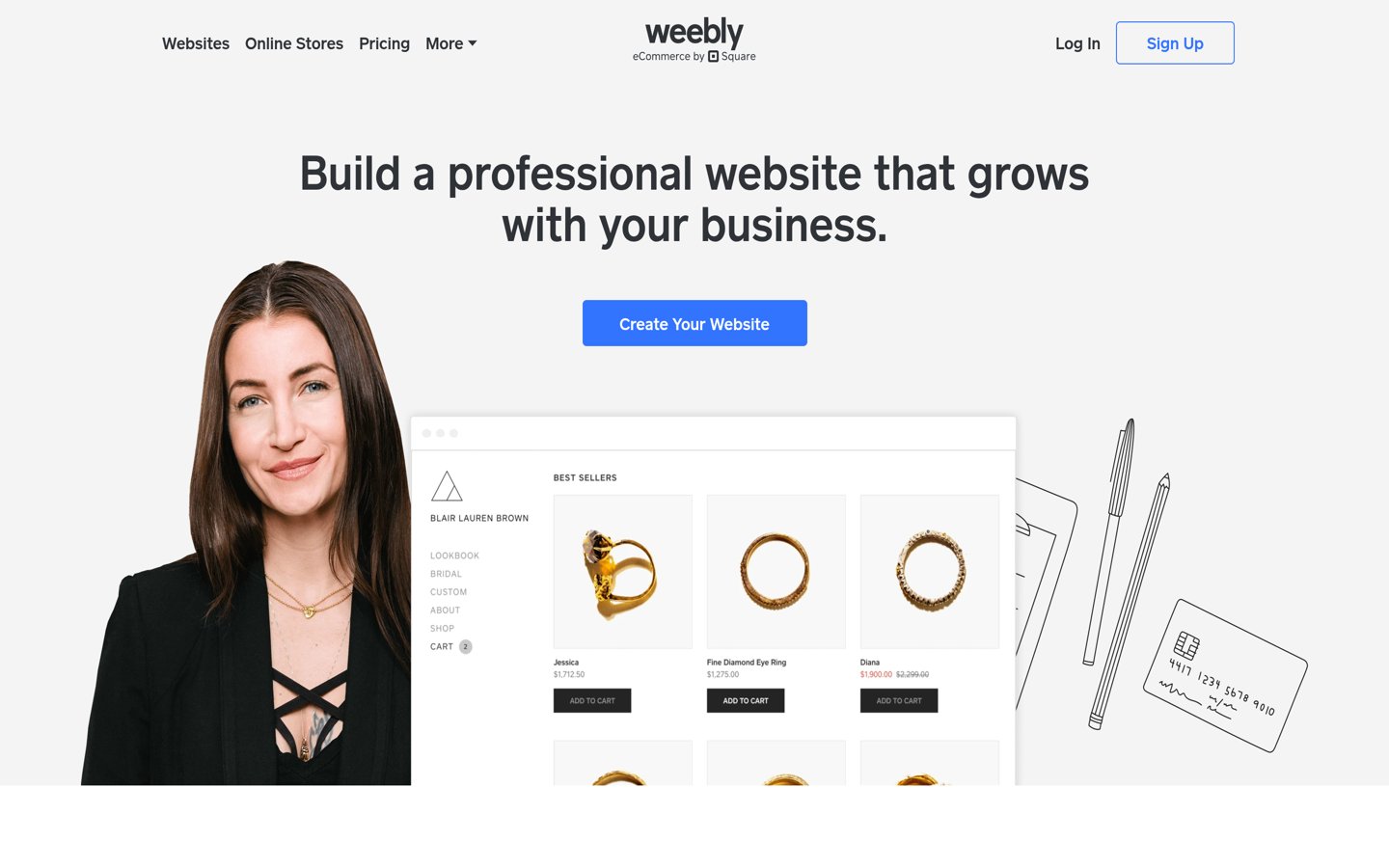
Weebly is a simple drag-and-drop builder owned by Square, so payments, in-store POS and online sales run through one account. The free plan publishes on a Weebly subdomain, and Personal at $10 a month billed yearly adds a custom domain with phone, chat and email support.
The trade off is the future. Weebly has seen little new development since 2018, and Square directs new ecommerce users toward Square Online instead. It suits beginners who want a plain site or a small shop live fast and do not need the newest features.
What we like
Simple editor that beginners learn fast
Phone, chat and email support on paid plans
Square payments and POS built in
Watch out for
Little new development since 2018; Square points new sellers to Square Online
Design options are more limited than Wix or Squarespace
Free plan keeps Weebly branding
Paid plans add a custom domain and remove Weebly brandingVisit weebly.com
08
Hostinger
4.5/5on Capterra (150+ reviews, checked Nov 2026)
Starts at$10.99/mo
Best budget builder with hosting
Free planNo, 30-day refund
Cheapest paid planPremium, $10.99/mo
Websites on Premium3
AI builderYes, included
hostinger.com
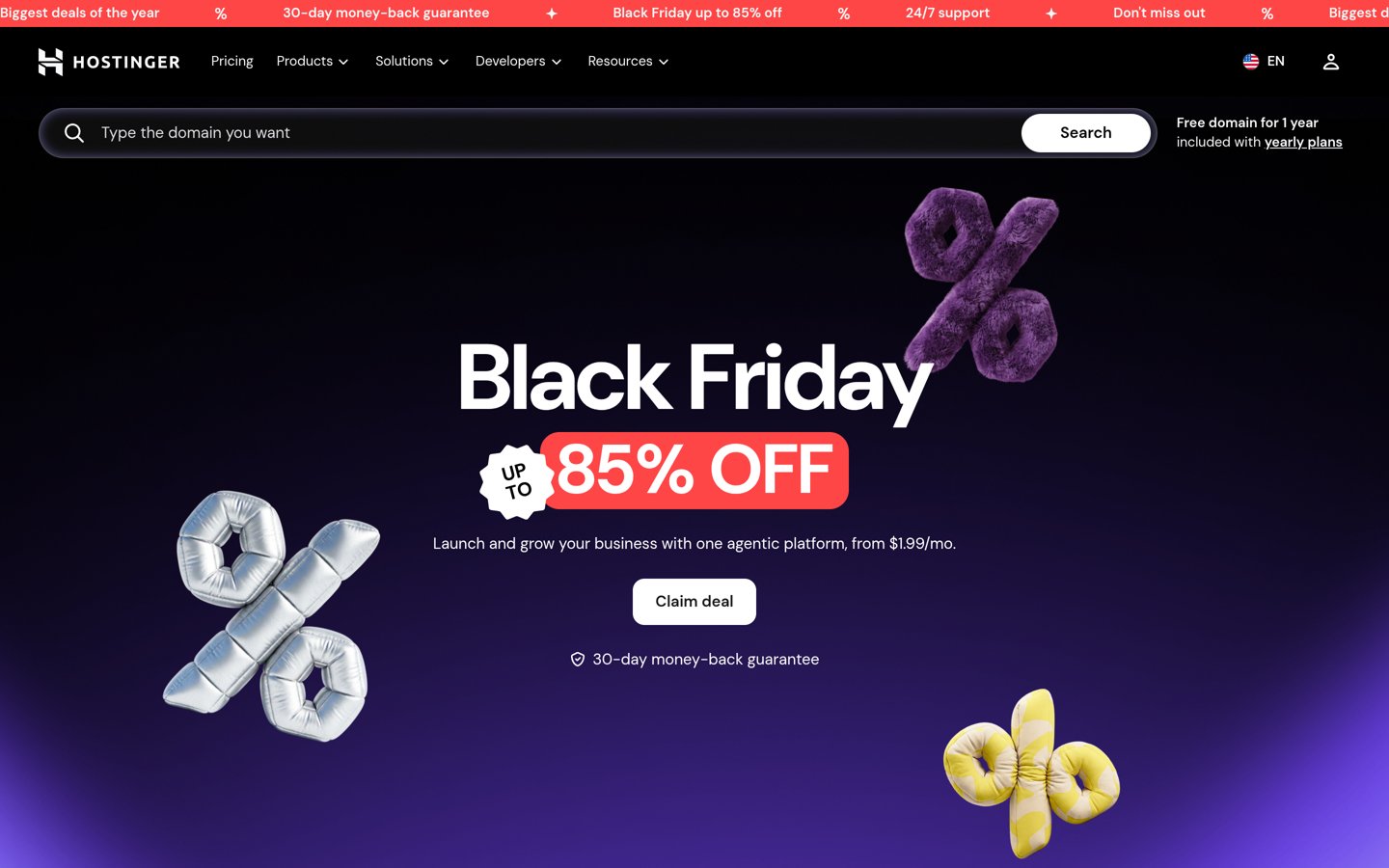
Hostinger homepage, captured Nov 2026.
Hostinger is a budget host whose website builder comes bundled with hosting, a domain and SSL in one bill. The AI builder drafts a site from a short description, and Premium covers up to 3 websites with 450+ drag-and-drop templates. The regular price is $10.99 a month, with deep intro discounts on long terms.
The trade off is the pricing gap. The low headline rate only holds on a 48-month prepay, and the plan renews at $10.99 a month, while support on Premium is a chatbot rather than a human. It suits tight budgets that can commit to a long term and do not need much help.
What we like
Lowest headline price in this list on a long term
AI-assisted builder included on every plan
Hosting, domain and SSL in one bill
Watch out for
Renewal at $10.99 a month is far above the intro rate
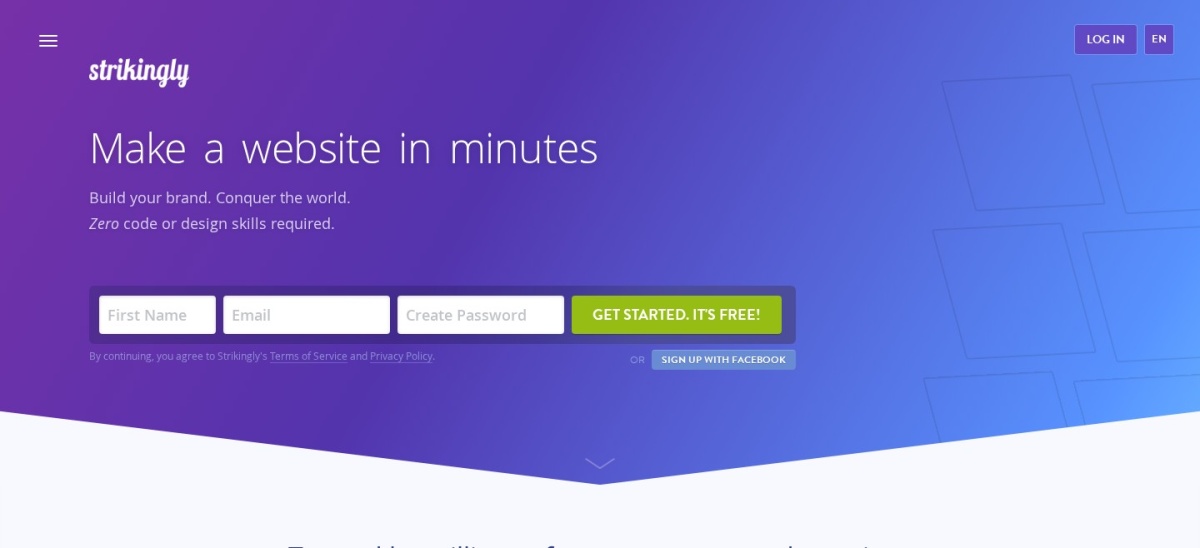
Strikingly is a section-based builder built for one-page sites: pick a template, click on anything to change it and publish. The free plan covers unlimited sites on a Strikingly subdomain, and Limited at $8 a month billed yearly adds a custom domain for up to 2 sites with 50 GB of bandwidth.
The trade off is room. Limited keeps Strikingly branding, caps each site at 5 pages and one product, and charges a 5% fee on sales. It suits portfolios, event pages and simple business sites where one page says enough.
What we like
Fastest way to publish a one-page site
Free plan with unlimited sites on a subdomain
Limited at $8 a month covers 2 sites on your own domain
Watch out for
Limited keeps Strikingly branding and caps each site at 5 pages
One product and a 5% fee on Limited sales
Design options are narrower than Wix or Squarespace
A free plan is enough to learn the editor and show a draft to a friend. Every free plan here keeps the builder's branding on the site and gives you a subdomain instead of a custom domain.
Paying the cheapest plan mostly buys a custom domain and removes the branding. On Wix, WordPress.com, Webflow, Framer, Weebly and Strikingly the free plan stays usable for a real, if plain, site.
Squarespace, Shopify and Hostinger have no free plan, so budget for the first paid month from day one. Shopify also runs a 3-day trial, then $1 a month for 3 months as an intro offer.
Watch the renewal price. Hostinger's Premium renews at $10.99 a month, far above its intro rate, and Wix, Squarespace and Shopify all cost more on monthly billing than on yearly billing.
How we chose
We started from the website builders most often recommended for a first site, then kept the nine with a public G2 or Capterra rating and a published pricing page.
Prices and ratings were checked on 25 November 2026. Ratings come from G2, except Hostinger, which uses Capterra. Where a vendor shows a sale, the list shows the regular price.
We left out GoDaddy Website Builder and Duda: both block the screenshot service, so we could not capture a clean homepage image for either. No vendor paid for a place, and we do not claim to have used these tools ourselves.
How to choose a platform to create a website
Decide what the site must do in its first year, then match the plan to that job.
List the pages you need first. A one-page portfolio fits Strikingly or Framer Mini. A blog or business site with room to grow fits Wix, Squarespace or WordPress.com.
Check the free plan before you pay. Build a draft on the free plan or trial and see if the editor suits you. If the free plan hides the feature you need, the paid price is the real price.
Price the whole first year. Add the domain, email and any plan upgrade you will need. See typical totals in our average website cost statistics before you commit.
Pick the builder you will still like in year two. Renewal prices and plan limits matter more than the intro deal. A builder that is cheap for one term and costly after it is rarely the cheapest site.
FAQ
What is the best platform to create a website?
Wix is the best platform to create a website for most people. It has a free plan, the $17-a-month Light plan billed yearly adds a custom domain, and it is rated 4.2 out of 5 on G2 from about 1,900 reviews. Its template range and app market suit more kinds of sites than any rival here.
What is the cheapest platform to create a website?
WordPress.com is the cheapest paid option here at $4 a month billed yearly for Personal, with a free plan below it. Framer Mini at $5 a month and Strikingly Limited at $8 a month are the next cheapest. Remember that a domain and email can add to the first-year total.
Can I create a website for free?
Yes. Wix, WordPress.com, Webflow, Framer, Weebly and Strikingly all have free plans. The catch is branding and a subdomain: your address will look like yoursite.wixsite.com instead of yoursite.com, and storage and pages are limited.
Is Squarespace or Wix better for a website?
Wix is better for most people because it has a free plan, a lower entry price and more templates and apps. Squarespace is better if design polish matters most and you are happy to pay $19 a month billed yearly for Basic. Both are rated above 4 out of 5 on G2.
Do I need to know how to code to create a website?
No. Every platform in this list is a visual builder with drag-and-drop editing and ready-made templates. You only need code if you want custom layouts, which Webflow and Framer handle best. WordPress.com also lets you add plugins for features without code.
Which platform is best for selling online?
Shopify is the best choice if selling is the main job, at $29 a month billed yearly for Basic with unlimited products. Wix Core at $29 a month and Squarespace Core at $29 a month also sell well for smaller stores. WordPress.com needs its $25-a-month Business plan for WooCommerce.
SaaS SEO and WordPress specialist with about 8 years of experience. Rakib compares WordPress plugins, themes, hosting and software using public pricing, documentation and user reviews. See how we rank.