ExactMetrics Alternatives in 2026: 7 Best Tools Compared
WLWPLegible EditorsLast verified 22 Nov 2026How we rank8 min read
★ Short answer
MonsterInsights is the closest ExactMetrics alternative, offering matching GA4 dashboard reports and eCommerce tracking across 2M+ active installs. For zero-cost Google integration, choose Site Kit by Google; for cookieless, self-hosted stats without external accounts, pick Independent Analytics.
How we make this list: we compare pricing pages, product documentation and public user reviews, then re-check every price before each update. No product paid for a place. Disclosure.
MonsterInsights matches ExactMetrics feature-for-feature across 2M+ active installs, starting at $199/yr regular ($99.50/yr intro).
Site Kit by Google connects Analytics, Search Console, AdSense, and PageSpeed Insights for $0 across 5M+ sites.
Independent Analytics stores cookieless stats inside your WordPress database for free, with Pro starting at $49/yr.
GA Google Analytics inserts lightweight GA4 tracking code for free or $20/yr Pro with a 4.9/5 rating across 400K+ installs.
Analytify delivers post-level GA4 metrics and a 4.7/5 rating across 20K+ sites, starting at $199/yr regular ($99/yr intro).
What to look for in an ExactMetrics alternative
ExactMetrics connects WordPress to Google Analytics 4 (GA4) and surfaces traffic, referral, and eCommerce reports inside wp-admin. While convenient, its Plus plan renews at $199/yr after a $99.50 introductory discount, and basic site owners often pay for tracking addons they never enable.
When comparing ExactMetrics alternatives, start by deciding between two distinct architectures. GA4 connector plugins like MonsterInsights, Site Kit by Google, and Analytify send visitor data to Google servers and pull visual reports back into WordPress. Self-hosted analytics plugins like Independent Analytics, WP Statistics, and Matomo store visitor logs directly in your own WordPress database without third-party scripts.
Check how each plugin handles performance, consent laws, and renewals. Heavy admin dashboards can slow down wp-admin, while third-party tracking scripts often require cookie banners under GDPR. Finally, compare regular annual renewal rates rather than first-year promotional pricing so your analytics budget stays predictable.
4.5/5on WordPress.org (3,161 reviews, checked Nov 2026)
Paid from$199/yr
Best overall ExactMetrics replacement
ArchitectureGoogle Analytics 4 connector
Free versionYes (core GA4 & summary stats)
Entry paid plan$199/yr regular ($99.50/yr intro)
Key strength1-click eCommerce & form tracking
monsterinsights.com
MonsterInsights homepage, captured Nov 2026.
MonsterInsights is a Google Analytics 4 plugin for WordPress that installs tracking code without manual edits and displays traffic, referral, and content reports in wp-admin. Its free Lite version handles basic GA4 connection and overview metrics across 2M+ active sites.
The trade off is renewal pricing, as the entry Plus plan lists at $199/yr regular ($99.50/yr first-year intro) for 1 site, and WooCommerce tracking requires the $399/yr Pro tier ($199.50/yr intro). It suits site owners who want the exact same workflow as ExactMetrics with a larger user base.
What we like
Identical interface and report layout to ExactMetrics for easy migration
Automated WooCommerce, Easy Digital Downloads, and MemberPress conversion tracking on Pro
Built-in EU Compliance addon, custom dashboards, and Site Notes annotations
Tracks form impressions and submissions across WPForms, Gravity Forms, and Elementor
Watch out for
50% introductory discount doubles upon annual renewal
eCommerce and form conversion addons are locked behind the Pro tier
Plus ($199/yr regular) adds full date history, custom dashboards, media/scroll tracking, and EU compliance.Visit monsterinsights.com
02
Site Kit by Google
4.2/5on WordPress.org (1,015 reviews, checked Nov 2026)
PriceFree
Best completely free official Google plugin
ArchitectureOfficial Google suite connector
Free version100% free and open source
Entry paid planNone ($0)
Key strengthSearch Console, AdSense & PageSpeed in one
sitekit.withgoogle.com
Site Kit by Google homepage, captured Nov 2026.
Site Kit by Google is Google's official open-source WordPress plugin that connects Google Analytics 4, Search Console, AdSense, Tag Manager, and PageSpeed Insights in one dashboard. Every feature is free with no paid tiers or upsells across 5M+ active installations.
The trade off is shallower out-of-the-box event reporting than ExactMetrics, as granular eCommerce funnels or affiliate click tracking require manual setup in Google Tag Manager. It suits bloggers and publishers who want verified Google Search and Analytics data at zero cost.
What we like
Completely free with no premium add-ons or license renewals
4.8/5on WordPress.org (168 reviews, checked Nov 2026)
Paid from$49/yr
Best cookieless self-hosted analytics
ArchitectureSelf-hosted in WordPress DB
Free versionYes (unlimited sites & pageviews)
Entry paid plan$49/yr for 1 site ($147 lifetime)
Key strengthCookieless GDPR compliance & fast UI
independentwp.com
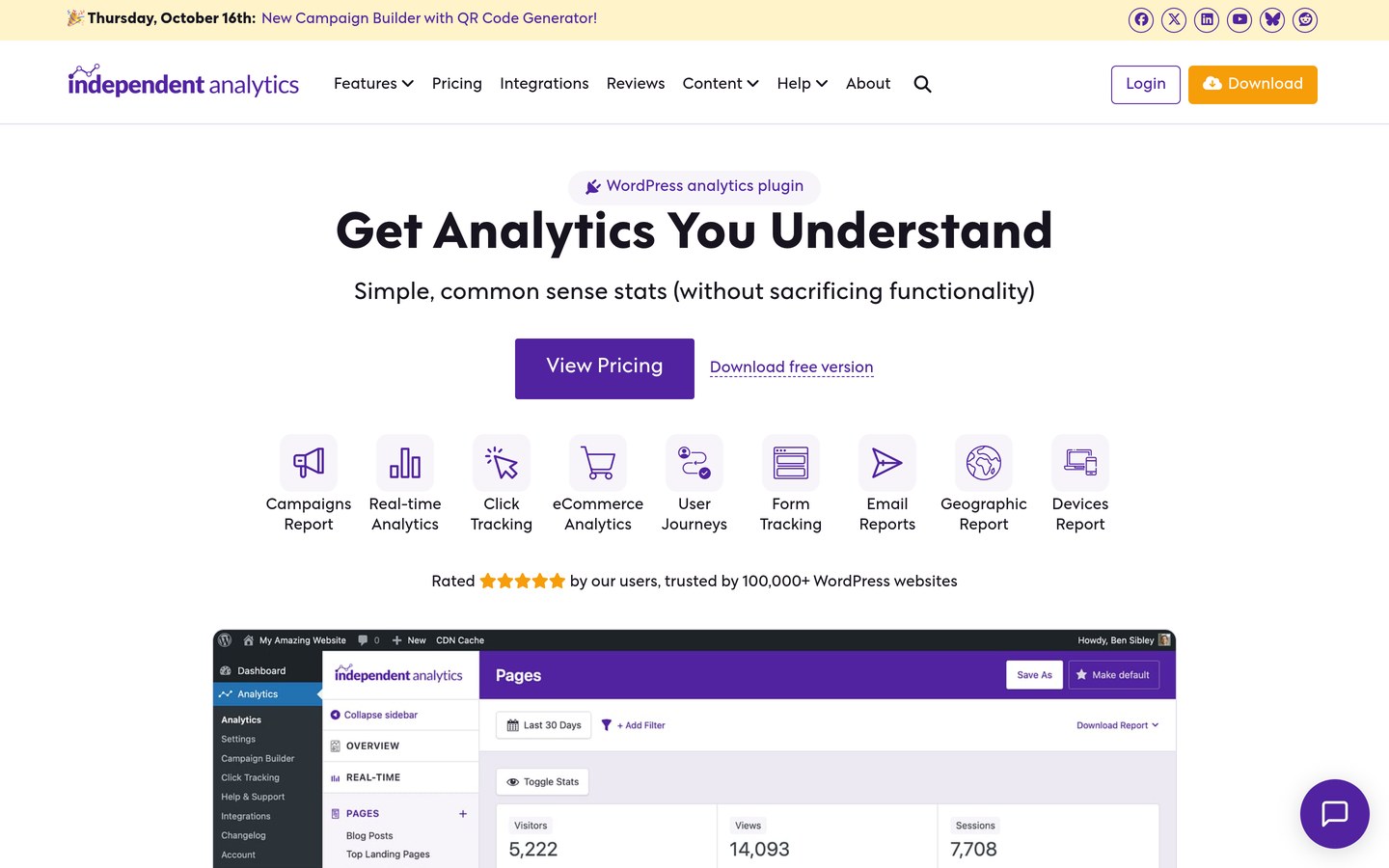
Independent Analytics homepage, captured Nov 2026.
Independent Analytics is a self-hosted WordPress analytics plugin that records views, visitors, referrers, and geographic data directly in your site's database without Google accounts or cookies. Its free version includes unlimited pageviews and unlimited sites with a 4.8/5 rating.
The trade off is that local storage uses your own database space and lacks multi-channel attribution outside WordPress, while Pro starts at $49/yr for 1 site. It suits privacy-conscious site owners who want to drop Google Analytics and cookie banners entirely.
What we like
Free version supports unlimited sites and unlimited pageviews
Affordable $49/yr entry Pro tier with all Pro features included
Integrates directly with WordPress post types, authors, and categories
Watch out for
Stores analytics tables inside your WordPress hosting database
No free trial for Pro (backed by a 30-day refund policy)
Pro Standard ($49/yr) adds WooCommerce/EDD sales tracking, campaign URLs, real-time stats, and email reports.Visit independentwp.com
04
Burst Statistics
4.9/5on WordPress.org (189 reviews, checked Nov 2026)
Paid from$49/yr
Best lightweight privacy-first dashboard
ArchitectureSelf-hosted in WordPress DB
Free versionYes (unlimited pageviews & 1 goal)
Entry paid plan€44.59/yr (~$49/yr) for 1 site
Key strength4.9/5 rating & deferred turbo script
burst-statistics.com
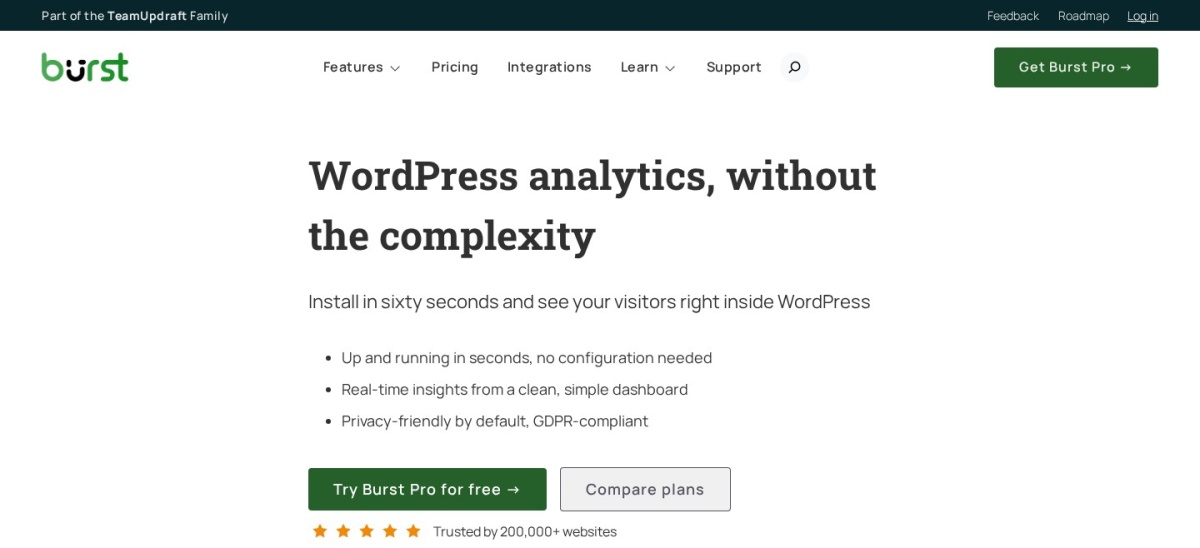
Burst Statistics homepage, captured Nov 2026.
Burst Statistics is a self-hosted analytics plugin built by the team behind Really Simple Security, offering cookieless tracking, real-time visitor counts, bounce rates, and 1 conversion goal for free across 200K+ sites. It holds a 4.9/5 rating from 189 WordPress.org reviews.
The trade off is that Pro plans are billed in Euros starting at €44.59/yr (~$49/yr) for 1 site after a 14-day free trial, and advanced UTM campaign or revenue tracking requires upgrading. It suits store and blog owners prioritizing page speed and local data ownership.
What we like
Highest user rating on this list at 4.9/5 stars across 189 reviews
Lightweight tracking script runs asynchronously with a deferred turbo mode
100% locally hosted data with optional cookieless tracking
14-day free Pro trial plus a 30-day money-back guarantee
Watch out for
Free plan limits you to a single conversion goal
Vendor pricing page defaults to Euros (€44.59/yr for 1 site)
Burst Pro (€44.59/yr) unlocks unlimited goals, UTM campaign tracking, country/city breakdown, and revenue reports.Visit burst-statistics.com
05
Analytify
4.7/5on WordPress.org (488 reviews, checked Nov 2026)
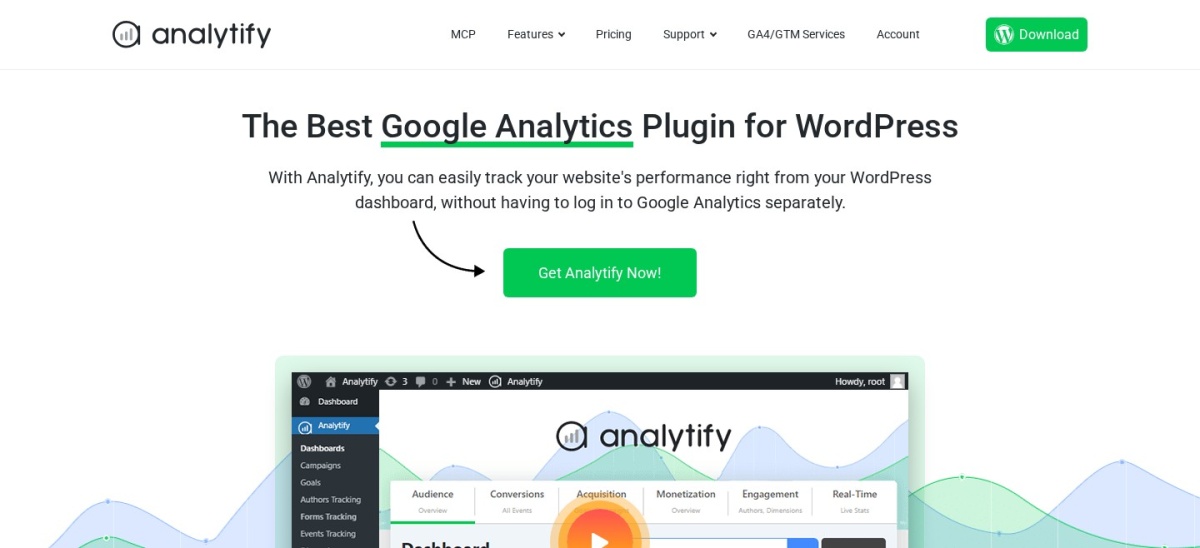
Analytify is a Google Analytics 4 connector plugin that displays site-wide traffic, Search Console queries, and post-level metrics directly inside the WordPress editor screen. Its free plugin maintains a 4.7/5 rating across 488 reviews and 20K+ active installations.
The trade off is renewal cost, as the StartUp plan renews at $199/yr regular ($99/yr first-year intro) for 2 sites, and real-time or WooCommerce reports require paid tiers. It suits content teams that want MonsterInsights-style GA4 reports with higher user satisfaction scores.
What we like
Shows pageviews, bounce rate, and time on page inside individual post editors
Can serve Google Analytics scripts from your own domain to reduce ad-blocker loss
Native Consent Mode v2 support for CookieYes and developer consent filters
Entry paid license covers 2 websites instead of 1
Watch out for
Real-time visitor reporting requires upgrading to Pro
Introductory $99/yr price doubles to $199/yr on renewal
StartUp ($199/yr regular) includes all premium addons for 2 sites, including real-time stats and WooCommerce tracking.Visit analytify.io
06
Matomo Analytics
4.6/5on WordPress.org (178 reviews, checked Nov 2026)
Paid from$264/yr
Best enterprise-grade open-source analytics
ArchitectureFull self-hosted analytics suite
Free versionYes (full on-premise WP plugin)
Entry paid plan€22/mo (~$264/yr) for Matomo Cloud
Key strengthZero data sampling & built-in Tag Manager
matomo.org
Matomo Analytics homepage, captured Nov 2026.
Matomo Analytics is an open-source analytics platform that runs inside your WordPress installation, giving you 100% data ownership, unsampled visitor logs, eCommerce tracking, and a built-in Tag Manager for free across 100K+ sites. It holds a 4.6/5 rating on WordPress.org.
The trade off is server resource usage on shared hosting and expensive cloud or marketplace add-ons, with Matomo Cloud starting at €22/mo (~$264/yr) and features like heatmaps sold separately. It suits organizations needing full GA4-level depth without sending data to Google.
What we like
Complete replacement for Google Analytics with unsampled data and Tag Manager
Core WordPress plugin includes eCommerce, goals, and campaign tracking free
Strong GDPR compliance tools including IP anonymization and opt-out shortcodes
Option to migrate to Matomo Cloud if your site outgrows shared hosting
Watch out for
Heavier on server CPU and database storage than lightweight counters
Heatmaps, session recordings, and funnels require paid marketplace extensions
Matomo Cloud (€22/mo) offloads processing from your server; individual on-premise add-ons are sold separately.Visit matomo.org
07
GA Google Analytics
4.9/5on WordPress.org (159 reviews, checked Nov 2026)
Paid from$20/yr
Best ultra-lightweight tracking script
ArchitectureLightweight GA4 script loader
Free versionYes (full GA4 snippet injection)
Entry paid plan$20/yr for 1 site
Key strength4.9/5 rating & zero dashboard bloat
plugin-planet.com
GA Google Analytics homepage, captured Nov 2026.
GA Google Analytics is a minimalist plugin by Jeff Starr that inserts your Google Analytics 4 tracking code into WordPress headers or footers without loading heavy dashboard charts or upsell banners. It holds a 4.9/5 rating across 400K+ active installations.
The trade off is that it does not display analytics reports inside wp-admin, so you view your stats directly on analytics.google.com, while Pro costs $20/yr for 1 site. It suits developers and speed-focused site owners who only want clean GA4 script insertion.
What we like
4.9/5 rating from 159 reviews with near-zero impact on site or admin speed
Cheapest paid upgrade on this list at $20/yr
Supports IP anonymization, admin exclusion, and custom tracking code
Clean settings screen with no intrusive admin notices
Watch out for
No visual traffic graphs inside your WordPress dashboard
Does not automate WooCommerce or form conversion events
GA Google Analytics Pro ($20/yr) adds multiple tracking codes, custom post-type rules, and advanced opt-out controls.Visit plugin-planet.com
GA4 connectors vs. self-hosted WordPress analytics
ExactMetrics, MonsterInsights, Site Kit by Google, Analytify, and GA Google Analytics are all front-ends for Google Analytics 4. Your visitor data is processed on Google's servers, which keeps your WordPress database small and lets you connect Google Ads and Search Console, but typically requires a cookie consent banner in regions with strict privacy rules.
Independent Analytics, Burst Statistics, and Matomo store visitor metrics directly inside your WordPress hosting database. Because no data leaves your server and cookieless tracking is enabled by default, you can often skip consent banners while keeping 100% ownership of historical stats, provided your hosting plan has enough database storage for high traffic.
How we chose
To compile this list of ExactMetrics alternatives, we evaluated active WordPress analytics plugins across two categories: Google Analytics 4 dashboard connectors and privacy-focused self-hosted trackers. Every candidate had to be actively maintained within the last 12 months and hold an established footprint on WordPress.org.
All active installation counts, star ratings, review totals, and regular annual subscription prices were verified directly from WordPress.org plugin pages and vendor pricing pages on 22 Nov 2026. Where vendors display introductory first-year discounts, we listed the regular renewal price in our price ladder and noted the promotional rate in the text.
We excluded abandoned plugins, enterprise-only SaaS suites without dedicated WordPress integration, and tools whose public pricing pages did not confirm regular annual rates. No vendor paid for a place, and we do not claim testing for this list.
How to choose the right ExactMetrics alternative
Follow four practical steps to pick an analytics plugin that matches your reporting needs and budget.
Decide whether you still want Google Analytics 4. If your marketing relies on Google Ads attribution or Search Console integration, stick with a GA4 connector like MonsterInsights, Site Kit by Google, or Analytify. If you want to eliminate third-party scripts and cookie banners, switch to a local tracker like Independent Analytics or Burst Statistics.
Audit which conversion events you actually track. Standard pageview and referral reports are free in every plugin on this list. Only pay for a premium tier if you need turnkey WooCommerce revenue attribution, form submission tracking, or UTM campaign breakdowns.
Check regular renewal rates instead of intro promos. Several GA4 plugins advertise 50% first-year discounts that double upon renewal. Compare the regular annual price for your site count before migrating your tracking setup.
Match database load to your hosting plan. Self-hosted plugins write every pageview to your WordPress database. On high-traffic sites, verify that your plugin offers automated data pruning and runs on PHP 8.0 or newer.
FAQ
What is the closest alternative to ExactMetrics?
MonsterInsights is the closest replacement because it is built by the same parent company, uses a nearly identical wp-admin dashboard layout, and offers matching eCommerce, form, and EU compliance addons across 2M+ active sites.
Is there a completely free alternative to ExactMetrics?
Yes. Site Kit by Google is 100% free with no paid tiers and connects Google Analytics 4, Search Console, AdSense, and PageSpeed Insights. Independent Analytics and Burst Statistics also offer generous free versions with unlimited pageviews.
Why do people switch away from ExactMetrics?
Site owners most often switch to avoid the $199/yr regular renewal price on ExactMetrics Plus, reduce admin dashboard clutter, or replace Google Analytics with a cookieless, self-hosted plugin that complies with GDPR without consent banners.
Which ExactMetrics alternative is best for WooCommerce stores?
MonsterInsights Pro ($399/yr regular, $199.50/yr intro) and Analytify ($199/yr regular, $99/yr intro) offer turnkey GA4 eCommerce tracking, while Independent Analytics Pro ($49/yr) and Burst Pro (€44.59/yr) track WooCommerce sales locally without cookies.
Do self-hosted WordPress analytics plugins slow down a website?
Modern self-hosted plugins like Burst Statistics and Independent Analytics load lightweight asynchronous scripts that have minimal impact on front-end page speed, though very high-traffic sites should configure automatic data retention limits to keep database tables compact.