Virtru is the best email encryption software for Outlook teams, adding end-to-end encryption, expiry and revocation inside Outlook at $119 a month for 5 users. Paubox is the easiest choice for healthcare teams at $32 a month for 5 senders, while Proton Mail is the cheapest route at $6.99 per user a month for those willing to move mailboxes.
How we make this list: we compare pricing pages, product documentation and public user reviews, then re-check every price before each update. No product paid for a place. Disclosure.
Virtru is the strongest Outlook add-in here: encryption, expiry and revocation inside Outlook at $119 a month for 5 users.
Paubox is the highest rated at 4.9 out of 5 from 684 G2 reviews, and patients read mail in their normal inbox.
Proton Mail is the cheapest paid route at $6.99 per user a month, but it replaces your mailbox instead of adding to Outlook.
Check your Microsoft 365 plan first: Purview Message Encryption is already included in Business Premium at $22 per user a month.
Prices run from $9.99 a month for Encyro to $119 a month for Virtru, and only Proton Mail, PreVeil and Encyro have free plans.
What should email encryption software for Outlook do?
The first job is to protect the message, not just the connection. Ordinary TLS encrypts mail while it travels between servers, but the message sits readable on each server along the way, so look for end-to-end or message-level encryption that keeps content unreadable to anyone but the recipient.
The second job is to keep the recipient from giving up. Portal logins and passwords are where encrypted email fails in practice, so Virtru opens messages in a browser and Paubox delivers most mail straight to the inbox. Authentication matters too: our guide on setting up SPF, DKIM and DMARC for WordPress email covers the checks that keep those messages trusted.
The third job is control after sending. Expiry dates, revocation and disable-forward matter when a message goes to the wrong person, and only some tools in this list offer them, so check before you pay.
The last check is price structure, not headline price. Virtru and Paubox sell in five-user bundles, so a three-person team still pays for five seats, while PreVeil, Encyro and LuxSci charge per user.
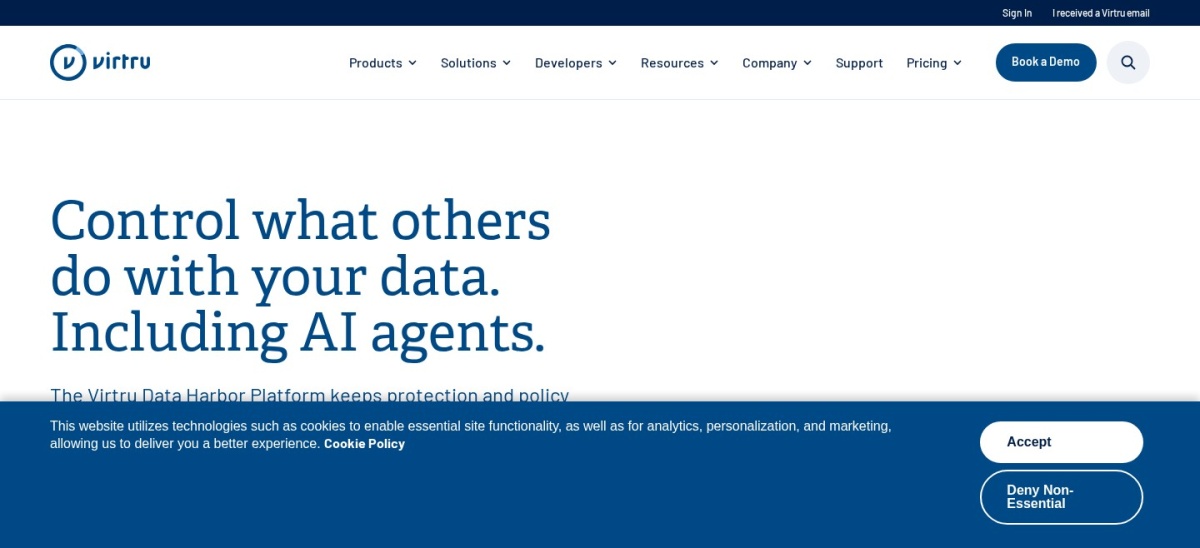
Virtru is an encryption add-in that works inside Outlook and Gmail, so teams keep the mailbox they already use. The Starter plan covers 5 users at $119 a month billed annually and includes encrypted messages and attachments, expiry dates, revocation, and a signed agreement for HIPAA use.
The trade off is the bundle minimum. A solo user still pays the full 5-user price of $119 a month, and the Business and Compliance tiers climb to $219 and $499 a month for 5 users. It suits teams on Microsoft 365 or Google Workspace that need sender controls such as expiry and revocation.
What we like
Works inside Outlook, no new mailbox
Revoke access and set expiry dates after sending
Signed HIPAA agreement included in Starter
Recipients open messages in a browser without an account
Watch out for
Entry price covers 5 users even for one person
No free plan, only a trial
Business adds file sharing, branding and SIEM exportsVisit virtru.com
02
Paubox
4.9/5on G2 (684 reviews, checked Nov 2026)
Starts at$32/mo
Best for healthcare teams on Outlook
Outlook fitConnects to Microsoft 365
Recipient portalNo, inbox delivery
HIPAA agreementIncluded on all plans
Entry planStandard, 5 senders
paubox.com
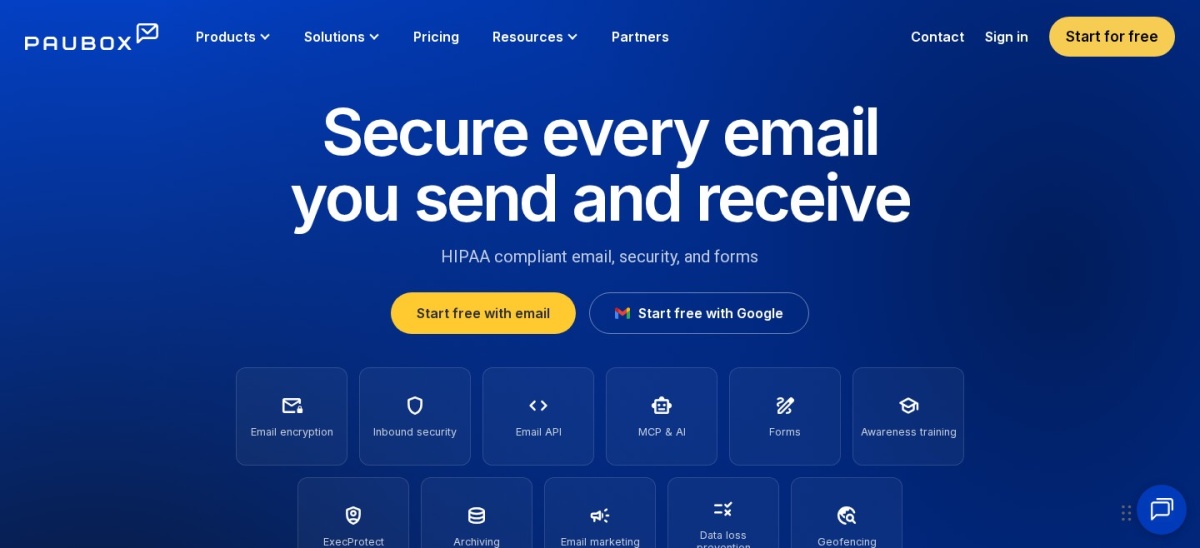
Paubox homepage, captured Nov 2026.
Paubox is a HIPAA email service that connects to Microsoft 365 or Google Workspace and encrypts every outbound message automatically. Recipients usually read the message in their normal inbox, with a secure link only when the receiving server cannot use the required TLS connection.
The trade off is scope. Paubox is built around healthcare use, so general business teams get fewer sender controls than Virtru, and there is no free plan, only a 14-day trial. It suits clinics and small practices that send patient mail from Outlook and want recipients to do nothing extra.
What we like
Every outbound email encrypted by default
Patients read mail in their normal inbox
Agreement for HIPAA use included on every plan
Setup takes about 15 minutes, per the vendor
Watch out for
Healthcare focus narrows the fit for general business
No free plan, only a 14-day trial
Price rises steeply per sender as the team grows
Plus adds inbound threat protection; Premium adds archiving and DLPVisit paubox.com
03
Proton Mail
4.6/5on G2 (503 reviews, checked Nov 2026)
Paid from$6.99/mo
Best value with a free plan
Outlook fitVia Bridge on paid plans
Free planYes, 1 GB
Custom domainPaid plans
Entry planMail Essentials, per user
proton.me
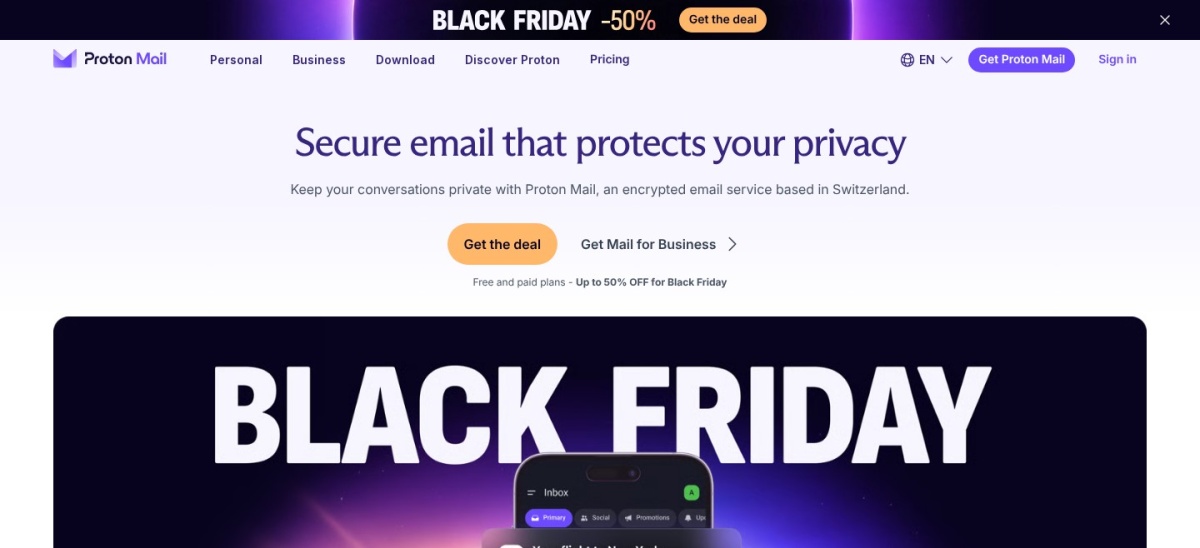
Proton Mail homepage, captured Nov 2026.
Proton Mail is an end-to-end encrypted mailbox with a free plan that carries the same encryption as paid plans. Mail Essentials costs $6.99 per user a month billed annually and adds 15 GB of storage and a custom domain, and paid users can connect Outlook through Proton Mail Bridge.
The trade off is migration. Proton replaces your mailbox instead of adding encryption to it, and password-protected messages to non-Proton recipients must be sent from the web or mobile apps, not through Bridge. It suits individuals and small teams willing to move mail for strong encryption at a low price.
What we like
Free plan with full end-to-end encryption
Lowest paid price in this list
Open-source apps, independently audited
Calendar, storage, VPN and password manager bundled on higher plans
Watch out for
Requires moving mail to Proton, not an Outlook add-in
Bridge needed to use Outlook, and it limits some features
Mail Plus adds more storage and addresses for individualsVisit proton.me
04
PreVeil
4.5/5on G2 (10 reviews, checked Nov 2026)
Paid from$30/mo
Best for regulated teams keeping Outlook
Outlook fitAdd-in beside Outlook
Free planBasic, 5 GB
Admin consoleBusiness plan
Entry planBusiness, per user
preveil.com
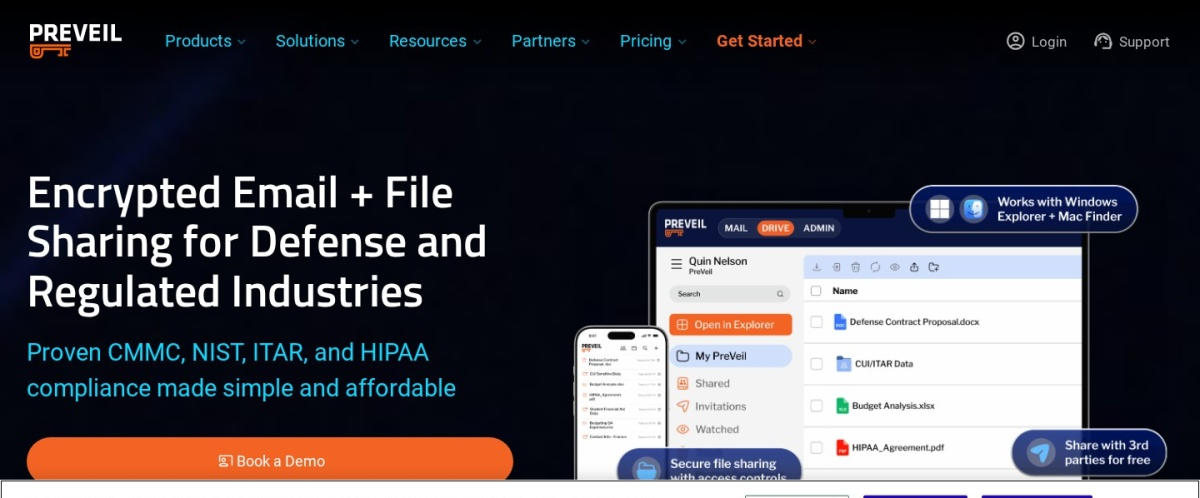
PreVeil homepage, captured Nov 2026.
PreVeil is an end-to-end encrypted email and file service that runs alongside Outlook and Gmail, so staff keep their existing addresses and use PreVeil for sensitive messages. The free Basic plan covers 5 GB of encrypted storage, and Business costs $30 per user a month with an admin console and system logs.
The trade off is a second inbox. Staff must check PreVeil as well as Outlook, and outside recipients need PreVeil or browser access to read protected mail. It suits defense contractors and regulated firms that must prove compliance without staff managing encryption keys.
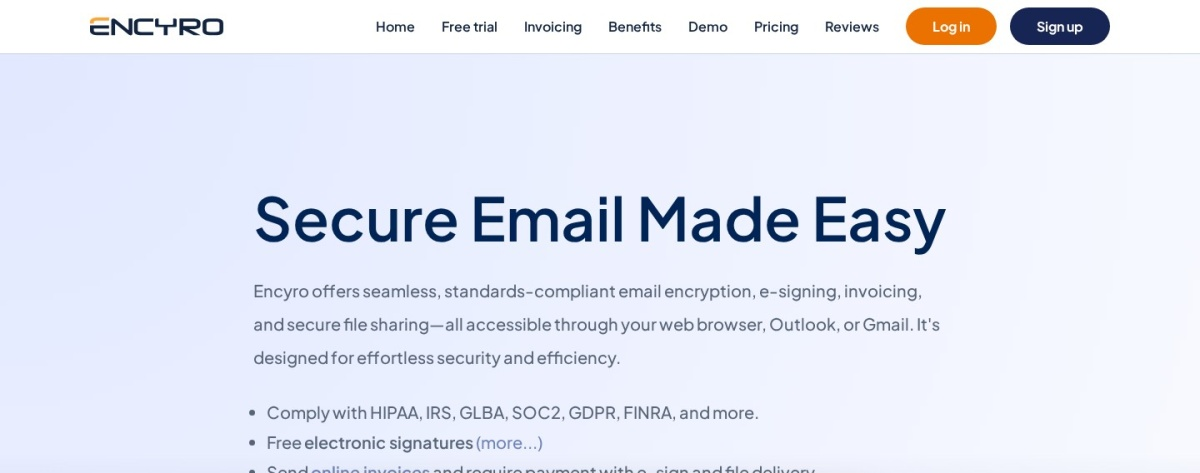
Encyro is a secure email and file service with an Outlook add-in for Windows and Microsoft 365, plus e-signatures and a client upload page. The free Essential plan sends secure messages to any address, and Pro costs $9.99 a month with branding, unlimited e-sign requests and audit trails.
The trade off is scale. Encyro is built for small professional firms, not enterprise policy enforcement, and its public review base is only 30 G2 reviews. It suits accountants, lawyers and clinics that want one-click encrypted sending from Outlook at a low monthly price.
What we like
Free plan covers secure sending to any address
Outlook add-in with one-click secure send
E-signatures and client upload page included
Lowest paid price for an Outlook add-in here
Watch out for
Only 30 G2 reviews so far
Built for small firms, not enterprise policy rules
Pro adds unlimited e-sign, branding and audit trailsVisit encyro.com
06
Microsoft Purview Message Encryption
4.3/5on G2 (40 reviews, checked Nov 2026)
Starts at$22/mo
Best if you already pay for Microsoft 365
Outlook fitNative in Outlook
Standalone priceNo, needs a 365 plan
Recipient accountNo, portal with passcode
Entry planBusiness Premium, per user
microsoft.com
Microsoft Purview Message Encryption homepage, captured Nov 2026.
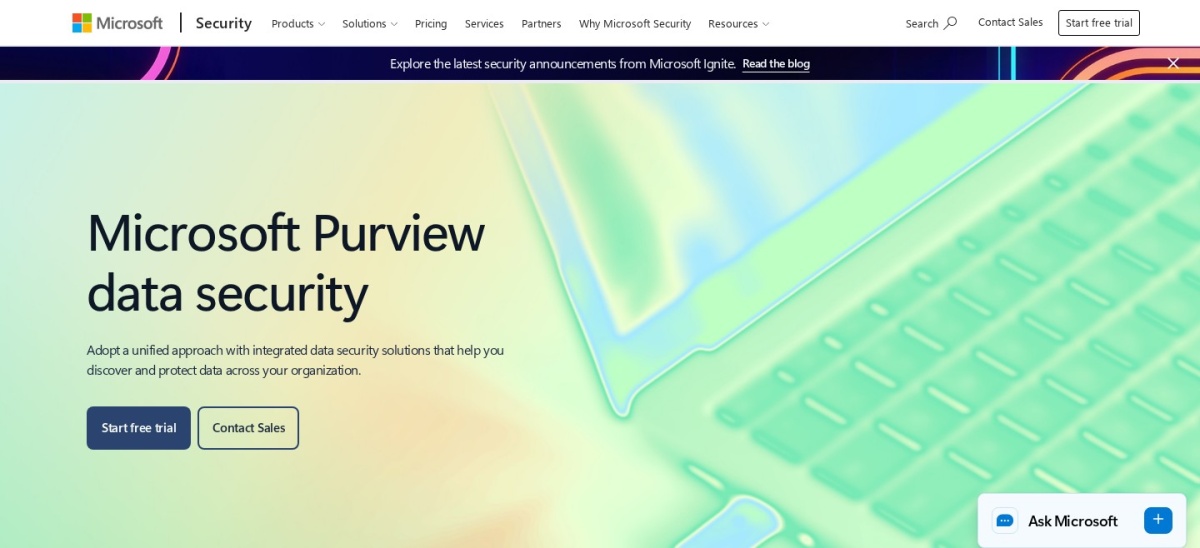
Microsoft Purview Message Encryption is the encryption built into Microsoft 365, so Outlook users on Business Premium at $22 per user a month can encrypt mail with sensitivity labels and mail flow rules and no new vendor. Outlook users in other Microsoft 365 organizations read protected mail natively, while Gmail and Yahoo recipients use a portal.
The trade off is licensing. There is no standalone price, advanced message encryption with revocation and expiry needs E5 or a Purview add-on, and setup depends on tenant configuration. The 4.3 G2 figure is for Microsoft Purview Records Management, the closest Purview listing, since Message Encryption has no standalone G2 page. It suits teams already standardized on Microsoft 365.
What we like
No separate vendor for Microsoft 365 teams
Encrypts by label or mail flow rule, automatically
Recipients need no Microsoft account to read a secure link
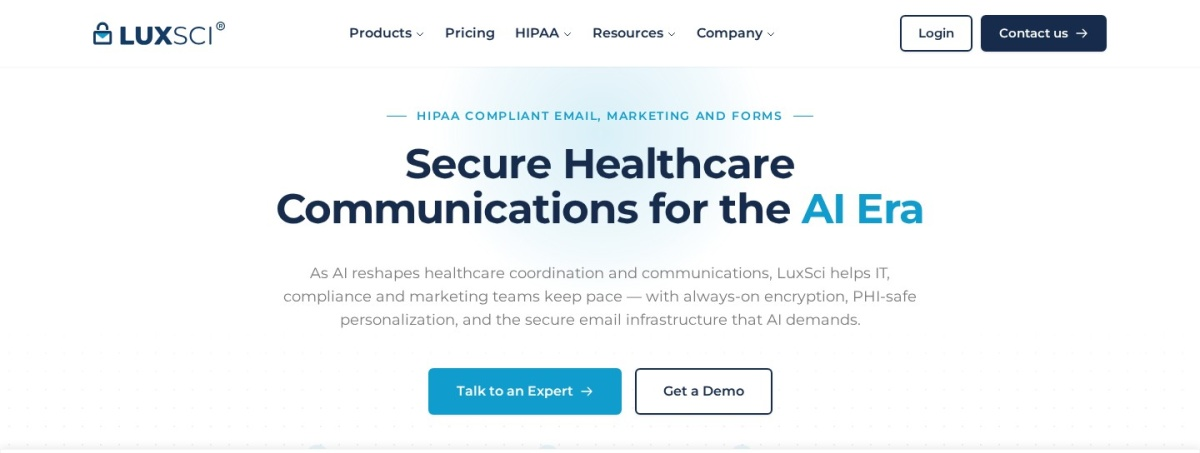
LuxSci is a long-running secure email provider whose SecureLine service encrypts outbound mail by TLS, secure portal, S/MIME or PGP, choosing the method per recipient. Basic costs $11.99 per user a month, works with Outlook through IMAP, and includes a signed agreement for HIPAA use and email archiving.
The trade off is complexity. LuxSci offers deep configuration and optional full email hosting, which takes more setup than a simple add-in, and the 4.7 G2 figure covers LuxSci as a vendor rather than one product. It suits larger clinics and health IT teams that want control over delivery methods and retention.
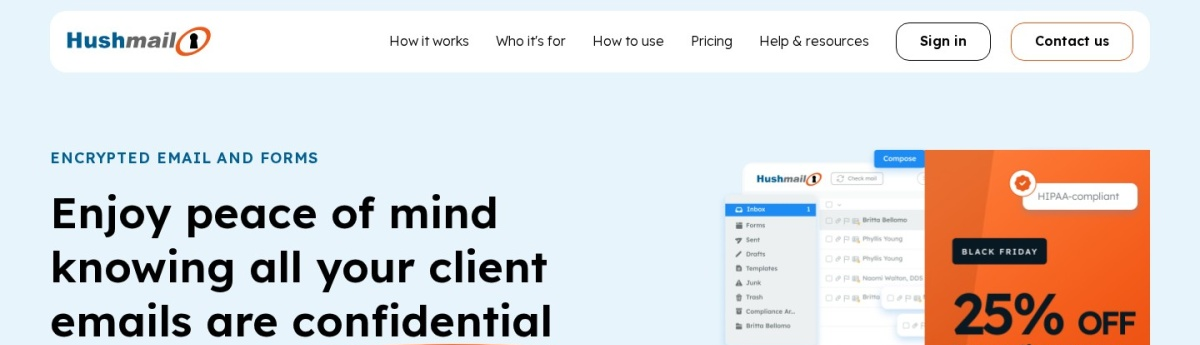
Hushmail is one of the longest-running encrypted email services, offering OpenPGP-encrypted mail and secure web forms for healthcare and legal practices. Healthcare Starter costs $11.99 a month and includes a signed agreement for HIPAA use, archiving and custom domain support.
The trade off is fit. Hushmail is a separate mailbox, not an Outlook add-in, and its G2 record is thin at 3.7 out of 5 from only 4 reviews, the lowest score in this list. It suits solo practitioners who want encrypted mail plus intake forms without running their own mail server.
What we like
Running since 1999, a long track record
Secure web forms on higher healthcare plans
Low entry price for a HIPAA-ready mailbox
Recipients open mail with a Google, Apple or Microsoft account
An add-in keeps Outlook as your mailbox and layers encryption on top. Virtru, PreVeil, Encyro and Purview work this way, so staff keep their addresses, folders and rules.
A new mailbox moves your mail to the encryption provider. Proton Mail and Hushmail work this way, and LuxSci can do either, hosting your mail or sitting behind Outlook as a smart host. Moving mail is a bigger change, so weigh it against the lower price.
Paubox sits in between: it connects to the Microsoft 365 mail you already use, so nothing moves, but delivery runs through its own gateway. Ask any vendor whether mail flow changes before you sign up.
How we chose
We started from every email encryption tool with a published price and an Outlook story: an add-in, a Microsoft 365 connection, or a Bridge to Outlook. Gateway tools that only sell by quote, such as Proofpoint, Mimecast and Barracuda, were left out because buyers cannot budget them from a public price.
Prices come from vendor-supplied G2 listings and vendor pricing pages, checked on 30 November 2026, and ratings come from G2 on the same day. Where a vendor sells in five-user bundles, the list shows the bundle price, not a per-user figure.
We left out tools with no verifiable public rating, including SecureMyEmail and Protected Trust, and tools that publish no price. No vendor paid for a place, and we do not claim to have used these tools ourselves.
How to choose email encryption software for Outlook
Start with what your team already pays for, then fill the gaps with one tool.
Check what your Microsoft 365 plan already includes. Purview Message Encryption comes with Business Premium and E3, so enable it before buying a second tool. If it covers your needs, you may not need anything else.
Count the cost for your whole team, not one user. Virtru and Paubox sell in five-user bundles, so price five seats even for a smaller team, and compare that with per-user tools such as PreVeil at $30 a user a month.
Send a message to your hardest recipient first. Pick someone outside your organization and check how many steps they take to read it. If they give up, staff will route around the tool.
Confirm the compliance paperwork before you pay. Ask for a signed agreement for HIPAA use and check that encryption, audit logs and retention match your requirements. Turn on two-factor authentication for every mailbox as well.
FAQ
What is the best email encryption software for Outlook in 2026?
Virtru is the best pick for most Outlook teams. It adds end-to-end encryption, expiry and revocation inside Outlook at $119 a month for 5 users, and recipients open messages in a browser without an account.
How much does email encryption software for Outlook cost?
Paid plans in this list run from $6.99 per user a month for Proton Mail Essentials to $119 a month for Virtru Starter, which covers 5 users. Paubox starts at $32 a month for 5 senders, and PreVeil Business costs $30 per user a month.
Is there free email encryption software for Outlook?
Yes. Proton Mail, PreVeil and Encyro all have free plans. Proton Mail is free with 1 GB of storage, PreVeil Basic is free with 5 GB, and Encyro Essential sends secure messages at no cost, though paid plans add storage and admin controls.
Which email encryption software is best for small teams?
Encyro is the best fit for a small team on a budget, at $9.99 a month with an Outlook add-in and a free plan to start. Paubox is the better pick for small healthcare teams, since it encrypts every outbound email with no portal step.
Virtru vs Paubox: which is better for Outlook?
Virtru is better when you need sender controls such as expiry, revocation and disable-forward inside Outlook. Paubox is better for healthcare teams that want every outbound email encrypted automatically and delivered straight to the recipient's inbox.
Does Microsoft 365 include email encryption for Outlook?
Yes, for some plans. Purview Message Encryption is included in Microsoft 365 Business Premium at $22 per user a month and in E3 and E5, so check your license before buying a separate tool. Advanced controls such as revocation need E5 or a Purview add-on.
SaaS SEO and WordPress specialist with about 8 years of experience. Rakib compares WordPress plugins, themes, hosting and software using public pricing, documentation and user reviews. See how we rank.