Clio Manage is the best deposition management software for mid-size law firms, covering matters, documents and billing from $49 per user a month with a 4.6/5 G2 rating. CaseFleet is the pick for deposition chronologies at $30 a user a month, while eDepoze handles paperless exhibits for $300 a session.
How we make this list: we compare pricing pages, product documentation and public user reviews, then re-check every price before each update. No product paid for a place. Disclosure.
Clio Manage covers matters, documents and billing from $49 a user a month, with the largest review base here at 1,159 G2 reviews.
CaseFleet ties deposition facts to a case chronology for $30 a user a month billed annually, the lowest subscription in this list.
eDepoze runs paperless exhibits for $300 a session, with no monthly subscription.
Only 2 of the 7 tools are quote-only: Everlaw and Opus 2 publish no price, so budget for a sales call.
TranscriptPad comes only inside the LIT SUITE bundle at $50 a month, and it works on Apple devices only.
How do you choose deposition management software for mid size law firms?
A mid-size firm needs one place for the deposition record. Scheduling, transcripts, exhibits and video should sit with the matter, not in separate inboxes and shared drives.
Exhibit handling is where dedicated tools earn their keep. eDepoze and Opus 2 mark and log exhibits as they are introduced, so the stamped exhibit set is ready the same day.
Transcript review is the daily work. Tools such as TranscriptPad and Everlaw let lawyers search testimony, mark designations and pull clips without re-reading the whole transcript. Our guide on uploading and embedding a PDF in WordPress covers sharing marked exhibits with clients.
Price is the widest gap in this list. eDepoze costs $300 a session with no subscription, CaseFleet costs $360 a user a year, and the enterprise platforms are quote-only, so ask for a written quote before you compare.
The 7 best deposition management software tools for mid-size law firms
01
Clio Manage
4.6/5on G2 (1,159 reviews, checked Nov 2026)
Starts at$49/mo
Best deposition management software overall
Entry planStarter, $49/user/mo
Free trial7 days
Document storageUnlimited
DepositionsInside matter records
clio.com
Clio Manage homepage, captured Nov 2026.
Clio Manage is a cloud practice platform that keeps deposition work with the matter it belongs to: contacts, documents, calendars, tasks, time tracking and billing in one workspace. The Starter plan starts at $49 per user a month and includes unlimited document storage, time and expense tracking, online payments and legal accounting.
The trade off is depth. Deposition-specific features are thinner than in dedicated transcript tools, so firms that review testimony daily will want a transcript tool beside it. It suits mid-size firms that want one system for the whole matter instead of a separate deposition app.
What we like
Largest review base in this list, 1,159 G2 reviews
Published $49 entry price, no quote needed to start
Unlimited document storage on every plan
300+ integrations with other legal tools
Watch out for
Deposition features are thinner than dedicated tools
Higher tiers need a sales quote
Per-user pricing adds up as the firm grows
Higher tiers add intake, analytics and Clio GrowVisit clio.com
02
CaseFleet
4.7/5on Capterra (41 reviews, checked Nov 2026)
Starts at$30/mo
Best for deposition facts tied to a chronology
Entry planStarter, $30/user/mo
Annual billing$360 per user
Free trial14 days
Documents20 per case on Starter
casefleet.com
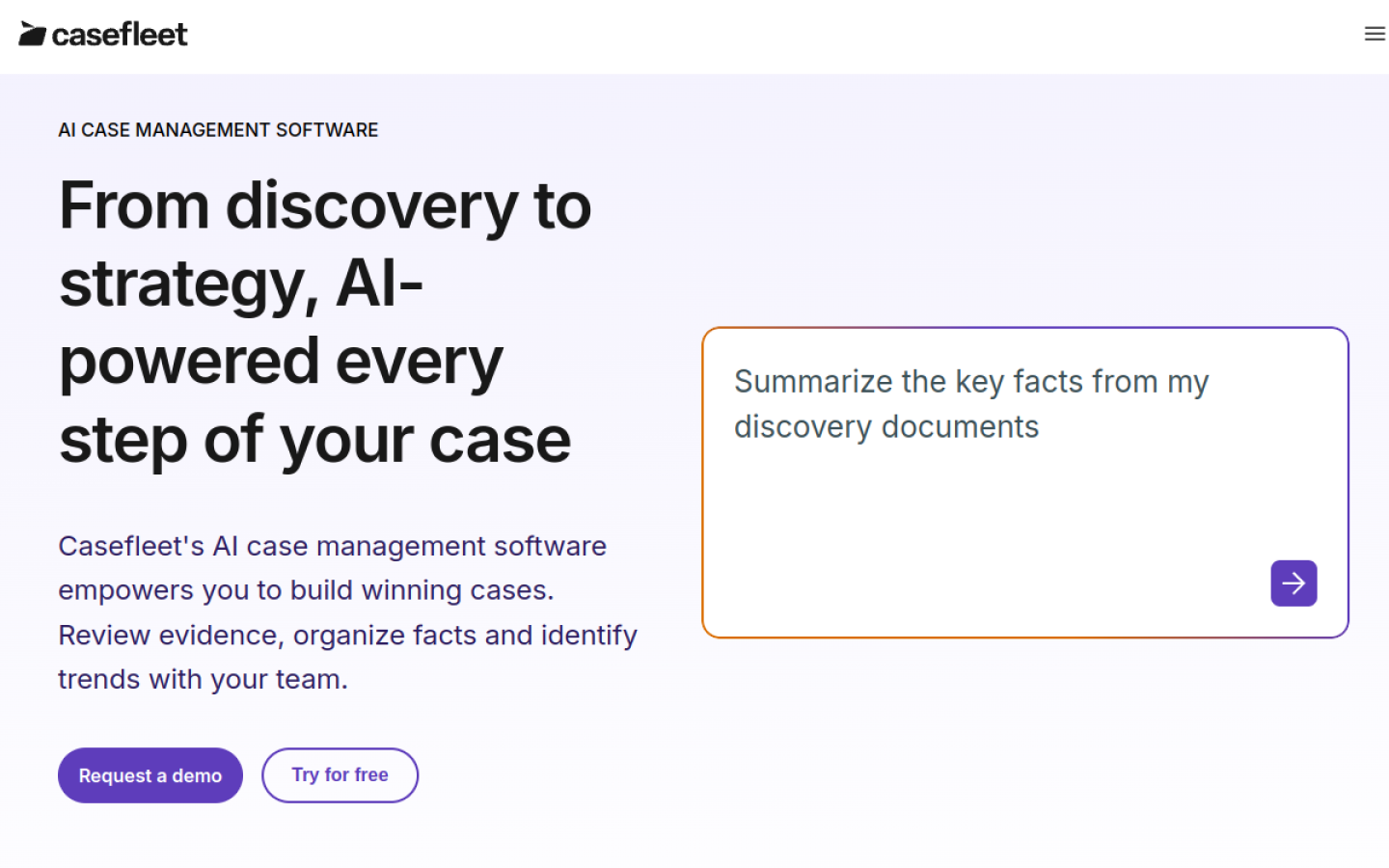
CaseFleet homepage, captured Nov 2026.
CaseFleet is litigation case software built around chronology: facts, witnesses, evidence and deposition testimony are linked to a timeline of events. Starter costs $30 per user a month billed annually and includes case outlines, evidence citations, collaboration tools and up to 20 documents per case.
The trade off is the document cap. Starter allows 20 documents per case, and extra storage costs $10 per GB a month, so heavy matters push you toward the $140 Advanced AI tier. It suits litigation teams that build their case from the deposition record outward.
What we like
Highest rating in this list, 4.7/5 on Capterra
Lowest subscription price here at $30 a user a month
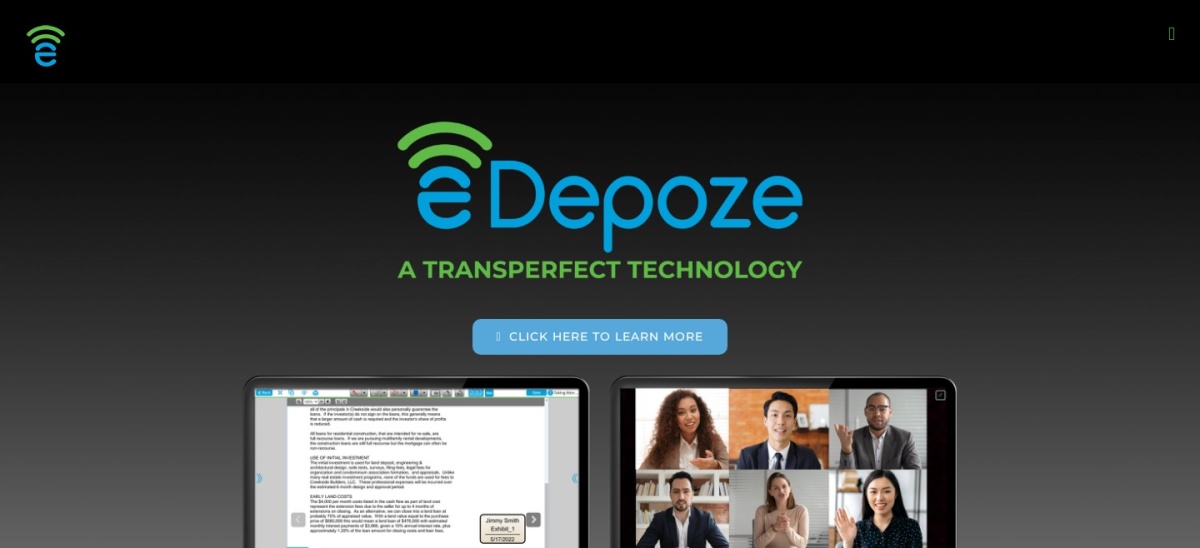
eDepoze is a deposition exhibit app that replaces paper binders: upload potential exhibits, then introduce them from an iPad or laptop while every attendee views and annotates their own copy. Introduced exhibits are stamped and logged immediately after the deposition, and the vendor says firms save up to 95% on deposition costs.
The trade off is that it is exhibits only. eDepoze does not schedule depositions, host remote sessions or review transcripts, so it sits beside a case platform rather than replacing one. It suits firms that run depositions often and want the paper gone.
What we like
No monthly subscription, pay per session
Exhibits stamped and logged the same day
Every attendee annotates their own copy
30-day free trial
Watch out for
Only 3 Capterra reviews, all from 2018
Exhibits only, no scheduling or transcripts
Coordinating first-time users takes extra setup, per reviewers
Paid sessions add the full exhibit workflow with no subscriptionVisit edepoze.com
04
MyCase
4.5/5on G2 (455 reviews, checked Nov 2026)
Starts at$50/mo
Best all-in-one case and deposition records
Entry planBasic, $50/user/mo
Free trialYes
Client portalIncluded
BillingTime tracking and invoicing
mycase.com
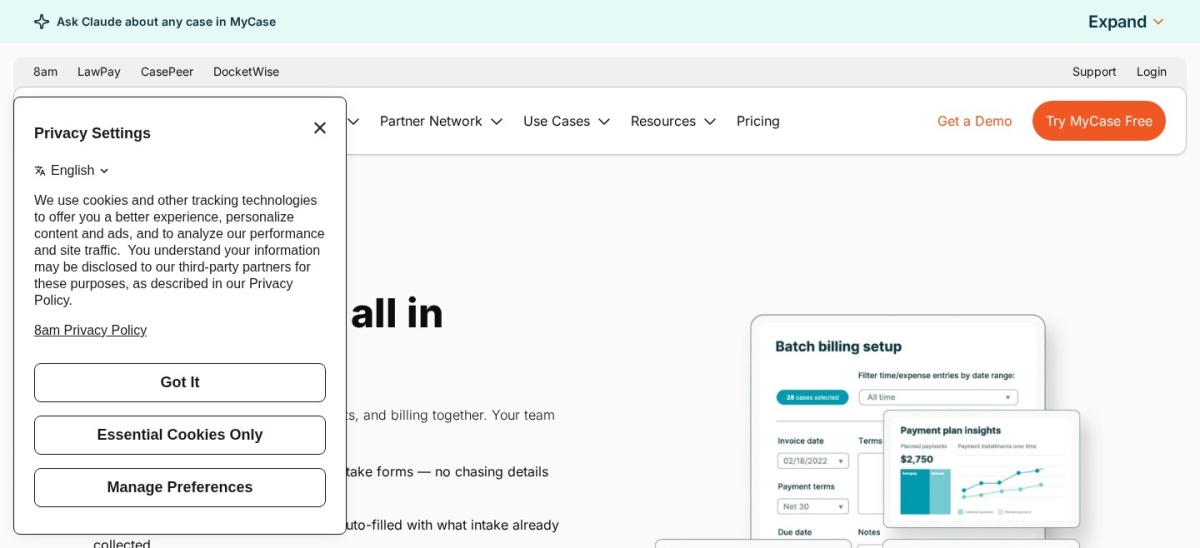
MyCase homepage, captured Nov 2026.
MyCase is a practice platform that keeps case files, deposition records, billing, time tracking and a client portal in one subscription. Basic costs $50 per user a month and covers core case management, document storage, billing and client communication, with a free trial to start.
The trade off is the jump between tiers. Pro costs $100 and Advanced $130 per user a month, so features such as intake forms and eSignature sit two tiers up. It suits small and mid-size firms that want clients to see case updates without a separate portal.
What we like
4.5/5 on G2 from 455 reviews
Client portal included on the entry plan
Billing and trust accounting built in
Free trial to start
Watch out for
Price doubles to Pro at $100 a user a month
Deposition tools are general, not transcript-first
No permanent free plan
Pro adds intake forms and more automation at $100 a user a monthVisit mycase.com
05
LIT SUITE
5/5on SourceForge (1 reviews, checked Nov 2026)
Starts at$50/mo
Best for transcript review on iPad
Entry planSolo Litigator, $50/mo
BillingAnnually via App Store
Free trial7 days
PlatformiPad, iPhone and Mac
litsoftware.com
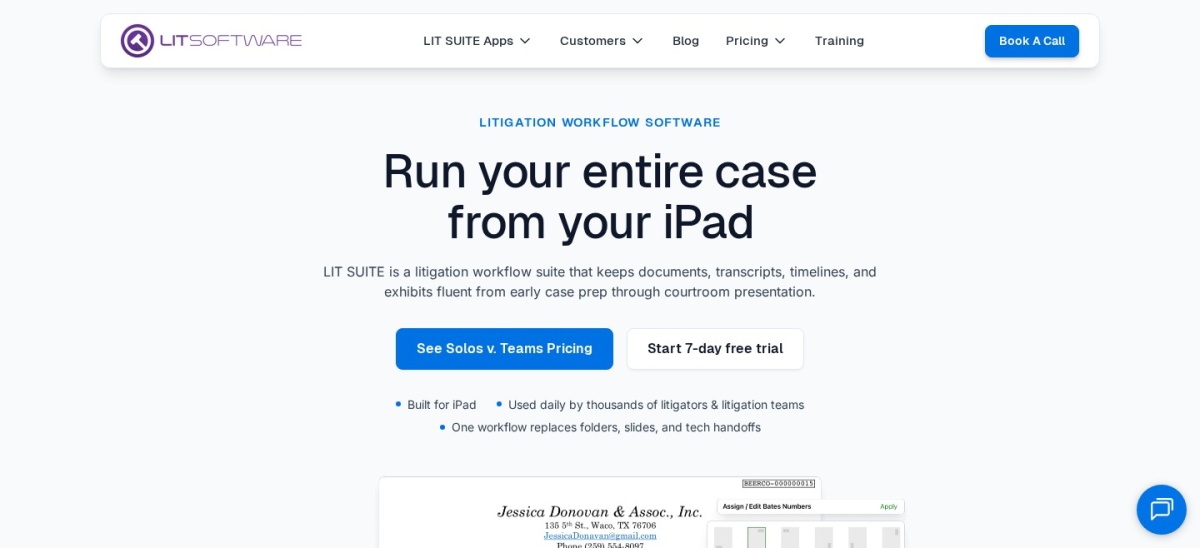
LIT SUITE homepage, captured Nov 2026.
LIT SUITE is a bundle of five litigation apps from LIT Software, and TranscriptPad is the deposition tool inside it: designations, issue codes, highlights, redactions and notes on the transcript, with video synced to the text. Solo Litigator costs $50 a month billed annually through the App Store and includes all five apps.
The trade off is that TranscriptPad is not sold on its own. The $50 covers the whole bundle, which is more than a transcript-only user needs, and there is no Windows or web version. It suits trial lawyers who already work on iPad and Mac.
What we like
Designations and issue codes keep testimony organised
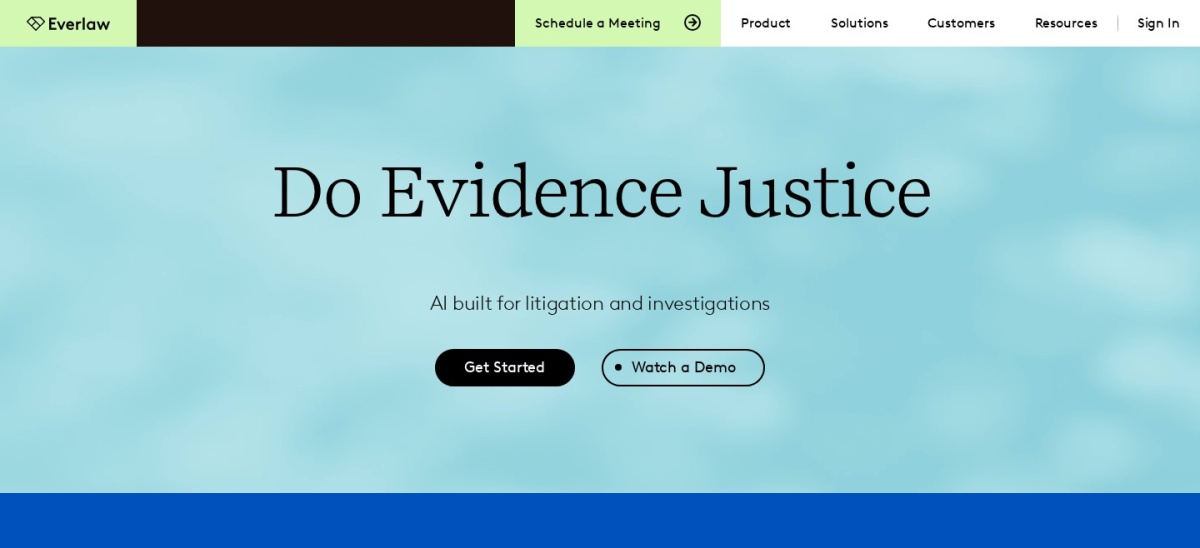
Everlaw is a cloud litigation platform where deposition transcripts sit beside the documents they refer to, so reviewers can check testimony against the evidence without switching tools. It covers document review, case outlines, transcript analysis and AI-assisted search in one workspace, with onboarding and support included.
The trade off is price. Everlaw publishes no price list and quotes per matter, so a mid-size firm cannot budget it from the website. It suits firms running document-heavy litigation where deposition testimony has to be checked against a large evidence set.
What we like
Strongest review base for an enterprise pick, 780 G2 reviews
Transcript search linked to related documents
AI-assisted review and case outlines
Onboarding and support included
Watch out for
No published price, quote only
Built for larger matters, more than most mid-size firms need
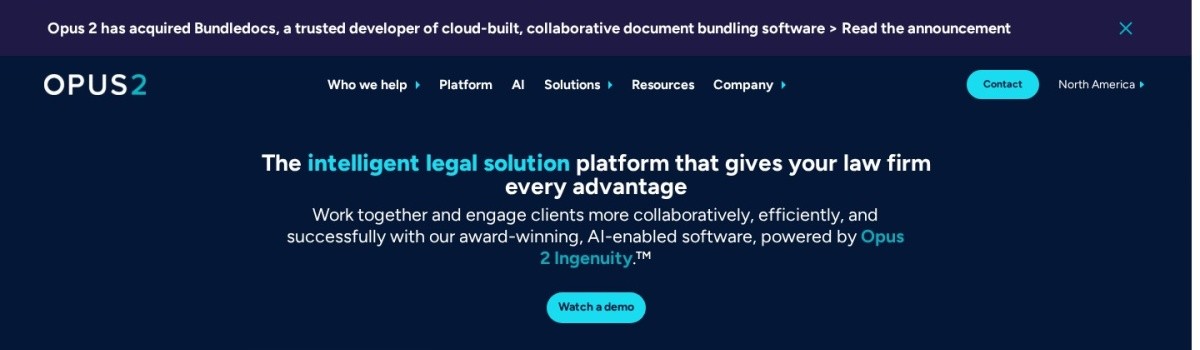
Opus 2 is a litigation platform for complex disputes, with case preparation, hearings and transcript tools in one system. Its deposition features cover synced video, designations and collaboration with co-counsel, and reviewers praise how easy it is to share work across teams.
The trade off is cost and fit. Opus 2 publishes no price, reviewers call it expensive, and it targets large disputes, so a mid-size firm should get a quote early. It suits firms running multi-party litigation with heavy transcript work.
Two tools here publish no price: Everlaw and Opus 2. Their cost depends on matter size, user count and modules, so two firms can pay very different amounts.
Ask each vendor for a written quote that names the user count, the deposition volume and the contract length. A quote that leaves those out cannot be compared with the published prices above.
If the quote comes back above the published tools, weigh what the platform replaces. A firm that already pays for separate eDiscovery may save by moving deposition work into Everlaw.
Do not sign a multi-year deal on a first quote. Start with one matter, measure how often the team opens the transcript tools, and renew on that evidence.
How we chose
We started from deposition tools named across legal software roundups and review sites, then kept those with a published price or a clear quote route and a public rating.
Prices come from each vendor's pricing page or review-site pricing data, checked on 30 November 2026. Ratings and review counts come from G2, Capterra or SourceForge on the same day. Where a vendor shows a sale, the list shows the regular price.
We left out tools with no public rating, including AgileLaw, DepoDirect, Veritext, Prevail and Skribe. No vendor paid for a place, and we do not claim to have used these tools ourselves.
How to choose deposition management software for a mid-size firm
Start with how your firm takes depositions today, then match the tool to the gap.
Count your depositions per month. A firm taking two depositions a month can pay per session with eDepoze; a firm taking twenty needs a subscription such as Clio or CaseFleet.
Decide what happens to exhibits. If exhibits are the bottleneck, pick a tool that marks and logs them as they are introduced, such as eDepoze or Opus 2.
Check who reviews transcripts. If partners mark designations on iPads, LIT SUITE fits; if a team reviews together, Everlaw keeps the work in one place.
Get the quote in writing before you compare. Quote-only tools cannot be judged against published prices until the quote names users, volume and term.
FAQ
What is the best deposition management software for mid-size law firms?
Clio Manage is the best pick for most mid-size firms. It covers matters, documents, billing and deposition records from $49 per user a month, and it holds a 4.6 out of 5 rating on G2 from 1,159 reviews.
How much does deposition management software cost?
Published prices here run from $300 a session for eDepoze to $50 a user a month for MyCase and LIT SUITE. CaseFleet is the cheapest subscription at $30 a user a month billed annually. Everlaw and Opus 2 are quote-only.
Is there a free deposition management software?
No tool here offers a permanent free plan. eDepoze lists a free version and most tools offer a trial of 7 to 30 days, so you can run a real deposition through a shortlist before paying.
Which tool is best for paperless exhibits?
eDepoze is the best fit for paperless exhibits. It uploads potential exhibits, introduces them from an iPad or laptop, and stamps and logs the official set the same day, for $300 a session with no subscription.
What is better for a mid-size firm, Clio Manage or MyCase?
Clio Manage is the better-rated pick at 4.6 on G2 from 1,159 reviews, against MyCase at 4.5 from 455 reviews, and Clio starts a dollar cheaper at $49 a user a month. MyCase is the closer match if the client portal matters most.
Can I use deposition software on Windows?
Most tools here are cloud-based and work on Windows, including Clio, CaseFleet, MyCase, Everlaw and Opus 2. LIT SUITE is the exception: TranscriptPad runs on Apple devices only, so Windows users need another route.
SaaS SEO and WordPress specialist with about 8 years of experience. Rakib compares WordPress plugins, themes, hosting and software using public pricing, documentation and user reviews. See how we rank.