PandaDoc is the best contract management software for plumbers who send proposals and service agreements, with a free e-signature plan and paid plans from $19 per user a month. Jobber and Housecall Pro suit crews that want quotes, scheduling and signed approvals in one field-service app.
How we make this list: we compare pricing pages, product documentation and public user reviews, then re-check every price before each update. No product paid for a place. Disclosure.
PandaDoc is the only pick with a free e-signature plan, and paid plans start at $19 per user a month with unlimited signing.
Jobber at $29 a month and Housecall Pro at $59 a month tie signed quotes to scheduling, dispatch and invoicing.
FieldPulse adds flat-rate pricebooks at $99 a month for growing shops that price by the job, not the hour.
SignNow at $8 a month and Dropbox Sign at $15 a month are the cheapest paid signing-only options.
Joist is the budget pick for solo plumbers, with a free plan and paid plans from $14 a month.
What should contract management software for plumbers do?
A plumbing contract is usually a signed estimate, a service agreement or a change order, not a long legal document. The software has to get that paper signed fast, store it where the office can find it, and turn it into an invoice without retyping.
On-site signing matters most. A customer who signs the estimate on a phone while the plumber is still in the kitchen is far more likely to approve the work than one who gets a PDF by email later. Our guide on how to quote in WordPress covers the same point for written quotes.
Prices spread wide in this list, from free plans to $99 a month, because the tools do different jobs. Signing-only tools are cheap and narrow, while field-service apps cost more and replace the quote, the schedule and the invoice too.
Renewals and service plans are the second job. A maintenance agreement that renews every year is worth more than a one-off repair, so the best tools remind you before it lapses and make the renewal easy to sign. Our invoice guide shows how the signed job becomes a bill.
The 9 best contract management software picks for plumbers
01
PandaDoc
4.7/5on G2 (3,324 reviews, checked Nov 2026)
Paid from$19/user/mo
Best overall for proposals and contracts
Free e-sign planYes, 5 documents
Paid planEssentials, $19/user/mo
Unlimited signaturesOn all paid plans
TemplatesProposals and contracts
pandadoc.com
PandaDoc homepage, captured Nov 2026.
PandaDoc is a document platform for building proposals, quotes and contracts, then sending them for legally binding e-signature. The free eSign plan covers basic signing, and Essentials at $19 per user a month adds templates, a drag-and-drop editor and document analytics.
The trade off is that the cheapest plan lacks CRM integrations and approval workflows, which arrive on Business at $49 per user a month. It suits plumbers who send formal proposals, service agreements and subcontracts and want tracking on every document.
Jobber is field-service software for home-service crews, covering requests, quotes, scheduling, invoicing and payments in one app. Customers approve quotes and sign in the client hub, and the Core plan starts at $29 a month for one user on annual billing.
The trade off is price as the crew grows. Connect and Grow raise the monthly cost, and add-ons such as marketing tools cost extra. It suits small plumbing crews that want the quote-to-invoice run in one place without a separate signing tool.
Housecall Pro is home-service software that wraps estimates, scheduling, dispatch, invoicing, payments and review requests into one app. Customers approve estimates on site by phone or email, and the Basic plan costs $59 a month on annual billing for one user.
The trade off is that useful extras sit a tier up. QuickBooks sync, GPS tracking and marketing automation start with Essentials at $149 a month. It suits residential plumbing shops that want booking, dispatch and payments together.
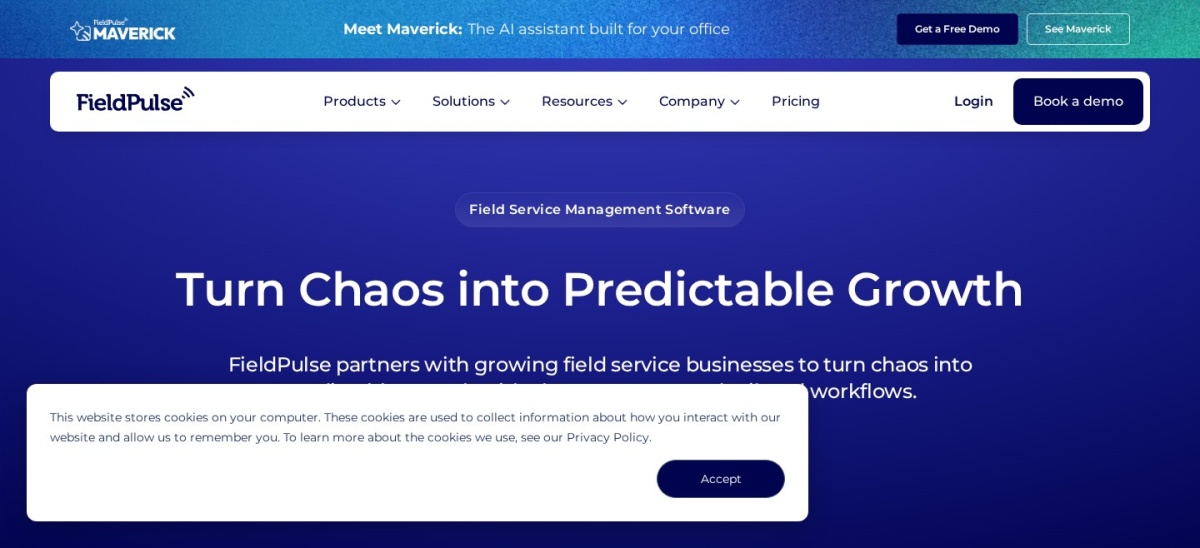
FieldPulse is field-service software for growing trade shops, with flat-rate pricebooks, estimates, scheduling, invoicing and job tracking. Customers sign estimates on site, and plans start at $99 a month with seat-based pricing.
The trade off is the starting price. At $99 a month it costs more than Jobber Core, and pricing is quoted per seat, so larger crews pay more. It suits plumbing shops that price by flat rate and want the pricebook at the centre of every quote.
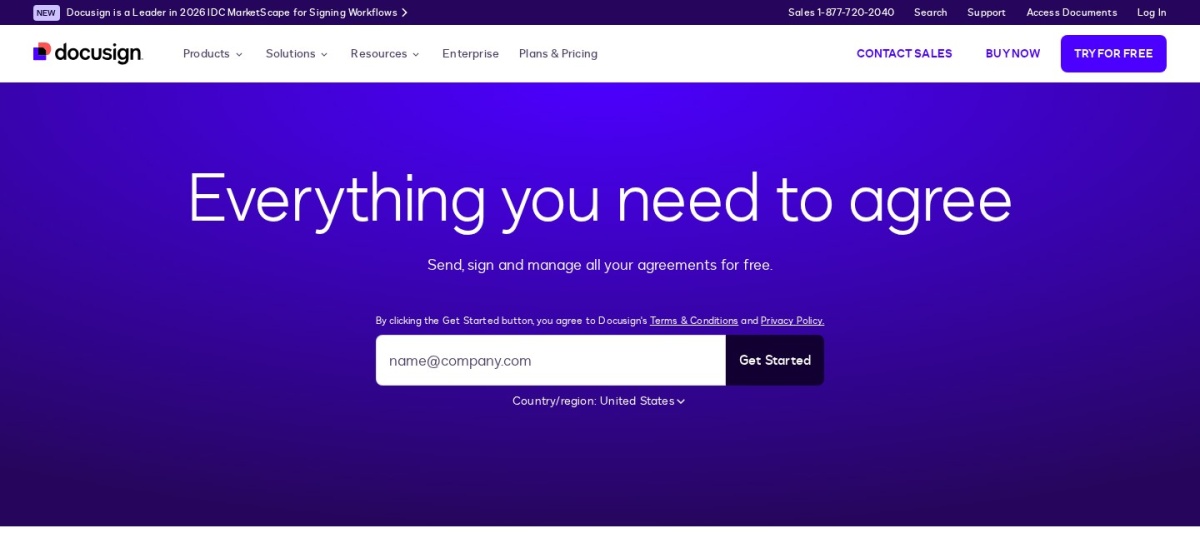
DocuSign is the best-known e-signature product, used for service agreements, change orders and commercial paperwork. The Personal plan costs $11 a month for one user and covers 5 envelopes a month, with templates and reminders included.
The trade off is the envelope cap. Standard and Business Pro allow about 100 envelopes per user a year, so high-volume shops pay more per seat. It suits plumbers who work with property managers or general contractors that already expect DocuSign.
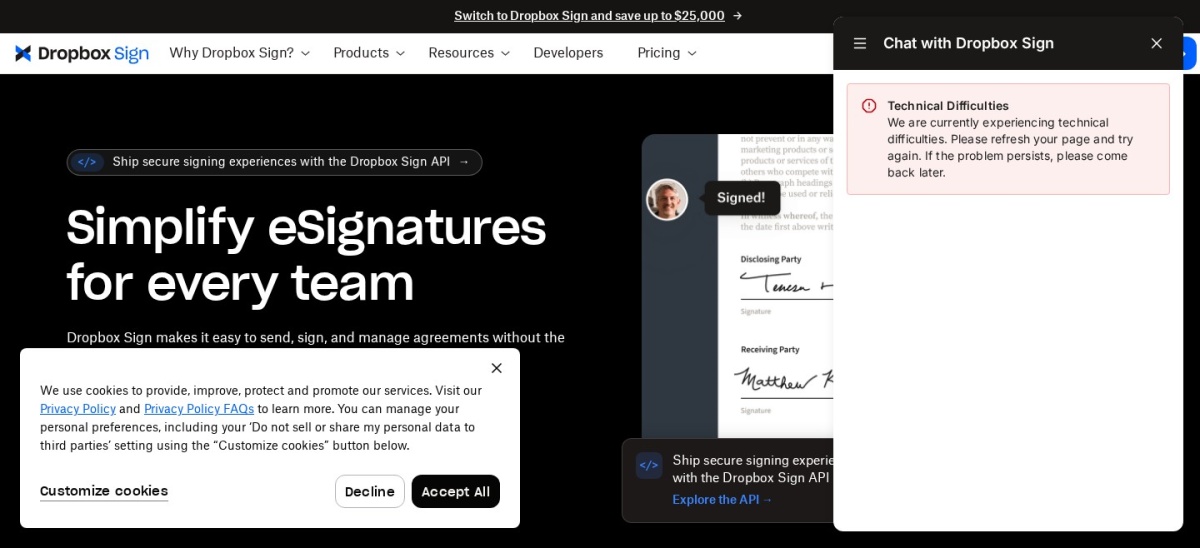
Dropbox Sign, formerly HelloSign, focuses on sending, receiving and managing legally binding electronic signatures. The Essentials plan costs $15 a month and adds templates, while a limited free plan covers occasional signing.
The trade off is depth. It is mainly a signing tool, so contract storage, renewal tracking and approval workflows are thin. It suits solo plumbers and small shops that need clean, simple signing without a full contract suite.
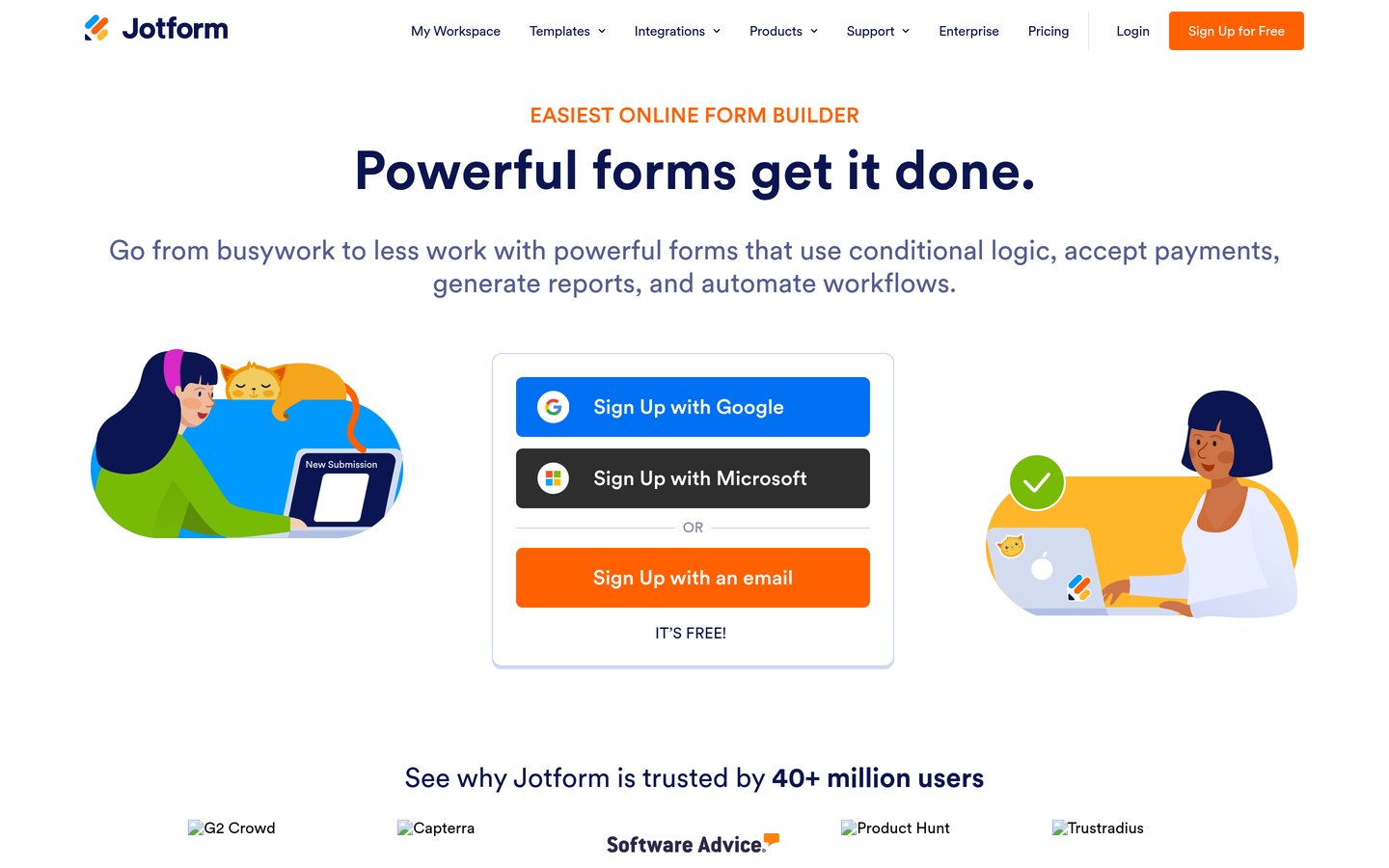
Jotform Sign turns forms and documents into legally binding agreements that customers can sign anywhere, with automated workflows behind them. The free plan covers light use, and paid plans start at $34 a month with more submissions and signers.
The trade off is focus. It is built around forms and quick signing rather than deep contract storage or renewal tracking. It suits plumbing shops that already use Jotform, or want intake forms and signed agreements in one flow.
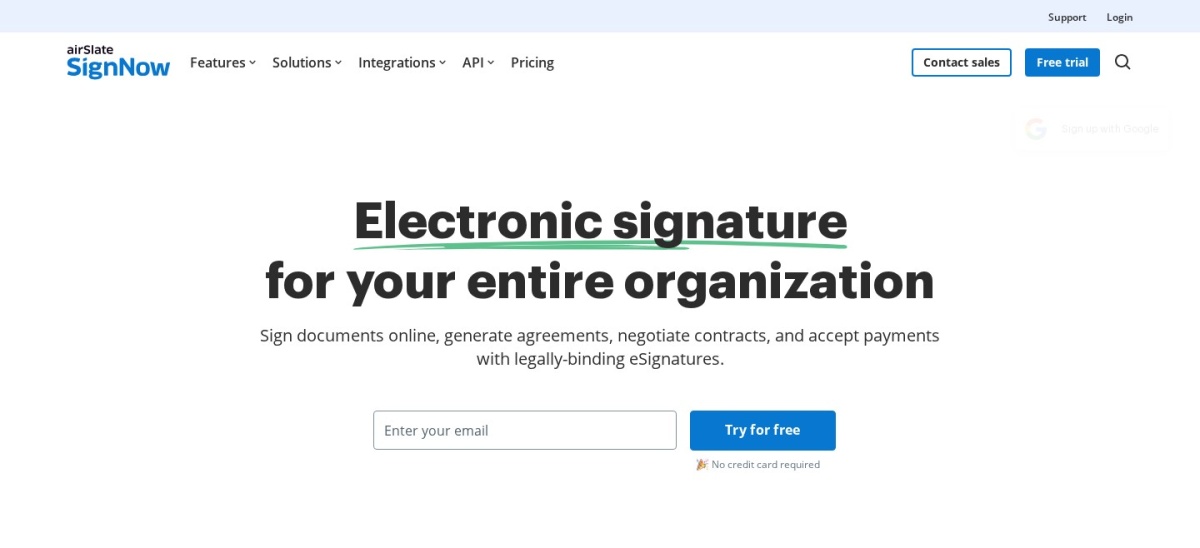
SignNow is an e-signature tool with templates, bulk sending and team folders at a low entry price. The Business plan costs $8 per user a month on annual billing, which makes it the cheapest paid signing pick in this list.
The trade off is brand recognition. Fewer clients know SignNow than DocuSign, and there is no free plan, only a trial. It suits plumbing companies that send plenty of agreements and want the full signing feature set for the least money.
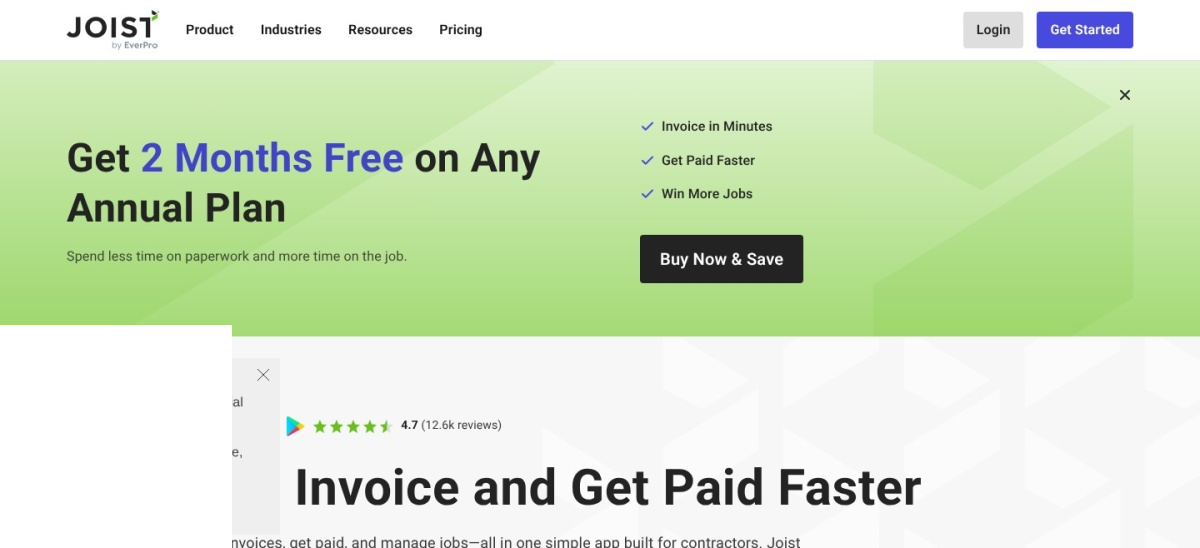
Joist is a mobile-first estimating and invoicing app for solo tradespeople. A plumber can build an estimate on a phone, get it signed on site and turn it into an invoice, with a free plan and paid plans from $14 a month.
The trade off is scale. Joist covers estimates, invoices and payments, but it has no dispatch, scheduling or contract repository. It suits one-person plumbing outfits that want the cheapest way to send signed estimates.
The split in this list is the decision. Field-service apps such as Jobber, Housecall Pro and FieldPulse handle the whole job, from the first quote to the final invoice, and signing is one step inside that flow.
Signing-only tools such as PandaDoc, DocuSign, Dropbox Sign, SignNow and Jotform Sign do one thing well: they get agreements signed, stored and tracked. They cost less, but they leave scheduling and invoicing to other software.
A crew of three or more usually gains more from a field-service app, because the signed quote already sits next to the schedule and the invoice. A solo plumber who only needs the odd service agreement signed can stay with PandaDoc free or SignNow and spend the difference elsewhere.
How we chose
We started from the tools plumbing and contractor guides recommend most, then kept the ones with published prices and a public rating from G2 or Capterra, checked on 30 November 2026.
Prices come from each vendor's pricing page or a G2 vendor listing, and show the regular price, not a sale. Ratings are G2 unless marked Capterra. Concord at $499 a month and Contractbook at $399 a month were left out as too costly for most plumbing shops, and ServiceTitan was left out because it publishes no price.
No vendor paid for a place, and we do not claim to have used these tools ourselves. We compare pricing pages, documentation and public reviews.
How to choose contract management software for plumbers
Start with how the contract reaches the customer, then work backwards to the price.
Decide where signing happens. If customers sign on site, pick a tool with a mobile app and on-site approval, such as Jobber, Housecall Pro or Joist. If signing happens by email, a signing-only tool is enough.
Count how many agreements you send a month. DocuSign Personal covers 5 envelopes a month, so a busy shop will outgrow it fast. Unlimited signing on PandaDoc paid plans or SignNow fits higher volumes better.
Check whether you need the rest of the job covered. A field-service app replaces the quote, the schedule and the invoice too. If you already have those covered, do not pay for them twice.
Try the free plan or trial with a real job. Send one live estimate or service agreement through it before paying. Check the signed copy looks right and the customer can sign it on a phone.
FAQ
What is the best contract management software for plumbers in 2026?
PandaDoc is the best pick for most plumbing businesses. Its free eSign plan covers basic signing, Essentials costs $19 per user a month with templates and tracking, and it is rated 4.7 out of 5 on G2 from more than 3,300 reviews.
How much does contract management software for plumbers cost?
Paid plans in this list run from $8 a month for SignNow to $99 a month for FieldPulse. Most plumbing shops pay $15 to $59 a month, and PandaDoc, Joist and Jotform Sign all offer a free plan for light use.
Is there a free contract management software option for plumbers?
Yes. PandaDoc has a free eSign plan, Joist has a free plan for estimates and invoices, and Jotform Sign offers a free plan for light use. Dropbox Sign also has a limited free plan for occasional signing.
Which contract management software is best for a solo plumber or a small team?
Joist is the best fit for a solo plumber, with a free plan and paid plans from $14 a month for phone-first estimates. Small teams that send formal proposals should start with PandaDoc, while crews that also need scheduling should look at Jobber.
PandaDoc vs Jobber: which is better for plumbers?
PandaDoc is better for formal proposals and contracts, with a free signing plan and document tracking. Jobber is better for crews that want quotes, scheduling, dispatch and invoicing in one app, with signed approvals built into the quote flow.
Do I need field-service software or just an e-signature tool?
An e-signature tool is enough if you only need agreements signed and stored. Choose field-service software such as Jobber or Housecall Pro when you also want scheduling, dispatch, invoicing and payments tied to the same signed quote.
Can customers sign contracts on a phone at the job site?
Yes, all 9 tools in this list support signing on a phone. Jobber, Housecall Pro, FieldPulse and Joist are built for on-site approval, while PandaDoc, DocuSign and Dropbox Sign send a signing link the customer can open on any device.
SaaS SEO and WordPress specialist with about 8 years of experience. Rakib compares WordPress plugins, themes, hosting and software using public pricing, documentation and user reviews. See how we rank.