Connecteam is the best ClockShark alternative for most field teams, with time tracking, scheduling and chat free for teams up to 10 users. Buddy Punch suits small crews that want cheap GPS clock-ins, while Timeero fits teams that drive between sites.
How we make this list: we compare pricing pages, product documentation and public user reviews, then re-check every price before each update. No product paid for a place. Disclosure.
Connecteam is free for teams up to 10 users, and its paid plan starts at 29 dollars a month for 30 users.
Buddy Punch, Timeero, Workyard and BusyBusy all rate 4.8 out of 5 on G2, the highest scores here.
BusyBusy has the broadest free plan, covering unlimited users with GPS clock-ins and job codes.
Per-user prices run from 2 dollars 50 for When I Work to 10 dollars for QuickBooks Time, before base fees.
QuickBooks Time is the pick for teams already on QuickBooks, since timesheets sync straight into payroll.
How do you choose ClockShark alternatives?
ClockShark charges 40 dollars a month plus 9 dollars per user, so the first question is whether you need job costing or just a clock.
Crews that bill by the job should pick a tool that codes hours to jobs automatically. Workyard and BusyBusy do that, while Connecteam and Deputy lean more on scheduling.
Per-user prices hide base fees. Buddy Punch adds 19 dollars a month, Workyard adds 50 dollars, and QuickBooks Time adds 20 dollars, so price the whole stack for your crew size.
Offline work matters on remote sites. Timeero keeps recording without signal and syncs later, while When I Work needs connectivity to clock in at all.
Connecteam is an all-in-one workforce app for deskless teams that combines time tracking, scheduling, forms and team chat in one place. The Small Business plan is free for up to 10 users, and Operations Basic costs 29 dollars a month for the first 30 users.
The trade off is that costs rise sharply once a team grows past the free tier and needs advanced features, and the broad toolkit takes longer to set up than a simple clock. It suits small field teams that want scheduling and communication beside time tracking.
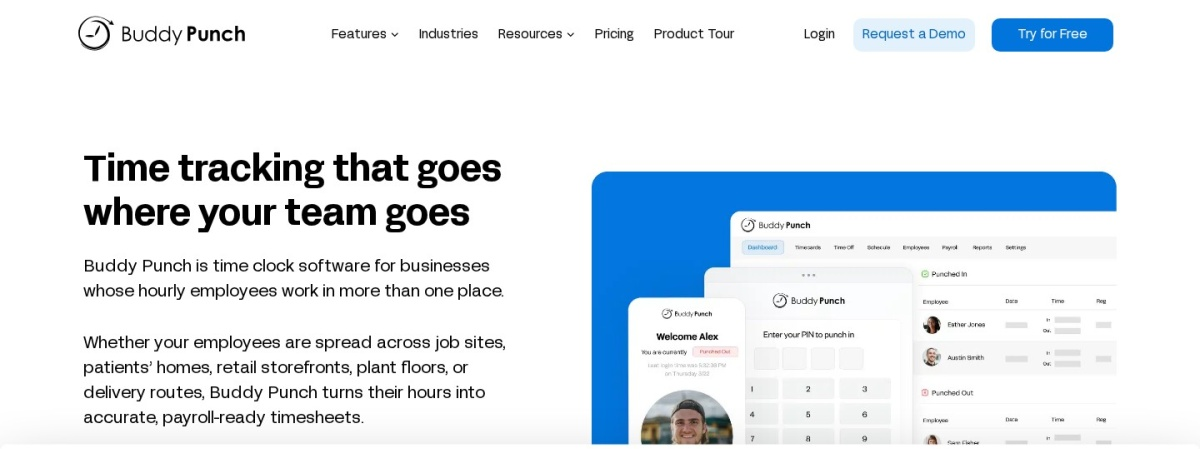
Buddy Punch is a simple time clock app for hourly field workers, with GPS punch records, photo clock-ins, break tracking and overtime alerts. Plans start at 4 dollars 99 per user a month plus a 19 dollar monthly base fee, and it links to payroll tools.
The trade off is that the base fee makes it dearer than the per-user price suggests for a very small crew, and it has no free plan. It suits small businesses that want straightforward clock-ins with GPS proof at a low per-user cost.
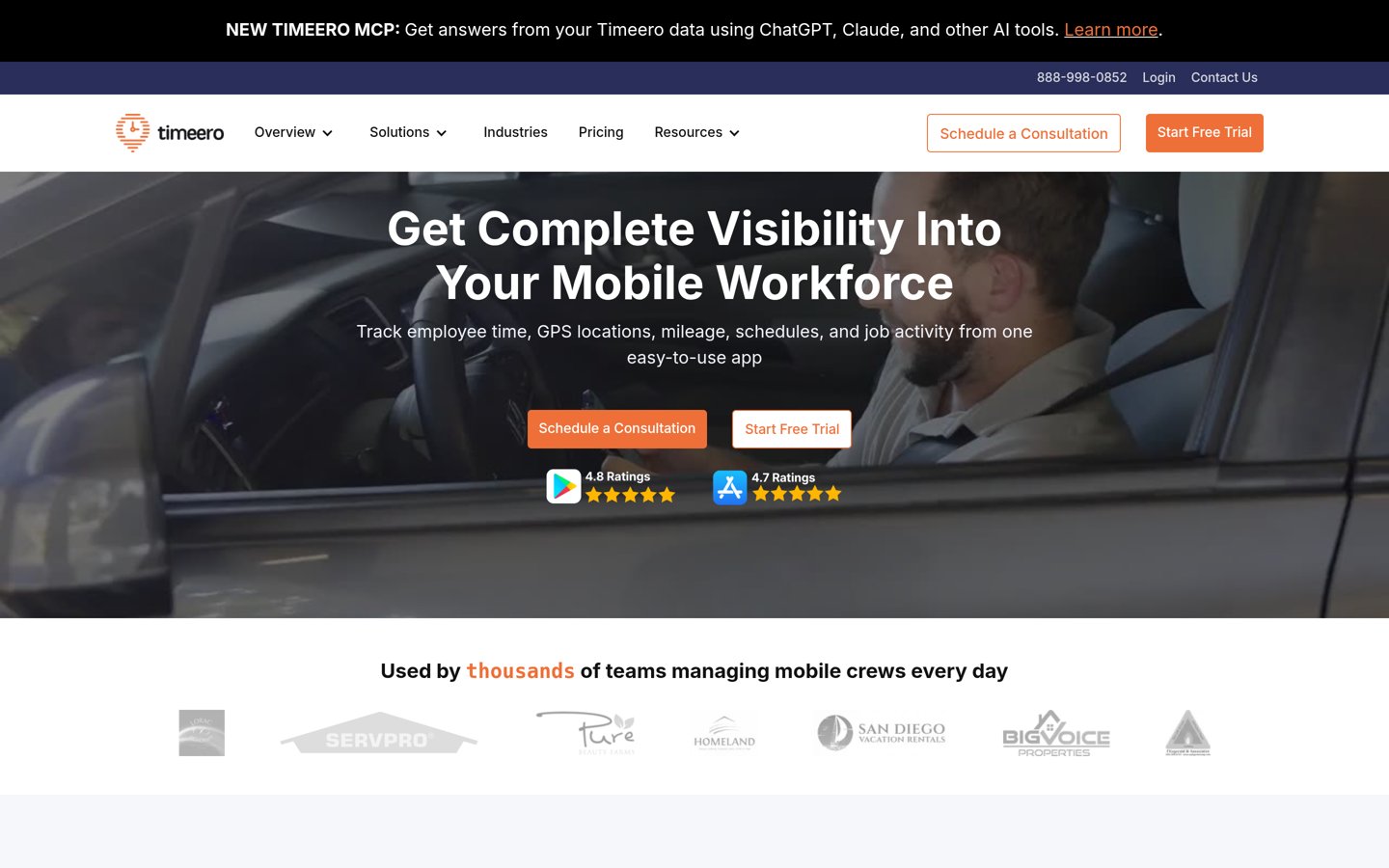
Timeero is a time tracking app for mobile crews that records hours, locations and mileage automatically, even where there is no cell signal. The Basic plan costs 5 dollars per user a month for up to 10 users, with segmented tracking that follows each job site visit.
The trade off is that the Basic plan caps at 10 users, and larger teams pay 7 dollars 50 per user a month, while geofencing needs the Pro plan. It suits crews that drive between sites and work in rural areas with patchy signal.
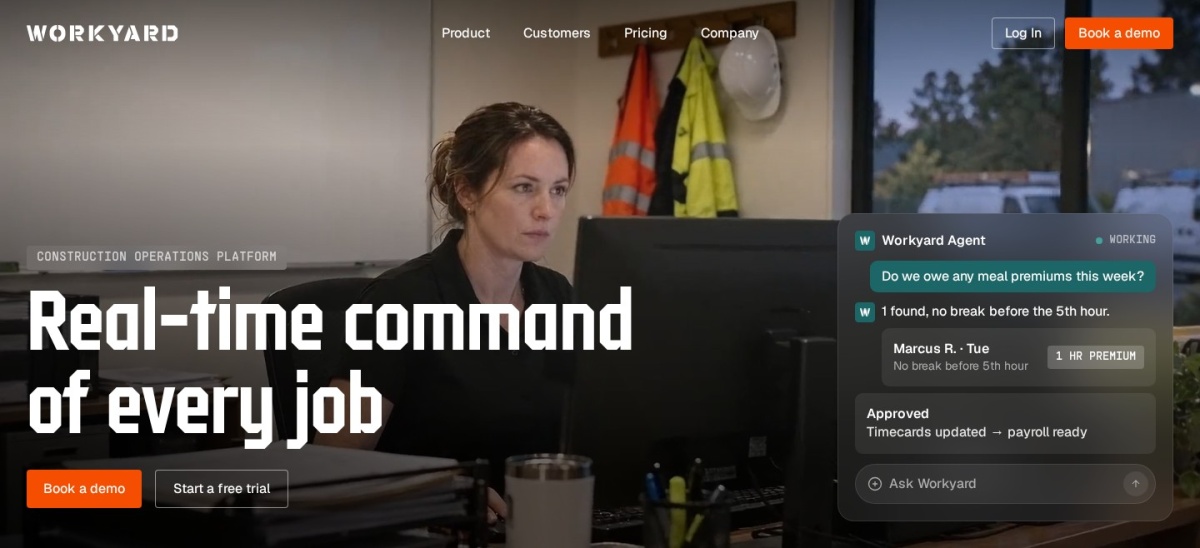
Workyard is a workforce platform built for construction and field service that ties GPS-verified hours to jobs and cost codes automatically. Plans start from 6 dollars per user a month plus a 50 dollar monthly base fee, with scheduling, forms and certified payroll reports.
The trade off is that the base fee and Pro-tier gating make it dearer than the per-user price suggests for a small residential crew. It suits contractors that need clean hours-to-payroll records with automatic job costing.
BusyBusy is a construction time tracking app with a free plan that covers unlimited users, GPS clock-ins, job codes and equipment tracking at no cost. Paid plans start at 9 dollars 99 per user a month plus a 40 dollar admin licence, and add scheduling and deeper job costing.
The trade off is that the admin licence adds 40 dollars a month before any user fees, so the paid plan costs more than the per-user price alone. It suits commercial construction teams that want a real free plan before they pay.
Deputy is a workforce platform that pairs employee scheduling with time tracking, labour compliance controls and team communication. The Scheduling plan costs 5 dollars per user a month billed monthly, with a 30 dollar monthly minimum, and time tracking can be added beside it.
The trade off is that the headline price covers scheduling only, so full time tracking and payroll cost more, and there is no free plan. It suits shift-based teams that need compliant rosters as much as clock-ins.
QuickBooks Time is a field timesheet app that syncs hours, mileage and job costs straight into QuickBooks Online and QuickBooks Payroll. The Premium plan costs 10 dollars per user a month plus a 20 dollar monthly base fee, with GPS tracking and project budgets.
The trade off is that it only pays off inside the QuickBooks world, and the base fee plus per-user price add up fast for a large crew. It suits teams already on QuickBooks that want timesheets flowing into payroll without retyping.
Homebase is an all-in-one app for hourly teams that combines scheduling, a time clock, team messaging and payroll in one place. The free plan covers one location and up to 10 users, and Essentials costs 24 dollars per location a month for unlimited users.
The trade off is that GPS clock-ins only arrive on paid plans, and payroll is a separate add-on, so the full stack costs more than the headline price. It suits local businesses that want hours flowing into payroll without manual re-entry.
When I Work is a scheduling app for hourly workers that covers shift planning, availability and team messaging at the lowest price in this list. Scheduling starts at 2 dollars 50 per user a month, with auto-scheduling and multi-week rosters for busy teams.
The trade off is that time tracking is an add-on rather than part of the base plan, and clock-ins need connectivity, with no offline mode. It suits hourly teams that need cheap scheduling first and a time clock second.
GPS tracking or scheduling first: pick by your crew
GPS-first tools prove where and when each person worked. Buddy Punch, Timeero and Workyard record locations with every clock-in, which cuts buddy punching and disputes.
Scheduling-first tools plan the week. Deputy, When I Work and Homebase build rosters and handle availability, with time tracking added beside the roster.
Connecteam tries to do both, with a free tier for small teams. If your crew is under 10 people, start there and only pay once you outgrow it.
How we chose
We started from the tools G2 lists as ClockShark alternatives, then kept the nine with a verifiable G2 rating and a published entry price.
Prices come from each vendor pricing page, checked on 29 November 2026, and ratings and review counts come from G2 on the same day. Per-user prices are shown per user, with base fees noted in the text.
We left out tools with no verifiable rating on G2, Capterra or Trustpilot. No vendor paid for a place, and we do not claim hands-on testing for this list.
How to choose a ClockShark alternative
Start with your crew size and whether you bill by the job, then price the whole stack.
Price the whole stack. Add the base fee to the per-user price for your crew size. A cheap per-user price with a 50 dollar base fee can cost more than a dearer plan with no base fee.
Test GPS on a real site. Run a two-week trial on one crew and check location accuracy, offline sync and battery drain before rolling it out to everyone.
Check your payroll link. Make sure hours flow into QuickBooks, ADP or your payroll tool without retyping, since manual exports eat the time you saved.
Ask the crew to try the app. The best time clock is the one workers actually use, so pick the app your crew finds easiest on a phone.
FAQ
What is the best ClockShark alternative in 2026?
Connecteam is the best ClockShark alternative for most field teams. It combines time tracking, scheduling and team chat, is free for teams up to 10 users, and is rated 4.6 out of 5 on G2 from more than 3,500 reviews.
What is the cheapest ClockShark alternative?
When I Work is the cheapest at 2 dollars 50 per user a month for scheduling, while BusyBusy is free for unlimited users on its basic time tracking plan. Buddy Punch starts at 4 dollars 99 per user a month plus a base fee.
Is there a free ClockShark alternative?
Yes. Connecteam is free for teams up to 10 users, Homebase is free for one location and up to 10 users, and BusyBusy offers free time tracking for unlimited users with GPS clock-ins.
Which ClockShark alternative is best for construction?
Workyard is the best pick for construction job costing, since it ties GPS-verified hours to jobs and cost codes automatically. BusyBusy is the best free option for construction crews.
Connecteam or Buddy Punch: which is better?
Connecteam is better for teams that want scheduling, forms and chat beside time tracking, and it is free under 10 users. Buddy Punch is better for simple GPS clock-ins at a low per-user price.
Does QuickBooks Time work without QuickBooks?
It works on its own, but it only pays off inside the QuickBooks world. Timesheets, mileage and job costs sync straight into QuickBooks Online and QuickBooks Payroll, which is the main reason to pick it.
SaaS SEO and WordPress specialist with about 8 years of experience. Rakib compares WordPress plugins, themes, hosting and software using public pricing, documentation and user reviews. See how we rank.