Best Workspace Management Software in 2026: 7 Tools Compared
WLWPLegible EditorsLast verified 22 Nov 2026How we rank6 min read
★ Short answer
Skedda is the best workspace management software for most hybrid teams, holding a 4.8 out of 5 rating across 292 G2 reviews and starting at $99/month billed annually. Choose deskbird for team attendance coordination inside Microsoft Teams, or Roomzilla if you want a free tier for up to three resources.
How we make this list: we compare pricing pages, product documentation and public user reviews, then re-check every price before each update. No product paid for a place. Disclosure.
Skedda rates 4.8/5 across 292 G2 reviews and starts at $99/mo billed annually for 15 spaces.
Roomzilla includes a free tier for up to 3 resources, with paid plans starting at $10/resource/mo billed annually.
deskbird holds a 4.5/5 rating across 311 G2 reviews and supports desk, room, and parking booking with Teams integration.
Archie starts at $159/mo on its Starter plan for single-location desk and floor plan management.
YAROOMS starts at $99/mo for 10 users and 1 location, scaling up to multi-location enterprise plans.
What to look for in workspace management software
Hybrid offices rarely struggle with booking alone; the bigger challenge is matching desk and room capacity to actual attendance. A strong platform gives staff a fast way to reserve spaces while giving admins clear utilization data before they sign another lease or remodel a floor.
Pricing models change the bill fast as headcount shifts. Per-space pricing keeps costs tied to physical rooms and desks, whereas per-user pricing scales with active employees, which can cost more if a large team comes in only one or two days a week.
Calendar sync, floor maps, and check-in rules keep desks from sitting empty under phantom reservations. Look for auto-release timers, QR or mobile check-ins, and Microsoft 365 or Google Calendar sync so bookings match real office traffic.
If you manage front-desk security, deliveries, or physical room tablets, check whether those extras sit in the base plan or cost extra. Some tools bundle signage and visitor check-ins, while others price hardware or visitor modules separately.
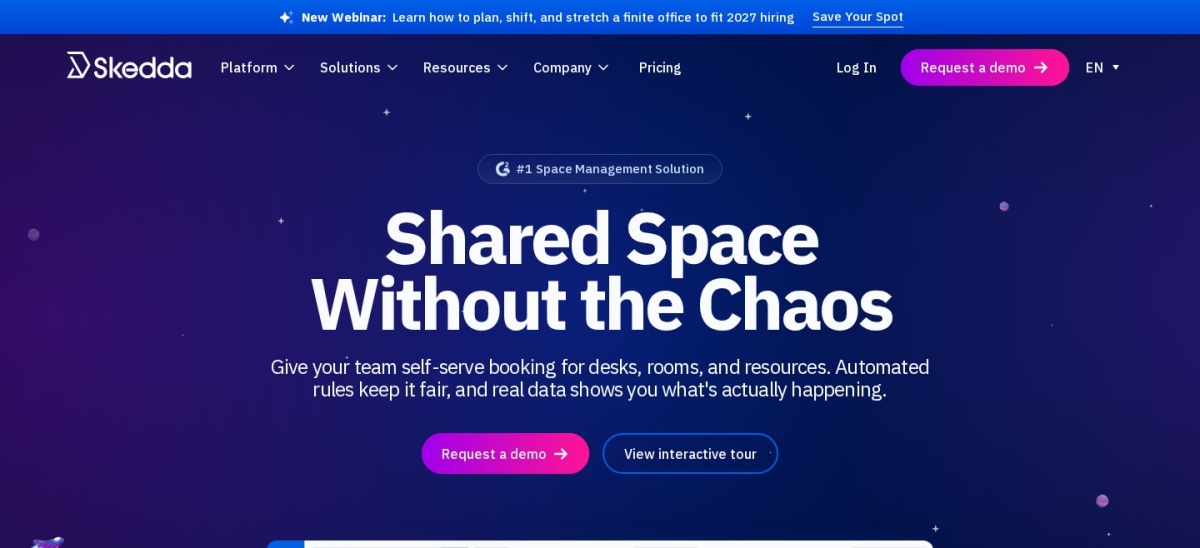
Skedda is a space and desk booking platform rated 4.8 out of 5 across 292 G2 reviews. Its Starter plan lists at $99 per month billed annually for 15 spaces, interactive floor plans, unlimited users, and a basic rules engine.
The trade off is the annual commitment and space cap on entry tiers, which works out to $1,188 per year on Starter. It suits hybrid teams that want per-space billing and structured booking rules without per-seat fees.
What we like
Priced by bookable space rather than active user count
Includes interactive floor plans on the Starter plan
Strong 4.8/5 score across 292 G2 reviews
Watch out for
No permanent free tier, only a free trial
Starter plan caps usage at 15 spaces
Plus at $149/mo and Premier at $199/mo billed annually add more spaces and deeper analytics.Visit skedda.com
02
deskbird
4.5/5on G2 (311 reviews, checked Nov 2026)
Starts at$66/user/yr
Best for hybrid attendance and Teams booking
Pricing modelPer active user per month
Published tierFrom $5.50/user/mo (25+ users)
G2 rating4.5/5 (311 reviews)
Core toolsDesks, rooms, parking, apps
deskbird.com
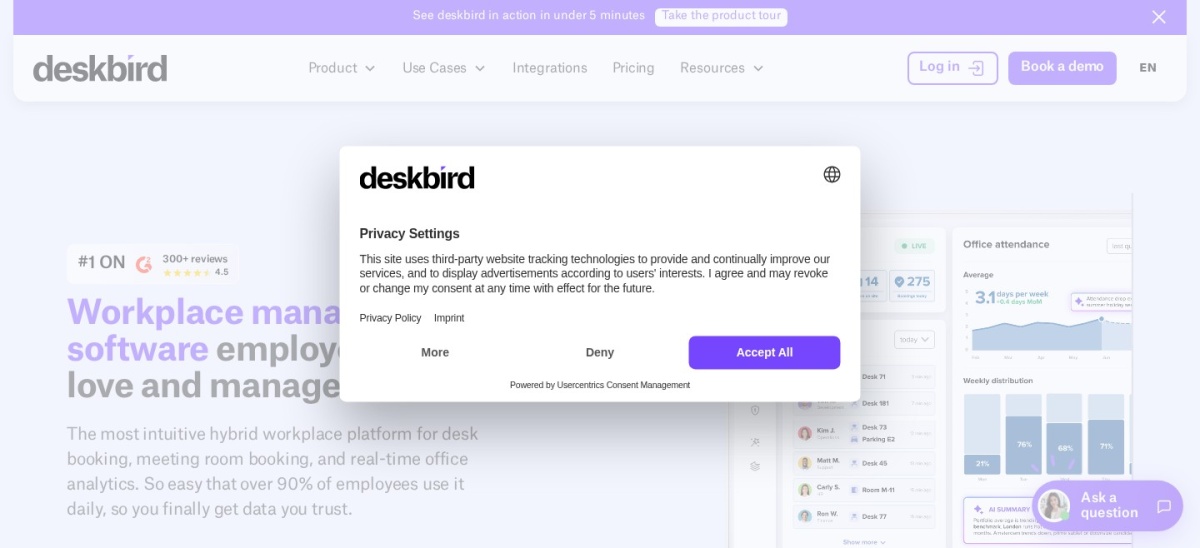
deskbird homepage, captured Nov 2026.
deskbird is a hybrid workplace platform rated 4.5 out of 5 across 311 G2 reviews. Its published active-user pricing starts at $5.50 per active user per month from 25 users, covering desk, room, and parking booking plus mobile apps and Microsoft Teams integration.
The trade off is per-user scaling and a 25-user starting threshold on its published tier, which equals $66 per user per year before add-ons. It suits hybrid offices that want staff to coordinate office days and book seats inside Teams.
What we like
Covers desks, meeting rooms, and parking spots
Includes native mobile apps, QR check-in, and auto-releases
311 G2 reviews with a 4.5/5 rating
Watch out for
Per-user pricing increases as headcount grows
Higher tiers and add-ons cost extra for advanced rules and analytics
Higher tiers and add-ons unlock advanced analytics, workplace ticketing, and SSO/HRIS integrations.Visit deskbird.com
03
OfficeSpace Software
4.7/5on G2 (150 reviews, checked Nov 2026)
PricingCustom quote
Best for floor plan and move management
Pricing modelCustom quote
Entry planQuote-based
G2 rating4.7/5 (150 reviews)
FocusSpace planning & booking
officespacesoftware.com
OfficeSpace Software homepage, captured Nov 2026.
OfficeSpace Software is a workplace and space management platform rated 4.7 out of 5 across 150 G2 reviews. It combines desk and room booking with visual floor plans, wayfinding, and move management tools.
The trade off is custom quote-only pricing rather than a self-serve public price card. It suits mid-market and enterprise facilities teams planning seating moves and multi-floor layouts.
What we like
Strong 4.7/5 rating across 150 G2 reviews
Combines daily seat and room booking with move management
Supports occupancy reporting and visual office maps
Watch out for
Requires a sales quote instead of transparent self-serve pricing
Heavier scope than lightweight small-office booking tools
Custom plans expand across multi-site portfolios, occupancy sensors, and enterprise governance.Visit officespacesoftware.com
04
Archie
4.9/5on G2 (90 reviews, checked Nov 2026)
Paid from$1,908/yr
Best for single-site desk booking with maps
Pricing modelMonthly tier starting at $159/mo
Starter tier$159/mo (1 location)
Rating4.9/5 (90 reviews)
TrialFree trial available
archieapp.co
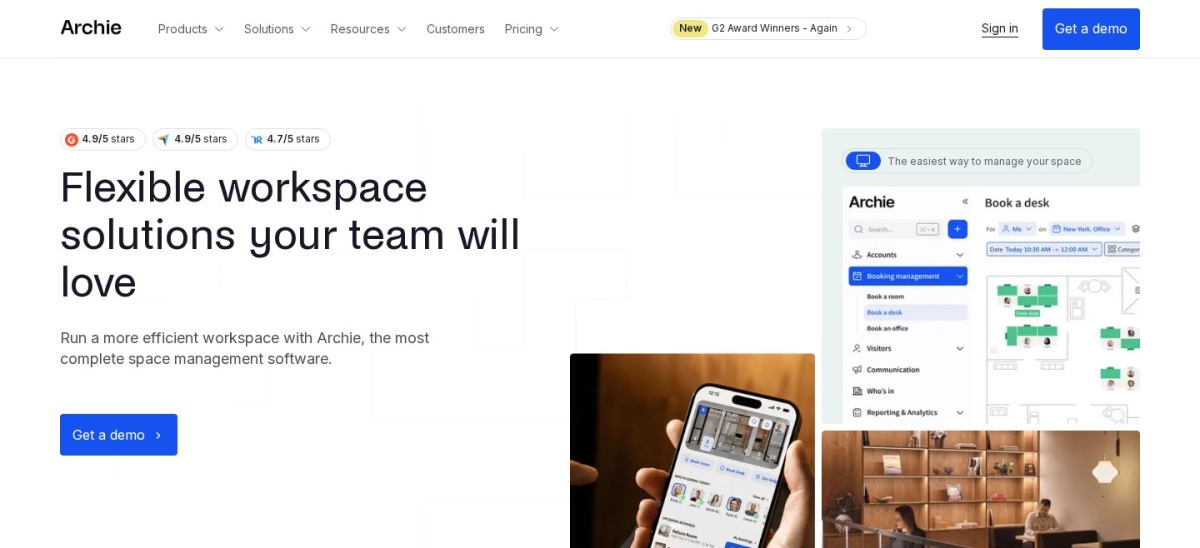
Archie homepage, captured Nov 2026.
Archie is a workplace booking platform with a 4.9 out of 5 rating on Capterra across 90 reviews. Its Starter plan starts at $159 per month for one location with visual floor plans, QR-code check-ins, seat assignments, and occupancy analytics.
The trade off is that Starter covers one location and runs $1,908 per year at the published monthly rate, while multi-location and Teams/Outlook booking move to Pro at $249 per month. It suits single-office teams that want visual maps and simple check-ins.
What we like
High 4.9/5 rating with fast setup and visual floor maps
Includes QR-code check-ins and occupancy analytics on Starter
Free trial available before committing to a plan
Watch out for
Starter tier is limited to a single location
Teams, Outlook, Slack, and SSO require the Pro plan
Pro at $249/mo adds multi-location support, Teams/Outlook/Slack booking, brand customization, and SSO/SCIM.Visit archieapp.co
05
YAROOMS
4.3/5on G2 (98 reviews, checked Nov 2026)
Starts at$1,188/yr
Best for small teams wanting room and desk maps
Pricing modelTiered plans (monthly or yearly)
Starter tier$99/mo (1 location, 2 floors)
G2 rating4.3/5 (98 reviews)
BillingMonthly or yearly (20% off yearly)
yarooms.com
YAROOMS homepage, captured Nov 2026.
YAROOMS is a hybrid workplace and room booking platform rated 4.3 out of 5 across 98 G2 reviews. Its Starter plan starts at $99 per month for one location, two floors with interactive maps, and desk and room booking.
The trade off is tight caps on Starter—up to 20 users and 20 bookable spaces—costing $1,188 per year on monthly billing before annual savings. It suits small single-site offices that want map-based desk and room scheduling without enterprise bloat.
What we like
Transparent entry pricing starting at $99/mo
Includes interactive floor maps and QR check-in on Starter
Offers room and lobby display support plus video integrations
Watch out for
Starter caps you at 1 location, 2 floors, and 20 bookable spaces
Analytics, SSO, and calendar sync require Business ($399/mo)
Business at $399/mo adds a second location, 90-day analytics, Teams app, SSO, and calendar sync.Visit yarooms.com
06
Roomzilla
4.3/5on G2 (212 reviews, checked Nov 2026)
Paid from$120/resource/yr
Best free tier for up to three resources
Free planUp to 3 resources, unlimited users
Paid entry$10/resource/mo billed annually
G2 rating4.3/5 (212 reviews)
Trial14-day free trial
roomzilla.net
Roomzilla homepage, captured Nov 2026.
Roomzilla is a resource and meeting room booking tool rated 4.3 out of 5 across 212 G2 reviews. Its free plan supports up to three resources with unlimited users, unlimited reservations, and Google or Microsoft login.
The trade off is that once you pass three resources, Standard starts at $10 per resource per month billed annually ($120 per resource per year). It suits tiny teams or offices with just a few meeting rooms or desks to schedule.
What we like
Free plan covers up to 3 resources with unlimited users
Clear timeline view for daily or weekly booking slots
Supports Google and Microsoft login out of the box
Watch out for
Free tier is strictly capped at 3 resources
Per-resource pricing adds up quickly across many rooms or desks
Standard ($10/resource/mo yearly) and Business ($17/room and $10/desk/mo yearly) expand capacity and features.Visit roomzilla.net
07
Robin
4.4/5on G2 (212 reviews, checked Nov 2026)
PricingCustom quote
Best for larger hybrid offices with map tools
Pricing modelCustom quote
Entry planQuote-based
G2 rating4.4/5 (212 reviews)
Core toolsDesks, rooms, parking, maps
robinpowered.com
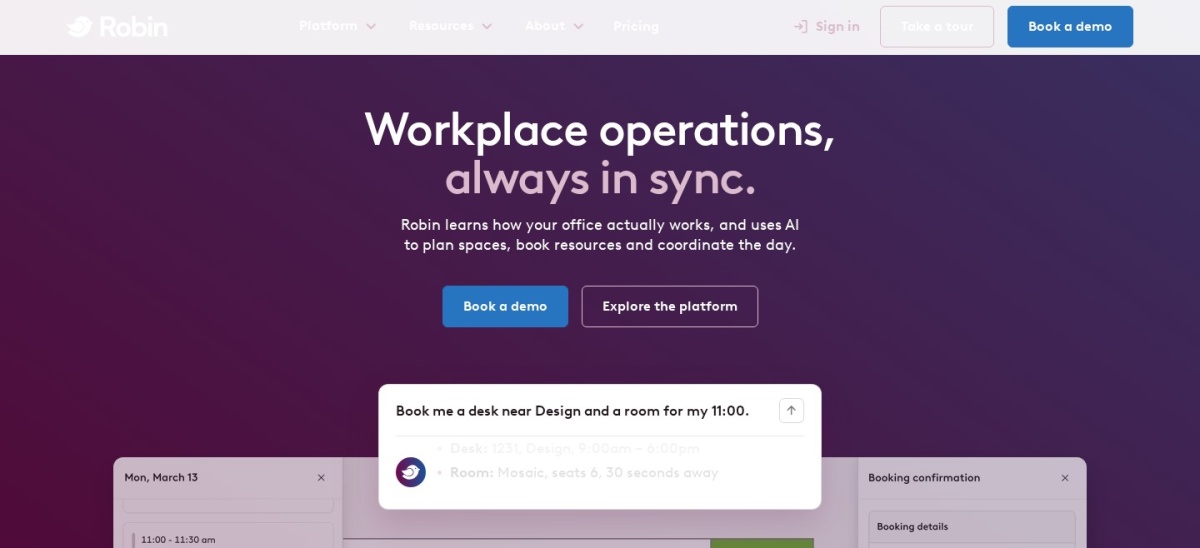
Robin homepage, captured Nov 2026.
Robin is a workplace scheduling platform rated 4.4 out of 5 across 212 G2 reviews. It covers desk, meeting room, and parking reservations alongside interactive floor maps, check-ins, and hybrid attendance visibility.
The trade off is custom quote-based pricing rather than a published self-serve rate card. It suits mid-sized and larger hybrid companies that want unified seat, room, and parking booking with map views.
What we like
212 G2 reviews with a 4.4/5 rating
Combines desk, meeting room, and parking bookings in one place
Helps hybrid teams coordinate in-office days and seating
Watch out for
Pricing is quote-based rather than published upfront
Some reviewers note floor plan edits or multi-day booking friction
Hybrid offices often have more employees than desks because teams rotate days in the office. Paying per user charges for every employee account, while paying per space charges for each bookable desk, room, or parking spot.
If you run 20 shared desks for 80 hybrid staff, a per-space model like Skedda or Roomzilla often keeps costs steadier than per-seat billing. If you have many employees sharing a small pool of rooms and want presence tracking per person, compare per-user tools carefully.
How we chose
We built this shortlist around established workspace management platforms that cover desk booking, meeting room scheduling, and hybrid office coordination.
All ratings, review counts, and pricing details were checked on 22 Nov 2026 from vendor pricing pages and public G2 and Capterra listings.
We excluded tools that lacked verifiable public pricing or review data on the pages we opened, and we skipped regional or hardware-only listings that did not fit general software buyers. No vendor paid for a place, and we do not claim testing for this list.
How to choose workspace management software
Follow four steps to narrow down a workspace booking tool before signing a contract:
Count your bookable spaces and active headcount. List every desk, meeting room, and parking spot alongside how many staff actually book them each week.
Match the billing model to your hybrid ratio. Compare per-space plans against per-user plans so your bill stays predictable as staff rotate in-office days.
Check calendar and chat integrations. Confirm two-way Google or Microsoft calendar sync and Microsoft Teams or Slack workflows so employees actually use the tool.
Verify check-in and no-show rules. Look for QR or mobile check-ins and automatic booking release so unused desks and rooms return to the pool.
FAQ
What is the best workspace management software overall?
Skedda stands out for most teams thanks to its 4.8/5 rating across 292 G2 reviews, per-space pricing starting at $99/mo billed annually for 15 spaces, and interactive floor plans.
Is there a free workspace management tool?
Roomzilla offers a free plan for up to three resources with unlimited users and Google or Microsoft login. Skedda and Archie also offer free trials before paid plans begin.
Should we choose per-space or per-user pricing?
Per-space pricing works well when a fixed set of desks or rooms serves a larger rotating hybrid headcount. Per-user pricing can fit teams focused on individual attendance and seat allocation.
How do workspace tools prevent no-show bookings?
Many platforms offer mobile or QR check-ins and automatic release rules that free up unconfirmed desks or rooms after a set window.
Do all workspace platforms include visitor management and room displays?
Not always. Some platforms bundle visitor check-ins or display support, while others sell visitor modules, room tablets, or higher tiers separately.
When should a company ask for custom enterprise pricing?
Companies with multiple offices, custom security or SSO requirements, move management needs, or hundreds of users often use quote-based tiers on tools like OfficeSpace Software or Robin.