Deputy is the best workforce management software for retail for most multi-store businesses, with demand forecasting and auto-scheduling on its Core plan at $6.50 per user per month and a 4.6 out of 5 rating on G2. Pick Homebase for a free start at a single store, or When I Work for the lowest per-user price at $2.50 a month.
How we make this list: we compare pricing pages, product documentation and public user reviews, then re-check every price before each update. No product paid for a place. Disclosure.
Deputy is the strongest pick for multi-site retail: demand forecasting and auto-scheduling start on Core at $6.50 a user a month.
Homebase and Sling both start free: Homebase covers 1 location and 10 staff, Sling covers up to 30 users.
When I Work is the cheapest paid entry per user at $2.50 a month, and ZoomShift is $2 a user a month with a free plan for 20 users.
Connecteam charges per hub, so a store using all three hubs pays $87 a month, not $29.
7shifts is the most expensive entry here at $39.99 a location a month, and it is built for restaurants rather than general retail.
What retail workforce software needs to cover
Retail rotas change with foot traffic, deliveries, seasonal peaks and staff availability. A rota built for an office will not cope with a Saturday rush or a delivery window that moves.
The tools below all cover shift creation, shift swaps, availability and mobile access. The differences are in demand forecasting, time tracking, payroll links and price: per user, per location or per hub.
Check how each tool charges before you compare prices. A $2.50 per-user plan costs $50 a month for 20 staff, while a $24 per-location plan costs the same whatever the headcount. Our guide on how much a WooCommerce store costs shows the same trap in store software: the headline price is rarely the whole bill.
If you run more than one store, put multi-location scheduling and demand forecasting first. A single-site shop can start free on Homebase, Sling or 7shifts and pay only when the team grows.
The 9 best workforce management software tools for retail
01
Deputy
4.6/5on G2 (666 reviews, checked Nov 2026)
Starts at$5/mo
Best workforce management software for retail overall
Cheapest paidLite, $5/user/mo
Demand forecastingCore plan and up
Auto-schedulingCore plan and up
Free planNo, 30-day trial
deputy.com
Deputy homepage, captured Nov 2026.
Deputy is a scheduling, time tracking and labour compliance platform built for hourly teams in retail, hospitality and healthcare. The Lite plan costs $5 per user per month and covers basic scheduling, timesheets, a time clock, shift swaps, leave management and messaging, with a 30-day free trial.
The trade off is that the features retailers want most cost more. Demand forecasting, auto-scheduling and wage budgets start on Core at $6.50 per user per month, and monthly plans carry a $30 minimum spend. It suits multi-site retailers that schedule against sales patterns and need cover across stores.
What we like
Demand forecasting tied to sales and wage budgets
Strong labour law compliance for multi-state teams
Shift swaps and leave in the same app
Rated 4.6 out of 5 on G2 from 666 reviews
Watch out for
Forecasting and auto-scheduling need the Core plan
$30 a month minimum spend on monthly plans
Per-user pricing climbs fast with headcount
Core adds forecasting and auto-scheduling at $6.50 a user a monthVisit deputy.com
02
Homebase
4.6/5on G2 (664 reviews, checked Nov 2026)
Paid from$24/mo
Best free start for a single store
Cheapest paidEssentials, $24/location/mo
Free planYes, 1 location, 10 staff
Time clockYes, GPS on Essentials
PayrollPaid add-on
joinhomebase.com
Homebase homepage, captured Nov 2026.
Homebase is an all-in-one app for hourly teams that covers scheduling, a time clock, team messaging and hiring in one place. The free Basic plan covers one location with up to 10 employees and includes basic scheduling, basic time tracking and a point-of-sale link. Essentials costs $24 a location a month billed yearly and adds advanced scheduling, GPS time tracking and team messaging.
The trade off is that payroll costs extra on every plan, and the free plan stores timesheets for 90 days only. Per-location pricing means a second store doubles the bill even with the same staff. It suits a single shop or cafe that wants scheduling and a time clock without a per-person bill.
When I Work is a simple scheduling app for hourly teams that keeps the rota, the time clock and team messaging in one mobile-first app. Essentials costs $2.50 per user per month and includes auto-scheduling, multi-week and multi-location scheduling, open shifts, shift swaps and forecast tools, with a 14-day free trial.
The trade off is depth. There is no free plan, and advanced scheduling rules, labour sharing and custom reporting need Pro at $5 per user per month. It suits small retailers that want the cheapest per-user entry and a rota their staff can read on their phones.
What we like
Lowest per-user entry price in this list
Auto-scheduling included on the cheapest plan
Forecast tools on Essentials
Rated 4.4 out of 5 on G2 from 404 reviews
Watch out for
No free plan, only a 14-day trial
Advanced rules need the Pro plan
No built-in payroll
Pro adds scheduling rules and labour sharing at $5 a user a monthVisit wheniwork.com
04
Connecteam
4.6/5on G2 (3,505 reviews, checked Nov 2026)
Paid from$29/mo
Best all-in-one app for frontline teams
Cheapest paidOperations Basic, $29/mo
Free planYes, up to 10 users
Time clockYes, GPS in Operations
Extra hubs$29/mo each
connecteam.com
Connecteam homepage, captured Nov 2026.
Connecteam is an all-in-one app for frontline teams that combines scheduling, a time clock, team chat, forms and training in one place. The free Small Business plan covers up to 10 users with all features, and the Operations Basic plan costs $29 a month billed yearly for the first 30 users.
The trade off is the hub pricing. Scheduling and the time clock live in the Operations hub, so a store that also wants the Communications and HR hubs pays $29 a month for each one, or $87 a month in total. It suits retailers that want scheduling plus team communication in a single app.
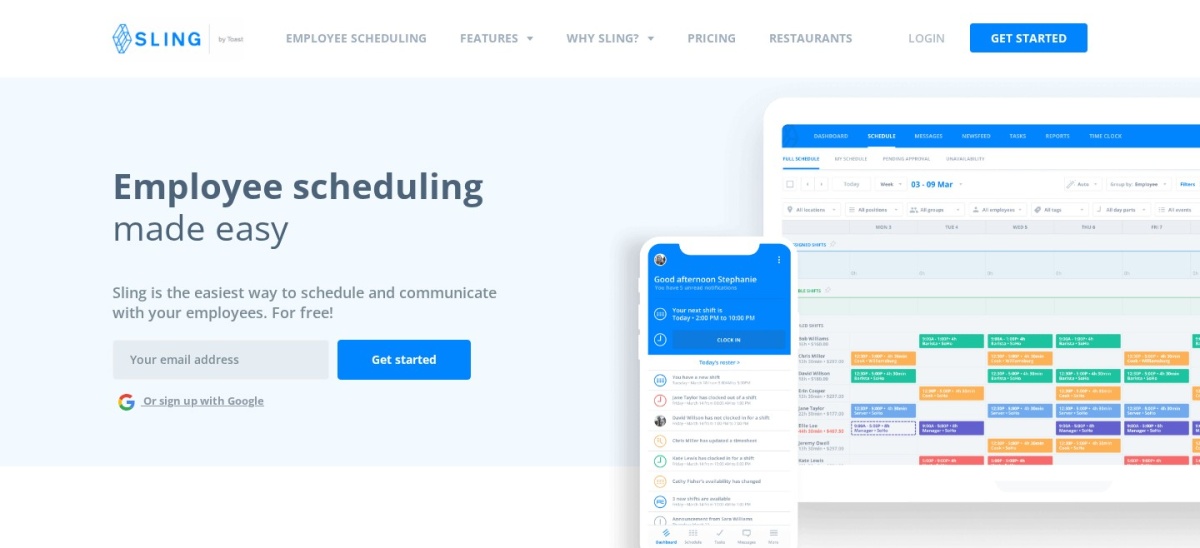
Sling is a scheduling and time tracking app, now owned by Toast, that keeps the rota, shift swaps and team messaging simple. The free plan covers scheduling for up to 30 users with shift swaps, time-off requests and private messaging, and Premium costs $1.70 per user per month billed yearly.
The trade off is that time tracking costs extra. Mobile time tracking, labour cost management and overtime tracking start on Premium, and kiosk clock-ins and PTO management need Business at $3.40 per user per month. It suits a small store that wants the widest free rota available.
What we like
Widest free plan in this list, up to 30 users
Labour cost tracking against sales on Premium
Shift swaps and time-off requests included free
Rated 4.4 out of 5 on G2 from 88 reviews
Watch out for
No time tracking on the free plan
Kiosk clock-ins need the Business plan
Few payroll integrations
Business adds kiosk clock-ins and PTO at $3.40 a user a monthVisit getsling.com
06
Humanity
4.3/5on G2 (1,073 reviews, checked Nov 2026)
Starts at$2.75/mo
Best demand-based scheduling under enterprise prices
Cheapest paidEssentials, $2.75/employee/mo
Free planNo, 30-day trial
Demand schedulingProfessional and up
Employee cap250 on Essentials
tcpsoftware.com
Humanity homepage, captured Nov 2026.
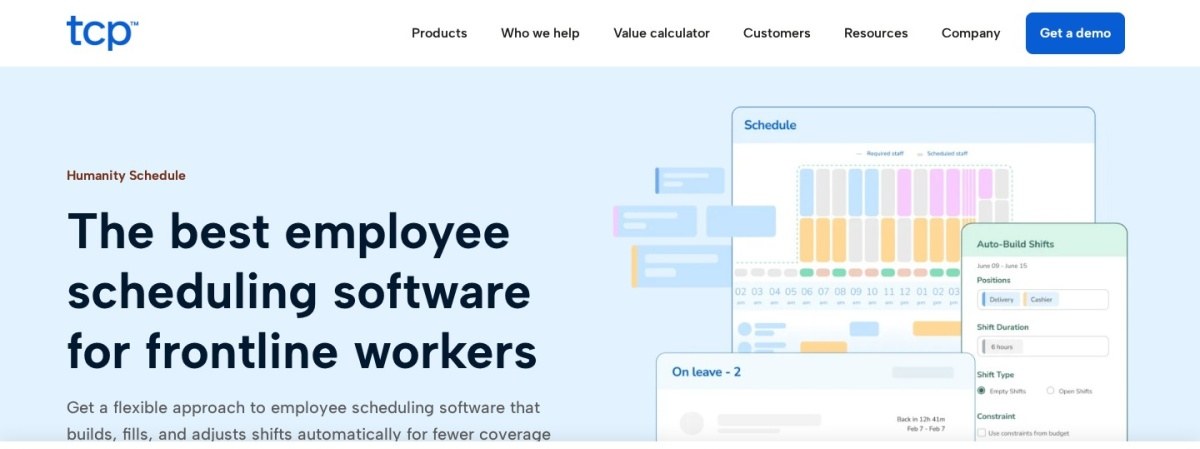
Humanity Schedule by TCP Software is employee scheduling software for shift-based teams in retail, healthcare and hospitality. Essentials costs $2.75 per employee per month billed yearly and covers drag-and-drop scheduling, shift swaps, time-off requests, multiple locations and a time clock, with a 30-day free trial.
The trade off is that the smarter scheduling costs more. Auto-fill and demand-based scheduling, which match staffing to expected demand, start on Professional at $3.75 per employee per month, and Essentials is capped at 250 employees. It suits multi-location retailers that want demand-based rotas without enterprise pricing.
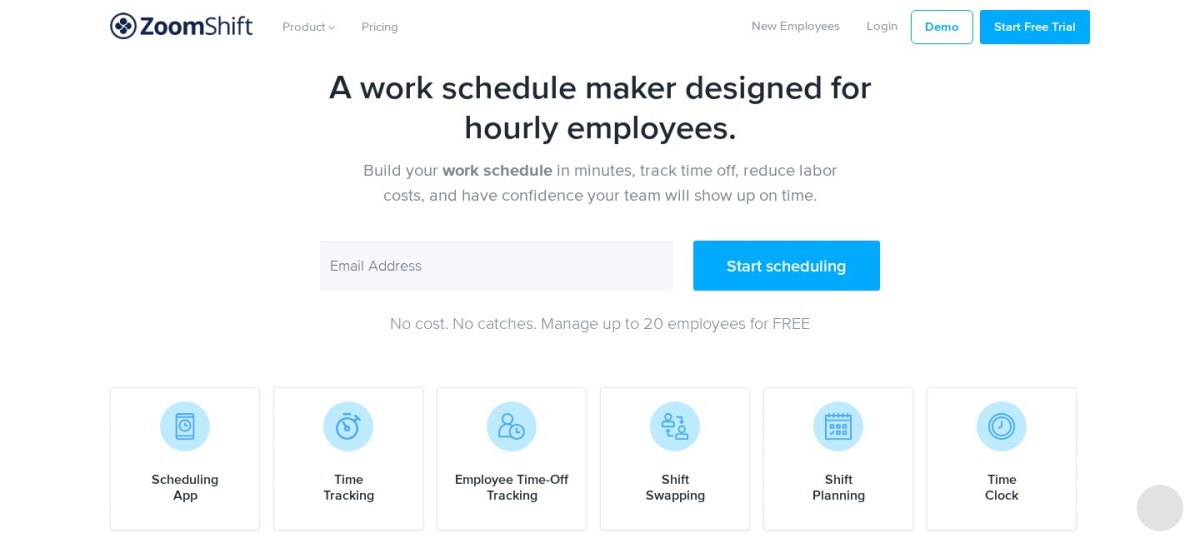
ZoomShift is a simple work schedule maker for hourly employees in retail, restaurants and services. The free Essentials plan covers up to 20 users at one location with scheduling up to two weeks ahead, shift confirmation and team communication, and Starter costs $2 per user per month billed yearly.
The trade off is range. The free plan has no time clock and no shift swaps, and Starter is needed for unlimited locations, templates, timesheets and PTO tracking. It suits a small single-site store that wants a plain rota and a time clock for very little money.
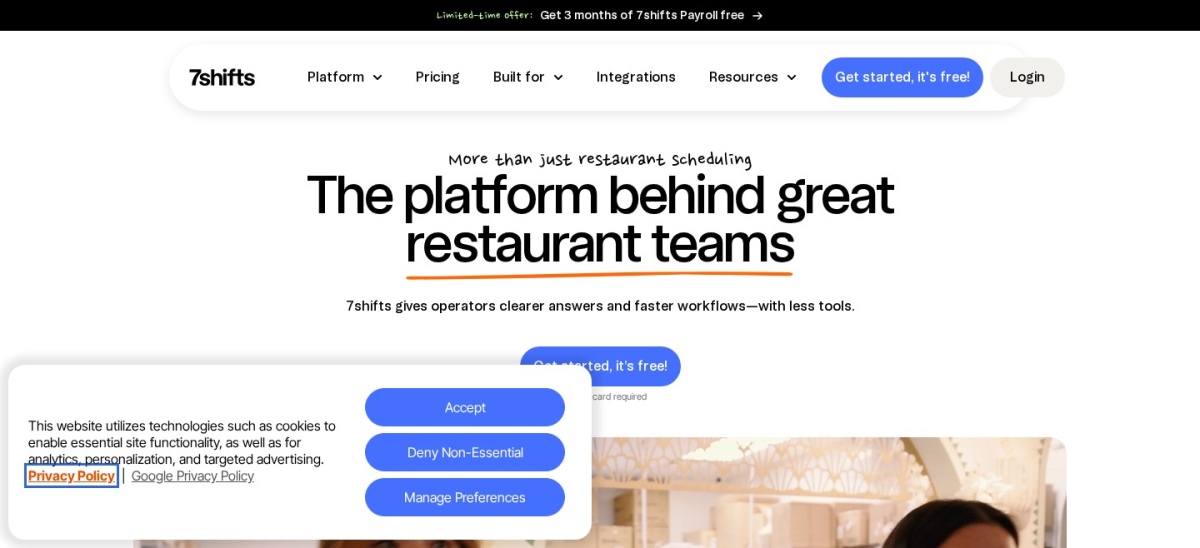
7shifts is team management software built only for restaurants, covering scheduling, time clocking, team messaging, tip pooling and payroll. The free Comp plan covers one location with up to 15 employees, and Essentials costs $39.99 per location per month billed yearly with more scheduling and reporting tools.
The trade off is fit and price. It is built around restaurant shifts, stations and tips, so general retailers pay for food-service features they will not use, and it is the most expensive entry in this list. It suits a restaurant or cafe inside a retail business that also needs tip pooling and POS links.
What we like
Free Comp plan for one location
Tip pooling and labour cost against sales
POS links to Toast, Square and Clover
Rated 4.5 out of 5 on G2 from 129 reviews
Watch out for
Built for restaurants, not general retail
Most expensive entry price in this list
Payroll costs extra
Pro adds deeper labour tools at $69.99 a location a monthVisit 7shifts.com
09
Planday
4.5/5on G2 (88 reviews, checked Nov 2026)
Starts at$2.99/mo
Best low per-user price with payroll reporting
Cheapest paidStarter, $2.99/user/mo
Free planNo, 30-day trial
Minimum users5 on Starter
Payroll reportingYes, basic
planday.com
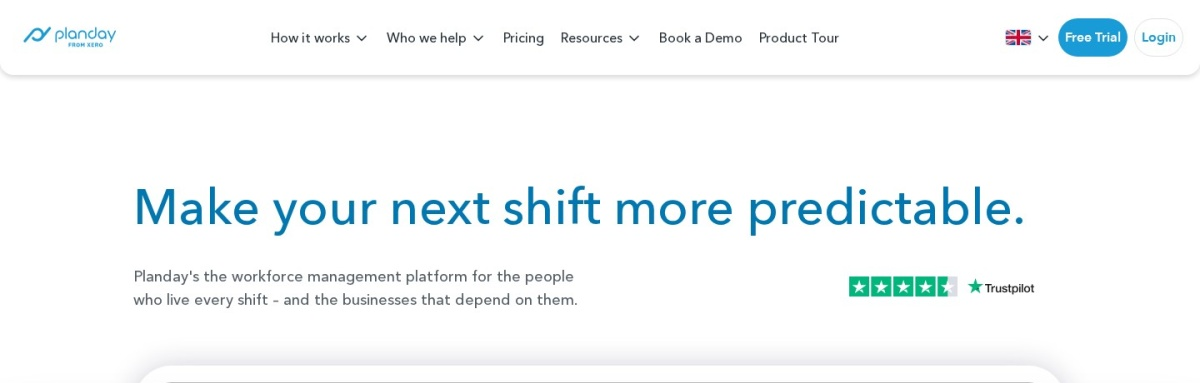
Planday homepage, captured Nov 2026.
Planday is scheduling software for hospitality, retail and care teams, owned by Xero, with rotas, time tracking, payroll reporting and team messaging. Starter costs $2.99 per user per month with a five-user minimum and covers scheduling, simple time tracking, working-time rules and basic payroll reporting, with a 30-day free trial.
The trade off is reach. There is no free plan, Plus needs ten users plus a $15 monthly fee, and Planday is strongest in Europe and the UK after Xero retired it in Australia in 2024. It suits a small retail or hospitality team that wants a low per-user price and payroll reporting in the same app.
What we like
Low per-user entry at $2.99 a month
Payroll reporting on the cheapest plan
Working-time rules and compliance warnings
Rated 4.5 out of 5 on G2 from 88 reviews
Watch out for
No free plan, only a 30-day trial
Five-user minimum on Starter
Europe and UK product first
Plus adds leave management and API access at $4.49 a user a monthVisit planday.com
Free vs paid: what the free plans leave out
Five tools in this list start free: Homebase, Connecteam, Sling, ZoomShift and 7shifts. Free plans cover the rota itself, but time tracking, forecasting and payroll links usually sit on paid plans.
Sling has the widest free plan at 30 users, but it has no time tracking until Premium. ZoomShift is free for 20 users but caps the rota at two weeks ahead and leaves out shift swaps.
Enterprise tools such as Legion and UKG publish no prices and sell by quote, so they are not in this list. A chain that needs AI forecasting across hundreds of stores should ask those vendors directly rather than budgeting from a per-user price.
How we chose
We started from the scheduling and workforce tools most often named for retail, then kept the nine with published prices and a public rating on G2.
Prices come from each vendor's pricing page, checked on 26 November 2026. Ratings and review counts come from G2 on the same day. Where a vendor shows a sale, the list shows the regular price.
We left out enterprise tools that publish no prices, including Legion and UKG. No vendor paid for a place, and we do not claim to have used these tools ourselves.
How to choose workforce management software for retail
Start with your store count and headcount, then match the pricing model to them.
Count stores and staff first. Per-user tools are cheapest for small teams, while per-location tools win once a store passes about 15 staff. Count both before you compare prices.
Check demand forecasting if you run more than one store. Deputy and Humanity build rotas from expected demand, which matters when foot traffic changes by day. Single-site shops can skip this and start free.
Test the mobile app with your staff. Most of your team will read the rota and swap shifts on a phone. Use the free plan or trial to check that swaps, time-off requests and clock-ins work for them.
Confirm the payroll link before you pay. A rota that exports clean timesheets to your payroll saves hours every week. Check that your payroll provider is on the integration list, and confirm whether payroll itself costs extra.
FAQ
What is the best workforce management software for retail?
Deputy is the best pick for most multi-store retailers, with demand forecasting and auto-scheduling on its Core plan at $6.50 per user per month and a 4.6 out of 5 rating on G2. Single stores should start with Homebase, which is free for one location and up to 10 employees.
Is there free workforce management software for retail?
Yes. Homebase is free for one location and up to 10 employees, Sling is free for up to 30 users, Connecteam is free for up to 10 users, ZoomShift is free for up to 20 users, and 7shifts is free for one location and up to 15 employees. Time tracking usually needs a paid plan.
How much does workforce management software cost for a small shop?
Paid plans in this list start at $1.70 per user per month on Sling Premium and $2 per user per month on ZoomShift Starter, both billed yearly. A 10-person shop pays about $17 to $25 a month on a per-user plan, or $24 a month on Homebase Essentials, which charges per location.
What is the difference between Deputy and Homebase?
Deputy charges per user from $5 a month and adds demand forecasting and auto-scheduling on higher plans, which suits multi-site retailers. Homebase charges per location from $24 a month and is free for one location with up to 10 employees, which suits a single shop.
Do these tools connect to a POS system?
Most do. Homebase, When I Work, Deputy and 7shifts all list point-of-sale integrations, and 7shifts links to Toast, Square and Clover for labour cost against sales. Check that your exact POS is supported before you buy, because the integration list varies by plan.
Which tool is best for a retail chain with many stores?
Deputy is the strongest pick for chains, with multi-location scheduling, demand forecasting and wage budgets across stores. Humanity is the cheaper alternative, with multi-location scheduling and demand-based rotas from $2.75 per employee per month. Both need a paid plan for forecasting.
SaaS SEO and WordPress specialist with about 8 years of experience. Rakib compares WordPress plugins, themes, hosting and software using public pricing, documentation and user reviews. See how we rank.