Best WordPress Product Filter Plugins in 2026: 7 Tools Compared
WLWPLegible EditorsLast verified 22 Nov 2026How we rank13 min read
★ Short answer
Filter Everything is the best WordPress product filter plugin for most WooCommerce stores, with 50,000+ active installations and a $69 annual Pro plan that adds SEO controls and variation-aware filtering. WooBeWoo is better for ready-made mobile filters, while WCAPF offers a lower-cost premium upgrade starting at $39 per year.
How we make this list: we compare pricing pages, product documentation and public user reviews, then re-check every price before each update. No product paid for a place. Disclosure.
Filter Everything is our top pick, rated 4.6/5 with 50,000+ active installs. Pro costs $69 per year and adds SEO controls and unlimited filter sets.
WooBeWoo has a 4.8/5 WordPress.org rating from 325 reviews. Its free version includes a mobile filter drawer, swatches and AJAX filtering.
WCAPF offers the lowest confirmed paid annual plan in this comparison at $39, with 8,000+ active installs and a 4.3/5 rating.
HUSKY has 80,000+ active installs and supports advanced product attributes, taxonomies and search fields. Its CodeCanyon license is listed at $129 one-time.
Premmerce costs $69.99 per year and focuses on SEO-friendly filtered pages, custom URLs and built-in query caching.
Themify Product Filter is completely free, with 20,000+ active installs, although its WordPress.org rating is 3.5/5.
What matters in a WordPress product filter plugin
A product filter helps shoppers narrow a WooCommerce catalog by price, category, brand, size, color, rating or stock availability. The best choice depends on how your products are organized and how customers browse them.
Start with AJAX filtering. It updates product results without a full page reload, making it easier for shoppers to combine filters. Look for accurate product counts, clear reset controls and support for variable products.
Mobile usability is equally important. A filter layout that works in a desktop sidebar may take up too much space on a phone. A collapsible panel, drawer or popup keeps the product grid visible while giving shoppers access to filtering options.
SEO controls deserve attention if you want filtered category pages to attract search traffic. Look for configurable URLs, canonical handling and indexing rules. Without these controls, large combinations of filters can create duplicate or low-value pages.
Compare the free version with the regular upgrade price. Some plugins include price sliders, attributes and stock filters for free but reserve custom fields, advanced filter logic, mobile layouts or SEO landing pages for paid plans.
4.6/5on WordPress.org (154 reviews, checked Nov 2026)
Paid from$69/yr
Best for flexible WooCommerce filtering
Active installs50,000+
Free filter sets2 per post type
AJAX filteringYes
Paid planPersonal, $69/yr
filtereverything.pro
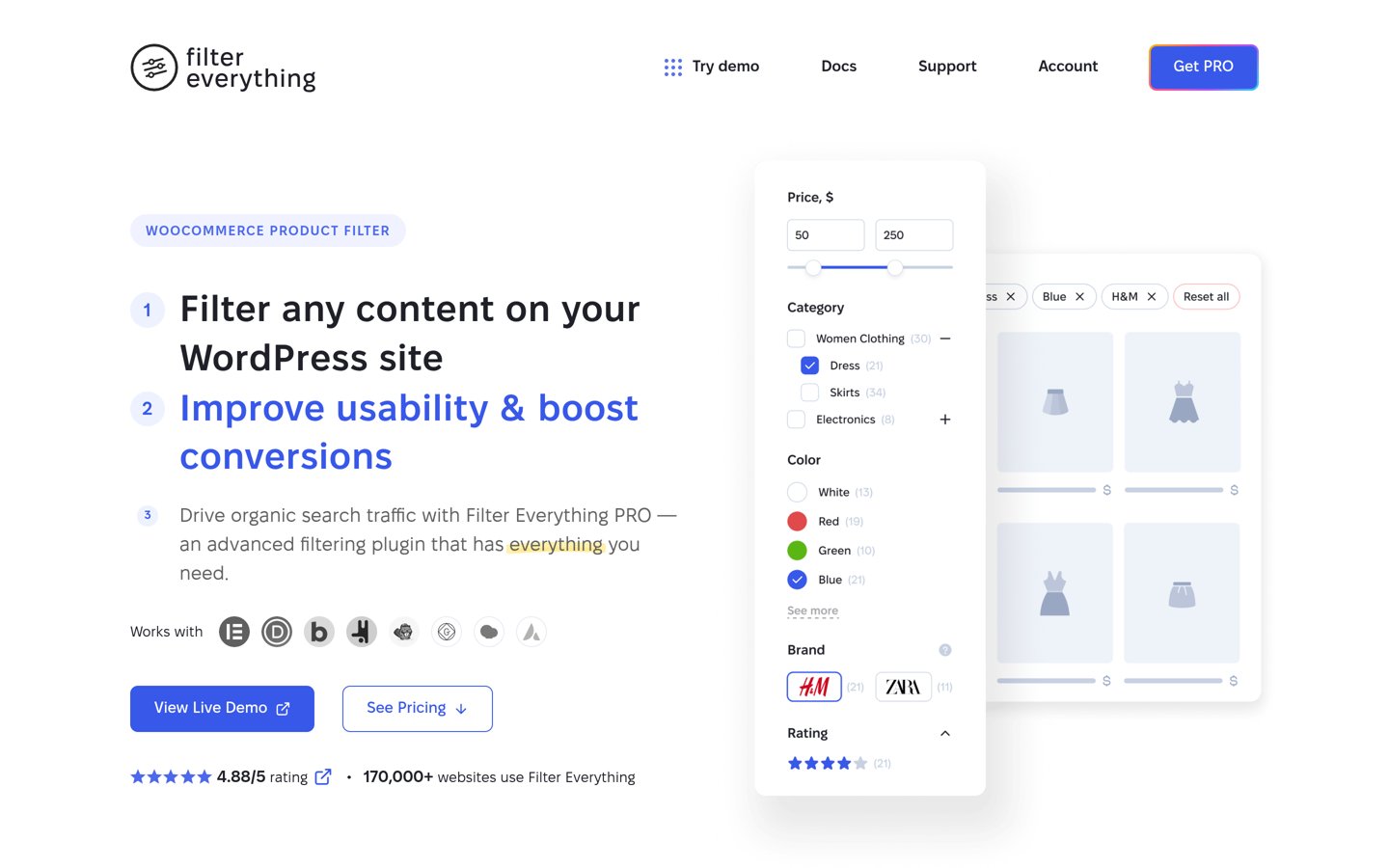
Filter Everything homepage, captured Nov 2026.
Filter Everything is a flexible WordPress filtering plugin with 50,000+ active installations and a 4.6/5 rating. Its free version supports WooCommerce products, taxonomies, attributes, custom fields, AJAX updates and hierarchical filtering, with up to 2 filter sets per post type. It can also filter other WordPress content types.
The trade off is that advanced SEO rules, unlimited filter sets, variation-aware stock filtering and the mobile filter widget require the $69-per-year Personal plan. It suits WooCommerce stores that need detailed filters now and may want dedicated filtered landing pages later.
What we like
Filters WooCommerce products and other post types
Free AJAX and custom field filtering
Pro includes SEO and indexing controls
Supports horizontal and vertical layouts
Pro handles product variations and stock more accurately
Watch out for
Free version limits filter sets per post type
Advanced SEO functionality requires Pro
Complex filter combinations need careful configuration
4.8/5on WordPress.org (325 reviews, checked Nov 2026)
Paid from$59/yr
Best for mobile-friendly product filters
Active installs50,000+
Mobile drawerFree
Filter typesPrice, stock, attributes and more
Paid planPro, $59/yr
woobewoo.com
WooBeWoo homepage, captured Nov 2026.
WooBeWoo is a WooCommerce product filter plugin with 50,000+ active installations and a 4.8/5 rating from 325 reviews. Its free version includes AJAX filtering, a mobile filter drawer, color swatches, price filtering, stock controls and a step-by-step product finder. It also provides blocks and page-builder integrations.
The trade off is that advanced custom field ranges, saved searches, detailed demand statistics and merchandising controls require Pro at $59 per year. It suits stores that want a useful mobile shopping experience without paying for basic product filters.
What we like
Mobile filter drawer included for free
Supports common WooCommerce filter types
Free product finder and visual swatches
Broad page-builder integration options
High WordPress.org user rating
Watch out for
Advanced custom field filtering requires Pro
Analytics and saved searches are paid features
The extensive settings may need initial configuration
Pro adds saved searches, demand insights, custom field ranges and merchandising tools.Visit woobewoo.com
03
WCAPF
4.3/5on WordPress.org (44 reviews, checked Nov 2026)
Paid from$39/yr
Best for an affordable premium filter
Active installs8,000+
AJAX filteringYes
Filter placementWidget and shortcode
Paid planPersonal, $39/yr
wptools.io
WCAPF homepage, captured Nov 2026.
WCAPF is an AJAX product filter plugin with 8,000+ active installations and a 4.3/5 WordPress.org rating. Its free version supports filtering by categories, attributes, price, rating and other product data, with shortcode and widget placement. Shoppers can refine results without reloading the shop page.
The trade off is that full control over filter displays, ordering, advanced conditions and other configuration options is reserved for Pro at $39 per year. It suits smaller WooCommerce stores that want advanced filtering without a large recurring software expense.
What we like
Affordable annual Pro license
Free AJAX filtering and price sliders
Supports widgets and shortcodes
Product counts and empty-option controls
Works with standard WooCommerce archives
Watch out for
Smaller installation base than leading alternatives
Some display and ordering controls require Pro
Theme-specific product grids may need adjustments
Pro adds advanced display controls, filter configuration and premium support.Visit wptools.io
04
HUSKY
4.6/5on WordPress.org (337 reviews, checked Nov 2026)
Paid from$129 one-time
Best for technical stores with complex attributes
Active installs80,000+
AJAX filteringYes
Custom taxonomiesSupported
Paid licenseCodeCanyon, $129 one-time
pluginus.net
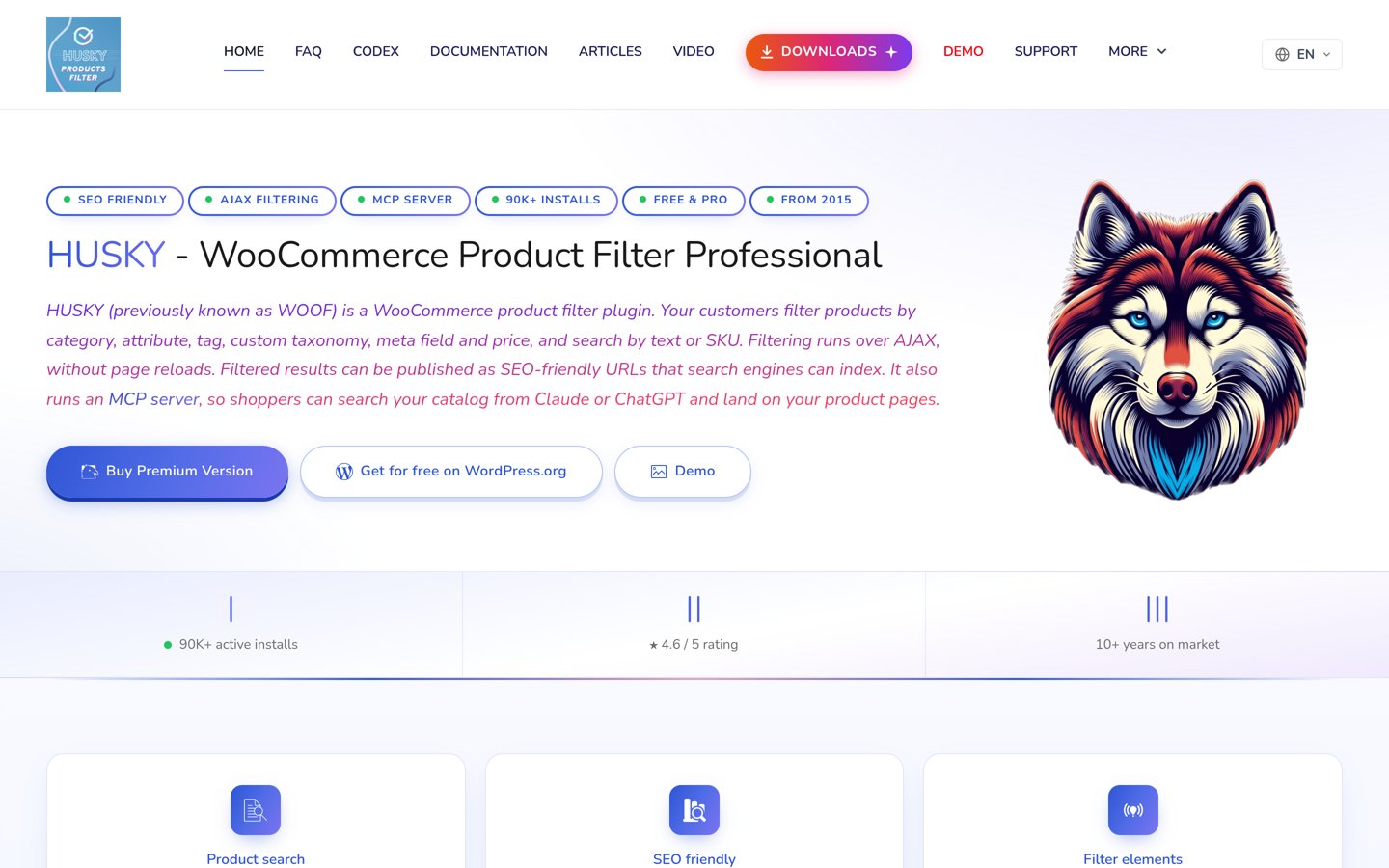
HUSKY homepage, captured Nov 2026.
HUSKY is a WooCommerce product filter plugin formerly known as WOOF, with 80,000+ active installations and a 4.6/5 rating. It supports product categories, tags, attributes, taxonomies and price filtering, with extensive configuration options. Its design is particularly useful when products have technical specifications or multiple searchable attributes.
The trade off is complexity: advanced filter configuration takes more effort than a simple preset-based interface. The professional CodeCanyon license is listed at $129 as a one-time purchase. It suits developers and specialized WooCommerce catalogs that need detailed control over product queries.
What we like
Large established WordPress.org user base
Extensive taxonomy and attribute filtering
Supports custom product metadata
Multiple filter display options
Professional edition offers advanced search extensions
Watch out for
More complicated configuration than beginner tools
Professional marketplace license is relatively expensive
One-time license costs are not directly comparable with annual subscriptions
Professional adds advanced search controls, extra extensions and filter customization.Visit pluginus.net
05
Premmerce
3.4/5on WordPress.org (22 reviews, checked Nov 2026)
Paid from$69.99/yr
Best for SEO-focused product filter pages
Active installs2,000+
AJAX filteringYes
SEO pagesBulk generation in paid version
Paid planSingle Site, $69.99/yr
premmerce.com
Premmerce homepage, captured Nov 2026.
Premmerce is a WooCommerce product filtering plugin with 2,000+ active installations and a 3.4/5 rating. Its filtering options cover price, attributes, categories and product availability. The paid edition adds controls for generating SEO-oriented filtered pages, including custom URLs, titles, descriptions and sitemap integration.
The trade off is its lower public rating and a relatively small installation base compared with other established options. The Single Site license costs $69.99 per year and includes updates and support. It suits stores that want structured filtered landing pages alongside normal product navigation.
What we like
SEO-friendly filtered landing pages
Custom URLs and indexing controls
Built-in caching and deferred loading
Supports custom taxonomies
Flexible attribute display formats
Watch out for
Lower WordPress.org rating than competitors
Smaller user and review base
Advanced SEO functionality requires a paid license
Paid licensing adds advanced SEO page generation, filtering controls and support.Visit premmerce.com
06
Dynamic AJAX Filters
5/5on WordPress.org (11 reviews, checked Nov 2026)
Paid from$49/yr
Best for varied filter layouts
Active installs1,000+
AJAX filteringYes
Mobile layoutsResponsive options
Regular paid price$49/yr
plugincy.com
Dynamic AJAX Filters homepage, captured Nov 2026.
Dynamic AJAX Filters is a WooCommerce product filter plugin with 1,000+ active installations and a 5/5 rating from 11 reviews. Its free version includes AJAX updates, category and attribute filtering, price ranges, rating filters and multiple display styles. It also supports responsive filter layouts and configurable filter URLs.
The trade off is its smaller public review history, while advanced custom data filters and additional layouts require Pro. The regular Single Site price is $49 per year, although the vendor currently advertises a discounted $39 annual offer. It suits stores needing flexible layouts at an accessible price.
What we like
Multiple filter presentation styles
Free AJAX filtering for common product data
Responsive layouts and mobile controls
Additional custom data options in Pro
Regular paid plan below $70 per year
Watch out for
Only 11 WordPress.org reviews
Smaller active installation base
Advanced field types and layout options require Pro
Pro adds custom field filtering, advanced layouts, extra URL controls and priority support.Visit plugincy.com
07
Themify Product Filter
3.5/5on WordPress.org (72 reviews, checked Nov 2026)
PriceFree
Best for free drag-and-drop filter forms
Active installs20,000+
Live filteringYes
Form builderDrag and drop
PriceFree
themify.me
Themify Product Filter homepage, captured Nov 2026.
Themify Product Filter is a free WooCommerce filtering plugin with 20,000+ active installations and a 3.5/5 rating. Its drag-and-drop builder creates filter forms using product categories, tags, attributes and price ranges. It also supports multiple filter selections and vertical or horizontal layouts.
The trade off is that it offers fewer specialized SEO and advanced catalog controls than the premium alternatives, and its public rating is comparatively low. The product filter itself is free, with no paid upgrade advertised on its official product page. It suits smaller stores that need basic filtering and visual form creation.
What we like
Completely free product filter plugin
Drag-and-drop filter form builder
Supports multiple filter combinations
Vertical and horizontal filter layouts
Works with popular page builders
Watch out for
Lower user rating than most competitors
Limited advanced SEO functionality
Fewer specialized controls for complicated catalogs
No paid filter upgrade is advertised; the full plugin is free.Visit themify.me
Do you need a paid WooCommerce product filter?
Many WooCommerce stores can start with a free product filter. Category, attribute and price filtering cover common shopping needs, and several free plugins in this comparison include AJAX updates and mobile-friendly layouts.
A paid plan becomes more useful when your catalog uses custom metadata, complicated variable products or category-specific filters. It may also be necessary when you need precise control over URL structures and which filtered pages search engines can index.
Before upgrading, check whether the feature is actually missing from your free version. WooBeWoo includes mobile filtering and several visual filter types for free, while Filter Everything offers custom field filtering and AJAX updates without an immediate purchase.
How product filters affect WooCommerce SEO
Product filters can create many URL combinations. Some combinations are useful search landing pages, while others repeat nearly identical product lists and may waste crawl resources.
An SEO-focused setup should distinguish between valuable filtered categories and combinations that do not deserve separate indexing. Canonical tags, configurable indexing rules and clean URLs help manage this distinction.
Filter Everything Pro and Premmerce provide dedicated SEO controls for filtered results. Their features can help organize indexable filter pages, but choosing which combinations should appear in search results still requires a deliberate SEO strategy.
How we chose
We built this shortlist from established WordPress.org product filter plugins and checked official developer documentation for AJAX filtering, WooCommerce compatibility, product attributes, mobile layouts, URL behavior and paid features. We prioritized plugins that solve distinct shopping and catalog-navigation needs.
Prices, WordPress.org ratings, review counts, active installation figures and maintenance status were checked against accessible public pages on 22 Nov 2026. We used regular paid prices rather than promotional discounts, and distinguished yearly subscriptions from one-time licenses. A one-time license amount is shown in the price field for comparison but is not a recurring annual fee.
We excluded closed or outdated plugins, products with insufficient adoption and candidates whose regular prices could not be confirmed from accessible pages. YITH Ajax Product Filter and BeRocket Advanced AJAX Product Filters were considered but omitted because their current paid pricing could not be adequately verified from accessible official pages. No vendor paid for a place, and we do not claim hands-on testing for this list.
How to choose a WordPress product filter plugin
Start with your catalog structure, then compare the filtering features your shoppers actually need before paying for an upgrade.
**List the attributes shoppers use most.** Identify whether customers normally filter by category, brand, size, color, price, specifications or availability. Stores with detailed technical data need stronger attribute and custom field support than stores with simple product categories.
**Check the filtering experience on mobile.** Look for collapsible panels, drawers, clear filter buttons and visible product counts. Mobile shoppers should be able to select several filters, see the remaining products and remove selected options without losing their place.
**Decide whether filtered pages need SEO controls.** If specific combinations of filters have search demand, consider a plugin with configurable URLs, canonical handling and indexing settings. Avoid making every possible filter combination indexable because that can create large numbers of repetitive pages.
**Compare free features against regular renewal costs.** Review the official feature comparison and confirm which license covers your store. Check whether updates, support, mobile functionality and variation-aware filtering are included, and distinguish annual subscriptions from one-time purchases.
FAQ
What is the best WordPress product filter plugin?
Filter Everything is our overall pick because its free version supports WooCommerce products, custom fields and AJAX filtering, while the $69 annual Personal plan adds advanced SEO controls and variation filtering. WooBeWoo is another strong choice when mobile filtering and ready-made layouts are the main priorities.
Can I add product filters to WooCommerce for free?
Yes. Filter Everything, WooBeWoo, HUSKY, WCAPF and Themify Product Filter all offer free versions. You can create common filters for price, categories and attributes without purchasing a license. Some advanced options, such as custom field ranges or dedicated SEO landing pages, require upgrades.
Which WooCommerce product filter plugin is best for SEO?
Filter Everything Pro and Premmerce are particularly relevant for SEO-focused filtering. They offer controls for filtered URLs and search landing pages. The right choice depends on whether you need indexing rules, canonical management, custom metadata or bulk page generation. These features do not guarantee higher rankings.
Do product filter plugins slow down WooCommerce?
They can, especially when the catalog is large or filtering requires complex database queries. AJAX reduces full-page reloads but does not eliminate query processing. Look for caching, accurate product counts and efficient filtering, and check performance against your actual product data before committing to a premium plan.
Can WooCommerce filters work with Elementor?
Yes. Several plugins in this comparison document Elementor support or provide widgets, blocks and shortcodes that can be placed within Elementor layouts. Compatibility may depend on the product grid being used, so confirm that filtering updates the intended loop, pagination and result count.
What is AJAX product filtering?
AJAX filtering updates a product list after shoppers select an attribute or price range without refreshing the entire page. It can make browsing more convenient, especially when users combine multiple choices. However, the quality of the experience also depends on query performance, mobile layout and theme compatibility.
Are free product filter plugins enough for large stores?
They can be sufficient when products use standard WooCommerce attributes and categories. More complicated catalogs may need custom metadata filtering, variation-aware stock controls, caching and advanced URL handling. Review the available features rather than assuming that catalog size alone requires a paid plugin.
Which product filter plugin has the cheapest paid upgrade?
WCAPF has the lowest confirmed regular annual upgrade in this shortlist at $39 per year for its Personal plan. Dynamic AJAX Filters has a regular Single Site price of $49 per year, with a promotional discount advertised separately. Themify Product Filter is free without an advertised paid upgrade.