Best WordPress Hosting for Email in 2026: 7 Tools Compared
WLWPLegible EditorsLast verified 22 Nov 2026How we rank12 min read
★ Short answer
Namecheap is our top WordPress hosting choice for email, with 30 mailboxes, 20 GB SSD storage and a regular renewal price of $55.88 per year on Stellar. SiteGround offers included email alongside managed WordPress features, while InMotion Hosting provides unlimited email addresses with individual mailbox storage limits.
How we make this list: we compare pricing pages, product documentation and public user reviews, then re-check every price before each update. No product paid for a place. Disclosure.
Namecheap Stellar includes 30 mailboxes and 3 websites for $55.88 per year at renewal, making it the lowest-cost hosting plan in this comparison.
SiteGround StartUp includes email, daily backups and managed WordPress features. Its regular 12-month renewal rate is $17.99 per month.
InMotion Hosting Launch offers unlimited email addresses, 5 GB per mailbox and 100 GB NVMe website storage. Its longer-term renewal rate starts at $13.99 per month.
IONOS Essential includes 1 mailbox with 2 GB storage and 100 GB NVMe web storage. Its published annual-term renewal rate is $8 per month.
Hostinger Premium includes 2 email mailboxes per website free for the first year. Bluehost and DreamHost also offer email trials, so ongoing mailbox costs need separate consideration.
The 7 providers have public Trustpilot ratings ranging from 4.2/5 for Namecheap to 4.9/5 for SiteGround, reflecting company-wide feedback rather than email-specific performance.
What to look for in WordPress hosting with email
WordPress hosting and email hosting solve different problems. WordPress hosting stores your website and runs its database, while email hosting provides mailboxes for addresses using your domain. Some hosting companies bundle both services, while others provide email temporarily or charge separately.
Start with mailbox availability and renewal terms. A hosting plan advertising free email may include it permanently, offer a limited trial or provide only a small number of addresses. Check whether your preferred addresses remain available without additional charges after the introductory period.
Mailbox storage matters when your business receives attachments, customer inquiries and transaction records. Also compare webmail access, IMAP, SMTP, spam filtering and the ability to connect desktop or mobile email applications.
For WordPress, distinguish ordinary business email from transactional email delivery. Contact form notifications, password resets and WooCommerce order messages need reliable sending. Hosting a mailbox does not automatically guarantee good deliverability from WordPress.
Finally, compare recurring hosting costs, backup policies and website resources. A low-priced plan can become expensive if professional email, storage upgrades or backup services require separate subscriptions.
For WordPress publishers evaluating email separately
$10.99/mo
No free plan
4.6/5
Price ladder: cheapest paid plan per year
List prices, USD, checked Nov 2026
Namecheap$56
IONOS$96
Hostinger$132
DreamHost$132
Bluehost$144
InMotion$168
SiteGround$216
The 7 best WordPress hosting providers for email
01
Namecheap
4.2/5on Trustpilot (22,296 reviews, checked Nov 2026)
Starts at$55.88/yr
Best overall for affordable WordPress hosting with email
Entry planStellar
Email accounts30 mailboxes
Website allowance3 websites, 20 GB SSD
Regular price$55.88/yr
namecheap.com
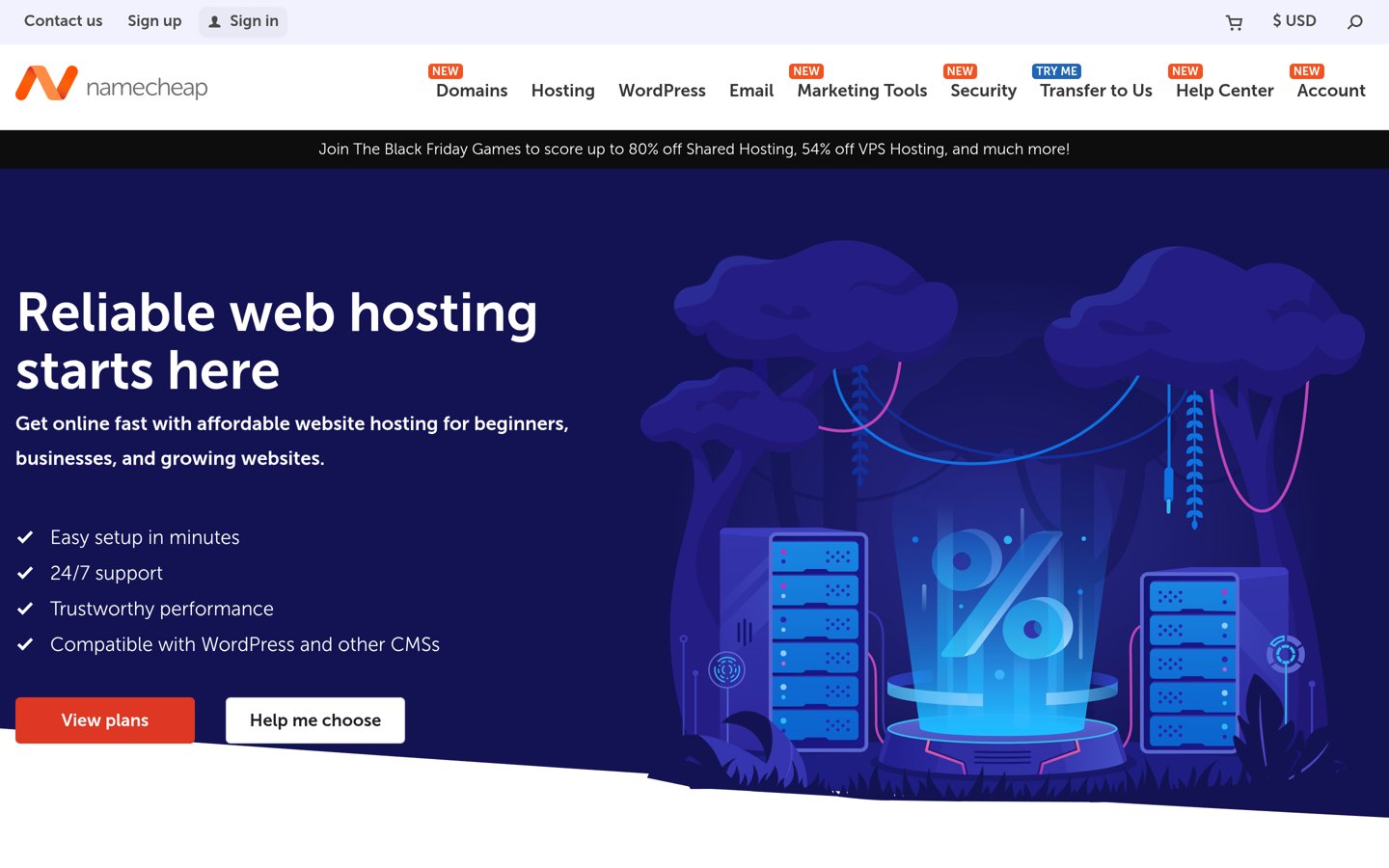
Namecheap homepage, captured Nov 2026.
Namecheap is a hosting and domain provider with a 4.2/5 Trustpilot rating from 22,296 reviews. Its Stellar shared hosting plan includes 30 email mailboxes, support for 3 websites, 20 GB SSD storage and cPanel administration. WordPress can be installed using the hosting control panel, while email accounts can be managed alongside website files.
The trade off is that Stellar uses shared hosting resources and does not include the more extensive automated backup features of higher plans. Its regular annual renewal price is $55.88, compared with an advertised introductory payment of $26.88. It suits small businesses and WordPress publishers needing multiple domain email addresses without a separate mailbox subscription.
What we like
30 email mailboxes included
Lowest annual renewal price in this comparison
Supports multiple WordPress websites
cPanel-based email and website administration
Straightforward domain and hosting management
Watch out for
Shared hosting resource limits
Entry plan has less storage than several competitors
Advanced automatic backups require higher plans
Email sending limits apply
Stellar Plus adds unlimited mailboxes, unlimited website allowance and automated backupsVisit namecheap.com
02
SiteGround
4.9/5on Trustpilot (31,835 reviews, checked Nov 2026)
Starts at$17.99/mo
Best for managed WordPress hosting with business email
Entry planStartUp
Email hostingIncluded
Website storage10 GB
Regular price$17.99/mo
siteground.com
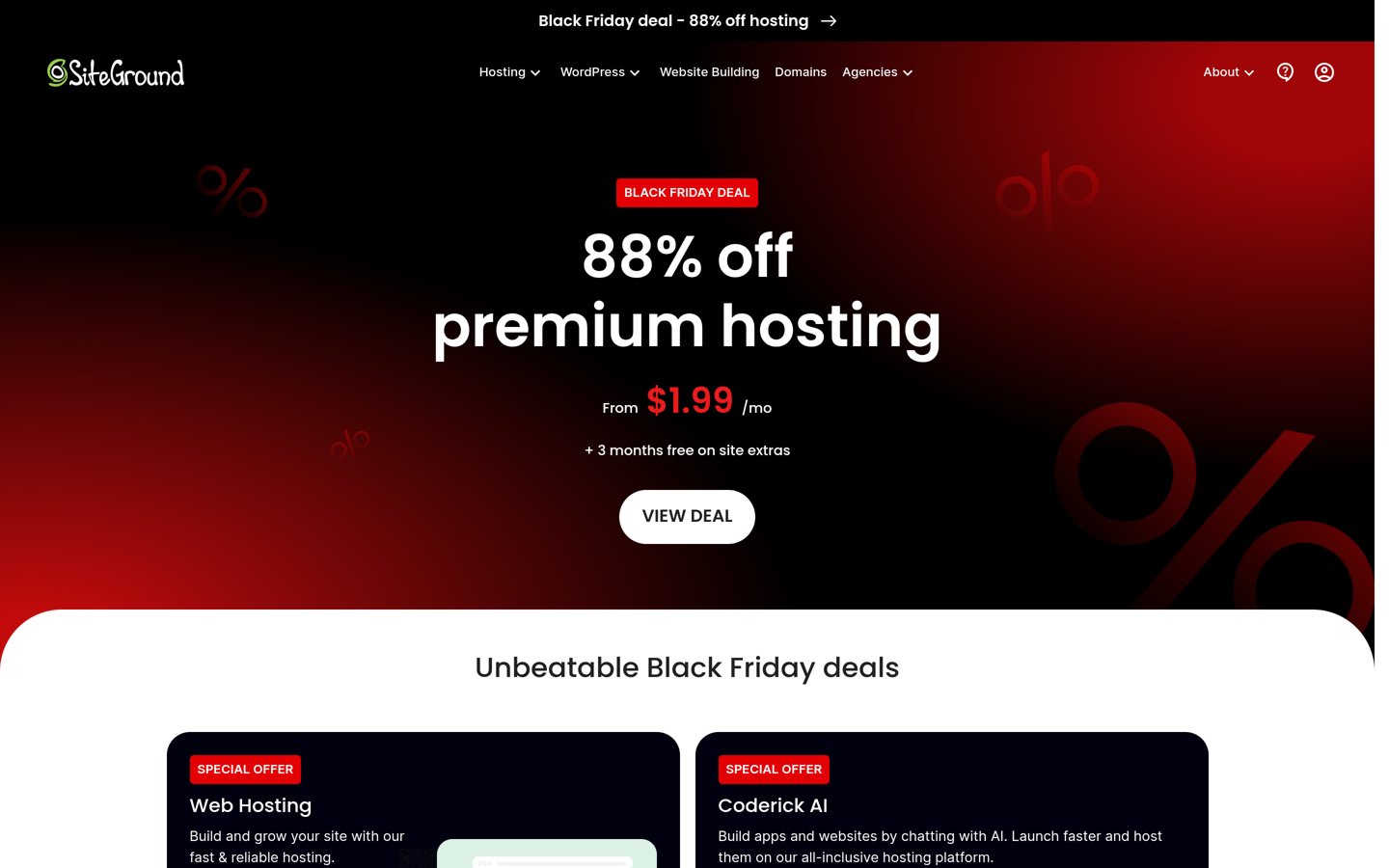
SiteGround homepage, captured Nov 2026.
SiteGround is a WordPress hosting provider with a 4.9/5 Trustpilot rating from 31,835 reviews. Its StartUp plan includes business email, hosting for 1 website, 10 GB storage, free SSL, CDN access, daily backups and multilevel caching. It also provides managed WordPress updates and website migration tools.
The trade off is the regular renewal price of $17.99 per month on a 12-month term, considerably above its advertised $1.99 introductory rate. StartUp also restricts hosting to one website. It suits businesses that want domain email and managed WordPress maintenance under the same provider rather than prioritizing the lowest subscription cost.
What we like
Business email included with hosting
Daily website backups
Managed WordPress updates
Built-in caching and CDN features
Strong Trustpilot rating with extensive feedback
Watch out for
Higher regular renewal cost
StartUp supports only one website
Email and website resources share hosting infrastructure
Advanced WordPress management features require upgrades
4.6/5on Trustpilot (3,083 reviews, checked Nov 2026)
Starts at$13.99/mo
Best for businesses needing many email addresses
Entry planLaunch
Email addressesUnlimited
Mailbox storage5 GB per inbox
Regular renewal$13.99/mo
inmotionhosting.com
InMotion Hosting homepage, captured Nov 2026.
InMotion Hosting is a web hosting provider with a 4.6/5 Trustpilot rating from 3,083 reviews. Its Launch plan includes unlimited email addresses with 5 GB storage per inbox, support for 2 websites, 100 GB NVMe storage and SSL certificates. It offers cPanel administration and WordPress installation alongside domain email management.
The trade off is that unlimited addresses do not mean unlimited storage or unrestricted email sending. The longer-term Launch configurations renew at $13.99 per month, while shorter billing terms can cost more. It suits teams that need separate departmental addresses, personal mailboxes and WordPress hosting within one account.
What we like
Unlimited email address allowance
5 GB storage per mailbox
100 GB NVMe hosting storage
Supports multiple websites
cPanel email management
Watch out for
Individual mailbox storage limits
Renewal costs exceed introductory offers
Email sending remains subject to usage policies
Shared hosting resources may limit demanding websites
4.6/5on Trustpilot (46,005 reviews, checked Nov 2026)
Starts at$8/mo
Best for a single professional email address
Entry planEssential
Included email1 mailbox
Mailbox storage2 GB
Regular renewal$8/mo
ionos.com
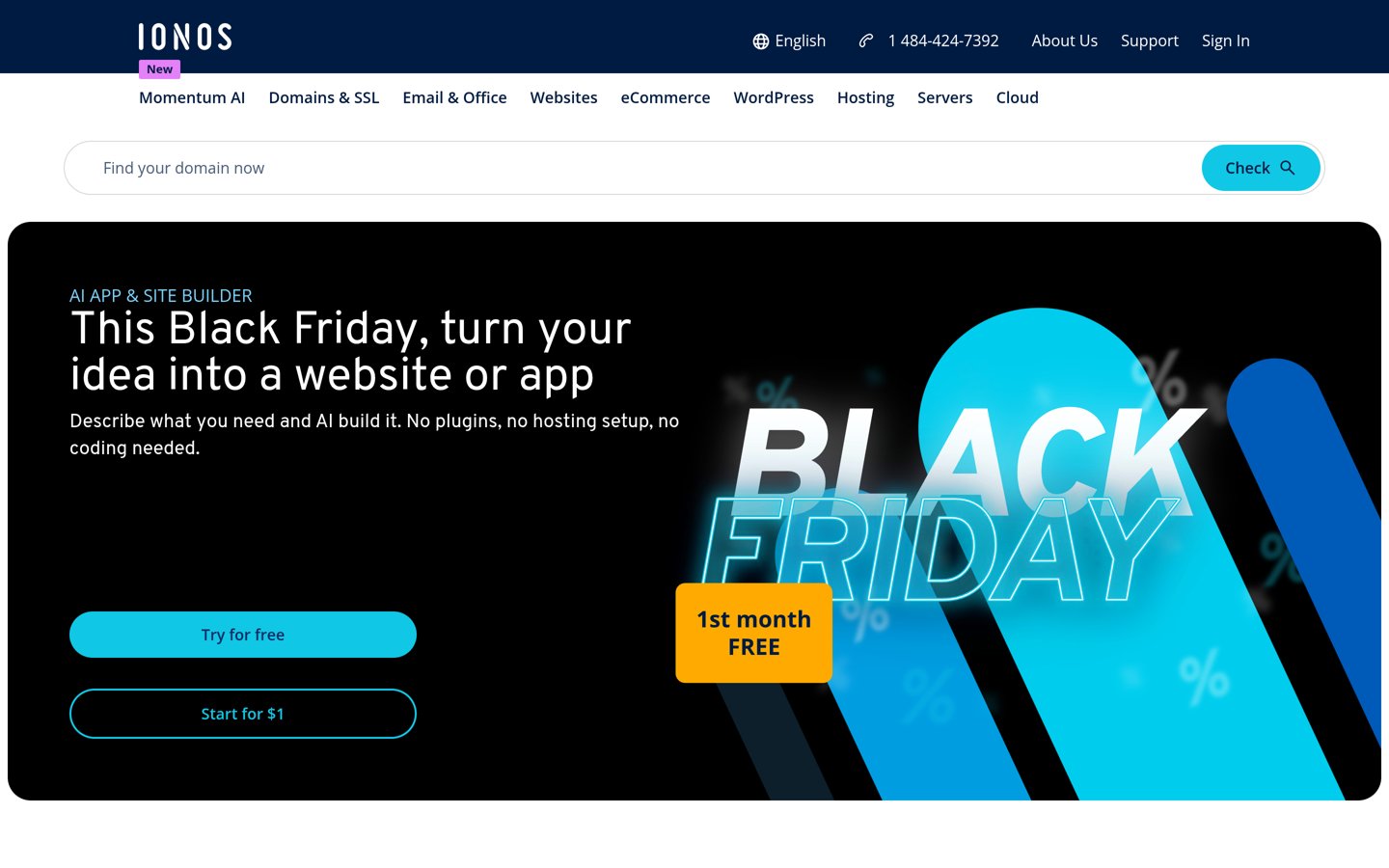
IONOS homepage, captured Nov 2026.
IONOS is a hosting and email provider with a 4.6/5 Trustpilot rating from 46,005 reviews. Its Essential web hosting plan includes 1 professional email mailbox with 2 GB storage, 100 GB NVMe website storage and a website malware scanner. The hosting environment supports WordPress installation and routine website management.
The trade off is the limited mailbox allowance, which may require upgrades or separate email purchases as a team grows. Essential renews at $8 per month after its introductory $4 monthly offer on a one-year term. It suits freelancers and small businesses needing one branded mailbox alongside a WordPress website.
What we like
Professional email included
100 GB NVMe website storage
Low regular annual hosting cost
Website malware scanning
Simple mailbox and hosting administration
Watch out for
Only one mailbox included
2 GB mailbox storage
Additional addresses may increase costs
Some performance features require higher plans
Starter increases the included email allowance and website storageVisit ionos.com
05
Hostinger
4.6/5on Trustpilot (74,346 reviews, checked Nov 2026)
Starts at$10.99/mo
Best for new WordPress websites starting with email
Entry planPremium
Email trial2 mailboxes per website
Website storage20 GB SSD
Renewal price$10.99/mo
hostinger.com
Hostinger homepage, captured Nov 2026.
Hostinger is a managed WordPress hosting provider with a 4.6/5 Trustpilot rating from 74,346 reviews. Its Premium plan supports 3 websites, offers 20 GB SSD storage and includes 2 email mailboxes per website free for the first year. WordPress management, weekly backups and CDN support are included in the hosting package.
The trade off is that the email benefit expires after the first year, so ongoing mailbox charges need to be added to the hosting budget. Premium shows a $12.99 list price and renews at $10.99 per month on the 48-month term. It suits beginners who want WordPress and email setup from one provider.
What we like
Email mailboxes available during the first year
Supports multiple WordPress websites
Managed WordPress setup and updates
Weekly website backups
Central hosting management dashboard
Watch out for
Email is not permanently included
Separate mailbox renewal charges
Lowest hosting promotions require long commitments
Shared hosting resource restrictions
Higher hosting plans add storage, backup features and larger introductory mailbox allowancesVisit hostinger.com
06
Bluehost
4.4/5on Trustpilot (32,397 reviews, checked Nov 2026)
Starts at$11.99/mo
Best for WordPress beginners comparing email options
Entry planStarter
Professional emailTrial available
Basic email quota100 MB per mailbox
Regular annual-term rate$11.99/mo
bluehost.com
Bluehost homepage, captured Nov 2026.
Bluehost is a WordPress hosting provider with a 4.4/5 Trustpilot rating from 32,397 reviews. Its Starter hosting plan includes WordPress management features, SSL certificates, backups and email options. Bluehost documents a basic email quota of 100 MB per mailbox and a separate professional email trial for hosting customers.
The trade off is that professional email is not an unlimited permanent benefit of the hosting subscription, and the basic mailbox storage allowance is small. Starter renews at $11.99 per month on a 12-month term. It suits WordPress beginners who want guided website setup and are comfortable evaluating email upgrades separately.
What we like
WordPress-focused setup tools
Basic email hosting options
Professional email trial available
Managed WordPress updates and backups
Supports multiple websites on Starter
Watch out for
Small basic mailbox storage quota
Professional email trial eventually expires
Ongoing email upgrades add costs
Introductory hosting rates differ from renewals
Higher hosting plans expand resources and email allowances; professional email upgrades are separateVisit bluehost.com
07
DreamHost
4.6/5on Trustpilot (8,325 reviews, checked Nov 2026)
Starts at$10.99/mo
Best for WordPress publishers evaluating email separately
Entry planWeb Hosting Launch
Website allowance25 websites
Email trial3 months
Regular renewal$10.99/mo
dreamhost.com
DreamHost homepage, captured Nov 2026.
DreamHost is a WordPress and web hosting provider with a 4.6/5 Trustpilot rating from 8,325 reviews. Web Hosting Launch supports 25 websites, includes 25 GB NVMe storage and daily backups, and offers a three-month professional email trial with 20 mailboxes. Its hosting platform provides WordPress installation and website management tools.
The trade off is that professional email becomes a separate paid service after the trial, making the hosting price alone an incomplete long-term email budget. Launch renews at $10.99 per month after its introductory annual term. It suits publishers managing several WordPress projects who want flexible website hosting and are willing to budget for email separately.
What we like
Supports multiple WordPress websites
Professional email trial with multiple mailboxes
Daily automated website backups
NVMe storage
WordPress migration and installation tools
Watch out for
Professional email costs extra after the trial
Email billing must be evaluated separately
Entry plan uses shared hosting resources
Not the lowest-cost option for permanently included mailboxes
Higher hosting tiers add website resources; ongoing professional email requires a separate subscriptionVisit dreamhost.com
Email hosting vs WordPress SMTP: what is the difference?
Email hosting provides the mailbox where messages are received, stored and managed. For example, a business can create a contact address using its domain and access messages through webmail or an email application.
WordPress SMTP handles outgoing messages generated by the website. Contact form submissions, password resets, membership notifications and WooCommerce order emails are examples of messages that depend on WordPress sending configuration.
A hosting plan with business email does not automatically provide specialized transactional email delivery. Some hosting companies limit outgoing messages or restrict automated bulk sending. Dedicated transactional email services may be more appropriate for busy WordPress stores and membership websites.
Check whether your host provides SMTP credentials and supports authenticated sending. Domain authentication with SPF, DKIM and DMARC can also improve message legitimacy when correctly configured.
If your website depends on critical email notifications, consider keeping business mailboxes and WordPress transactional delivery separate. This can make it easier to monitor failures and change sending providers without migrating employee inboxes.
How to improve WordPress email deliverability
Start with domain authentication. SPF identifies authorized sending systems, DKIM adds cryptographic signatures to outgoing messages and DMARC tells receiving servers how to evaluate authentication failures.
Configure WordPress to use an authenticated email service instead of relying entirely on the server's default PHP mail function. An SMTP plugin or transactional email integration can connect WordPress to an appropriate sending provider.
Use a consistent sender address on your domain and avoid sending automated website notifications from an unrelated mailbox. Ensure the configured sender is authorized by the connected email service.
Test important notifications such as contact form submissions, password resets and checkout confirmations. Monitor delivery errors rather than assuming a successful WordPress form submission means the email reached its destination.
For newsletters and large marketing campaigns, choose a dedicated email marketing platform with subscriber management and unsubscribe handling. Ordinary web hosting mailboxes are designed primarily for person-to-person communication.
How we chose
We selected established hosting providers offering WordPress-compatible hosting with either included domain email, limited mailbox trials or separately available professional email services. We prioritized mailbox allowances, recurring costs, WordPress management, backup features and clear disclosure of email limitations.
We opened official hosting pricing pages and Trustpilot profiles on 22 Nov 2026. Regular annual-term renewal rates were used instead of introductory promotions, and monthly charges were annualized for comparison. Trustpilot scores represent provider-wide customer feedback, not independent tests of email deliverability.
We excluded providers without sufficiently clear recurring hosting prices and distinguished included email from temporary promotional benefits. The list does not treat mailbox hosting as a replacement for dedicated transactional email infrastructure. No vendor paid for a place, and we do not claim testing for this list.
How to choose WordPress hosting for email
Compare your mailbox requirements, website resources and recurring costs before choosing a WordPress hosting provider.
Count the mailboxes your business needs. Decide whether you need a single contact address, individual employee mailboxes or separate departmental accounts. Compare actual mailbox limits rather than assuming unlimited aliases mean unlimited independent inboxes. Check storage allowances and whether email remains included after the introductory term.
Separate business email from WordPress notifications. Determine whether you mainly need inboxes for customer communication or reliable delivery of automated WordPress messages. Business email hosting handles personal correspondence, while forms, subscriptions and WooCommerce notifications may benefit from dedicated SMTP or transactional email services.
Check email security and administration. Look for spam filtering, authenticated SMTP access, IMAP support and domain authentication options. Review how easily you can create accounts, change passwords and manage DNS records. For business-critical communication, consider independent mailbox backups and account security controls.
Calculate the complete recurring cost. Add hosting renewal charges, mailbox subscriptions, domain renewals and any transactional email costs. A low introductory hosting rate may not represent the ongoing expense. Compare the complete arrangement with an independent email provider before committing to a longer hosting contract.
FAQ
What is the best WordPress hosting for email?
Namecheap is our top choice for affordable combined WordPress and email hosting because its Stellar plan includes 30 mailboxes and support for 3 websites, renewing at $55.88 annually. SiteGround is a stronger option for managed WordPress maintenance, while InMotion Hosting suits businesses requiring many separate email addresses.
Does WordPress hosting include free email?
Some hosting plans include email throughout the subscription, while others provide only an introductory trial. Namecheap Stellar, SiteGround StartUp and IONOS Essential include mailboxes. Hostinger Premium and DreamHost Web Hosting Launch offer temporary email benefits, so check the recurring mailbox charge before purchasing.
Can I use my domain email address with WordPress?
Yes. You can create an email address using your website domain through the host's email service or a separate provider. WordPress can also use that address as the sender for notifications, although SMTP authentication and domain DNS settings may be needed for reliable delivery.
Which WordPress hosting offers unlimited email accounts?
InMotion Hosting Launch lists unlimited email addresses with 5 GB storage per inbox. Unlimited address allowances do not remove storage, resource or sending restrictions. Namecheap Stellar Plus also advertises unlimited mailboxes, while its cheaper Stellar plan includes 30 mailboxes.
Is Namecheap better than Hostinger for email hosting?
Namecheap Stellar is attractive when permanently included mailboxes are a priority, with 30 accounts and a $55.88 annual renewal price. Hostinger Premium emphasizes managed WordPress tools but includes its mailbox benefit free for only the first year. Your best choice depends on hosting needs and ongoing email charges.
Do I need SMTP for my WordPress website?
SMTP is not strictly required for WordPress to attempt sending emails, but authenticated delivery through a suitable email service is often more reliable than default server mail. An SMTP plugin can help connect WordPress notifications to your selected provider. Configure sender authentication and monitor delivery failures.
Can WordPress hosting send newsletters?
A WordPress website can manage newsletter content and subscribers, but ordinary hosting email accounts are not necessarily suitable for bulk campaigns. Hosting companies may impose sending limits and anti-spam restrictions. Dedicated newsletter platforms provide unsubscribe handling, campaign reporting and infrastructure intended for permission-based mailing.
What is the cheapest WordPress hosting with email?
Among the providers compared here, Namecheap Stellar has the lowest confirmed regular annual hosting cost at $55.88 and includes 30 mailboxes. IONOS Essential renews at $8 monthly on an annual term and includes a single mailbox. Compare storage, resources and account limits before choosing.
Should I keep website hosting and email hosting separate?
Separate services can be useful when email reliability is especially important or you expect to change website hosts. Independent mail hosting lets you migrate WordPress without moving employee inboxes. Combined hosting is simpler for smaller sites, but make sure you understand the shared provider's limitations and backup arrangements.