Best WooCommerce SEO Plugins in 2026: 7 Tools Compared
WLWPLegible EditorsLast verified 22 Nov 2026How we rank12 min read
★ Short answer
Rank Math is the best WooCommerce SEO plugin for most stores, with 4 million-plus active installations, a 4.8/5 rating and free product SEO features. SEOPress is better for stores wanting a $49/year WooCommerce SEO upgrade, while Yoast SEO suits merchants who prefer established content optimization guidance.
How we make this list: we compare pricing pages, product documentation and public user reviews, then re-check every price before each update. No product paid for a place. Disclosure.
Rank Math has 4M+ active installs and a 4.8/5 rating from 7,530 reviews; PRO renews at $107.88/year.
SEOPress has 300K+ installs and a 4.8/5 rating from 1,270 reviews; its $49/year PRO plan includes WooCommerce SEO.
Yoast SEO has 10M+ installs and a 4.8/5 rating from 27,821 reviews; Premium costs $118.80/year.
AIOSEO has 2M+ installs and a 4.7/5 rating from 5,241 reviews; Basic renews at $99/year.
Slim SEO has 70K+ installs and a 4.7/5 rating from 136 reviews; Pro starts at $59/year.
The SEO Framework has 200K+ installs and a 4.9/5 rating from 382 reviews; Pro costs $84/year for two websites.
What to look for in a WooCommerce SEO plugin
WooCommerce creates product pages, category archives, shopping cart URLs and other content that search engines may discover. A suitable SEO plugin helps control how these pages are described, indexed and presented in search results.
Start with product structured data. Product schema can communicate details such as names, availability, offers and prices. Check whether the plugin integrates directly with WooCommerce data instead of requiring you to enter the same information manually.
Next, examine product and category metadata. Stores with large catalogs benefit from reusable title and description templates. Individual overrides are also important for high-value products, seasonal collections and categories targeting specific search terms.
Technical features matter too. XML sitemaps, canonical URLs, redirects and indexing controls help manage product variations, discontinued items and duplicate content. Not every plugin includes redirects or advanced WooCommerce features in its free version.
Finally, compare the regular price with your actual requirements. Some SEO plugins include WooCommerce functionality in their main paid plan, while others sell ecommerce-specific extensions separately. A cheaper general SEO license may not provide the product optimization tools you expect.
For SEO management alongside other WordPress tools
$50/yr
Free plan
4.8/5
Price ladder: cheapest paid plan per year
List prices, USD, checked Nov 2026
SEOPressFREE$49
SmartCrawlFREE$50
Slim SEOFREE$59
SEO FrameFREE$84
AIOSEOFREE$99
Rank MathFREE$108
YoastFREE$119
The 7 best WooCommerce SEO plugins
01
Rank Math
4.8/5on WordPress.org (7,530 reviews, checked Nov 2026)
Paid from$107.88/yr
Best overall for WooCommerce SEO and product optimization
Active installs4M+
Product SEOWooCommerce integration
Free technical toolsSitemaps and redirects
Paid upgradePRO, $107.88/yr
rankmath.com
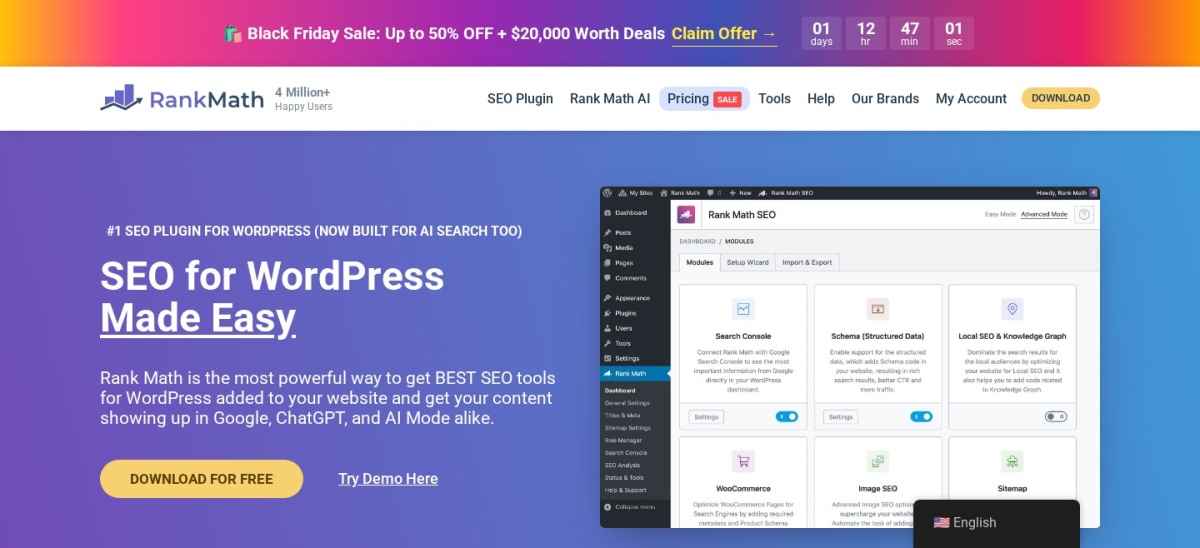
Rank Math homepage, captured Nov 2026.
Rank Math is a WordPress SEO plugin with more than 4 million active installations and a 4.8/5 rating from 7,530 reviews. Its free version includes WooCommerce product SEO settings, schema markup, XML sitemaps, redirects and content analysis. Merchants can manage product titles, descriptions and search appearance from the WordPress dashboard.
The trade off is that advanced WooCommerce SEO features and detailed keyword tracking require PRO. Its regular renewal price is $107.88/year, although a temporary Black Friday discount is available. It suits stores that want product optimization, structured data and technical SEO controls in one plugin.
What we like
WooCommerce SEO features in the free version
Product schema and metadata controls
Free redirect and sitemap management
Google Search Console and Analytics integration
Advanced WooCommerce features in PRO
Watch out for
Advanced product schema controls require PRO
Numerous settings can complicate configuration
PRO licensing distinguishes personal and client websites
PRO adds advanced WooCommerce SEO, schema generation, keyword tracking and additional analytics.Visit rankmath.com
02
SEOPress
4.8/5on WordPress.org (1,270 reviews, checked Nov 2026)
Paid from$49/yr
Best value for dedicated WooCommerce SEO features
Active installs300K+
Free SEOMetadata and XML sitemaps
WooCommerce SEOIncluded in PRO
Paid upgradePRO, $49/yr
seopress.org
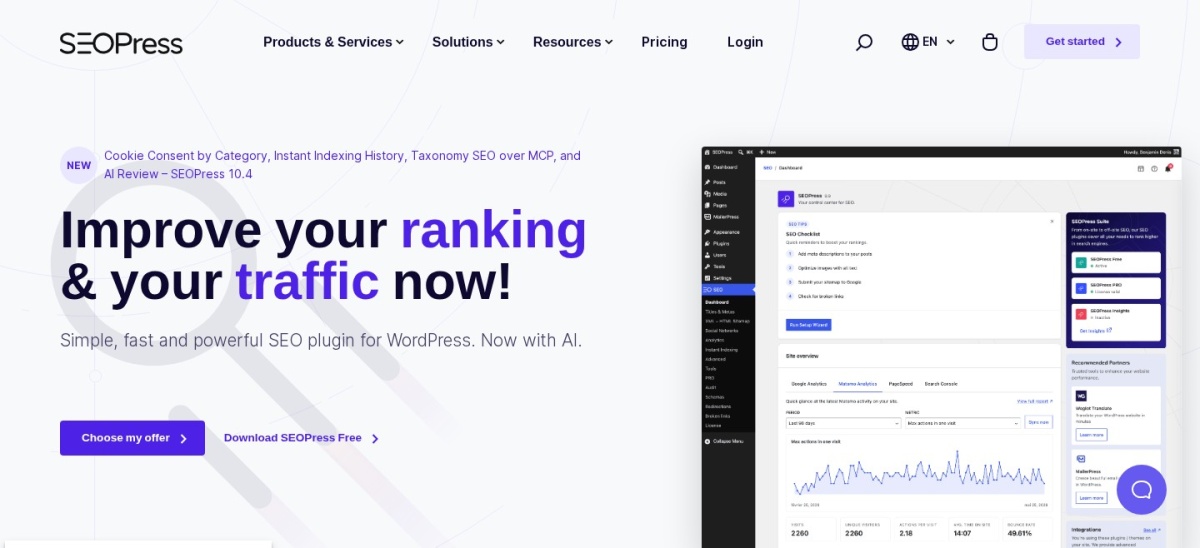
SEOPress homepage, captured Nov 2026.
SEOPress is a WordPress SEO plugin with more than 300,000 active installations and a 4.8/5 rating from 1,270 reviews. Its free version provides metadata, XML sitemaps, content analysis and social sharing settings. The $49/year PRO plan adds WooCommerce SEO, product schema controls and technical optimization features.
The trade off is that ecommerce-specific improvements require the paid version rather than the free edition. SEOPress PRO costs $49/year for one website and renews at the same price. It suits WooCommerce merchants who want specialized product SEO without purchasing several separate extensions.
What we like
WooCommerce SEO included in the entry PRO plan
Affordable regular annual subscription
Product structured data support
Redirect and 404 monitoring features
White-label administration options
Watch out for
Advanced WooCommerce tools require PRO
Keyword and backlink tracking is a separate service
AI credits can involve additional charges
PRO adds WooCommerce SEO, advanced schema, redirects, 404 monitoring and additional technical controls.Visit seopress.org
03
Yoast SEO
4.8/5on WordPress.org (27,821 reviews, checked Nov 2026)
Paid from$118.80/yr
Best for established content optimization workflows
Active installs10M+
Free analysisSEO and readability
Structured dataSchema graph
Paid upgradePremium, $118.80/yr
yoast.com
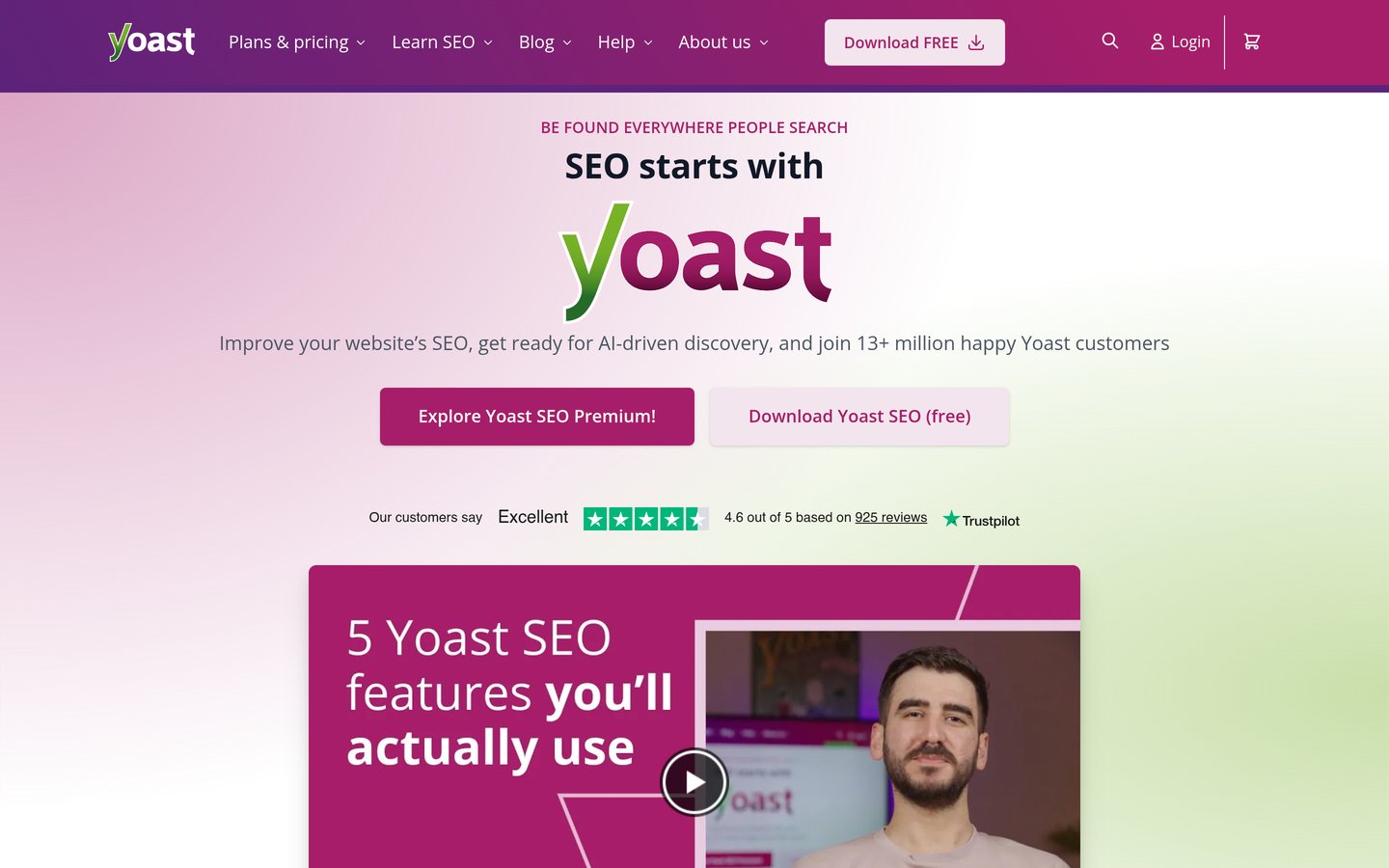
Yoast SEO homepage, captured Nov 2026.
Yoast SEO is a WordPress optimization plugin with more than 10 million active installations and a 4.8/5 rating from 27,821 reviews. Its free edition includes SEO analysis, readability guidance, metadata templates, canonical URLs, XML sitemaps and schema markup. These features support WooCommerce product descriptions, category content and other store pages.
The trade off is that specialized WooCommerce SEO functionality is offered separately from the general SEO workflow. Yoast SEO Premium costs $118.80/year, while the dedicated WooCommerce SEO product has its own pricing. It suits store owners who prioritize familiar editorial guidance and established optimization processes.
What we like
Large established WordPress user base
Free SEO and readability analysis
Metadata templates for product content
Automatic schema and canonical handling
Dedicated WooCommerce SEO product available
Watch out for
WooCommerce-specific features require a separate offering
4.7/5on WordPress.org (5,241 reviews, checked Nov 2026)
Paid from$99/yr
Best for guided store SEO and technical optimization
Active installs2M+
Free SEOMetadata and sitemaps
Entry licenseBasic, 1 website
Paid upgradeBasic, $99/yr
aioseo.com
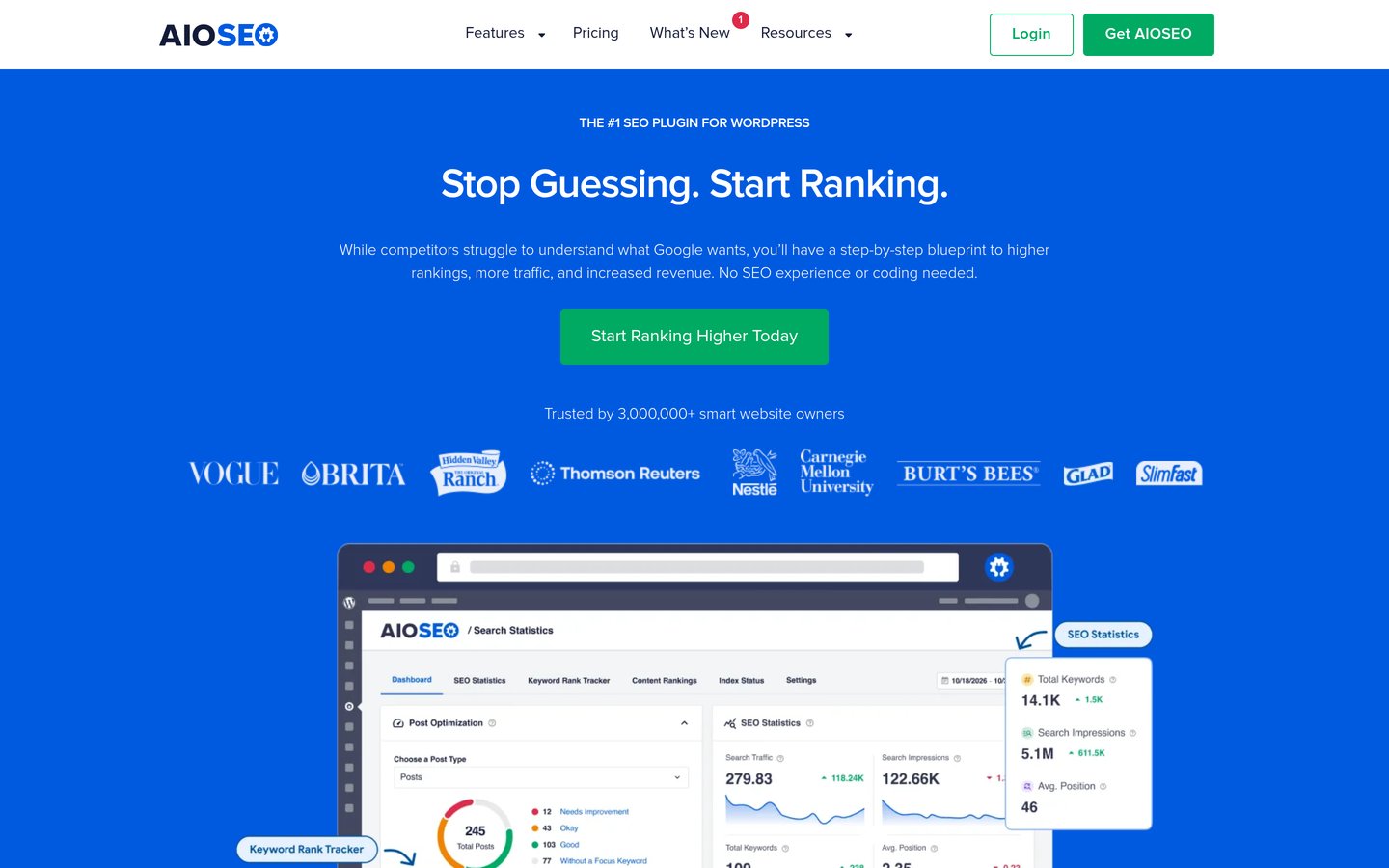
AIOSEO homepage, captured Nov 2026.
AIOSEO is a WordPress SEO plugin with more than 2 million active installations and a 4.7/5 rating from 5,241 reviews. Its free version provides SEO analysis, metadata management, XML sitemaps and basic schema features. It can help WooCommerce merchants optimize product content and manage important search indexing settings.
The trade off is that advanced WooCommerce SEO features are associated with higher paid plans, not simply the cheapest Basic license. Basic normally costs $99/year for one website, with a discounted $49.50 first-year offer. It suits store owners who want guided SEO configuration and may later upgrade for more extensive ecommerce features.
What we like
Guided SEO setup and site analysis
Free metadata and sitemap tools
Product and category SEO support
Advanced schema options on paid tiers
Additional search reporting integrations
Watch out for
Advanced WooCommerce SEO requires a higher plan
Basic has a substantial introductory discount followed by renewal pricing
Some technical tools require paid upgrades
Basic adds premium SEO features and support; higher plans unlock specialized WooCommerce tools.Visit aioseo.com
05
Slim SEO
4.7/5on WordPress.org (136 reviews, checked Nov 2026)
Paid from$59/yr
Best for automatic SEO with minimal configuration
Active installs70K+
Free automationMetadata and sitemaps
Free schemaAutomatic basic schema
Paid upgradePro, from $59/yr
wpslimseo.com
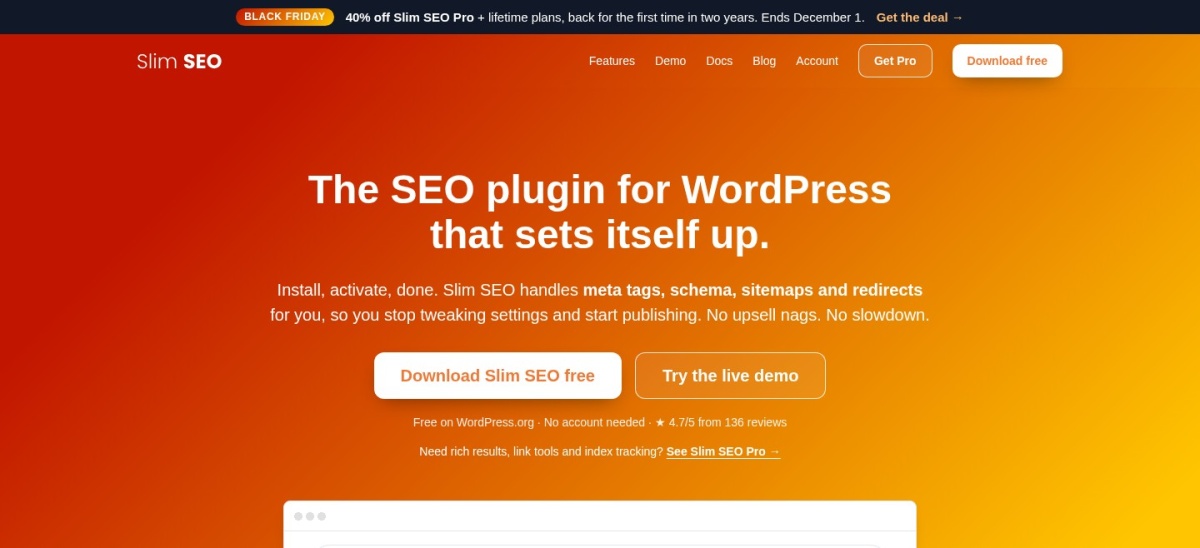
Slim SEO homepage, captured Nov 2026.
Slim SEO is a lightweight WordPress SEO plugin with more than 70,000 active installations and a 4.7/5 rating from 136 reviews. Its free version automatically generates metadata, XML sitemaps, breadcrumbs and basic schema markup. It also includes redirect functionality, reducing the amount of manual SEO configuration needed for smaller stores.
The trade off is that advanced schema mapping, internal linking and search reporting require Slim SEO Pro, starting at a regular $59/year. A temporary Black Friday discount is available, but it does not change the standard price. It suits smaller WooCommerce catalogs that prefer automatic SEO settings over extensive configuration menus.
What we like
Automatic basic SEO configuration
Free metadata and XML sitemaps
Lightweight administration interface
Built-in redirection features
Advanced structured data builder in Pro
Watch out for
Fewer dedicated WooCommerce controls
Advanced schema mapping requires Pro
Less granular configuration than larger SEO suites
Pro adds a visual schema builder, internal linking tools, Search Console reports and advanced SEO analysis.Visit wpslimseo.com
06
The SEO Framework
4.9/5on WordPress.org (382 reviews, checked Nov 2026)
Paid from$7/mo
Best for automatic technical SEO and clean administration
Active installs200K+
WordPress rating4.9/5
Entry licensePro, 2 websites
Paid upgrade$7/mo, billed yearly
theseoframework.com
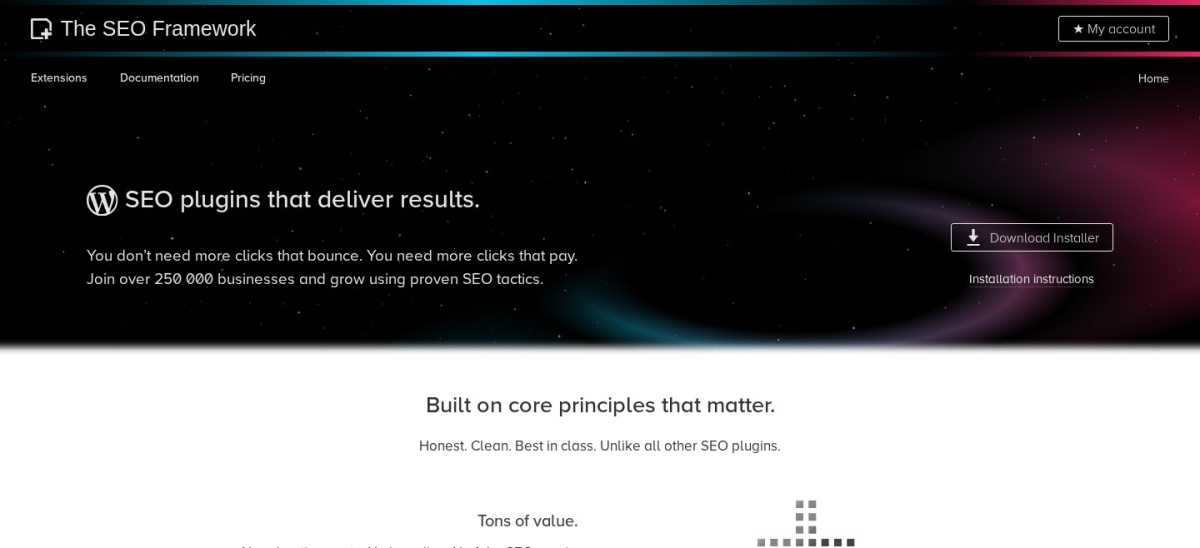
The SEO Framework homepage, captured Nov 2026.
The SEO Framework is a WordPress SEO plugin with more than 200,000 active installations and a 4.9/5 rating from 382 reviews. Its free version automatically manages essential metadata, canonical URLs, indexing directives, XML sitemaps and social sharing tags. It focuses on technical SEO without filling the dashboard with promotional notices.
The trade off is that it provides fewer specialized WooCommerce merchandising tools than Rank Math or SEOPress. Pro costs $7/month billed annually, equivalent to $84/year, and unlocks extensions for two websites. It suits stores that prefer automated metadata and a restrained SEO management interface.
What we like
Automatic metadata and canonical management
High WordPress.org user rating
Free XML sitemap functionality
Minimal promotional interface
Pro covers two websites
Watch out for
Limited specialized WooCommerce features
Some extensions require Pro
Fewer guided content optimization features
Pro unlocks premium extensions, additional API requests and private support for two websites.Visit theseoframework.com
07
SmartCrawl
4.8/5on WordPress.org (171 reviews, checked Nov 2026)
Paid from$50/yr
Best for SEO management alongside other WordPress tools
Active installs10K+
Free SEOAudits and metadata
Included suiteWPMU DEV Pro plugins
Paid upgradePro Basic, $50/yr
wpmudev.com
SmartCrawl homepage, captured Nov 2026.
SmartCrawl is a WordPress SEO plugin from WPMU DEV with more than 10,000 active installations and a 4.8/5 rating from 171 reviews. Its free version offers SEO audits, title and description controls, XML sitemaps, schema settings and redirects. These features can help stores manage product and category search visibility.
The trade off is that SmartCrawl is a general WordPress SEO tool rather than a dedicated WooCommerce optimization platform. WPMU DEV Pro Basic costs $50/year for one website and includes access to its Pro plugin suite. It suits merchants already using WPMU DEV products who want SEO management within that ecosystem.
What we like
Free SEO audits and metadata controls
XML sitemaps and schema features
Redirect management
Pro upgrade includes other WPMU DEV plugins
Suitable for centralized site maintenance
Watch out for
Fewer dedicated WooCommerce SEO options
Advanced features require membership
Not a replacement for specialist product merchandising tools
Pro Basic adds SmartCrawl Pro capabilities, the wider Pro plugin suite and site support.Visit wpmudev.com
Why product schema matters for WooCommerce SEO
Product structured data helps search engines understand information about items sold through a WooCommerce store. It can describe product names, offers, prices, availability and other supported properties.
WooCommerce already outputs structured data for products, so adding an SEO plugin should improve or coordinate the existing information rather than create conflicting duplicate markup.
Rank Math, SEOPress and paid WooCommerce-specific SEO tools offer additional product schema controls. These can be useful when product data needs customization or a store uses more complicated product configurations.
Structured data does not guarantee rich results or better rankings. Search engines decide whether to display enhanced results based on their guidelines, the page content and the quality of the supplied information.
After configuring schema, check representative product pages for accurate prices, availability, variations and product identifiers. Confirm that the markup reflects the information customers actually see.
Technical SEO problems WooCommerce stores should address
WooCommerce stores can generate numerous URLs through product categories, attributes, sorting options and filters. Not every URL needs to appear in search results, especially when pages contain substantially duplicated content.
Canonical URLs and indexing controls help search engines identify the preferred version of similar pages. However, incorrect canonical settings can prevent important product and category pages from receiving their intended visibility.
Discontinued products also need attention. If a product has a suitable replacement, a redirect may be appropriate. If it remains useful to visitors, keeping the page accessible with accurate availability information may be better.
XML sitemaps should include the product and category pages that merchants actually want indexed. Excluding important pages accidentally can make discovery and maintenance more difficult.
SEO plugins help manage these settings, but they cannot compensate for missing product descriptions, poor site navigation, inaccessible pages or low-quality product information.
How we chose
We reviewed established WordPress SEO plugins with features relevant to WooCommerce stores, including product metadata, structured data, XML sitemaps, redirects and search indexing controls. Candidates came from WordPress.org listings and official vendor documentation, with WooCommerce-specific functionality considered separately from general SEO features.
We opened WordPress.org listings and official vendor pricing pages on 22 Nov 2026. Ratings, review counts, active installations and update activity came from WordPress.org. Pricing uses the cheapest published paid plan at its regular rate, excluding promotional discounts and annualizing monthly prices where required.
We excluded closed or outdated plugins, products without confirmable regular pricing and tools lacking meaningful SEO functionality for store pages. We also distinguished general SEO upgrades from specialized WooCommerce extensions so readers can identify features that cost extra. No vendor paid for a place, and we do not claim testing for this list.
How to choose a WooCommerce SEO plugin
Identify the SEO problems affecting your product catalog, then compare plugins based on the features needed to address them.
Prioritize product and category optimization. Choose a plugin that supports product metadata, category titles, descriptions and structured data. Rank Math offers broad WooCommerce integration, while SEOPress includes dedicated ecommerce features in its paid plan. Confirm that variations and product attributes are represented correctly.
Review technical SEO requirements. Check XML sitemaps, canonical URLs, indexing controls and redirects. Large catalogs may need bulk editing and rules for discontinued products. Avoid enabling duplicate sitemaps or competing schema generators when WooCommerce and other plugins already provide similar functionality.
Compare the regular price and included features. SEOPress PRO costs $49/year and includes WooCommerce SEO, while Rank Math PRO renews at $107.88/year. Yoast SEO Premium costs $118.80/year, with specialized WooCommerce features sold separately. Compare the required features rather than assuming every paid SEO plan covers ecommerce.
Configure and verify the plugin carefully. Back up your website and export SEO settings before replacing an existing plugin. Check product titles, canonical URLs, structured data and sitemaps after migration. Confirm that important products remain indexable and review performance through Search Console.
FAQ
What is the best WooCommerce SEO plugin in 2026?
Rank Math is our top overall choice because it combines free WooCommerce product SEO, schema markup, sitemaps and redirect tools. It has more than 4 million active installations and a 4.8/5 WordPress.org rating. SEOPress is an attractive paid alternative with dedicated WooCommerce SEO features.
Is Rank Math better than Yoast for WooCommerce?
Rank Math provides WooCommerce-oriented features in its free plugin and adds advanced ecommerce optimization in PRO. Yoast offers established content analysis and a separate WooCommerce SEO product. Rank Math may offer better value for stores needing integrated controls, while Yoast suits teams familiar with its editorial workflow.
Can I use a free SEO plugin with WooCommerce?
Yes. Rank Math, Yoast SEO, AIOSEO, SEOPress, Slim SEO, The SEO Framework and SmartCrawl offer free versions. Their basic features include combinations of metadata, sitemaps and indexing controls. Dedicated product schema management and advanced ecommerce functions may require paid plans.
Does WooCommerce need a separate SEO plugin?
WooCommerce already provides some SEO-related functionality, including product information and structured data. However, a dedicated SEO plugin can provide more control over metadata, canonical URLs, search indexing and technical optimization. The need depends on the complexity of your catalog and your existing website setup.
Which WooCommerce SEO plugin is cheapest?
SEOPress PRO has a regular price of $49/year and includes dedicated WooCommerce SEO features. SmartCrawl is available through WPMU DEV Pro Basic at $50/year, while Slim SEO Pro starts at $59/year. These products differ in ecommerce-specific functionality, so the cheapest subscription is not necessarily the best fit.
Which SEO plugin offers product schema for WooCommerce?
Rank Math provides WooCommerce integration and product schema capabilities, while SEOPress PRO includes WooCommerce structured data features. Yoast offers dedicated WooCommerce SEO functionality through a separate product. Check how each plugin integrates with WooCommerce's existing markup to avoid duplicate or conflicting product data.
Can an SEO plugin improve WooCommerce product rankings?
An SEO plugin can help implement metadata, structured data, canonical URLs and indexing rules. These changes improve technical consistency and make product information easier to interpret. Rankings still depend on relevance, competition, content quality, website performance and other factors that a plugin cannot control.
Should WooCommerce product variations have separate URLs?
It depends on whether variations represent meaningfully different products that customers search for. Many stores use a single primary product URL with selectable variations. Separate indexable pages may be appropriate when each variation has distinct content and search demand. Configure canonical URLs and structured data accordingly.
Can I use Rank Math and Yoast SEO together?
Running multiple full SEO plugins is generally discouraged because they may output competing metadata, canonical tags, structured data and XML sitemaps. Choose one primary SEO plugin and disable overlapping functionality before switching. Export existing settings and verify important product pages after migration.