PDQ Deploy is the best Windows deployment tool for most teams, pushing apps, patches and scripts to any PC on the network from one console with a top rating from 274 reviewers. Pick Action1 for a free start on up to 200 endpoints, or Intune if your fleet already runs on Microsoft 365.
How we make this list: we compare pricing pages, product documentation and public user reviews, then re-check every price before each update. No product paid for a place. Disclosure.
PDQ Deploy is the highest-rated deployment-first tool here at 4.8 out of 5, with one $1,950 yearly licence per admin and unlimited endpoints.
Action1 is free for the first 200 endpoints with no feature limits, and it holds the highest rating in this list at 4.9 out of 5.
Intune Plan 1 costs $8 per user per month and is already included in most Microsoft 365 E3 and E5 licences.
SmartDeploy starts at $1,100 a year and ships a library of more than 1,500 driver packs for single-image deployment.
Acronis Snap Deploy starts at $25 per device per year, but its G2 rating rests on only 5 reviews.
What Windows deployment software should do
Windows deployment covers two jobs that often get mixed up. Imaging puts a full operating system on a bare PC, while software deployment pushes apps, patches and scripts to machines that already run Windows.
Most teams need the second job far more often. A new PC arrives once every few years, but Chrome, Zoom and Windows updates need pushing every week, so a tool that handles ongoing app deployment earns its keep fastest.
Agentless tools such as PDQ Deploy work over the local network with no software on each PC. Cloud tools such as Intune and Action1 reach laptops anywhere, which matters once staff work from home.
Check how the vendor counts what you pay for. Some charge per admin, some per device and some per user, so the cheapest list price is not always the cheapest bill for your fleet size.
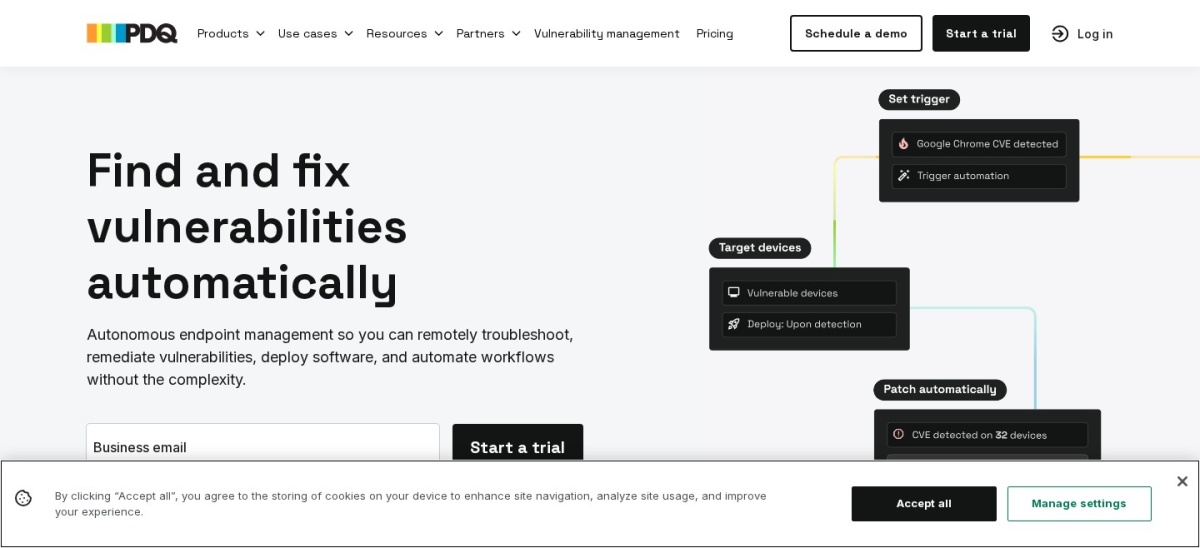
PDQ Deploy is the tool Windows admins recommend to each other for pushing software, patches and scripts to PCs on the network. It is agentless, works with Active Directory, and ships with a package library of more than 200 ready-to-deploy third-party apps, so a Chrome or Zoom update takes minutes to schedule.
The trade off is reach. It runs on premises and targets machines on the local network or VPN, so laptops that never connect need the separate cloud product, PDQ Connect. It suits small and mid-size teams whose PCs mostly sit on the office network.
What we like
Highest deployment-first rating here at 4.8 out of 5
One licence covers unlimited endpoints
Package library saves hours of packaging work
Watch out for
On-premises only, so remote laptops need Connect
One licence per admin adds up for larger teams
Paid licence adds scheduled patching and the full package libraryVisit pdq.com
02
Action1
4.9/5on G2 (1,270 reviews, checked Nov 2026)
PriceFree
Best free start for small fleets
Free tierFirst 200 endpoints, full features
Deployment styleCloud-native, agent-based
PatchingOS and third-party apps
Paid planQuote beyond 200 endpoints
action1.com
Action1 homepage, captured Nov 2026.
Action1 is a cloud-native patching and deployment platform that is free for the first 200 endpoints with no feature limits. It deploys OS patches, third-party app updates and scripts to Windows, macOS and Linux machines from one console, and reviewers rate it 4.9 out of 5 across 1,270 reviews.
The trade off is pricing past the free tier. Once you pass 200 endpoints you need a custom quote, and the vendor does not publish a per-device price. It suits small teams, schools and nonprofits that want enterprise patching without a bill.
What we like
Highest rating in this list at 4.9 out of 5
Free for 200 endpoints with no locked features
Cloud console reaches laptops anywhere
Watch out for
No published price beyond the free tier
No mobile device management features
Paid plans add support and cover fleets over 200 endpointsVisit action1.com
03
Microsoft Intune
4.5/5on G2 (272 reviews, checked Nov 2026)
Starts at$8/user/mo
Best for Microsoft 365 shops
Deployment styleCloud, agent-based
ProvisioningWindows Autopilot
Free planNo, trial only
Paid planPlan 1, $8/user/month
microsoft.com
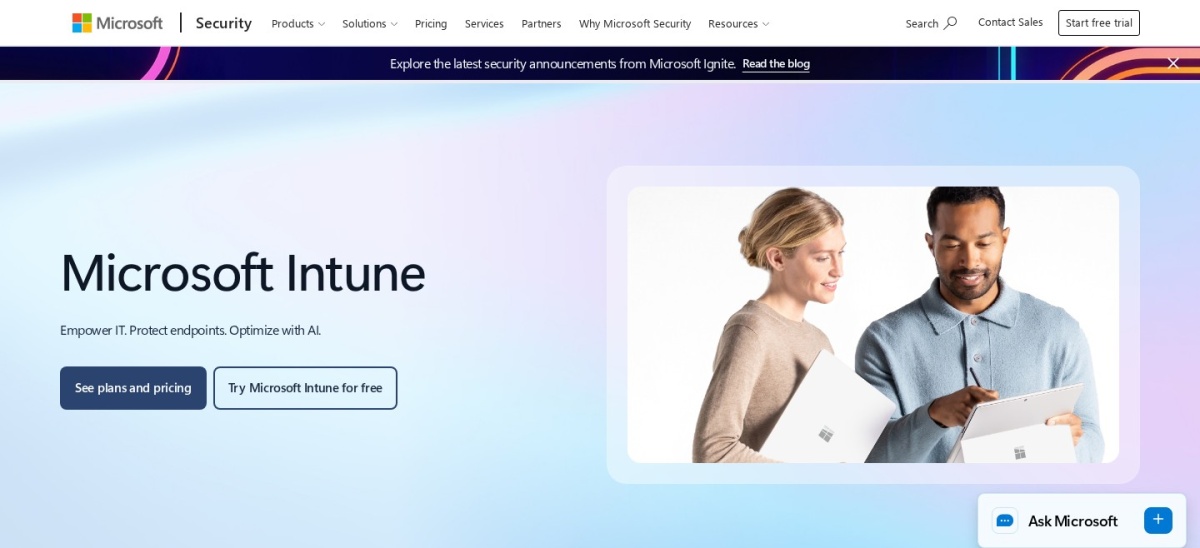
Microsoft Intune homepage, captured Nov 2026.
Microsoft Intune is the cloud route to Windows deployment for organisations already on Microsoft 365. Windows Autopilot ships a new PC from the maker to the user, and the device configures itself from the cloud with apps and policies, so no golden image is needed at all.
The trade off is setup effort. Intune takes months to configure well, and its per-user price climbs with headcount, though Plan 1 is already included in most Microsoft 365 E3 and E5 licences. It suits Microsoft shops that want one console for devices, apps and security.
What we like
Autopilot removes imaging from provisioning
Already included in many Microsoft 365 licences
Deep integration with Entra ID and Defender
Watch out for
Slow to set up, with a steep learning curve
Per-user pricing adds up for large fleets
Intune Suite adds remote help and advanced analytics for $10 per user per monthVisit microsoft.com
04
SmartDeploy
4.7/5on G2 (152 reviews, checked Nov 2026)
Starts at$1,100/yr
Best for single-image deployment
Deployment styleImaging, agent-based
Driver packs1,500+ prebuilt packs
Free planNo, 15-day trial
Paid planStarter, from $1,100/yr
smartdeploy.com
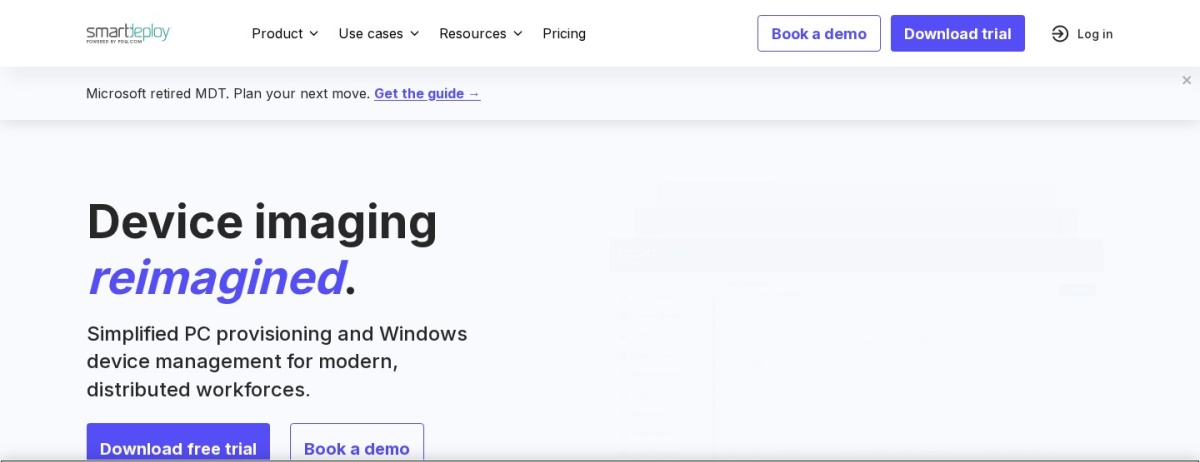
SmartDeploy homepage, captured Nov 2026.
SmartDeploy is a Windows imaging tool built around one golden image that deploys to any hardware. Its Platform Pack library holds more than 1,500 prebuilt driver packs, so drivers are injected at deploy time instead of bloating the image, and layered imaging can reimage the OS without touching apps or user data.
The trade off is price structure. The $1,100 yearly starting price covers the Starter plan, while Plus and Pro are priced by quote, so larger needs are hard to budget in advance. It suits teams that reimage PCs often across mixed Dell, HP and Lenovo hardware.
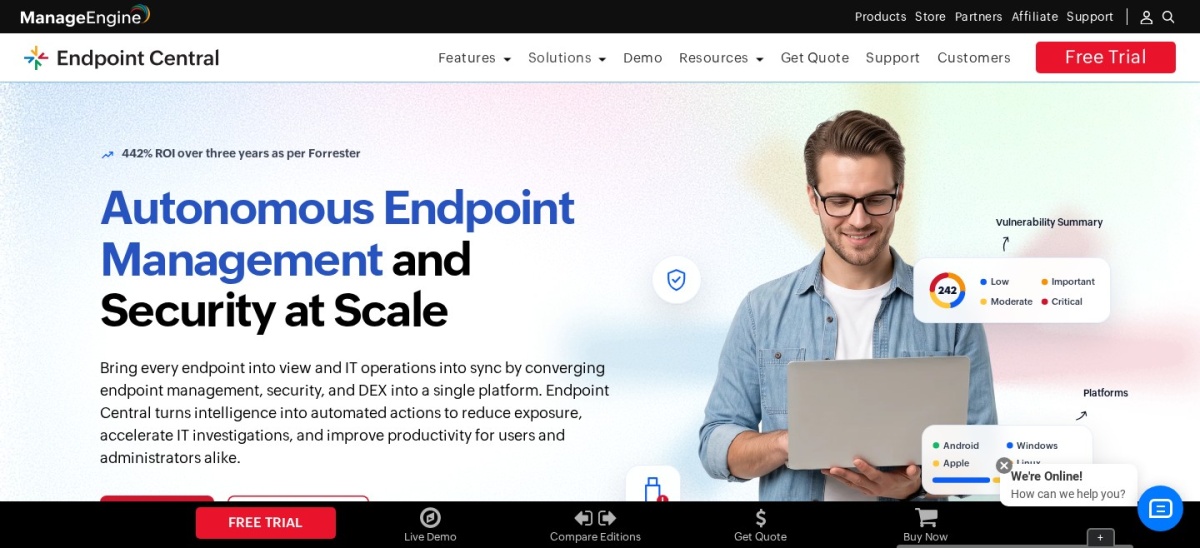
ManageEngine Endpoint Central homepage, captured Nov 2026.
ManageEngine Endpoint Central is a full endpoint suite that covers software deployment, patching, asset inventory and remote control in one console. A free edition manages up to 25 endpoints, and the Professional edition starts at $795 a year for 50 computers, which makes it one of the cheapest paid routes in this list.
The trade off is edition sprawl. OS imaging and deployment sits in the Enterprise edition and up, so the cheapest paid tier does not cover imaging, and pricing varies by endpoint count and technician seats. It suits teams that want one tool for deployment, patching and inventory.
What we like
Free edition for up to 25 endpoints
Lowest paid starting price for a full suite
Cloud or on-premises deployment
Watch out for
OS imaging needs the pricier Enterprise edition
Pricing varies by endpoints and technicians
Enterprise adds OS imaging, USB control and remote control with recordingVisit manageengine.com
06
NinjaOne
4.7/5on G2 (5,027 reviews, checked Nov 2026)
PricingCustom/yr
Best for MSPs and cross-platform fleets
Deployment styleCloud, agent-based
PatchingOS and 6,000+ third-party apps
Free planNo, trial only
Paid planPer device, quote-based
ninjaone.com
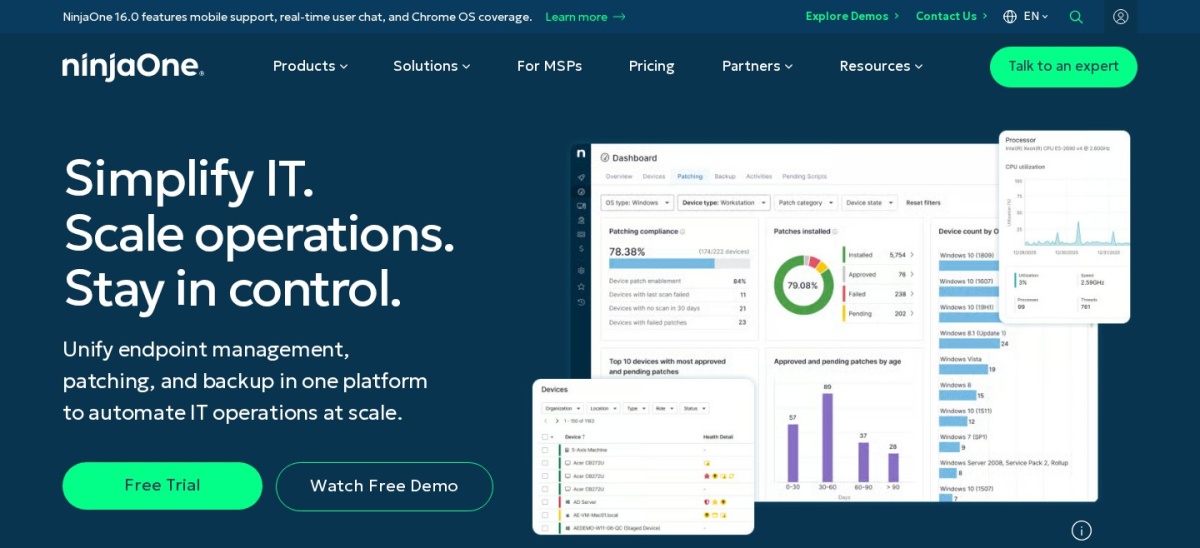
NinjaOne homepage, captured Nov 2026.
NinjaOne is a cloud remote monitoring and management platform that deploys software and patches across Windows, macOS and Linux from one console. It holds the largest review base in this list at 4.7 out of 5 from 5,027 reviewers, and its automation policies can install, update and remove apps without manual runs.
The trade off is that it is a full RMM, not a deployment-only tool. Pricing is quote-based and varies by endpoint count, so small teams cannot see a price before talking to sales. It suits MSPs and IT teams that want deployment inside a wider monitoring platform.
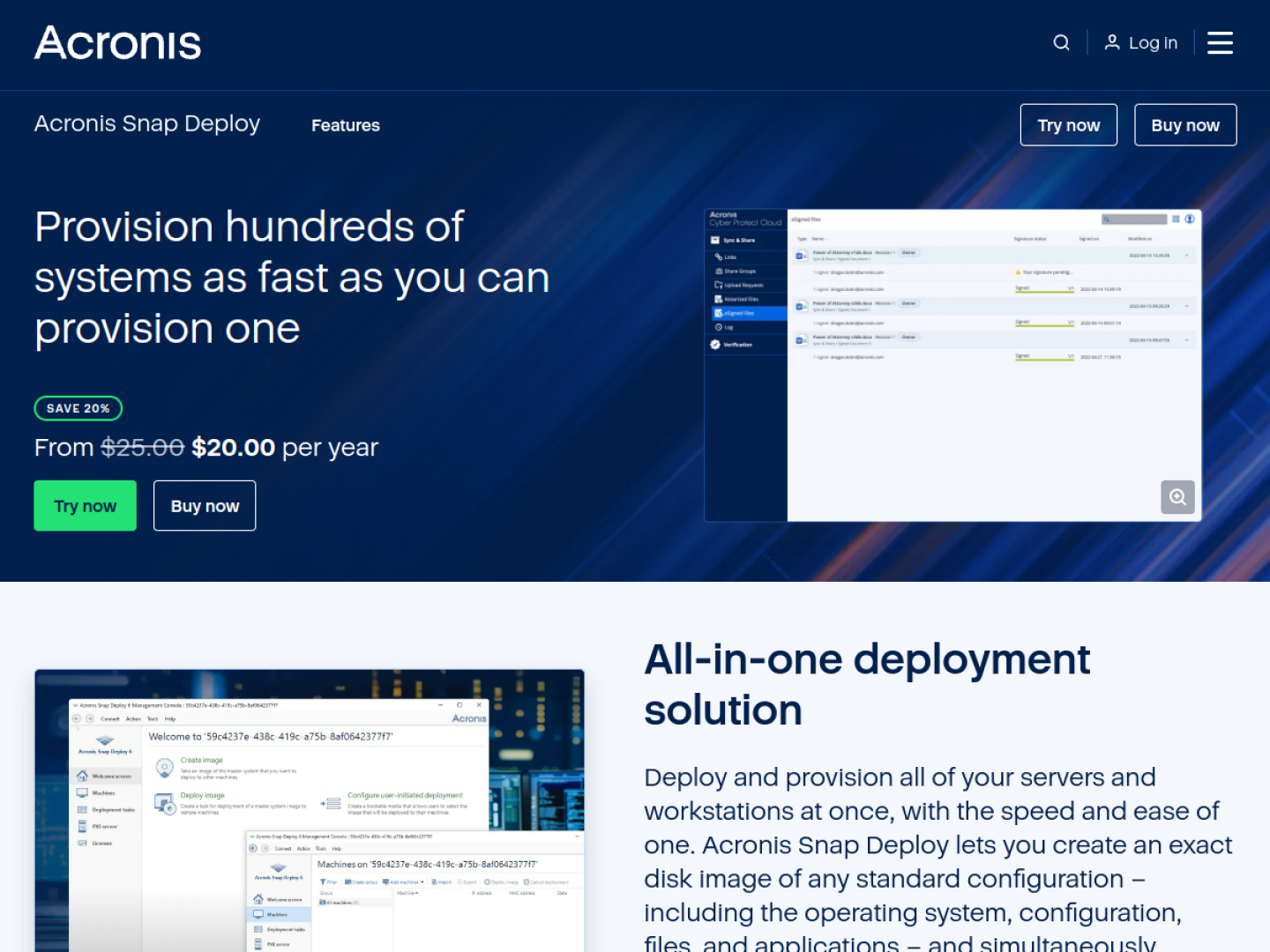
Acronis Snap Deploy is a veteran imaging tool built on Acronis disk imaging technology. It captures a master image of an OS with apps and data, then deploys it to many machines at once by multicast, with per-machine settings such as unique IP addresses, and Universal Deploy handles dissimilar hardware.
The trade off is evidence. Its G2 rating of 4.7 out of 5 rests on only 5 reviews, and Acronis does not publish a pricing page, so the $25 per device figure comes from reseller and comparison listings. It suits schools and offices that need rapid mass imaging on a tight budget.
What we like
Lowest per-device starting price here
Multicast deploys to many PCs at once
Universal Deploy handles mixed hardware
Watch out for
Rating rests on only 5 G2 reviews
No published pricing page of its own
Per-deployment licences cover one successful deployment per machineVisit acronis.com
08
Ivanti Endpoint Manager
4.2/5on G2 (143 reviews, checked Nov 2026)
PricingCustom/yr
Best for large enterprise fleets
Deployment styleOn-premises or cloud
PatchingOS and third-party apps
Free planNo, trial only
Paid planQuote-based
ivanti.com
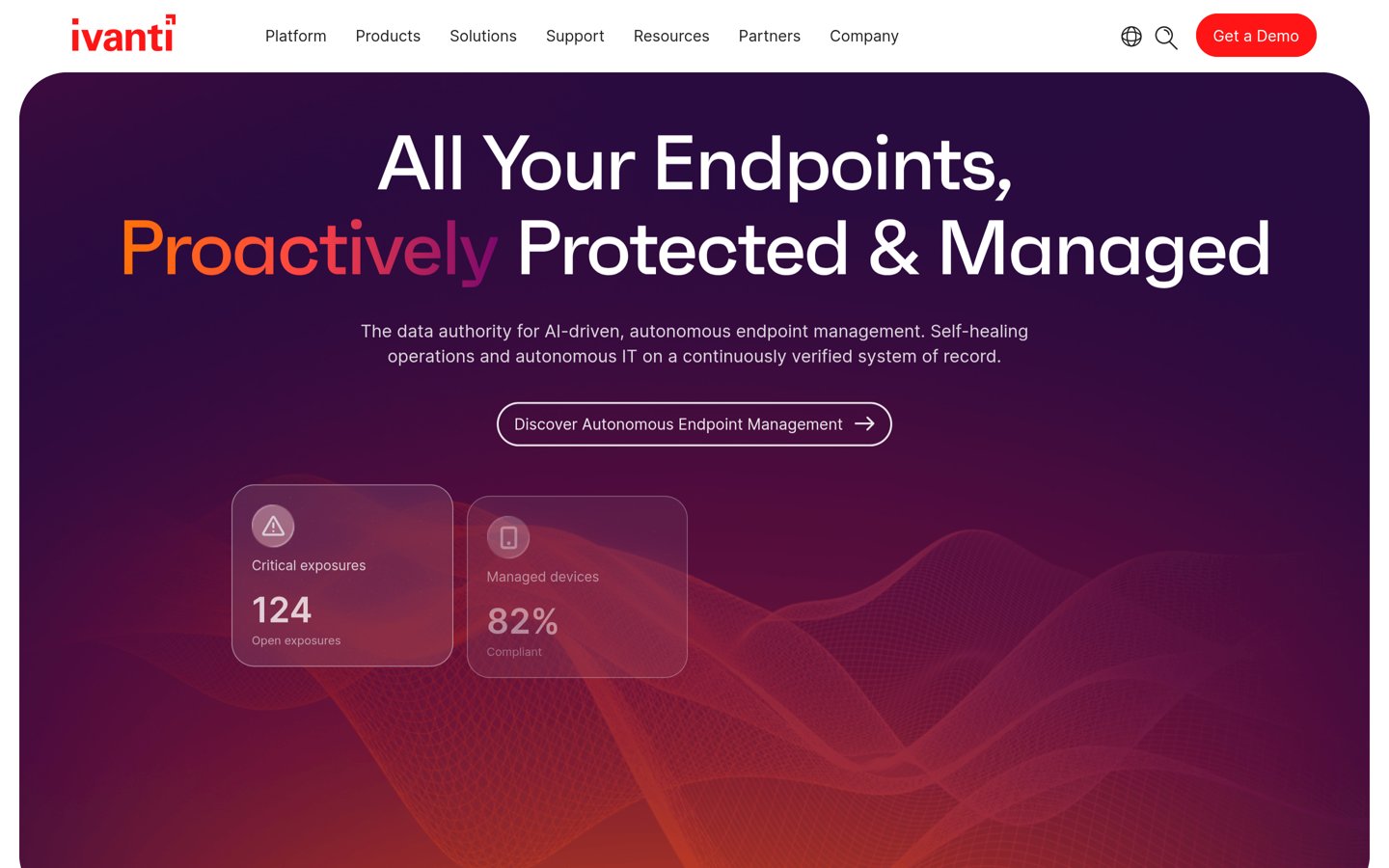
Ivanti Endpoint Manager homepage, captured Nov 2026.
Ivanti Endpoint Manager is an enterprise platform for software deployment, patching and automation across large Windows fleets. It covers provisioning, software distribution and configuration from one console, with deep policy controls for regulated environments.
The trade off is size and price. It is built for enterprise teams, pricing is quote-only, and its 4.2 out of 5 G2 rating is the second lowest in this list. It suits large organisations that already run Ivanti ITSM or security tools and want deployment in the same stack.
Quest KACE is an appliance-based platform that combines software deployment, patching, imaging and asset management. It runs as a physical or virtual appliance, which appeals to teams that want endpoint management on their own hardware rather than in the cloud.
The trade off is rating and price. It holds the lowest G2 rating in this list at 4.1 out of 5 from 95 reviews, and pricing is quote-only. It suits mid-size teams that prefer an appliance model and want deployment, patching and inventory in one box.
Imaging copies a whole operating system onto a bare PC. Tools such as SmartDeploy and Acronis Snap Deploy do this, and they matter most when you set up many new machines at once.
App deployment pushes software to PCs that already run Windows. PDQ Deploy, Action1 and Intune do this daily, and it is the job most teams run every week.
If you only set up new PCs a few times a year, pick an app deployment tool and image by hand. If you reimage labs or classrooms every term, an imaging tool pays for itself fast.
How we chose
We started from the deployment tools most often recommended by Windows admins, then kept those with a verifiable rating on G2 and a clear deployment or imaging role.
Prices come from each vendor's pricing page, checked on 26 November 2026. Ratings and review counts come from G2 on the same day. Where a vendor shows a sale, the list shows the regular price.
We left out tools with no verifiable rating and tools built only for Mac fleets. No vendor paid for a place, and we do not claim hands-on testing for this list.
How to choose Windows deployment software
Start with where your PCs live, then match the tool to that reality.
Count your endpoints and where they sit. Office-bound PCs suit agentless on-premises tools, while laptops that roam need a cloud console that reaches them anywhere.
Separate imaging from app deployment. Pick an imaging tool only if you reimage often. Most teams get more value from fast app and patch deployment.
Check the billing unit before comparing prices. Per-admin, per-device and per-user prices are not comparable at face value. Work out the yearly total for your fleet size.
Trial the top two on a small group first. Deploy to ten PCs, watch the reporting, and check that failed installs are easy to spot before rolling out widely.
FAQ
What is the best Windows deployment software?
PDQ Deploy is the best pick for most Windows teams. It pushes apps, patches and scripts to PCs on the network from one console, is rated 4.8 out of 5 on G2, and one licence covers unlimited endpoints.
What is the difference between imaging and software deployment?
Imaging copies a full operating system onto a bare PC, while software deployment pushes apps and patches to machines that already run Windows. Most teams deploy apps weekly and image only when new PCs arrive.
Is there free Windows deployment software?
Yes. Action1 is free for the first 200 endpoints with full features, ManageEngine Endpoint Central has a free edition for up to 25 endpoints, and PDQ Deploy has a free mode with a 14-day trial of the paid licence.
Does Microsoft Intune replace imaging tools?
For many teams, yes. Windows Autopilot provisions new PCs from the cloud without a golden image. Teams that reimage labs or classrooms often still keep an imaging tool such as SmartDeploy beside it.
How much does PDQ Deploy cost?
PDQ Deploy and Inventory costs $1,950 per admin per year, and one licence covers unlimited endpoints. Small businesses under 50 staff, nonprofits and schools can get a 15 percent discount.
Can I deploy software to remote laptops?
Yes, with a cloud tool. Intune, Action1 and NinjaOne reach laptops anywhere with internet access, while on-premises tools such as PDQ Deploy need the PC on the office network or VPN.
SaaS SEO and WordPress specialist with about 8 years of experience. Rakib compares WordPress plugins, themes, hosting and software using public pricing, documentation and user reviews. See how we rank.