Best Website Heatmap Tools in 2026: 7 Tools Compared
WLWPLegible EditorsLast verified 22 Nov 2026How we rank12 min read
★ Short answer
Crazy Egg is our top website heatmap tool for conversion-focused teams, with heatmaps, recordings and surveys starting at $29/month billed annually. Lucky Orange adds live visitor monitoring and chat for ecommerce stores, while Plerdy offers a free plan and combines heatmaps with SEO and conversion analysis.
How we make this list: we compare pricing pages, product documentation and public user reviews, then re-check every price before each update. No product paid for a place. Disclosure.
Crazy Egg starts at $29/month billed annually, including 5 heatmap reports, 5,000 tracked pageviews and 50 recordings per month.
Lucky Orange costs $39/month on its regular monthly Build plan, tracking up to 3,500 sessions per month.
Plerdy scores 4.7/5 on G2 and offers free heatmaps for 3 pages, with its regular Startup price at $32/month.
Microsoft Clarity is completely free, supports unlimited heatmaps and traffic, and has a 4.5/5 G2 rating from 55 reviews.
Contentsquare offers a free plan with 200,000 monthly sessions and paid Growth access starting at the regular $49/month rate.
Inspectlet starts at $39/month and offers session recordings, dynamic heatmaps and form analytics.
What to look for in website heatmap software
Website heatmaps show how visitors interact with pages by turning clicks, scrolling and mouse movements into visual reports. They help reveal which sections attract attention and which important elements visitors overlook.
The most useful tools combine click heatmaps, scroll maps and session recordings. Click maps identify frequently selected elements, scroll maps show how far visitors travel down a page, and recordings provide context for individual journeys.
Heatmap tools differ in how they count usage. Some charge by pageviews, others by recorded sessions or monthly visitors. Compare the actual data allowance before choosing a subscription, especially if your website receives significant traffic.
Look for mobile and desktop segmentation, event filtering, funnel analysis and integration with your existing analytics platform. These capabilities help explain whether visitors behave differently across devices, campaigns or landing pages.
Privacy controls matter too. Review consent requirements, data masking and recording settings before installation. Heatmap tools should not capture passwords, payment details or other sensitive information.
Best for website heatmaps and conversion optimization
Heatmap reports5 on Starter
Tracked pageviews5,000/month
Session recordings50/month
Paid planStarter, $29/mo billed annually
crazyegg.com
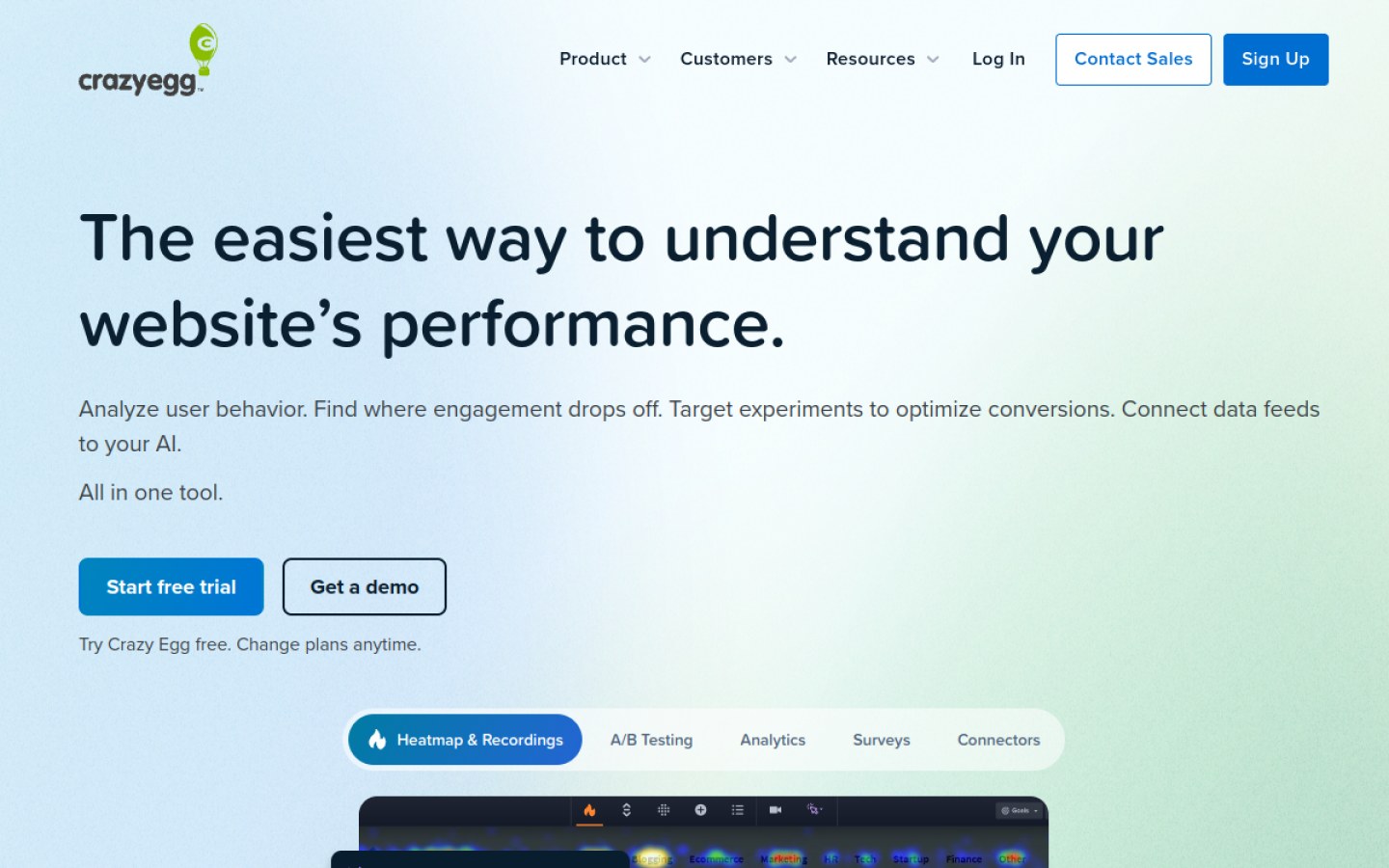
Crazy Egg homepage, captured Nov 2026.
Crazy Egg is a website behavior analytics platform with heatmaps, session recordings, conversion reports and visitor surveys. Its Starter plan includes 5 heatmap reports, 5,000 tracked pageviews and 50 recordings monthly, while G2 lists a 4.2/5 rating from 128 reviews.
The trade off is that Starter costs $29/month billed annually, and its recording and heatmap allowances are relatively small. A/B testing and advanced targeting require higher plans, although a 30-day trial is available. It suits marketers who want to identify conversion problems and evaluate changes to landing pages.
What we like
Combines heatmaps with conversion analytics
Surveys and funnel reports included
Unlimited website domains and team members
AI-assisted analysis of heatmaps and recordings
30-day trial available
Watch out for
Starter includes only 5 heatmap reports
Recording allowance is limited on the entry plan
All paid plans require annual billing
Higher plans add more heatmaps, recordings, A/B testing and audience targeting.Visit crazyegg.com
02
Lucky Orange
4.6/5on G2 (390 reviews, checked Nov 2026)
Starts at$39/mo
Best for ecommerce visitor behavior analysis
Tracked sessions3,500/month
HeatmapsDynamic
Data retention60 days
Paid planBuild, $39/month
luckyorange.com
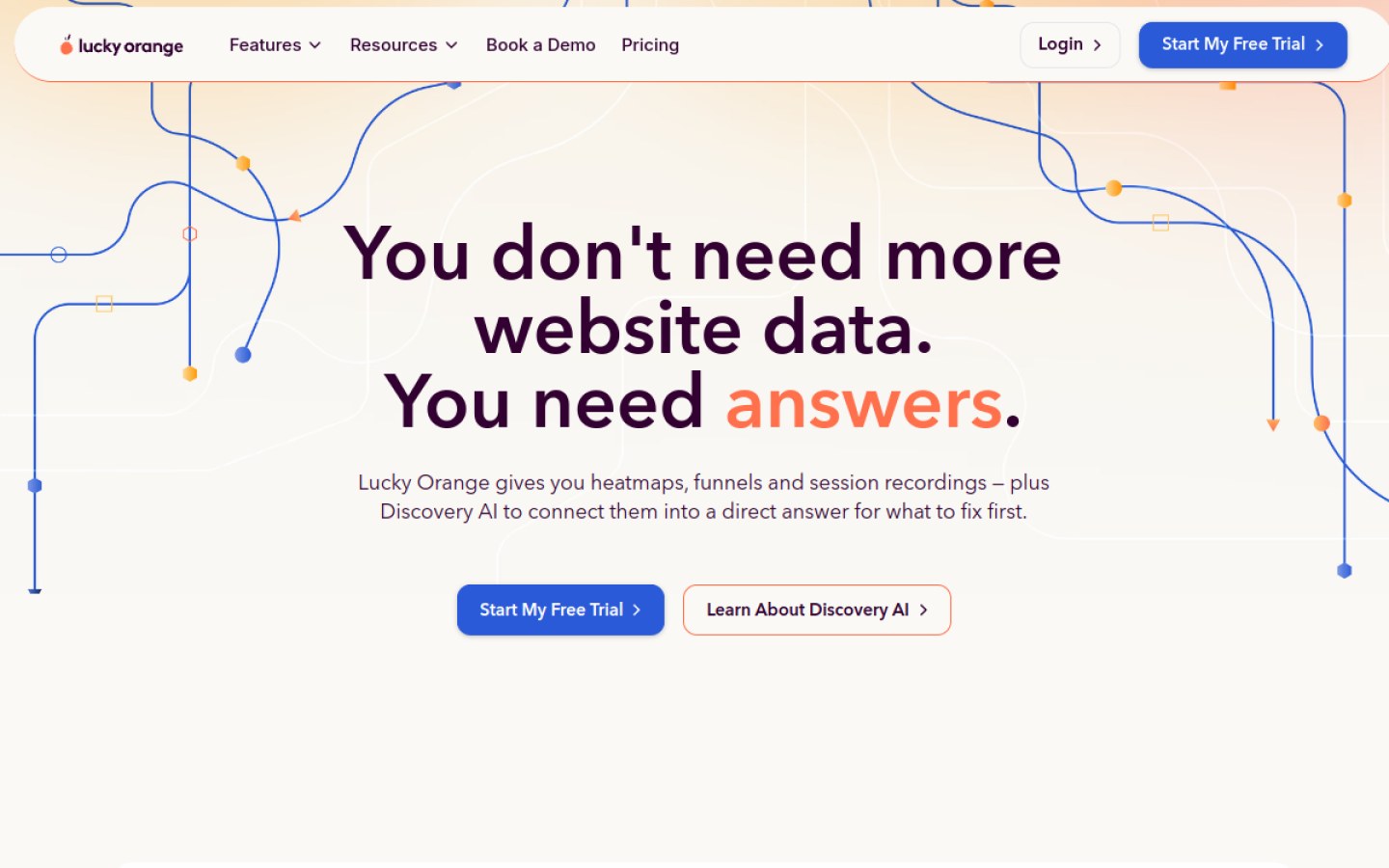
Lucky Orange homepage, captured Nov 2026.
Lucky Orange is a visitor behavior analytics platform combining dynamic heatmaps, session recordings, live visitor views and chat. Its Build plan tracks up to 3,500 monthly sessions and includes funnels, surveys and form analytics. G2 reports a 4.6/5 rating from 390 reviews.
The trade off is that Build costs $39/month at the regular monthly rate, while annual billing reduces the advertised monthly equivalent to $32. Tracking allowances can become restrictive as traffic increases. It suits ecommerce teams investigating abandoned carts, confusing navigation and problems in checkout journeys.
What we like
Dynamic heatmaps reveal interactions with changing elements
Live visitor view and chat included
Session recordings and conversion funnels
Unlimited team members
Seven-day free trial
Watch out for
Monthly session allowance may restrict busy stores
Extended data retention costs extra
Higher traffic requires more expensive plans
Higher plans increase session allowances and support additional tracking capacity.Visit luckyorange.com
03
Plerdy
4.7/5on G2 (321 reviews, checked Nov 2026)
Paid from$32/mo
Best for affordable heatmaps with SEO insights
Free heatmapsUp to 3 pages
Free recordings500 total
Paid heatmaps500 daily
Paid planStartup, regular $32/mo
plerdy.com
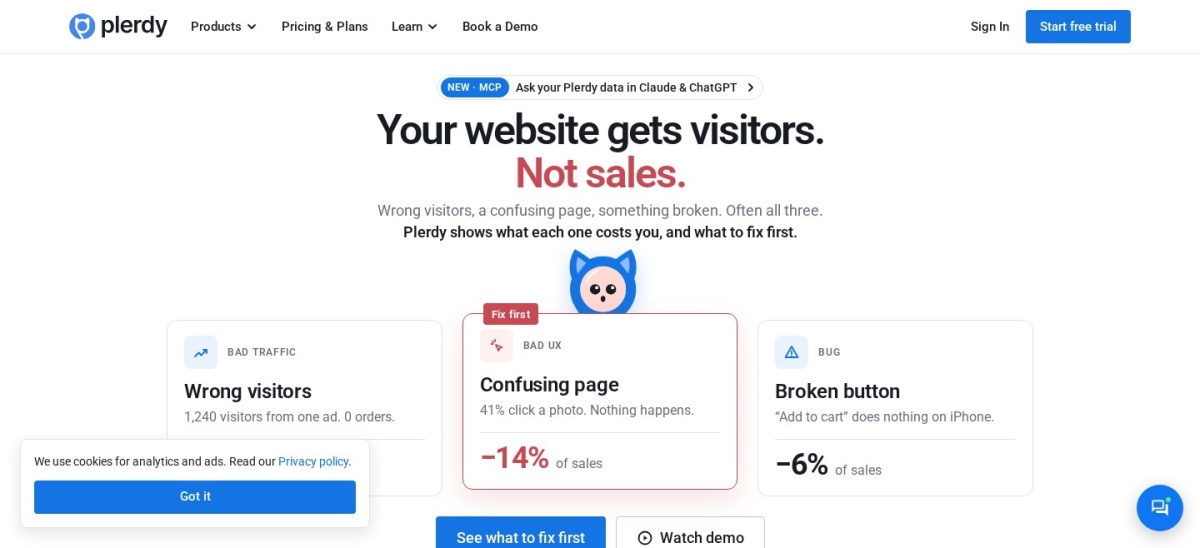
Plerdy homepage, captured Nov 2026.
Plerdy is a website optimization platform combining click heatmaps, scroll tracking, recordings, conversion analysis and SEO monitoring. Its free plan includes heatmap tracking for 3 pages, 500 total recordings and basic SEO checks. G2 rates it 4.7/5 from 321 reviews.
The trade off is that Startup has a regular price of $32/month, while the vendor advertises $21/month with annual billing and promotional savings. Its broad feature set can take time to learn. It suits small marketing teams wanting heatmap analysis, SEO monitoring and conversion tools in one subscription.
What we like
Free plan with heatmap functionality
SEO monitoring and conversion tracking included
Click, scroll and movement reports
A/B testing available
Useful ecommerce analytics features
Watch out for
Free heatmaps limited to selected pages
Dashboard contains many separate tools
Paid plans have usage and storage limits
Startup expands heatmap and recording allowances, storage and AI connector access.Visit plerdy.com
04
Microsoft Clarity
4.5/5on G2 (55 reviews, checked Nov 2026)
PriceFree
Best completely free website heatmap tool
HeatmapsUnlimited
Traffic limitsNone advertised
Session recordingsIncluded
PricingFree forever
clarity.microsoft.com
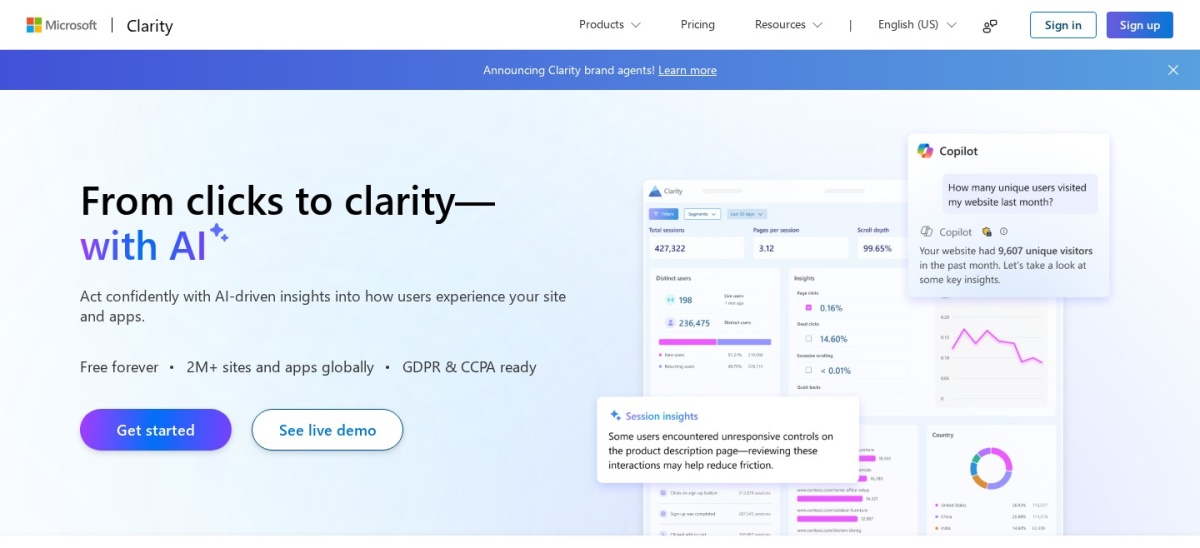
Microsoft Clarity homepage, captured Nov 2026.
Microsoft Clarity is a free website behavior analytics platform providing heatmaps, session recordings and AI-generated summaries. Microsoft advertises unlimited heatmaps, websites, team members and traffic, with more than 2 million sites and apps using the product. Its G2 rating is 4.5/5 from 55 reviews.
The trade off is that Clarity does not offer a paid upgrade for additional specialist features, so teams requiring advanced experimentation or integrated live chat must use other products. Its price remains $0 because Microsoft describes it as free forever. It suits website owners who want behavior analysis without subscription costs.
What we like
Completely free with no paid subscription
Unlimited heatmaps and traffic advertised
Session recordings included
AI summaries and behavioral insights
Useful alongside existing web analytics
Watch out for
No native paid upgrade for specialized needs
Does not replace a dedicated A/B testing platform
Heatmaps require enough visitor activity to reveal patterns
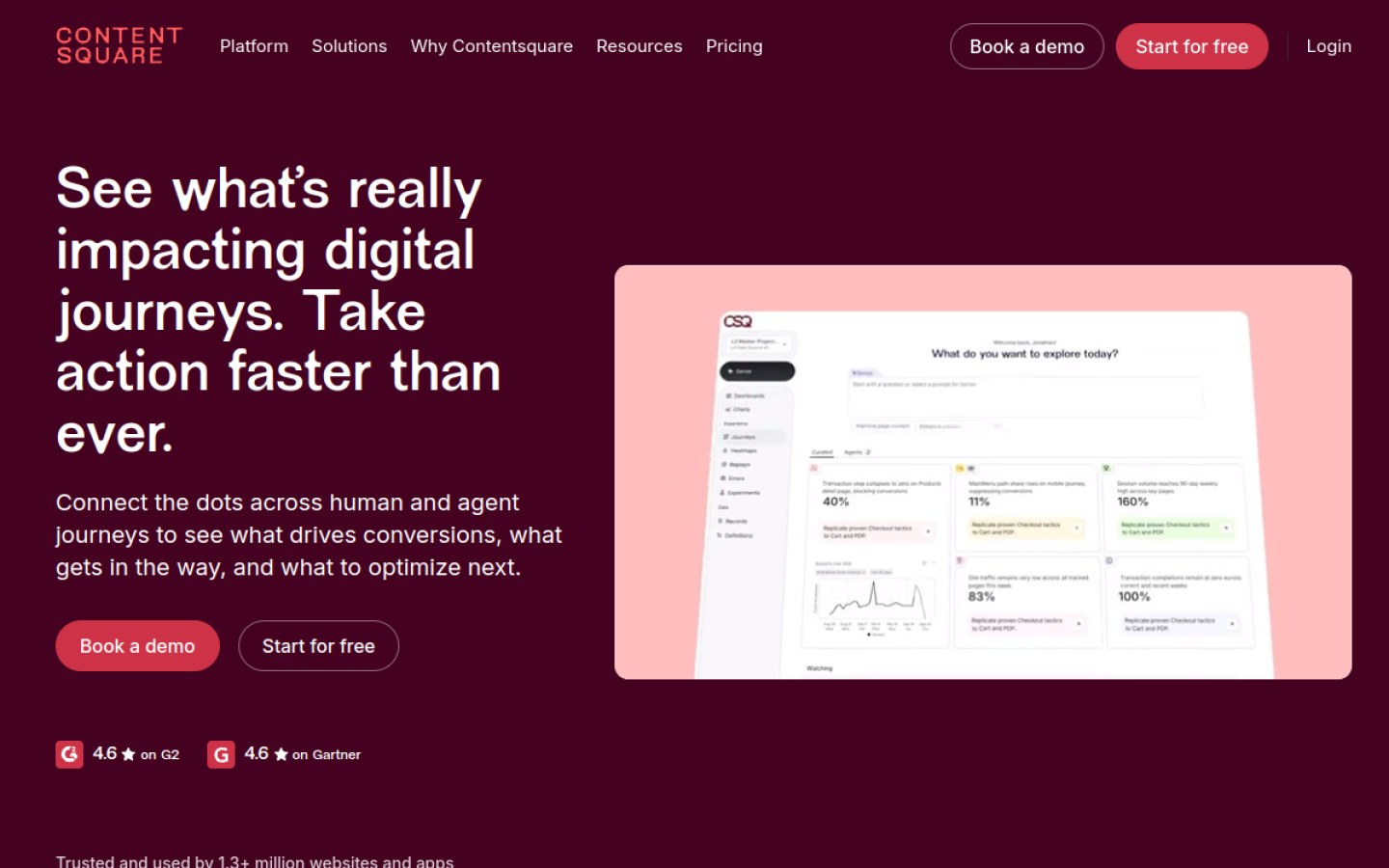
Contentsquare is a digital experience analytics platform offering heatmaps, session replay, funnels and customer journey analysis. Its free plan supports up to 200,000 monthly sessions and one project, while G2 reports a 4.6/5 rating from 748 reviews.
The trade off is that advanced zone-based heatmaps, journey analysis and longer data access require Growth, with a regular starting price of $49/month before its advertised $39 promotional rate. Higher plans have custom pricing. It suits product and marketing teams that want to connect visitor interactions with broader customer journeys.
What we like
Generous free session allowance
Heatmaps, funnels and recordings included
Advanced zone-based analysis on Growth
Journey analysis and AI summaries
Suitable for cross-functional analytics teams
Watch out for
Advanced features require a paid subscription
Enterprise subscriptions use custom pricing
More complex than a standalone heatmap tool
Growth adds zone-based heatmaps, journey analysis, AI summaries and longer data access.Visit contentsquare.com
06
Mouseflow
4.6/5on G2 (695 reviews, checked Nov 2026)
Paid from$39/mo
Best for understanding visitor friction
Free sessions500/month
HeatmapsClick, scroll and movement
Behavior analysisFriction and funnels
Advertised entry$39/month
mouseflow.com
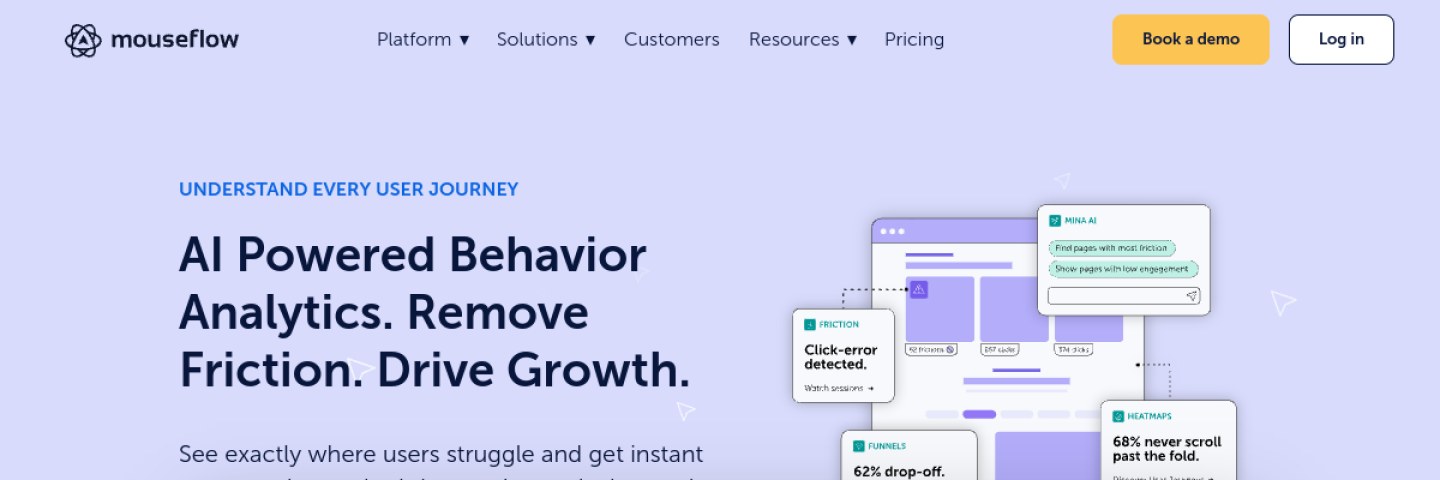
Mouseflow homepage, captured Nov 2026.
Mouseflow is a behavior analytics platform combining heatmaps, session replay, funnel analysis and friction detection. Its free plan allows 500 monthly sessions, and its website describes multiple heatmap types for investigating visitor engagement. G2 rates Mouseflow 4.6/5 from 695 reviews.
The trade off is that its vendor-published comparison lists paid entry pricing at $39/month, but the live pricing page could not be independently loaded to reconfirm the current plan. Its deeper analytics may also require more configuration. It suits UX and conversion teams investigating where visitors encounter problems.
What we like
Multiple heatmap types
Session replay and friction analysis
Free plan for smaller websites
Funnels and form analysis
Detailed G2 review history
Watch out for
Free session allowance is limited
Live pricing page could not be independently confirmed
Advanced analysis takes time to configure
Paid subscriptions expand recording capacity and analytics allowances.Visit mouseflow.com
07
Inspectlet
4/5on Capterra (30 reviews, checked Nov 2026)
Paid from$39/mo
Best for session replay and form interaction analysis
Free recordings2,500 sessions
HeatmapsDynamic
Form analyticsIncluded in product
Paid planMicro, $39/month
inspectlet.com
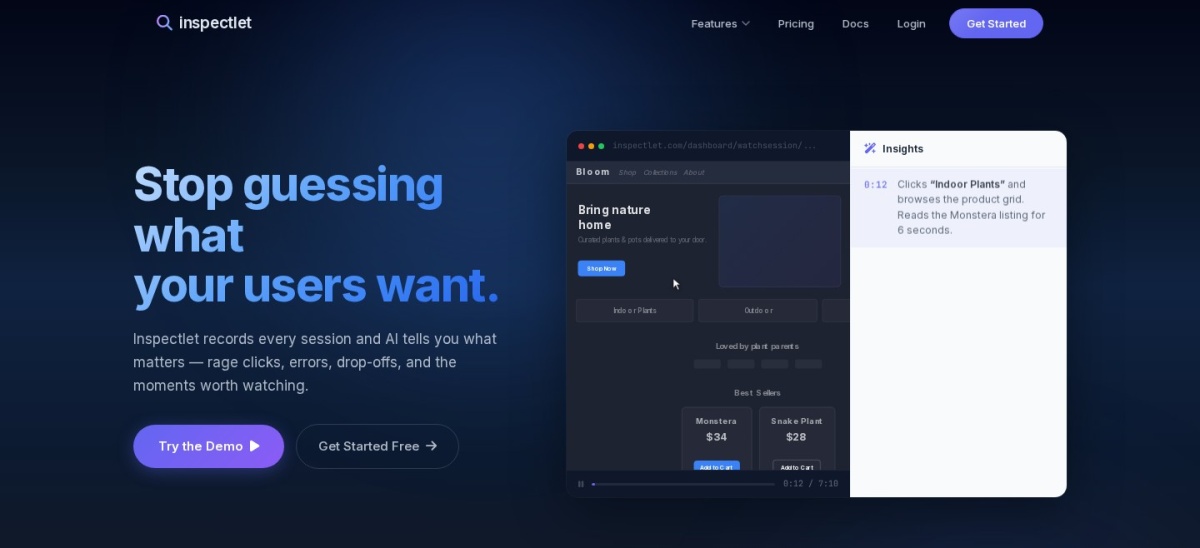
Inspectlet homepage, captured Nov 2026.
Inspectlet is a visitor behavior analytics platform offering dynamic heatmaps, session recordings, form analysis and A/B testing. Its free plan provides 2,500 recorded sessions, while Capterra lists a 4.0/5 rating from 30 reviews. The platform also supports recording interactions in JavaScript-heavy websites.
The trade off is that Micro costs $39/month, and advanced tracking capacity and data retention depend on higher subscriptions. Its interface emphasizes recordings alongside aggregate heatmap reports. It suits teams investigating form abandonment, confusing interactions and individual visitor journeys.
What we like
Dynamic heatmaps and recordings
Form abandonment analysis
Supports JavaScript-heavy websites
Free plan available
A/B testing and error monitoring tools
Watch out for
Higher session volumes require upgraded plans
Data retention varies by subscription
Smaller public review base than larger competitors
Click heatmaps vs scroll maps vs movement heatmaps
Click heatmaps show which links, buttons and page elements attract interactions. They can uncover important calls to action that visitors overlook or decorative elements that people mistakenly expect to be clickable.
Scroll maps show how far visitors move through a page. They help identify whether important information appears below the point where many users leave, although scrolling alone does not prove that visitors read the content.
Movement heatmaps visualize cursor activity on desktop devices. They can suggest areas of interest, but mouse position is not a reliable substitute for eye tracking or direct user research.
Session recordings add context to aggregate heatmaps. Watching relevant sessions can help explain repeated clicks, navigation confusion and abandoned forms before deciding what to change.
How to use heatmaps without collecting sensitive data
Heatmap software often uses tracking scripts to observe interactions and reconstruct visitor sessions. Before deployment, review the vendor's privacy documentation, data retention policies and available consent controls.
Mask sensitive fields and exclude pages that contain personal or financial information when appropriate. Verify that passwords, payment information and private messages cannot appear in recordings.
Check whether your consent management platform supports the tool. Depending on applicable laws and your website's tracking configuration, visitor consent may be required before collecting behavior data.
Limit dashboard access to people who need the information and establish a retention policy. Responsible behavior analytics should help improve usability without unnecessarily exposing individual visitors.
How we chose
We considered established website behavior analytics products offering click or scroll heatmaps, visitor recordings and documented website optimization features. We prioritized tools with public user reviews, actively maintained services and meaningful differences in reporting, usage limits or pricing.
The editorial reference date is 22 November 2026. Official vendor information and public review listings were checked on 24 November 2026. We separated regular monthly prices from annual billing discounts and promotional prices, and identified free plans independently from temporary trials.
We excluded Smartlook because new subscriptions have been discontinued, and omitted products whose pricing or active availability could not be sufficiently established. Mouseflow's published vendor comparison price was retained with an explicit verification limitation because its live pricing page was inaccessible. No vendor paid for a place, and we do not claim testing for this list.
How to choose website heatmap tools
Start with the visitor behavior questions you need to answer, then compare tracking capacity, reporting features and total subscription costs.
Identify your main optimization goal. Use click and scroll heatmaps to improve landing page layouts, recordings to investigate usability problems, and funnel or form analytics to understand abandonment. Choose a tool that directly supports the decisions you need to make.
Calculate your required tracking volume. Compare the number of pageviews, visits or recorded sessions covered by each plan. These measurements are not interchangeable. Check whether traffic limits pause data collection and whether additional capacity is available.
Compare heatmap features and segmentation. Look for desktop and mobile reporting, dynamic element tracking, visitor filters and recordings. Advanced products may also provide frustration detection, journey analysis, conversion funnels and experimentation.
Verify pricing, privacy controls and integrations. Review regular subscription prices, billing terms, data retention and consent requirements. Confirm compatibility with your website platform and existing analytics tools before installing a tracking script.
FAQ
What is the best website heatmap tool in 2026?
Crazy Egg is our top paid choice for conversion-focused websites because it combines heatmaps, recordings, surveys and funnel reports in one platform. Lucky Orange is particularly useful for ecommerce stores, while Microsoft Clarity is the strongest free option for straightforward visitor behavior analysis.
What is the best free website heatmap tool?
Microsoft Clarity is an excellent free option because it provides unlimited heatmaps and traffic without a paid subscription. Plerdy and Mouseflow also offer free plans, although they impose smaller usage allowances. The right free tool depends on your traffic and reporting requirements.
How much does website heatmap software cost?
Paid options in this comparison include Crazy Egg at $29/month billed annually, Plerdy at a regular $32/month, and Lucky Orange at $39/month. Microsoft Clarity is free. More advanced subscriptions cost extra depending on session limits, reporting features and data retention.
What is a website heatmap?
A website heatmap is a visual report showing how visitors interact with a webpage. It highlights frequently clicked elements, scrolling behavior or cursor movement using different colors. Marketers and designers use these patterns to identify navigation problems, overlooked content and potential opportunities to improve conversions.
Are heatmaps better than Google Analytics?
Heatmaps and traditional web analytics answer different questions. Analytics platforms summarize traffic sources, events, conversions and audience behavior, while heatmaps show where visitors interact visually. Using both can help connect page-level behavior with broader business outcomes.
Can heatmaps improve website conversions?
Heatmaps can highlight confusing layouts, ignored calls to action and content that visitors rarely reach. These findings can inform design changes, but they do not guarantee better conversion rates. Use experiments and conversion tracking to evaluate whether a proposed improvement actually works.
What is the difference between heatmaps and session recordings?
Heatmaps aggregate interactions from multiple visitors into a visual pattern, while session recordings show individual browsing journeys. Heatmaps help identify recurring behavior, and recordings provide context about how particular visitors interacted with a page. They work well together during usability investigations.
Do website heatmaps work on mobile devices?
Many heatmap tools support mobile behavior analysis, including taps and scrolling. Mobile reports should be evaluated separately from desktop heatmaps because page layouts, screen sizes and interaction methods differ. Check whether the product supports the mobile segmentation needed for your website.
Is website heatmap tracking safe for visitor privacy?
Heatmap tracking can be used responsibly, but implementation requires care. Configure data masking, review recording exclusions and follow applicable consent requirements. Avoid capturing sensitive form information, restrict access to recordings and retain behavior data only as long as necessary.