Best User Behavior Analytics Tools in 2026: 7 Tools Compared
WLWPLegible EditorsLast verified 22 Nov 2026How we rank11 min read
★ Short answer
Microsoft Clarity is the top user behavior analytics tool in 2026, offering unlimited free heatmaps and session recordings with no traffic caps. Teams needing built-in A/B testing on WordPress should pick Nelio A/B Testing, while store owners who want self-hosted click maps on their own server should choose SlimStat Analytics.
How we make this list: we compare pricing pages, product documentation and public user reviews, then re-check every price before each update. No product paid for a place. Disclosure.
Microsoft Clarity costs $0 forever with unlimited traffic, 200,000+ WordPress installs, and 30-day session replay retention.
SlimStat Analytics keeps all visitor data in your WordPress database and unlocks click and scroll heatmaps for $49/yr (currently $34.30/yr on Black Friday).
Matomo Analytics offers 100% self-hosted tracking on 100,000+ WordPress sites, with cloud heatmaps and recordings starting at $312/yr ($26/mo).
Crazy Egg bundles heatmaps and recordings starting at $348/yr ($29/mo billed annually), though A/B testing requires the $1,188/yr Plus plan.
Lucky Orange includes live chat, funnels, and heatmaps from $384/yr ($32/mo billed annually) for up to 3,500 monthly sessions.
What to look for in user behavior analytics tools
Standard traffic counters tell you how many people visited a page and where they came from, while user behavior analytics tools show what visitors actually did before leaving. Heatmaps visualize click density and scroll depth, session recordings replay real mouse movements and taps, and funnel reports pinpoint the exact form field or checkout step where shoppers abandon.
Pricing depends on whether the tool runs on your own server or in a vendor cloud. Self-hosted WordPress plugins store rows in your database and charge flat annual license fees, whereas SaaS platforms meter by monthly sessions or pageviews and scale up quickly once traffic passes 5,000 to 50,000 visits per month.
Privacy and script weight also matter on WordPress sites. Look for automatic masking of form inputs, compatibility with caching plugins like WP Rocket or LiteSpeed Cache, and clear consent-mode hooks so tracking scripts wait until visitors accept cookies.
4.5/5on WordPress.org (14 reviews, checked Nov 2026)
PriceFree
Best for free unlimited heatmaps and replays
Traffic limitUnlimited sessions
Retention30 days replays / 9 mo heatmaps
HostingMicrosoft Cloud
A/B testingNot included
clarity.microsoft.com
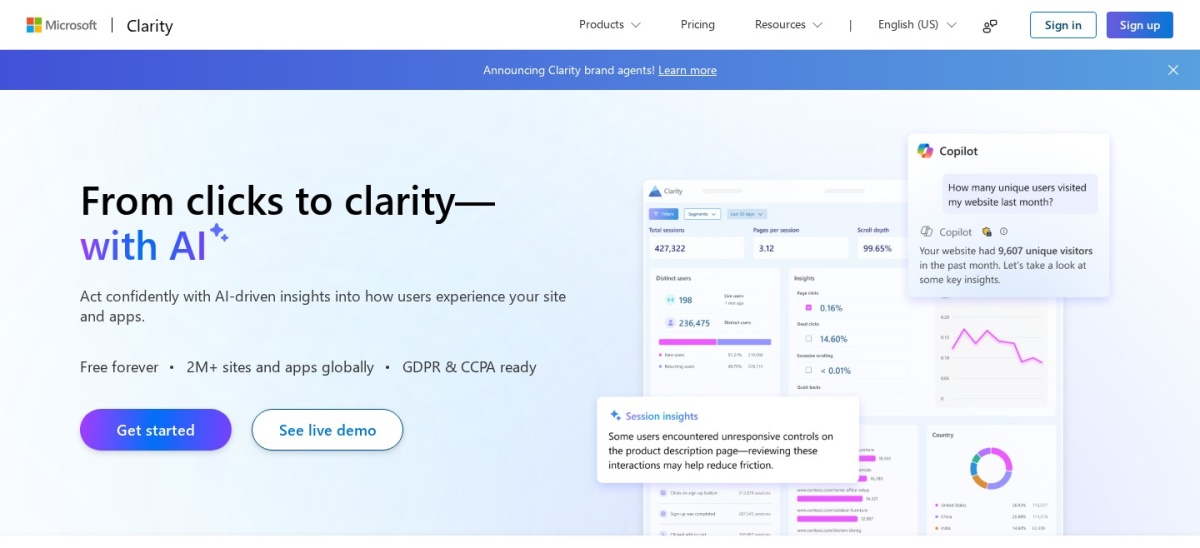
Microsoft Clarity homepage, captured Nov 2026.
Microsoft Clarity is a cloud behavior analytics service with an official WordPress plugin that records session replays, click maps, and scroll maps at no cost. It flags rage clicks and dead clicks, pairs with Google Analytics 4, and masks sensitive form text by default across unlimited sites and traffic.
The trade off is that Clarity omits built-in A/B testing, surveys, and revenue attribution, and retains session recordings for 30 days. Because there is no paid tier at $0/yr, it suits almost any WordPress site owner who wants visual friction insights before paying for an optimization suite.
What we like
Completely free with no traffic caps or sampling
Official WordPress plugin connects without manual code edits
Automatic detection of rage clicks, dead clicks, and script errors
Built-in Copilot AI chat summarizes recordings and heatmaps
Watch out for
No built-in A/B testing or on-site feedback polls
Session recordings expire after 30 days
Cannot record inside third-party iframes or HTML canvas elements
SlimStat Analytics is a self-hosted WordPress plugin that stores every pageview, click, and conversion directly in your own database. The free version includes real-time access logs, outbound link tracking, a WooCommerce revenue dashboard, top-clicked button lists per page, and one conversion goal.
The trade off is that visual click and scroll heatmap overlays require SlimStat Pro at $49/yr for one site (discounted 30% to $34.30/yr during its November 2026 Black Friday sale), and there are no video session replays. It suits privacy-focused site owners who want flat annual pricing without pageview quotas.
What we like
100% self-hosted in your WordPress database with no pageview caps
Pro adds visual click and scroll heatmaps plus 3 conversion funnels
Built-in GDPR IP hashing, Do Not Track support, and auto-purge rules
Watch out for
Does not record video session replays
High-traffic sites need adequate database storage and retention cleanup
Pro ($49/yr) unlocks live click/scroll heatmaps, 3 funnels, 5 goals, and scheduled email reports.Visit wp-slimstat.com
03
Website Optimization – Plerdy
4.8/5on WordPress.org (6 reviews, checked Nov 2026)
Paid from$252/yr
Best for WooCommerce click and SEO audits
Free allowance100 heatmaps/day, 500 replays
Entry paid tier$21/mo billed annually ($252/yr)
Cache supportAuto-excludes WP Rocket & LiteSpeed
ExtrasPop-ups, A/B tests & SEO checker
plerdy.com
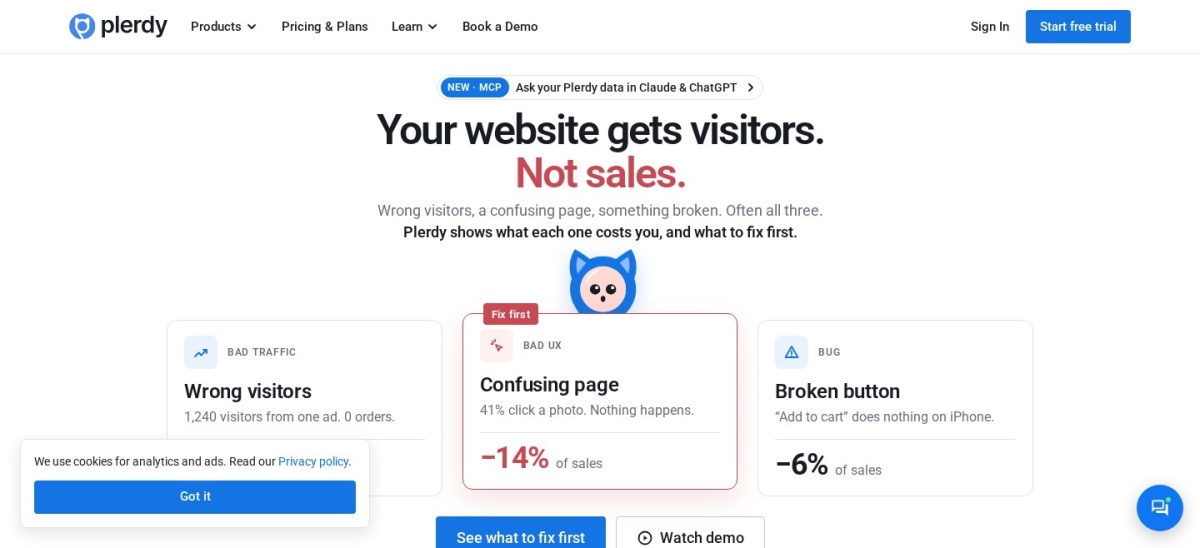
Website Optimization – Plerdy homepage, captured Nov 2026.
Plerdy is a conversion optimization platform with a dedicated WordPress plugin that pairs click heatmaps and session recordings with WooCommerce order tracking. Its free plan covers 100 heatmaps per day, 500 video sessions, 5,000 SEO audits, and unlimited A/B tests, while automatically excluding its script from WP Rocket and LiteSpeed Cache.
The trade off is that funnels, pop-up forms, and higher daily heatmap quotas require the Startup plan at $21/mo billed annually ($252/yr, or $32/mo billed monthly). It suits WooCommerce stores that want click data tied to order values alongside basic on-page SEO checks.
What we like
Generous free tier includes 500 session replays and 100 heatmaps/day
Links recorded friction issues directly to WooCommerce order revenue
Plugin automatically prevents caching plugins from delaying the tracker
Watch out for
Dashboard lives externally on plerdy.com rather than inside wp-admin
Daily heatmap caps on entry plans can fill up on content-heavy sites
4.6/5on WordPress.org (178 reviews, checked Nov 2026)
Paid from$312/yr
Best for full-suite ethical web analytics
WP pluginFree forever, unlimited hits
Cloud entry$26/mo ($312/yr) with 150 replays
Heatmap quota1,500 heatmap pageviews/mo on entry
ComplianceGDPR Manager & cookieless option
matomo.org
Matomo Analytics homepage, captured Nov 2026.
Matomo Analytics is an open-source Google Analytics alternative with a WordPress plugin active on over 100,000 sites. The free self-hosted plugin includes visitor logs, transitions, ecommerce tracking, and Matomo Tag Manager with 100% data ownership, while Matomo Cloud starts at $26/mo ($312/yr) and bundles 1,500 heatmap pageviews and 150 session recordings per month.
The trade off is that adding heatmaps and session recordings to a self-hosted WordPress install requires paid marketplace extensions or jumping to expensive On-Premise bundles starting at $330/mo. It suits organizations that want strict GDPR compliance and full web analytics under one roof.
What we like
Free self-hosted plugin has no hit limits and includes Tag Manager
Matomo Cloud entry plan includes heatmaps, replays, and A/B testing
Built-in GDPR opt-out shortcodes and data anonymization tools
Watch out for
Cloud entry plan caps recordings at 150/mo and heatmap views at 1,500/mo
Self-hosted On-Premise bundles with heatmaps start at $330/mo
Nelio A/B Testing is a WordPress-native optimization plugin that combines split testing with click heatmaps, clickmaps, and scrollmaps directly inside wp-admin. You can test Gutenberg or Elementor pages, headlines, menus, and WooCommerce product prices, starting free with up to 500 tested pageviews per month.
The trade off is that 500 monthly tested views run out fast on active pages, and upgrading to the Basic plan costs $29/mo billed annually ($348/yr) for 5,000 tested pageviews on one site, while session recordings are sold separately. It suits WordPress teams that want to test layout changes without leaving their dashboard.
What we like
Create tests and view heatmaps directly inside the WordPress admin
Supports WooCommerce product, price, and description experiments
Compatible with Gutenberg, Elementor, and major caching plugins
Watch out for
Free plan is capped at 500 tested pageviews per month
Session recordings require a separate Nelio subscription
Basic ($348/yr) raises tested pageviews to 5,000/mo on 1 site with priority support.Visit neliosoftware.com
06
Crazy Egg
4.2/5on G2 (110 reviews, checked Nov 2026)
Paid from$348/yr
Best for agencies managing unlimited domains
Entry quota5,000 pageviews & 50 replays/mo
Domains & seatsUnlimited websites & team members
Billing termAnnual billing only ($29/mo)
A/B testingRequires Plus plan ($1,188/yr)
crazyegg.com
Crazy Egg homepage, captured Nov 2026.
Crazy Egg is a veteran behavior analytics suite offering click, scroll, confetti, and overlay heatmaps alongside session recordings and on-site surveys. Every plan includes unlimited website domains and unlimited team seats, and there is a limited free tier plus a 30-day free trial on paid plans.
The trade off is that paid plans are billed annually only, starting at $29/mo ($348/yr) for just 5,000 tracked pageviews, 5 heatmap reports, and 50 recordings per month, while A/B testing requires the $99/mo ($1,188/yr) Plus tier. It suits small agencies tracking several low-traffic client sites under one account.
What we like
Unlimited domains and team members on every paid tier
Multiple heatmap views including confetti, scroll, and overlay reports
No overage charges; tracking simply pauses when you hit monthly caps
Watch out for
No monthly billing option; all plans require an annual commitment
Starter plan limits you to 5 heatmap reports and 50 recordings/mo
Included toolsHeatmaps, replays, forms & live chat
Extra sites$5/mo per additional site
luckyorange.com
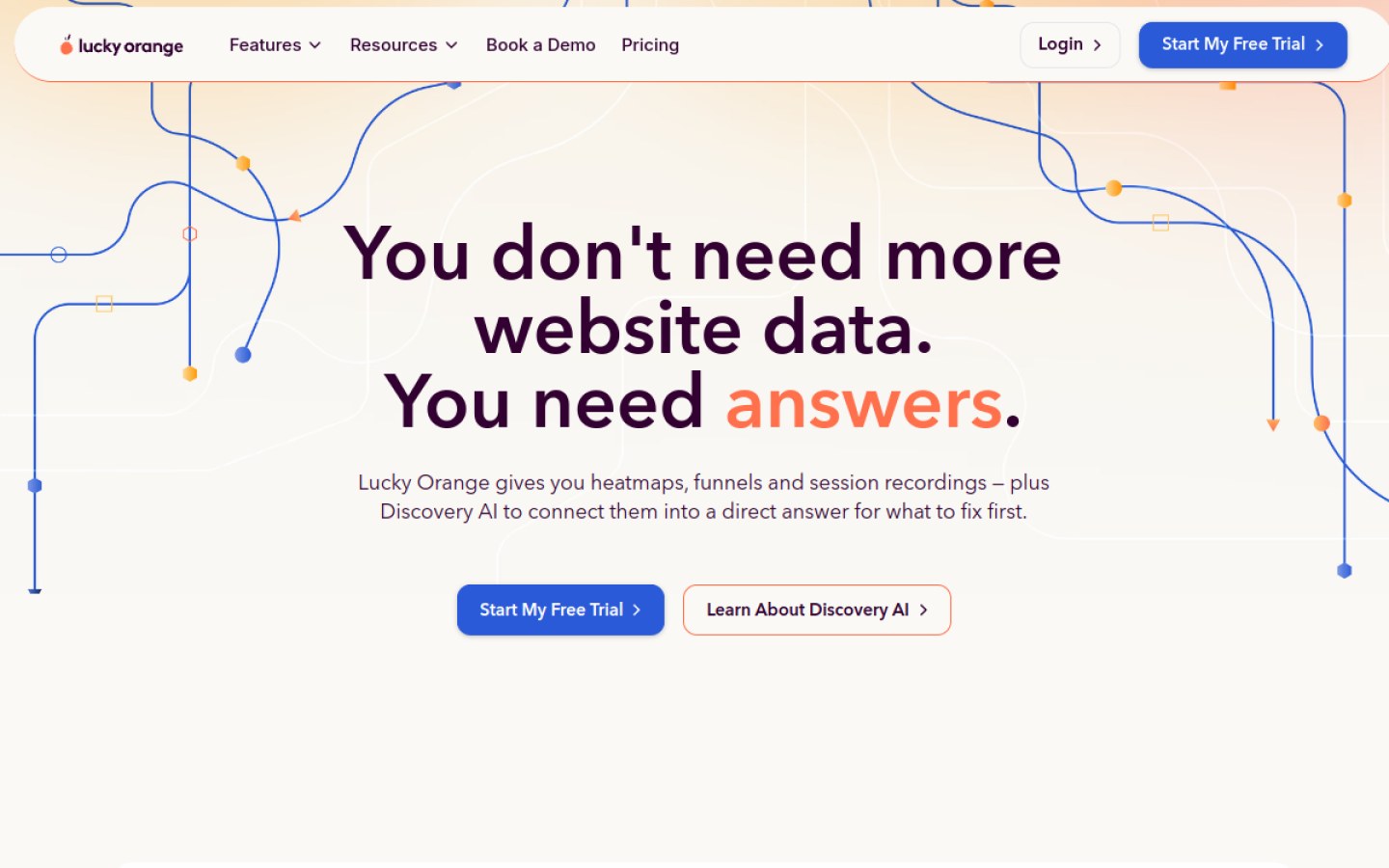
Lucky Orange homepage, captured Nov 2026.
Lucky Orange bundles dynamic heatmaps, session recordings, conversion funnels, form analytics, surveys, and live chat into one platform with a 7-day free trial and a 100-session free tier. Unlike tools that gate features behind higher tiers, every paid plan unlocks the full feature set with unlimited team members.
The trade off is tight session quotas: the Build plan starts at $32/mo billed annually ($384/yr, or $39/mo monthly) for 3,500 monthly sessions and 60 days of storage, with extra websites costing $5 each. It suits small ecommerce stores that want live visitor chat alongside session replays.
What we like
All core tools—including live chat, funnels, and form analytics—are unlocked on Build
Dynamic heatmaps work on interactive menus, pop-ups, and dropdowns
Unlimited team members on all plans
Watch out for
3,500 monthly sessions on Build fills up quickly on growing sites
Longer data retention (90–365 days) and Discovery AI cost extra
Build ($384/yr) provides 3,500 monthly sessions, 60-day storage, and unlimited team seats.Visit luckyorange.com
Cloud SaaS vs self-hosted WordPress plugins
Video session replays capture DOM snapshots and mouse coordinates every second, which is why almost all replay tools process data on external cloud servers rather than inside WordPress. Running video replay storage on standard shared WordPress hosting would quickly exhaust database space and slow down admin queries.
If you only need click heatmaps, scroll depth, and conversion funnels, a self-hosted plugin like SlimStat Analytics keeps all rows on your own server for a flat annual fee. If you need full video replays, pair a lightweight WordPress connector like Microsoft Clarity or Plerdy with your caching plugin's script exclusions.
How we chose
We built this list by reviewing official WordPress.org plugin directory pages alongside vendor pricing and documentation pages for both WordPress-native plugins and established SaaS behavior analytics platforms with active WordPress integrations.
Every rating, review count, active install figure, and regular annual entry price in this guide was verified on 22 Nov 2026 directly from WordPress.org, G2, and official vendor pricing pages.
We excluded Smartlook because its standalone sales ended in May 2026 and contract renewals ended in August 2026, and we excluded Hotjar as a standalone entry because hotjar.com now redirects to Contentsquare plans priced in euros on its public page. No vendor paid for a place, and we do not claim testing for this list.
How to choose a user behavior analytics tool
Match your monthly traffic volume, privacy rules, and optimization workflow to the right tool before installing a tracking script.
Start with free unlimited tracking if you only need replays and heatmaps. Install Microsoft Clarity first to capture click maps, scroll depth, and rage-click replays without worrying about monthly session caps or overage bills.
Check how the tool meters your traffic. Compare whether a vendor counts total site pageviews, recorded sessions, or only tested experiment views—a 5,000-session cap on Crazy Egg or Mouseflow disappears much faster than 5,000 tested pageviews on a single landing page in Nelio A/B Testing.
Decide whether data must stay on your WordPress server. Choose SlimStat Analytics or self-hosted Matomo if strict GDPR rules prohibit sending visitor interaction logs to third-party US clouds.
Verify compatibility with your WordPress caching plugin. Full-page caching and JavaScript delay features in WP Rocket or LiteSpeed Cache can block behavior trackers unless the plugin excludes its script automatically or you whitelist the tracker URL.
FAQ
What is the best free user behavior analytics tool for WordPress?
Microsoft Clarity is the strongest free option because it includes unlimited heatmaps, session recordings, and rage-click detection with no traffic caps. Its official WordPress plugin connects to your account in minutes without editing theme files.
Do heatmap and session recording tools slow down WordPress?
Modern behavior trackers load asynchronously after your page renders, keeping front-end slowdown minimal. However, you should exclude their tracking scripts from JavaScript delay settings in caching plugins like WP Rocket so recordings capture accurate layouts.
Can I store heatmaps on my own WordPress server without a third-party cloud?
Yes. SlimStat Analytics stores all tracking rows in your own WordPress database and unlocks visual click and scroll heatmap overlays with SlimStat Pro for $49 per year, without charging per pageview.
What happened to Hotjar pricing in 2026?
Following Hotjar's merger into Contentsquare, hotjar.com/pricing redirects to Contentsquare Experience Analytics plans. While a free tier covers up to 200,000 monthly sessions for one project, new paid Growth plans are listed in euros on Contentsquare's public page.
What is the difference between heatmaps and session recordings?
Heatmaps aggregate clicks, taps, and scroll depth from hundreds of visitors into a single color-coded overlay on your page. Session recordings replay individual anonymous visits like a video so you can watch mouse hesitation, form errors, and rage clicks.