Best Web Content Filtering Software in 2026: 9 Tools Compared
WLWPLegible EditorsLast verified 24 Nov 2026How we rank8 min read
★ Short answer
DNSFilter is the best web content filtering software for most small businesses, with Core at $1 a license a month billed annually, AI-powered threat blocking and more than 40 content categories, rated 4.6 out of 5 on G2. Pick Cloudflare Gateway for a free start up to 50 users and Control D for flat per-endpoint pricing.
How we make this list: we compare pricing pages, product documentation and public user reviews, then re-check every price before each update. No product paid for a place. Disclosure.
DNSFilter is the cheapest honest start: Core at $1 a license a month billed annually, rated 4.6 out of 5 on G2.
Cloudflare Gateway is the only enterprise-grade filter here with a real free plan, up to 50 users.
Control D charges a flat $2 an endpoint a month with no minimums and no mandatory contract.
SafeDNS Basic and FlashStart tie for the cheapest per-user rate at $0.90 a user a month, with a 15-user minimum on SafeDNS.
Quote-only enterprise platforms such as Cisco Umbrella and Zscaler are left out because they publish no price.
How web content filtering works
Web content filtering blocks unwanted sites before a connection is made. Most tools work at the DNS layer: you point your network or devices at the service, pick categories to block, and every request is checked first.
DNS filtering is light and fast, but it sees domains, not page content. HTTP filtering inspects the traffic itself, which catches more but needs more setup and, often, a certificate on each device.
Free plans are real here. Cloudflare Gateway is free up to 50 users, Control D and NextDNS have free tiers, and FlashStart offers a free version.
The buying question is scale: per-user pricing suits small teams, per-endpoint pricing suits device-heavy offices, and flat-rate plans suit families and schools.
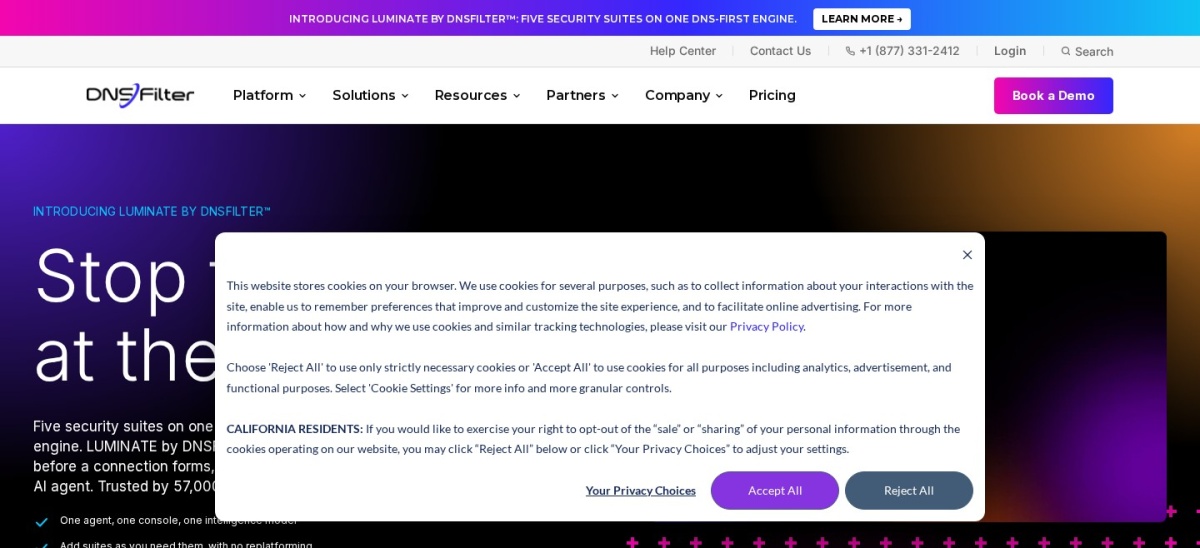
DNSFilter is a protective DNS service that blocks malicious domains, phishing sites and unwanted content before a connection is made. Core covers AI-powered threat blocking, more than 40 content categories and per-user policies for $1 a license a month billed annually, with a $240 annual minimum.
The trade off is the minimum spend. A one-person setup still costs $240 a year on Core, and roaming clients for laptops off the network need Plus at $2.25 a license a month. It suits small IT teams that want transparent per-user pricing and a fast setup.
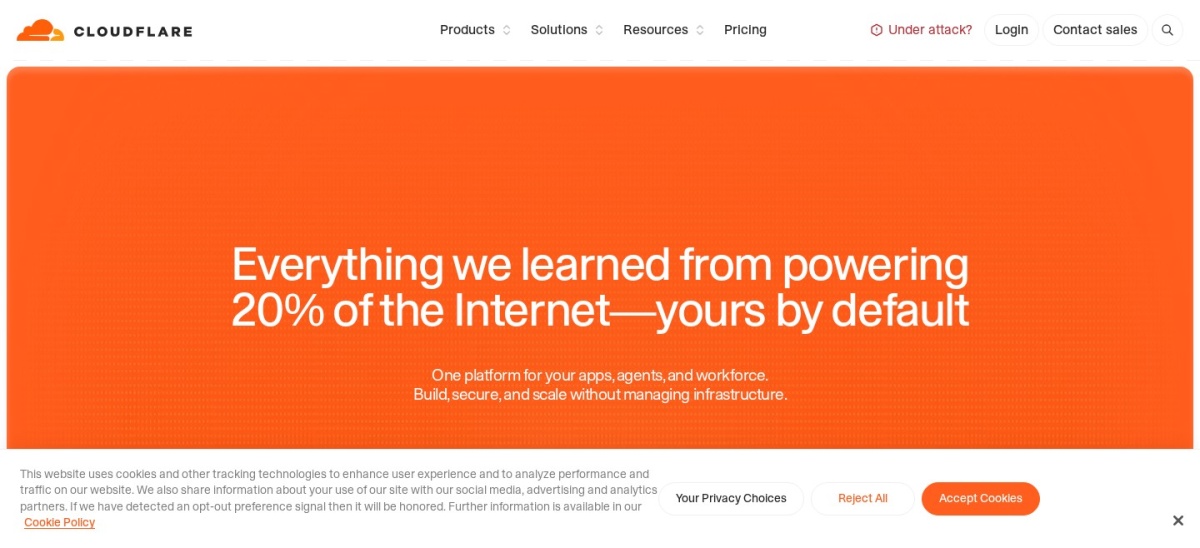
Cloudflare Gateway is the secure web gateway inside Cloudflare Zero Trust. The free plan covers DNS and HTTP filtering, Zero Trust app access and device posture checks for up to 50 users, running on Cloudflare's network of more than 300 cities.
The trade off is complexity. Setup and policies assume more networking knowledge than a simple DNS filter, and paid plans start at $7 a user a month. It suits cloud-first teams that want enterprise-grade filtering free and room to add Zero Trust access.
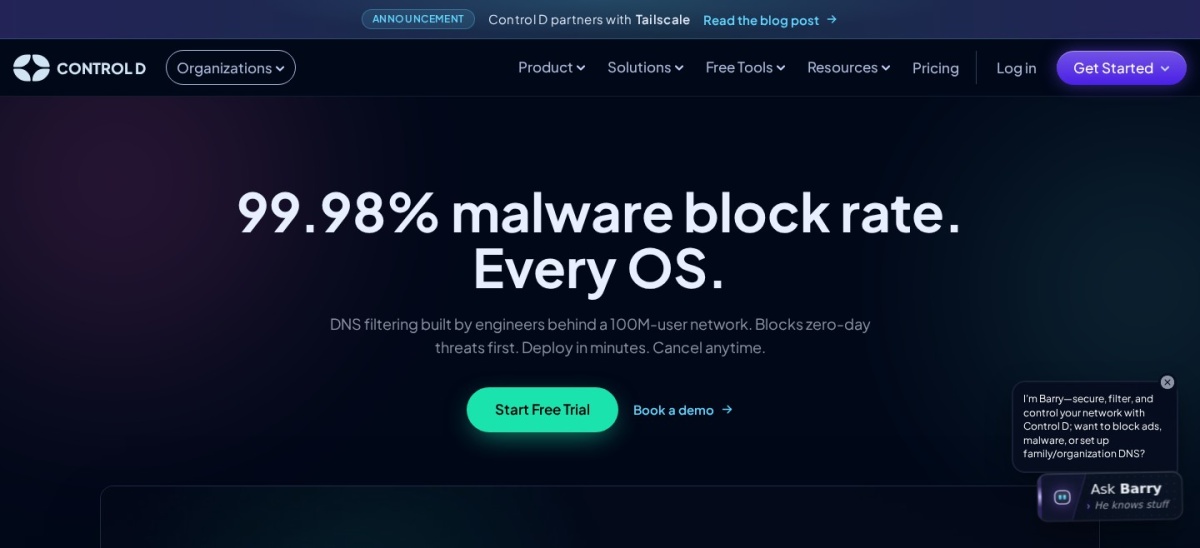
Control D is a configurable DNS filtering and traffic redirection service. The SMB plan costs a flat $2 an endpoint a month with self-serve deployment, real-time analytics and core DNS filtering, and there are no seat minimums or mandatory contracts.
The trade off is the learning curve. Rules are powerful but abstract, and reviewers note false positives and analytics that need improvement. It suits small teams that want flat per-endpoint pricing with no sales call.
SafeDNS is a cloud DNS filtering service for small businesses, schools, ISPs and homes. Basic costs $0.90 a user a month with a 15-user minimum, and covers core threat protection, web filtering and policy management with no software to install.
The trade off is the floor. The 15-user minimum means the smallest bill is $13.50 a month, and app blocking, scheduling and a roaming client need Pro at $1.50 a user a month. It suits schools and small offices that want simple, cheap filtering.
WebTitan is the DNS filtering product from TitanHQ, in use since 2009. Business costs $2.25 a user a month billed annually and filters more than 2 billion DNS requests a day, with granular policies by user, group, time of day and category, plus Active Directory integration.
The trade off is the 25-user minimum for direct buyers, which rules out very small teams, and some customers report renewal prices rising year on year. It suits MSPs and regulated small businesses that need audit-ready reporting.
NextDNS is a configurable cloud DNS resolver that blocks malware, phishing, trackers and ads before a connection is made. The free tier covers 300,000 queries a month, and Business costs $19.90 a month per 50 employees with unlimited queries, devices and configurations.
The trade off is the console, which assumes the administrator understands DNS, and support below Business is community-based. It suits small technical teams that want fine control over blocklists and logs.
FlashStart is a cloud-based DNS filtering platform from Italy that uses AI to classify domains into 85 categories. It starts at $0.90 a user a month, with a free version for small setups, and covers malware blocking, category filtering and multi-tenant management for schools and businesses.
The trade off is the thin review record. FlashStart scores 5.0 out of 5 on SourceForge, but from only 4 reviews, and pricing is per connected device, which can surprise schools with many devices. It suits small teams and schools that want the cheapest per-user DNS filter with AI categorisation.
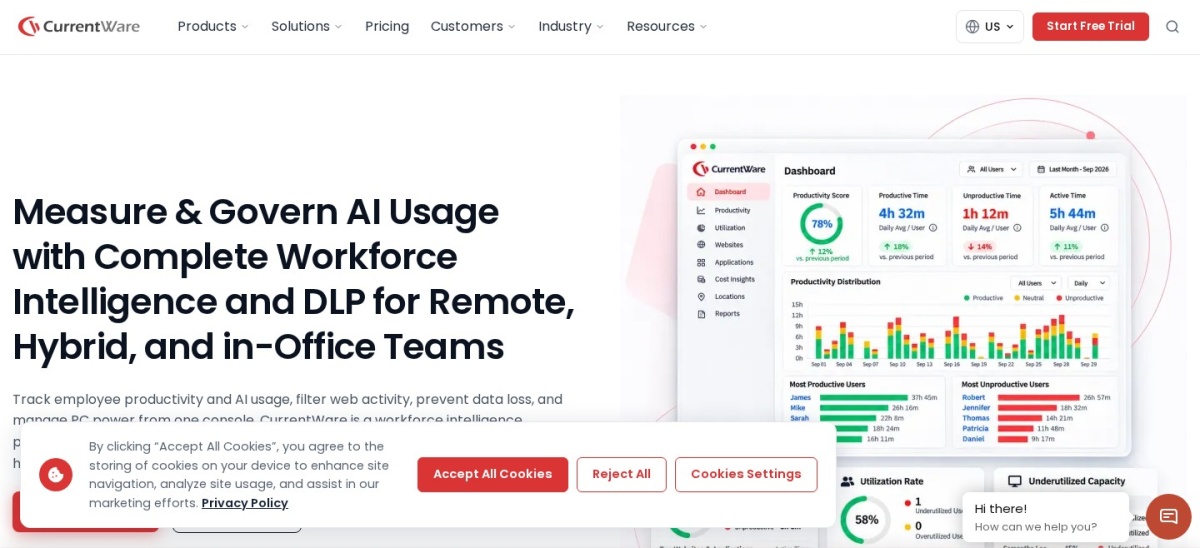
BrowseControl by CurrentWare homepage, captured Nov 2026.
BrowseControl by CurrentWare blocks websites by URL and category on Windows endpoints. A single module costs $6 a user a month for 10 to 99 users, with a database covering millions of sites across more than 100 URL categories, plus application blocking.
The trade off is scope. It is a Windows-focused endpoint tool, not a cloud DNS filter, and activity monitoring needs the separate BrowseReporter module. It suits offices with a written acceptable use policy that need literal enforcement.
2.5/5on Trustpilot (730 reviews, checked Nov 2026)
Paid from$72.94/yr
Best family web filter with screen time
Free planYes, 1 device
Basic devicesUp to 5
Screen timeYes, schedules and limits
Paid planBasic, $72.94/yr
qustodio.com
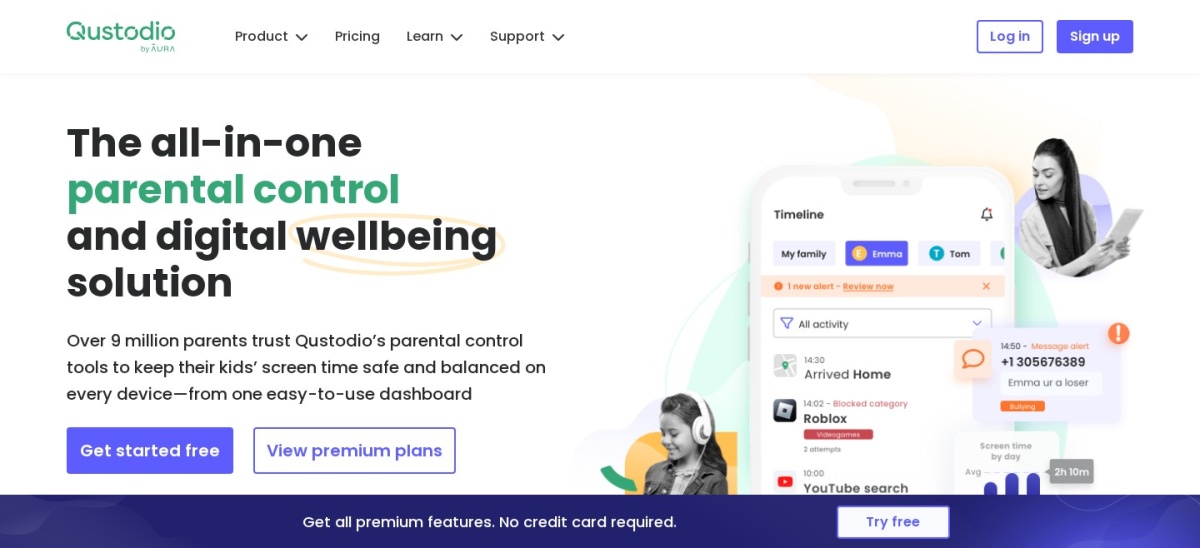
Qustodio homepage, captured Nov 2026.
Qustodio is a parental control app for Windows, macOS, Android, iOS and Chromebook. The free plan covers one device with basic web filtering and a daily time limit, while Basic at $72.94 a year covers five devices and adds app blocking, routines and location monitoring.
The trade off is Trustpilot sentiment, at 2.5 out of 5 from 730 reviews, with complaints about cancelling and support. It suits families that want web filtering, screen time and activity reports in one app.
DNS filtering blocks whole domains, so it is fast and needs no software on most devices. It cannot block one page on an otherwise allowed site.
HTTP filtering inspects web traffic, so it can block specific pages, enforce SafeSearch and inspect files. It needs more setup and usually a certificate.
For most small teams, DNS filtering is enough. Add HTTP filtering when you need page-level rules or data loss prevention.
How we chose
We started from web content filtering tools with published pricing and public reviews on G2, Capterra or Trustpilot, then kept those with a clear entry price or a useful free plan.
Prices come from each vendor's pricing page, checked on 24 November 2026. Ratings and review counts come from G2, Capterra or Trustpilot on the same day. Where a vendor shows a sale, the list shows the regular price.
We left out quote-only enterprise platforms, including Cisco Umbrella, Zscaler Internet Access, Securly Filter and Lightspeed Filter. No vendor paid for a place, and we do not claim hands-on testing for this list.
How to choose web content filtering software
Start with who and what you need to filter, then match the pricing model to that shape.
Decide DNS or HTTP filtering. DNS filtering is fast and simple. HTTP filtering catches page-level content but needs more setup.
Count users, endpoints or devices. Per-user pricing suits small teams, per-endpoint suits device-heavy offices, and flat-rate suits families and schools.
Check the minimums. DNSFilter Core has a $240 annual minimum, WebTitan needs 25 users, and SafeDNS needs 15. The headline rate is not the bill.
Run a trial on one network segment. Point one network or a few devices at the filter, check the category blocks and the reports, then roll it out.
FAQ
What is the best web content filtering software?
DNSFilter is the best web content filtering software for most small businesses. Core costs $1 a license a month billed annually, covers AI-powered threat blocking and more than 40 content categories, and is rated 4.6 out of 5 on G2 from 272 reviews.
Is there free web content filtering software?
Yes. Cloudflare Gateway is free for up to 50 users, Control D and NextDNS have free tiers, and FlashStart offers a free version. Paid plans add per-user policies, reporting and support.
What is the cheapest web content filtering software?
SafeDNS Basic and FlashStart tie for the cheapest per-user rate in this list at $0.90 a user a month. SafeDNS has a 15-user minimum, while FlashStart is priced per connected device.
Do I need DNS filtering or a full web gateway?
DNS filtering is enough for blocking categories, malware domains and adult content. A full web gateway such as Cloudflare Gateway adds HTTP inspection, data loss prevention and Zero Trust access.
Can web filtering block YouTube and social media?
Yes, most tools block whole categories such as social media and video streaming, and some enforce SafeSearch on Google, Bing and YouTube. Check the category list before you buy.
Does web filtering slow down the internet?
DNS filtering adds almost no delay because it only checks the domain before the connection. HTTP filtering can add latency because traffic passes through a proxy for inspection.