Best Video Collaboration Software in 2026: 9 Tools Compared
WLWPLegible EditorsLast verified 24 Nov 2026How we rank14 min read
★ Short answer
Zoom is the best video collaboration software for most teams, with a free plan for 100 people and Pro at $15.99 a user a month, rated 4.5 out of 5 on G2. Pick Microsoft Teams for the cheapest paid plan at $4 a user a month, or Loom when a recorded video can replace the meeting.
How we make this list: we compare pricing pages, product documentation and public user reviews, then re-check every price before each update. No product paid for a place. Disclosure.
Zoom is the top pick: free meetings for 100 people, Pro at $15.99 a user a month, rated 4.5/5 on G2 from 56,489 reviews.
Microsoft Teams Essentials is the cheapest paid plan here at $4 a user a month, with 30-hour meetings for 300 people.
Google Meet is the simplest start for Google Workspace teams, with free 60-minute meetings for 100 people.
Loom and Frame.io cover async video: Loom replaces status meetings, Frame.io collects time-coded feedback on edits.
Paid plans here run from $2 to $15.99 a user a month, and all 9 tools have a free plan.
What video collaboration software should cover
Video collaboration covers two kinds of work: live meetings and async video. Live tools host the call, while async tools record it so others can watch later.
Start with how your team already works. If everyone uses Microsoft 365, Teams is the easy pick; Google Workspace teams get the same fit from Meet.
Check the free plan limits first. Most free plans cap group meetings at 40 to 60 minutes, which is enough for a quick call but not for a workshop.
For video files themselves, embedding is a separate job from meeting. Our guide on embedding a video in WordPress shows how to put a finished video on a page.
Zoom is a video meeting platform built around Workplace, its chat, whiteboard and meeting hub. The free plan covers meetings of up to 100 people for 40 minutes, with screen sharing and team chat included. Pro lifts the meeting limit to 30 hours, adds 5 GB of cloud recording and AI Companion summaries, and costs $15.99 a user a month.
The trade off is price. Pro costs more per seat than Teams or Meet, and larger meetings need the Business plan at $21.99 a user a month. It suits teams that meet clients and outside guests often, where easy joining and reliable calls matter most.
What we like
Easiest tool for outside guests to join
Rated 4.5 out of 5 from 56,489 G2 reviews
AI Companion summaries on paid plans
Whiteboard, chat and scheduling in one place
Watch out for
Pro costs more per seat than Teams or Meet
Free group meetings stop at 40 minutes
Zoom shows a 30% off offer for new subscribers, so check the regular price before buying
Business adds 300 participants and single sign-onVisit zoom.us
02
Microsoft Teams
4.4/5on G2 (19,480 reviews, checked Nov 2026)
Paid from$4/mo
Best value for Microsoft 365 teams
Free meetings60 minutes, 100 people
Meeting limit, Essentials30 hours
Participants, Essentials300
Storage10 GB per user
microsoft.com
Microsoft Teams homepage, captured Nov 2026.
Microsoft Teams is a chat, meeting and file workspace in one app, built for Microsoft 365 users. The free plan covers meetings, chat and file sharing, and Teams Essentials adds 30-hour meetings for up to 300 people and 10 GB of storage per user for $4 a user a month. Word, Excel and PowerPoint open inside channels.
The trade off is weight. Teams can feel slow on older machines, and its menus and notification settings take time to learn. It suits teams already on Microsoft 365, where chat, meetings and documents live in one place.
What we like
Cheapest paid plan in this list at $4 a user a month
4.6/5on Capterra (10,000+ reviews, checked Nov 2026)
Paid from$7/mo
Best for Google Workspace teams
Free meeting limit60 minutes, 100 people
Meeting limit, paid24 hours
Storage, Starter30 GB per user
Paid planBusiness Starter, $7/mo
meet.google.com
Google Meet homepage, captured Nov 2026.
Google Meet is a browser-based video meeting tool that comes with Google Workspace. Anyone with a Google account can start a free meeting for up to 100 people for 60 minutes, with live captions and screen sharing. Business Starter adds 24-hour meetings, 30 GB of storage per user and Gemini meeting notes for $7 a user a month.
The trade off is scope. Meet has no built-in team chat or shared canvas, so most teams pair it with Google Chat or Docs. It suits Google Workspace teams that want simple meetings with no app to install.
Miro is a shared visual canvas for workshops, planning and design feedback, with video calls built in. The free plan covers 3 editable boards, and Starter adds unlimited boards, private boards and more templates for $10 a user a month. Teams add sticky notes, diagrams and timers to one board.
The trade off is that it is not a meeting tool first. Long video calls and recordings work better in Zoom or Meet, and large boards can slow down. It suits teams that plan and review work together on a visual board.
Loom is an async video tool for recording your screen, camera or both and sharing the result as a link. The free plan covers 25 videos of up to 5 minutes each. Business removes the limits, adds 4K recording, custom branding and AI summaries for $12.50 a user a month billed yearly.
The trade off is that it replaces meetings rather than hosting them. There is no live call, whiteboard or shared chat, and heavy users need the paid plan. It suits remote teams that send walkthroughs, updates and onboarding videos instead of booking calls.
What we like
Highest G2 rating in this list at 4.7 out of 5
One-click record and share by link
AI summaries, chapters and filler removal on Business
Watch out for
No live meetings at all
Free plan caps videos at 5 minutes each
Full AI features need the higher Business + AI tier
Business + AI adds full AI editing and summariesVisit loom.com
06
Slack
4.5/5on G2 (40,601 reviews, checked Nov 2026)
Paid from$7.25/mo
Best for quick video calls inside chat
Message history, free90 days
Huddles on ProUp to 50 people
Storage on Pro10 GB per member
Paid planPro, $7.25/mo
slack.com
Slack homepage, captured Nov 2026.
Slack is a channel-based chat workspace with Huddles, its built-in audio and video calls. The free plan covers 90 days of message history and two-person huddles of up to 30 minutes. Pro adds unlimited history, huddles for up to 50 people and 10 GB of storage per member for $7.25 a user a month billed yearly.
The trade off is that Huddles suit quick calls, not long formal meetings. There is no built-in recording on the free plan, and busy channels bury key messages fast. It suits teams that already live in Slack and want video a click away.
What we like
Video calls start from any channel in one click
Rated 4.5 out of 5 from 40,601 G2 reviews
Huge app directory and workflow automations
Watch out for
Huddles suit quick calls, not long meetings
Free plan keeps only 90 days of history
Monthly billing costs $8.75 a user a month, more than the yearly rate
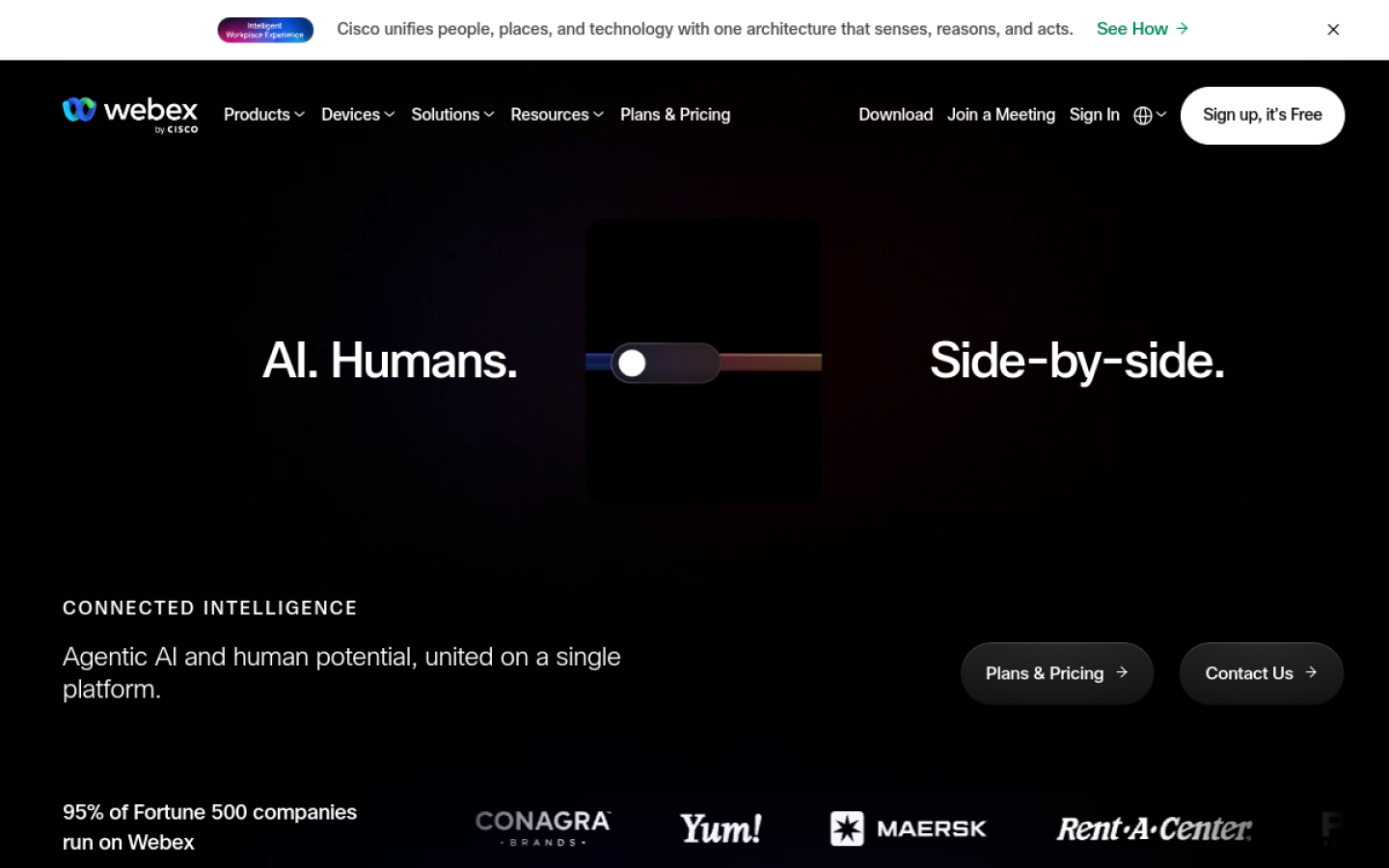
Webex is Cisco's meeting, calling and messaging suite, built for large and regulated teams. The free Basic plan covers meetings of up to 100 people for 50 minutes. The Meet plan adds 24-hour meetings for up to 200 people, 10 GB of cloud recording and transcripts for $13.50 a user a month.
The trade off is price and setup. Meet costs more than Teams or Google Meet, and its admin settings take longer to learn. It suits larger teams that need strong security, noise removal and reliable calls at scale.
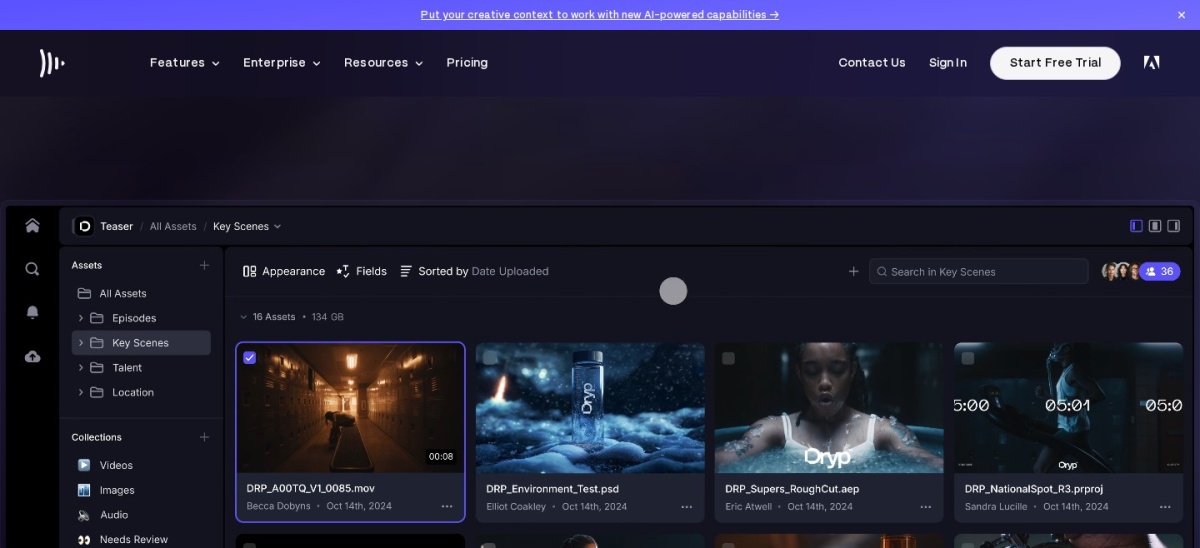
Frame.io is Adobe's video review platform, where teams share cuts and collect time-coded comments. The free plan covers 2 members, 2 GB of storage and 2 projects. Pro adds unlimited projects, 2 TB of storage and custom-branded shares for $15 a member a month, for up to 5 members.
The trade off is the member cap. A sixth member moves the whole account to Team at $25 a member a month, and storage is tied to seats. It suits video teams that review edits with clients inside Premiere Pro or After Effects.
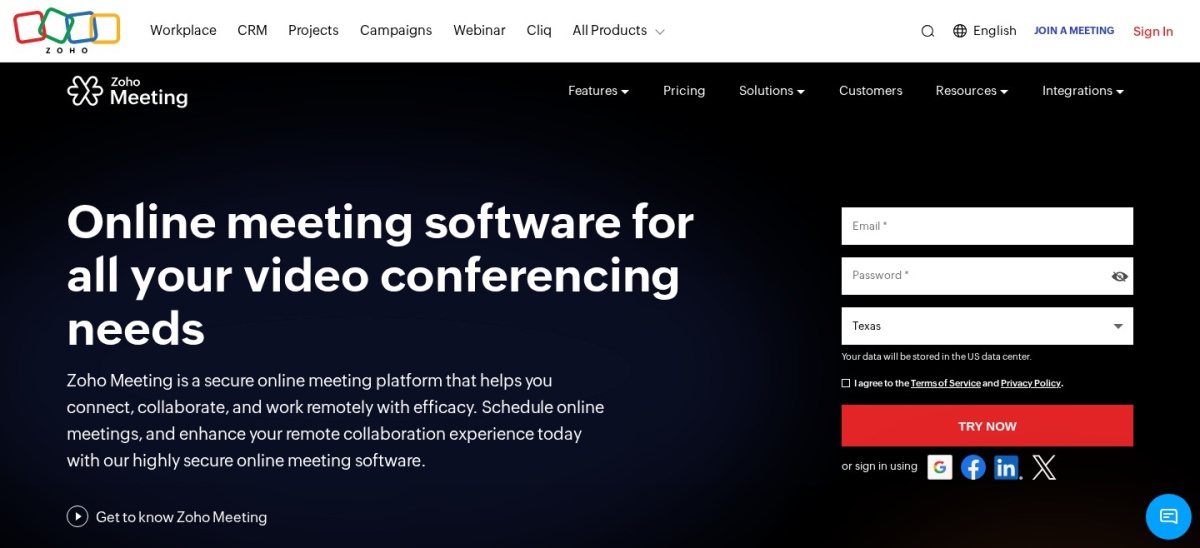
Zoho Meeting is a low-cost meeting and webinar tool from Zoho, with no app needed to join. The free edition covers meetings of up to 100 people for 60 minutes, with screen sharing, polls and a whiteboard. Meeting Standard adds 24-hour meetings and cloud recording for $2 a host a month.
The trade off is polish. Its interface and integrations are simpler than Zoom or Teams, and advanced webinar features need a separate plan. It suits small teams and educators that want cheap, plain video meetings.
What we like
Cheapest paid plan in this list at $2 a host a month
Rated 4.5 out of 5 from 1,276 G2 reviews
Browser-based joining with no install
Watch out for
Simpler interface than Zoom or Teams
Webinars need a separate paid plan
Fewer third-party integrations
Meeting Professional adds more hosts and controlsVisit zoho.com
Live meetings vs async video: which do you need?
Live meetings suit decisions, interviews and anything that needs a fast back-and-forth. Pick Zoom, Teams or Meet for those.
Async video suits updates, walkthroughs and feedback. A recorded Loom or a Frame.io review link lets people watch when it suits them, across time zones.
Most teams need one of each. A live tool for the weekly call and an async tool for everything else cuts meeting time without losing context.
How we chose
We started from the video meeting, visual collaboration and async video tools with the largest G2 review counts, then kept 9 that cover live meetings, whiteboards and video review.
Prices come from vendor pricing pages and G2 pricing data supplied by the vendors, checked on 24 November 2026. Ratings come from G2, except Google Meet, whose rating comes from Capterra. Where a vendor shows a sale, the list shows the regular price.
We left out tools built only for webinars or only for live streaming. No vendor paid for a place, and we do not claim hands-on testing for this list.
How to choose video collaboration software
Start with the meetings you already run, then match the tool to them.
Count who joins your calls. If guests join often, pick a tool they can join from a browser with no install, such as Zoom or Google Meet.
Check the free plan limit. A 40-minute cap is fine for stand-ups but breaks workshops. Paid plans lift the limit to 24 or 30 hours.
Decide live, async or both. Live tools host the call; Loom and Frame.io record it. Most teams need one live tool and one async tool.
Add up the per-seat cost. Multiply the monthly price by your team size. Teams at $4 a user a month costs a 10-person team $480 a year, while Zoom Pro costs $1,918.80.
FAQ
What is the best video collaboration software?
Zoom is the best pick for most teams. Its free plan covers meetings of up to 100 people, Pro costs $15.99 a user a month, and it is rated 4.5 out of 5 on G2 from 56,489 reviews.
Is there a free video collaboration tool?
Yes. All 9 tools in this list have a free plan. Free plans usually cap group meetings at 40 to 60 minutes and limit recording, storage or history.
What is the cheapest video collaboration software?
Zoho Meeting Standard is the cheapest paid plan here at $2 a host a month. Microsoft Teams Essentials is next at $4 a user a month, and Google Workspace Business Starter is $7.
Do I need both Zoom and Loom?
No, they do different jobs. Zoom hosts live meetings, while Loom records videos people watch later. Many remote teams use one live tool and one async tool together.
Can I use Google Meet without paying?
Yes. Anyone with a Google account can start a free meeting for up to 100 people for 60 minutes, with live captions and screen sharing. Recording needs a paid Workspace plan.
What is Frame.io used for?
Frame.io is for reviewing video edits. Teams upload cuts, clients leave time-coded comments on exact frames, and editors track versions until the cut is approved.