Zoho Books is the best value accounting software for most small businesses, offering a free tier for revenue under $50,000 per year and paid plans starting at $15 per month billed annually. Wave suits solo owners who want unlimited invoices on a free Starter plan, while ZipBooks fits teams wanting simple billing at $15 per month.
How we make this list: we compare pricing pages, product documentation and public user reviews, then re-check every price before each update. No product paid for a place. Disclosure.
Zoho Books starts at $15/mo billed annually on Standard for 3 users, with a free plan under $50,000 annual revenue.
Wave charges $0 on Starter for unlimited invoices and bills, while Pro costs $19/mo or $190/yr per business for bank feeds.
ZipBooks starts at $15/mo on Smarter for up to 5 team members and recurring invoices, alongside a free Starter tier.
Manager.io offers a free desktop edition across Windows, macOS, and Linux with no usage limits.
Akaunting starts at $8/mo billed yearly on Standard Cloud ($12/mo monthly) for 1 company and up to 1,000 invoices.
How do you pick the best value accounting software without paying for unused extras?
Headline starting prices rarely reflect what a growing business pays once basic workflows are unlocked. Many entry plans cap invoices, billable clients, or user seats before you even add payroll or inventory tracking.
Free plans save cash early but often gate automation and multi-user access. Checking whether automatic bank feeds, vendor bills, and accountant roles sit on the free tier or require a paid upgrade prevents surprise switching costs.
User pricing models split sharply across platforms. Some tools bundle multiple users into a flat organization fee, while others bill per extra team member every month.
Add-ons for payroll, receipt scanning, and payment processing change total annual spend fast. Matching the software to your actual transaction volume and team size keeps annual costs predictable.
Zoho Books is a cloud accounting platform that includes a free plan for businesses under $50,000 in annual revenue with up to 1,000 invoices per year. Its Standard plan costs $15 per organization per month billed annually and covers 3 users plus bank feeds.
The trade off is that vendor bills and multi-currency transactions require upgrading to Professional at $40 per month billed annually. It suits small teams wanting structured bookkeeping and clear seat math without steep per-user fees.
What we like
Free plan available for smaller micro-businesses under $50,000 annual revenue
Standard plan includes 3 users at a flat organization rate
Clear upgrade path into inventory and multi-currency on higher tiers
Watch out for
Vendor bills and multi-currency sit above the Standard tier
Extra users cost $2.50 per user per month billed annually
Paid Standard plan adds unlimited invoices, 3 users, and bank feeds for $180/yr billed annually.Visit zoho.com
02
Wave
4.4/5on Capterra (1,732 reviews, checked Nov 2026)
Paid from$190/yr
Best free invoicing and basic books
Starter plan$0 (manual entry)
Pro annual$190/yr per business
Pro monthly$19/mo per business
Card rate2.9% + $0.60 standard
waveapps.com
Wave homepage, captured Nov 2026.
Wave is an accounting and invoicing app whose free Starter plan covers unlimited invoices, estimates, bills, and basic bookkeeping reports. Upgrading to Pro costs $190 per year billed annually, or $19 per month, for automatic bank feeds and receipt capture.
The trade off is that automatic bank imports and accountant access require Pro, and payroll or payment processing cost extra. It suits solo freelancers and small service owners who want low fixed software costs.
What we like
Starter plan is free with unlimited invoices and bills
Pro plan is $190/yr billed annually with a promotional discount occasionally offered
Simple interface for solo owners sending client invoices
Watch out for
Automatic bank feeds require the paid Pro plan
Payroll and card processing add separate ongoing charges
Paid Pro plan adds automatic bank imports, receipt capture, and discounted card fees on initial monthly transactions.Visit waveapps.com
03
ZipBooks
4.5/5on Capterra (115 reviews, checked Nov 2026)
Paid from$15/mo
Best simple billing and recurring invoices
Entry paid planSmarter ($15/mo)
Free Starter tier1 bank account, basic reports
Smarter team sizeUp to 5 team members
Higher tierSophisticated ($35/mo)
zipbooks.com
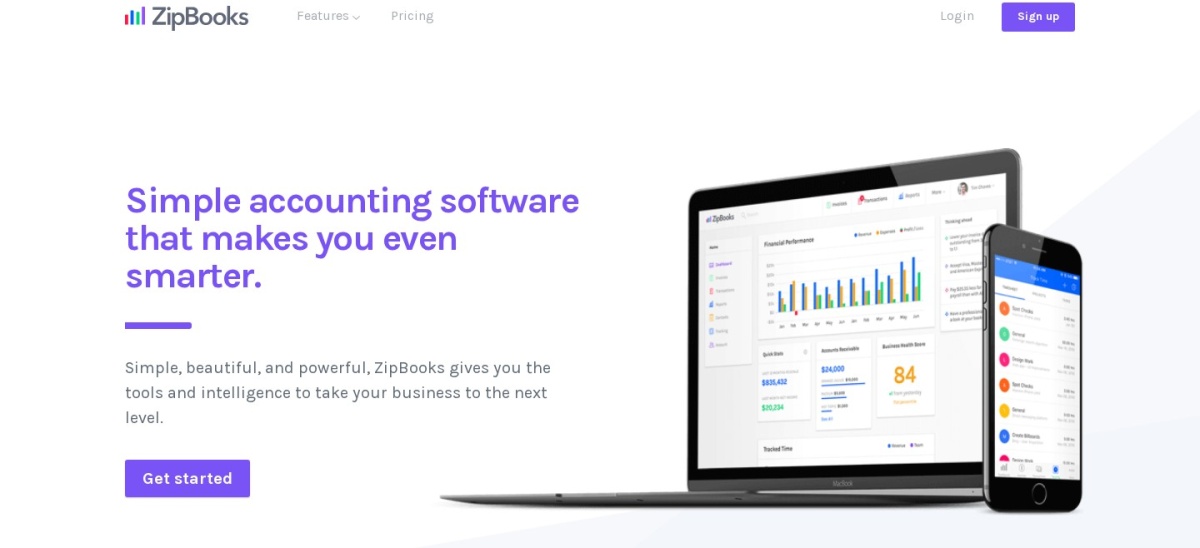
ZipBooks homepage, captured Nov 2026.
ZipBooks is a lightweight cloud accounting tool with a free Starter plan that supports unlimited invoices and 1 connected bank account. Its Smarter plan costs $15 per month and adds time tracking, recurring invoices with auto-bill, and up to 5 team members.
The trade off is that deeper reporting and unlimited users require stepping up to the $35 per month Sophisticated tier. It suits consultants and small service teams that prioritize fast invoicing over complex accounting.
What we like
Free Starter plan includes unlimited invoices and customer management
Smarter plan at $15/mo covers recurring billing and 5 team members
Easy interface for non-accountants managing client bills
Watch out for
Free plan limits bank connections to 1 account
Fewer advanced accounting features than larger suites
Paid Smarter plan adds recurring auto-billing, time tracking, and up to 5 team members for $15/mo.Visit zipbooks.com
04
Akaunting
3.8/5on Capterra (28 reviews, checked Nov 2026)
Starts at$8/mo
Best low-cost cloud plan with add-on apps
Standard Cloud$8/mo yearly ($96/yr)
Monthly rate$12/mo on Standard Cloud
Included seats1 User + 1 Accountant
Invoice cap1,000 invoices on Standard
akaunting.com
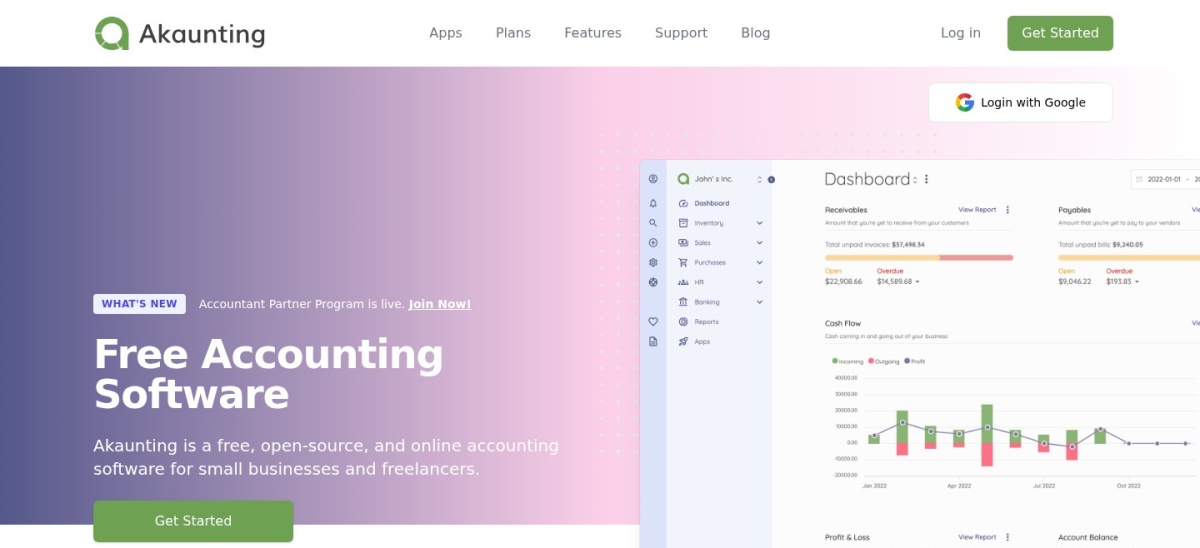
Akaunting homepage, captured Nov 2026.
Akaunting is an online accounting platform with a Standard Cloud plan starting at $8 per month billed yearly ($96 per year), or $12 per month billed monthly. Standard covers 1 company, 1 user plus 1 accountant, up to 1,000 invoices, and 4 included apps.
The trade off is that extra modules and higher limits require paid add-ons or upgrading to Premium Cloud at $24 per month yearly ($36 monthly). It suits solo owners and small businesses wanting low starting cloud fees.
What we like
Low entry rate at $8/mo billed yearly on Standard Cloud
Includes 1 user plus 1 accountant and multi-currency support
Offers modular app extensions as needs grow
Watch out for
Extra apps and higher company or invoice caps cost more
Lower review rating than top-rated small business suites
Higher cloud tiers expand company counts, team seats, invoice limits, and included apps.Visit akaunting.com
05
Manager.io
4.8/5on Capterra (74 reviews, checked Nov 2026)
PriceFree
Best free desktop accounting software
Desktop editionFree on Windows, Mac, Linux
Data storageLocal offline files
Paid Cloud editionListed at $59/mo
Usage limitsNo data cap on desktop
manager.io
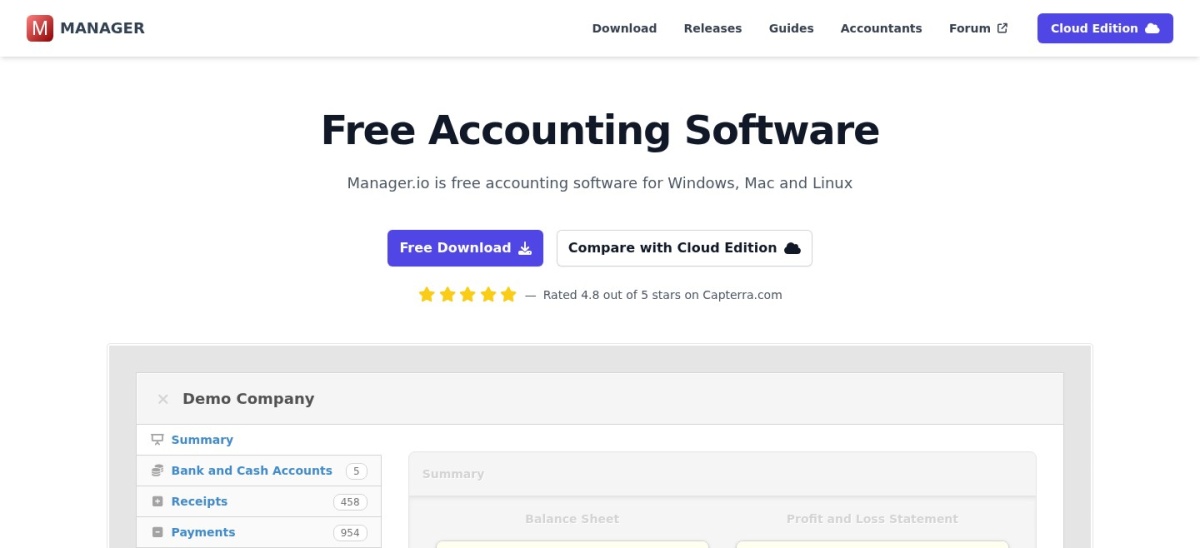
Manager.io homepage, captured Nov 2026.
Manager.io is a double-entry accounting program whose desktop edition is free on Windows, macOS, and Linux with no time or data limits. It supports invoicing, inventory, bank reconciliation, and financial reporting offline.
The trade off is that browser access and multi-user cloud hosting cost extra, and local backups remain on your own machine. It suits owners comfortable with accounting concepts who want zero recurring desktop fees.
What we like
Desktop edition is free with no usage or feature limits
Runs natively across Windows, macOS, and Linux
Keeps accounting records locally under your control
Watch out for
Desktop version is single-device without built-in cloud sync
Steeper learning curve for users new to double-entry accounting
Optional Cloud and Server editions add browser and multi-user access beyond the free desktop app.Visit manager.io
06
FreshBooks
4.5/5on G2 (982 reviews, checked Nov 2026)
Starts at$23/mo
Best for client invoicing and time tracking
Entry paid planLite ($23/mo regular)
Next tierPlus ($43/mo regular)
Lite client capUp to 5 billable clients
Extra team seat$11/mo per user
freshbooks.com
FreshBooks homepage, captured Nov 2026.
FreshBooks is a cloud accounting and billing platform built for freelancers and service businesses, with Lite starting at $23 per month regular price. Lite covers invoicing, expense tracking, estimates, and time tracking for up to 5 billable clients.
The trade off is that the 5-client cap on Lite is tight and extra team members cost $11 per month each. It suits independent consultants and agencies that invoice by project or billable hours.
What we like
Clean client invoicing, estimates, and time tracking workflow
Strong mobile app for receipts and client updates
30-day money-back guarantee on plans
Watch out for
Lite limits billable clients to 5 and charges $11/mo per team member
Less suited to product inventory than service billing
4.3/5on Capterra (8,551 reviews, checked Nov 2026)
Starts at$38/mo
Best accountant compatibility and app ecosystem
Entry paid planSimple Start ($38/mo)
Next tiersEssentials ($85/mo), Plus ($140/mo)
Included users1 user on Simple Start
Accountant accessIncluded on Simple Start
quickbooks.intuit.com
QuickBooks Online homepage, captured Nov 2026.
QuickBooks Online is a widely used cloud accounting platform whose Simple Start plan lists at $38 per month for 1 user plus accountant access. It handles bank connections, invoicing, expense tracking, and standard financial reports.
The trade off is that Simple Start allows 1 user and Essentials jumps to $85 per month, while payroll and extra add-ons cost more. It suits businesses that already work with a QuickBooks bookkeeper or plan to scale into inventory and multi-user tiers.
What we like
Broad familiarity among bookkeepers, CPAs, and third-party apps
Includes accountant access on Simple Start
Clear upgrade tiers for inventory and larger teams
Watch out for
Higher monthly cost than budget rivals once you need multiple users
Payroll and add-ons increase total monthly spend
Higher plans add more user seats, bill management, and inventory or project tracking.Visit quickbooks.intuit.com
Watch for add-ons and seat caps
A low base price can climb once you add payroll, extra team members, or payment processing. Checking per-user charges and plan limits before signing up avoids mid-year upgrades.
Promotional discounts often apply only to the first few billing cycles before returning to standard rates. Always budget using the regular monthly or annual renewal price.
How we chose
This list focuses on established accounting tools with active user reviews and transparent plan tiers for small businesses and freelancers.
Pricing and review figures were checked on 29 Nov 2026 using regular list rates rather than temporary promotional discounts.
Tools without verified regular pricing or clear small-business tiers were left out. No vendor paid for a place, and we do not claim testing for this list.
How to choose value accounting software in 4 steps
Follow these four checks before committing to an accounting plan.
Count your active users and accountant needs first. Compare flat organization plans against per-user pricing so adding a teammate or bookkeeper does not force a costly tier jump.
Check free-tier limits against your real volume. Verify caps on invoices, billable clients, revenue, and bank feeds so you do not outgrow a free plan in a few months.
Factor in payroll, receipts, and payment fees. Add expected payroll charges, receipt scanning add-ons, and card or bank processing fees to estimate your true annual cost.
Confirm reporting and export compatibility. Make sure profit-and-loss statements, balance sheets, and CSV or accountant exports match how you file taxes and close your books.
FAQ
What is the best value accounting software in 2026?
Zoho Books is the best value accounting software for most small businesses, with a free tier for revenue under $50,000 a year and Standard starting at $15 per month billed annually. Wave and ZipBooks are strong alternatives depending on whether you prefer free invoicing or recurring client billing.
Is there a genuinely free accounting software option?
Yes, Wave Starter and ZipBooks Starter offer free tiers with unlimited invoices, while Manager.io offers a free desktop edition with no usage limits. Zoho Books also has a free plan for businesses under $50,000 in annual revenue.
How much does good small business accounting software usually cost?
Budget paid plans generally start between $8 and $23 per month at regular list rates, while broader small-business suites start around $38 per month. Extra team seats, payroll, and add-ons can raise the monthly total.
Which tool is better for beginners: Zoho Books or Wave?
Wave is easier for solo owners who mainly need free invoicing and basic bookkeeping without complex setup. Zoho Books fits better once you want 3 included seats on Standard and structured growth tiers.
When should a small business upgrade past a free accounting plan?
Upgrade when you exceed free invoice or client caps, need multi-user access, or want automated bank feeds and vendor bill workflows.
SaaS SEO and WordPress specialist with about 8 years of experience. Rakib compares WordPress plugins, themes, hosting and software using public pricing, documentation and user reviews. See how we rank.