QuickBooks Online is the best software for a bookkeeping business because its $38 monthly Simple Start plan combines automated transaction categorization, financial reporting and dedicated accountant access. Xero is a better alternative for firms needing flexible user access, while Zoho Books suits practices looking to control subscription costs.
How we make this list: we compare pricing pages, product documentation and public user reviews, then re-check every price before each update. No product paid for a place. Disclosure.
QuickBooks Online starts at $38 per month and includes dedicated access for 2 accountants on Simple Start.
Xero costs $27 per month on Early and does not charge per user.
Zoho Books Standard costs $15 per month with annual billing and supports 3 users.
FreshBooks Lite costs $23 per month and supports invoicing for 5 clients.
Wave offers free basic accounting, with its Pro subscription normally costing $19 per month.
How do you choose the best software for a bookkeeping business?
Bookkeeping firms need software that reduces the time spent maintaining each client's financial records. Bank transaction imports, reconciliation, expense categorization and consistent financial reports are more important than visually attractive dashboards.
Client-level subscription costs directly affect bookkeeping profitability. A platform charging per organization can become expensive as your practice grows, even if its starting price appears affordable. Establish whether your firm or the client will pay for each subscription.
Accountant access matters when several people work on the same books. Dedicated accountant permissions help separate bookkeeping responsibilities from business ownership and reduce unnecessary sharing of login credentials.
Accounting software and practice management software serve different purposes. The products below primarily maintain financial records, rather than managing engagement letters, staff workloads or document collection across an entire bookkeeping practice.
The 7 best software tools for bookkeeping businesses
01
QuickBooks Online
4.3/5on Capterra (8,554 reviews, checked Nov 2026)
Paid from$38/mo
Best for established bookkeeping practices
Entry paid planSimple Start
Accountant access2 accountants
Business users1 on Simple Start
Bank reconciliationSupported
quickbooks.intuit.com
QuickBooks Online homepage, captured Nov 2026.
QuickBooks Online is a cloud accounting platform for managing client transactions, invoices and financial statements. Its free offering supports basic financial tracking, while Simple Start includes automated transaction matching, business reports and access for 2 accountants.
The trade off is the increasing subscription cost as client requirements grow. Simple Start normally costs $38 per month, while additional business users require a higher subscription. It suits bookkeeping firms that want standardized accounting processes across a varied client portfolio.
What we like
Dedicated accountant access
Automated transaction categorization
Established accounting integration ecosystem
Financial statements and invoicing in one platform
Large public review base
Watch out for
Subscription costs increase with advanced requirements
Simple Start supports only 1 regular business user
Separate client subscriptions can increase overhead
4.4/5on Capterra (3,347 reviews, checked Nov 2026)
Starts at$27/mo
Best for collaborative bookkeeping teams
Entry planEarly
Invoice allowance20
Bill allowance5
Per-user licensingNo
xero.com
Xero homepage, captured Nov 2026.
Xero is a cloud accounting platform that helps bookkeepers collaborate with clients and maintain financial records. Its Early subscription includes bank reconciliation, financial reporting, document capture, up to 20 invoices and 5 bills.
The trade off is the transaction allowance on the $27 monthly Early plan. Businesses with substantial invoicing or supplier activity will need a higher tier, although the platform does not charge per user. It suits bookkeeping practices where several staff members need access to client accounts.
What we like
No per-user subscription fees
Integrated bank reconciliation
Financial reporting and cash flow visibility
Suitable for collaborative accountant workflows
Watch out for
Entry plan limits invoice and bill volumes
No permanent free accounting subscription
Some automation requires additional features or subscriptions
Higher plans remove entry-level invoice and bill restrictions.Visit xero.com
03
Zoho Books
4.4/5on Capterra (685 reviews, checked Nov 2026)
Paid from$15/mo
Best for cost-conscious bookkeeping firms
Entry paid planStandard, billed annually
Included users3
Bank feedsStandard
Period lockingStandard
zoho.com
Zoho Books homepage, captured Nov 2026.
Zoho Books is an accounting platform combining financial records, invoicing, expense management and reporting. Its Standard subscription supports 3 users and adds connected bank feeds, recurring expenses, custom reports and transaction period locking to its free offering.
The trade off is that some accounting functions and integrations require higher subscription tiers or additional Zoho applications. Standard costs $15 per month with annual billing or $20 with monthly billing. It suits smaller bookkeeping practices that prioritize predictable software expenses.
What we like
Permanent free plan for eligible businesses
Affordable annual subscription
Transaction period locking
Custom financial reports
Integration with other Zoho applications
Watch out for
Entry plan has a user limit
Advanced workflows require higher tiers
Free plan lacks connected bank feeds
Standard adds bank feeds, recurring expenses and custom reports.Visit zoho.com
04
Patriot Accounting
4.8/5on Capterra (3,967 reviews, checked Nov 2026)
Starts at$20/mo
Best for combining bookkeeping and payroll
Entry planAccounting Basic
InvoicesUnlimited
Bank importsAutomatic
PayrollSeparate subscription
patriotsoftware.com
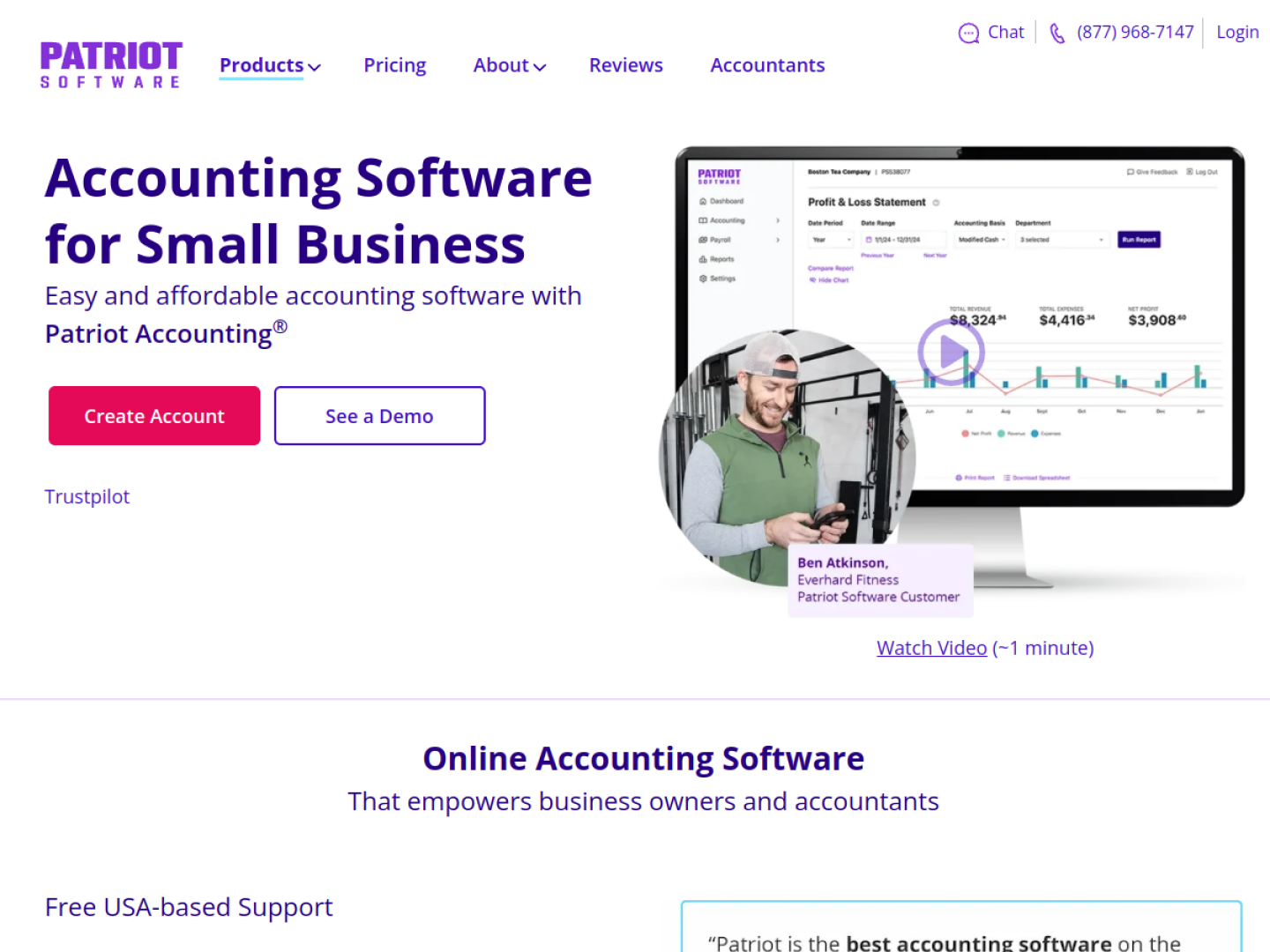
Patriot Accounting homepage, captured Nov 2026.
Patriot Accounting is a small business accounting platform with connected payroll options and a partner program for professional bookkeepers. Accounting Basic costs $20 per month and includes bank imports, account reconciliation, unlimited customer invoices and vendor payment records.
The trade off is that advanced accounting capabilities are more limited than those of larger accounting platforms. The regular $20 monthly subscription covers basic bookkeeping, with payroll charged separately. It suits practices serving straightforward small businesses that need coordinated accounting and payroll.
What we like
Affordable basic accounting subscription
Unlimited customers and invoices
Automatic bank transaction imports
Dedicated partner pricing program
Watch out for
Payroll requires a separate subscription
Limited advanced inventory functionality
Capterra rating covers the broader Patriot Software suite
4.5/5on Capterra (4,527 reviews, checked Nov 2026)
Starts at$23/mo
Best for service-based bookkeeping clients
Entry planLite
Billable clients5
Time trackingUnlimited
Additional team member$11/mo
freshbooks.com
FreshBooks homepage, captured Nov 2026.
FreshBooks is an accounting and invoicing platform designed around service businesses and client billing. Lite costs $23 per month and includes expense tracking, estimates, time tracking and invoicing for up to 5 clients.
The trade off is that Lite does not provide the full accounting functionality needed for complex bookkeeping engagements. Additional team members cost $11 per month each, and firms needing comprehensive accounting reports should consider higher tiers. It suits bookkeepers serving freelancers, consultants and small service businesses.
What we like
Integrated time tracking and invoicing
Clear service billing workflows
Expense management and estimates
Strong public user rating
Watch out for
Lite limits billable clients to 5
Additional staff access costs extra
Advanced accounting functions require an upgrade
Higher plans expand client allowances and accounting functionality.Visit freshbooks.com
06
Wave
4.4/5on Capterra (1,732 reviews, checked Nov 2026)
Paid from$19/mo
Best for bookkeeping clients with small budgets
Free planStarter
Paid planPro
Bank transaction importsPro
InvoicingIncluded
waveapps.com
Wave homepage, captured Nov 2026.
Wave is an accounting and invoicing platform for freelancers and small business owners. Its free Starter plan provides basic bookkeeping and invoicing, while the regular $19 monthly Pro subscription adds features that reduce repetitive financial administration.
The trade off is that free accounting does not include every automation feature a professional bookkeeper might need. Pro is available for $19 per month before temporary discounts, and payment processing can incur additional fees. It suits practices managing smaller clients with straightforward financial records.
What we like
Permanent free accounting plan
Affordable paid subscription
Integrated invoicing and financial tracking
Suitable for basic client bookkeeping
Watch out for
Automatic bank imports require Pro
Payment processing fees are additional
Less suitable for complex accounting requirements
Pro adds automatic bank imports and additional bookkeeping automation.Visit waveapps.com
07
Kashoo
4.5/5on Capterra (132 reviews, checked Nov 2026)
Starts at$30/mo
Best for simple accounting with unlimited users
Entry planSingle accounting subscription
UsersUnlimited
Accounting methodDouble-entry
Free trial14 days
kashoo.com
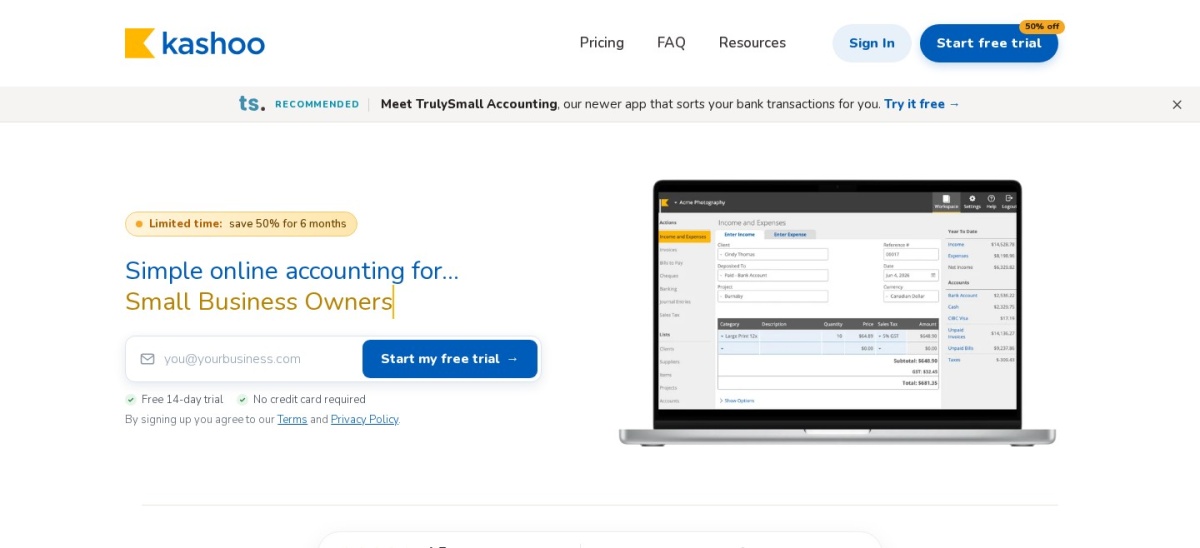
Kashoo homepage, captured Nov 2026.
Kashoo is a cloud accounting platform with double-entry bookkeeping, bank synchronization, expense tracking and financial reporting. Its $30 monthly subscription includes unlimited users, unlimited invoices, multicurrency support and year-end financial exports for accountants.
The trade off is that each additional business requires a separate subscription, although package quotes are available for practices managing more than 5 businesses. The regular monthly price is $30 before introductory discounts. It suits small bookkeeping firms that prefer straightforward accounting without complicated subscription tiers.
What we like
Unlimited users without additional seat fees
Double-entry accounting and bank synchronization
Exportable year-end accounting package
Multicurrency support included
Watch out for
Smaller public review base than major competitors
Separate subscription required for each business
Contacts, invoices and bills cannot be imported directly from competing platforms
The paid subscription includes all core Kashoo accounting features.Visit kashoo.com
How subscription costs affect bookkeeping profitability
The cheapest subscription is not necessarily the most profitable option for your bookkeeping firm. A platform that reduces manual reconciliation, transaction classification and financial report preparation can justify a higher subscription cost.
QuickBooks Online Simple Start costs $456 annually at its regular monthly rate, compared with $324 for Xero Early and $180 for Zoho Books Standard with annual billing. These figures represent individual subscriptions rather than unlimited client companies.
Decide whether clients will purchase their accounting subscriptions directly or whether your practice will include software expenses in its monthly bookkeeping packages. Ask vendors about accountant partner pricing before committing to a platform.
What other software does a bookkeeping business need?
Accounting software maintains financial records, but a complete bookkeeping practice also needs tools for managing client relationships, collecting documents and tracking recurring assignments.
Consider a dedicated practice management application for monthly close checklists, client onboarding and staff responsibilities. Document collection software can help gather receipts, invoices and bank statements without repeated email requests.
Keep financial information protected by enabling multifactor authentication, assigning appropriate user permissions and maintaining a documented process for exporting client records. Avoid sharing a single account password among employees.
How we chose
We selected accounting platforms relevant to independent bookkeepers and firms managing financial records for small business clients. The ranking prioritizes reconciliation, accountant collaboration, reporting, subscription costs and the suitability of entry-level plans for recurring bookkeeping work.
We checked official vendor pricing pages and public Capterra ratings on 29 Nov 2026. Annual costs use regular monthly subscription rates multiplied by twelve, except Zoho Books, where the standard annual billing rate is used. Temporary promotions are excluded from the price comparison. Patriot's review figure represents its combined accounting and payroll software listing.
We excluded outsourced bookkeeping services, enterprise accounting systems without suitable entry-level subscriptions and products without verifiable pricing or public review figures. Rankings reflect suitability for bookkeeping practices rather than review scores alone. No vendor paid for a place, and we do not claim testing for this list.
How to choose accounting software for your bookkeeping firm
Evaluate each accounting platform against your client portfolio, monthly reconciliation workload, reporting obligations and expected subscription expenses before selecting your firm's preferred software.
Identify your clients' accounting requirements. Separate straightforward service businesses from clients requiring inventory management, multicurrency accounting, payroll or advanced financial reporting. Select platforms that support the actual work your practice performs.
Calculate the subscription cost per client. Compare regular subscription prices rather than introductory discounts. Include any charges for additional users, payment processing, payroll integrations and higher transaction allowances.
Review accountant access and reconciliation workflows. Check whether your staff can access client books using separate credentials. Review bank feed availability, transaction matching, reconciliation controls, financial statements and permissions before moving existing clients.
Plan migration and ongoing client management. Confirm which historical transactions, invoices, contacts and balances can be imported. Establish monthly close procedures and a reliable process for exporting financial records if a client changes accounting platforms.
FAQ
What is the best software for a bookkeeping business in 2026?
QuickBooks Online is the best overall choice for most bookkeeping businesses because it combines automated transaction categorization, financial reports and dedicated accountant access. Xero is preferable for collaborative teams, while Zoho Books offers lower entry-level subscription costs.
How much does software for a bookkeeping business cost?
Entry-level paid subscriptions in this comparison range from $15 to $38 per month, depending on the platform and billing arrangement. Your total software expenses depend on the number of client companies, required features and any accountant partner discounts.
What is the best free software for a bookkeeping business?
Wave is a good free choice for bookkeeping businesses serving clients with simple accounting and invoicing needs. Zoho Books also offers a free plan for eligible businesses, although automated bank feeds require its paid Standard subscription.
Is QuickBooks or Xero better for professional bookkeepers?
QuickBooks Online is better for practices prioritizing established accounting workflows and dedicated accountant access. Xero is better for teams needing flexible user access without individual seat fees, although its Early subscription restricts invoice and bill volumes.
What bookkeeping software is best for beginners?
FreshBooks is a suitable starting point for beginners working with freelancers and service businesses because it emphasizes invoicing, expense tracking and time tracking. Wave is another accessible option for basic accounting, particularly when clients have limited software budgets.
Can I manage multiple bookkeeping clients with one subscription?
Usually, no. Accounting platforms generally maintain separate subscriptions for separate client organizations. Accountant programs may provide centralized access, discounted subscriptions or consolidated billing, but these arrangements do not automatically provide unlimited client companies for a single standard subscription fee.
Is Zoho Books suitable for a small bookkeeping practice?
Yes. Zoho Books Standard provides an affordable accounting subscription with bank feeds, custom financial reports and transaction period locking. Its regular annual billing rate is $180 per organization, making it worth considering for practices serving cost-conscious small businesses.
Do bookkeeping firms need separate practice management software?
Many growing bookkeeping firms benefit from separate practice management software. Accounting applications handle transactions and financial statements, while practice management tools organize recurring assignments, client communication, engagement documents and employee responsibilities across the firm's client portfolio.
SaaS SEO and WordPress specialist with about 8 years of experience. Rakib compares WordPress plugins, themes, hosting and software using public pricing, documentation and user reviews. See how we rank.