Publer is the best Twitter automation tool for most accounts, starting at $5 a month with X scheduling, bulk scheduling, recurring posts and RSS automations on paid plans. Pick SocialPilot for agency bulk work at $17 a month, or Agorapulse if a shared inbox matters most.
How we make this list: we compare pricing pages, product documentation and public user reviews, then re-check every price before each update. No product paid for a place. Disclosure.
Publer is the cheapest way into X automation, from $5 a month, with bulk scheduling and recurring posts.
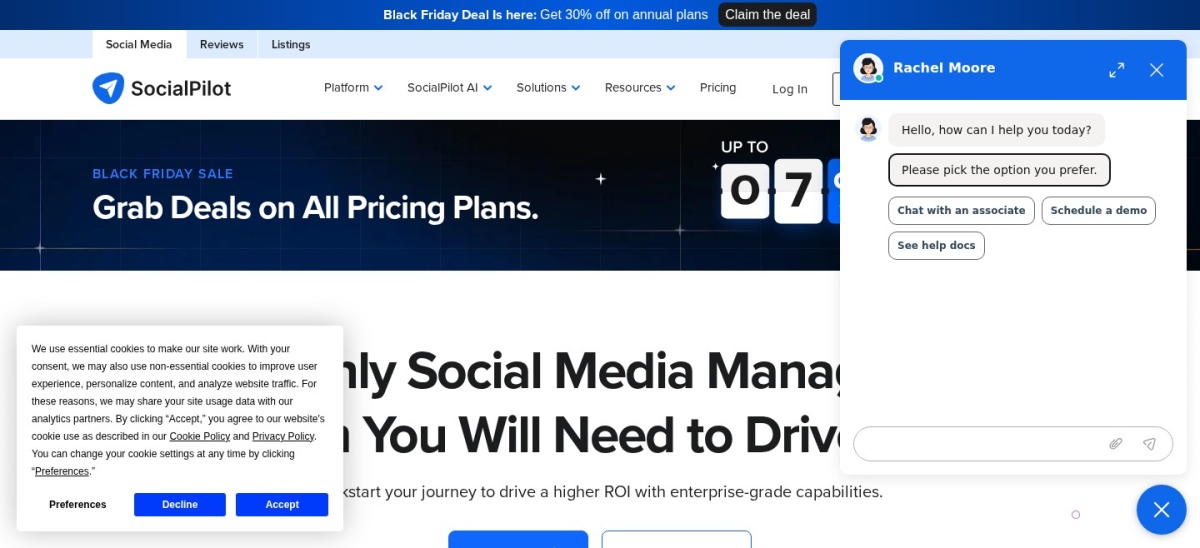
SocialPilot is the best agency pick here, with 5 accounts and AI credits from $17 a month on Essentials; bulk scheduling starts on Standard.
Agorapulse and Sprout Social are the priciest picks, at $79 a month each, and both charge per user or seat.
SocialBee and MeetEdgar are built for evergreen content: both recycle old posts on a set schedule.
Buffer has the most useful free plan, with 3 channels and 10 scheduled posts per channel.
Every tool here has a G2 rating from 4.3 to 4.7 out of 5, with review counts from 57 to 7,765.
What Twitter automation should do
Twitter automation means scheduling posts, reposting evergreen posts, and handling replies without posting each one by hand. On X, the old name for Twitter, that usually means a queue, a calendar, and rules for reposting.
The best tools in this list schedule threads, repeat posts at set times, and pull in new posts from an RSS feed. Some also watch for mentions and route replies to one inbox.
Price is the main split. Entry plans run from $5 to $99 a month, and the dearest tools charge per user, so a small team pays far more than a solo account. Our guide on scheduling posts in WordPress covers the same queue idea for a blog.
Watch the X limits on each plan. Publer leaves X off its free plan, and several tools cap the number of profiles or scheduled posts, so count your accounts before you pay.
Publer is a low-cost scheduler that covers X, Facebook, Instagram, LinkedIn, TikTok and more from one calendar. The free plan covers 3 social accounts and 10 scheduled posts per account, but X is only on paid plans. Professional starts at $5 a month and adds unlimited scheduling and drafts, bulk scheduling, first comments, threads and unlimited RSS automations.
The trade off is that the bill grows with accounts. Professional is priced per account, so connecting many X and other profiles costs more than the $5 starting price suggests. It suits solo creators and small teams who want cheap X automation with bulk and recurring posts.
What we like
Cheapest paid X automation in this list
Bulk scheduling and recurring posts included
RSS automations on the Professional plan
Covers 13 networks, including X, Threads and Bluesky
Watch out for
X is not on the free plan
Price grows with each added account
Analytics only arrive on the Business plan
Business adds analytics, competitor analysis and the APIVisit publer.io
02
SocialPilot
4.5/5on G2 (847 reviews, checked Nov 2026)
Starts at$17/mo
Best for agencies and bulk posting
Free planNo, 14-day trial
Social accounts5 on Essentials
Bulk schedulingStandard plan and up
Paid planEssentials, $17/mo
socialpilot.co
SocialPilot homepage, captured Nov 2026.
SocialPilot is a scheduler built for small teams and agencies that manage many accounts. Essentials costs $17 a month billed yearly and covers 5 social accounts, 1 user, 500 AI credits, a content library and analytics. It schedules to X and 9 other networks, with a 14-day free trial and no free plan.
The trade off is that bulk scheduling and the social inbox start on Standard at $34 a month billed yearly. Essentials is a fair entry price, but teams that need bulk CSV uploads will pay twice as much. It suits agencies that want many accounts under one flat bill.
Agorapulse is a social media suite built around a shared inbox, scheduling and reporting. Standard costs $79 a month per user billed yearly and covers 10 social profiles, unlimited posts, inbox help and white-label reports. A free tier covers 3 profiles and 10 scheduled posts, with a 30-day free trial on paid plans.
The trade off is per-user pricing. Every extra teammate costs another $79 a month, so a team of three pays $237 a month before add-ons. It suits small teams and agencies that answer a lot of X replies and want reports clients can read.
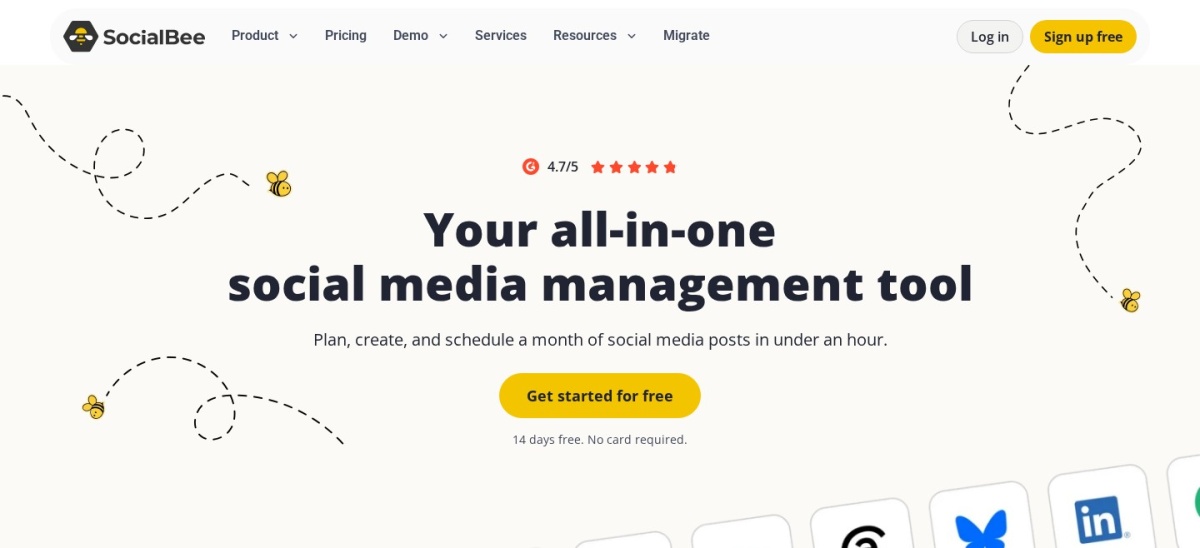
SocialBee is a scheduler built around content categories that recycle evergreen posts on a set timetable. Bootstrap costs $24.20 a month billed yearly and covers 5 social profiles, 1 user, 10 content categories and unlimited AI content generation. It posts to X, Facebook, Instagram, LinkedIn and more, with a 14-day free trial and no free plan.
The trade off is that only one user is included until Pro at $82.50 a month billed yearly. Bulk import and longer analytics history are also held back on Bootstrap. It suits solo creators with a bank of evergreen X posts they want to keep in rotation.
Buffer is a plain scheduler with a queue, a calendar and basic analytics. The free plan covers 3 channels and 10 scheduled posts per channel, and Essentials costs $5 a month per channel billed yearly with unlimited scheduled posts. It supports X, Instagram, Facebook, LinkedIn, TikTok and more, with an AI assistant for drafts.
The trade off is that the bill grows per channel. One X account is cheap, but five channels on Essentials cost $25 a month, and analytics stay basic. It suits creators who want a simple queue and a free plan to start with.
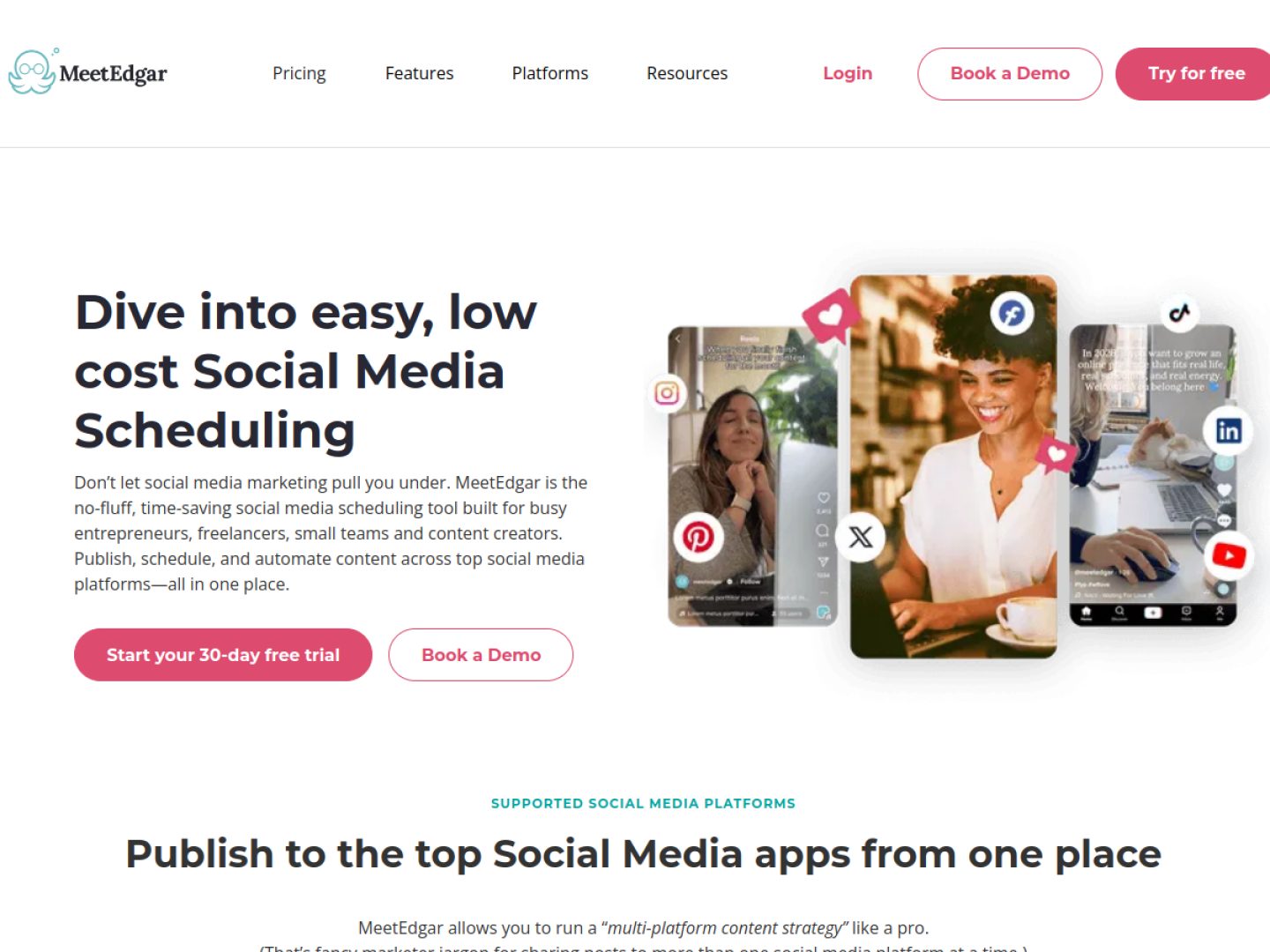
MeetEdgar is an automation tool built for evergreen content, with a library that refills a posting queue on its own. Eddie costs $29.99 a month, or $299 a year, and covers 5 social accounts, unlimited scheduled posts, 10 weekly automations and 4 content categories. It posts to X, Facebook, Instagram, LinkedIn and Pinterest, with a 30-day free trial.
The trade off is price for what is mainly a scheduler. Eddie is dearer than Publer or Buffer, and the social inbox only arrives on Edgar at $49.99 a month. It suits small businesses with a library of posts worth reposting again and again.
What we like
Evergreen library refills the queue on its own
Unlimited scheduled posts on every plan
30-day free trial
Built for hands-off reposting, not just scheduling
Later is a visual scheduler with a calendar, a media library and a link-in-bio page. Starter costs $18.75 a month billed yearly and covers 1 social set of 8 profiles, 1 user and 30 posts per profile each month. It schedules to X, Instagram, Facebook, TikTok, LinkedIn and more, with a 14-day free trial and no free plan.
The trade off is that Later is built for visual networks first. X scheduling works, but its best tools, such as the visual planner and hashtag suggestions, are aimed at Instagram. It suits creators who plan X posts beside a mainly visual calendar.
What we like
Visual calendar and media library
Link in bio page included on all plans
Best-time suggestions for each profile
Rated 4.5 out of 5 from 389 G2 reviews
Watch out for
X is not its main focus
Only 30 posts per profile on Starter
No free plan
Growth adds collaboration, approvals and the social inboxVisit later.com
08
Hootsuite
4.3/5on G2 (7,765 reviews, checked Nov 2026)
Starts at$99/mo
Best for large teams and listening
Free planNo, 14-day trial
Social accounts10 on Standard
Inbox automationProfessional and up
Paid planStandard, $99/mo
hootsuite.com
Hootsuite homepage, captured Nov 2026.
Hootsuite is the longest-running suite in this list, with scheduling, a unified inbox, analytics and listening in one dashboard. Standard costs $99 a month per user billed yearly and covers 10 social accounts, unlimited scheduling and AI post generation. A 14-day free trial is included, and there is no free plan.
The trade off is the seat price. One user is $99 a month, and inbox automation and trend forecasting only arrive on Professional at $199 a month. A sale banner on the site offered 50% off Standard when we checked, but the list shows the regular $99 price. It suits teams that already run many accounts in Hootsuite.
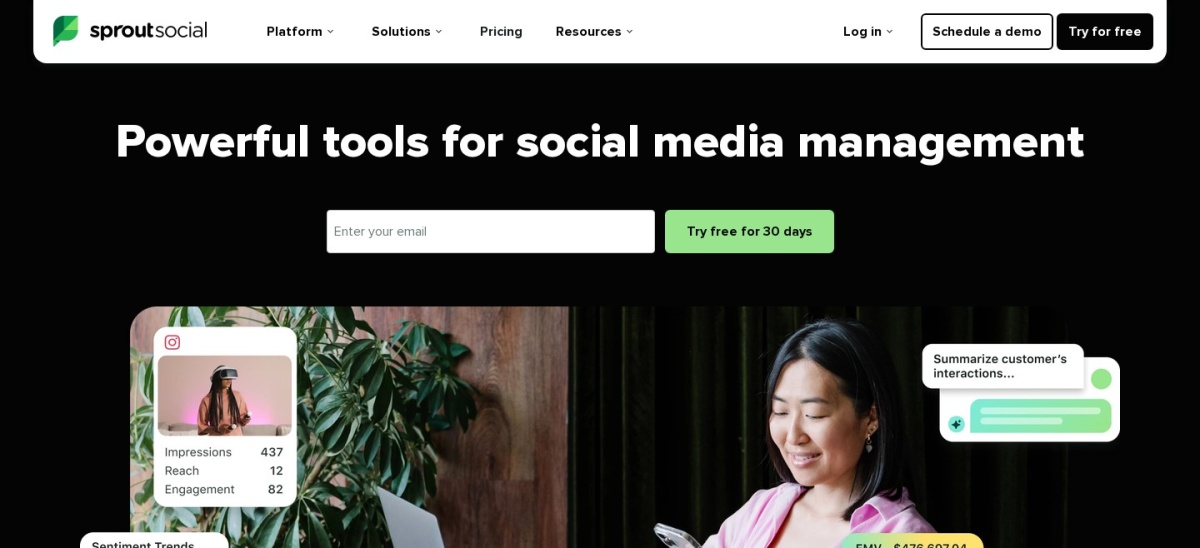
Sprout Social is a team suite for publishing, analytics and customer care on social media. Essentials costs $79 a month per seat billed yearly and covers 5 social profiles, optimal send times and profile and post-level reporting. It schedules to X and other major networks, with a 30-day free trial and no free plan.
The trade off is that the inbox and review management start on Standard at $199 a month per seat. Essentials is publishing and reporting only, so teams that answer X messages will pay far more. It suits mid-size teams that need strong reports and can pay per seat.
A Twitter automation tool should do more than schedule one post. Look for a queue, recurring posts, and a way to repost evergreen content without rebuilding each post.
RSS and bulk upload matter for busy accounts. Publer imports from RSS feeds, SocialPilot uploads 500 posts by CSV on Premium, and MeetEdgar refills its queue from a content library.
Replies are the part most schedulers skip. Agorapulse includes a shared inbox from Standard, while Sprout Social keeps its Smart Inbox for Standard at $199 a month. If answering X messages is your job, check the inbox tier before you pay.
Our guide on repurposing blog posts shows how one article can feed a queue for weeks, which is the same idea behind evergreen recycling.
How we chose
We started from the schedulers and suites that publish to X and offer automation beyond one-off scheduling, then kept the 9 with a public G2 rating and a published price.
Prices come from each vendor's pricing page, checked on 25 November 2026. Ratings and review counts come from G2 on the same day. Where a vendor shows a sale, the list shows the regular price.
We left out tools with no public rating, such as Typefully, which has only one G2 review. Hypefury was also left out: its current pricing page lists Instagram, Facebook, Threads, LinkedIn, TikTok and Bluesky as publishing platforms, but not X. No vendor paid for a place, and we do not claim to have used these tools ourselves.
How to choose a Twitter automation tool
Match the tool to how many X accounts you run and how much you want to repost.
Count your X accounts first. Per-account and per-user prices change fast. Publer charges per account, while Hootsuite, Agorapulse and Sprout Social charge per user or seat.
Check that X is on the plan you will pay for. Publer leaves X off its free plan, and some tools cap profiles or scheduled posts. Confirm the X connection before the trial ends.
Decide how much reposting you need. Pick SocialBee or MeetEdgar if old posts should run again on their own. Pick a plain scheduler such as Buffer if you mostly write new posts.
Try the trial with real posts. Schedule a week of X posts, test a thread, and check that replies and analytics show up where you expect them.
FAQ
What is the best Twitter automation tool?
Publer is the best pick for most accounts. It starts at $5 a month, schedules X posts and threads, and adds bulk scheduling, recurring posts and RSS automations. It is rated 4.7 out of 5 from 553 reviews on G2.
Can I automate Twitter for free?
Yes, but with limits. Buffer's free plan covers 3 channels and 10 scheduled posts per channel, and Publer's free plan covers 3 accounts but leaves X out. For free X scheduling, Buffer is the better starting point.
What is the cheapest Twitter automation tool?
Publer and Buffer both start at $5 a month on paid plans. Publer charges per account and includes bulk and recurring posts, while Buffer charges per channel with unlimited scheduled posts. The cheaper one depends on how many accounts you connect.
Do these tools still work with X after the Twitter rebrand?
Yes. All 9 tools in this list publish to X, the platform formerly called Twitter. Plans and features change often, so confirm the X connection and any posting limits on the pricing page before you pay.
Which tool is best for reposting old tweets?
SocialBee and MeetEdgar are built for it. SocialBee recycles posts through content categories, and MeetEdgar refills its queue from an evergreen library. Publer also offers recurring posts and Spintax-powered recycling on its Business plan.
Do I need a team plan to answer X replies?
Not always. Agorapulse includes a shared inbox from its $79 Standard plan, while Sprout Social adds its Smart Inbox on Standard at $199 a month. Buffer, Publer and the other schedulers here are weaker for team replies.
SaaS SEO and WordPress specialist with about 8 years of experience. Rakib compares WordPress plugins, themes, hosting and software using public pricing, documentation and user reviews. See how we rank.