Teramind is the best tracking software for PC for teams that need deep monitoring, with screen recording, keystroke logging and data loss prevention from $14 a user a month. Pick ActivTrak for analytics with a free plan for 3 users, or Hubstaff for time tracking and payroll from $4.99 a user a month.
How we make this list: we compare pricing pages, product documentation and public user reviews, then re-check every price before each update. No product paid for a place. Disclosure.
Teramind is the deepest monitor here, with screen recording, keystroke logging and data loss prevention, from $14 a seat a month.
ActivTrak is the only tool with a free plan, covering 3 users, and it never logs keystrokes.
Hubstaff has the cheapest full monitoring plan in this list at $4.99 a seat a month, with time tracking, payroll and GPS.
Controlio records the screen as continuous video, while most rivals take still screenshots.
Paid plans in this list run from $4.99 to $14 a user a month on annual billing; monthly billing costs more.
What PC tracking software does
In this list, tracking software for PC means employee and activity monitoring for Windows and Mac computers: apps and websites used, active hours, screenshots and idle time. It does not cover GPS fleet tracking, parcel tracking or website visitor analytics.
The tools split into two kinds. Productivity trackers such as ActivTrak, Hubstaff and Time Doctor show where the working day goes. Security tools such as Teramind, Controlio and KeepActive record screens and block data leaks.
Privacy rules matter before you switch anything on. Tell staff what is recorded, record only work devices and working hours, and check local law first. Our GDPR compliance guide explains the consent and data rules that apply when personal data is collected.
Price is per user per month in this list, billed annually where the vendor offers it. Most tools also sell monthly billing at a higher rate, so the yearly figure is the fair comparison.
Teramind is an employee monitoring and insider-risk platform for teams that handle sensitive data. The Starter plan at $14 a seat a month includes activity monitoring, screen capture, live playback and app and website tracking, with a 5-seat minimum.
The trade off is price and depth. Keystroke logging, risk scoring and session recording start on the UAM plan at $28 a seat a month, and full data loss prevention costs $32. It suits regulated teams that need evidence, not just productivity charts.
ActivTrak is a workforce analytics tool that shows how teams spend their working day without recording keystrokes or emails. The free plan covers up to 3 users with automatic time tracking, app and website activity, and productivity trends. Paid plans add screenshots, schedule adherence and workload reports.
The trade off is depth. Screenshots and live screen views need the Screen Details add-on at $2 a user a month, and paid plans are annual only. It suits HR and operations teams that want productivity insight staff will accept.
Hubstaff is a time tracking and productivity tool for remote and hybrid teams, with payroll built in. The Starter plan at $4.99 a seat a month includes time tracking, timesheets, activity levels and 500 screenshots a seat a month, with a 2-seat minimum.
The trade off is caps. Starter limits screenshots and app and URL tracking to 500 records a seat a month and covers only 5 clients, and owners and managers count as paid seats. It suits small teams that want simple tracking tied to pay.
Insightful is a workforce analytics tool, formerly Workpuls, that maps where team time goes. The Analytics plan at $8 a seat a month includes app and website usage, screenshots, time mapping and productivity scores. It runs on Windows, Mac and Linux, with no seat minimum.
The trade off is the upsell. Screen recording, on-demand screenshots and workspace security are paid add-ons at up to $4 a seat a month each, so the bill grows with depth. It suits agencies and operations teams that want clean analytics without heavy surveillance.
Time Doctor is a time tracking tool for remote teams that pairs automatic tracking with screenshots. The Basic plan at $6.67 a user a month includes time tracking, projects and tasks, screenshots and 3 months of history.
The trade off is what Basic leaves out. Payroll, web and app usage reports and integrations start on Standard at $11.67 a user a month, and there is no free plan. It suits distributed teams that need detailed reports for clients or payroll.
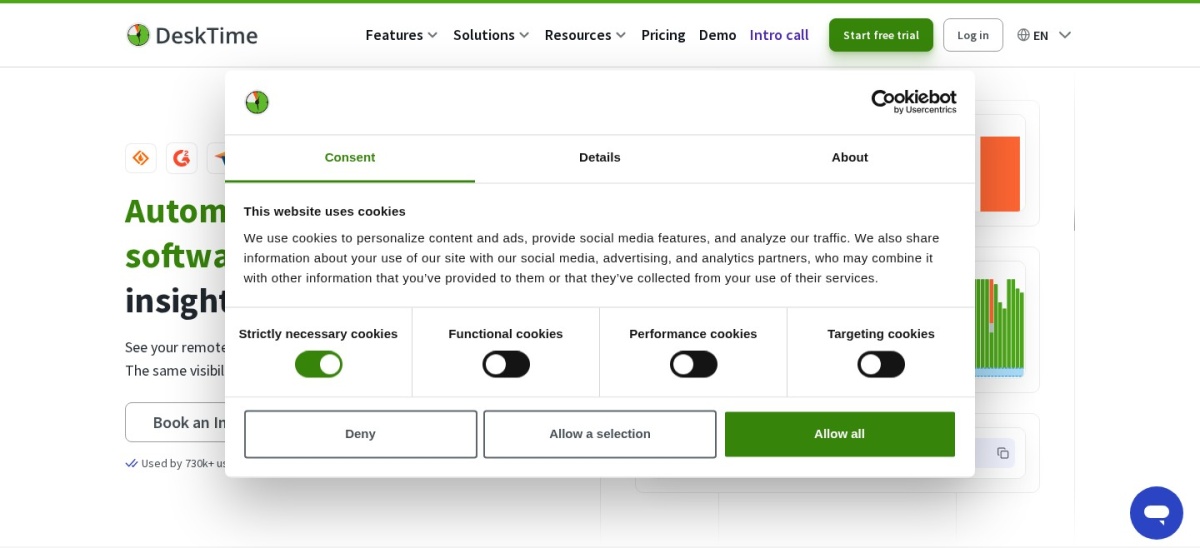
DeskTime is an automatic time tracker that starts timing when work starts, with no manual entry. The Pro plan at $6.42 a user a month on annual billing, or $7 billed monthly, includes automatic time tracking, app and URL monitoring, productivity reports and calendar integrations.
The trade off is screenshots. They need the Premium plan at $9.17 a user a month on annual billing, or $10 billed monthly. It suits small teams that want tracking that runs itself.
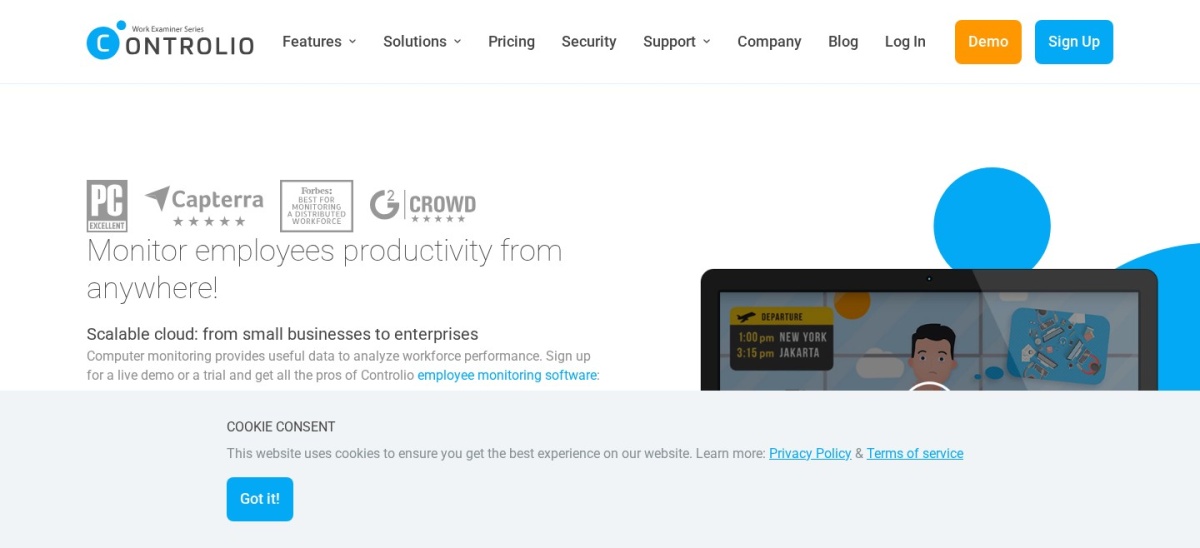
Controlio is a monitoring tool built around continuous screen recording instead of still screenshots. The Basic plan at $6.67 a user a month includes live screen viewing, app and website tracking, productivity scores and 6 months of data storage.
The trade off is reach. Agents run on Windows and Mac only, and the API and longer storage need the Advanced plan at $9.99 a user a month. It suits managers who need to replay exactly what happened on a screen.
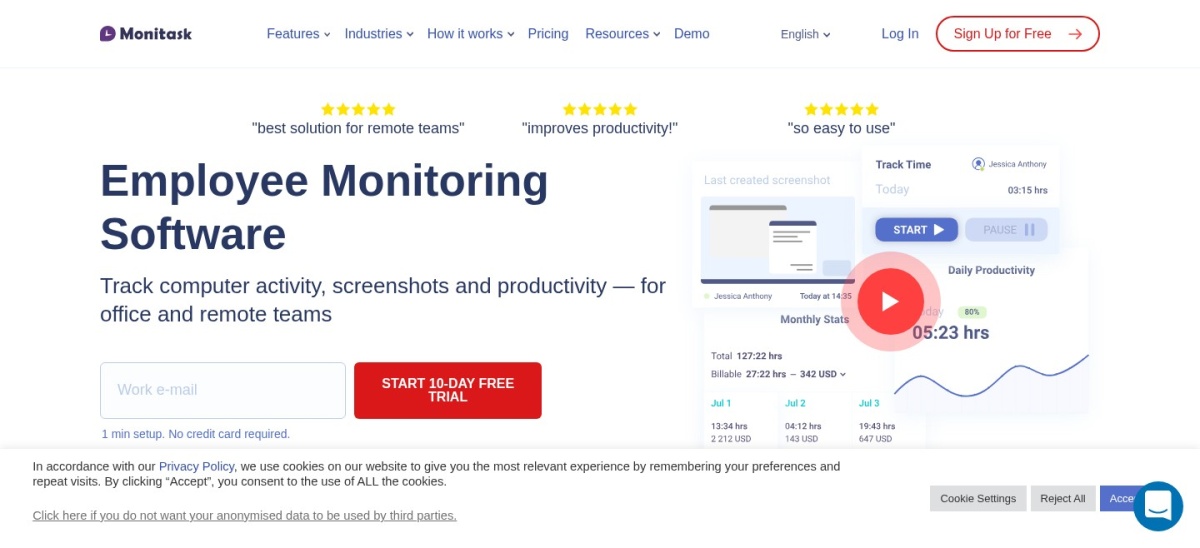
Monitask is a simple monitoring tool for remote teams and small agencies. The Pro plan at $6.49 a user a month includes automatic time tracking, screenshots, activity scores and timesheets, with a 10-day trial and no credit card.
The trade off is depth. There is no keystroke logging or data loss prevention, the Pro plan includes only 1 integration, and screenshots are kept for 1 month. It suits small teams that want proof of work without enterprise surveillance.
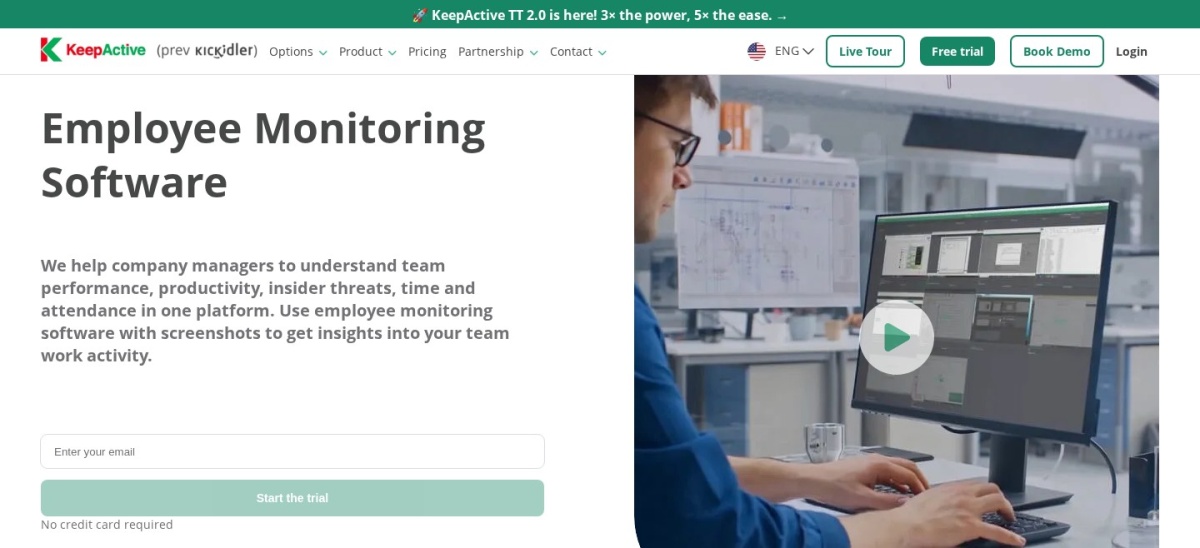
KeepActive is an employee monitoring tool, formerly Kickidler, built around live screen viewing. The Employee Monitoring plan at $5.50 a user a month on annual billing includes live screens, screen and audio recording, remote access and keystroke logging, with a 14-day trial.
The trade off is setup. The server is self-managed, and the cheaper Time Tracking plan at $4.17 a user a month has no live screens or recording. It suits IT-led teams that want on-premise deployment and deep visibility at a low price.
Screenshots vs screen recording: which capture fits
Most tools in this list take still screenshots at set intervals. That is enough to prove hours were worked and to spot long idle gaps.
Continuous screen recording, as in Controlio and Teramind, captures everything between screenshots. It fits investigations and regulated work, but it stores far more data and raises bigger privacy questions.
If screenshots are enough, a cheaper plan usually covers them. Pay for recording only when a missing minute would cost more than the higher plan.
How we chose
We started from the established PC tracking tools with a public rating on G2 and a published price, then kept the nine that cover the main needs: productivity analytics, time tracking and security monitoring.
Prices come from each vendor pricing page, checked on 26 November 2026, with annual billing used for the yearly figure. Ratings and review counts come from G2 on the same day. Where a vendor shows a sale, the list shows the regular price.
We left out pure time clocks and tools with no public rating. No vendor paid for a place, and we do not claim to have used these tools ourselves.
How to choose tracking software for PC
Start with what you need to prove, then match the capture depth to that need.
Decide what you must see. Hours worked need time tracking and screenshots. Suspected data leaks need screen recording, keystroke logs and DLP, which only the security tools offer.
Check the privacy rules first. Tell staff what is recorded, limit recording to work devices and working hours, and check local law before you buy. A tool staff accept beats a deeper one they resent.
Compare the yearly price, not the monthly sticker. Annual billing cuts most plans by about 8 to 30 percent, but add-ons for screenshots, recording and storage can double the seat price. Add those before you compare.
Run a trial with a small group. Use the free trial on real work for one or two weeks, then check the reports answer the question you started with before you roll it out.
FAQ
What is the best tracking software for PC?
Teramind is the best tracking software for PC for teams that need deep monitoring, with screen recording, keystroke logging and data loss prevention from $14 a user a month. ActivTrak suits analytics with a free plan, and Hubstaff suits time tracking and payroll.
Is PC tracking software legal?
It depends on local law and consent rules, which vary by place and by whether the computer is company-owned. Tell staff in writing what is recorded, record only work devices and working hours, and check local rules before you switch it on.
Do these tools record keystrokes?
Some do and some never do. Teramind, Controlio and KeepActive record keystrokes on their monitoring plans, while ActivTrak and Monitask do not record keystrokes at all. Check the plan details before you buy if this matters to your team.
What is the cheapest PC tracking software?
Hubstaff has the cheapest full monitoring plan in this list at $4.99 a user a month on annual billing. KeepActive Employee Monitoring costs $5.50, and Time Doctor, Controlio and Monitask all sit between $6.42 and $6.67 a user a month.
Can employees see what is being tracked?
It depends on the tool. Monitask lets staff see their own screenshots, and several tools offer a self-monitoring view. Others run silently by default, so tell staff what is recorded rather than relying on the tool to explain itself.
Do I need screenshots or screen recording?
Screenshots at set intervals are enough to prove hours and spot idle time, and most tools here include them. Continuous screen recording fits investigations and regulated work, where a gap between screenshots could hide the key moment.
SaaS SEO and WordPress specialist with about 8 years of experience. Rakib compares WordPress plugins, themes, hosting and software using public pricing, documentation and user reviews. See how we rank.