Vista Social is the best TikTok automation tool for most teams, rated 4.8/5 on G2 from 1,142 reviews, with scheduling, auto-posting and comment automation from $99 a month. Pick SocialBee at $29 a month for evergreen recycling, or Later for visual TikTok planning.
How we make this list: we compare pricing pages, product documentation and public user reviews, then re-check every price before each update. No product paid for a place. Disclosure.
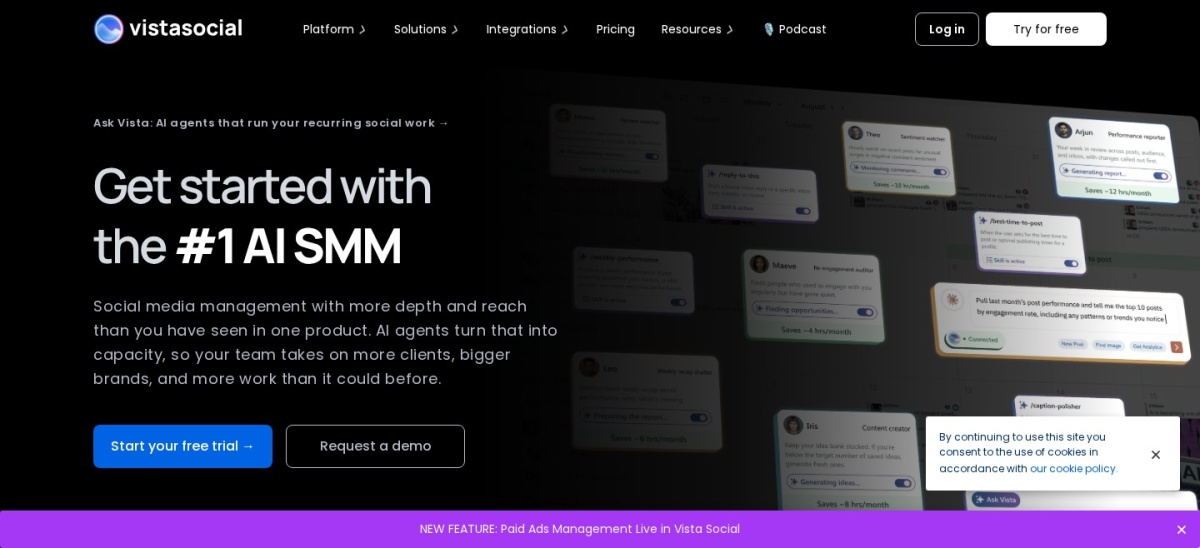
Vista Social leads the list at 4.8/5 on G2 from 1,142 reviews, with TikTok scheduling, auto-posting and DM automation in one plan.
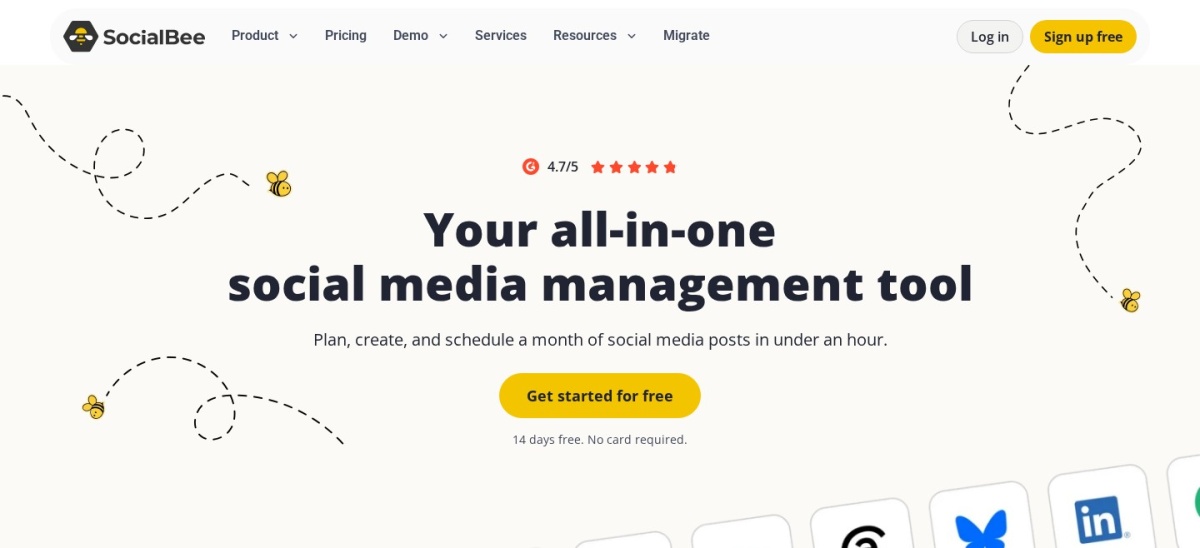
SocialBee is the cheapest strong pick at $29 a month, recycling evergreen TikTok clips on a category schedule.
Later and Buffer both offer a free plan, so a solo creator can automate a small TikTok queue for $0.
Only Metricool and Buffer pair a free plan with TikTok analytics; the rest need a paid plan for reporting.
Hootsuite and Sprout Social cost $99 and $199 a month per user, so they fit larger teams, not solo creators.
What TikTok automation actually means
TikTok automation is not one feature. It covers scheduling videos in advance, auto-posting at set times, replying to comments, reusing a clip across networks and turning long videos into short ones.
The tools in this list do the scheduling and publishing part. They connect to TikTok through its official posting options, queue your videos and publish them without you opening the app each time.
Comment automation is the second idea worth using. Several tools here can send an automatic reply or a DM when someone comments a keyword, which helps a video keep gaining replies while you are away.
Repurposing is the third idea. Our guide on scheduling posts in WordPress covers the same queue habit for a blog, and these tools apply it to TikTok clips.
Avoid any tool that promises fake views, followers or likes. TikTok can limit accounts that use bot engagement, so stick to scheduling, replies and repurposing.
Vista Social is a social media platform that schedules and auto-posts TikTok videos, with comment and DM automation, a shared inbox, listening and reports in the same plan. The Professional plan covers 15 social profiles and 2 users, with 1,000 AI credits a month for captions and replies.
The trade off is price. Professional costs $99 a month, or $80 a month on yearly billing, so it is the priciest pick for a solo creator. It suits small teams and agencies that run TikTok beside other networks and want approvals and reports included.
SocialBee is a scheduler built around content categories. You sort TikTok clips into groups such as tips, promos and evergreen posts, set how often each group posts, and SocialBee cycles through them on a schedule without new writing every week.
The trade off is team size. Bootstrap costs $29 a month, or $24.20 a month on yearly billing, and covers 5 profiles and 1 user, so teams need the $99 Pro plan. It suits solo creators with a back catalogue of clips worth reposting.
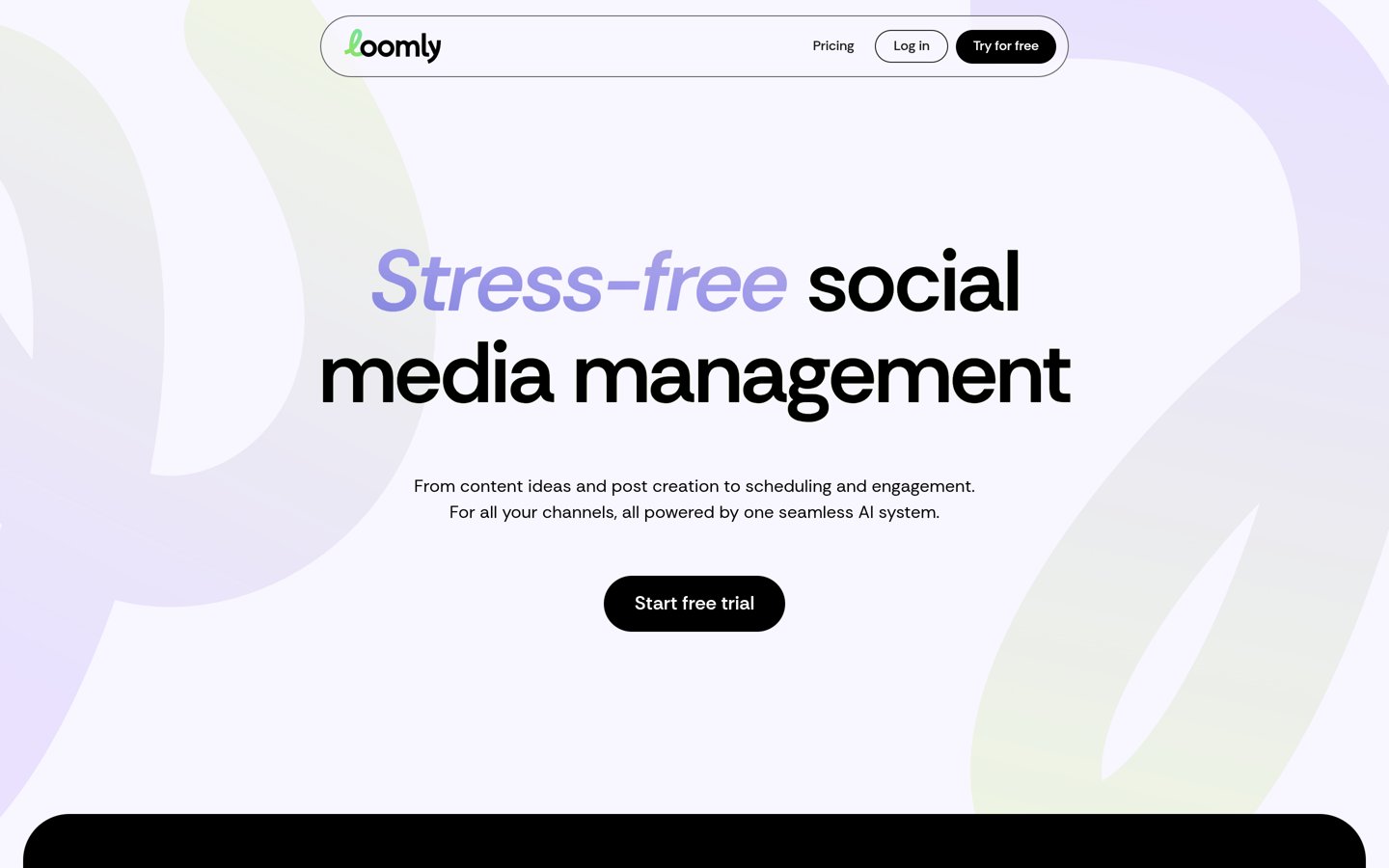
Loomly is a planning tool for teams that post to TikTok and other networks. Starter covers 12 social accounts and 3 users, with unlimited posts, approval workflows, AI captions, a content library and post ideas.
The trade off is price for solo use. Starter costs $65 a month, so a single creator pays for team features they may not need. It suits small teams and agencies that need a client or manager to approve each TikTok before it goes out.
What we like
Approvals included on the cheapest plan
Large G2 base: 4.6/5 from 1,793 reviews
AI captions and post ideas included
Watch out for
No free plan, only a trial
$65 a month is high for a solo creator
Higher plans add more users, accounts and custom workflowsVisit loomly.com
04
Later
4.5/5on G2 (389 reviews, checked Nov 2026)
Paid from$25/mo
Best for visual TikTok planning
TikTok auto-postingYes
Visual plannerYes, drag and drop
Posts per profile30/mo on Starter
Paid planStarter, $25/mo
later.com
Later homepage, captured Nov 2026.
Later is a visual scheduler that plans TikTok and Instagram posts on a drag-and-drop calendar, with best-time suggestions, a link-in-bio page and AI credits on paid plans. Its free plan covers 1 social set and 12 posts per profile a month.
The trade off is the post cap. Starter costs $25 a month, or $18.75 a month on yearly billing, and allows 30 posts per profile a month, so heavy posters need Growth. It suits creators who plan TikTok visually and post a few times a week.
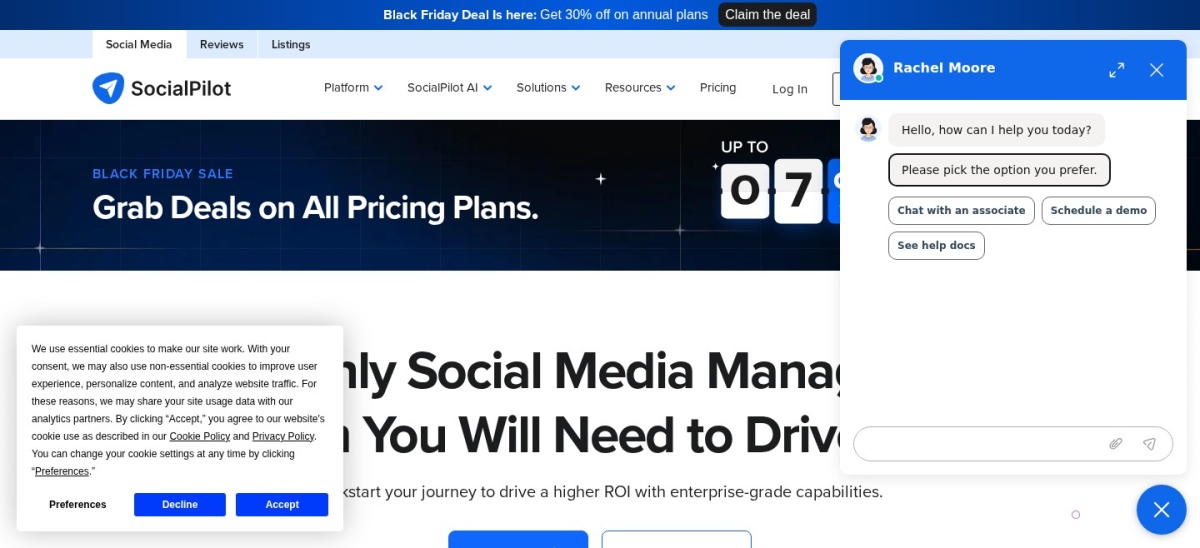
SocialPilot is a scheduling tool for small teams and agencies that manage several TikTok accounts at once. Essentials covers 5 social accounts and 1 user, with a content calendar, analytics, a content library and 500 AI credits.
The trade off is that bulk scheduling and the social inbox need the Standard plan at $40 a month. Essentials costs $20 a month, or $17 a month on yearly billing. It suits freelancers juggling a few client TikTok accounts on a tight budget.
Metricool is a scheduling and analytics tool that covers TikTok beside Instagram, Facebook, YouTube and more. Its free plan manages 1 brand with 20 scheduled posts a month, 5 competitor profiles and 30 days of analytics.
The trade off is brand limits. Starter costs $25 a month, or $20 a month on yearly billing, for 5 brands with unlimited publishing and full analytics history. It suits creators who want TikTok scheduling and reporting in one free starting plan.
Sprout Social is an enterprise social platform with TikTok scheduling, a smart inbox, listening and detailed reports. The Standard plan covers 5 profiles per seat, with publishing, engagement tools and reporting for a brand team.
The trade off is price. Standard costs $199 per seat a month, so even a two-person team pays close to $400 a month before add-ons. It suits larger brands that need approval chains, listening and board-ready TikTok reports.
Buffer is a simple scheduler with a clean calendar, an AI Assistant and a community inbox. Its free plan connects 3 channels with 10 scheduled posts per channel, while Essentials adds unlimited scheduled posts and deeper analytics.
The trade off is per-channel pricing. Essentials costs $6 per channel a month, or $5 a month on yearly billing, so the bill grows with every TikTok account you add. It suits beginners who want the easiest free start for one TikTok account.
Hootsuite is a long-running social platform with TikTok scheduling, a unified inbox, social listening and competitor benchmarking. The Standard plan covers up to 10 social accounts per user, with unlimited scheduling and AI post tools.
The trade off is per-user pricing. Standard costs $99 per user a month on yearly billing, and approvals need the $399 Advanced plan. It suits larger teams that want listening and inbox work beside TikTok publishing.
Five TikTok automation ideas worth setting up first
Queue a week of TikTok videos in one sitting. Batch recording, then scheduling, is the simplest automation idea and the one every tool here does well.
Set comment keyword replies. When a viewer comments a word such as guide or link, the tool can reply or send a DM, which keeps the conversation going overnight.
Recycle evergreen clips. A tip video from three months ago can post again to new followers, and SocialBee automates that rotation best.
Repost TikTok clips to Reels and Shorts. Most tools here publish the same vertical video to several networks from one queue.
Check the analytics weekly, not daily. Metricool and Buffer show which TikTok clips earned replies and saves, so you can record more of what worked.
How we chose
We started from the scheduling tools with a public G2 rating and a TikTok auto-posting option, then kept the nine with the strongest ratings and the clearest TikTok features.
Prices come from each vendor's pricing page and G2 pricing listings, checked on 25 November 2026. Ratings and review counts come from G2 on the same day. Where a vendor shows a sale, the list shows the regular price.
We left out tools with no public numeric rating and tools that only promise views or followers. No vendor paid for a place, and we do not claim to have used these tools ourselves.
How to choose a TikTok automation tool
Start with how many TikTok accounts you run, then match the price to that count.
Count your TikTok accounts first. Buffer charges per channel and Vista Social by profile count, so the cheapest tool for one account may not be cheapest for five.
Try the free plan before paying. Later, Metricool and Buffer all offer a free plan. Use it for two weeks to check that auto-posting works for your video format.
Check whether you need approvals. Solo creators can skip them, but teams should pick Loomly or Vista Social, where approvals are on the entry plan.
Set one automation idea at a time. Start with scheduling, then add comment replies, then recycling. Adding all three at once makes it hard to tell what worked.
FAQ
What is the best TikTok automation tool?
Vista Social is the best pick for most teams. It is rated 4.8 out of 5 on G2 from 1,142 reviews and covers TikTok scheduling, auto-posting, comment automation and reports from $99 a month.
Is there a free TikTok automation tool?
Yes. Buffer, Later and Metricool all offer a free plan with TikTok scheduling. Buffer is the most generous, with 3 channels and 10 scheduled posts per channel, while Later and Metricool cap monthly posts.
Can these tools post to TikTok automatically?
Yes, the tools in this list auto-post TikTok videos through official posting options. You queue the video, caption and time, and the tool publishes it without you opening the app.
What is the cheapest TikTok automation tool?
Buffer is the cheapest paid option at $6 per channel a month, or $5 on yearly billing. SocialPilot follows at $20 a month for 5 accounts, and Later and Metricool start at $25 a month.
Can TikTok automation reply to comments?
Some tools can. Vista Social and Sprout Social offer comment and DM automation, including keyword replies. Loomly and SocialPilot focus more on scheduling and approvals than on auto-replies.
Is TikTok automation against the rules?
Scheduling and auto-posting through official tools is allowed. What TikTok limits is fake engagement, such as bought views, followers or bot comments, so avoid any tool that promises those.
SaaS SEO and WordPress specialist with about 8 years of experience. Rakib compares WordPress plugins, themes, hosting and software using public pricing, documentation and user reviews. See how we rank.