Salesforce Maps is the best territory management software for teams already on Salesforce, since it maps accounts and routes reps on live CRM data. Anaplan suits connected quota planning, while Badger Maps is the cheaper pick for field reps who drive between accounts.
How we make this list: we compare pricing pages, product documentation and public user reviews, then re-check every price before each update. No product paid for a place. Disclosure.
Salesforce Maps is the best pick for Salesforce teams at 75 dollars per user a month billed annually.
Anaplan and Xactly AlignStar are planning platforms priced by quote, not by a published per-seat rate.
Badger Maps is the cheapest published start at 58 dollars per user a month billed annually.
Maptive is the only planning tool here with a published yearly price, at 1,250 dollars a year for Pro.
SPOTIO suits high-volume door-to-door teams, but it publishes no price and sells by quote.
What territory management software should do
Territory management software assigns accounts, regions and segments to sales reps, then keeps those books balanced as headcount and coverage change.
Planning platforms such as Anaplan and Xactly AlignStar design balanced territories and quotas. Mapping tools such as Salesforce Maps and Badger Maps handle the geography, routes and visits for field reps.
The split matters. A planning tool does not enforce who owns an account day to day, and a mapping app does not design a fair territory. Many teams need one of each, or a CRM-native tool that does both.
Prices here run from 58 dollars per user a month to quote-only enterprise contracts. Our guide to SMS marketing platforms shows the same pattern: the published price is only the start of the total cost.
Salesforce Maps is a Salesforce add-on that maps accounts, plans territories and routes field reps using live CRM data. It starts at $75 per user a month billed annually, with Advanced at $125, and it publishes assignments straight into Salesforce Territory Management.
The trade off is it only makes sense inside Salesforce, and reviewers note a steep learning curve for setup and large data sets. It suits Salesforce teams that want territory design, mapping and routing in one place.
Anaplan is a connected planning platform that models territories, quotas, capacity and headcount in one workspace. It is rated 4.6 out of 5 on G2 from about 500 reviews, and it is the strongest choice when territory design must stay linked to quota and finance plans.
The trade off is pricing is by quote only, and enterprise planning platforms commonly reach five or six figures once implementation is included. It suits large sales operations teams that plan territories, quotas and capacity together.
Xactly AlignStar is a territory planning tool from Xactly that balances accounts against quota and incentive data. Its alignment report grades territory balance against your objectives, and Xactly Sales Planning holds a 4.2 rating on G2 from about 1,100 reviews.
The trade off is it is a planning tool, not a system of record, so you still need a CRM to enforce who owns which account. It suits sales operations teams that redraw territories yearly and pay on them.
Varicent is an enterprise sales performance platform with territory and quota planning for very large sales teams. It is rated 4.5 out of 5 on G2 from about 591 reviews, and it handles multi-currency plans and complex crediting rules that smaller tools cannot.
The trade off is pricing is quote only, and deployments commonly take three to six months with outside consultants. It suits upper-enterprise teams with hundreds or thousands of payees.
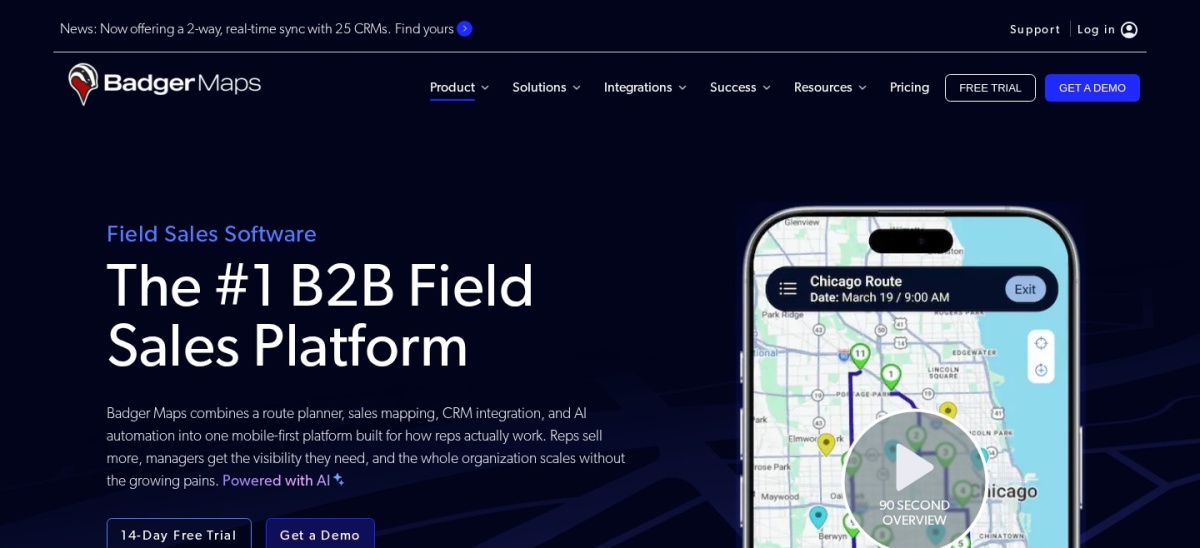
Badger Maps is a mapping and routing app for outside reps who drive between accounts most days. It costs $58 per user a month billed annually, plans routes for up to 120 stops with live traffic, and is rated 4.7 out of 5 on G2 from 366 reviews.
The trade off is it is a routing and mapping app, not a territory design system, so it cannot balance books or set quotas. It suits field reps and small outside sales teams that live on the road.
Leadbeam is an AI-native field sales tool that scores businesses, briefs reps and routes visits by revenue priority. Starter costs $59 per rep a month billed annually, it works with Salesforce, HubSpot, Zoho, Pipedrive and Dynamics 365, and it holds a 4.9 rating on G2 from 89 reviews.
The trade off is the review base is small at 89 G2 reviews, and the Pro plan jumps to $149 per rep a month. It suits B2B field teams whose reps avoid the Salesforce mobile app.
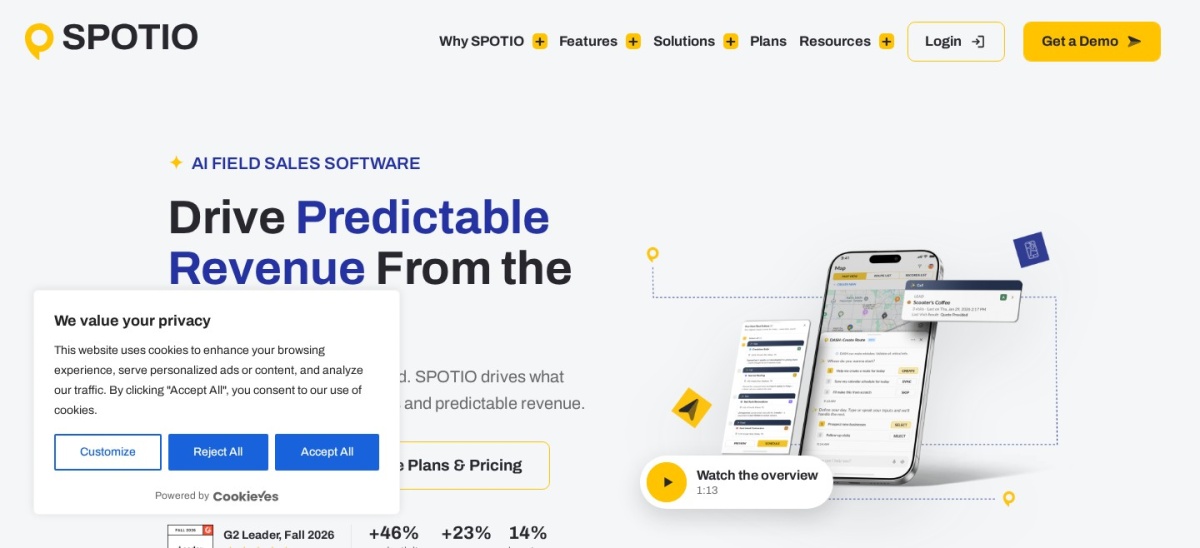
SPOTIO is a field sales platform for high-volume outside and door-to-door teams, with territory cutting, lead tracking and leaderboards. It is rated 4.5 out of 5 on G2 from about 400 reviews, and it adds calling, texting and AI next-best-action tools for canvassing teams.
The trade off is it publishes no price and is designed for teams of five or more, so small teams must ask for a quote. It suits door-to-door and high-volume outside sales teams.
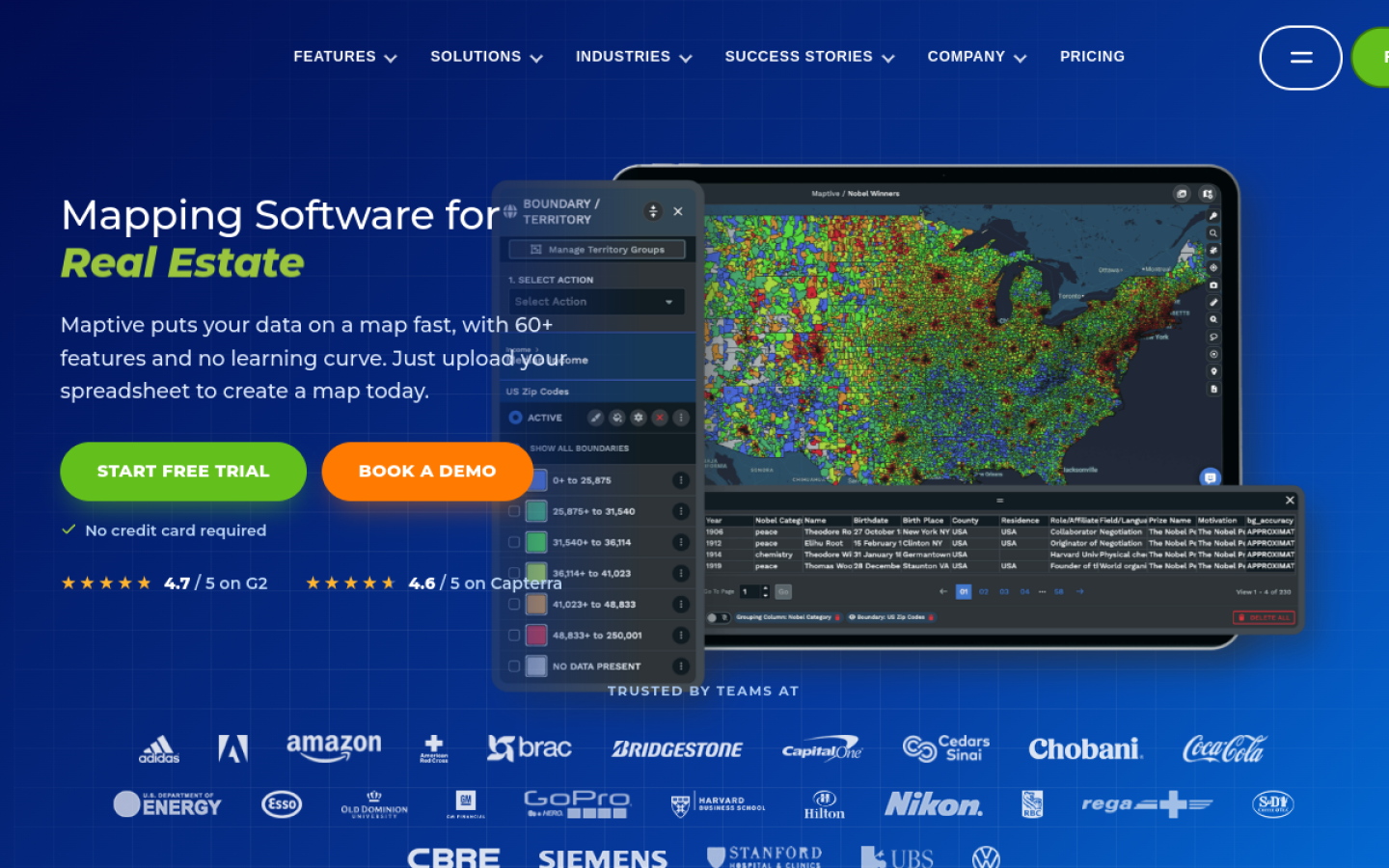
Maptive is a web-based mapping tool for operations teams that design territories and analyse them on a map. Pro costs $1,250 a year for one user, it covers territory creation and balancing with demographic overlays and heat maps, and it holds a 4.7 rating on G2 from 35 reviews.
The trade off is there is no native mobile app, and the review base is small at 35 G2 reviews. It suits operations teams that design territories at a desk.
Planning platforms vs mapping tools: which do you need?
Planning platforms design the territory. They balance accounts by potential, set quotas and model what happens when headcount changes.
Mapping tools run the territory. They show reps where accounts sit, plan the driving route and record the visit.
Most teams start with the pain they feel. If territories feel unfair, buy planning first. If reps waste hours driving, buy mapping first.
Salesforce shops can cover both with Salesforce Maps, but the planning depth is thinner than Anaplan or Xactly, so large teams often pair the two.
How we chose
We started from the territory tools that appear most often in sales operations shortlists, then kept those with a verifiable G2 rating and a published price or a confirmed quote-only model.
Prices come from each vendor pricing page and G2 listing, checked on 26 November 2026. Ratings and review counts come from G2 on the same day. Where a vendor shows no price, the list shows Custom and says so.
We left out tools with no verifiable rating on G2, Capterra or Trustpilot. No vendor paid for a place, and we do not claim hands-on testing for this list.
How to choose territory management software
Start with your CRM, then decide whether your pain is design or driving.
Check your CRM first. Salesforce teams should shortlist Salesforce Maps before anything else. Other CRMs point to Badger Maps or Leadbeam.
Separate planning from mapping. If territories feel unfair, you need a planner such as Anaplan or Xactly. If reps waste hours driving, you need a routing tool.
Ask for the quote early. Four tools here publish no price. Get the quote before the demo, and ask what implementation and onboarding cost.
Pilot with one region. Redraw one region, run it for a month and compare balance and drive time before rolling out everywhere.
FAQ
What is the best territory management software?
Salesforce Maps is the best pick for teams already on Salesforce, since it maps accounts and routes reps on live CRM data. Anaplan suits connected planning, and Badger Maps is the cheaper pick for field reps who drive between accounts every day.
How much does territory management software cost?
Published prices here run from 58 dollars per user a month for Badger Maps to 75 dollars for Salesforce Maps. Planning platforms such as Anaplan, Xactly and Varicent publish no price and sell by annual quote.
What is the difference between territory planning and mapping?
Planning designs the territory by balancing accounts, potential and quotas. Mapping runs it by showing reps where accounts sit and planning driving routes. Many teams need one of each.
Does Salesforce have territory management built in?
Salesforce includes Enterprise Territory Management for assignment rules, but mapping and routing need the Salesforce Maps add-on, which starts at 75 dollars per user a month billed annually.
Is Badger Maps good for small field teams?
Yes, it is the cheapest published start here at 58 dollars per user a month billed annually. It plans routes for up to 120 stops and syncs with Salesforce and HubSpot, but it does not balance territories or set quotas.
Do I need a CRM to use territory management software?
Most tools here work best with a CRM, since territories are built from account data. Maptive can design territories from uploaded data alone, but it cannot enforce who owns an account without a CRM.
SaaS SEO and WordPress specialist with about 8 years of experience. Rakib compares WordPress plugins, themes, hosting and software using public pricing, documentation and user reviews. See how we rank.