Quizlet is the best study app for most students, with the largest library of ready-made flashcard sets and a 4.5/5 G2 rating from 291 reviews. Pick Anki for free long-term spaced repetition, Notion to organise a whole term, and Goodnotes for handwritten notes.
How we make this list: we compare pricing pages, product documentation and public user reviews, then re-check every price before each update. No product paid for a place. Disclosure.
Quizlet is the best all-round pick: the largest library of ready-made sets, rated 4.5/5 on G2 from 291 reviews, with Plus at $35.99 a year.
Anki is the strongest free option for long-term memory: free on desktop and Android, rated 4.6/5 on G2, with a $24.99 one-time iPhone app.
Notion is the best organiser: notes, tasks and a page per course in one place, rated 4.6/5 on G2 from 13,767 reviews.
Goodnotes is the cheapest paid upgrade at $11.99 a year, and the best pick for handwritten notes and PDF annotation.
Paid plans across the list run from $11.99 to $120 a year, and every tool here has a free plan to start with.
What a study app should cover
Studying is several jobs at once: memorising facts, taking notes, planning revision and staying focused. No single app does all of them well, so most students end up using two or three together.
Flashcards work best for facts that need recall, such as vocabulary, dates and formulas. Spaced repetition, which shows a card again just before it is forgotten, is the method behind Anki, Brainscape and RemNote.
Notes apps are for understanding and organising. A good one should make it easy to find a lecture again, track deadlines and link related topics, as Notion and Obsidian do with pages and links.
Price matters for students. Every app here has a free plan, and paid plans start at $11.99 a year. Our guide on creating a quiz in LearnDash shows the same quiz idea applied inside a course.
Quizlet is a flashcard and study platform built around ready-made sets made by students and teachers. The free plan covers flashcards, practice questions and diagrams, while Plus adds Learn mode, practice tests and AI study tools. Its library covers common school and college subjects, so many students find a set for their course already made.
The trade off is the free plan's limits. Free users get a limited number of Learn rounds and practice tests each day, and Plus costs $35.99 a year. It suits students who revise with flashcards and want ready-made sets for standard courses.
What we like
Largest library of ready-made flashcard sets
Learn mode adapts to what you still miss
Free plan works for basic flashcard study
Watch out for
Free Learn rounds and practice tests are capped each day
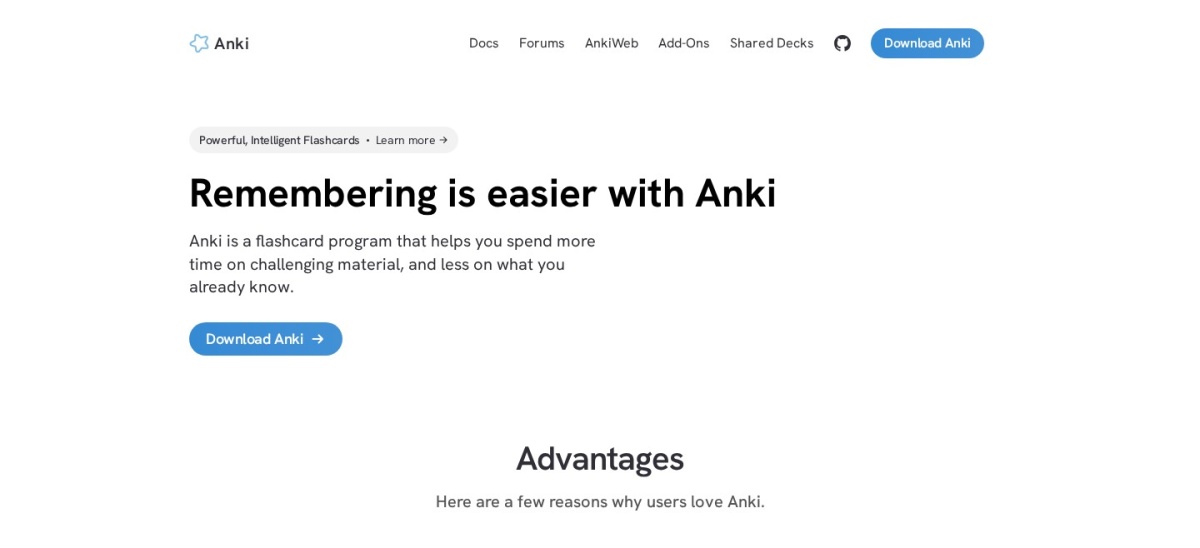
Anki is a free, open-source flashcard app that uses spaced repetition to show each card again just before it is forgotten. The desktop and Android apps are free, and users can make their own decks or download shared decks made by other learners. It is widely used by medical and language students with large amounts to memorise.
The trade off is the learning curve. The plain interface and many settings take time to set up, and the iPhone app costs $24.99 as a one-time purchase. It suits patient students who study the same material over months and want full control over their decks.
What we like
Free on desktop and Android, with free sync
Spaced repetition built for long-term memory
Shared decks cover many medical and language courses
Notion is an all-in-one workspace for notes, tasks and databases. Students can keep lecture notes, an assignment tracker and a page for each course in one place, with templates for class schedules and revision plans. The free plan covers individual use, and Plus is free for students who sign up with a school email.
The trade off is that Notion does not teach the material. It organises notes well but has no flashcards or spaced repetition of its own, so it works best beside a memorisation app. Plus costs $10 a month per member billed yearly for others. It suits students who want one organised hub for a whole term.
What we like
One place for notes, tasks and deadlines
Templates for schedules and revision plans
Plus is free for students with a school email
Watch out for
No flashcards or spaced repetition built in
Takes time to set up a good workspace
Paid plan is per member, so costs grow with a group
Plus adds unlimited file uploads and longer page historyVisit notion.com
04
Goodnotes
4.7/5on G2 (152 reviews, checked Nov 2026)
Paid from$11.99/yr
Best for handwritten notes
Free planYes, 3 files
Handwriting searchYes
Audio recordingYes, linked to notes
Paid planEssential, $11.99/yr
goodnotes.com
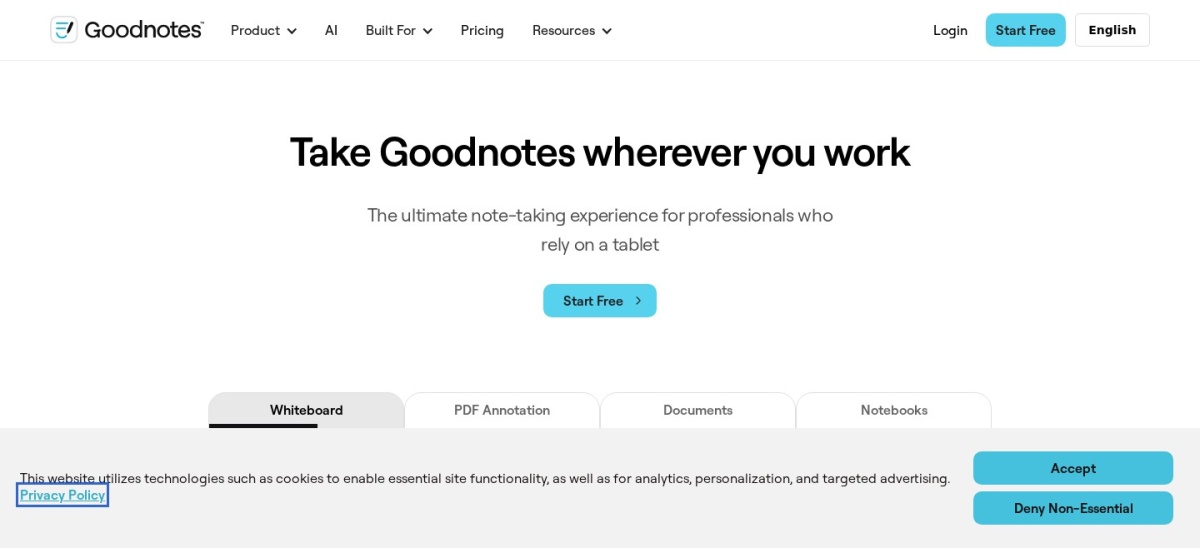
Goodnotes homepage, captured Nov 2026.
Goodnotes is a digital note-taking app for handwriting, PDF annotation and flashcards. Students can write notes with a stylus, search their handwriting, record audio linked to a page and turn notes into flashcards. The free plan covers 3 files, and Essential removes the cap at $11.99 a year.
The trade off is the platform focus. It works best on iPad and other tablets with a stylus, and the full AI features need a separate monthly add-on. It suits students who prefer handwritten notes and annotated PDFs over typed notes.
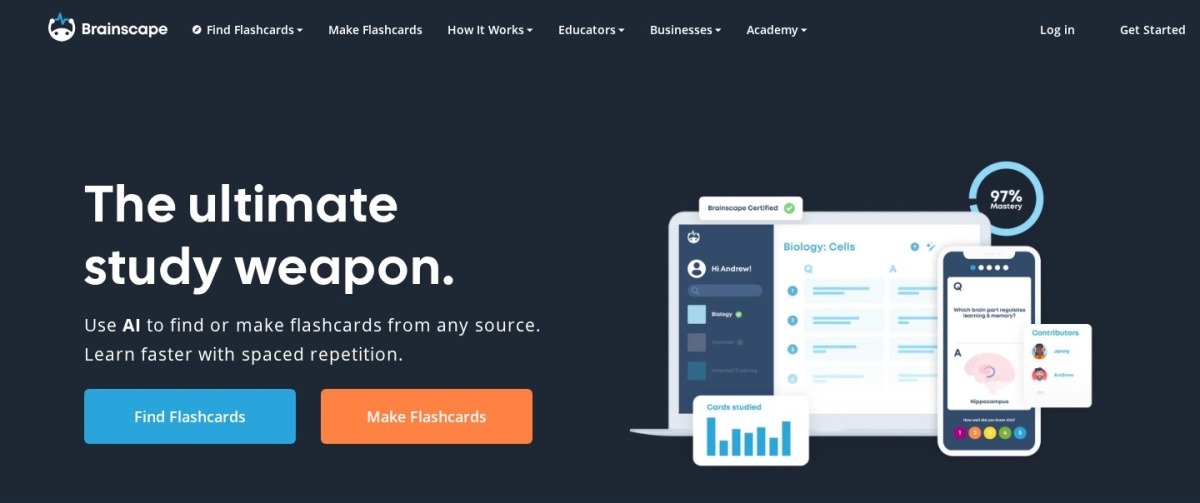
Brainscape is a flashcard app built on confidence-based repetition. After each card, the student rates confidence from 1 to 5, and the app repeats low-rated cards more often. It offers curated decks for common exams and lets students make their own decks for a course.
The trade off is price. The free plan covers basic study, while paid access starts at $5 a month on the plan listed by G2. It suits students who want a simpler spaced-repetition system than Anki, with ready-made decks for standard exams.
RemNote is a note-taking app that combines outline notes with flashcards in one place. Anything written as a bullet can become a flashcard, so lecture notes turn into a spaced-repetition deck without a separate step. The free plan includes unlimited notes and flashcards, with caps on PDF annotation and image occlusion.
The trade off is the learning curve and the thin review record. New users need time to learn its outline system, and G2 lists only 1 review. Pro costs $8 a month billed yearly and lifts the PDF and image caps. It suits students who take heavy lecture notes and revise from them.
What we like
Notes and flashcards live in one app
Free plan includes unlimited notes and flashcards
PDF annotation and image occlusion for diagrams
Watch out for
Outline system takes time to learn
Only 1 G2 review, so the rating is thin
Mobile app draws complaints about lag
Pro adds unlimited PDF annotation and an exam schedulerVisit remnote.com
07
Notability
4.6/5on G2 (92 reviews, checked Nov 2026)
Paid from$1.67/mo
Best for lecture audio and notes
Free planYes, Starter
Audio syncYes, linked to notes
PDF annotationYes
Paid planPlus, $1.67/mo
notability.com
Notability homepage, captured Nov 2026.
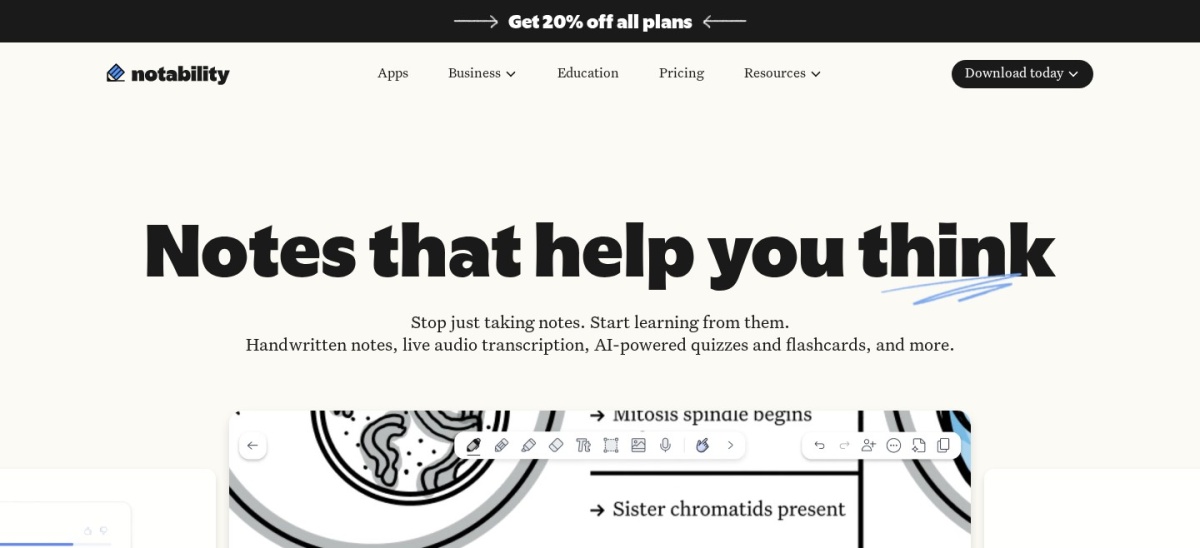
Notability is a note-taking app for handwritten notes, audio recording and PDF annotation. Audio syncs to the written notes, so tapping a word replays what was said at that moment. The free Starter plan covers basic notes, and Plus adds unlimited note creation and audio transcription.
The trade off is the Apple focus. It is strongest on iPad and Mac, and the paid tiers are small monthly subscriptions. Plus costs $1.67 a month billed yearly. It suits students who record lectures and want their notes linked to the audio.
Obsidian is a note-taking app that stores notes as plain Markdown files on the device. Notes link to each other with backlinks, and a graph view shows how topics connect. The core app is free for personal use, with more than 2,700 community plugins that add features such as calendars and spaced repetition.
The trade off is setup time. Obsidian starts as an empty folder, so students must build their own system and add plugins for study features. Sync costs $4 a month billed yearly for encrypted multi-device sync. It suits students who want to own their notes as files and build a long-term knowledge base.
Free plans cover the basics well. Most include flashcards or notes, and Anki and Obsidian are free for the core app.
Paid plans mostly add limits and extras. You get unlimited files, more Learn rounds, PDF annotation and sync across devices.
For a single exam, the free plan is often enough. For a full term of heavy use, the cheapest paid plans start at $11.99 a year.
Check the yearly price before you pay. A $5 monthly plan costs $60 a year, which is more than the cheapest yearly plans in this list.
How we chose
We started from the study apps that appear most often in 2026 round-ups for students, then kept those with a free plan and a public rating on G2 or Capterra.
Prices come from vendor pricing pages and review-site pricing listings, checked on 25 November 2026. Ratings and review counts come from G2 and Capterra on the same day. Where a vendor shows a sale, the list shows the regular price.
We left out apps with no public rating and no clear paid price. No vendor paid for a place, and we do not claim to have used these tools ourselves.
How to choose a study app
Start with the job you need done, then pick one app for notes and one for flashcards.
Match the app to the job. Flashcards suit facts and vocabulary, notes apps suit lectures and planning. Pick the job first, then the app.
Start with the free plan. Every app here has one. Use it for a week of real study before paying, and check the free limits on Learn rounds, files and devices.
Check the price per year. Monthly prices look small but add up over a term, so compare the yearly cost before you pay.
Keep your notes in one place. Two apps that do different jobs work well together, but two note apps split your material. Choose one home for notes and one for flashcards.
FAQ
What is the best study app?
Quizlet is the best study app for most students. It has the largest library of ready-made flashcard sets, plus Learn mode and practice tests on the Plus plan. Students who want free long-term memorisation should start with Anki instead.
Are study apps free?
Every app in this list has a free plan, though the free tiers vary a lot. Anki is free on desktop and Android, and Notion is free for individual use. Paid plans start at $11.99 a year for Goodnotes and reach $120 a year for Notion Plus.
Is Anki or Quizlet better?
It depends on how you study. Quizlet is faster to start with because ready-made sets already exist for most standard courses. Anki is better for long-term memory over months, because its spaced repetition is more flexible and the desktop app is free.
Do study apps work offline?
Some do, and some do not. Anki and Obsidian store data on the device and work offline, while Notion and Quizlet need a connection for syncing and some features. Check offline support before relying on an app during travel or in a place with weak internet.
Which study app is best for handwritten notes?
Goodnotes is the best pick for handwritten notes, with stylus writing, handwriting search and PDF annotation. Notability is a close second, and its audio recording syncs to the notes as you write. Both work best on a tablet with a stylus.
Can I use more than one study app?
Yes, and most students do. A common pair is Notion for notes and deadlines plus Quizlet or Anki for flashcards. Keep the set small: two apps that each do one job well beat five apps that overlap and split your notes.
SaaS SEO and WordPress specialist with about 8 years of experience. Rakib compares WordPress plugins, themes, hosting and software using public pricing, documentation and user reviews. See how we rank.